Windows Successfully Saved
Experience the elegance of Windows Successfully Saved through extensive collections of refined photographs. featuring elegant examples of photography, images, and pictures. designed to convey prestige and quality. Browse our premium Windows Successfully Saved gallery featuring professionally curated photographs. Suitable for various applications including web design, social media, personal projects, and digital content creation All Windows Successfully Saved images are available in high resolution with professional-grade quality, optimized for both digital and print applications, and include comprehensive metadata for easy organization and usage. Our Windows Successfully Saved gallery offers diverse visual resources to bring your ideas to life. Whether for commercial projects or personal use, our Windows Successfully Saved collection delivers consistent excellence. Diverse style options within the Windows Successfully Saved collection suit various aesthetic preferences. Our Windows Successfully Saved database continuously expands with fresh, relevant content from skilled photographers. Instant download capabilities enable immediate access to chosen Windows Successfully Saved images. The Windows Successfully Saved collection represents years of careful curation and professional standards. Multiple resolution options ensure optimal performance across different platforms and applications. Reliable customer support ensures smooth experience throughout the Windows Successfully Saved selection process. The Windows Successfully Saved archive serves professionals, educators, and creatives across diverse industries.
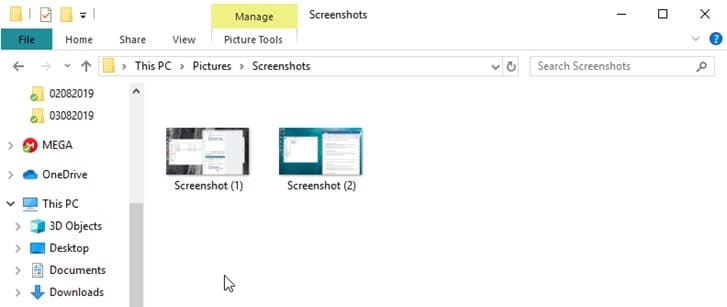
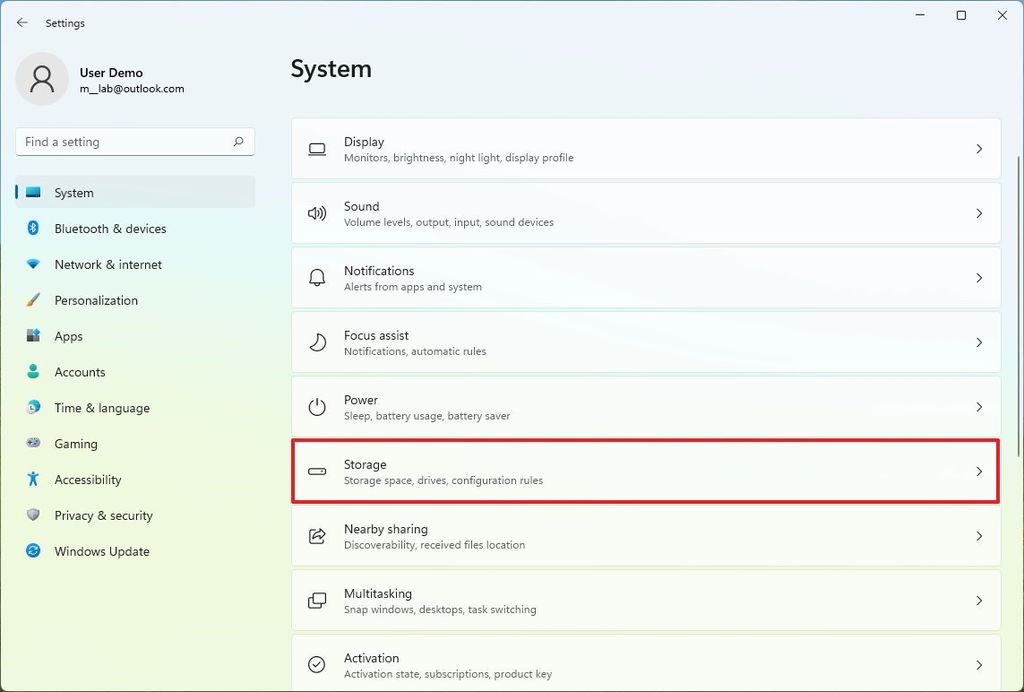




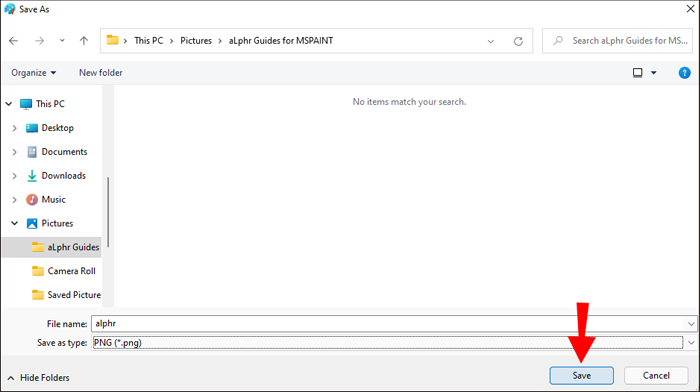
![Windows Successfully Saved Where Are Screenshots Saved On Windows 10? [2023]](https://silicophilic.com/wp-content/uploads/2019/09/winkeyprtscn.jpg)


![Windows Successfully Saved [solved] System Restore Did Not Complete Successfully Windows 11](https://image.windows101tricks.com/wp-content/uploads/2022/05/Advanced-options.jpg)


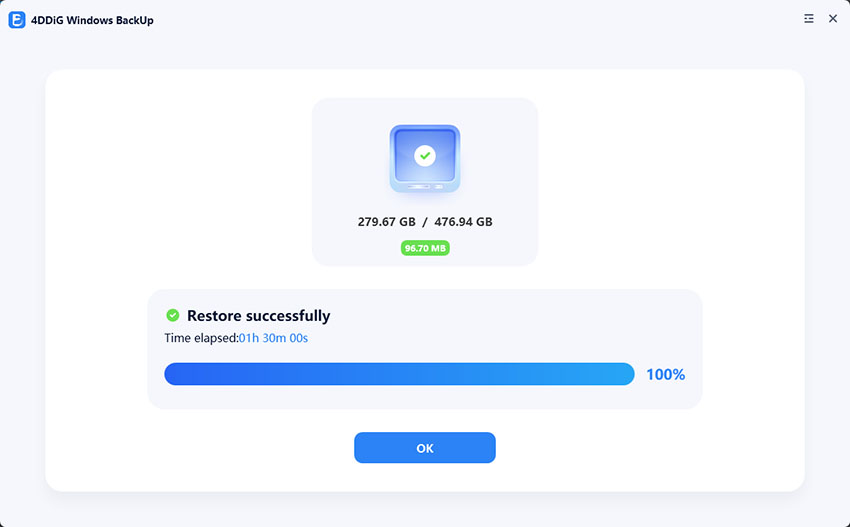
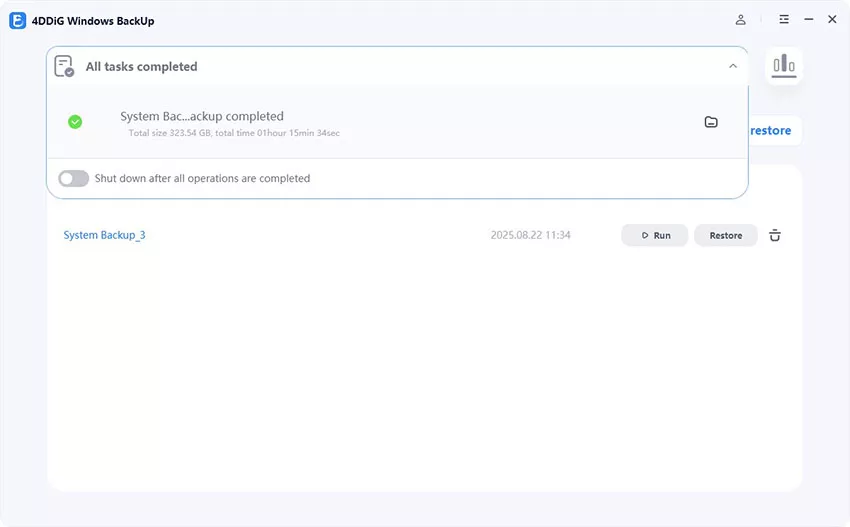
![Windows Successfully Saved 3 Ways to Restore Windows from Backup [Easy for Beginners]](https://4ddig.tenorshare.com/images/guide/windows-backup/system-restore-successfully.jpg?w=850&h=527)


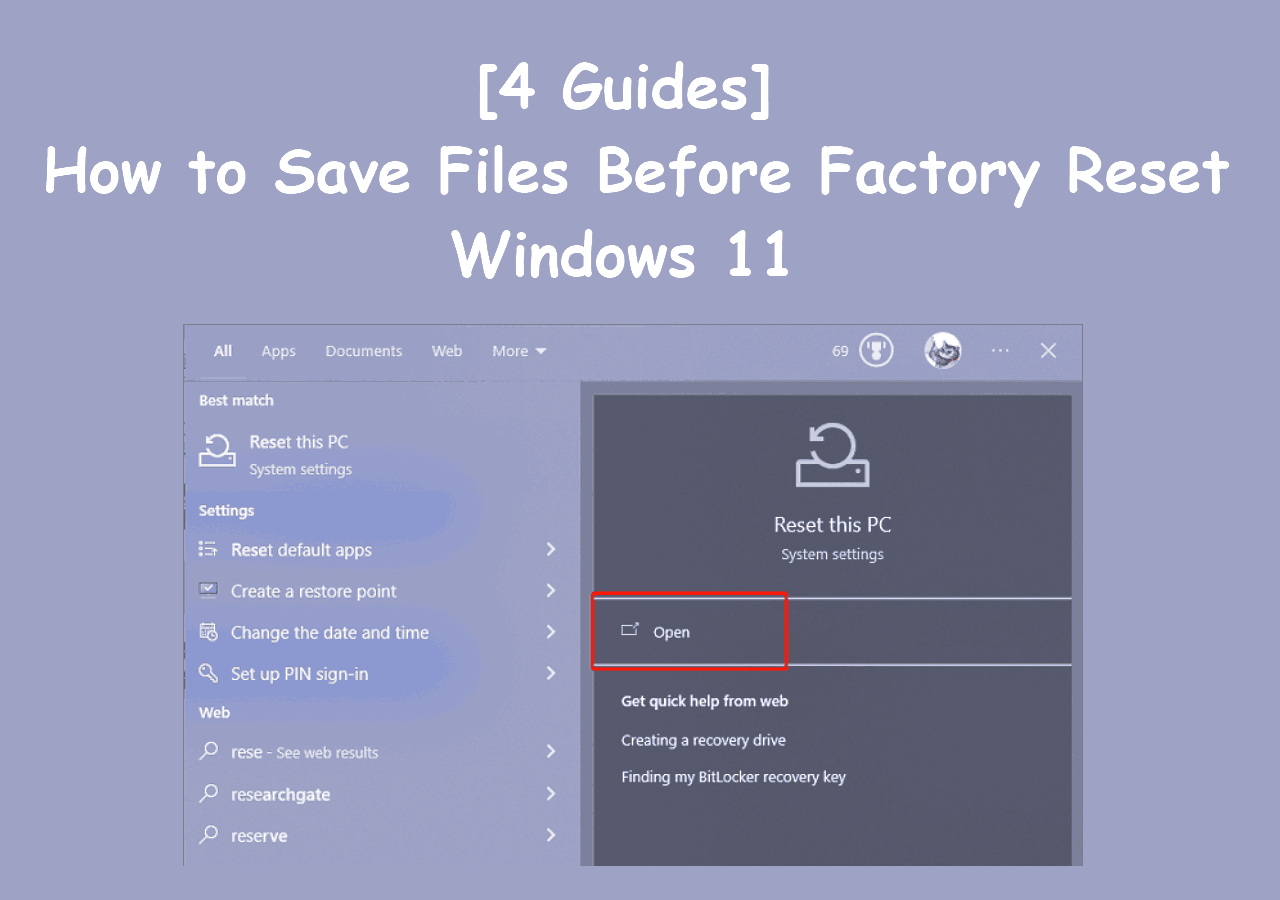
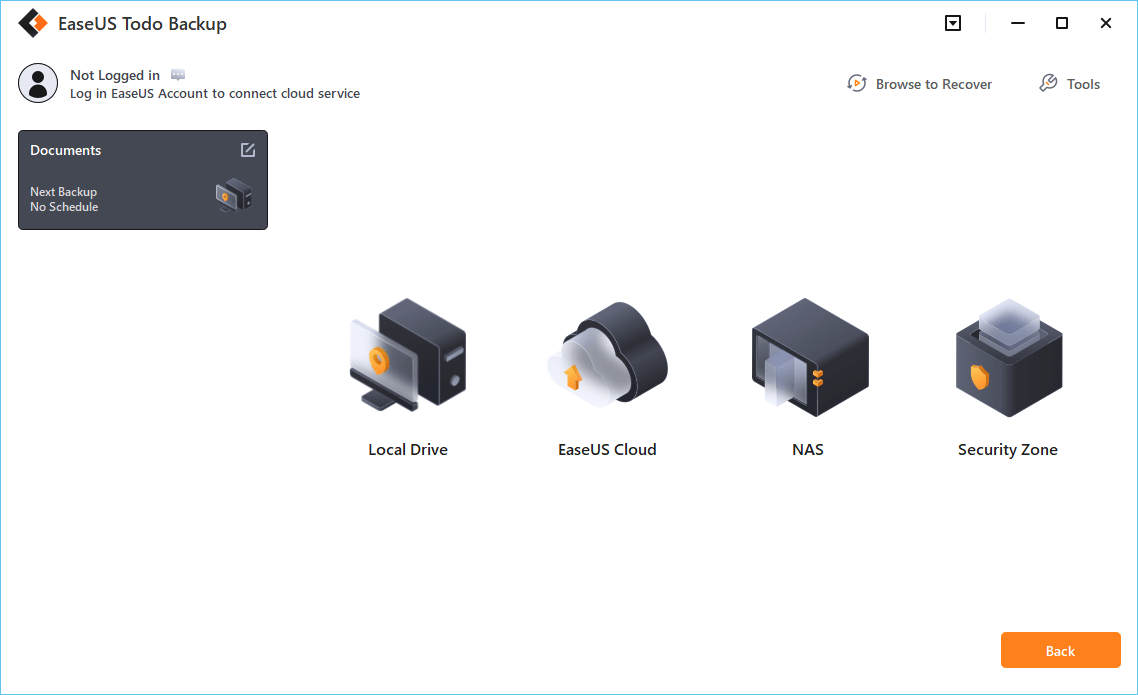
![Windows Successfully Saved [4 Guides] How to Save Files Before Factory Reset Windows 11](https://www.easeus.com/images/en/screenshot/todo-backup/guide/save-files-before-factory-reset-windows-11.png)


![Windows Successfully Saved [4 Guides] How to Save Files Before Factory Reset Windows 11](https://www.easeus.com/images/en/screenshot/todo-backup/guide/save-files-before-factory-reset-windows-11-1.png)
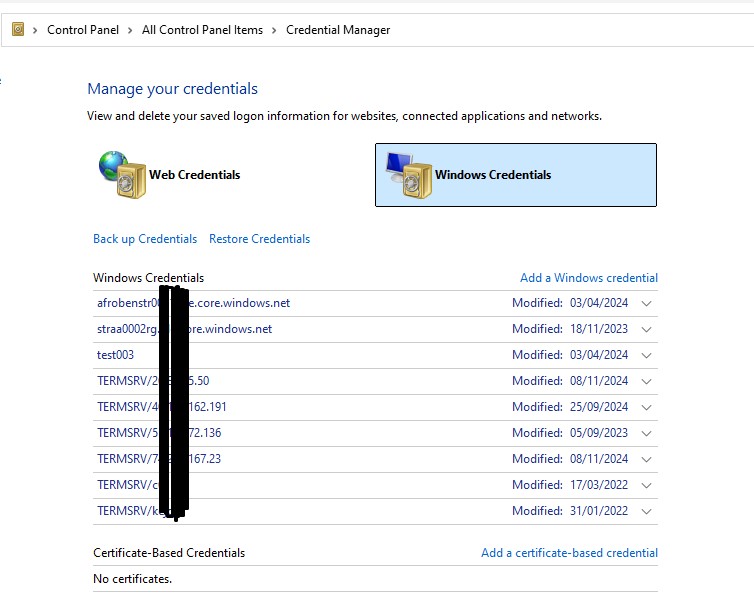
![Windows Successfully Saved How to Find Stored Passwords on Windows 10 [Step-by-Step]](https://windowsreport.com/wp-content/uploads/2024/08/view-saved-passwords-windows-10-700x467.jpg)


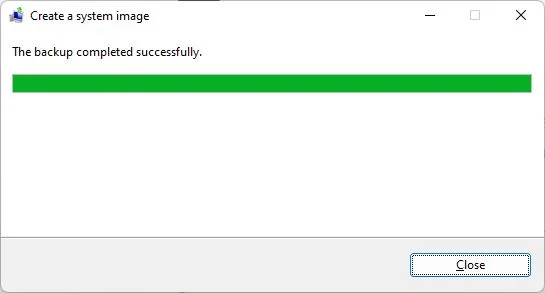
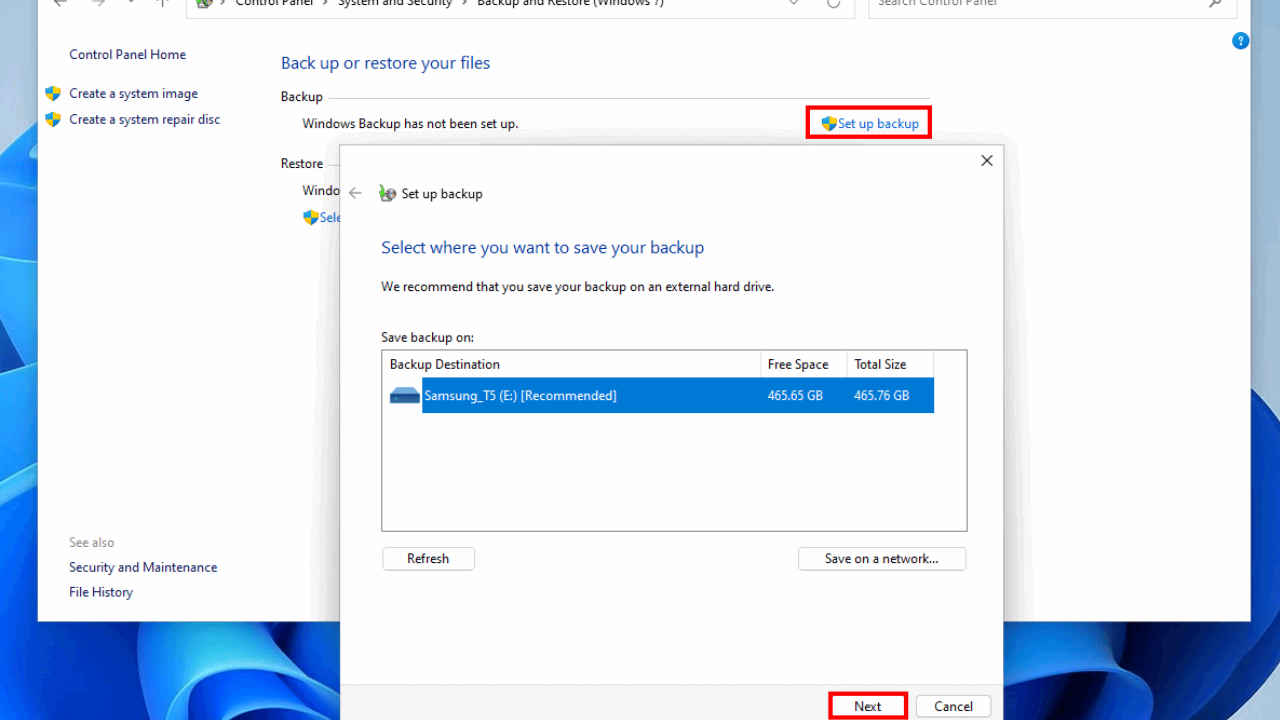
![Windows Successfully Saved Windows 10 Backup Keeps Failing [SOLVED]](https://www.easeus.com/images/en/screenshot/todo-backup/guide/windows-10-backup-keeps-failing-1.png)



:max_bytes(150000):strip_icc()/003_download-windows-10-2626215-5bdb922d46e0fb0051992d58.jpg)
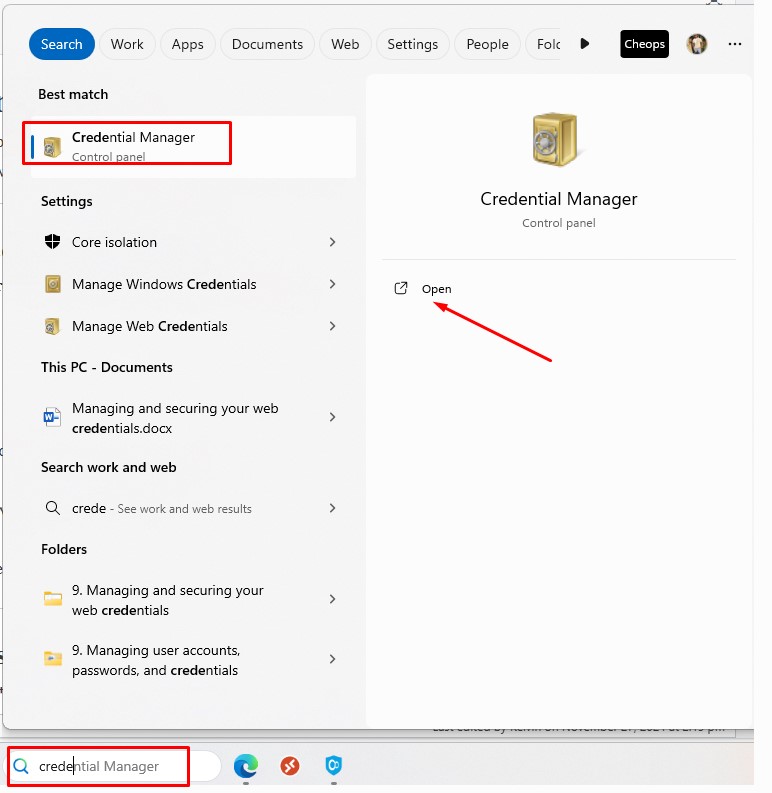
![Windows Successfully Saved How to Retrieve Saved Passwords on Phone and PC [2026]](https://techpp.com/wp-content/uploads/2023/09/How-to-Retrieve-Saved-Password-on-Windows-Control-Panel-6.jpg)


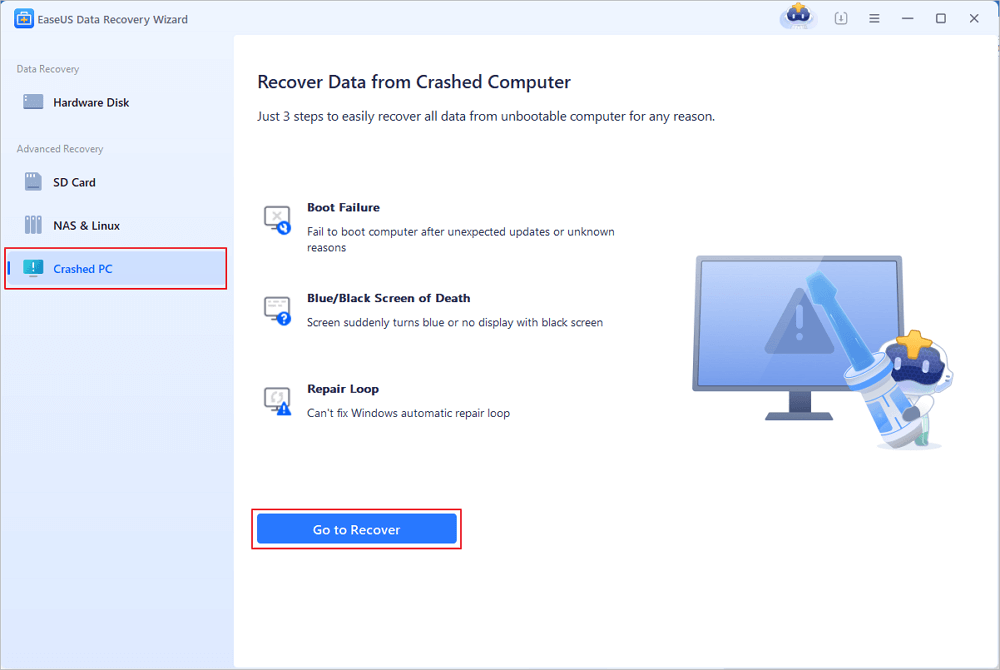
![Windows Successfully Saved How to Repair Windows 10 Using Command Prompt [3 Ways] - EaseUS](https://www.easeus.com/images/en/data-recovery/drw-pro/screenshots/winpe-data-recovery-step1.png)

![Windows Successfully Saved Cannot Save Files on Desktop in Windows 11/10 [SOLUTION] - YouTube](https://i.ytimg.com/vi/ZB0F_1V81pw/maxresdefault.jpg)


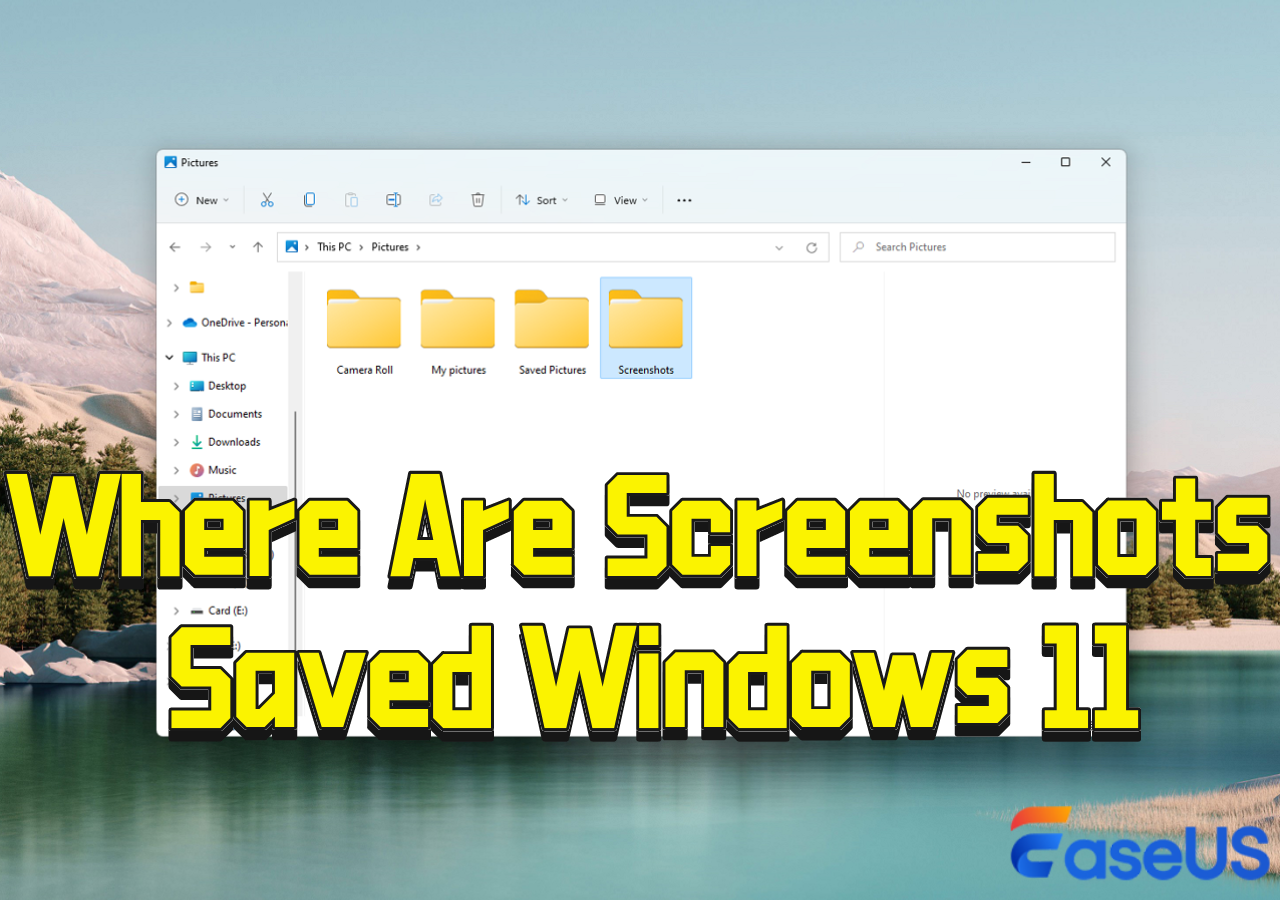
![Windows Successfully Saved How to Recover Data from a Hard Drive [Step-by-Step Tutorial]](https://www.easeus.com/images/en/data-recovery/drw-pro/where-are-screenshots-saved-windows11.png)


![Windows Successfully Saved What is WaasMedic Agent Exe? [Fix High CPU/Disk Usage]](https://10pcg.com/wp-content/uploads/save-windows-update-file.jpg)