Windows Server 2016 Audio Service






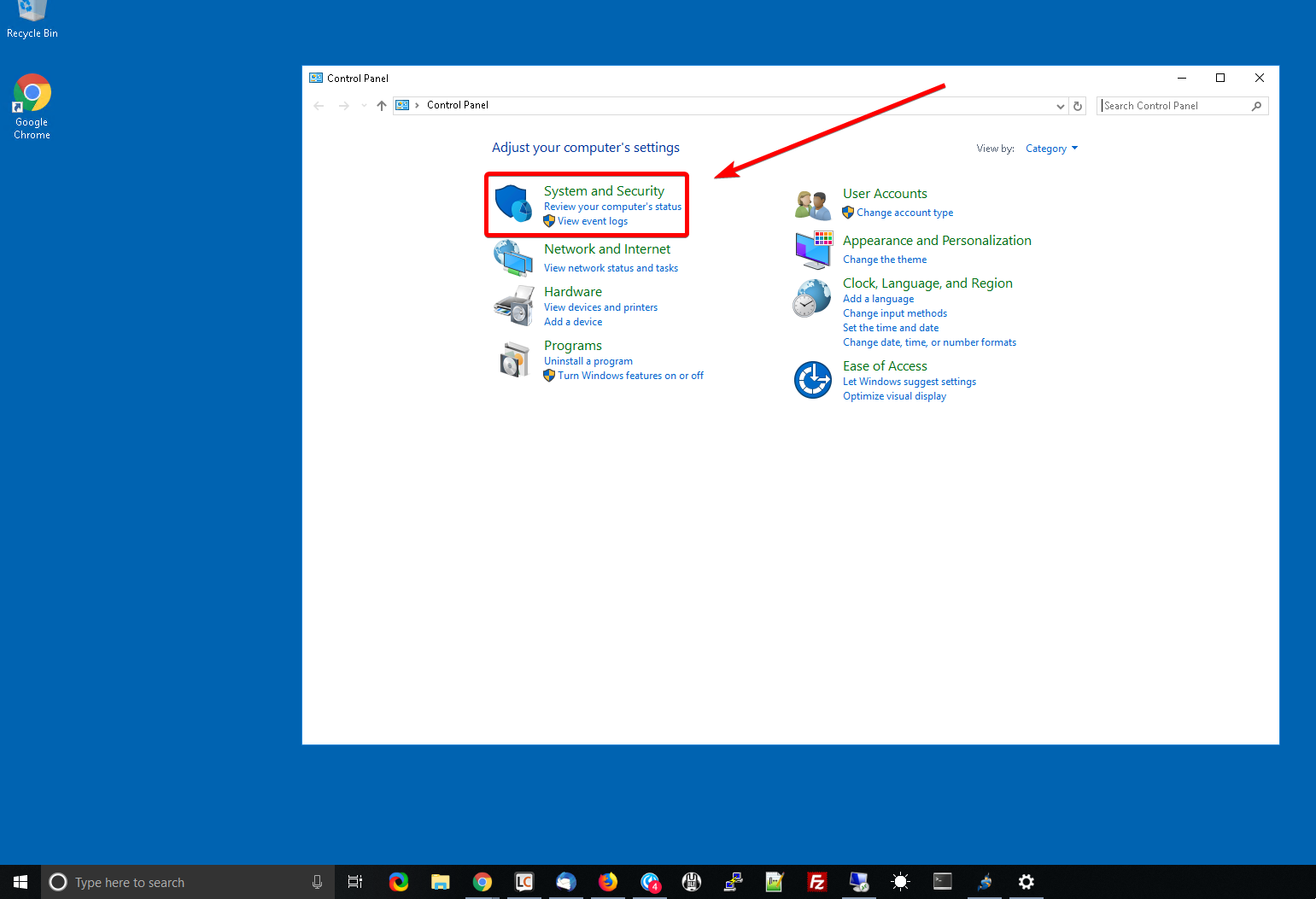


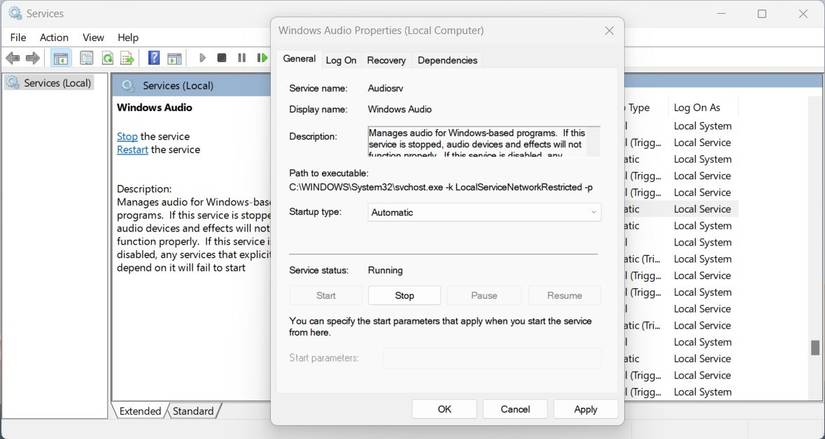
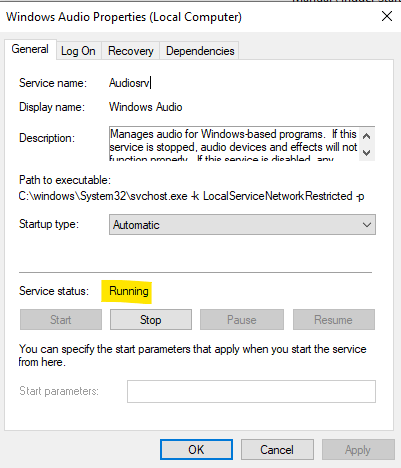


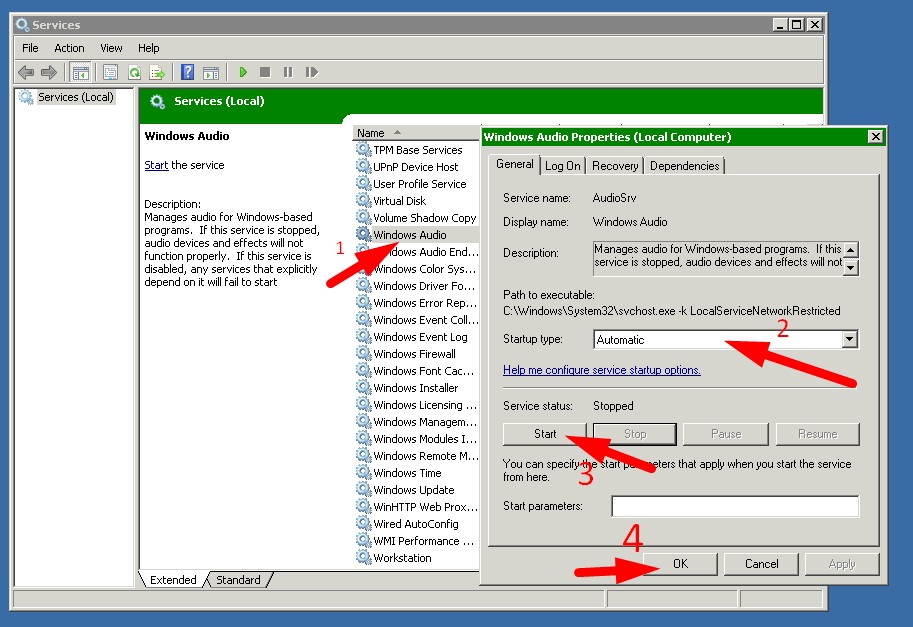





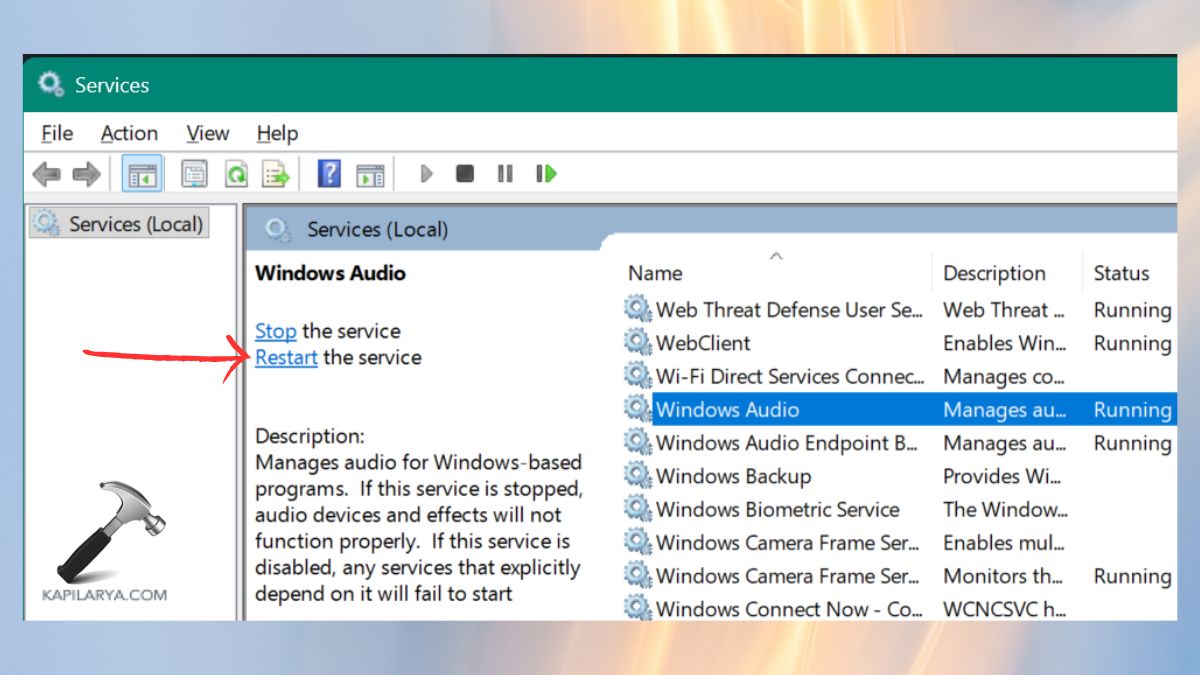
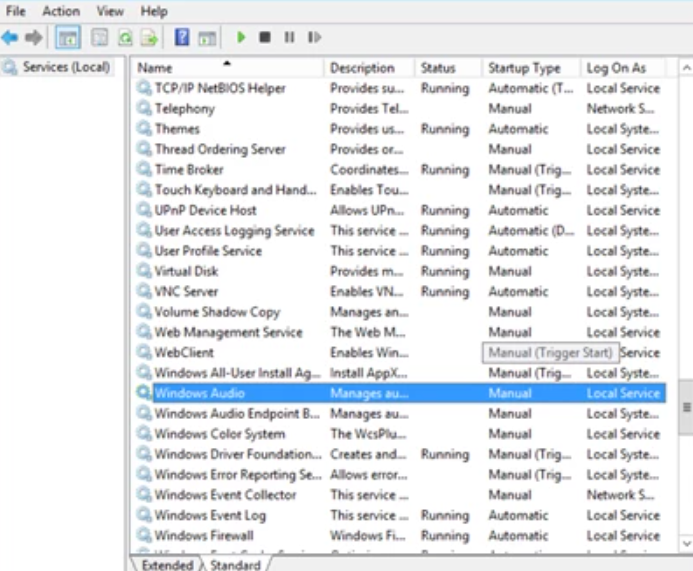





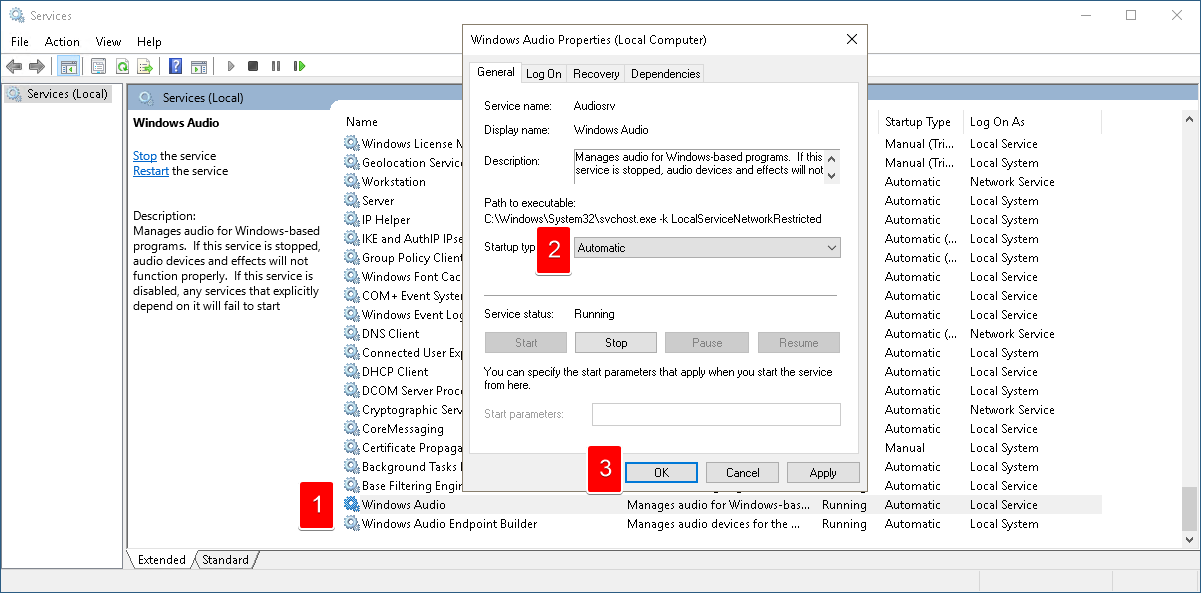






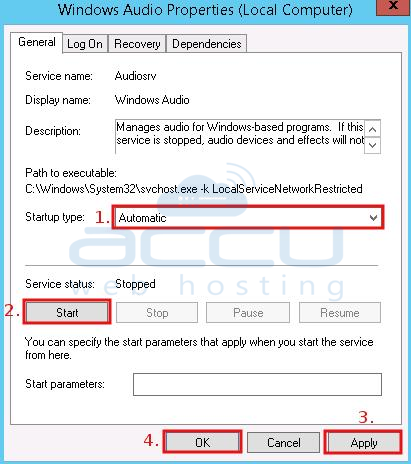
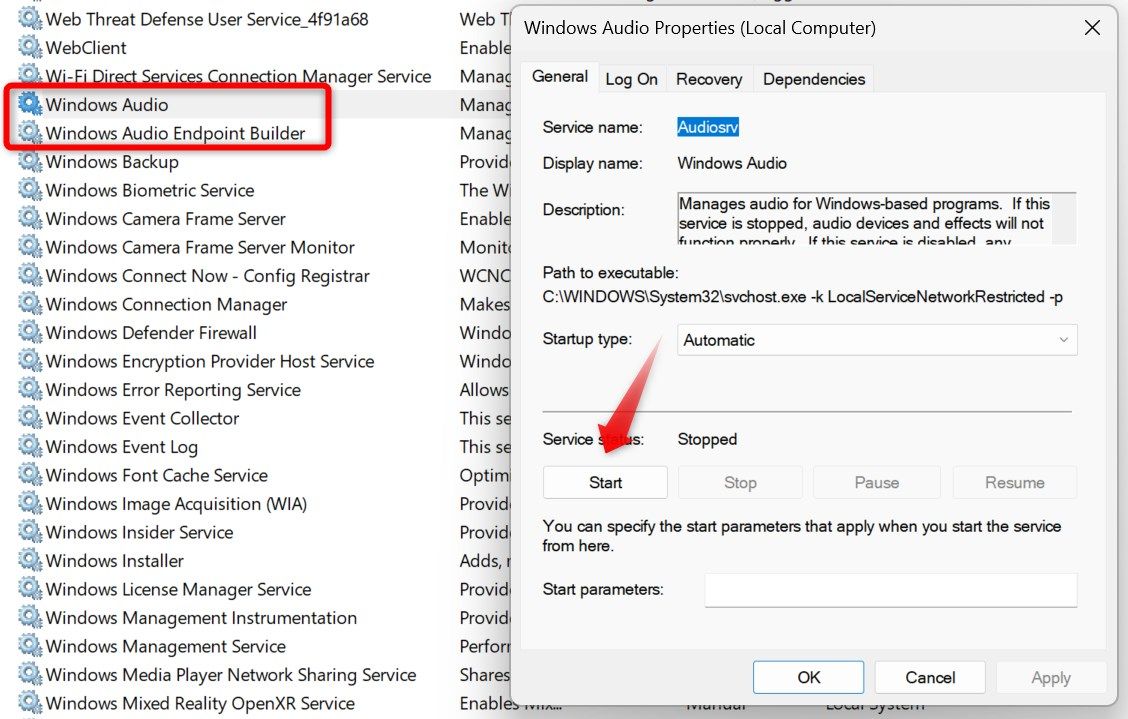
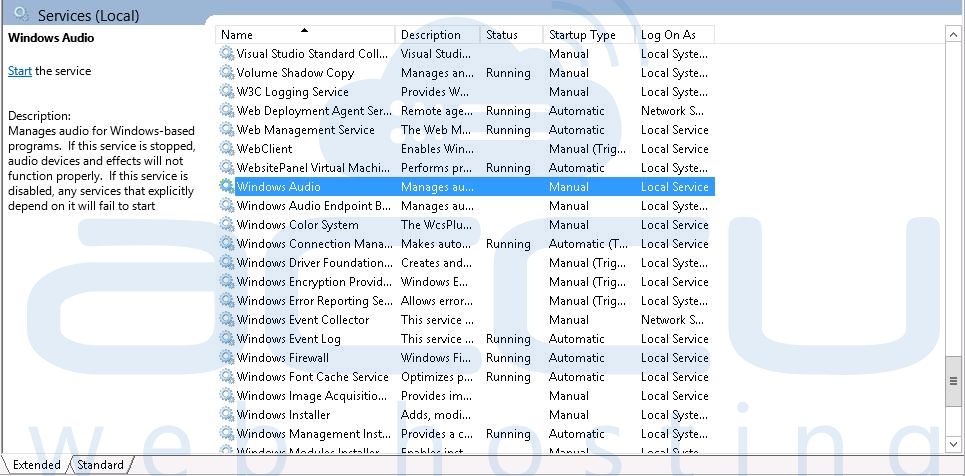
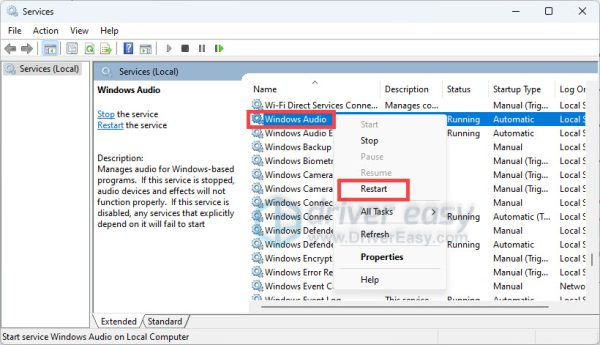









Elevate your brand with our commercial Windows Server 2016 Audio Service gallery featuring comprehensive galleries of business-ready images. designed for business applications featuring music, song, and instrument. ideal for corporate communications and branding. Each Windows Server 2016 Audio Service image is carefully selected for superior visual impact and professional quality. Suitable for various applications including web design, social media, personal projects, and digital content creation All Windows Server 2016 Audio Service images are available in high resolution with professional-grade quality, optimized for both digital and print applications, and include comprehensive metadata for easy organization and usage. Discover the perfect Windows Server 2016 Audio Service images to enhance your visual communication needs. Cost-effective licensing makes professional Windows Server 2016 Audio Service photography accessible to all budgets. Instant download capabilities enable immediate access to chosen Windows Server 2016 Audio Service images. The Windows Server 2016 Audio Service collection represents years of careful curation and professional standards. Whether for commercial projects or personal use, our Windows Server 2016 Audio Service collection delivers consistent excellence. Advanced search capabilities make finding the perfect Windows Server 2016 Audio Service image effortless and efficient. Our Windows Server 2016 Audio Service database continuously expands with fresh, relevant content from skilled photographers. The Windows Server 2016 Audio Service archive serves professionals, educators, and creatives across diverse industries.