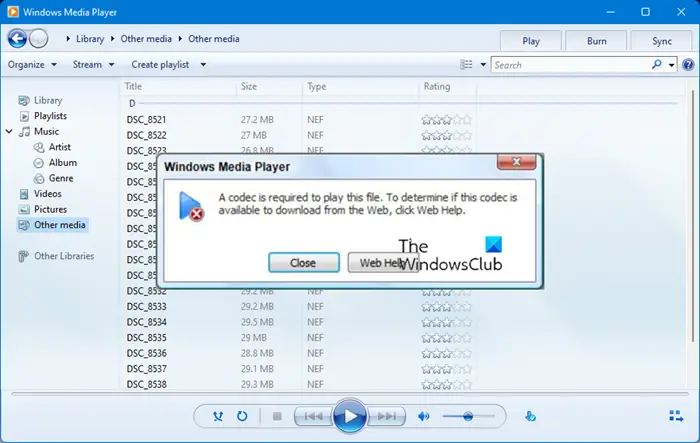
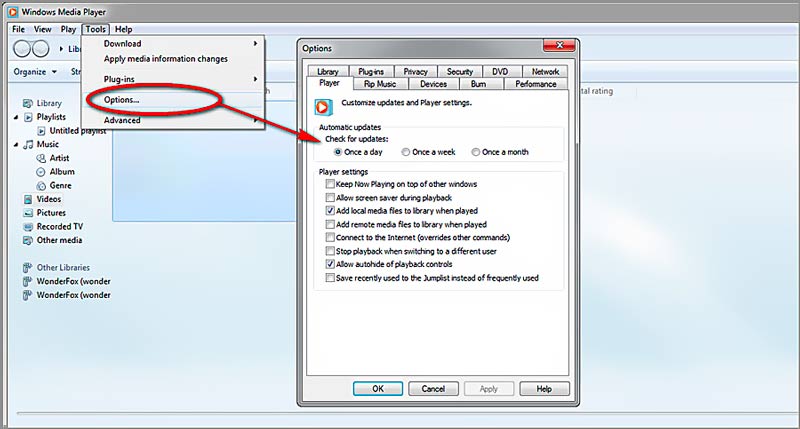
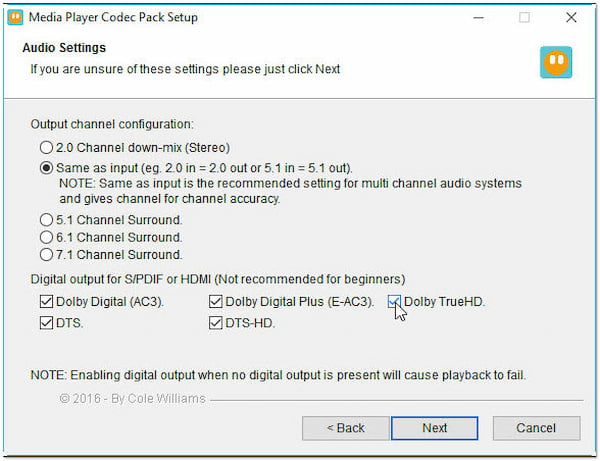
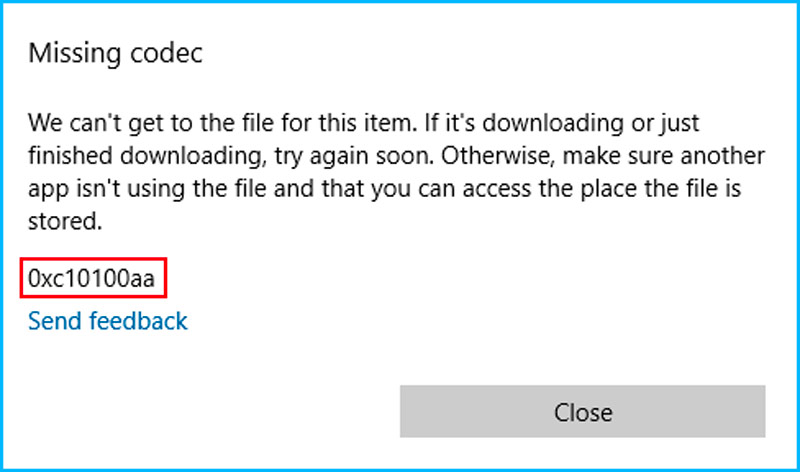
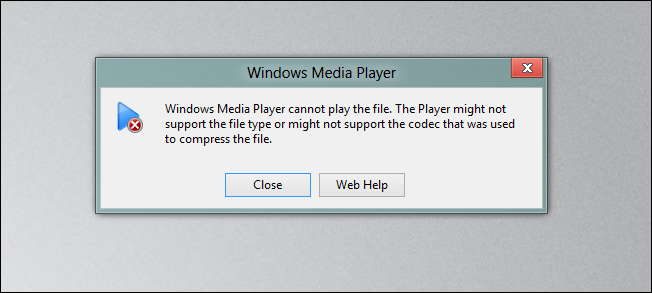
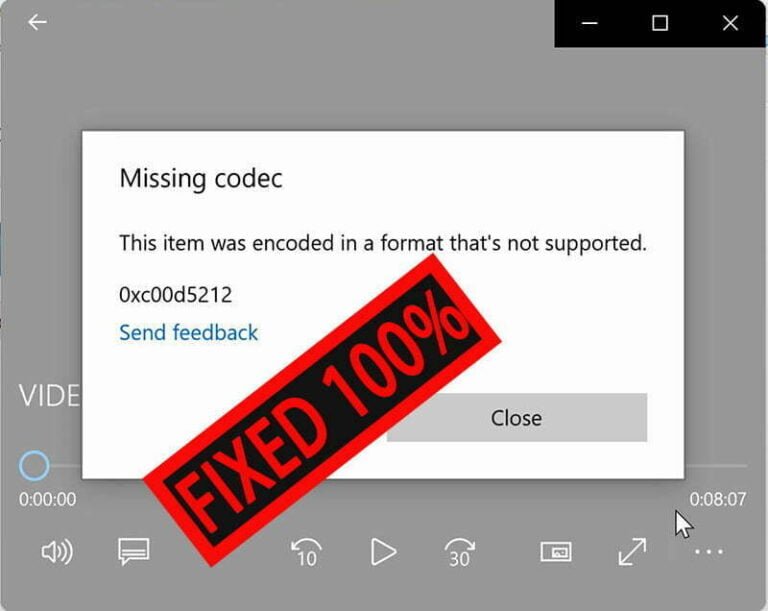
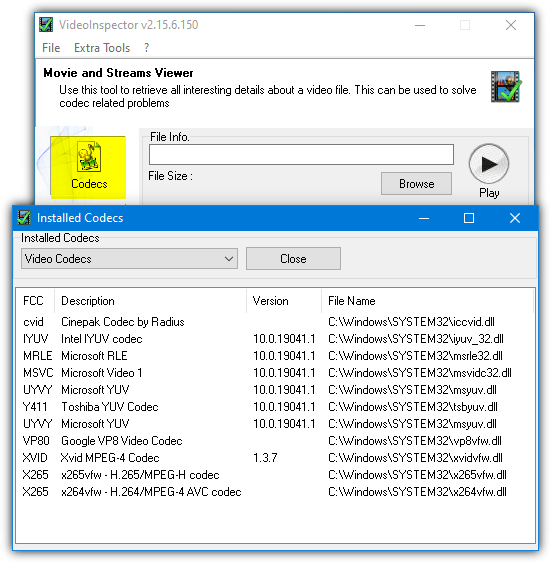
Windows Player Codec Error Message
Build enterprises with our business Windows Player Codec Error Message gallery of hundreds of strategic images. corporately highlighting sport, game, and athletic. designed to convey professionalism and success. The Windows Player Codec Error Message collection maintains consistent quality standards across all images. Suitable for various applications including web design, social media, personal projects, and digital content creation All Windows Player Codec Error Message images are available in high resolution with professional-grade quality, optimized for both digital and print applications, and include comprehensive metadata for easy organization and usage. Discover the perfect Windows Player Codec Error Message images to enhance your visual communication needs. Instant download capabilities enable immediate access to chosen Windows Player Codec Error Message images. Advanced search capabilities make finding the perfect Windows Player Codec Error Message image effortless and efficient. Regular updates keep the Windows Player Codec Error Message collection current with contemporary trends and styles. Reliable customer support ensures smooth experience throughout the Windows Player Codec Error Message selection process. The Windows Player Codec Error Message archive serves professionals, educators, and creatives across diverse industries. Each image in our Windows Player Codec Error Message gallery undergoes rigorous quality assessment before inclusion. Our Windows Player Codec Error Message database continuously expands with fresh, relevant content from skilled photographers.


:max_bytes(150000):strip_icc()/002-how-to-play-flac-files-in-windows-media-player-12-8a1a46910f2c4b6cace6991285bf9b62.jpg)

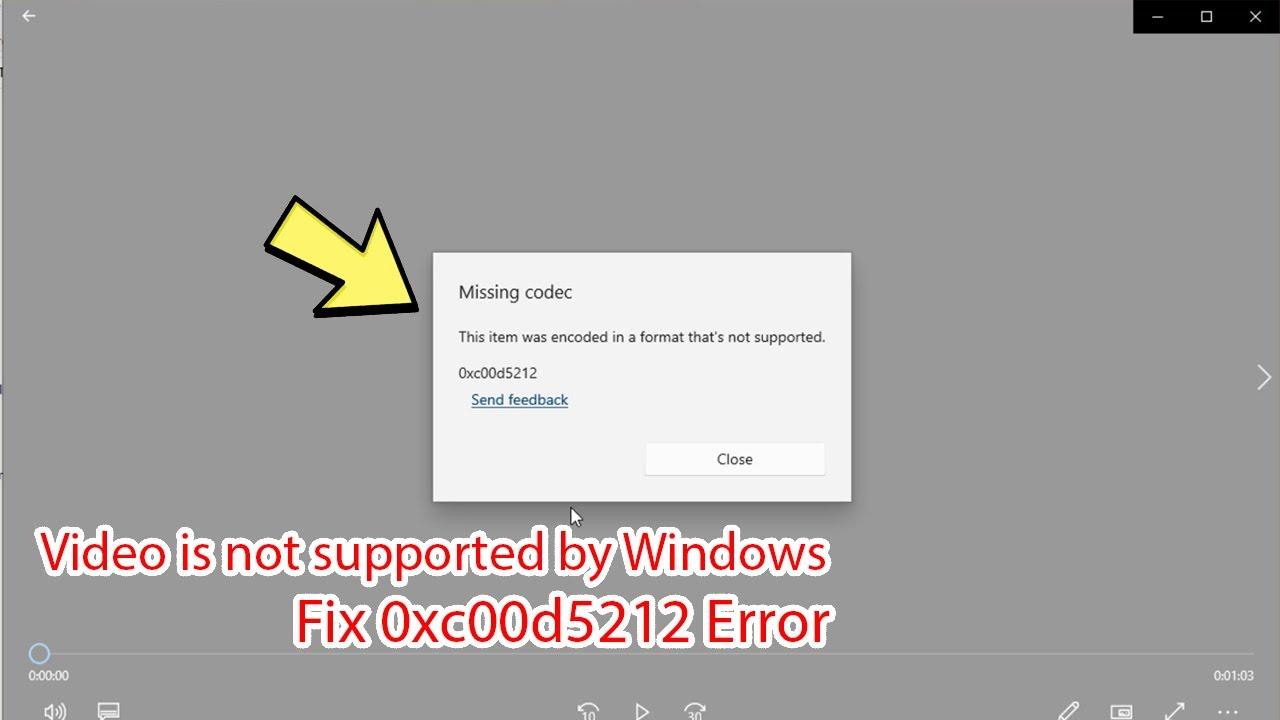
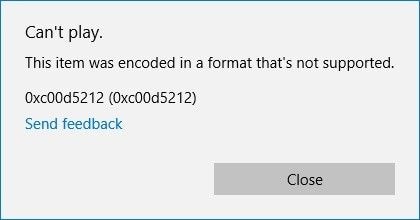
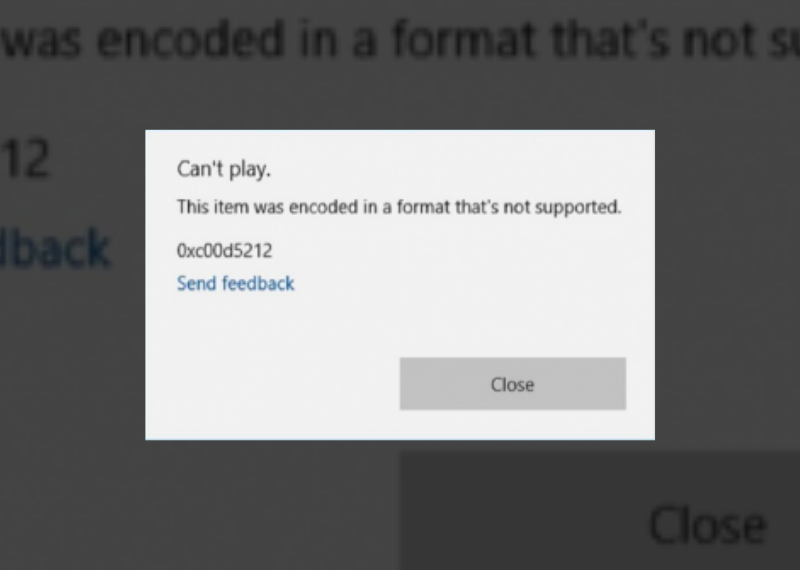
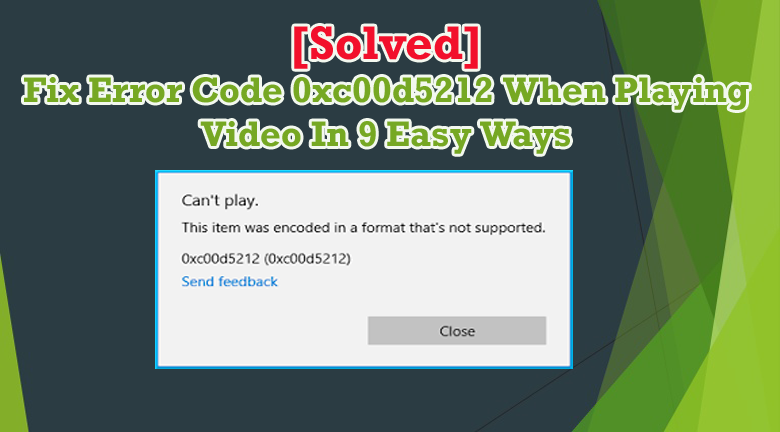
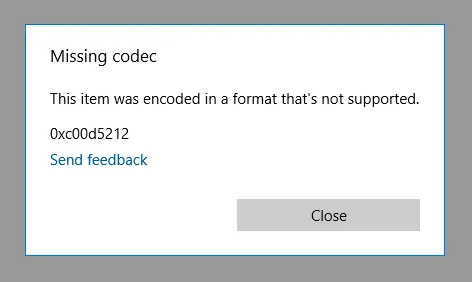
![Windows Player Codec Error Message [Solved] Missing Codec 0xc00d5212 Error on Windows 10/11](https://www.winxdvd.com/seo-img/play-video/missing-codec.jpg)
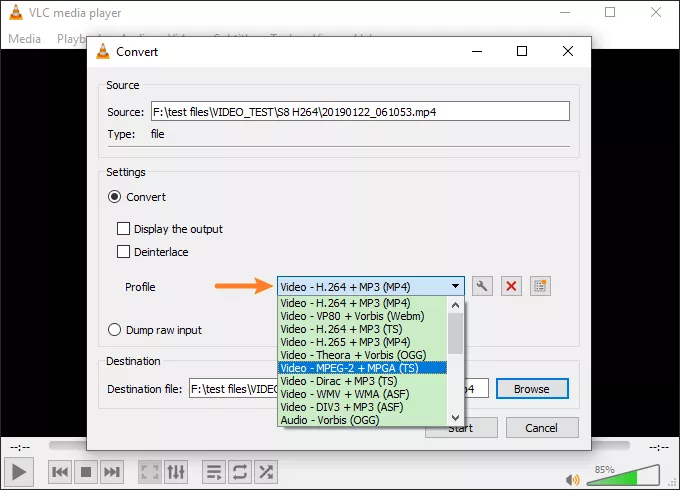


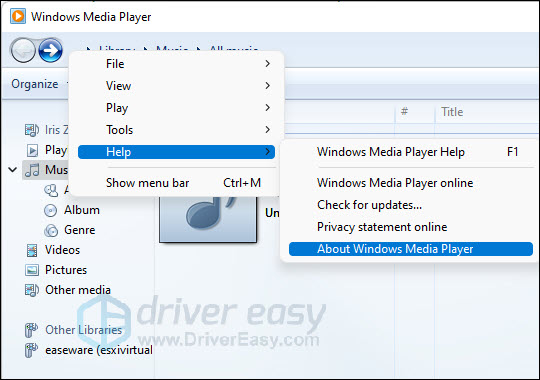
![Windows Player Codec Error Message [FIXED] Missing Codec 0xc00d5212 Error on Window 11/10 - Driver Easy](https://www.drivereasy.com/wp-content/uploads/2022/07/media-1.jpg)

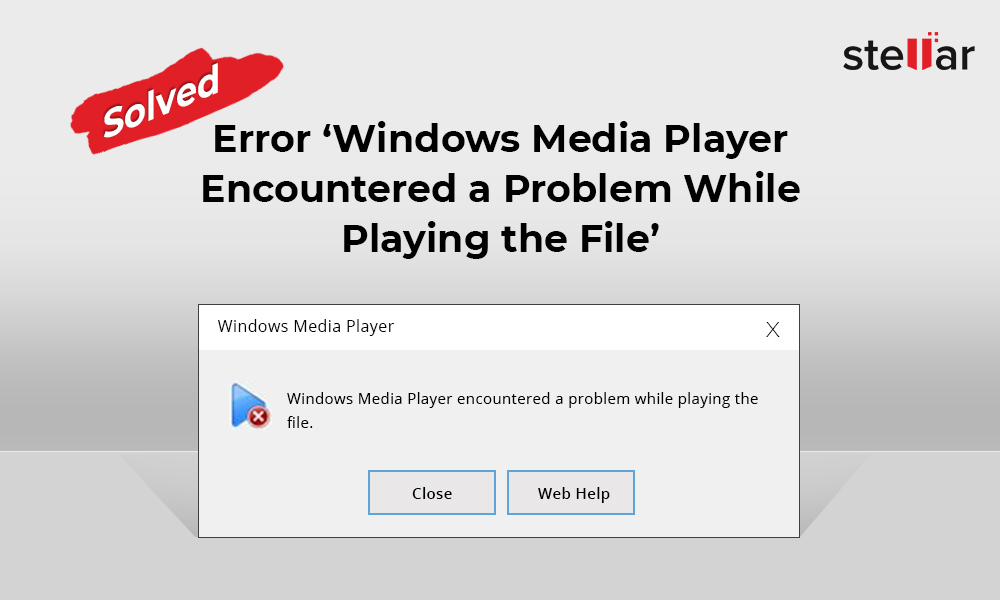
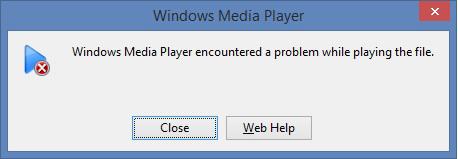
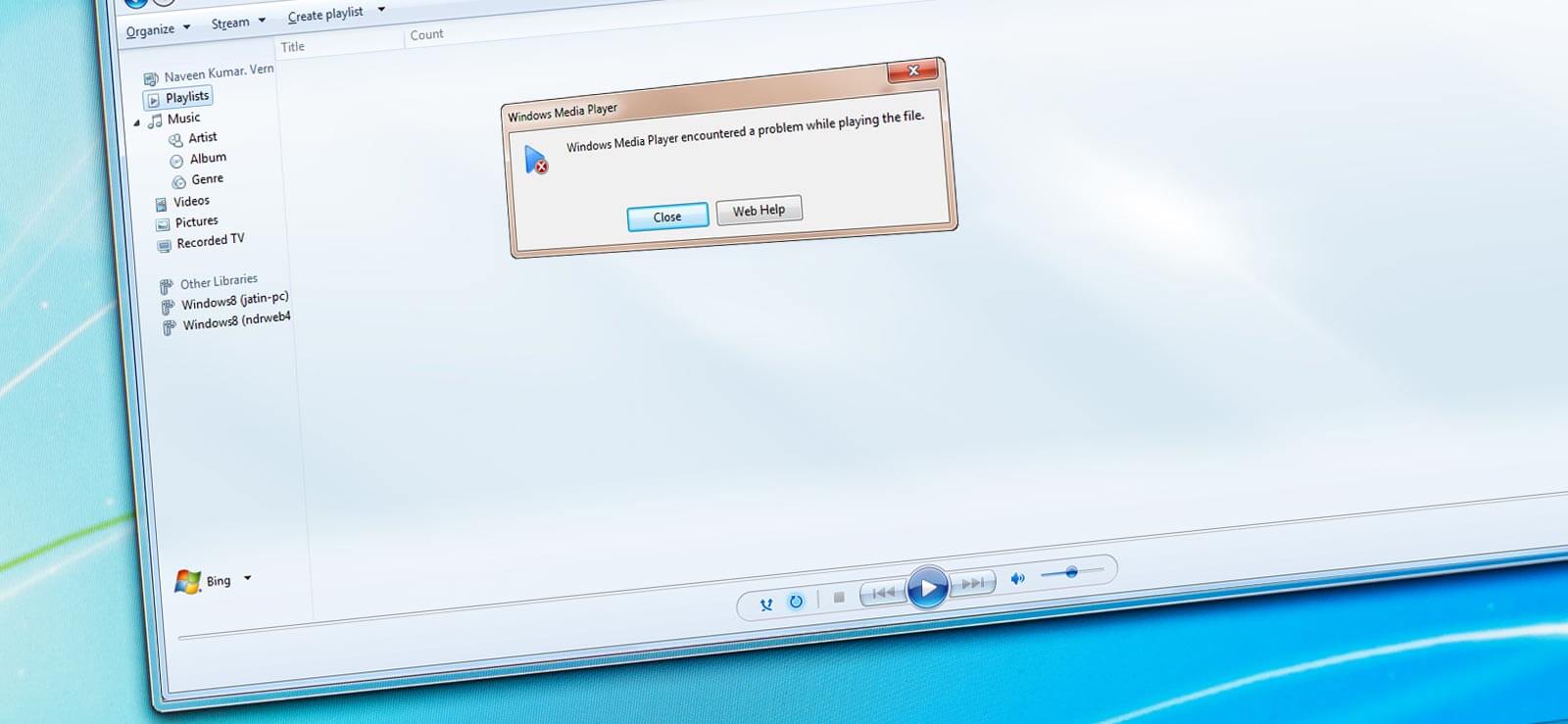
![Windows Player Codec Error Message [Solved]: Windows Media Player encountered a problem](https://cdn.appuals.com/wp-content/uploads/2018/07/Windows-Media-Player-encountered-a-problem.jpg)
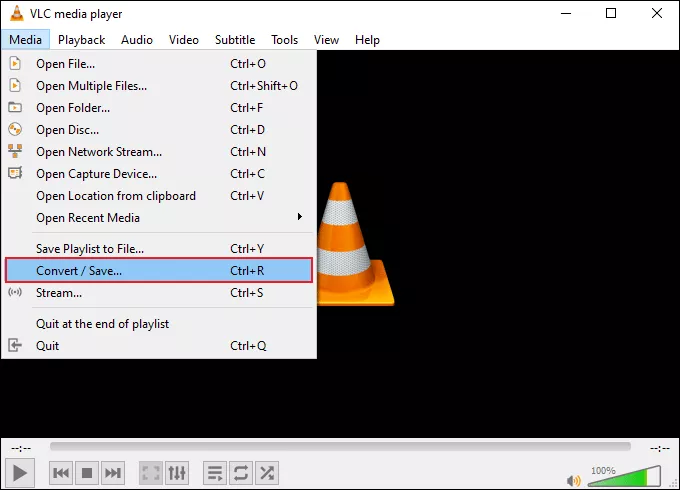


![Windows Player Codec Error Message Fix: Codec Error 0xc00d5212 - Format Not Supported [5 Ways]](https://windowsreport.com/wp-content/uploads/2020/05/Windows-Media-Player.jpg)
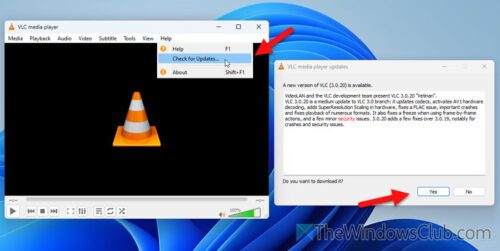


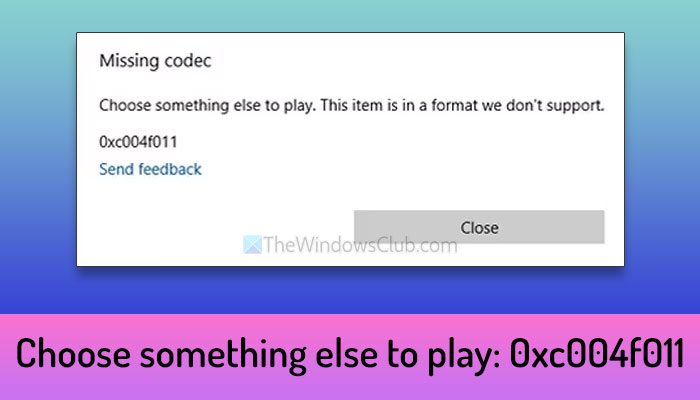
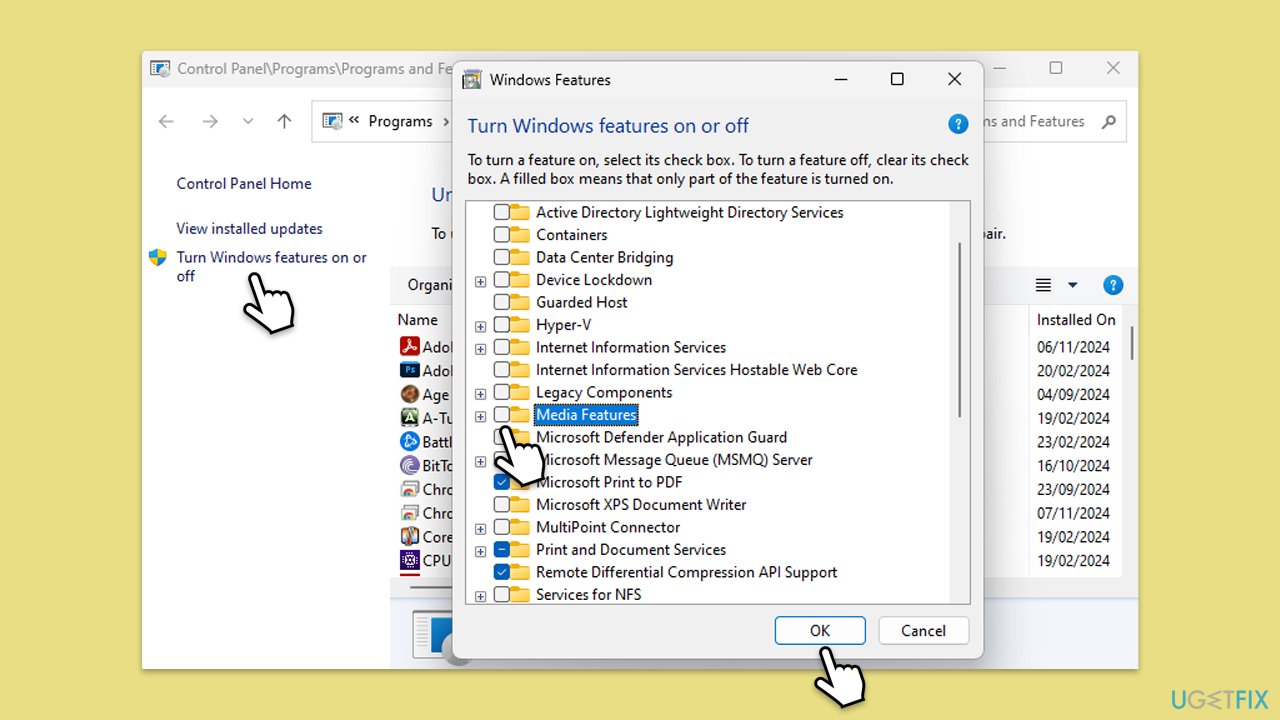
![Windows Player Codec Error Message Media Creation Tool Error 0x80070005 - 0xA001B [Fix]](https://www.thewindowsclub.com/wp-content/uploads/2025/04/Missing-Codec-Error-0xc004f011.jpg)
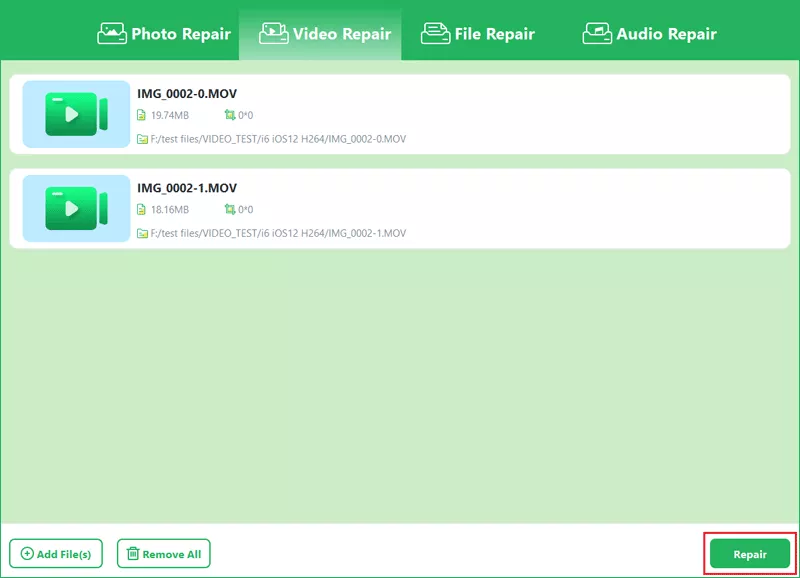


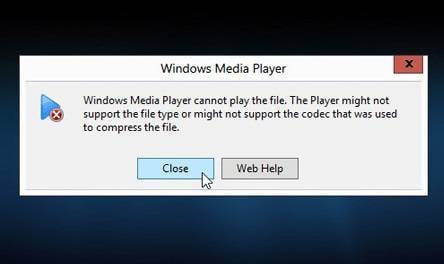
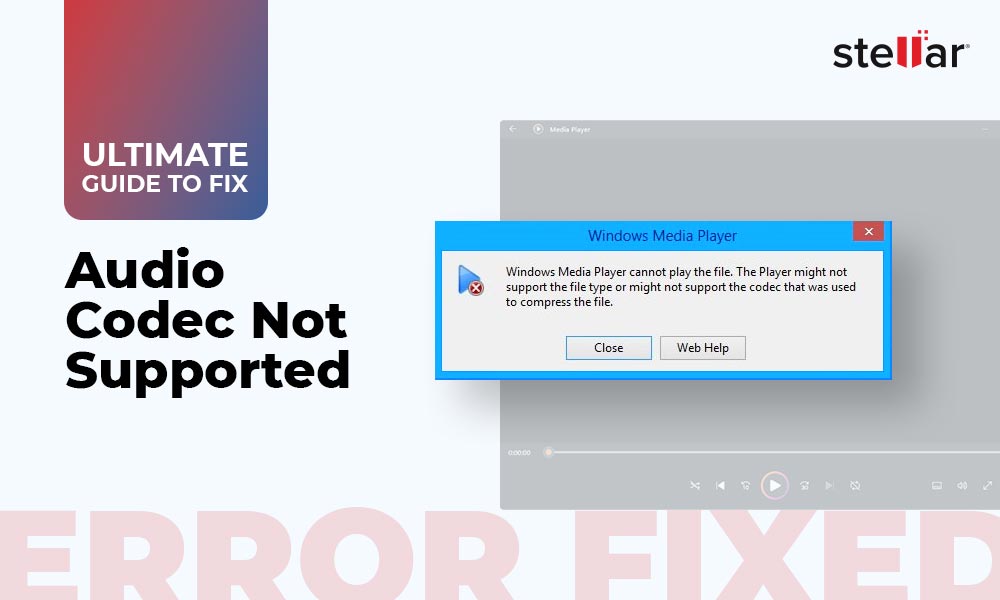
![Windows Player Codec Error Message [SOLVED] Windows Media Cannot Play The File](https://images.wondershare.com/repairit/article/windows-media-cannot-play-the-file-4.jpg)
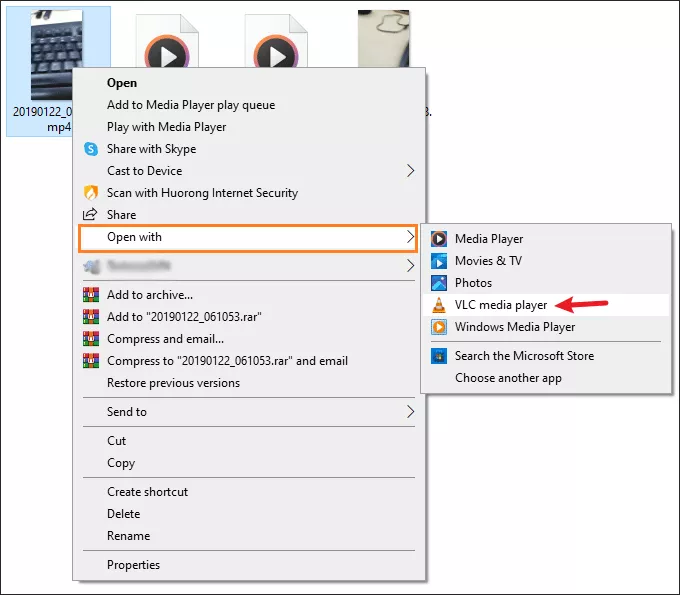
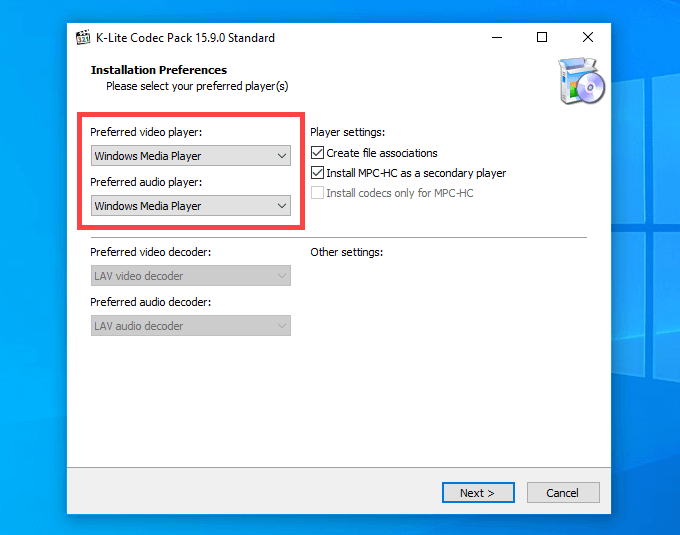
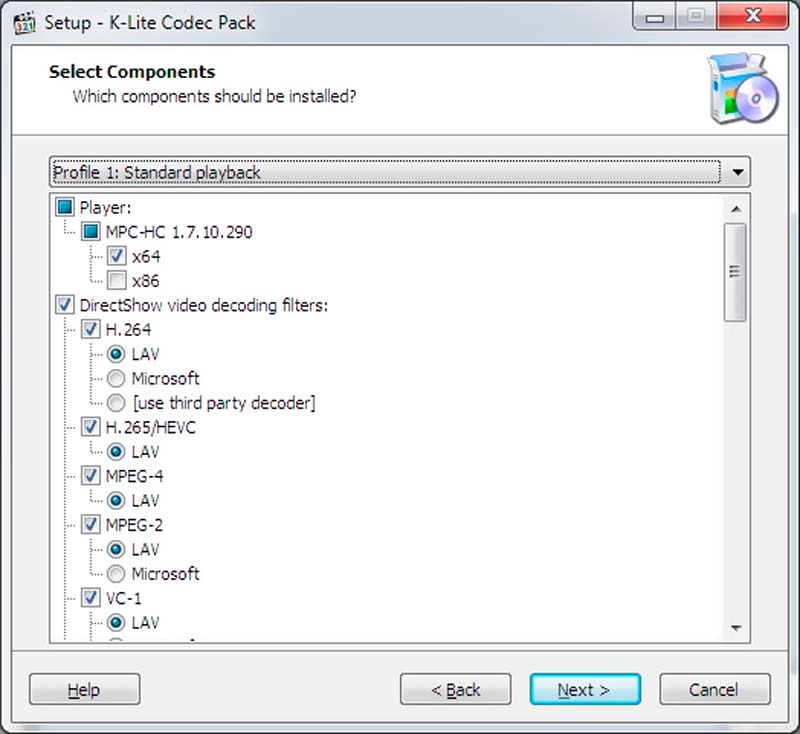
![Windows Player Codec Error Message [Solved] How to Fix Error Code 0xc00d36c4 When Playing Videos](https://www.winxdvd.com/seo-img/play-video/install-codec.jpg)
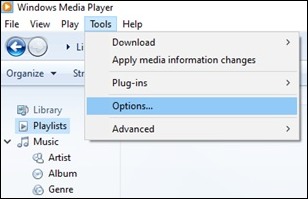


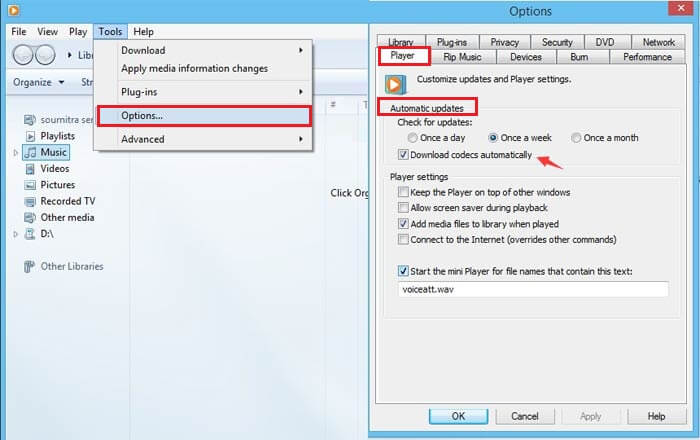
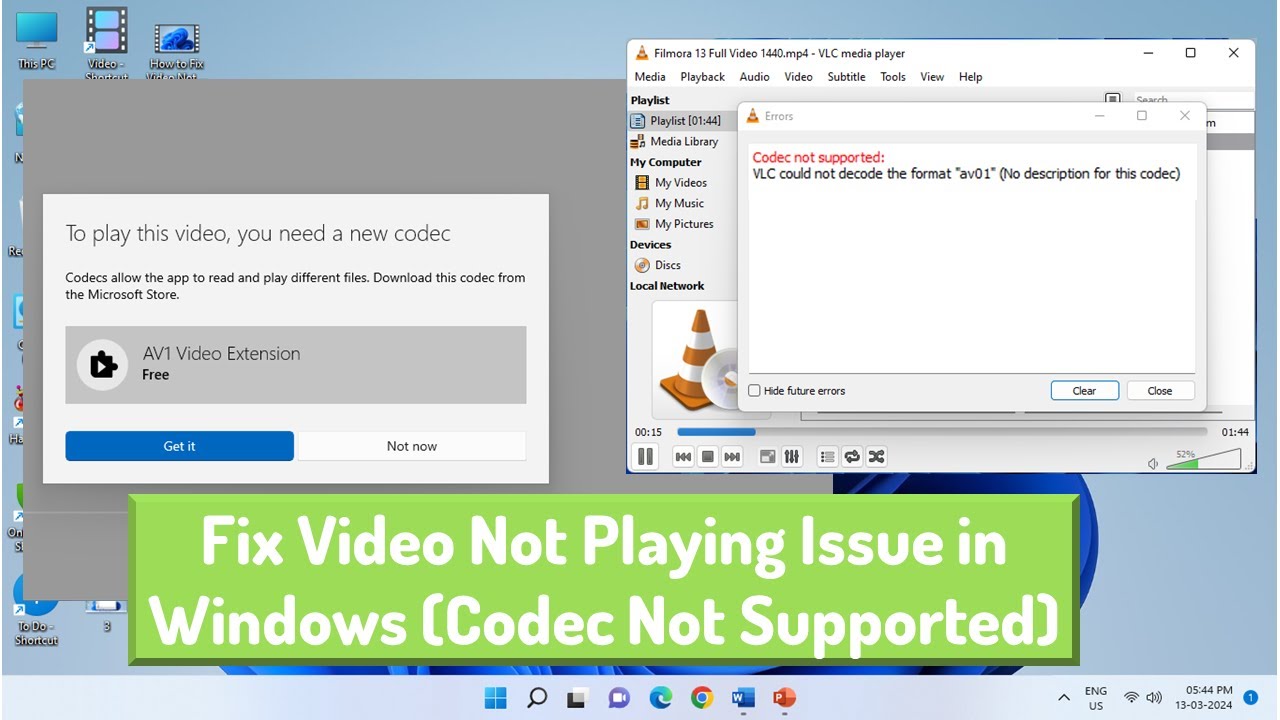
![Windows Player Codec Error Message How to Fix Audio and Video Codec Not Supported Error? [2024]](https://images.anyrecover.com/anyrecoveren/images/public/download_codec_wmp.png)


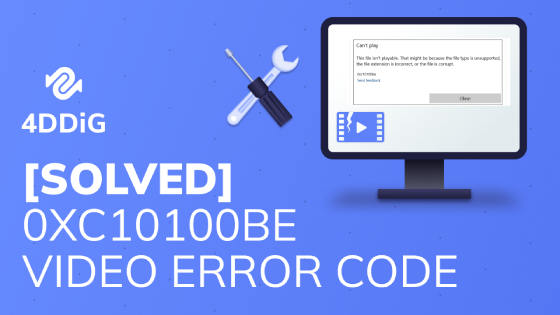
![Windows Player Codec Error Message [Fixed!] Sorry The Video Player Failed to Load (Error Code: 101102)](https://4ddig.tenorshare.com/images/video-repair/0xc10100be-error-code.jpg?w=560&h=315)
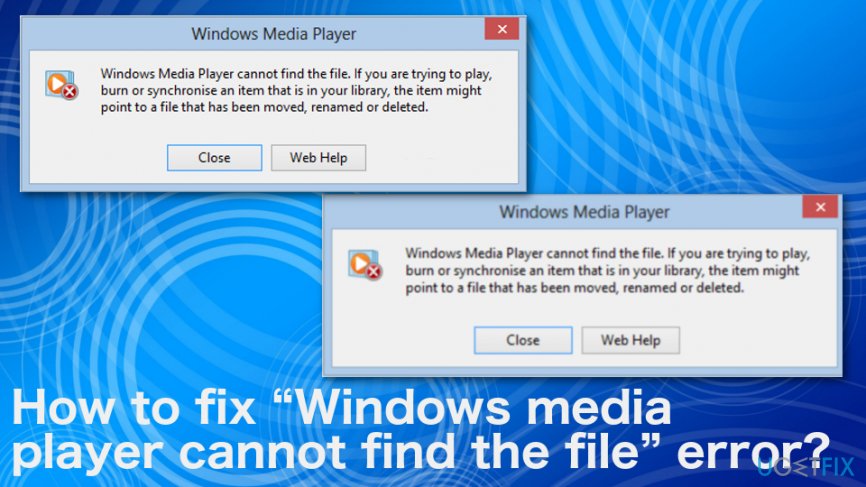


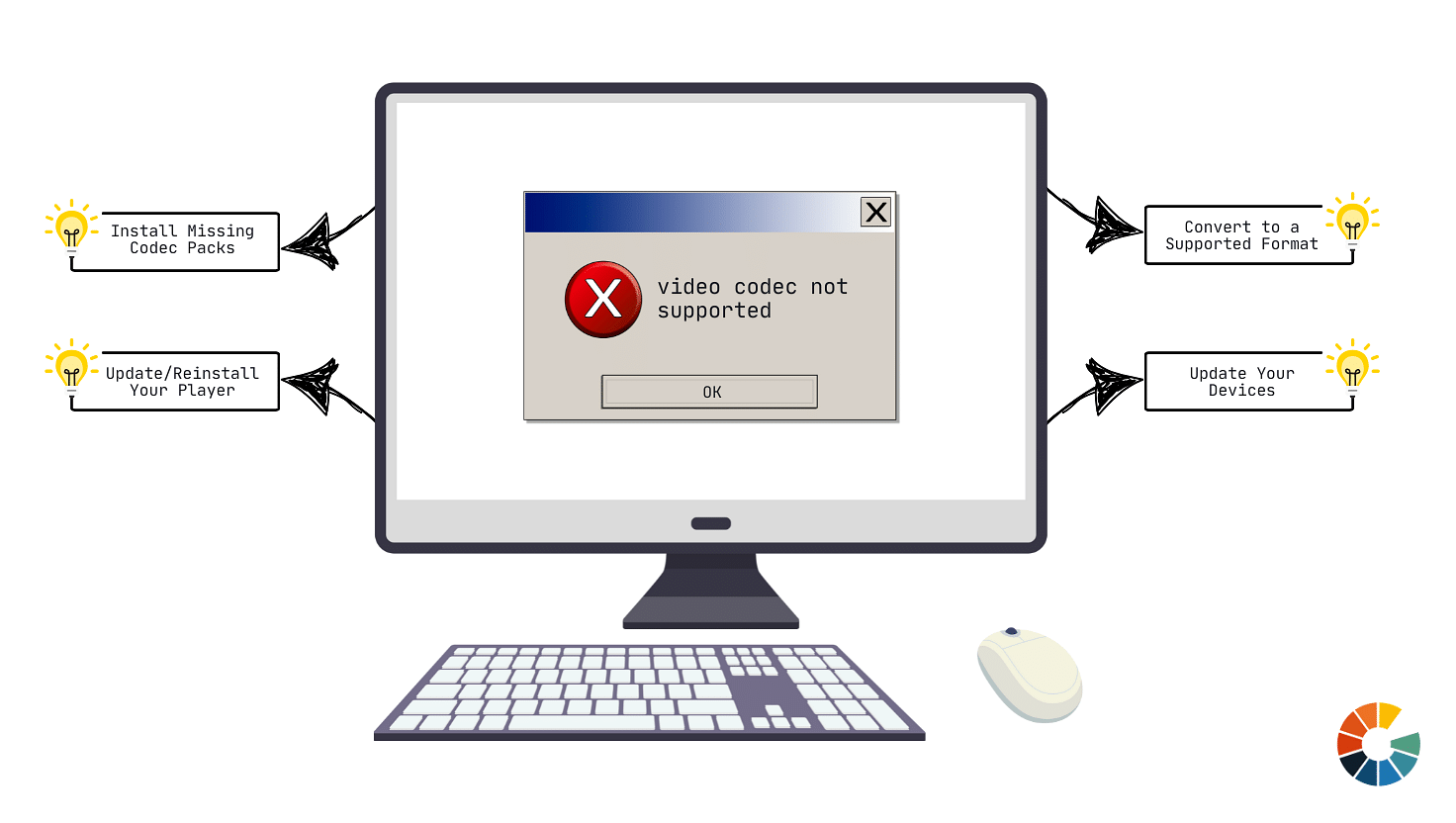
![Windows Player Codec Error Message Your browser can't play this video [Fix]](https://www.thewindowsclub.com/wp-content/uploads/2025/01/video-codec-not-supported.jpg)