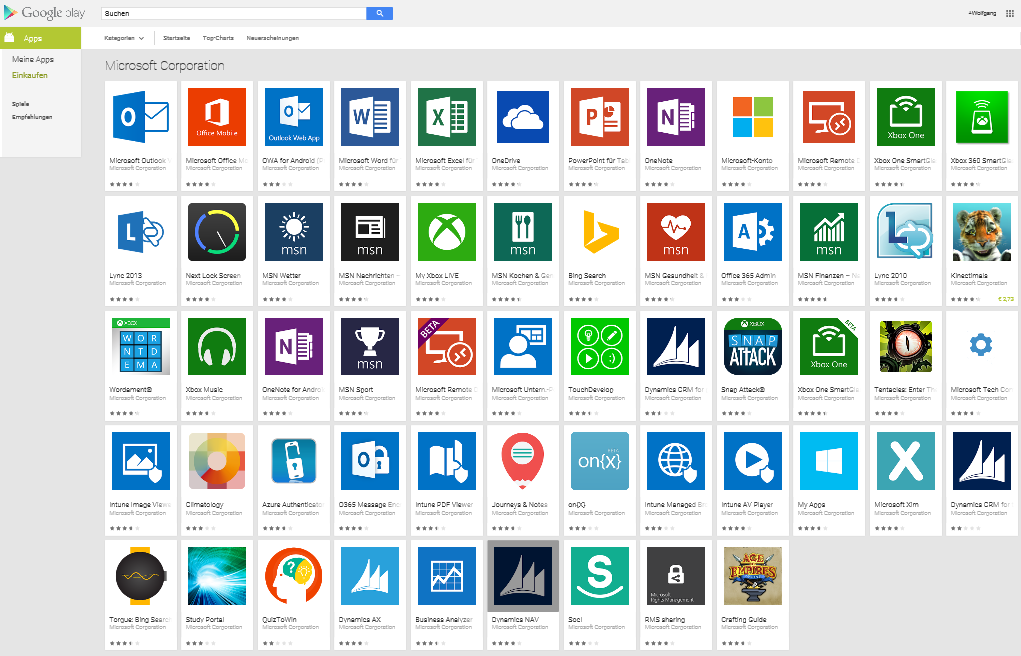
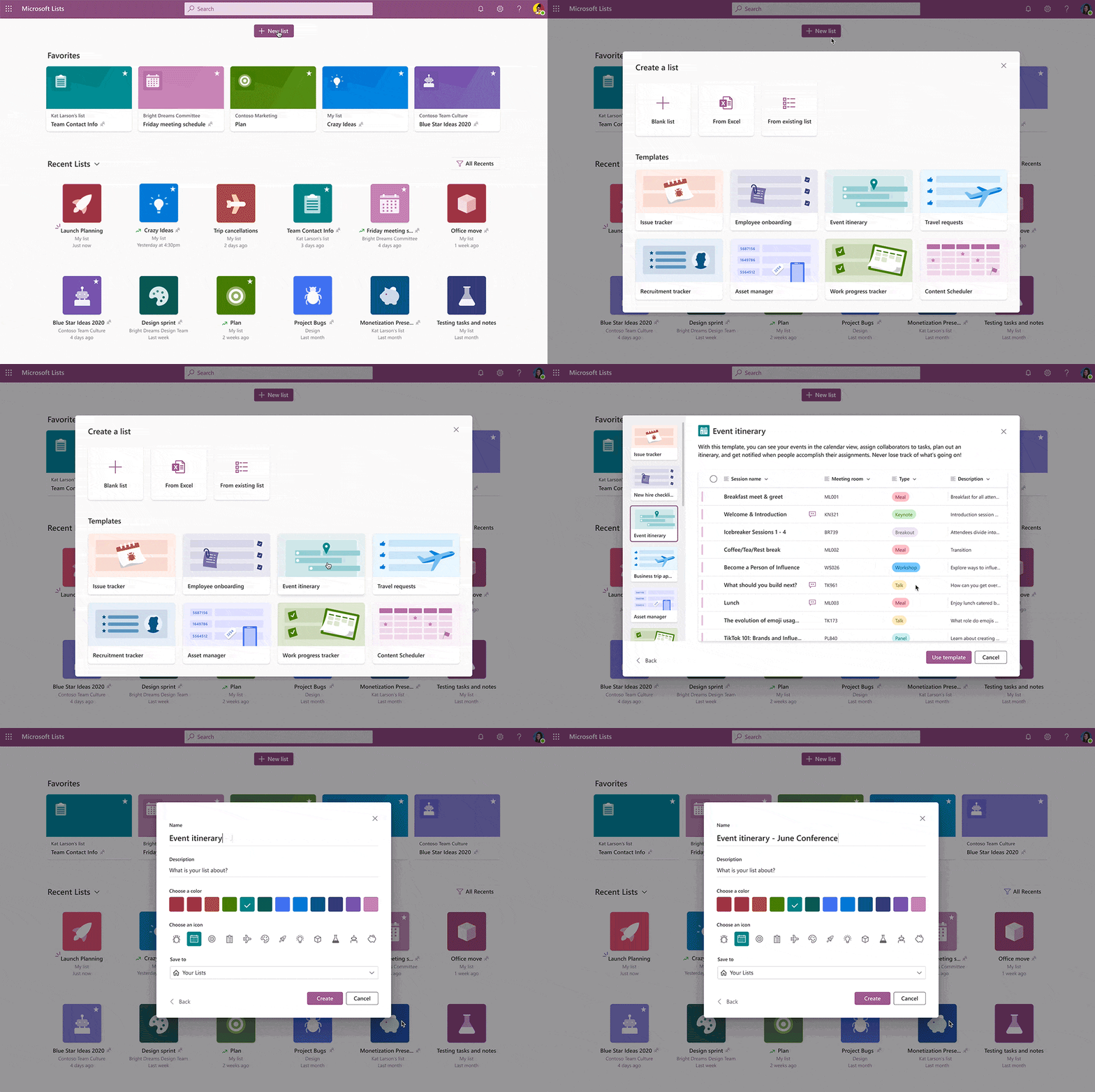
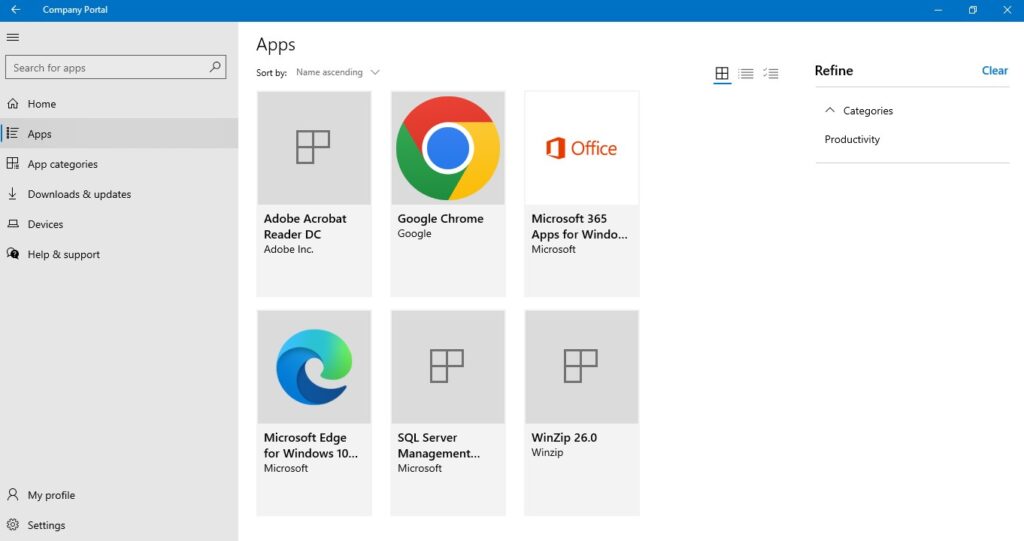
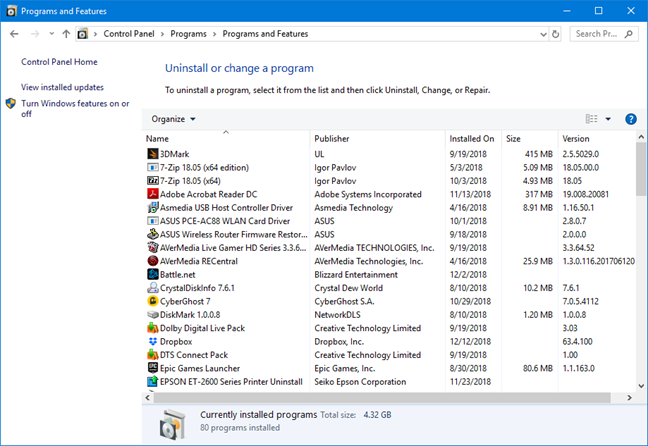
Windows App Published Apps List










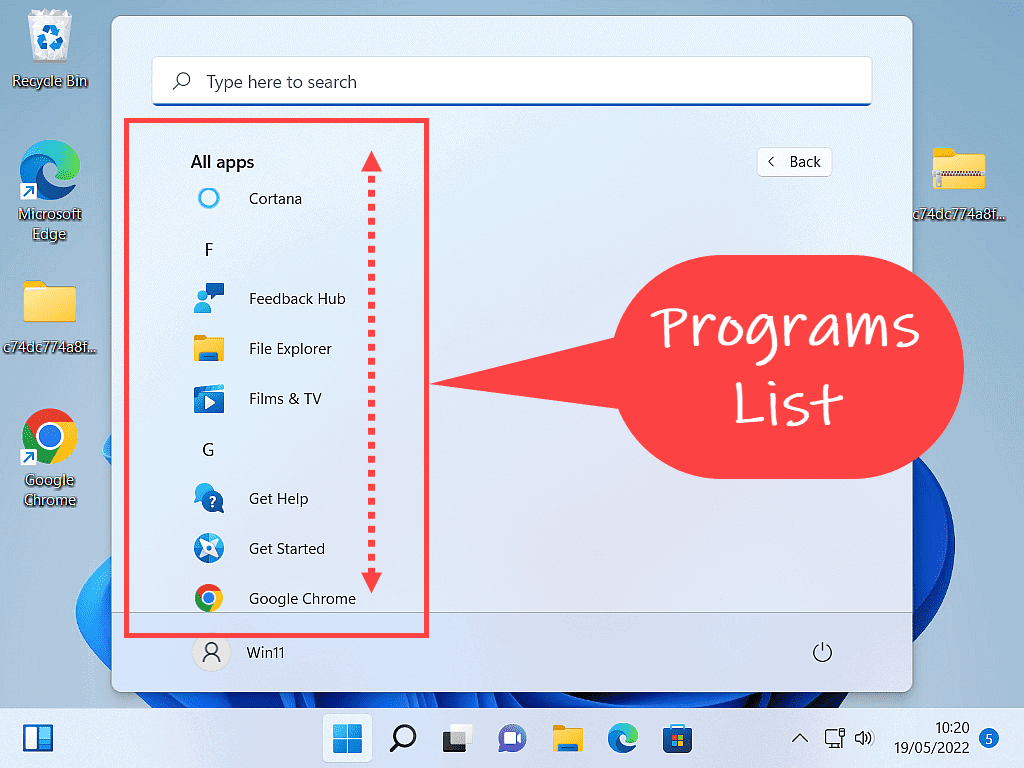

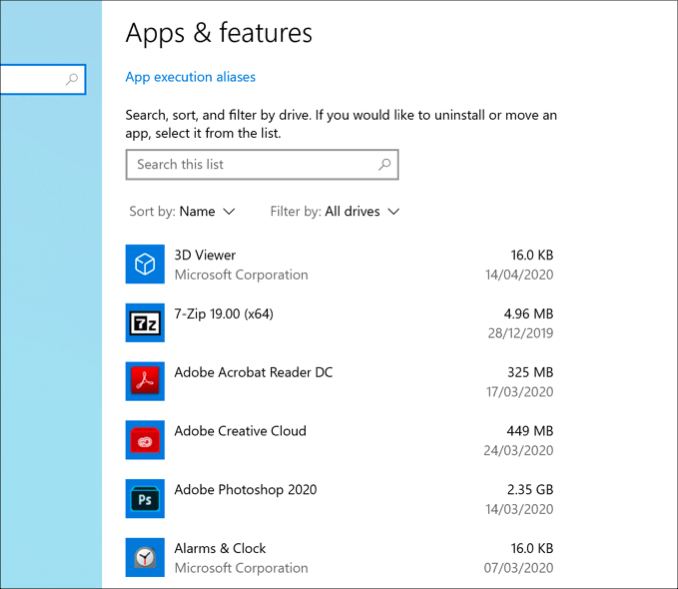
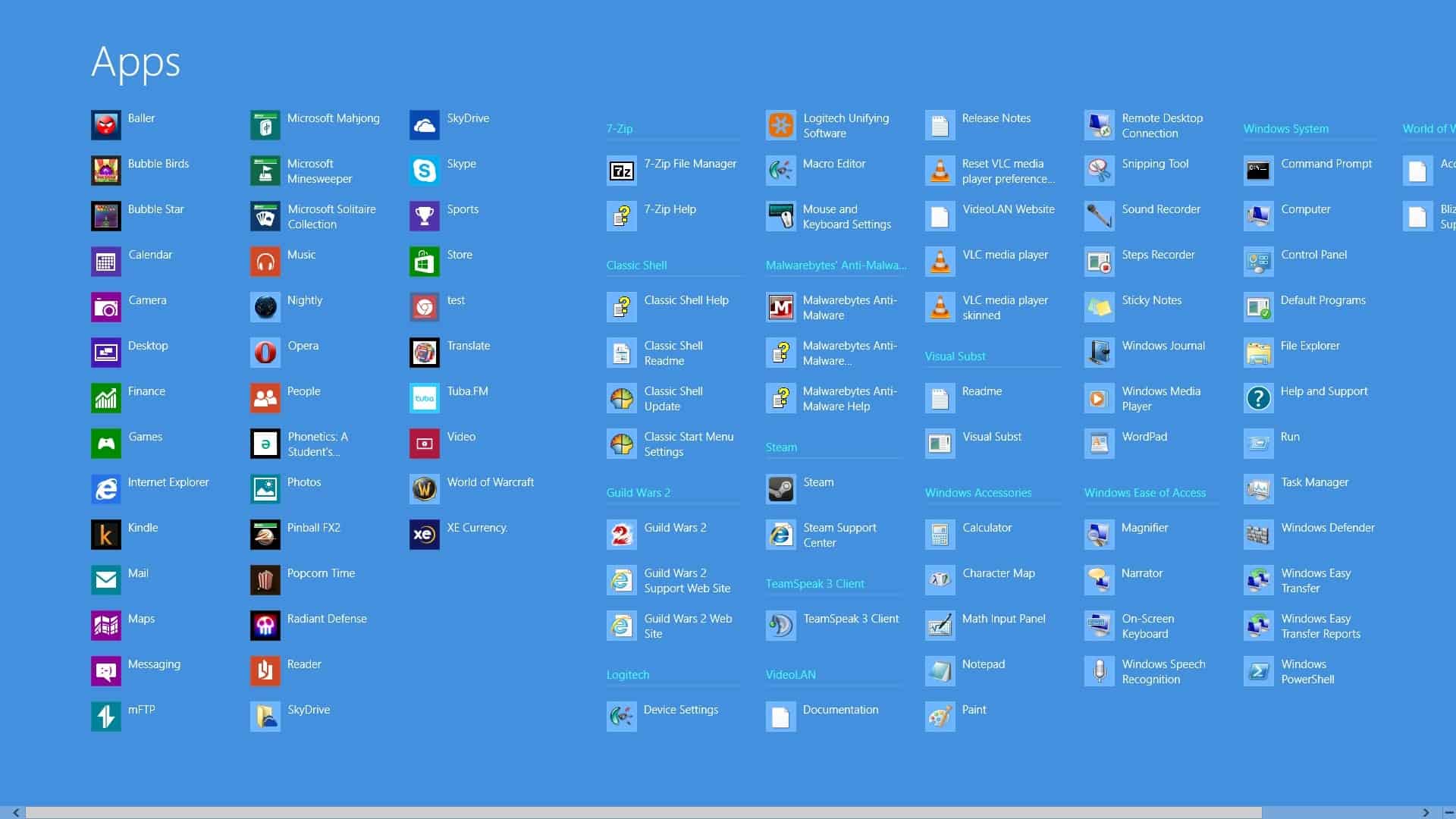

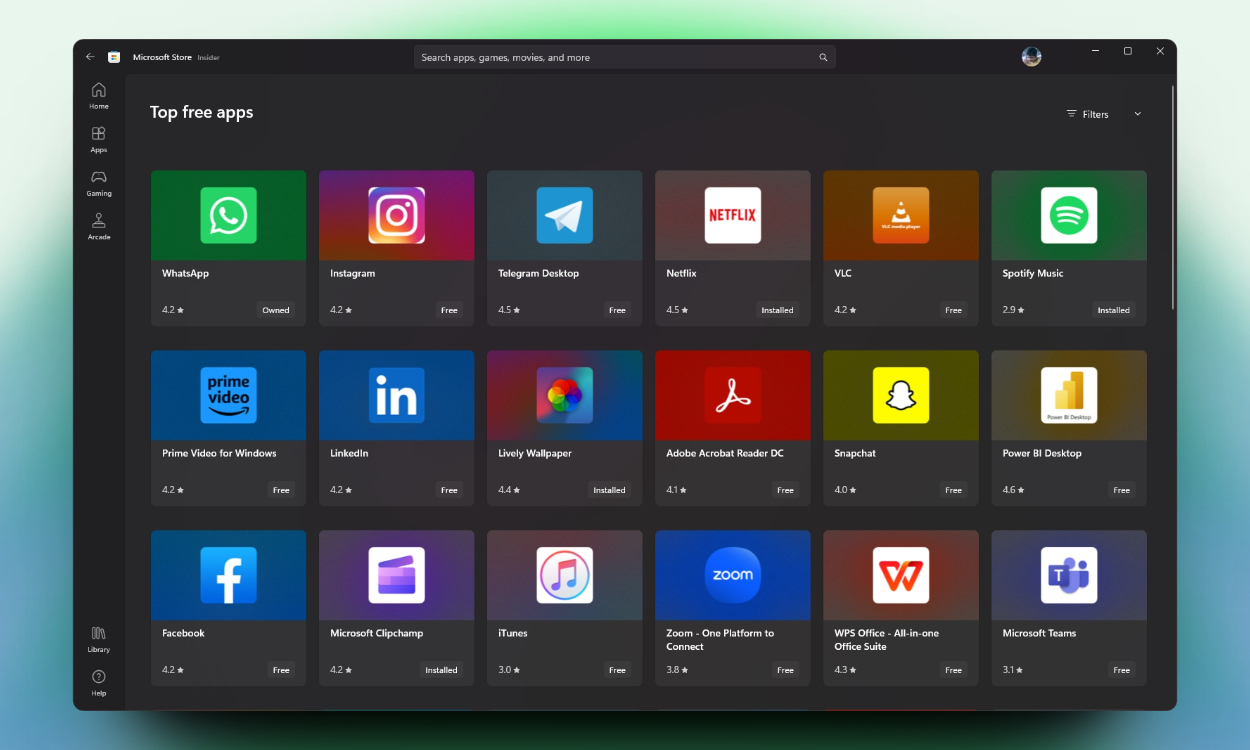



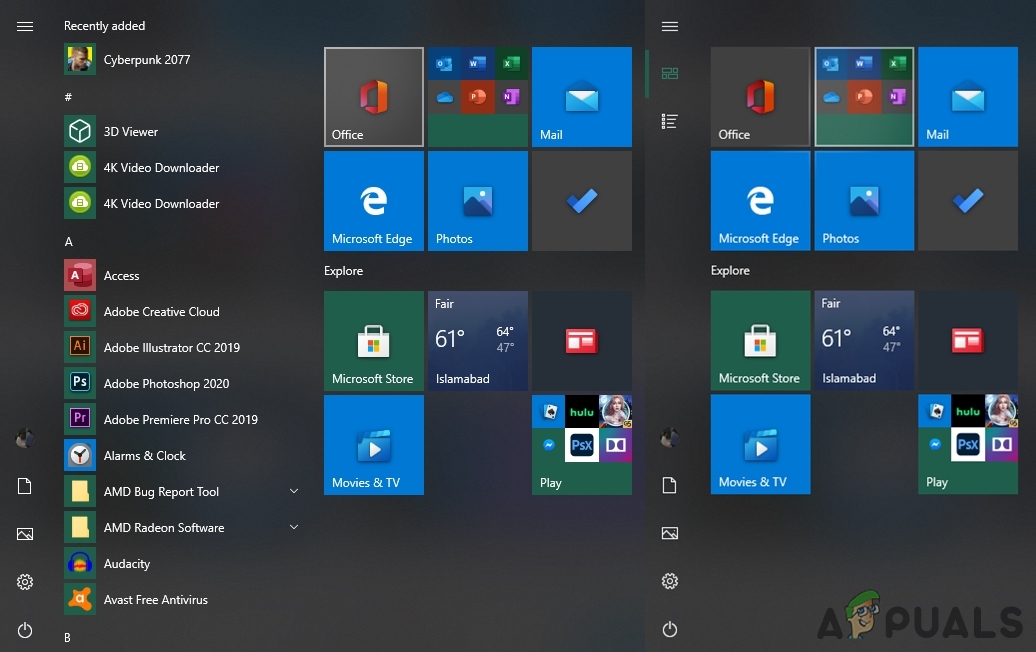



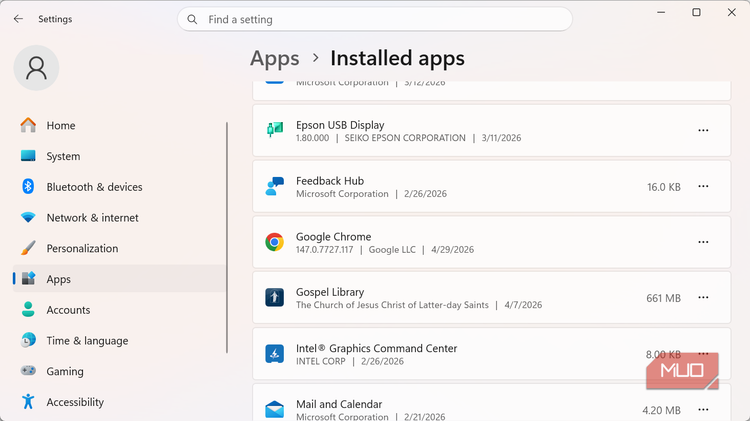
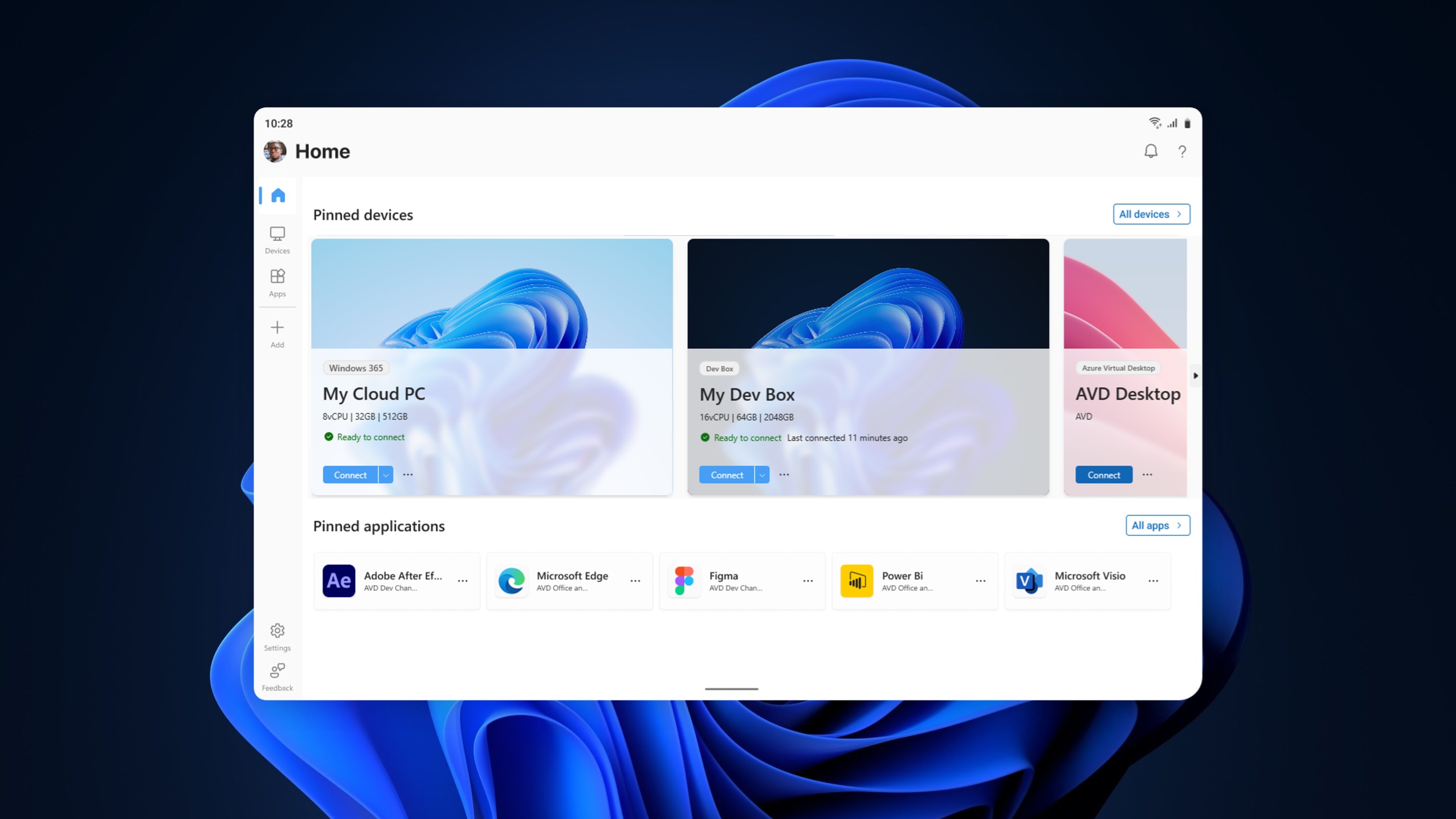





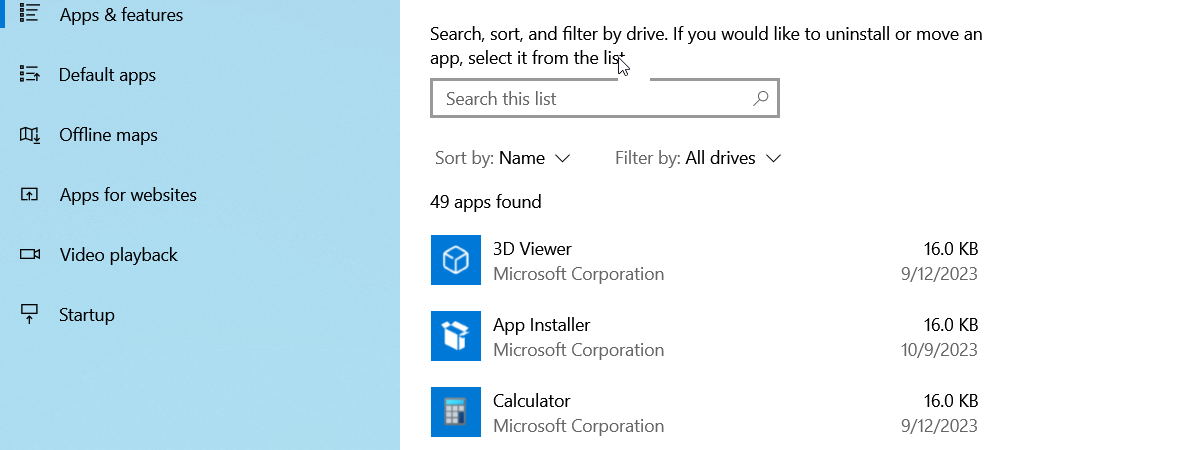


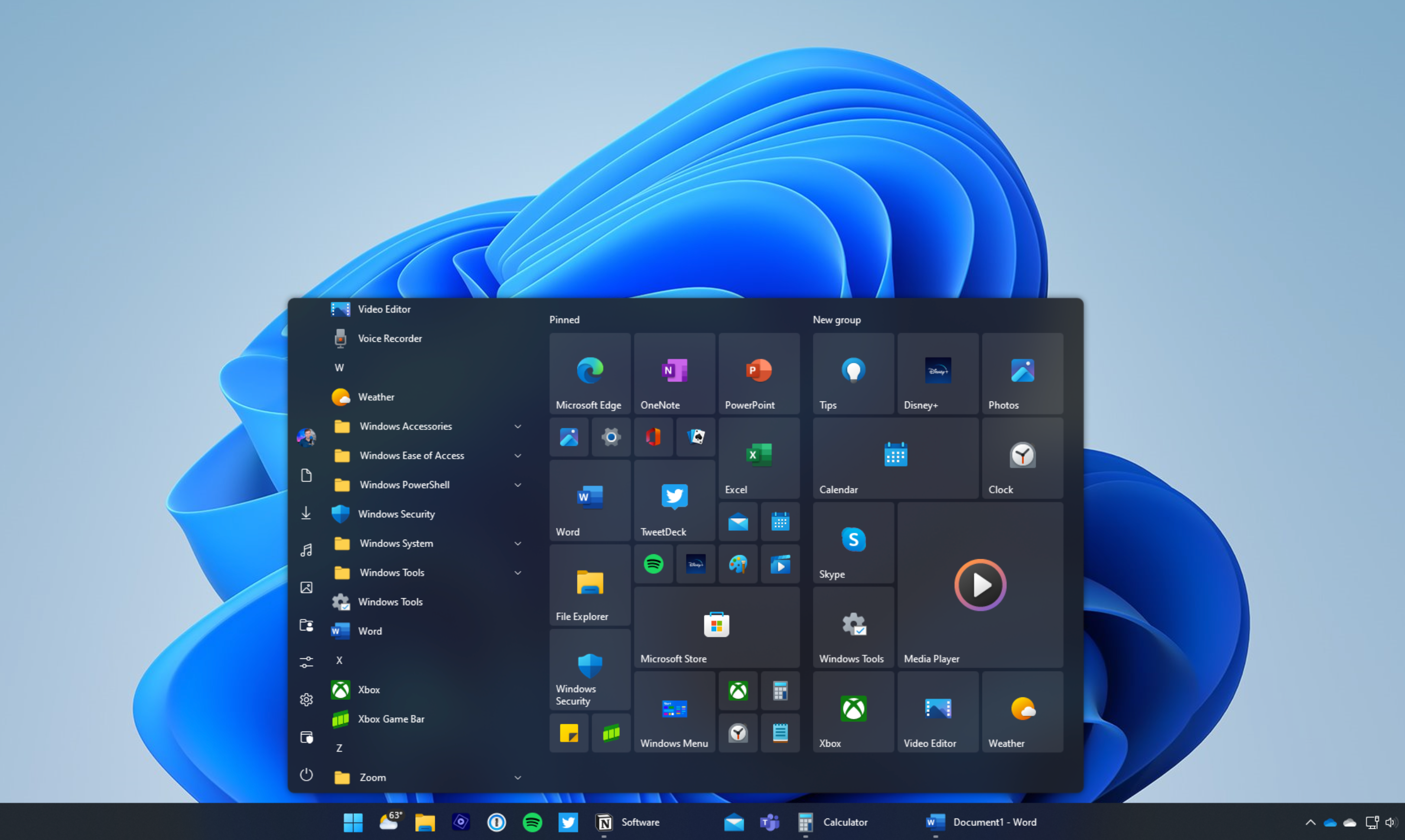
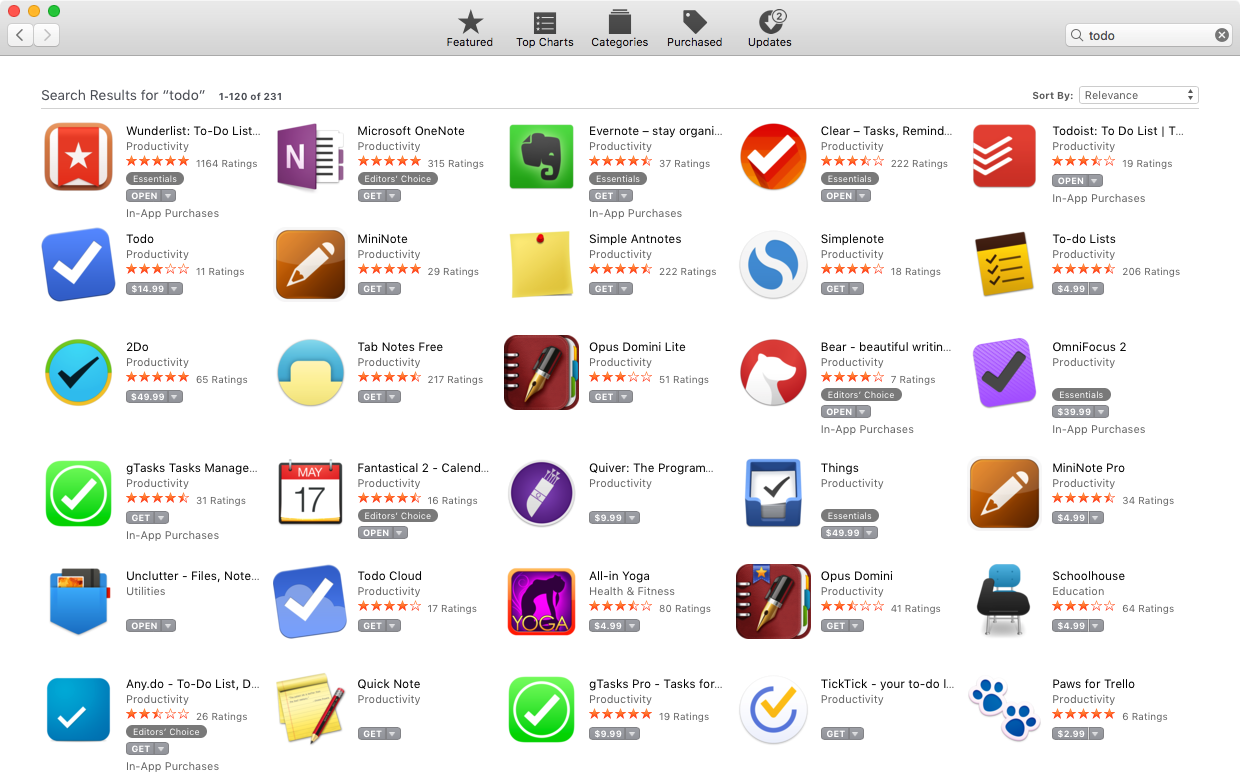


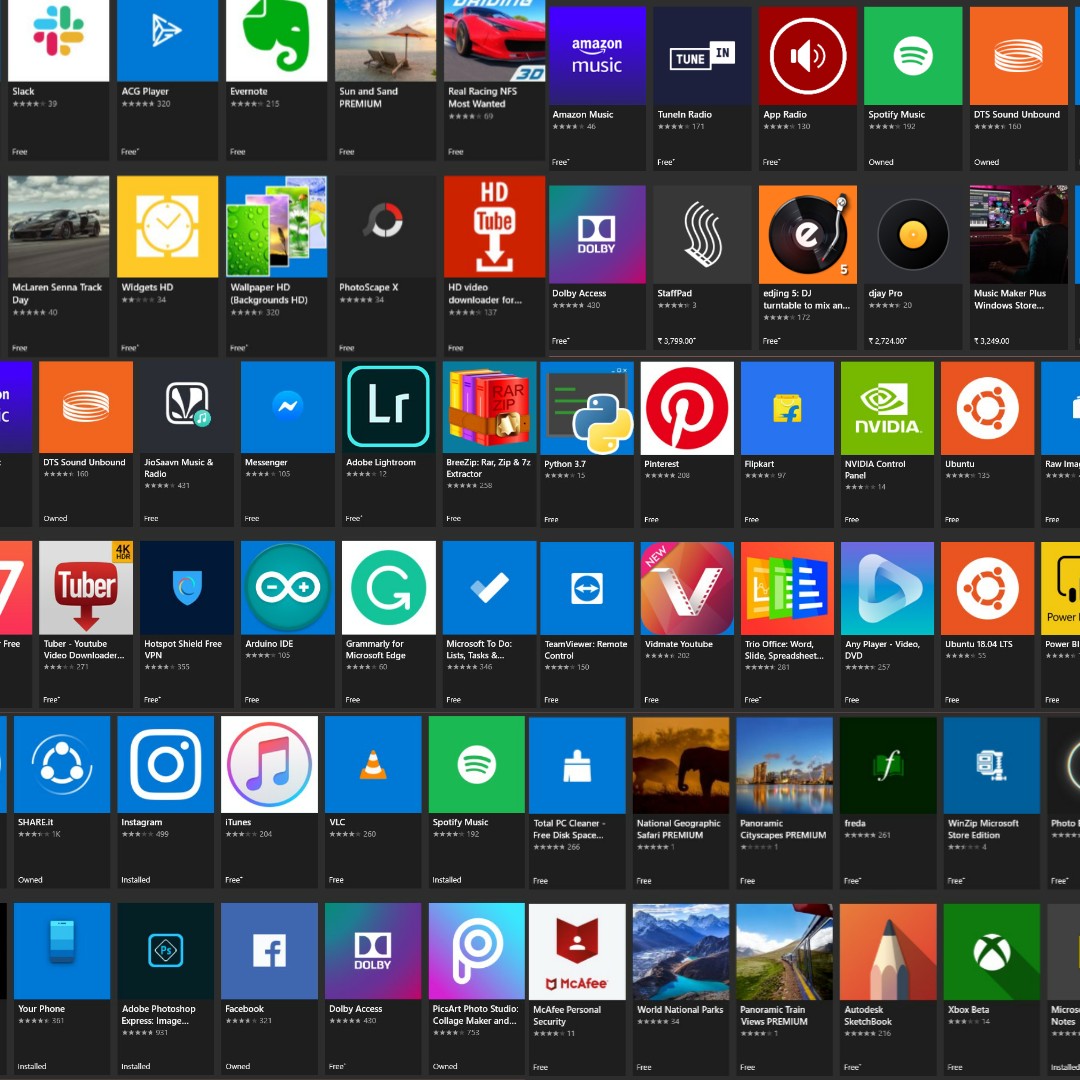






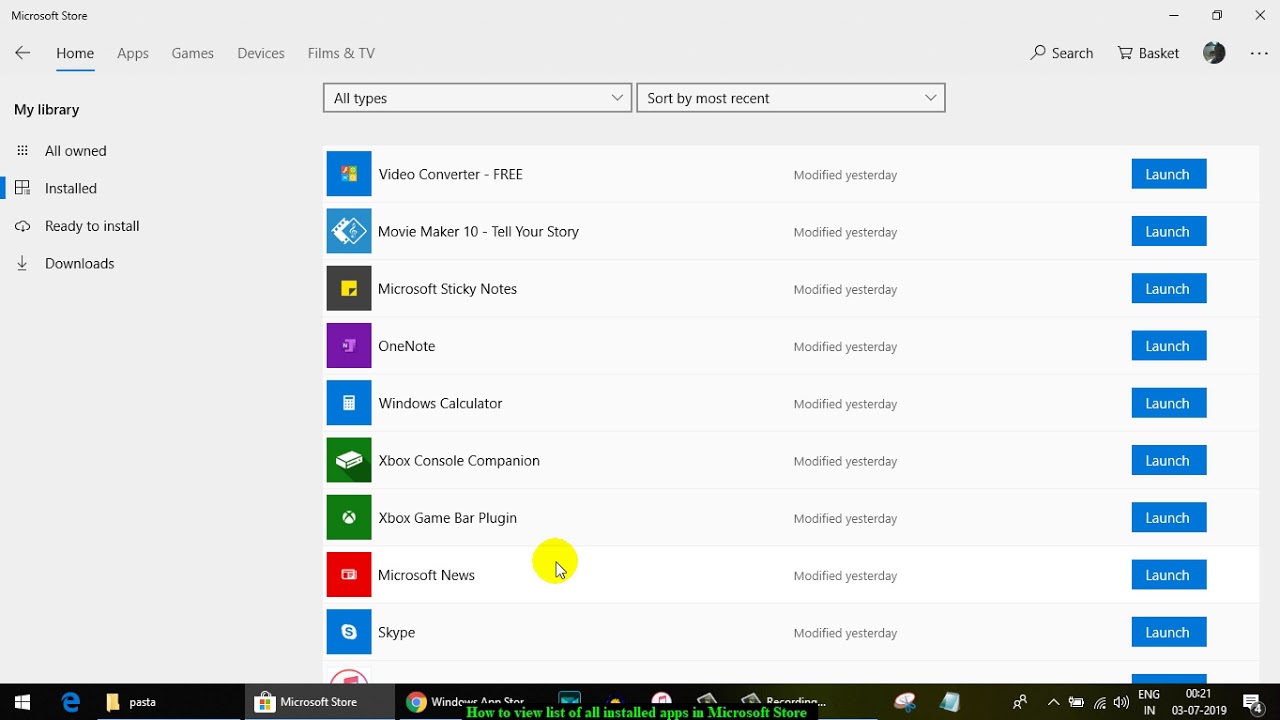
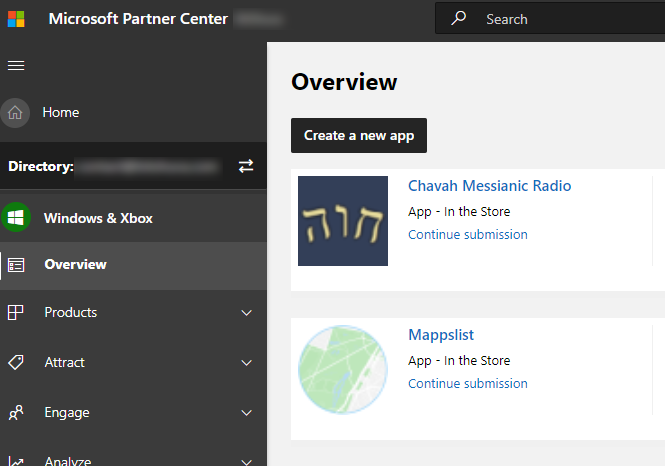
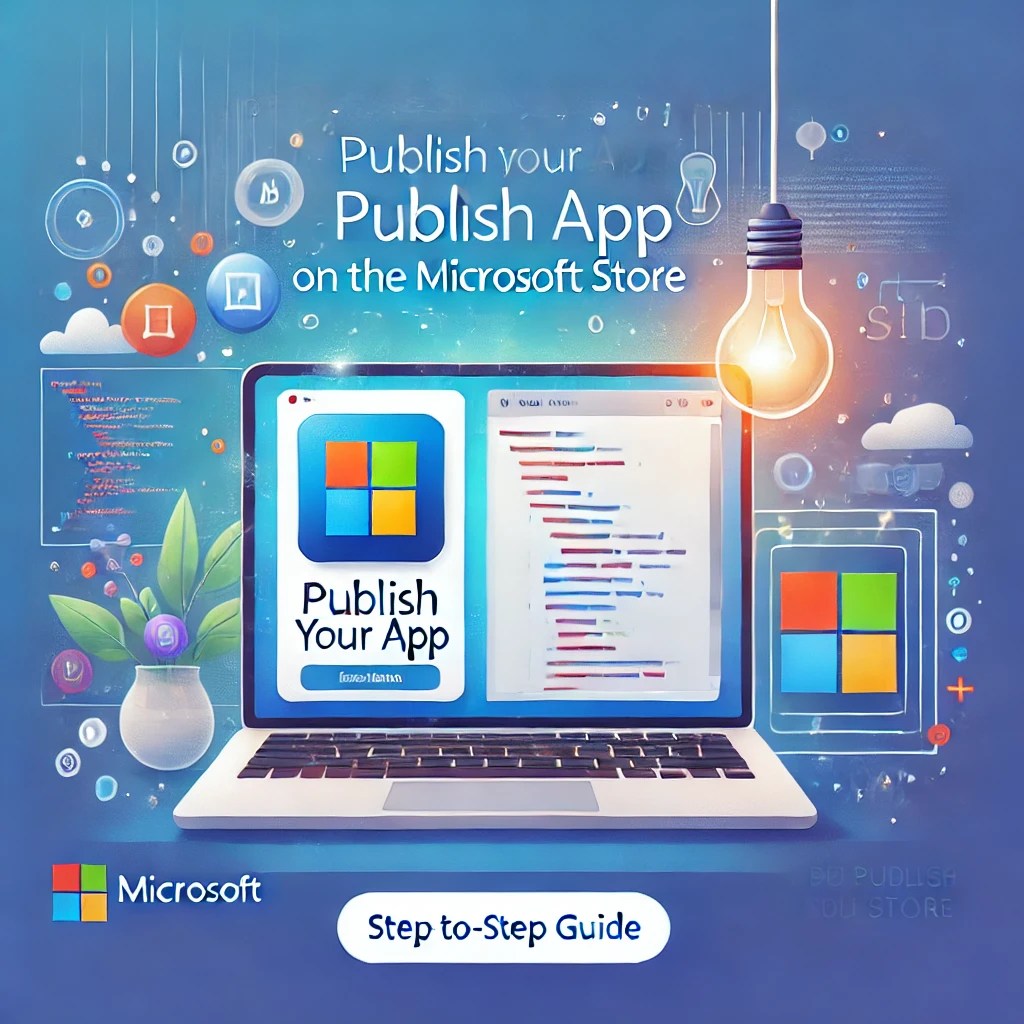
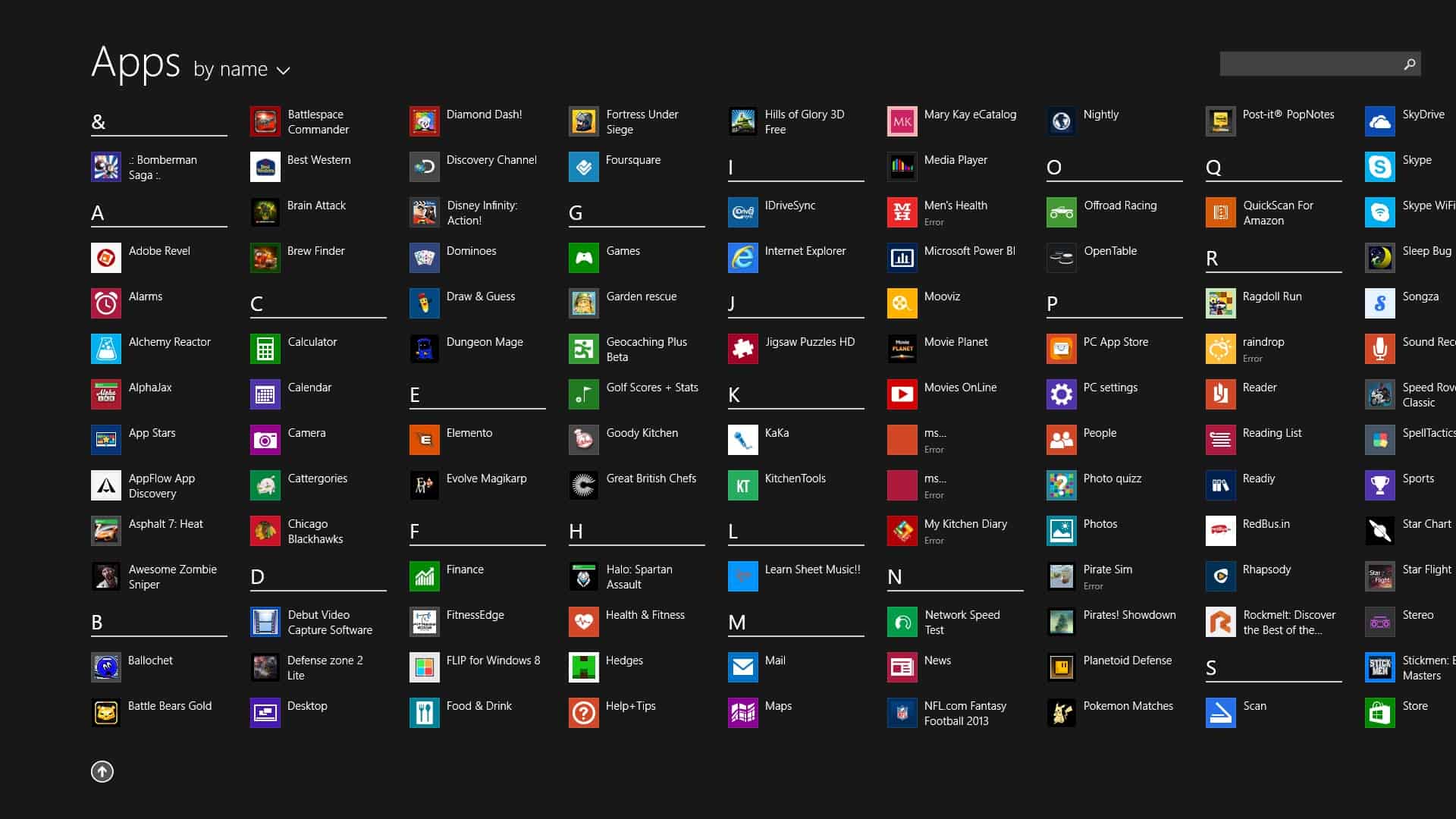






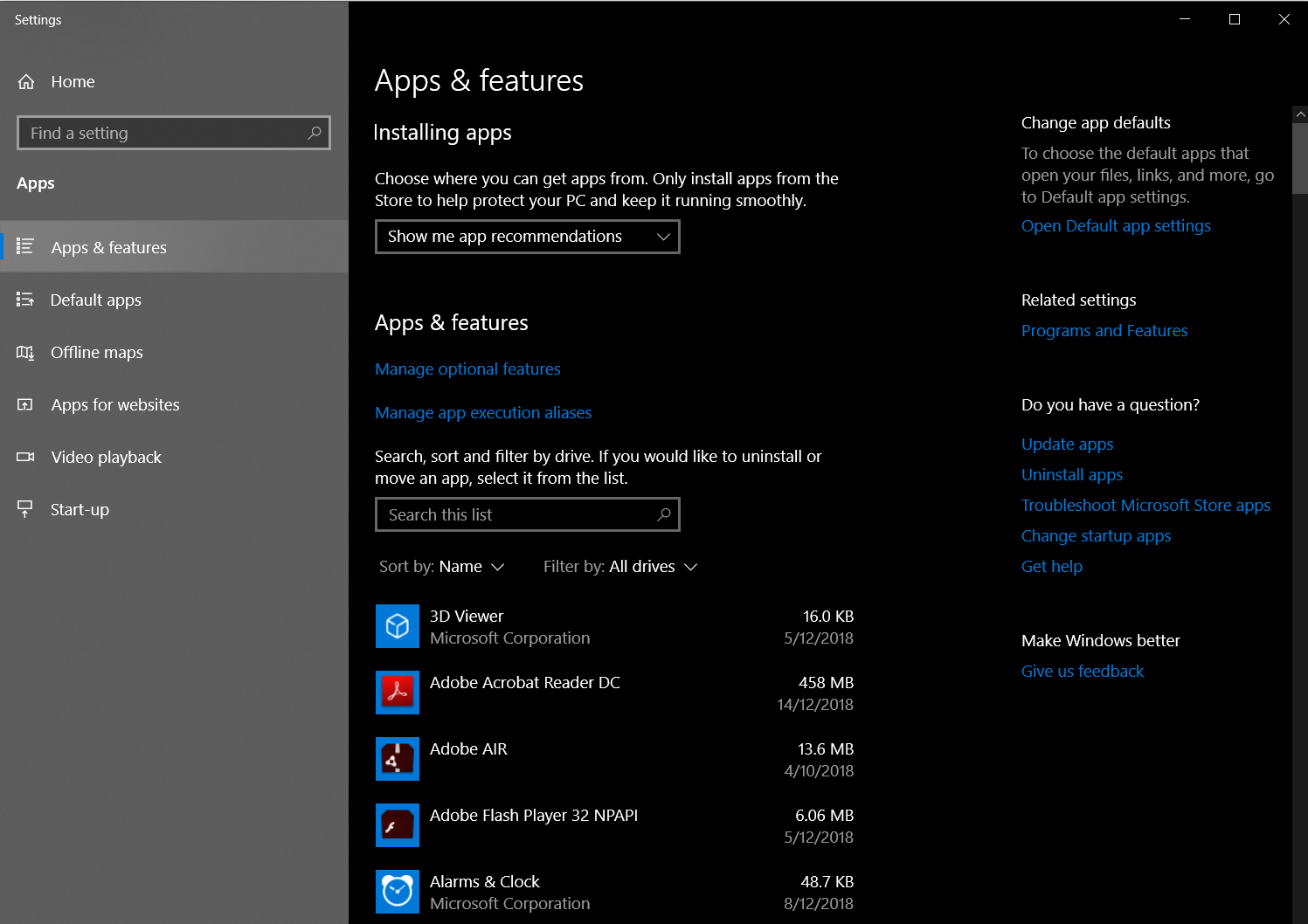

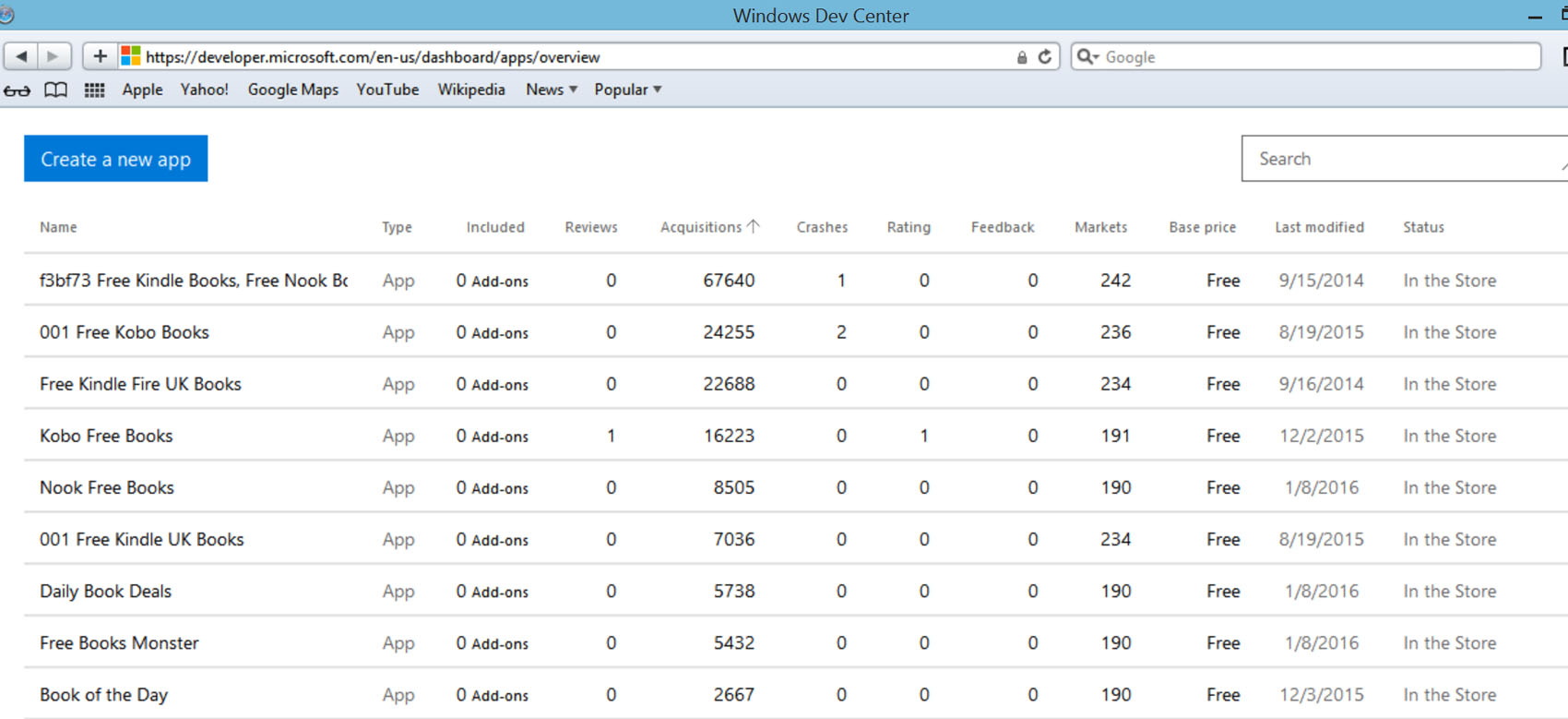
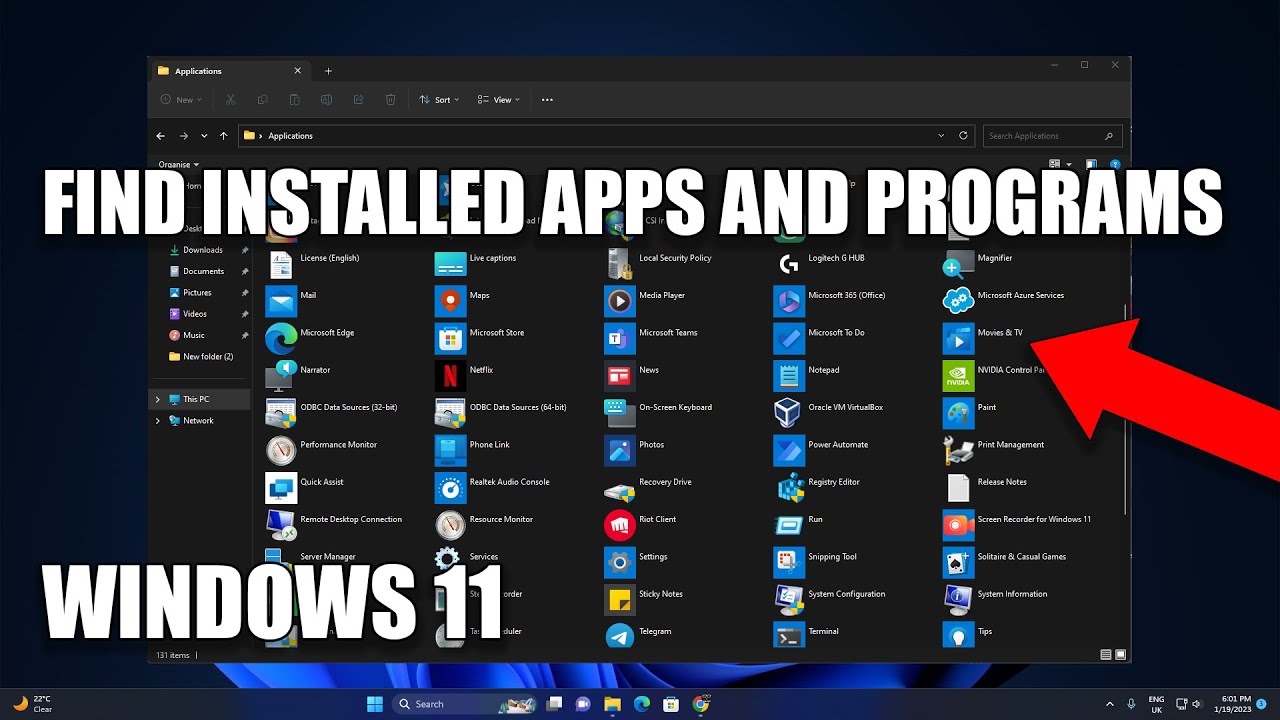
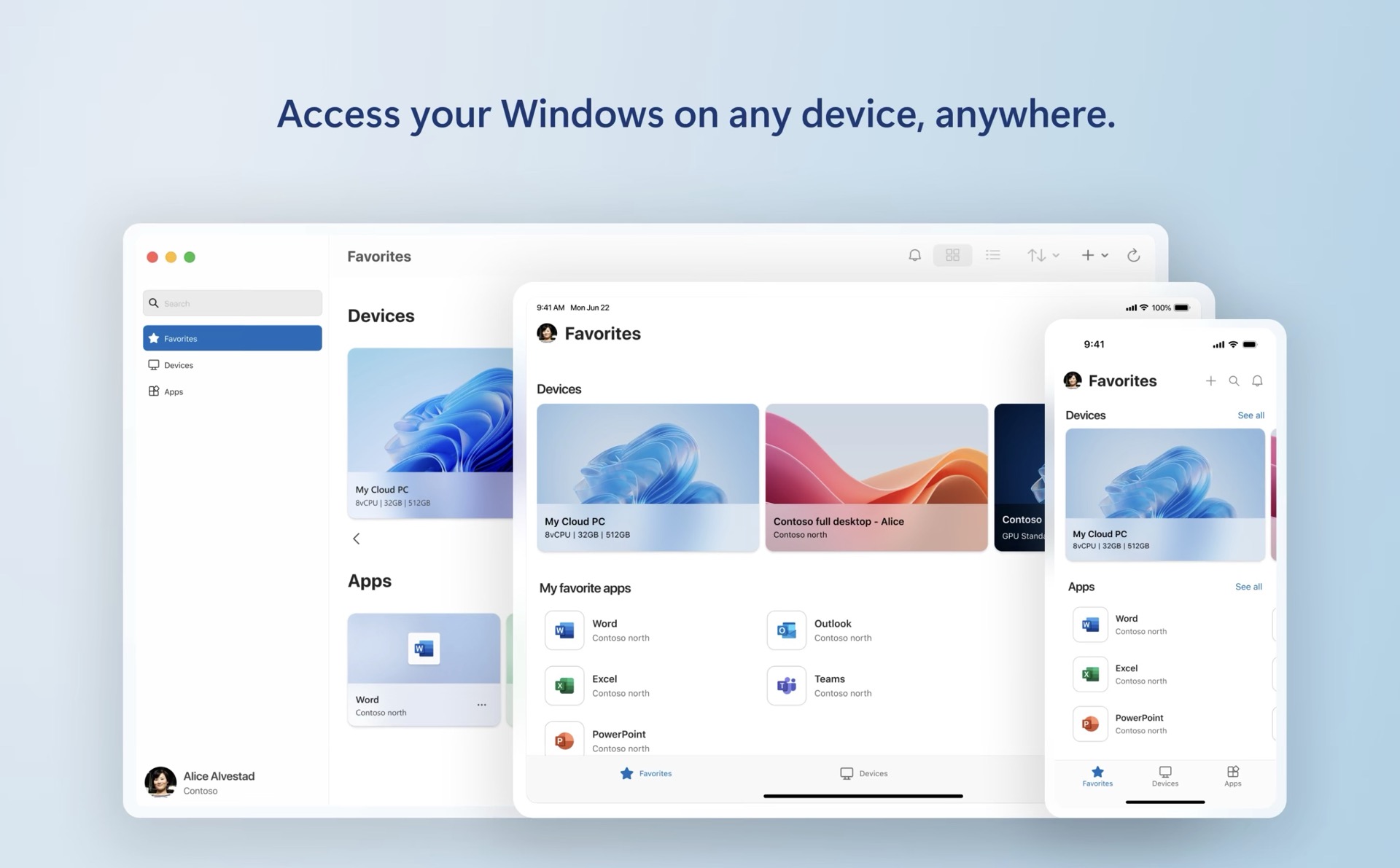
Browse our specialized Windows App Published Apps List portfolio with countless expertly curated photographs. processed according to industry standards for optimal quality and accuracy. delivering consistent quality for professional communication needs. Each Windows App Published Apps List image is carefully selected for superior visual impact and professional quality. Perfect for marketing materials, corporate presentations, advertising campaigns, and professional publications All Windows App Published Apps List images are available in high resolution with professional-grade quality, optimized for both digital and print applications, and include comprehensive metadata for easy organization and usage. Each Windows App Published Apps List image meets rigorous quality standards for commercial applications. Regular updates keep the Windows App Published Apps List collection current with contemporary trends and styles. Time-saving browsing features help users locate ideal Windows App Published Apps List images quickly. The Windows App Published Apps List collection represents years of careful curation and professional standards. Reliable customer support ensures smooth experience throughout the Windows App Published Apps List selection process. Each image in our Windows App Published Apps List gallery undergoes rigorous quality assessment before inclusion. Whether for commercial projects or personal use, our Windows App Published Apps List collection delivers consistent excellence. Diverse style options within the Windows App Published Apps List collection suit various aesthetic preferences.