Windows 8 Start Screen Customize
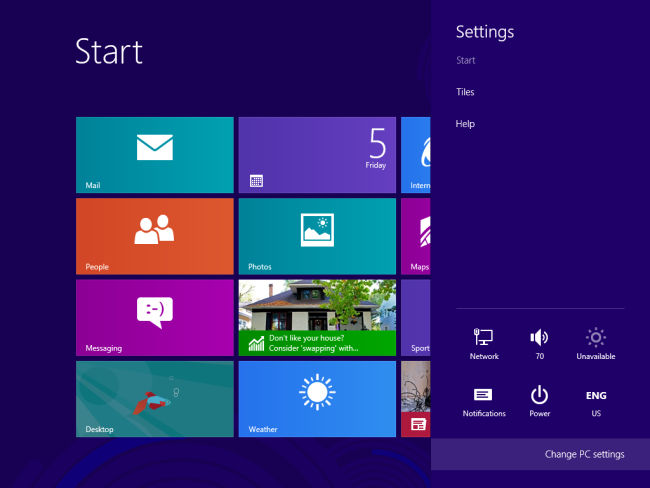
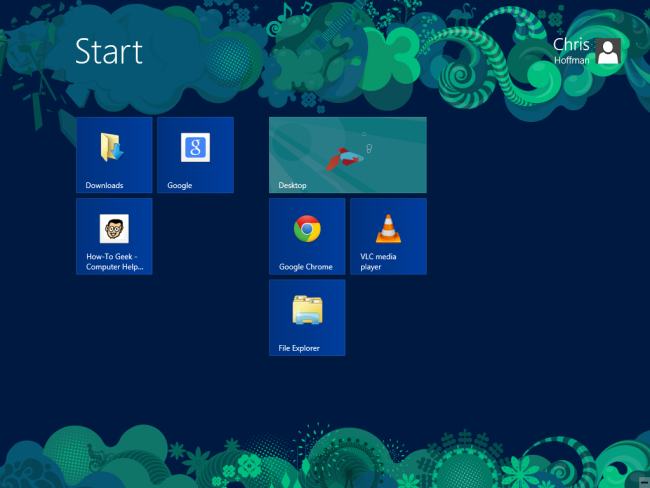

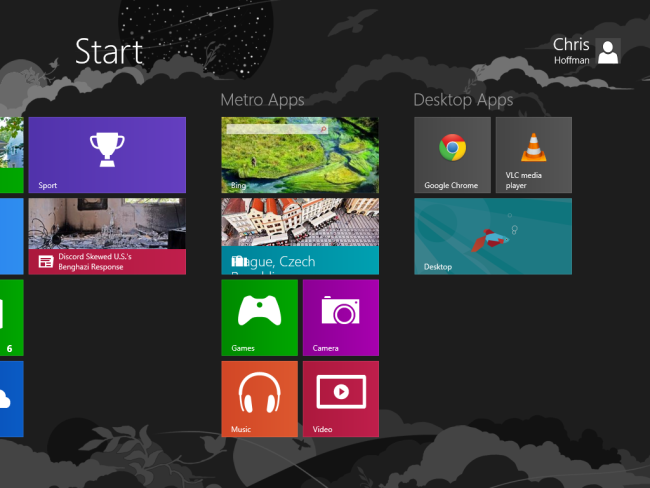
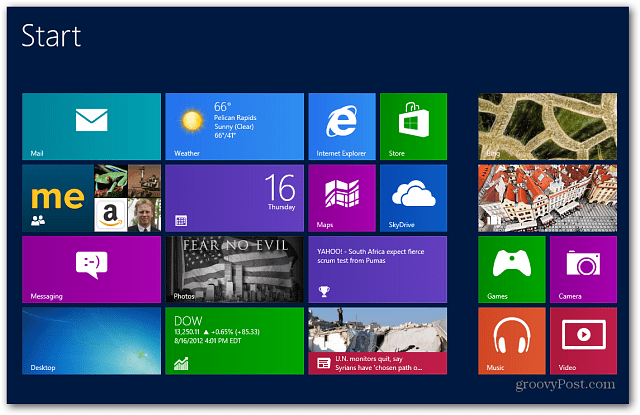
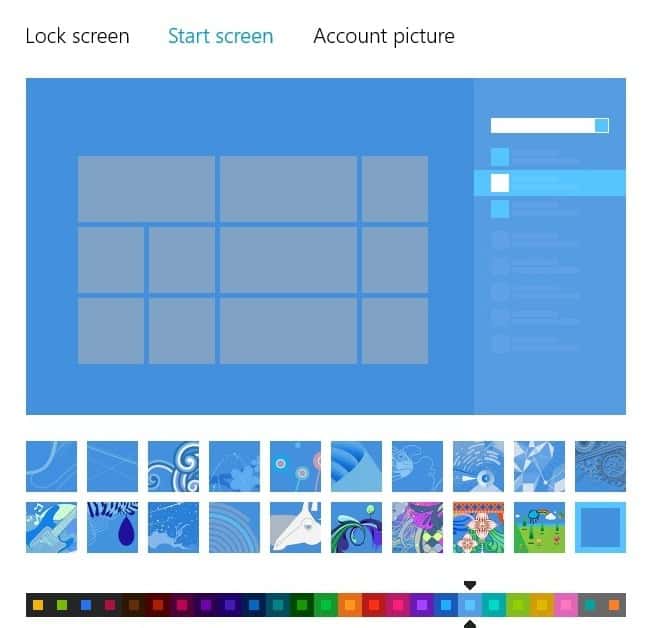


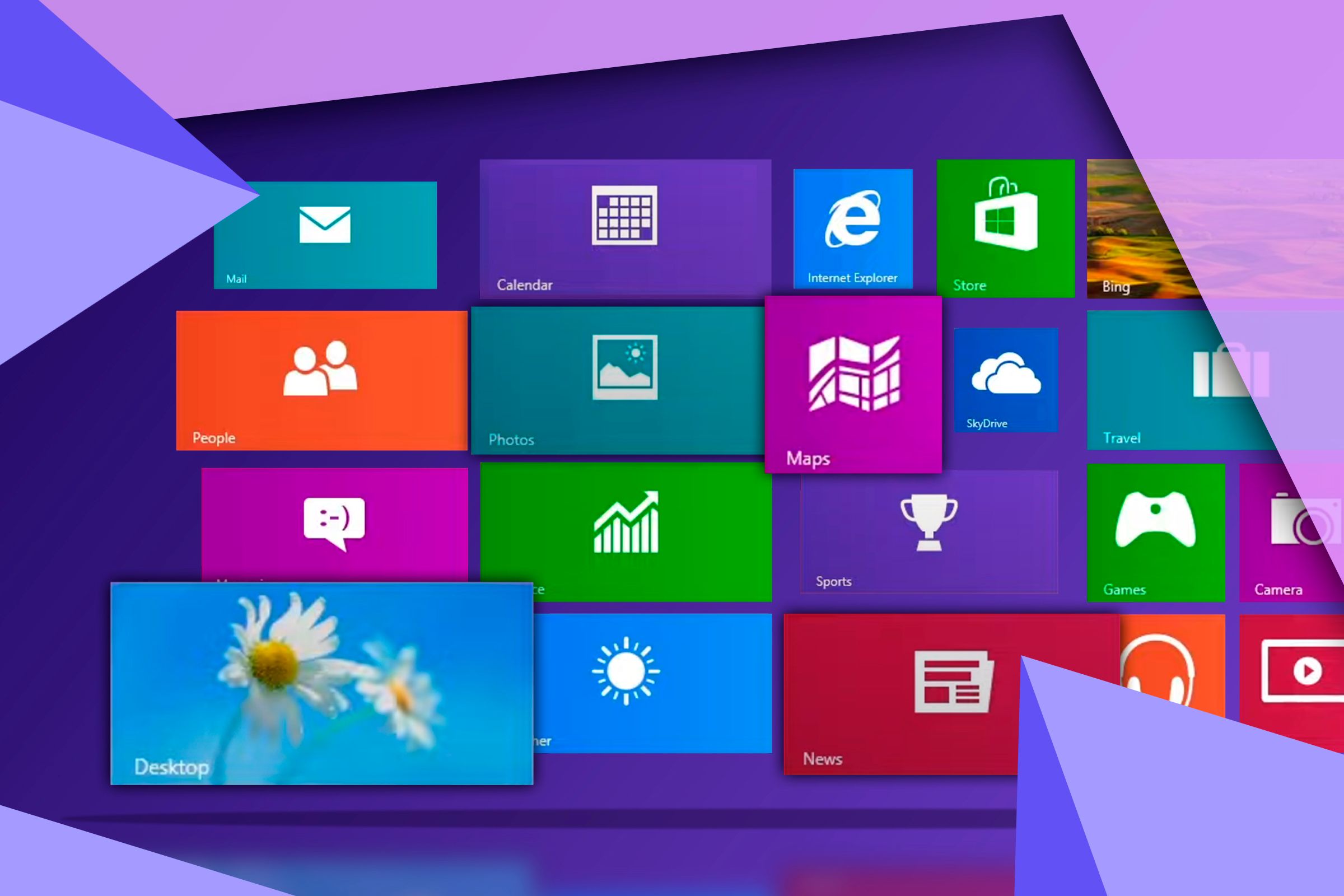

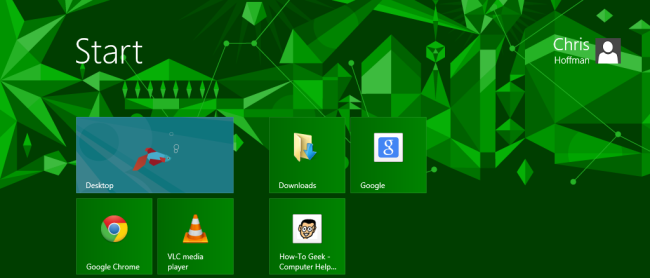

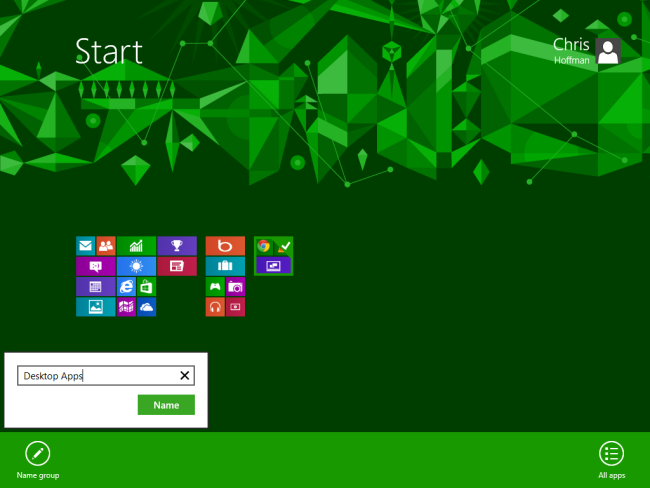
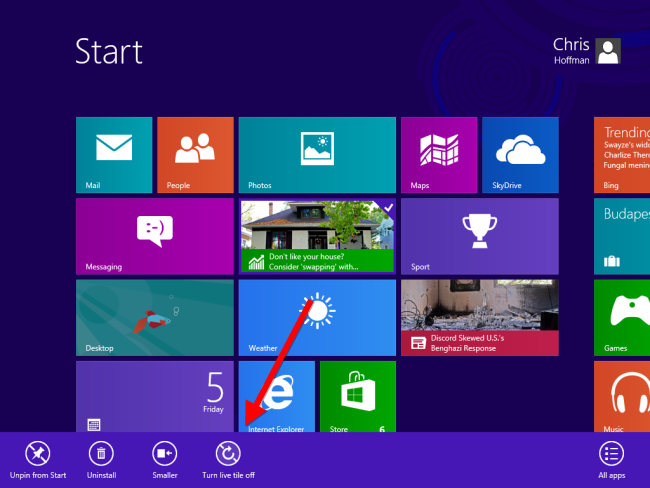
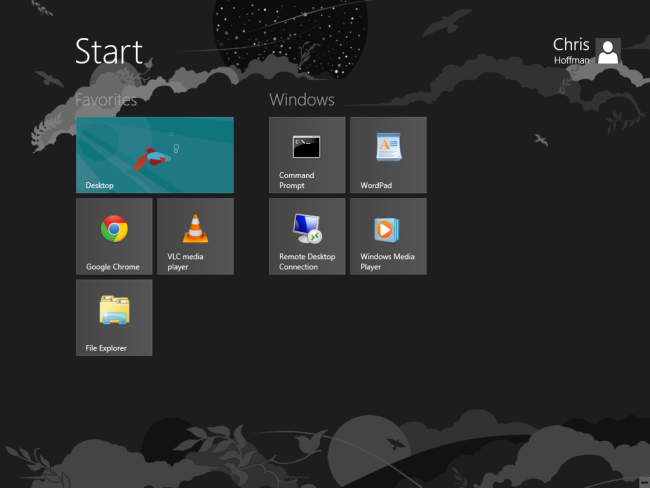


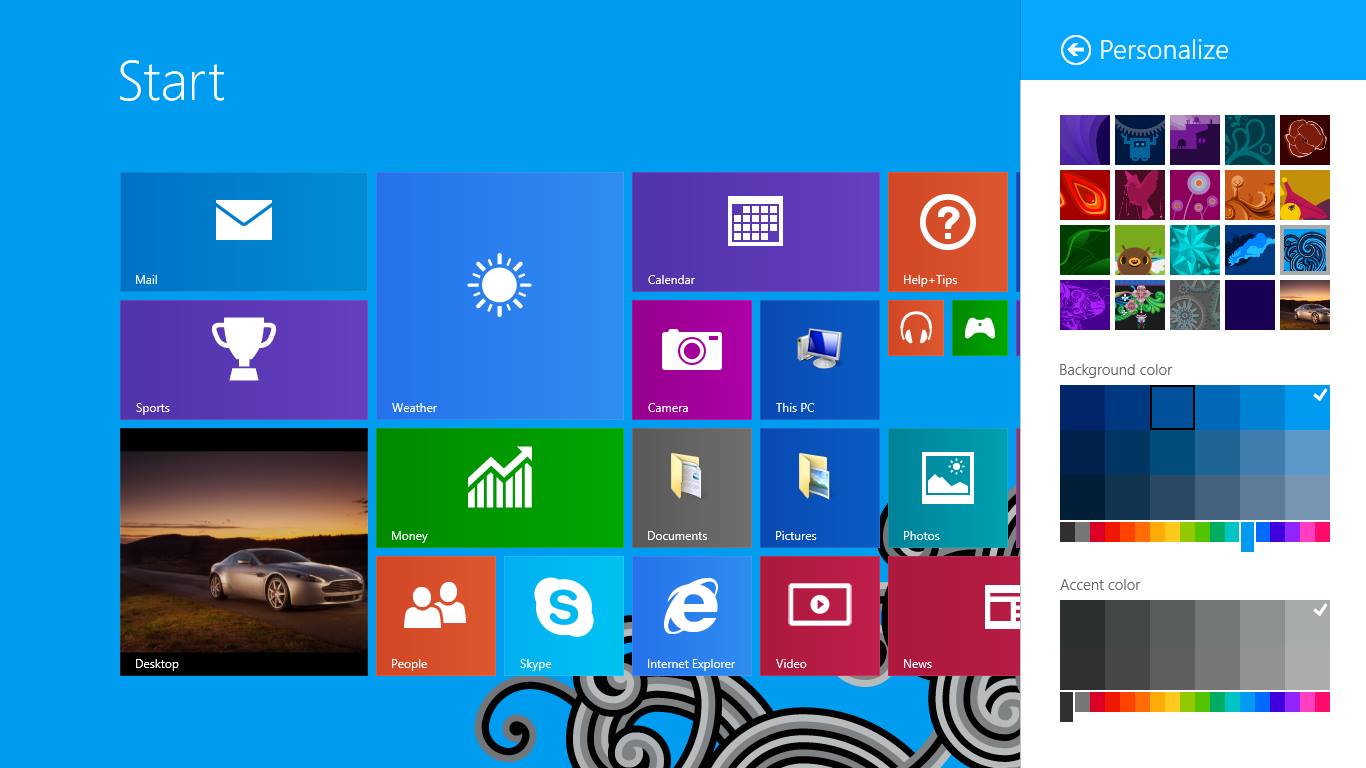

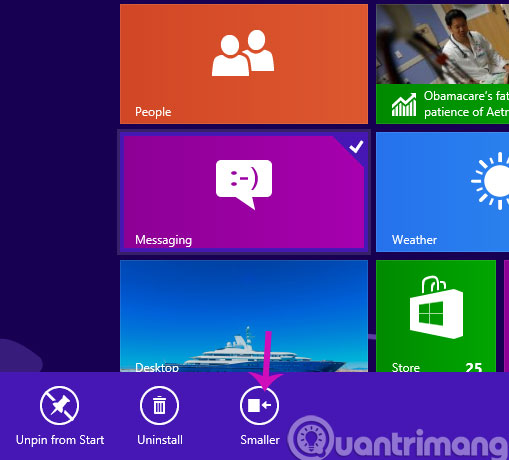





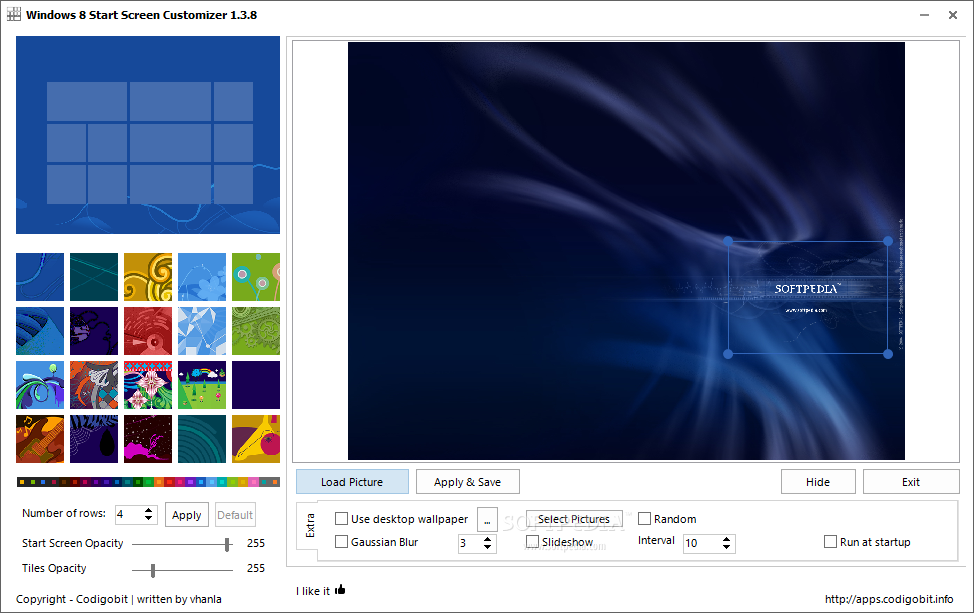
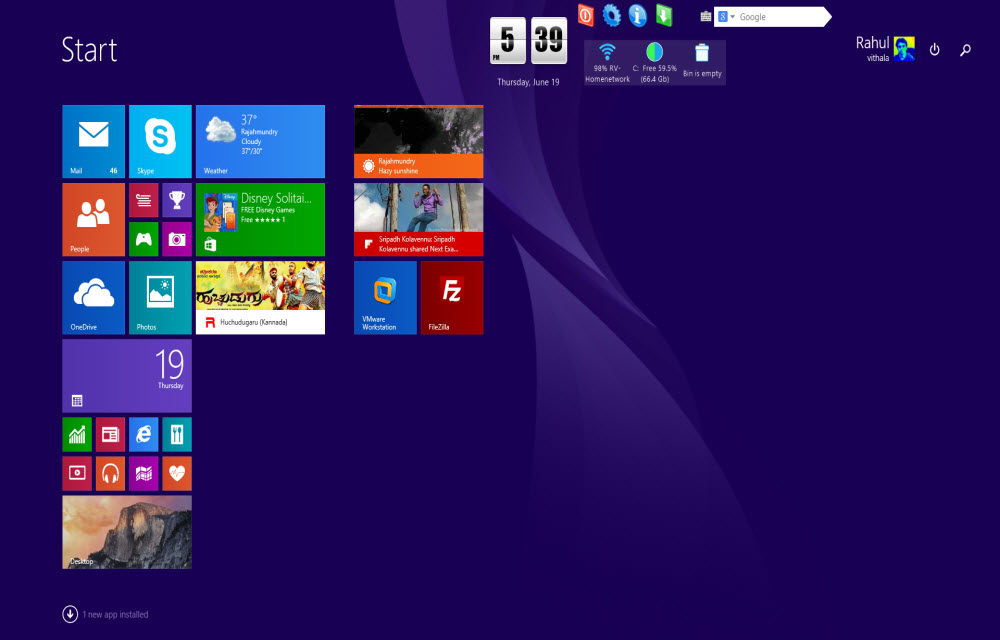


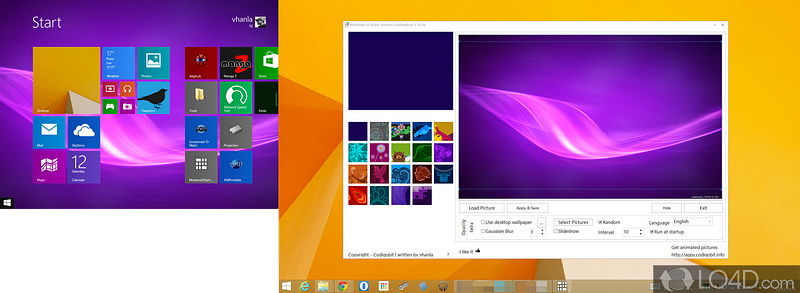

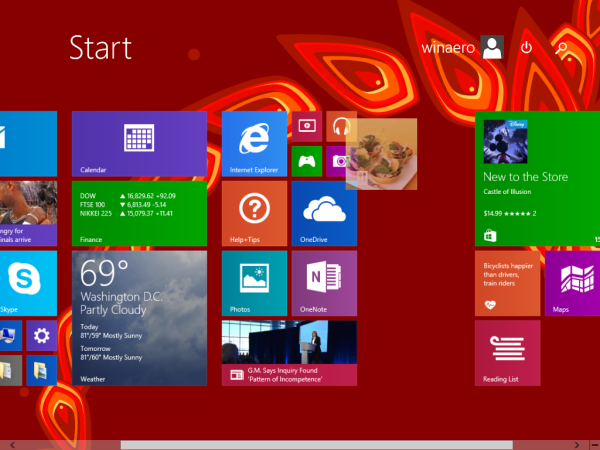
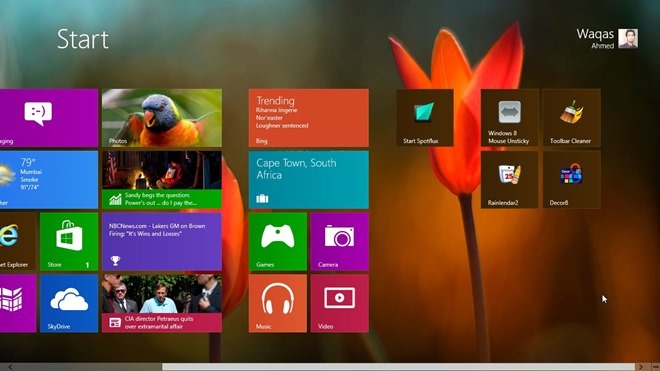


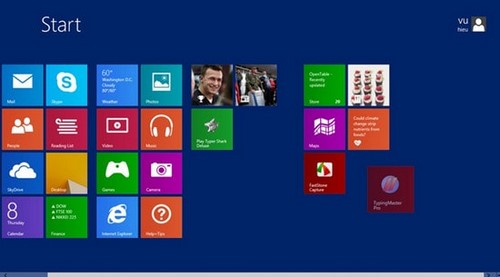
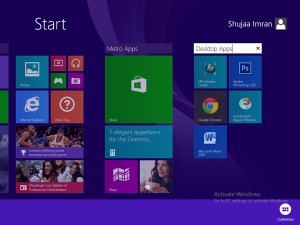
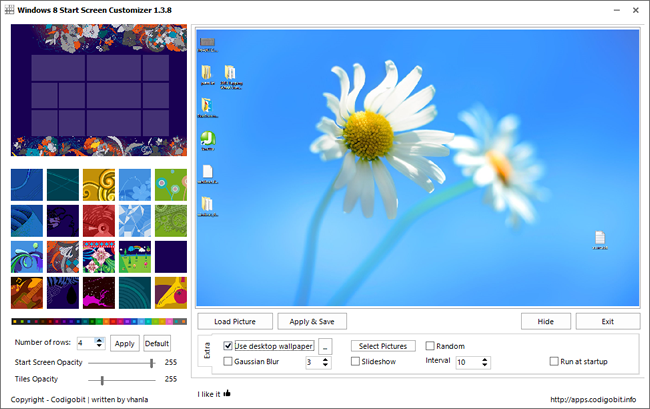
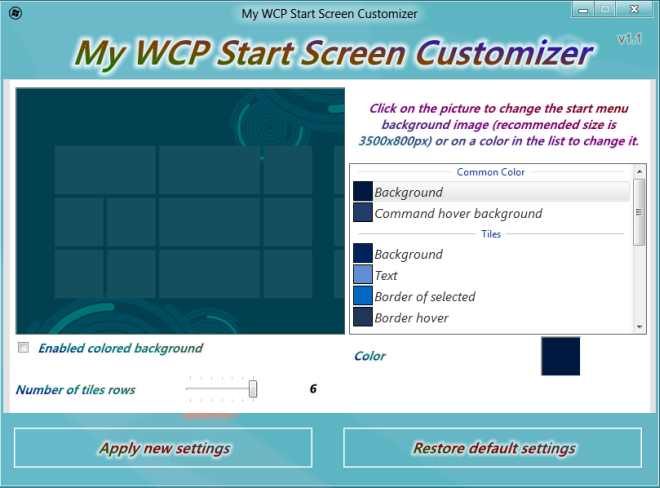


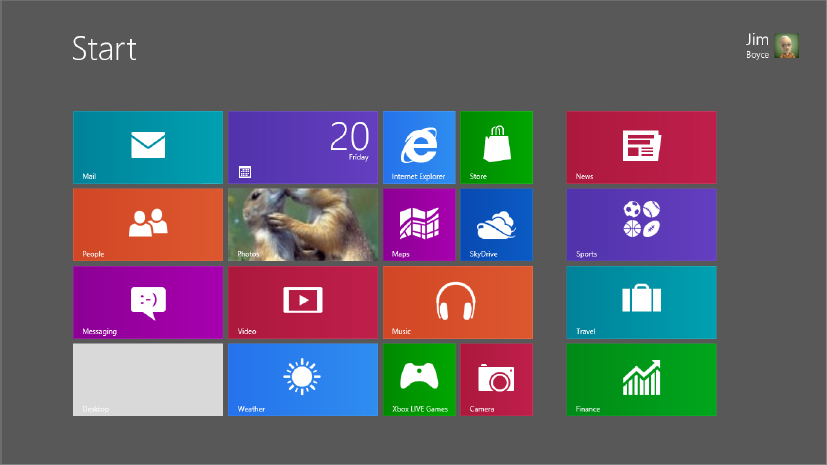
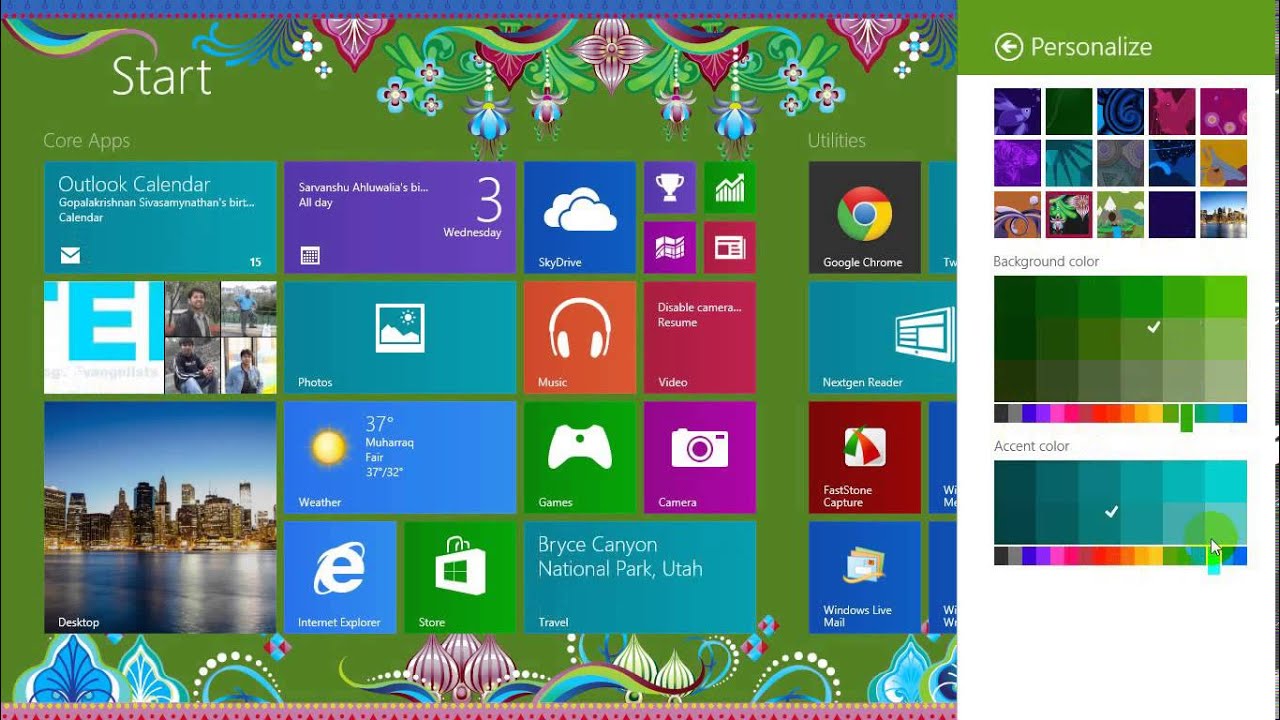
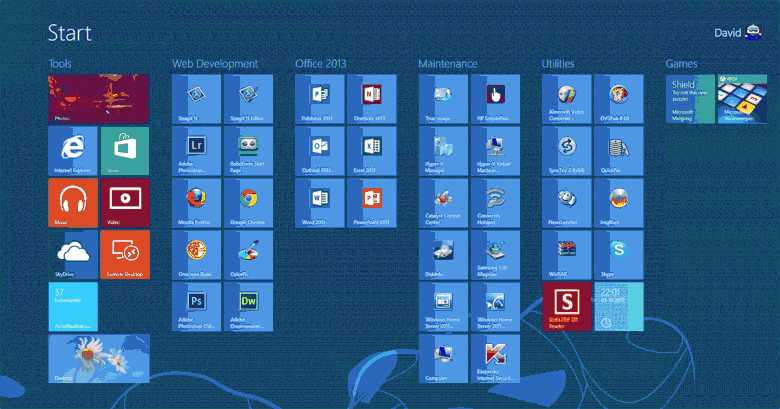
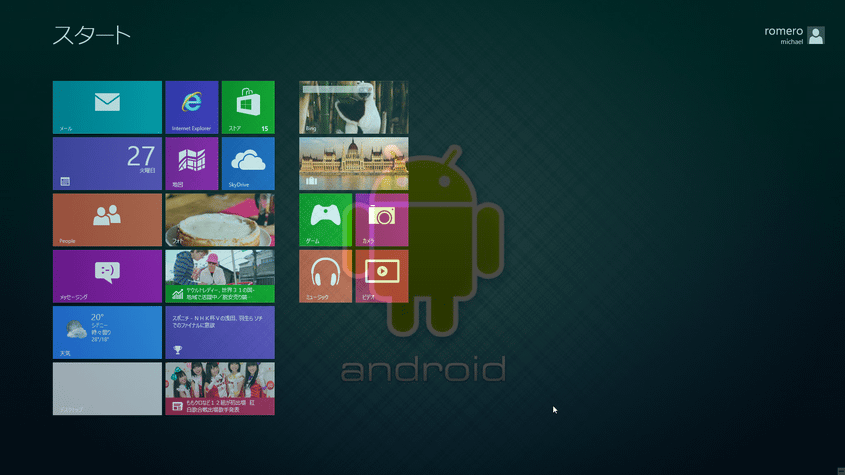





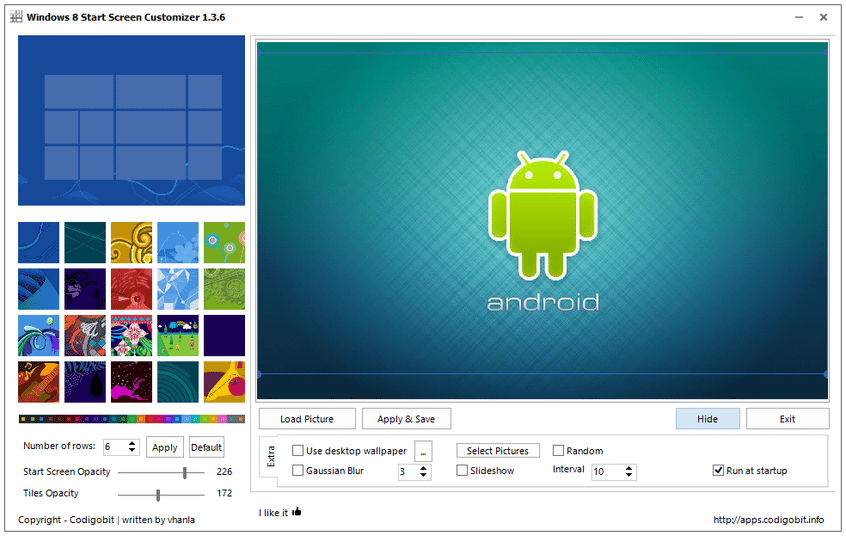
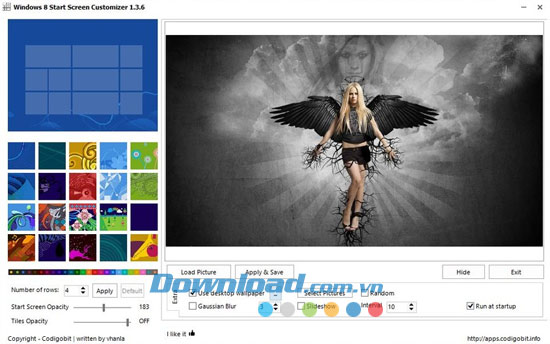


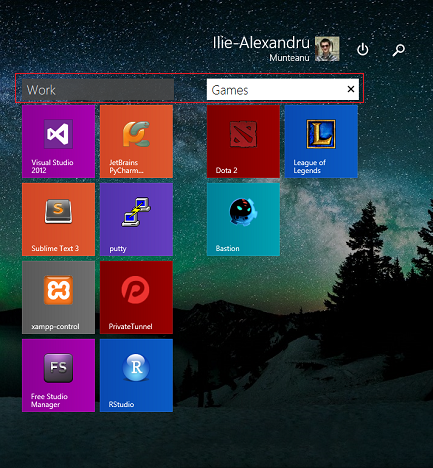
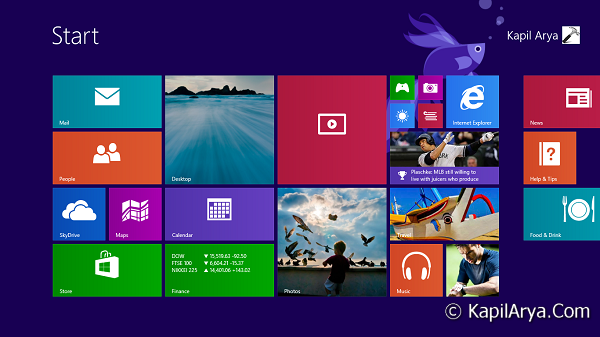
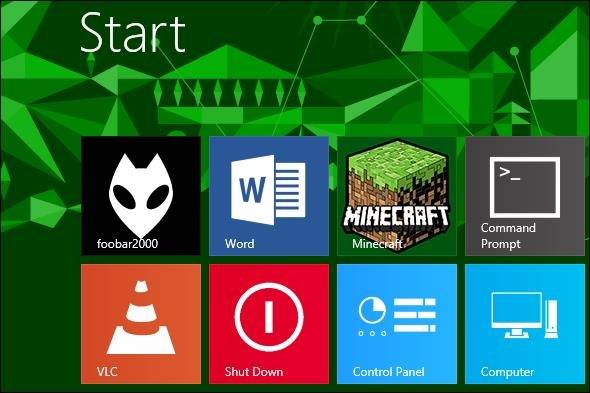


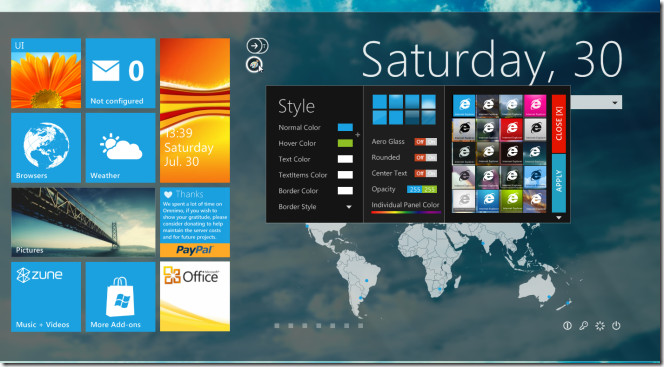
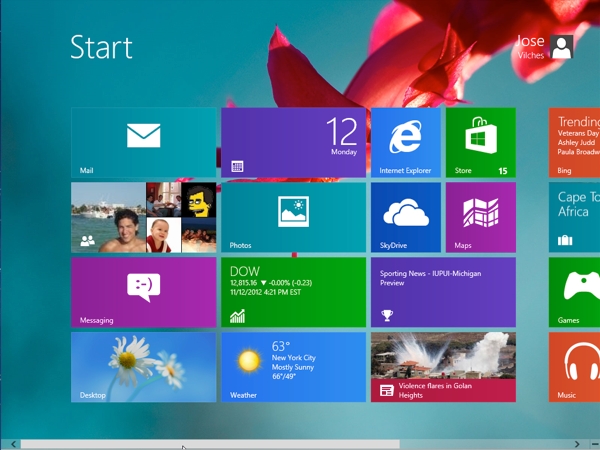

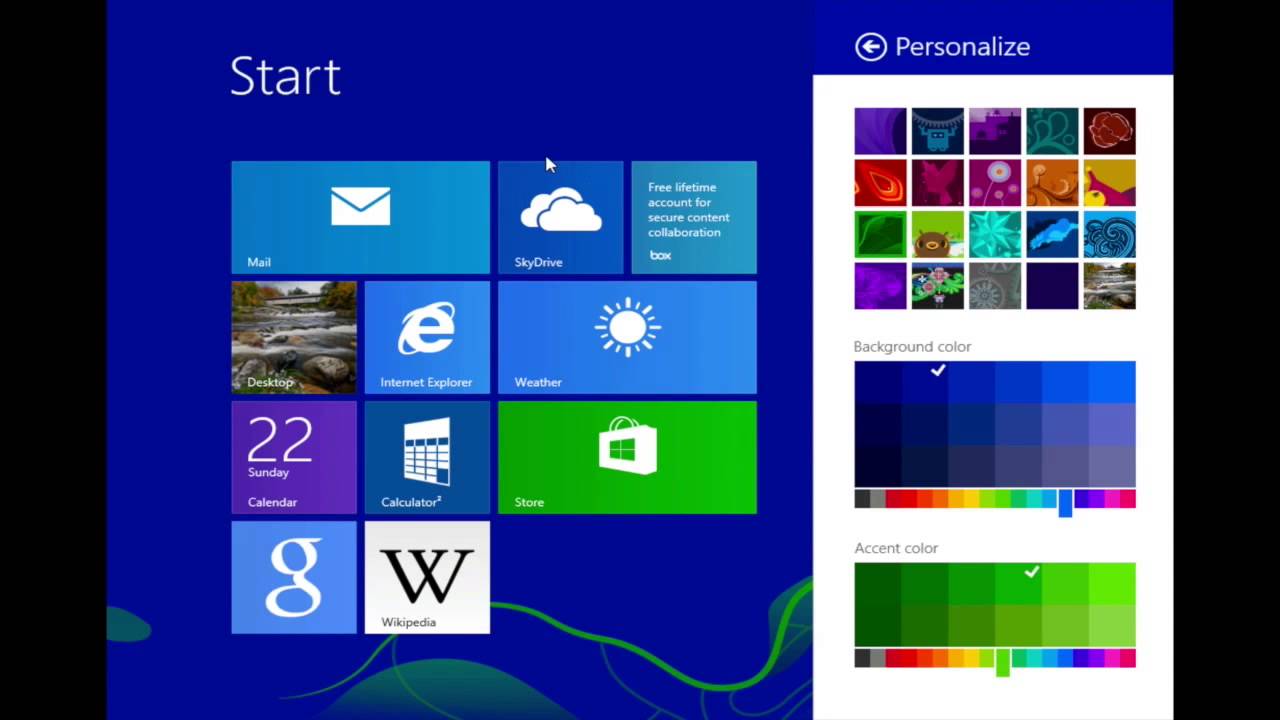
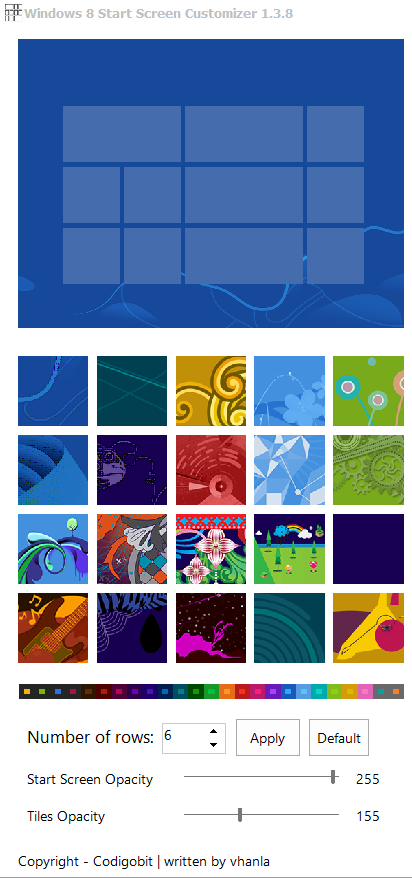


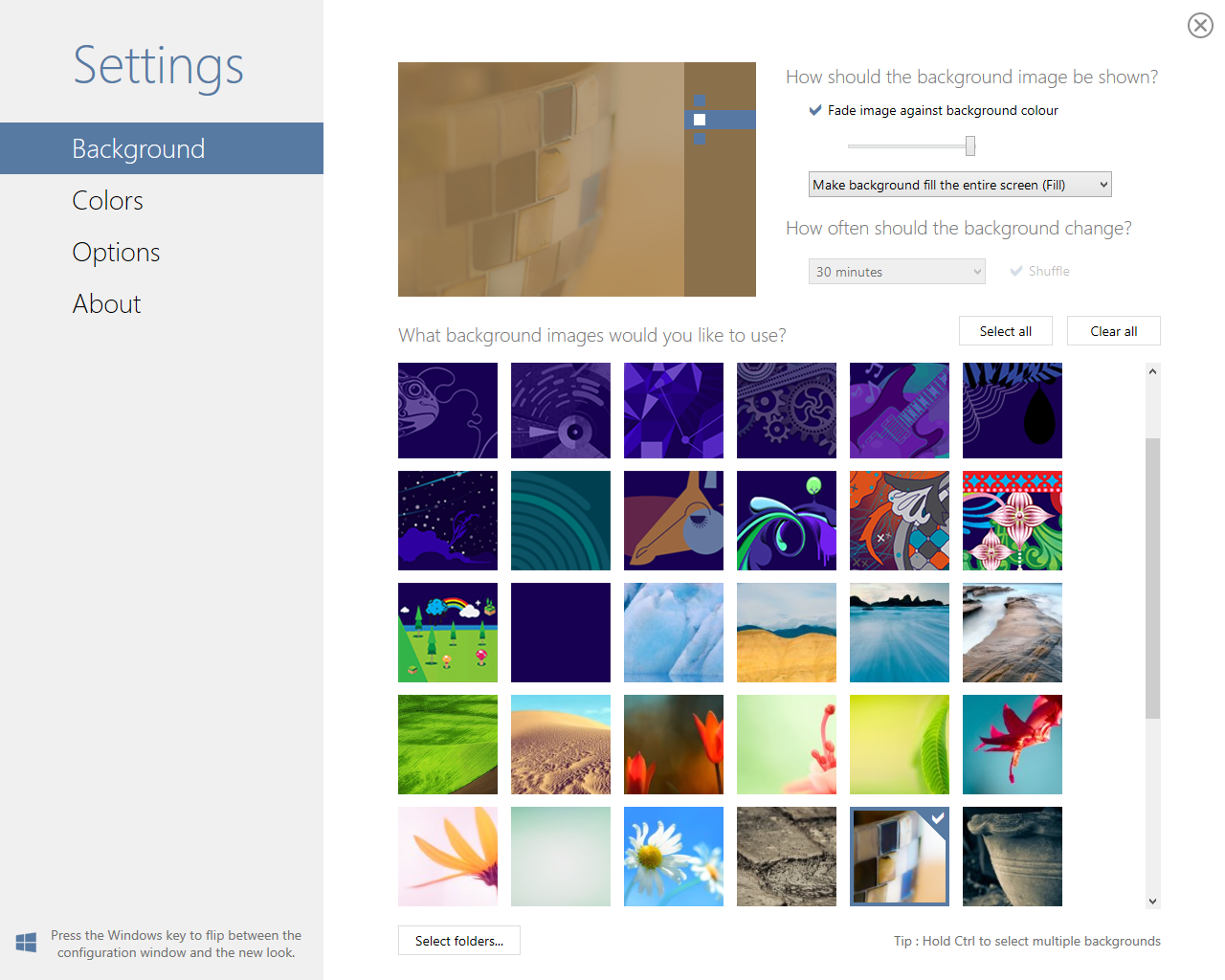
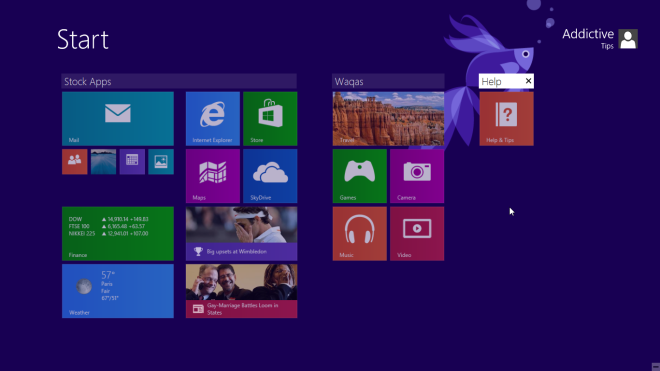


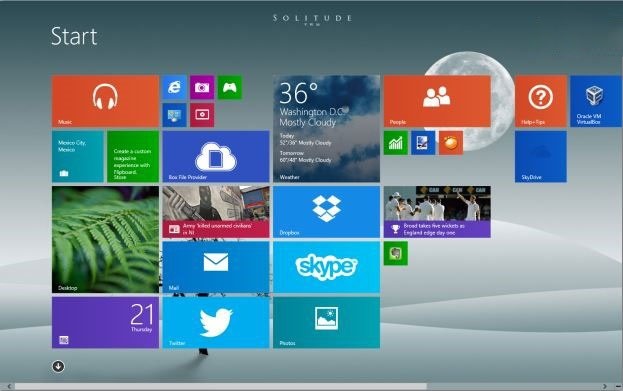

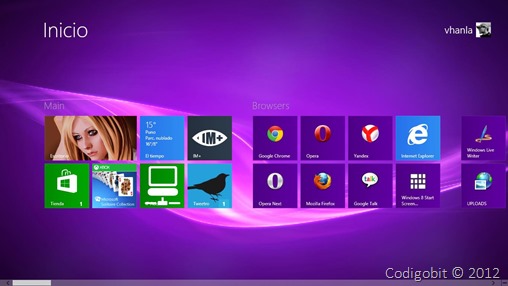
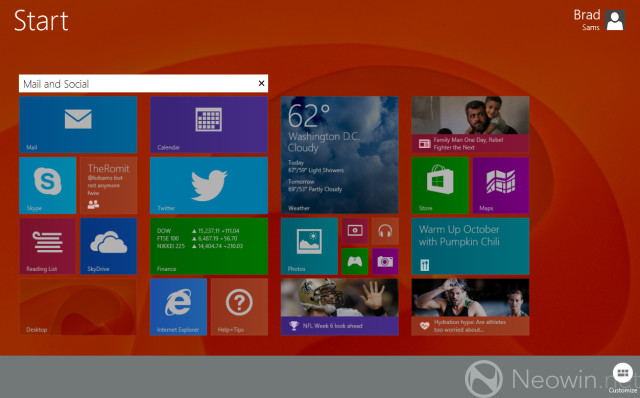
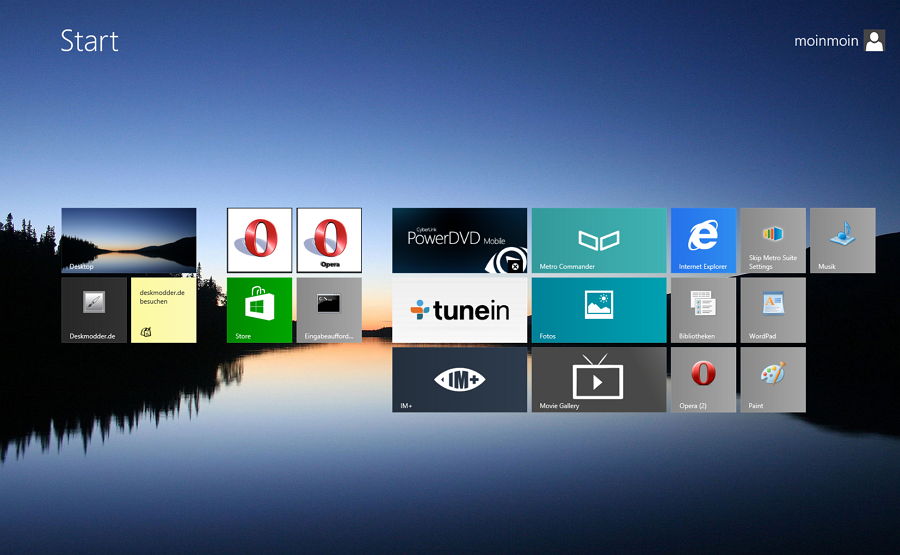


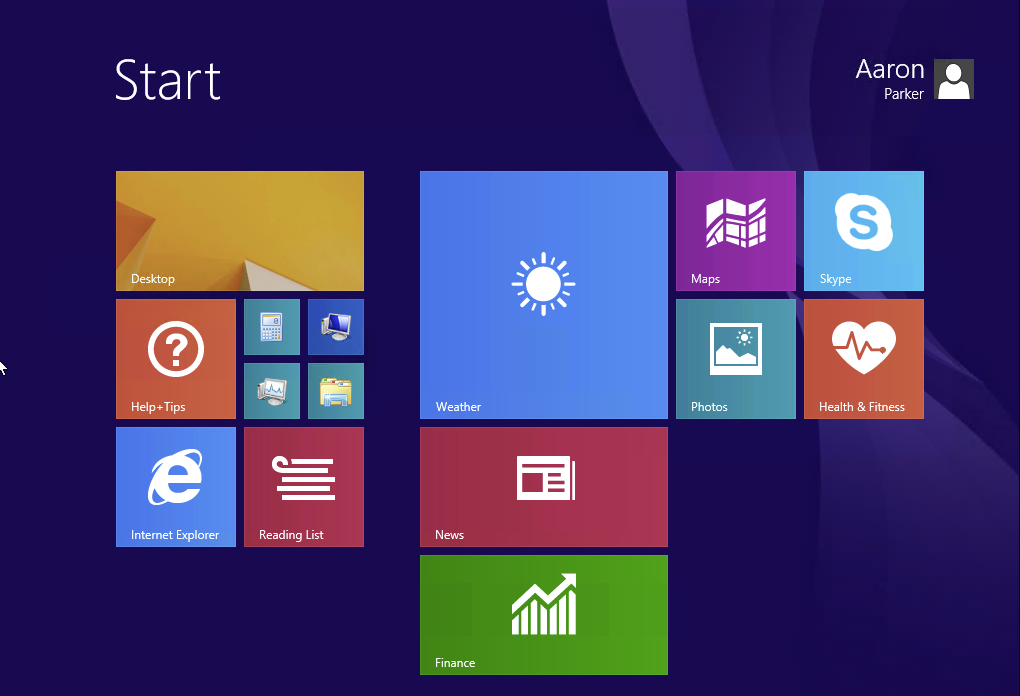


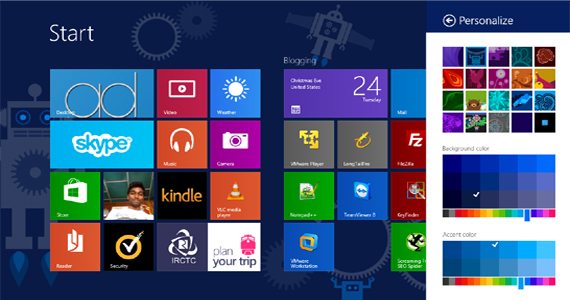


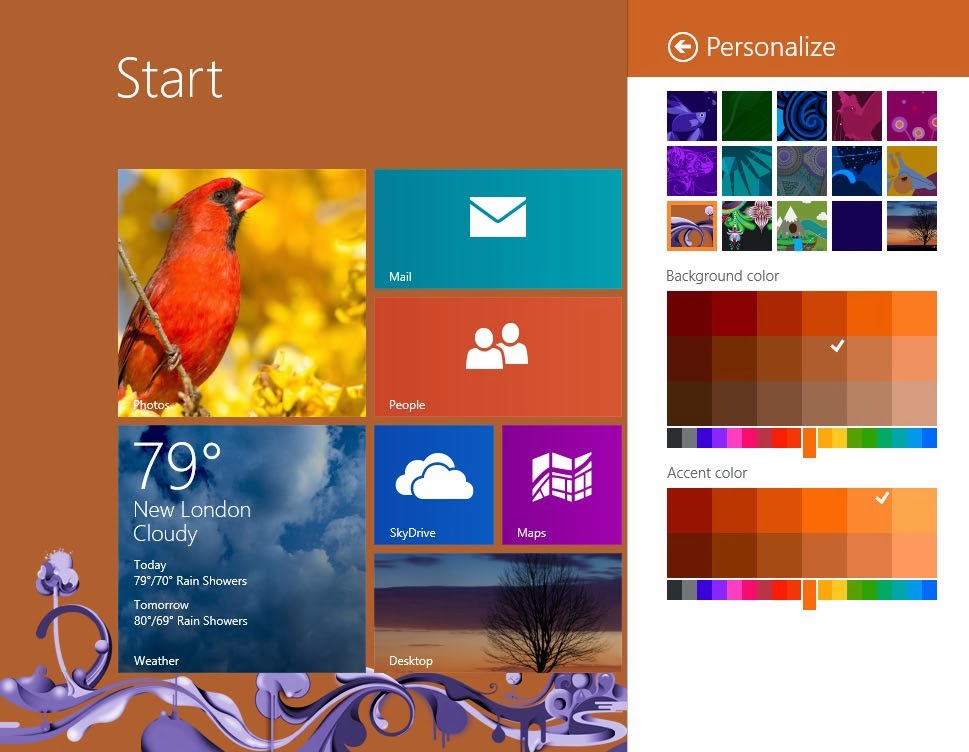


Discover the creative potential of Windows 8 Start Screen Customize with our artistic gallery of countless images. showcasing the expressive qualities of artistic, creative, and design. ideal for creative portfolios and presentations. The Windows 8 Start Screen Customize collection maintains consistent quality standards across all images. Suitable for various applications including web design, social media, personal projects, and digital content creation All Windows 8 Start Screen Customize images are available in high resolution with professional-grade quality, optimized for both digital and print applications, and include comprehensive metadata for easy organization and usage. Explore the versatility of our Windows 8 Start Screen Customize collection for various creative and professional projects. Multiple resolution options ensure optimal performance across different platforms and applications. Comprehensive tagging systems facilitate quick discovery of relevant Windows 8 Start Screen Customize content. Reliable customer support ensures smooth experience throughout the Windows 8 Start Screen Customize selection process. Our Windows 8 Start Screen Customize database continuously expands with fresh, relevant content from skilled photographers. The Windows 8 Start Screen Customize collection represents years of careful curation and professional standards. Whether for commercial projects or personal use, our Windows 8 Start Screen Customize collection delivers consistent excellence. The Windows 8 Start Screen Customize archive serves professionals, educators, and creatives across diverse industries.