Windows 11 Windows P


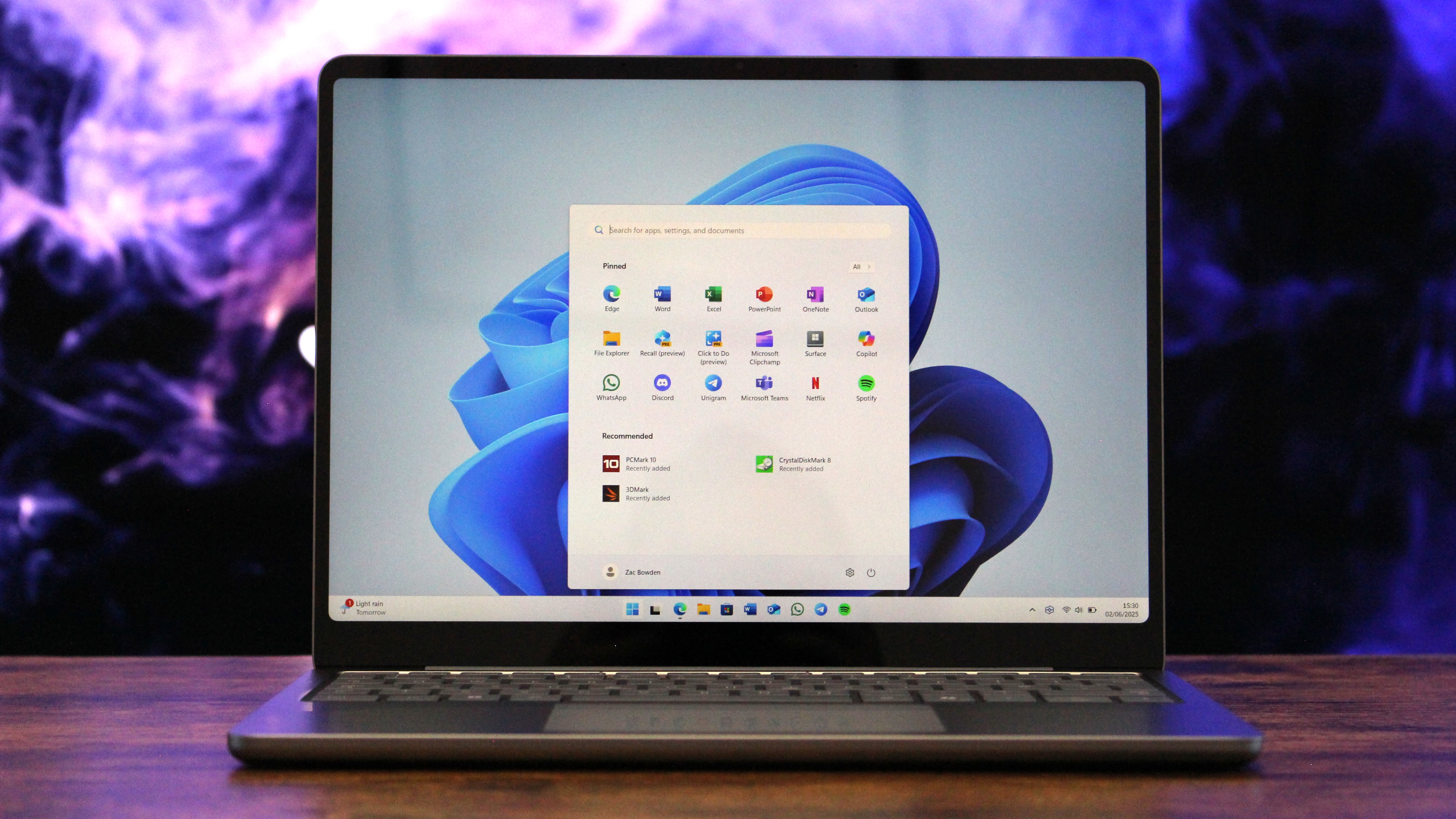
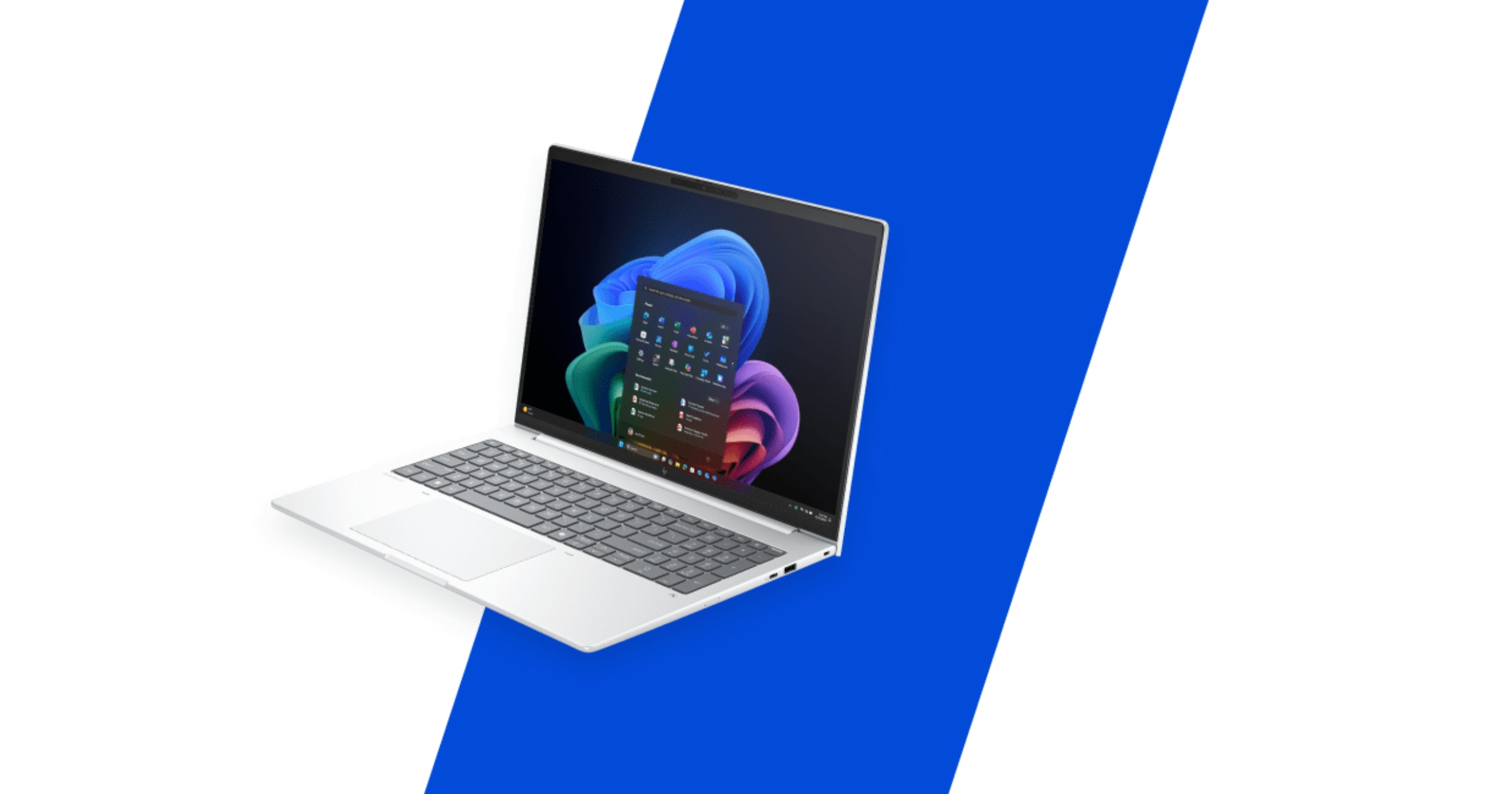
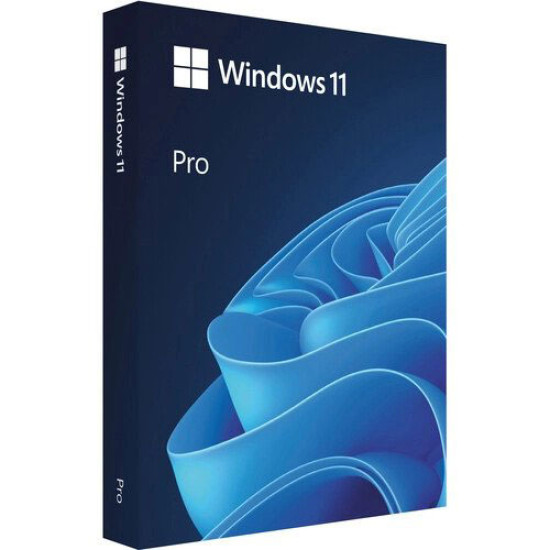

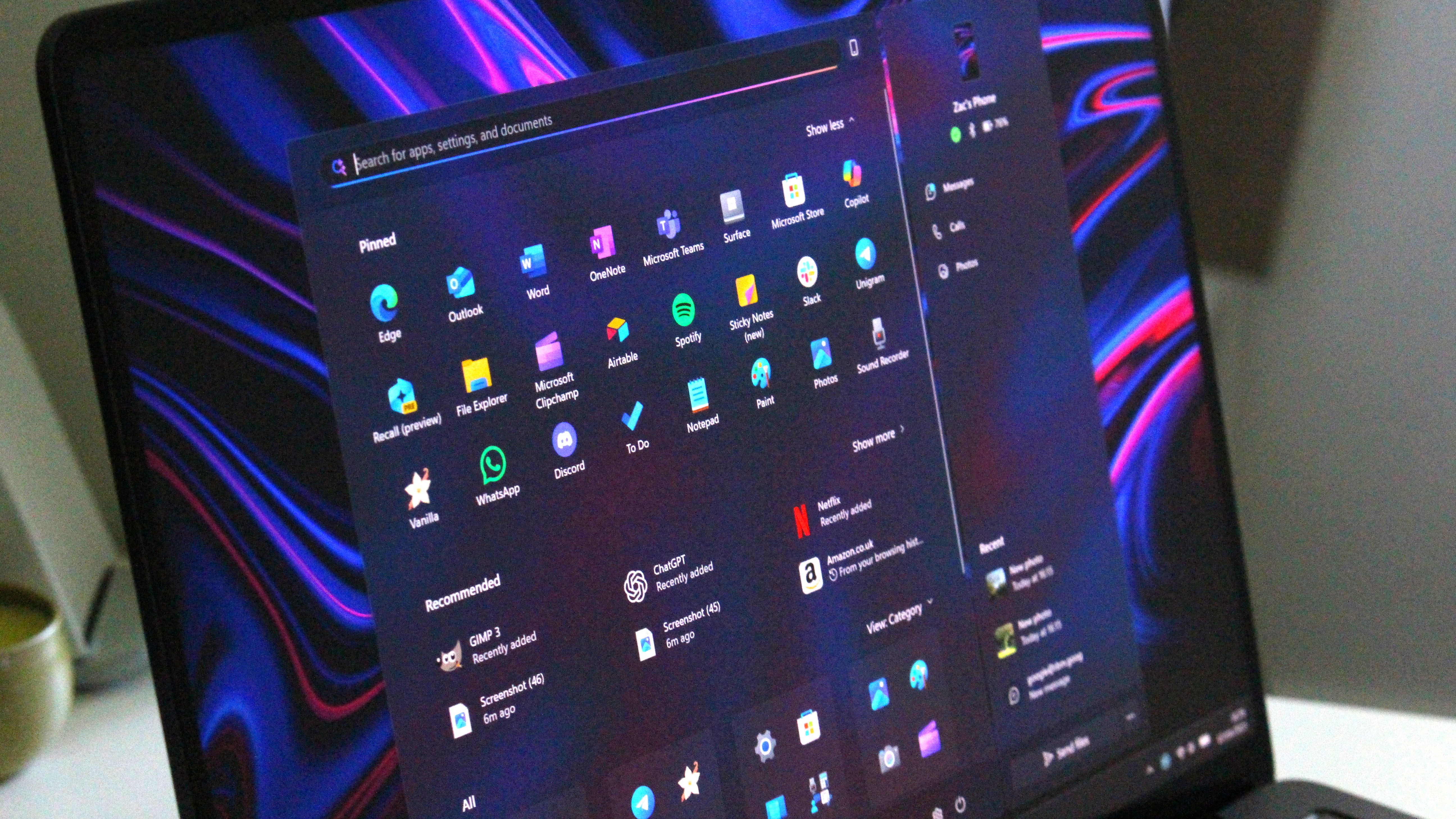












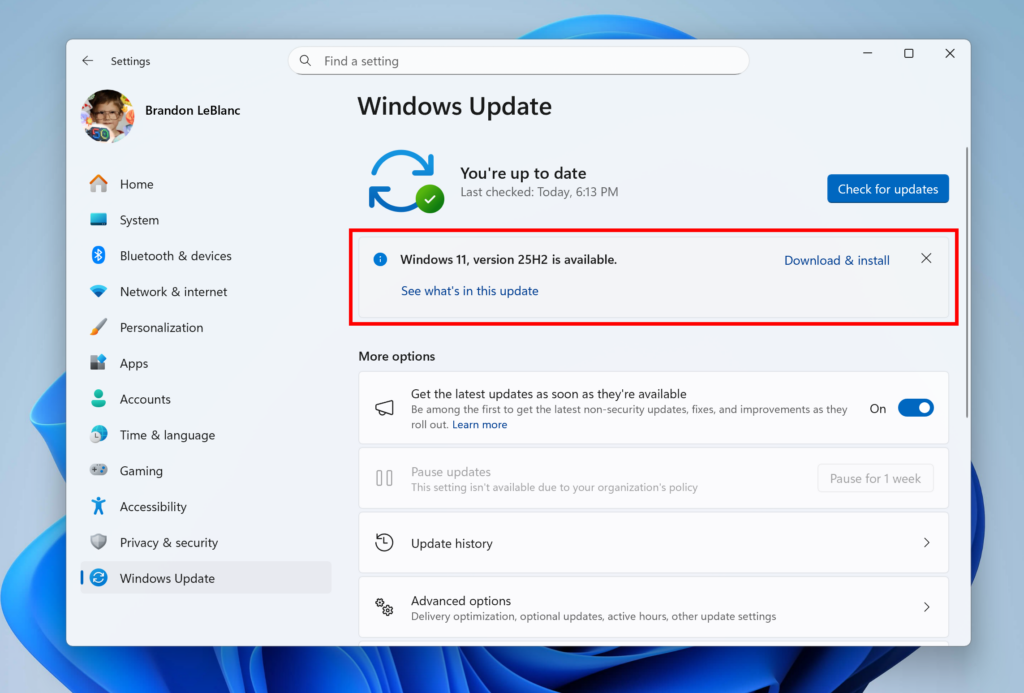


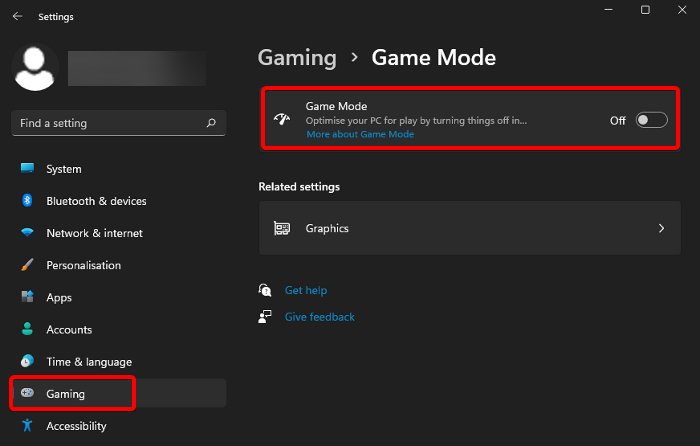

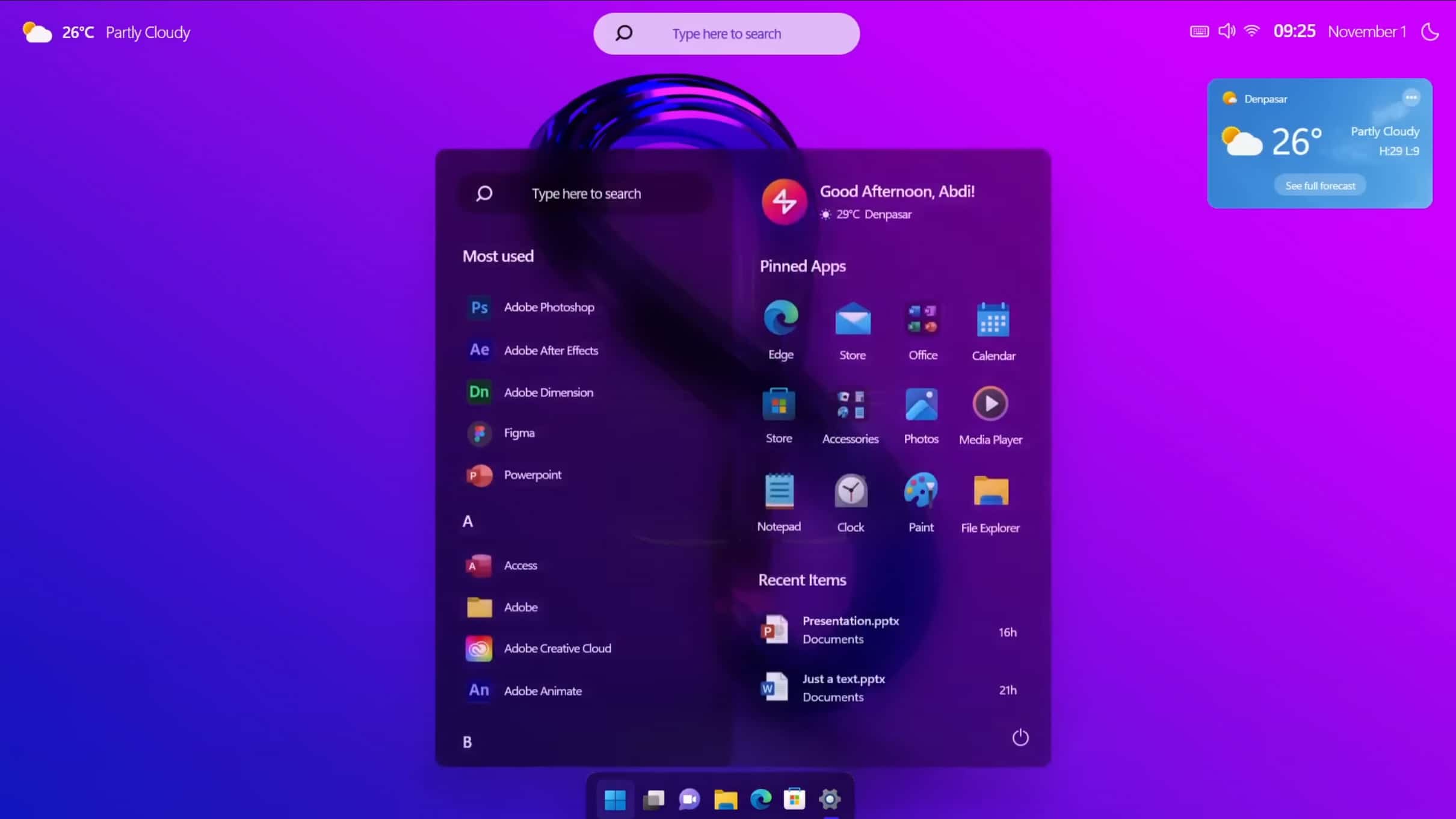

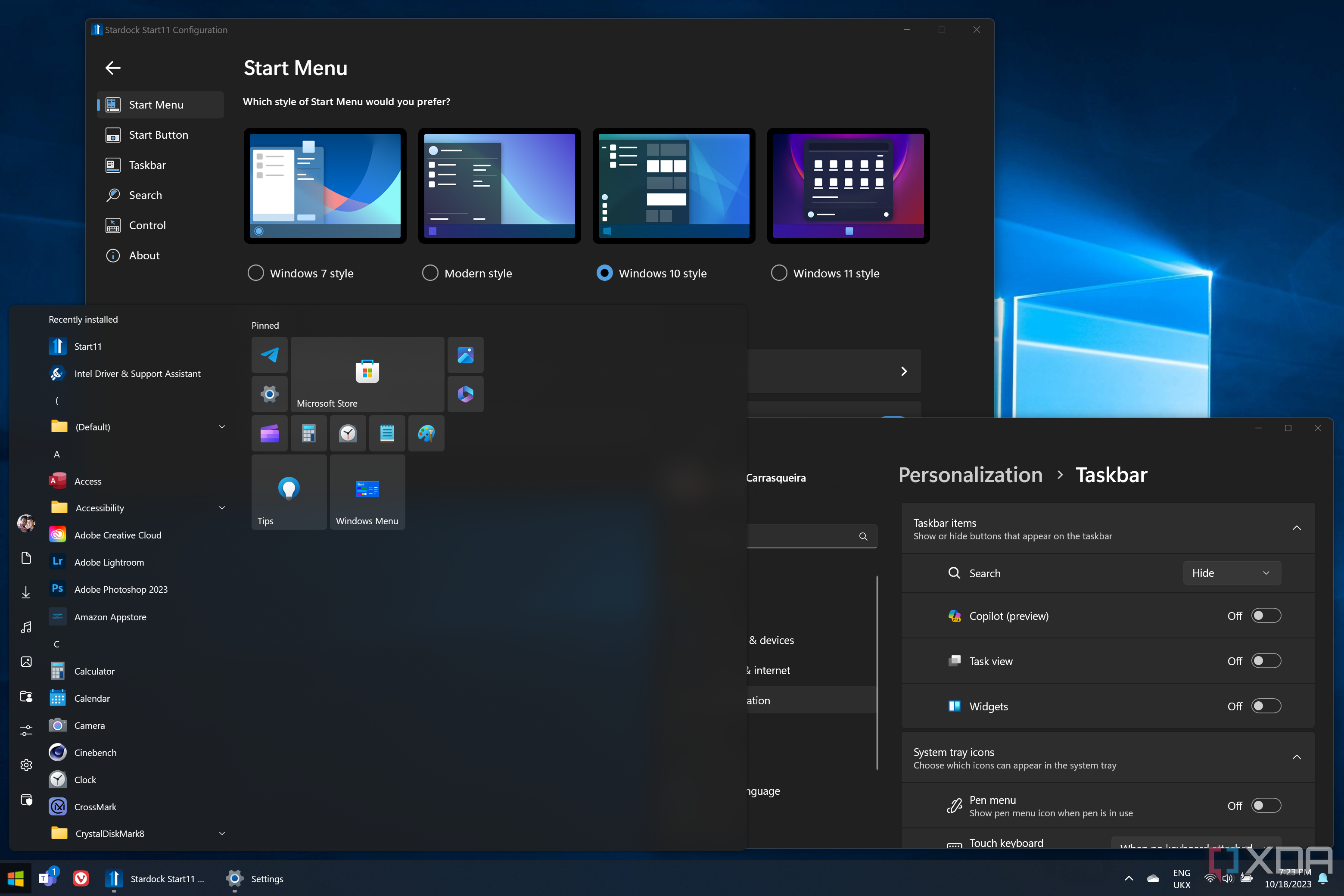



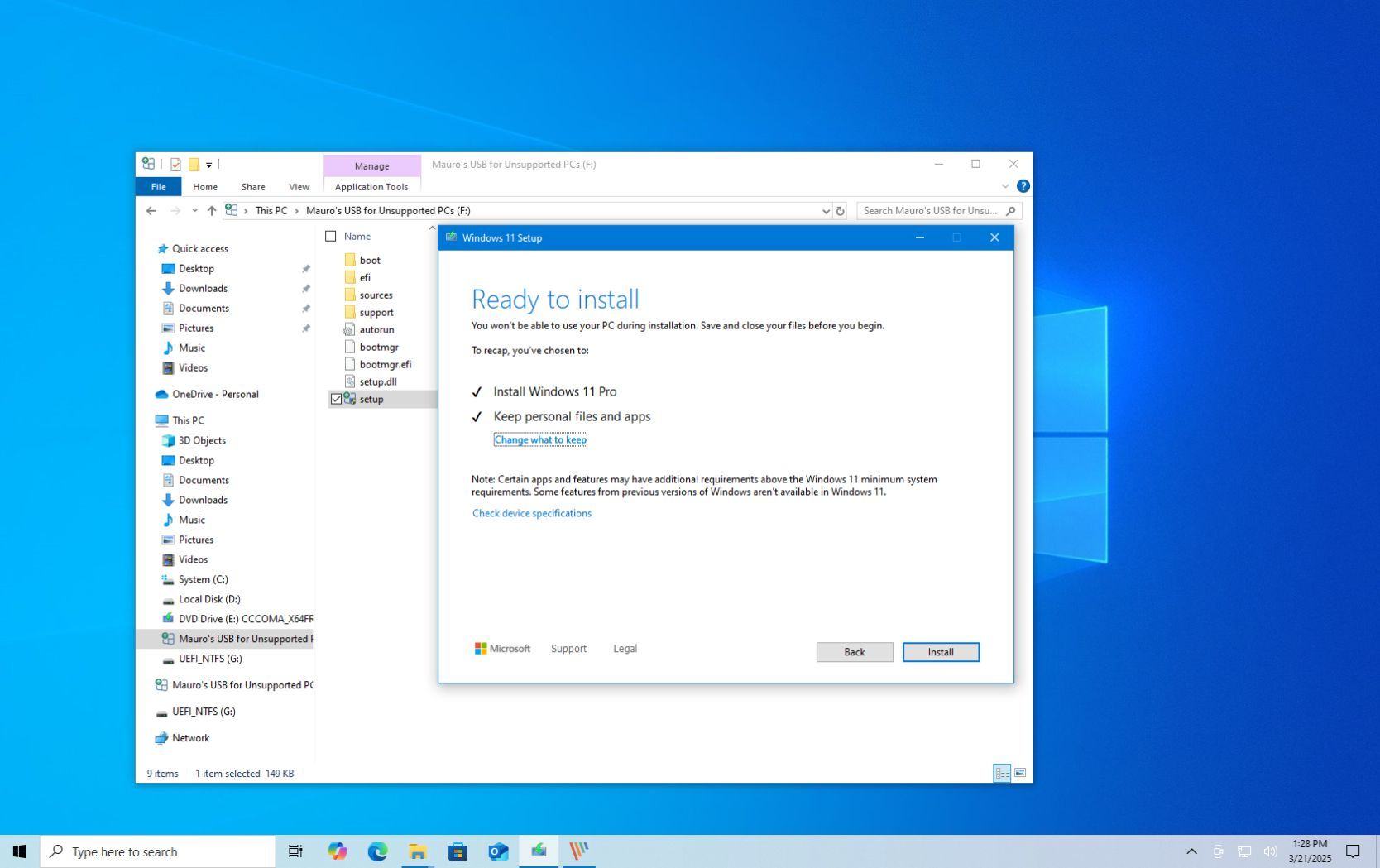




















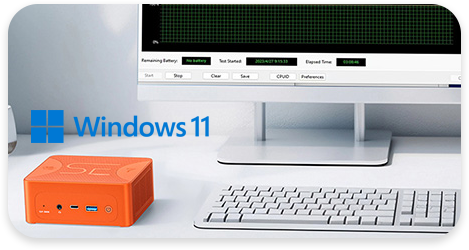

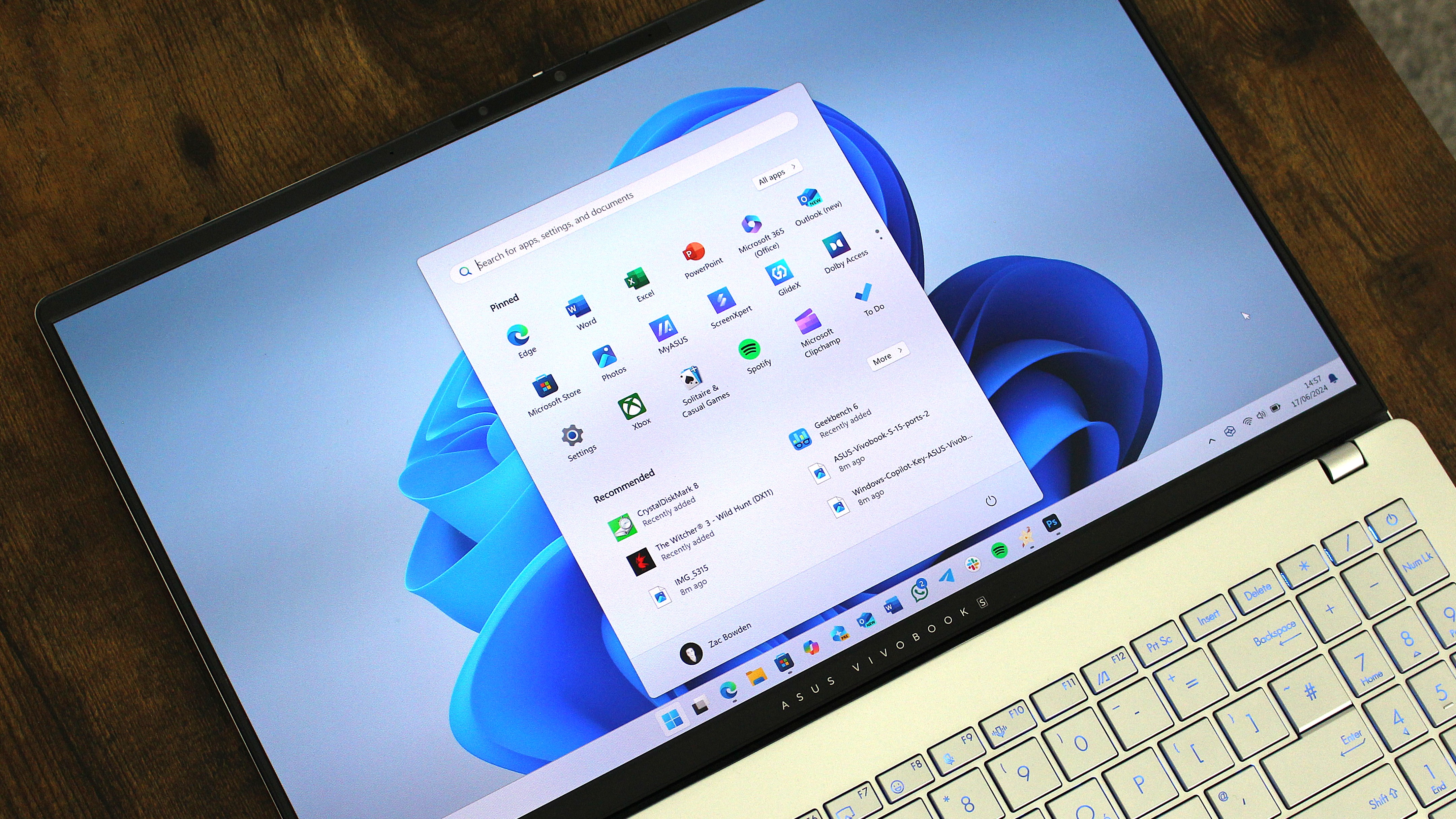

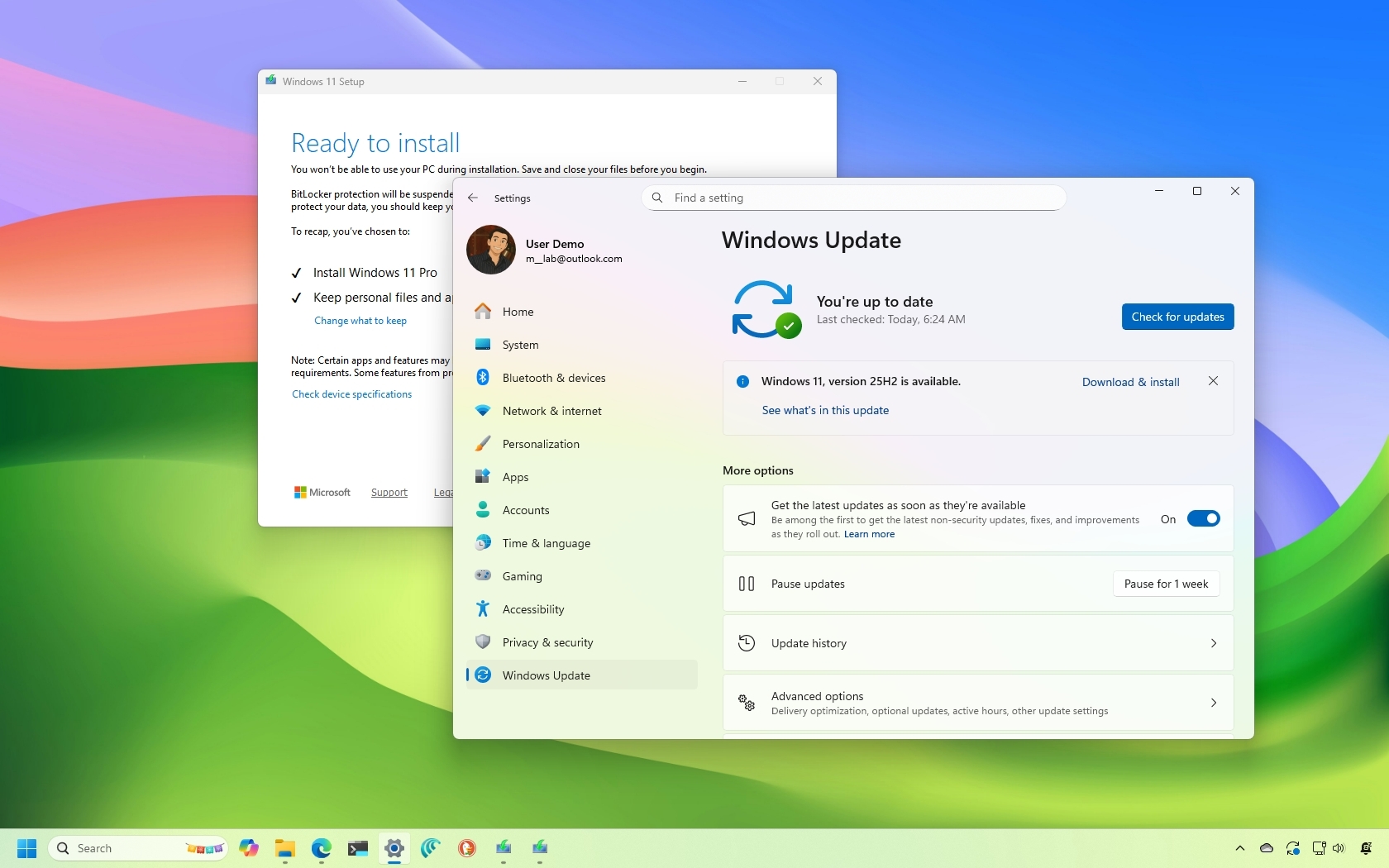





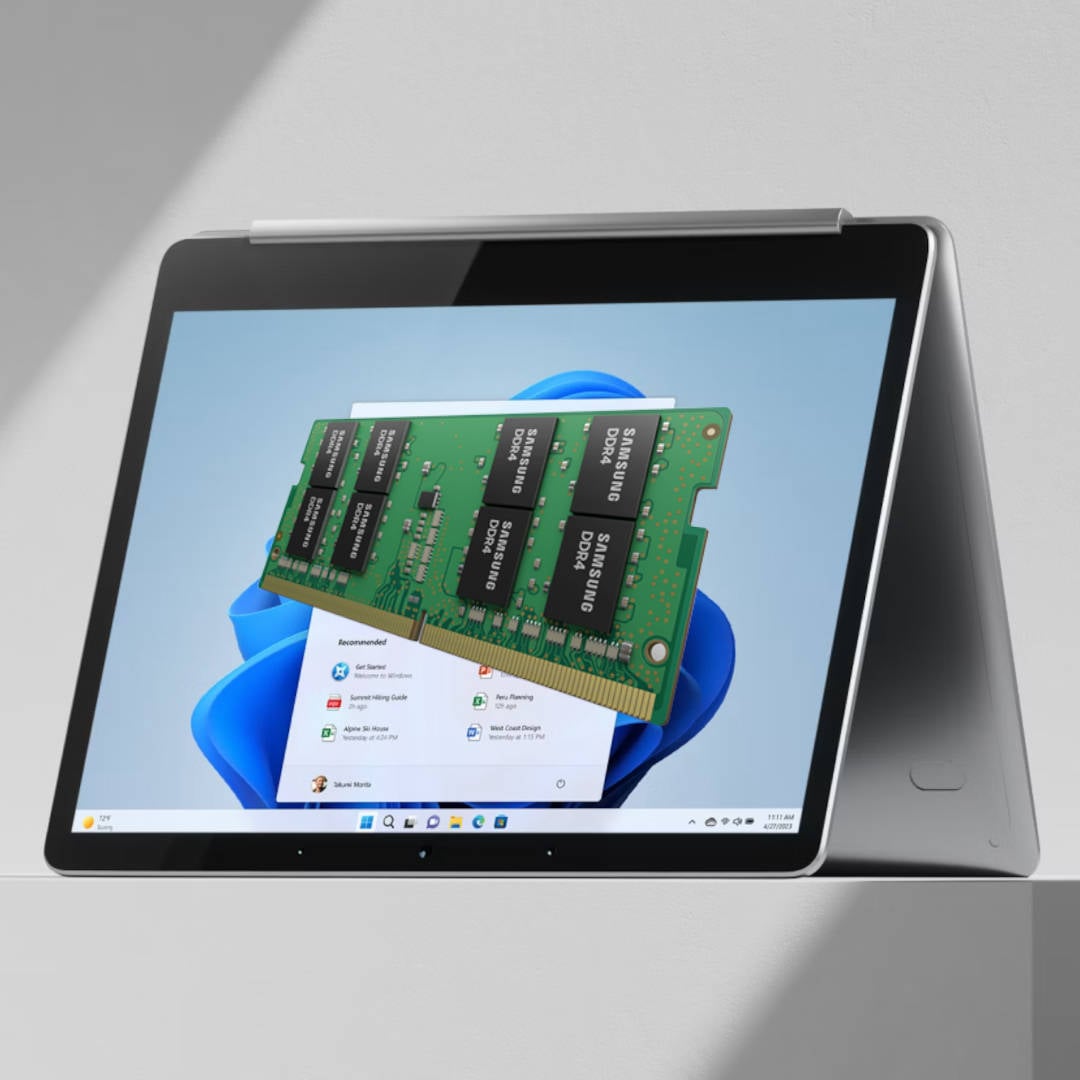



Advance healthcare with our stunning medical Windows 11 Windows P collection of extensive collections of clinical images. therapeutically illustrating photography, images, and pictures. designed to support medical professionals. Discover high-resolution Windows 11 Windows P images optimized for various applications. Suitable for various applications including web design, social media, personal projects, and digital content creation All Windows 11 Windows P images are available in high resolution with professional-grade quality, optimized for both digital and print applications, and include comprehensive metadata for easy organization and usage. Discover the perfect Windows 11 Windows P images to enhance your visual communication needs. Instant download capabilities enable immediate access to chosen Windows 11 Windows P images. Reliable customer support ensures smooth experience throughout the Windows 11 Windows P selection process. Whether for commercial projects or personal use, our Windows 11 Windows P collection delivers consistent excellence. Our Windows 11 Windows P database continuously expands with fresh, relevant content from skilled photographers. The Windows 11 Windows P collection represents years of careful curation and professional standards. Time-saving browsing features help users locate ideal Windows 11 Windows P images quickly. Each image in our Windows 11 Windows P gallery undergoes rigorous quality assessment before inclusion. Regular updates keep the Windows 11 Windows P collection current with contemporary trends and styles.