Windows 1.0 Sing In
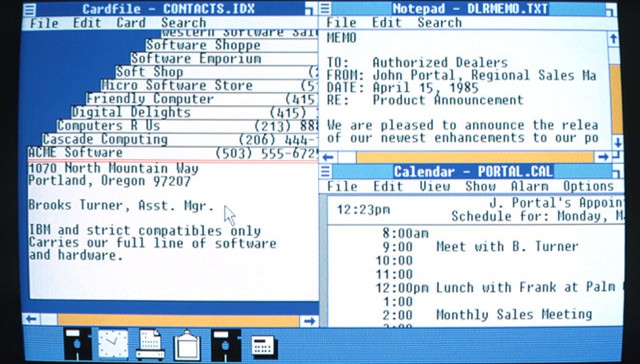
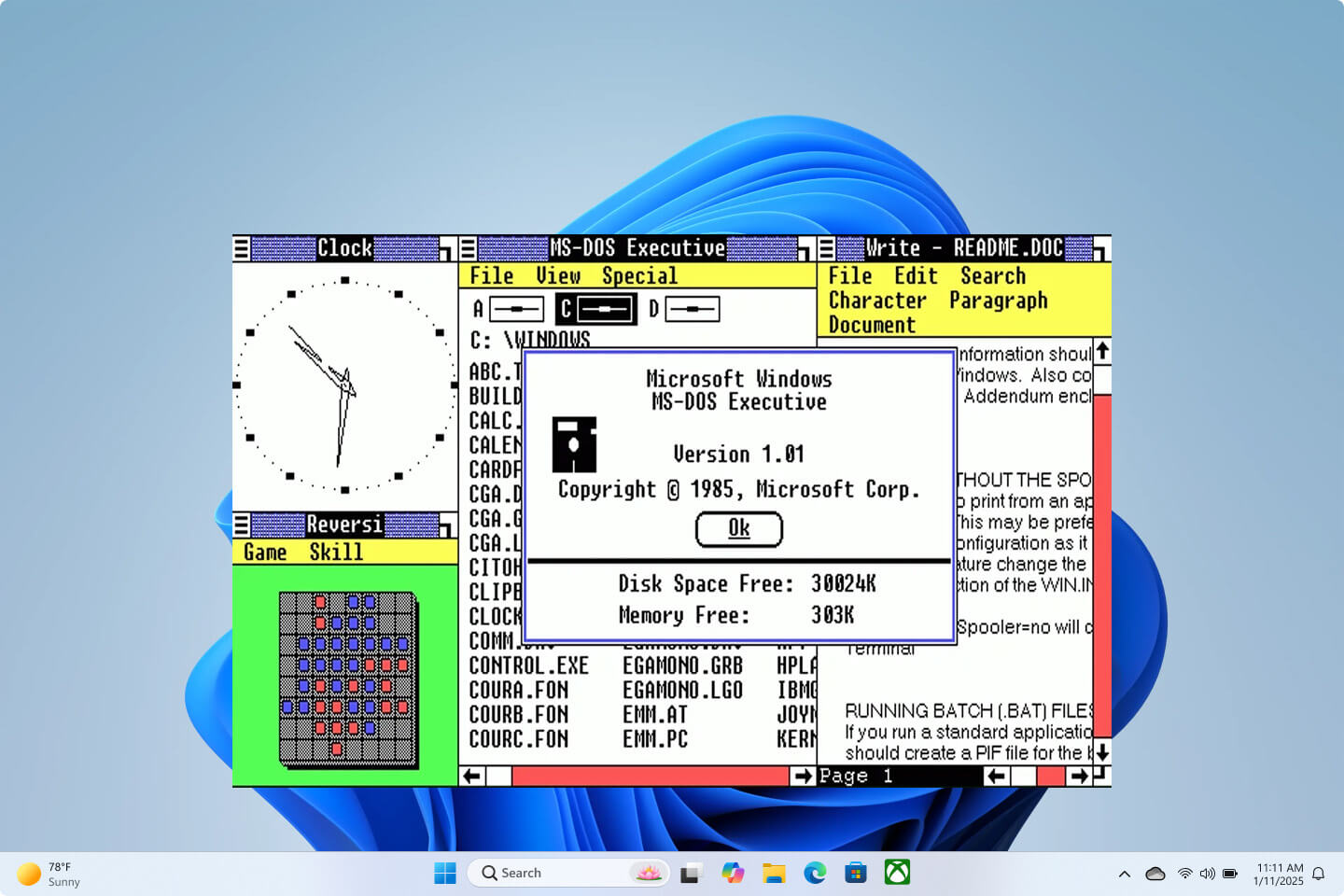
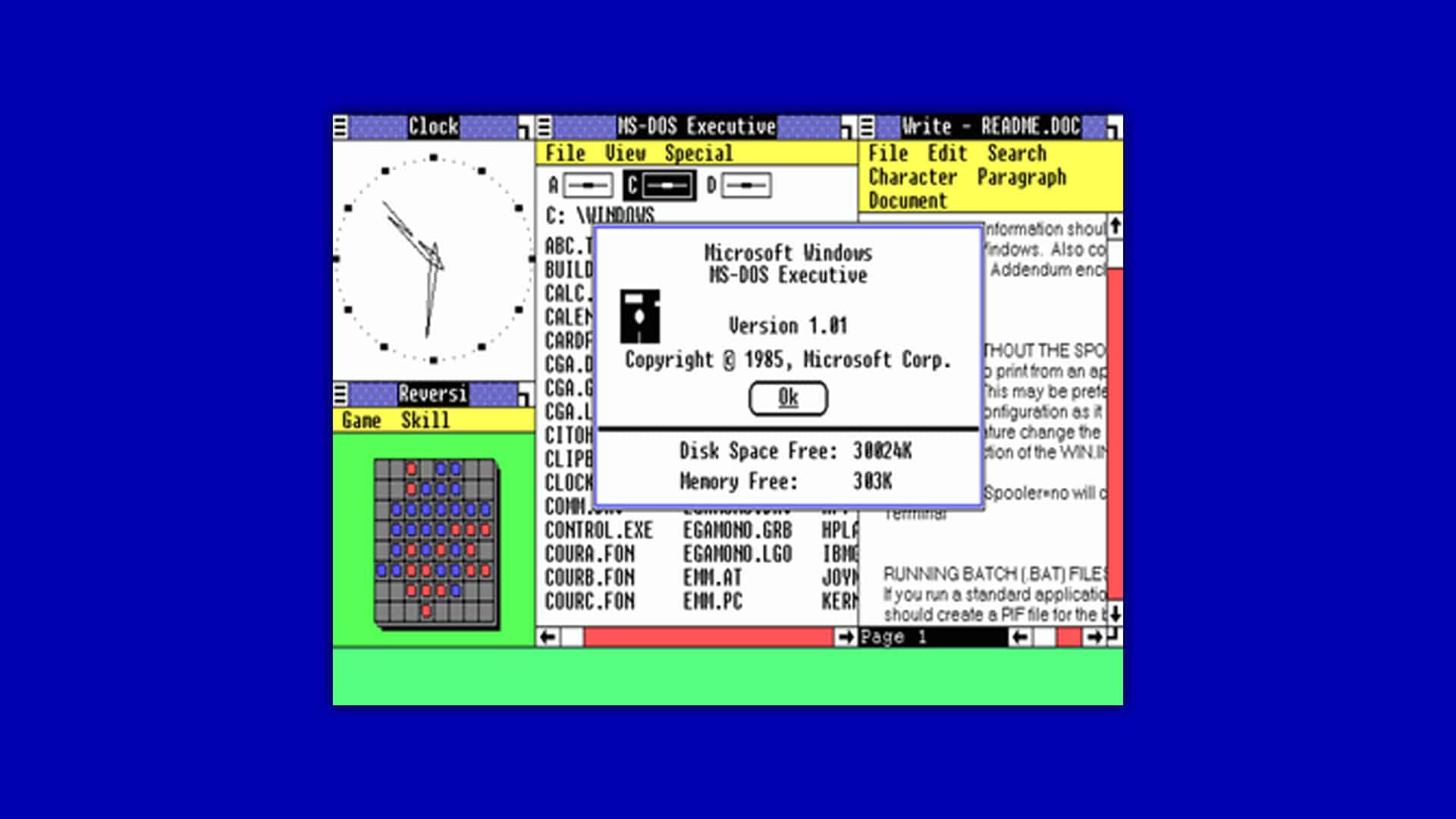
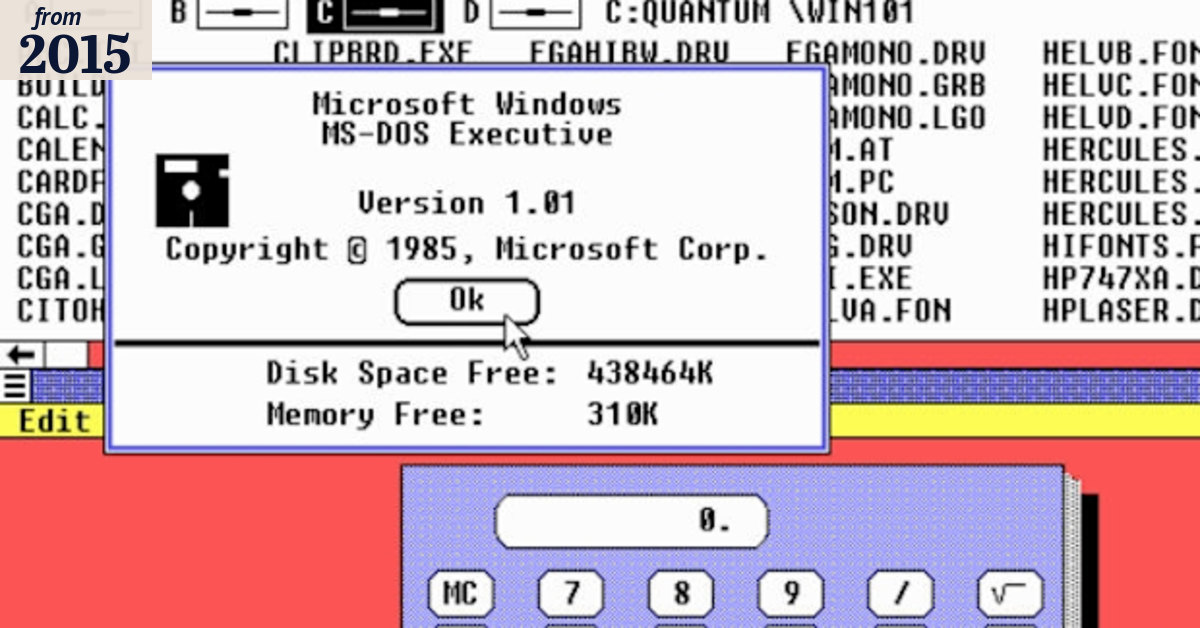





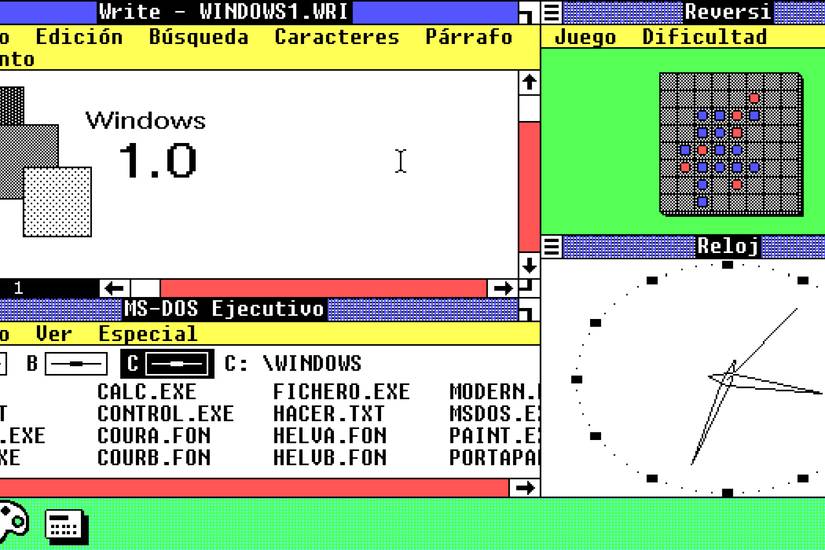








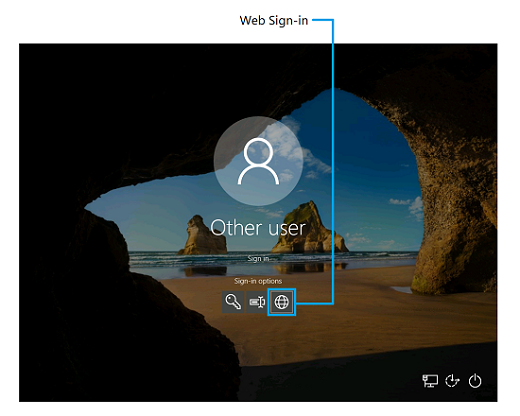

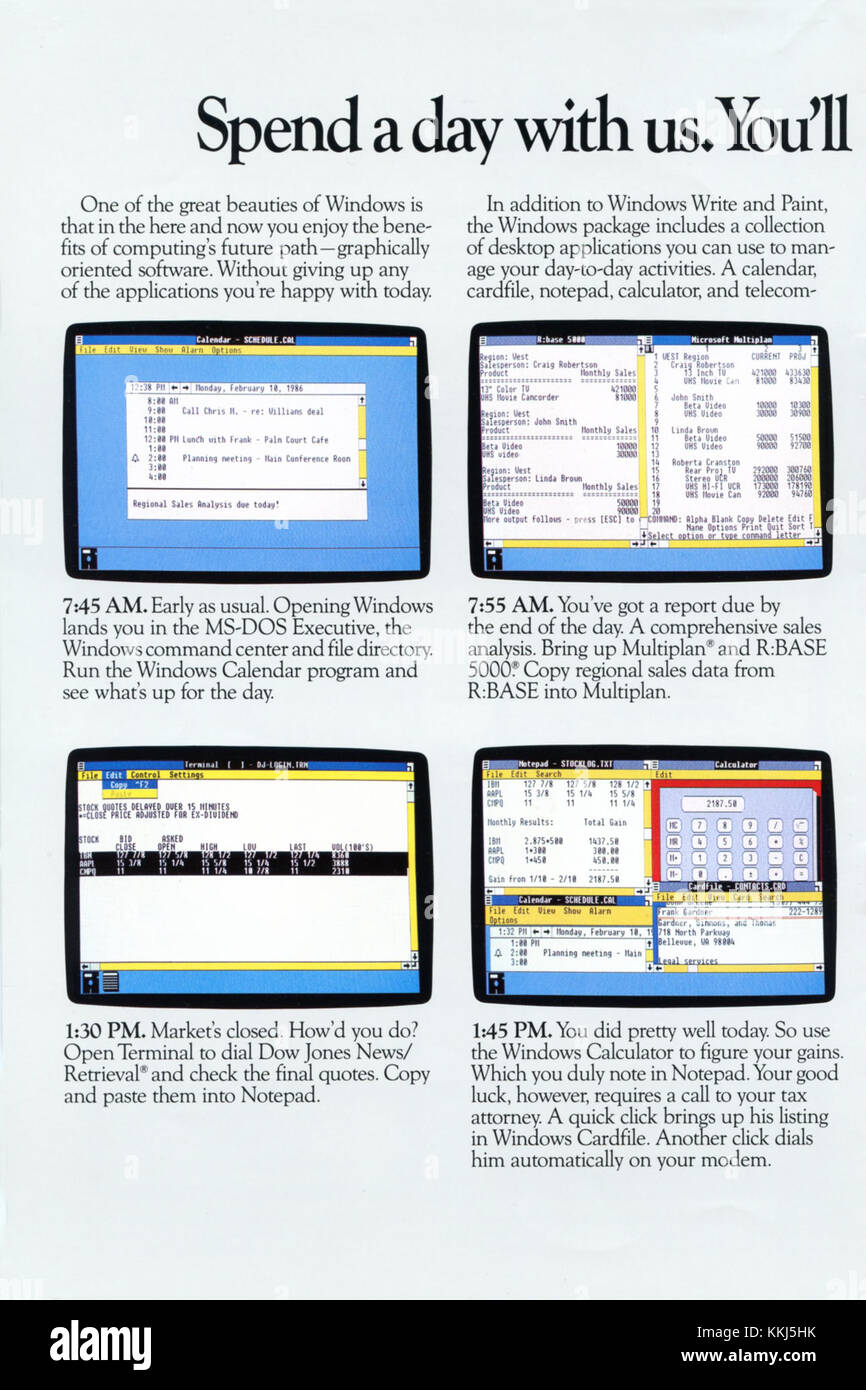
















































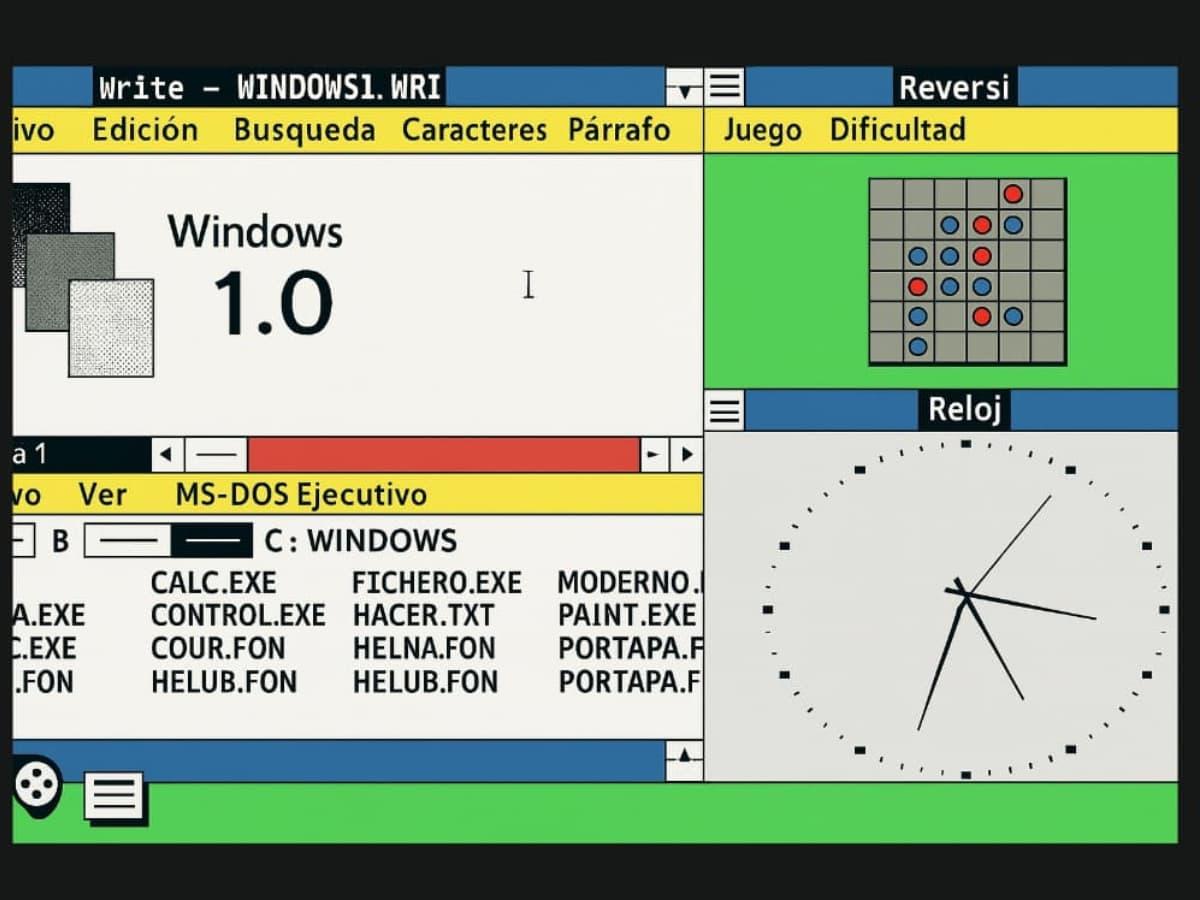











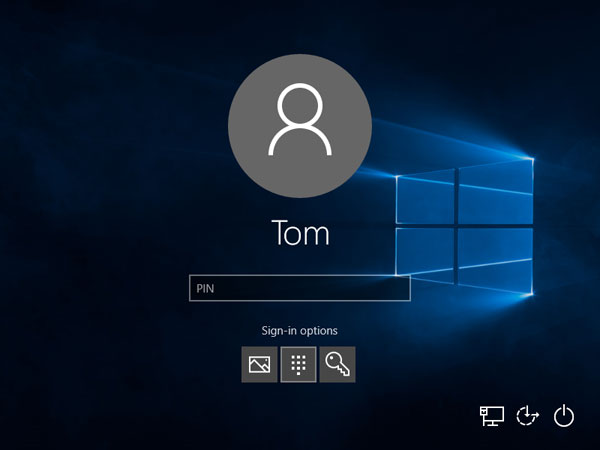


Advance healthcare with our stunning medical Windows 1.0 Sing In collection of vast arrays of clinical images. clinically representing photography, images, and pictures. perfect for medical education and training. Discover high-resolution Windows 1.0 Sing In images optimized for various applications. Suitable for various applications including web design, social media, personal projects, and digital content creation All Windows 1.0 Sing In images are available in high resolution with professional-grade quality, optimized for both digital and print applications, and include comprehensive metadata for easy organization and usage. Explore the versatility of our Windows 1.0 Sing In collection for various creative and professional projects. Comprehensive tagging systems facilitate quick discovery of relevant Windows 1.0 Sing In content. Professional licensing options accommodate both commercial and educational usage requirements. The Windows 1.0 Sing In collection represents years of careful curation and professional standards. Each image in our Windows 1.0 Sing In gallery undergoes rigorous quality assessment before inclusion. Advanced search capabilities make finding the perfect Windows 1.0 Sing In image effortless and efficient. Reliable customer support ensures smooth experience throughout the Windows 1.0 Sing In selection process. Multiple resolution options ensure optimal performance across different platforms and applications. Our Windows 1.0 Sing In database continuously expands with fresh, relevant content from skilled photographers. Regular updates keep the Windows 1.0 Sing In collection current with contemporary trends and styles.