Update Kindle Menu
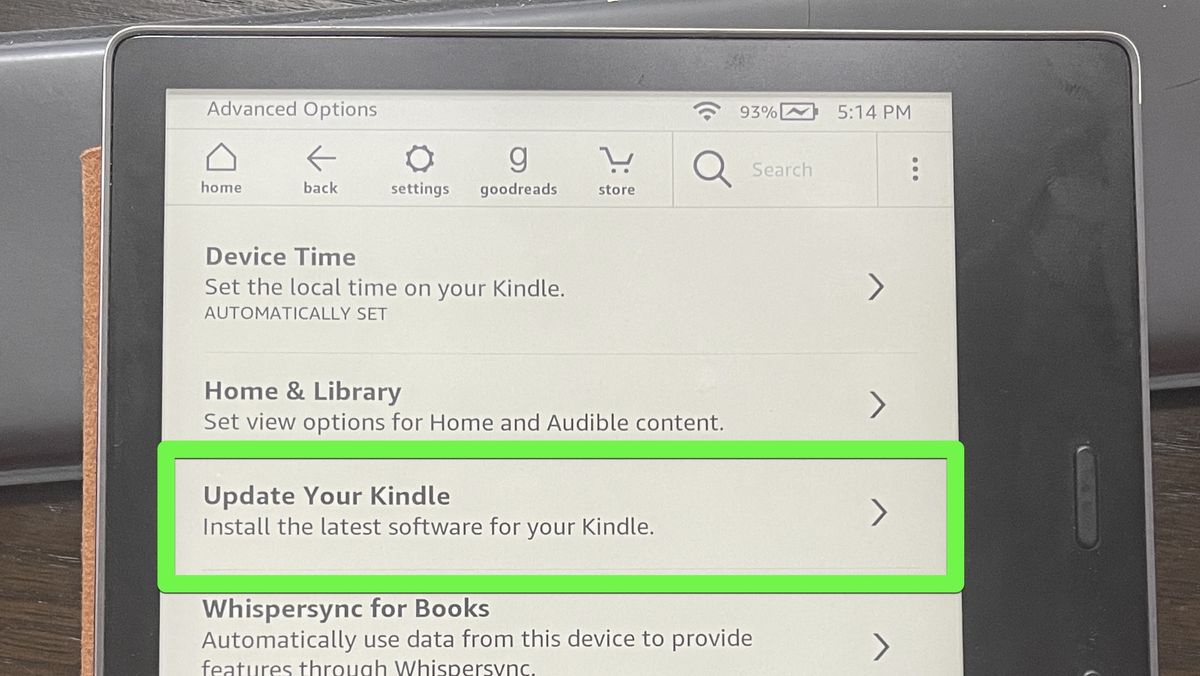

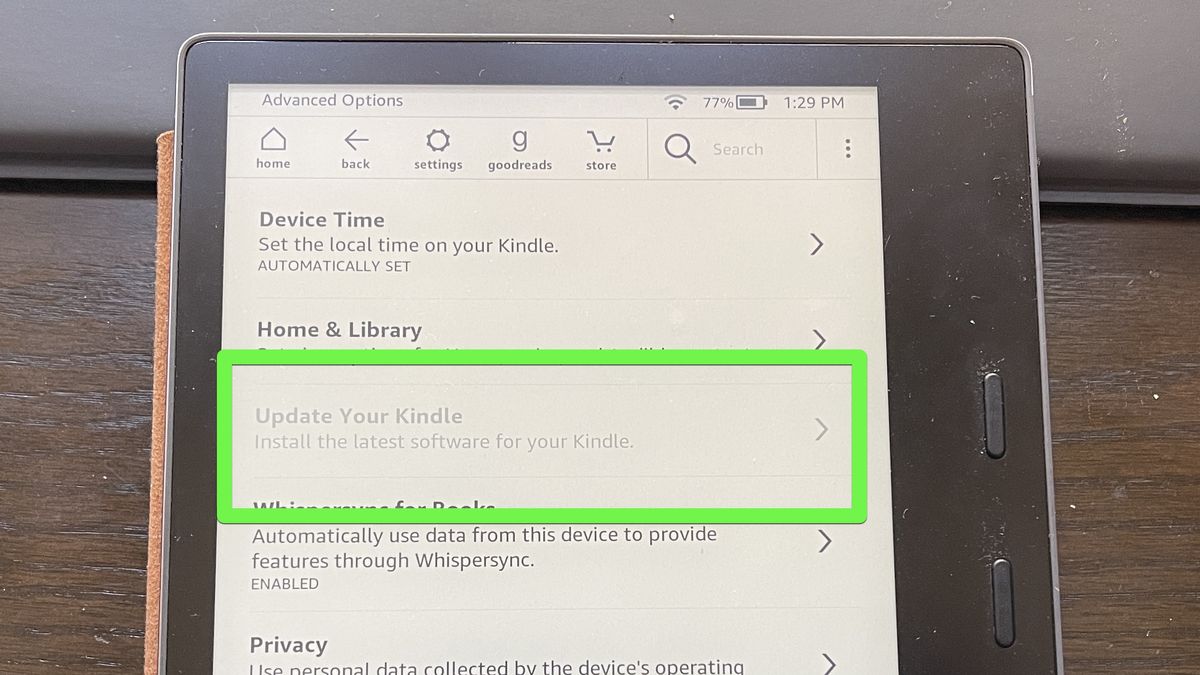
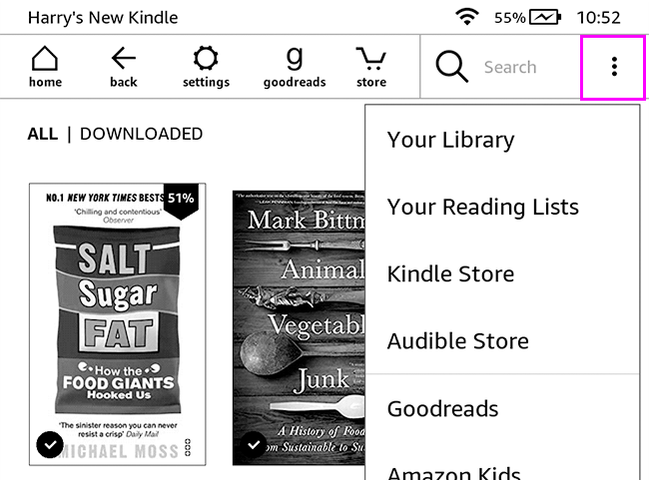
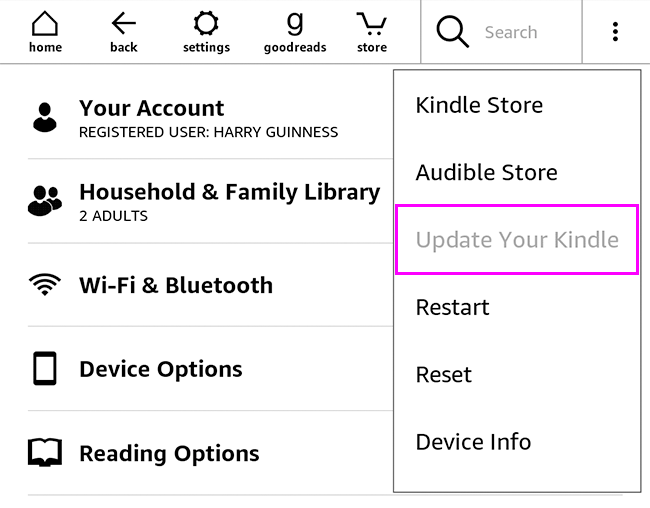
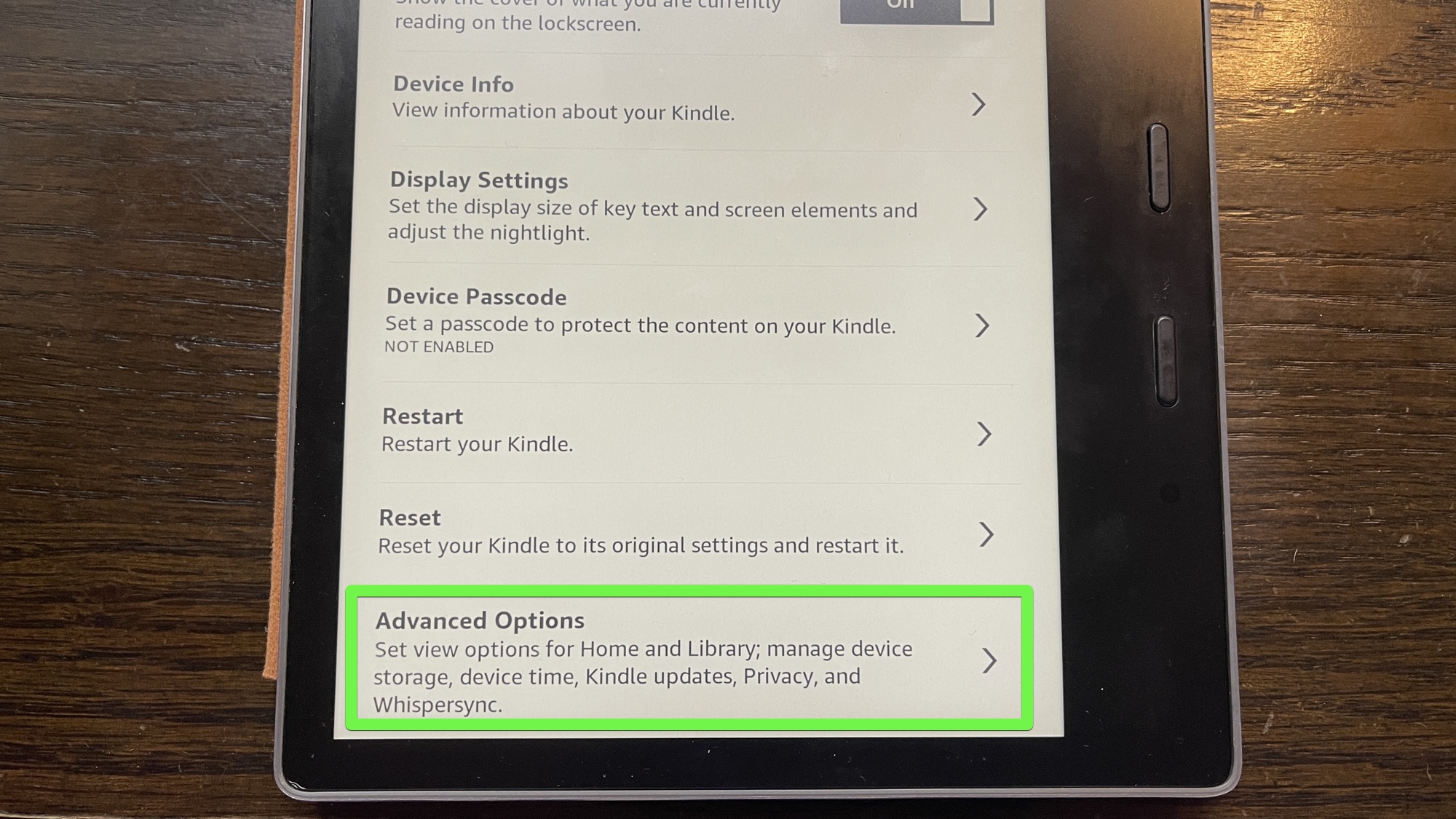
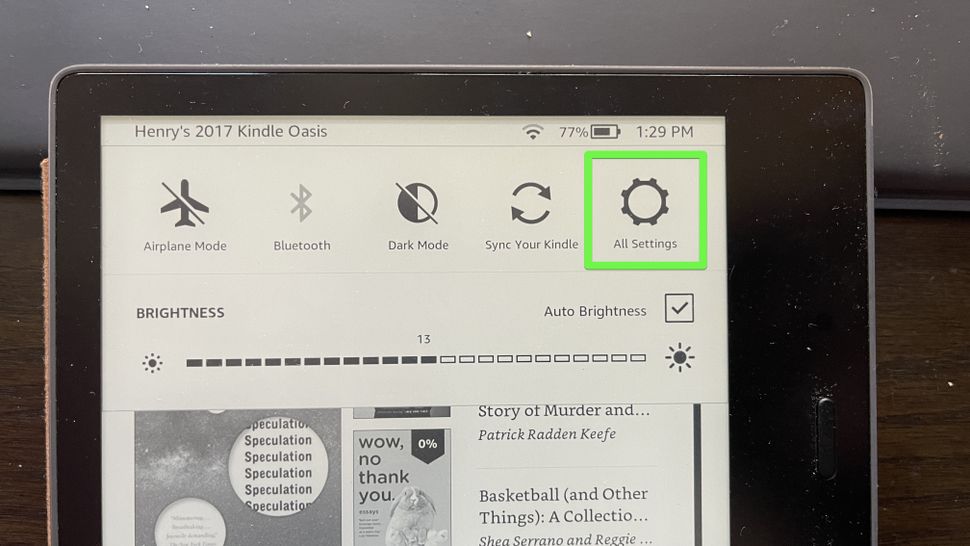

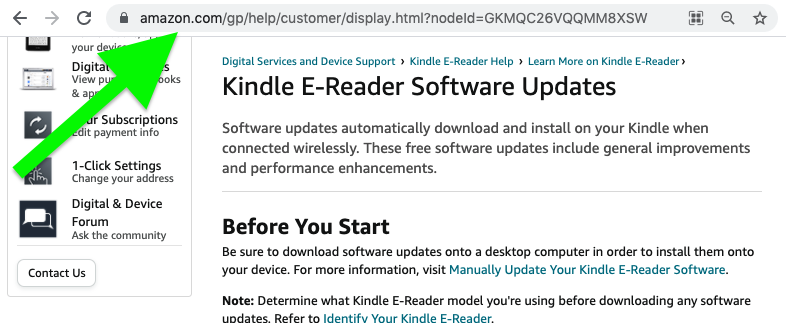
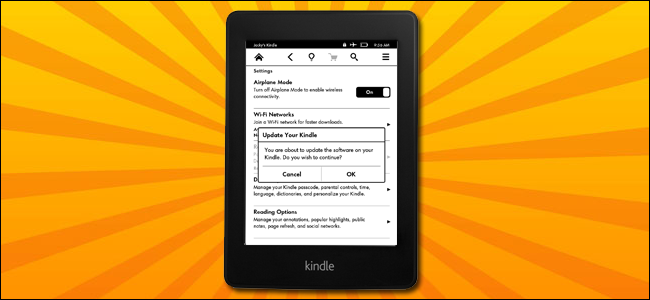





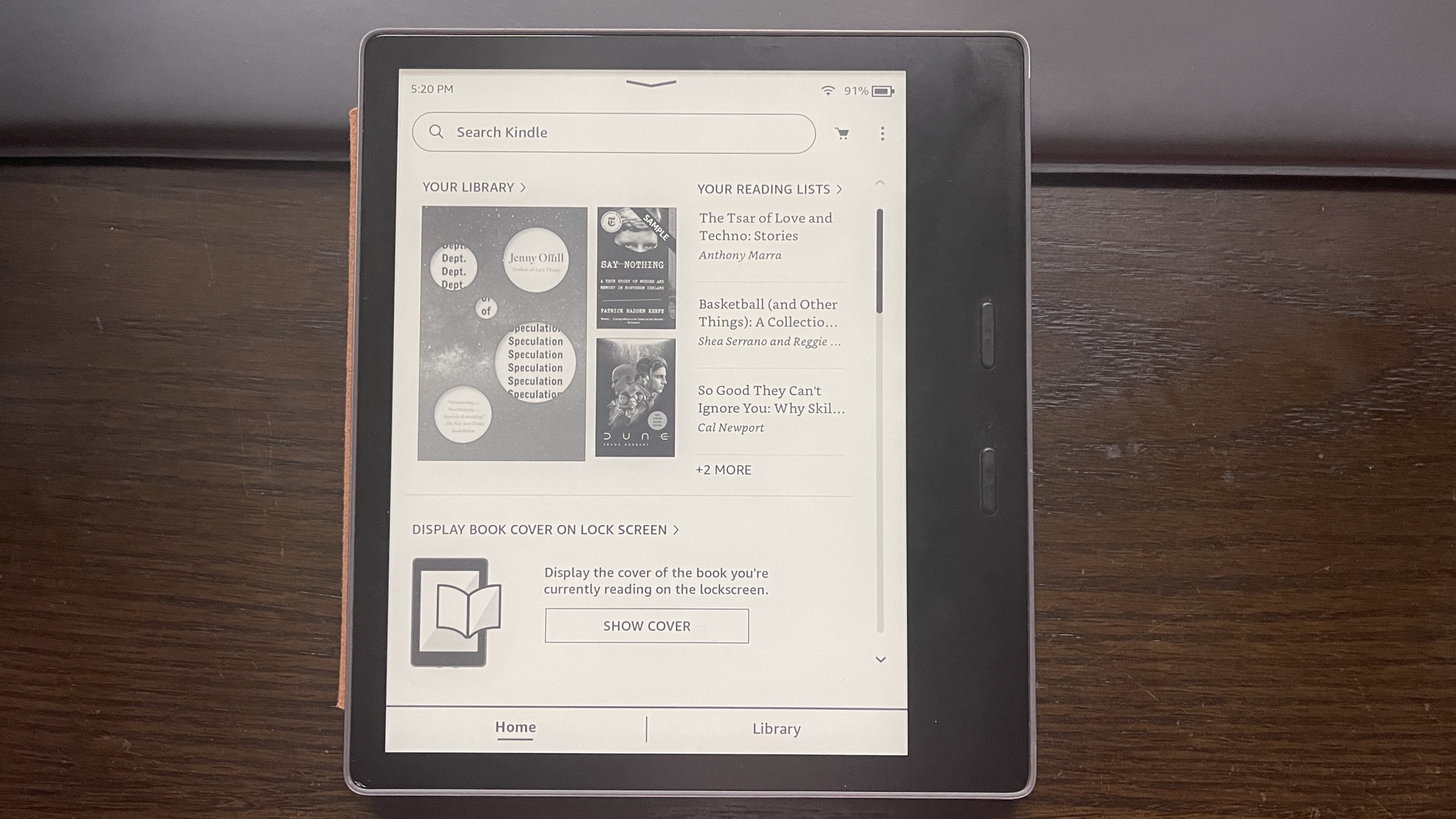
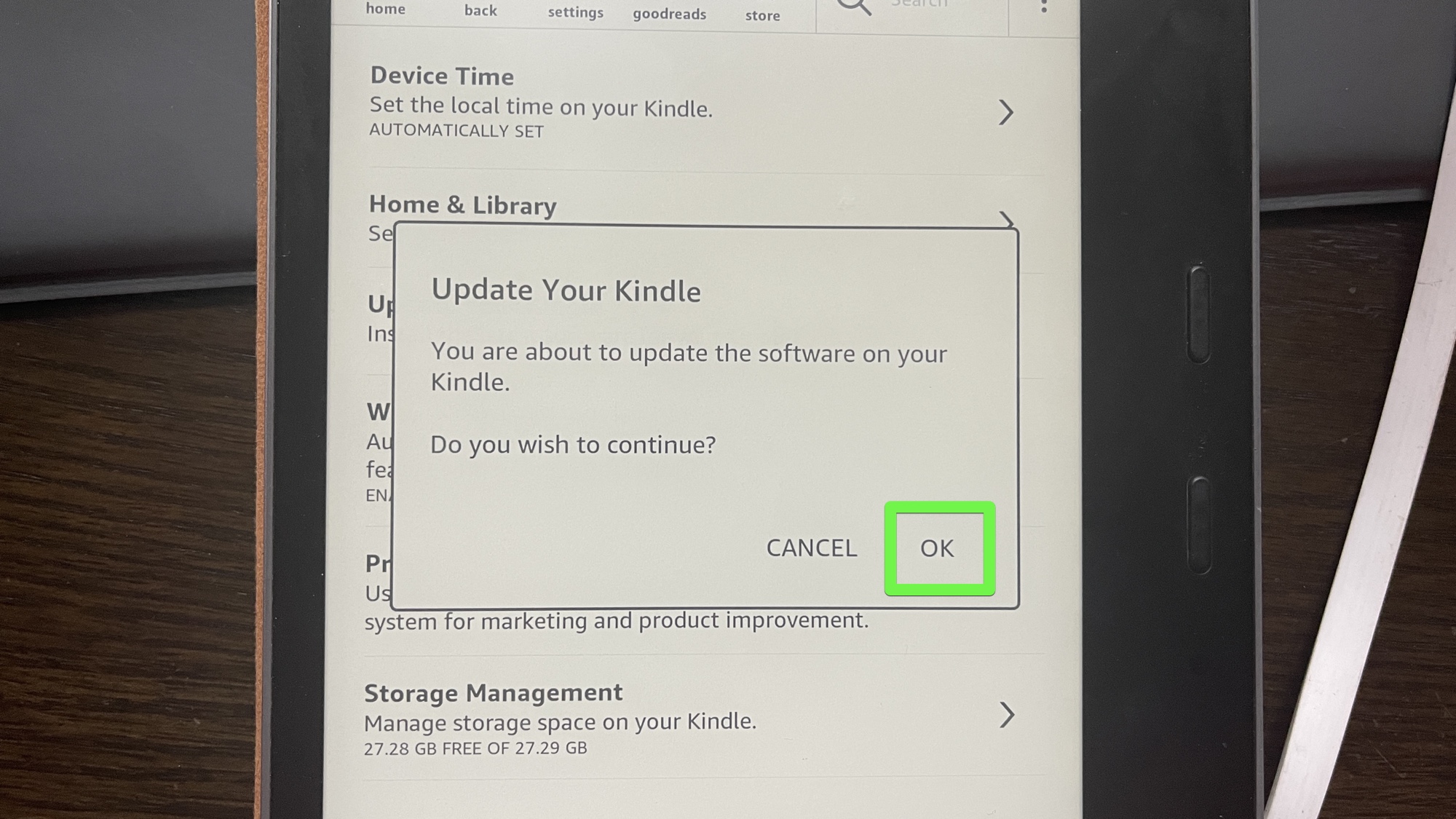




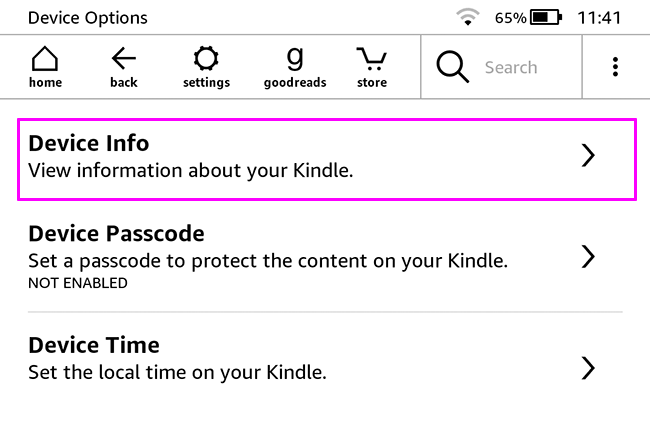

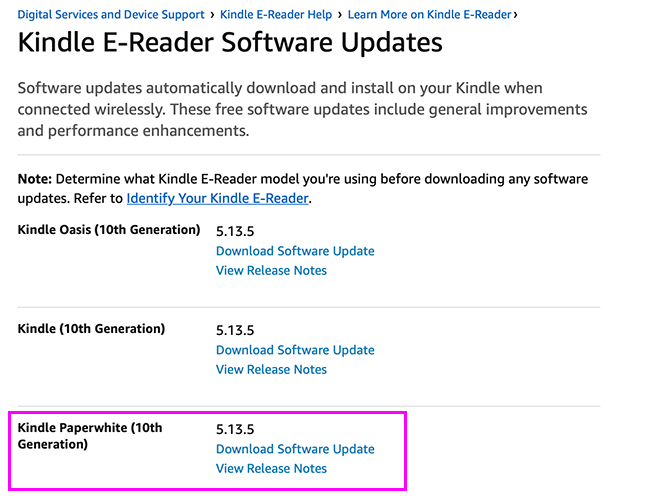



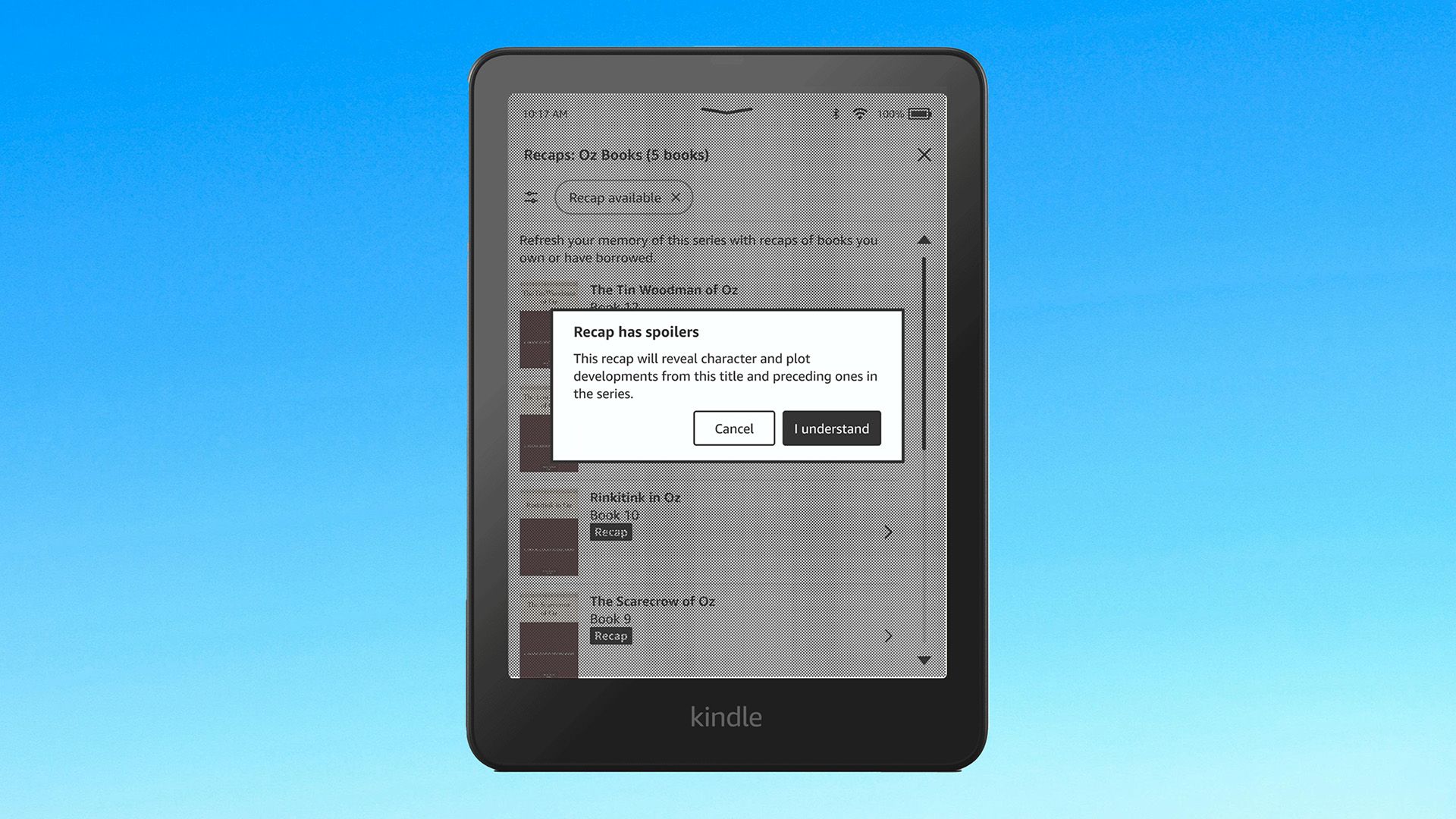

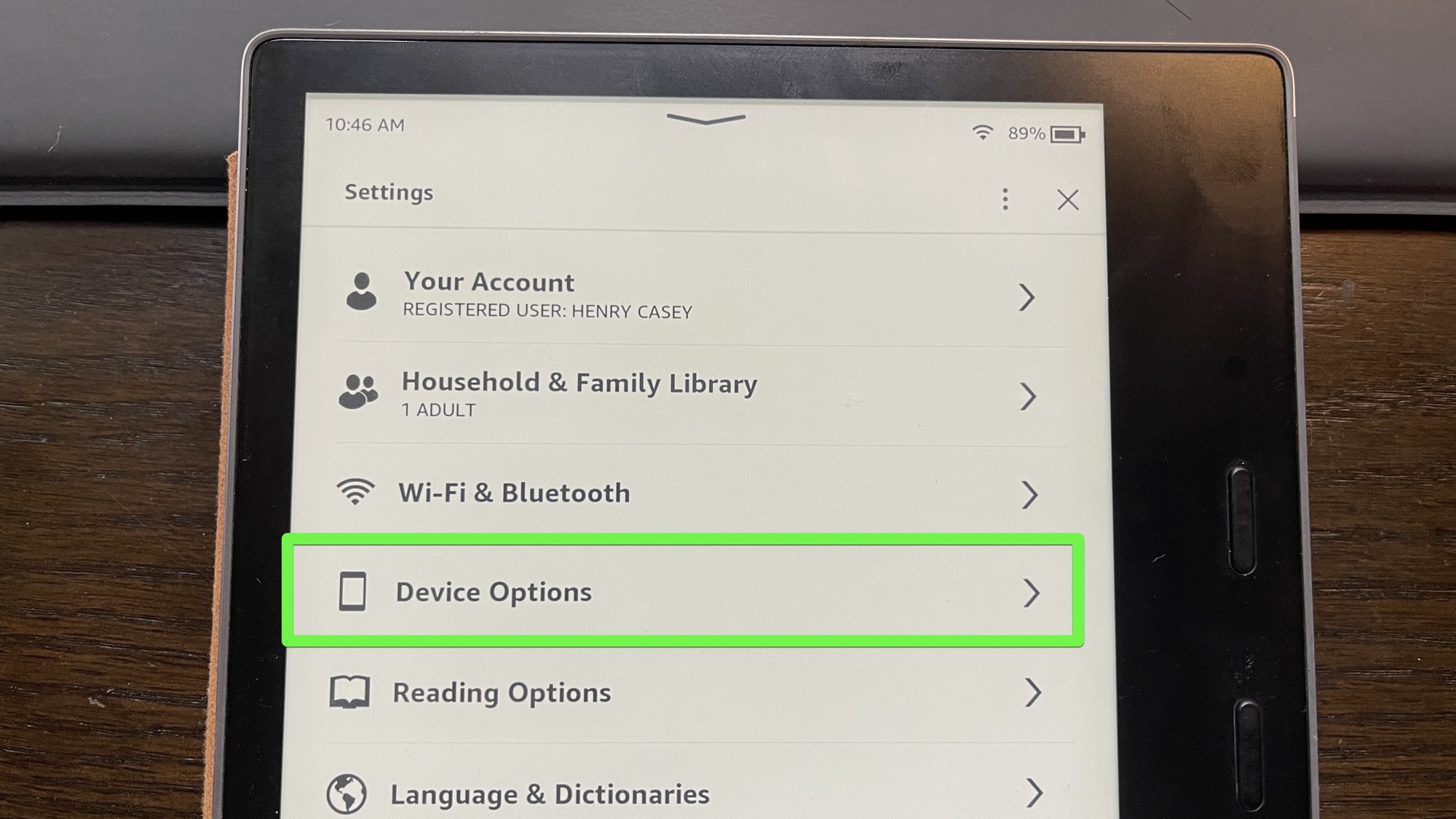

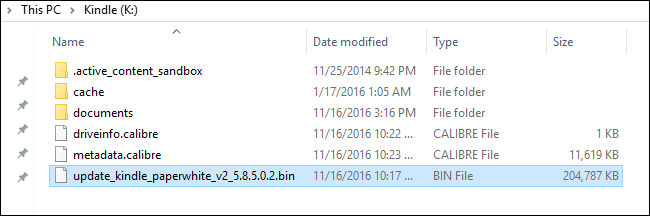


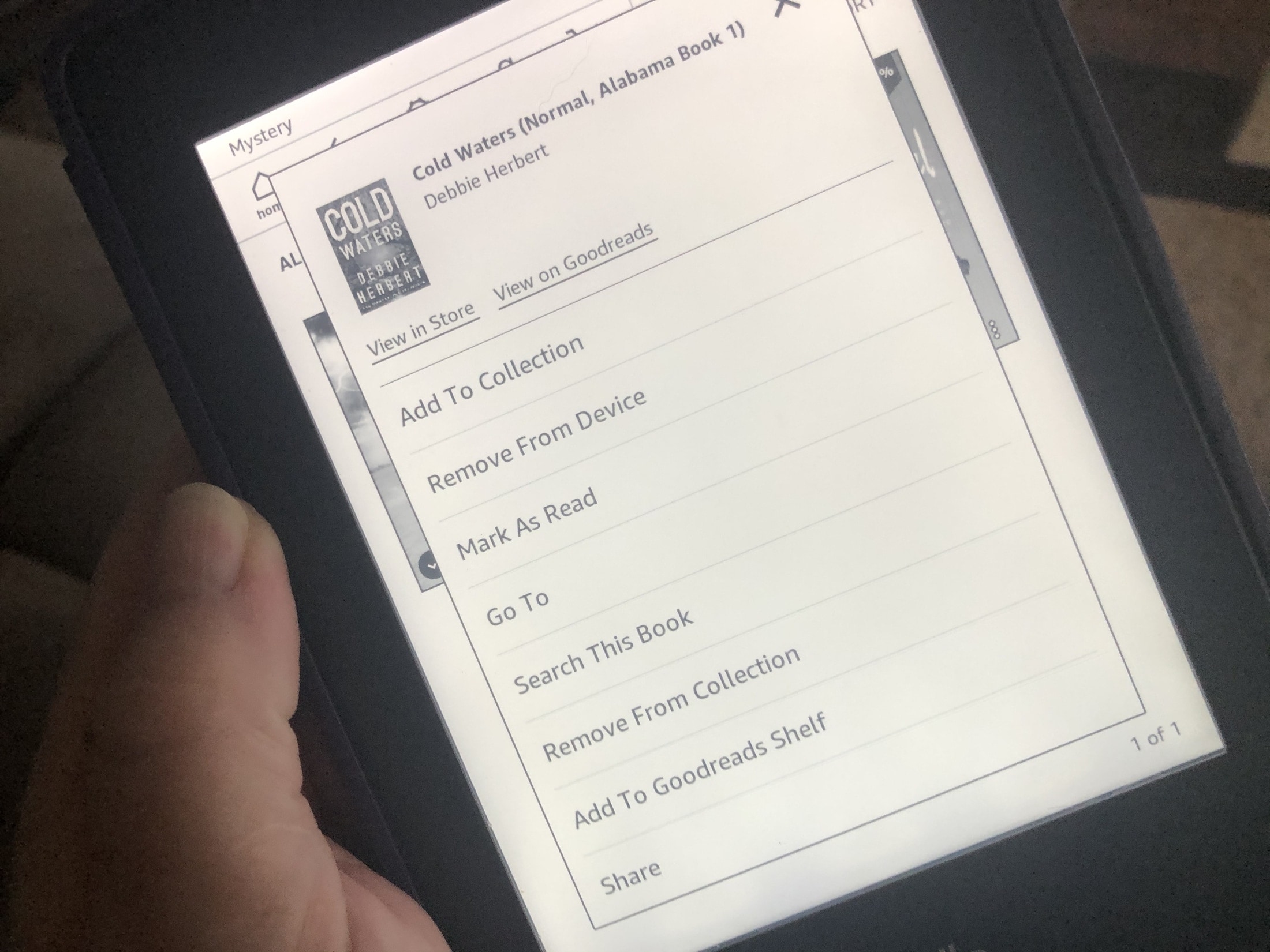


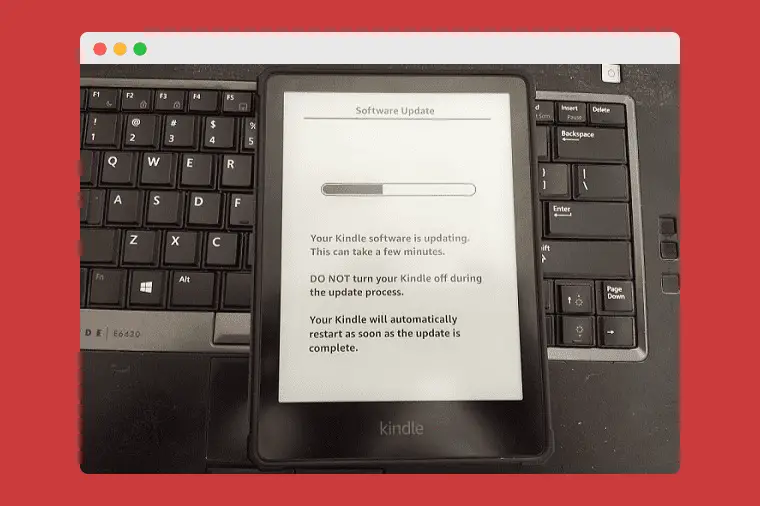
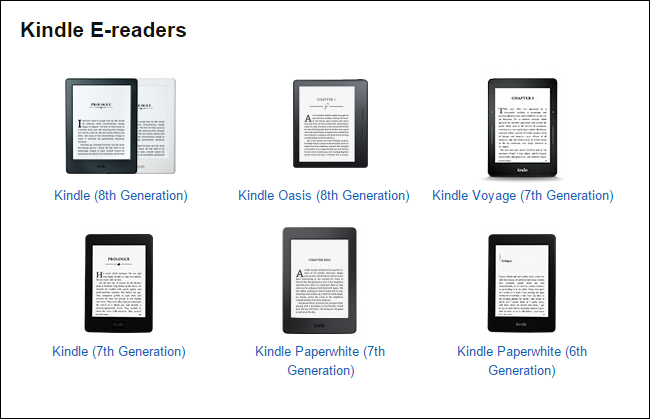
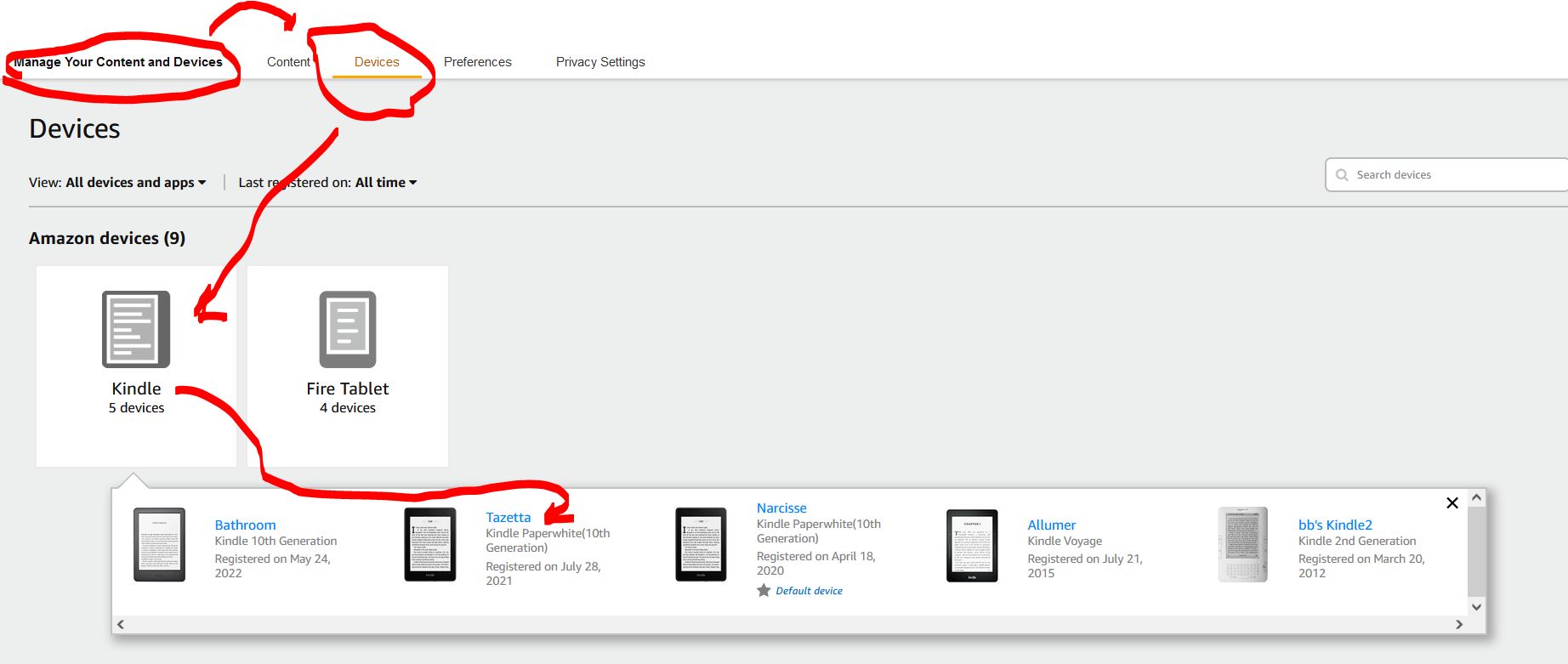



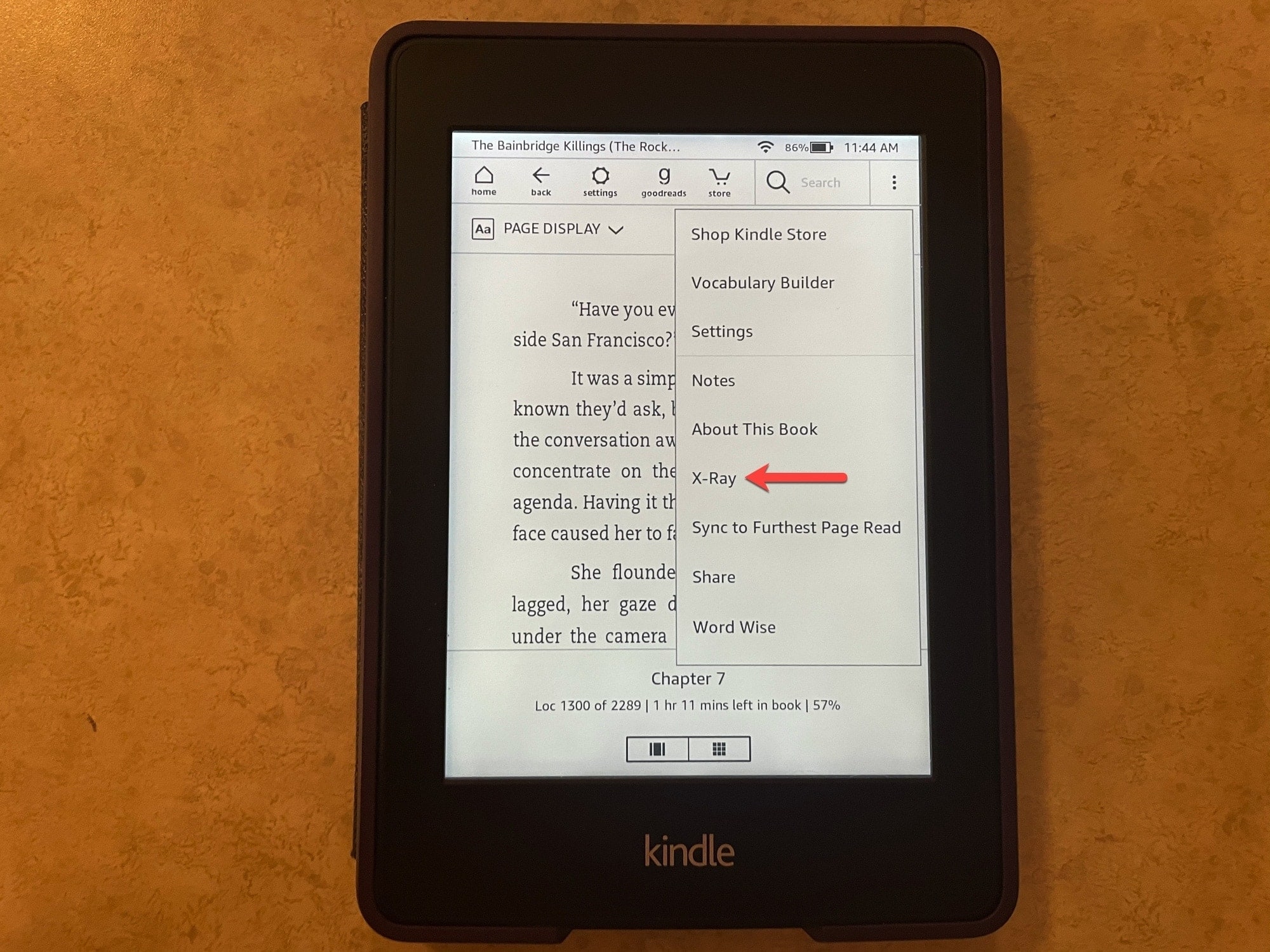


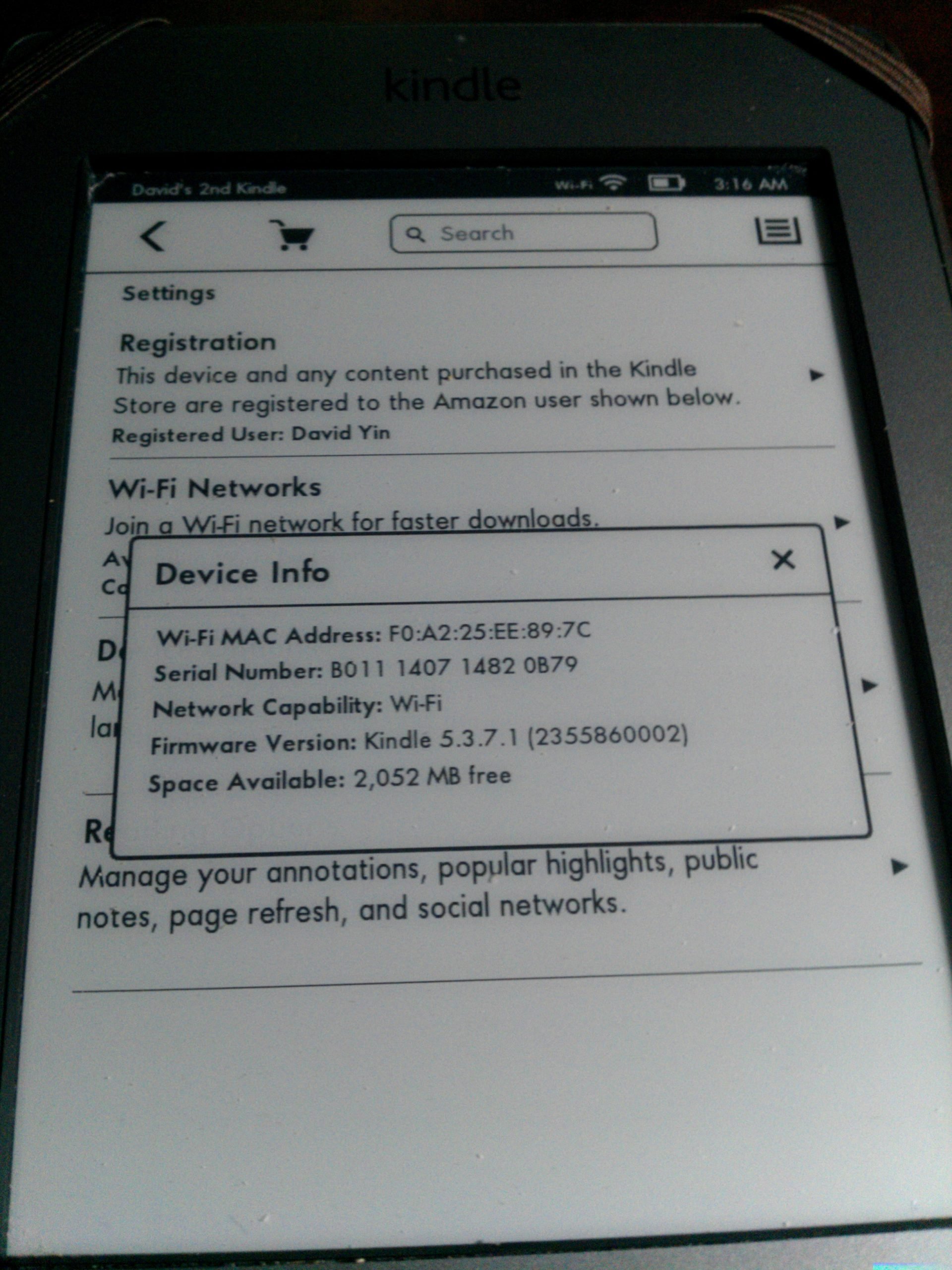


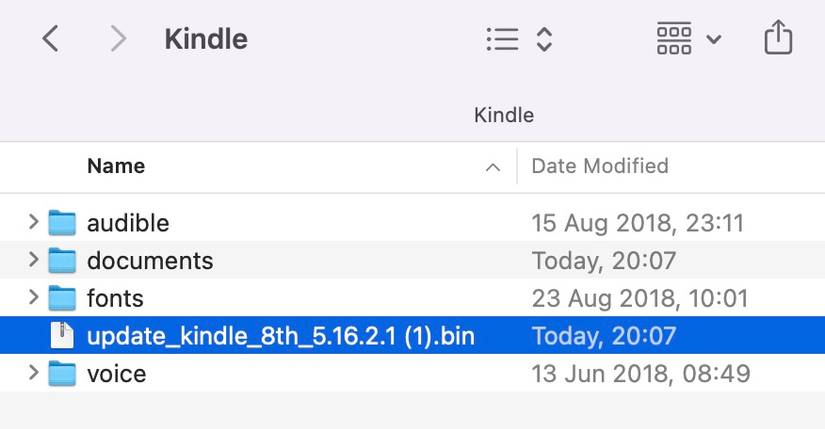


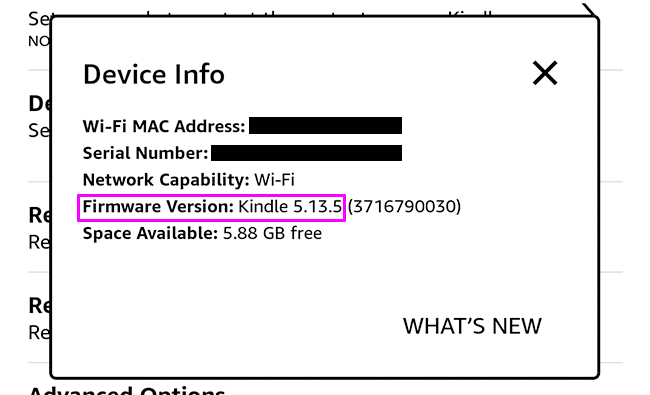








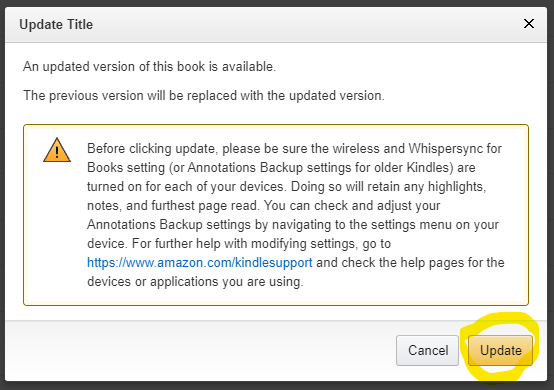







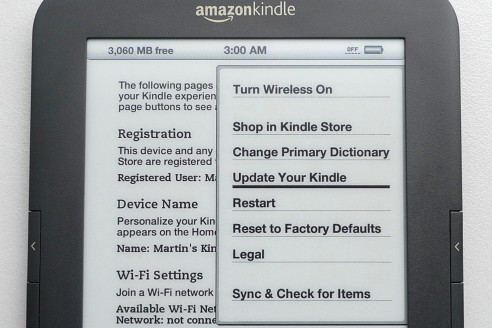


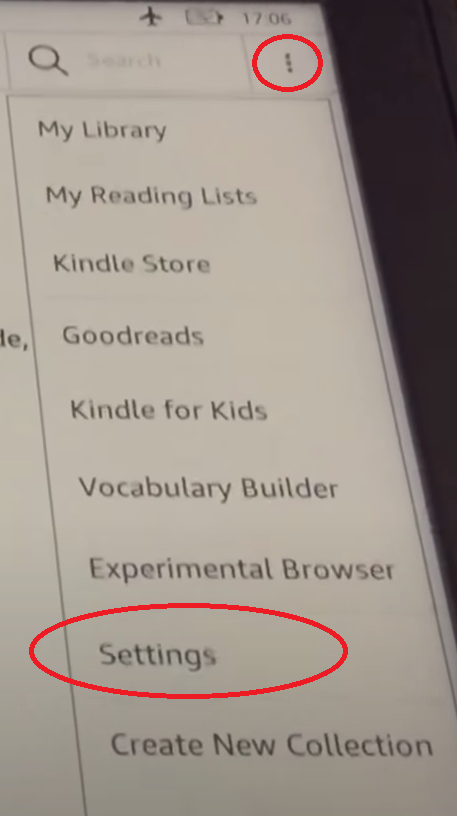
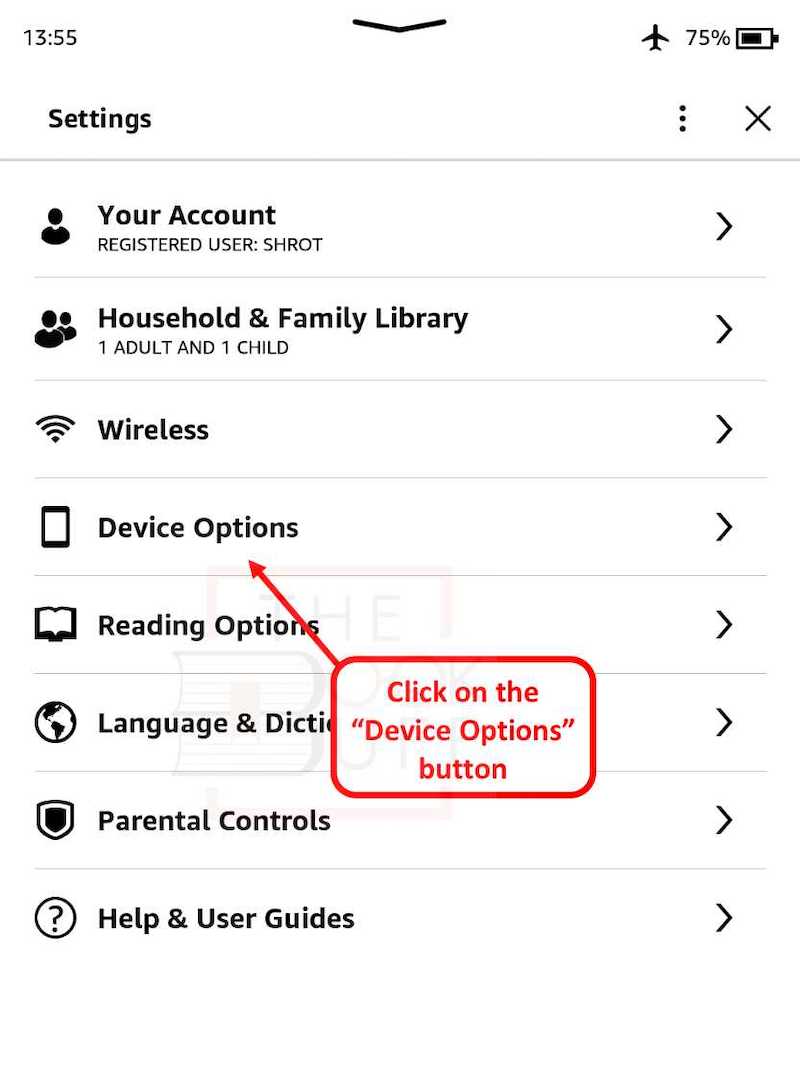
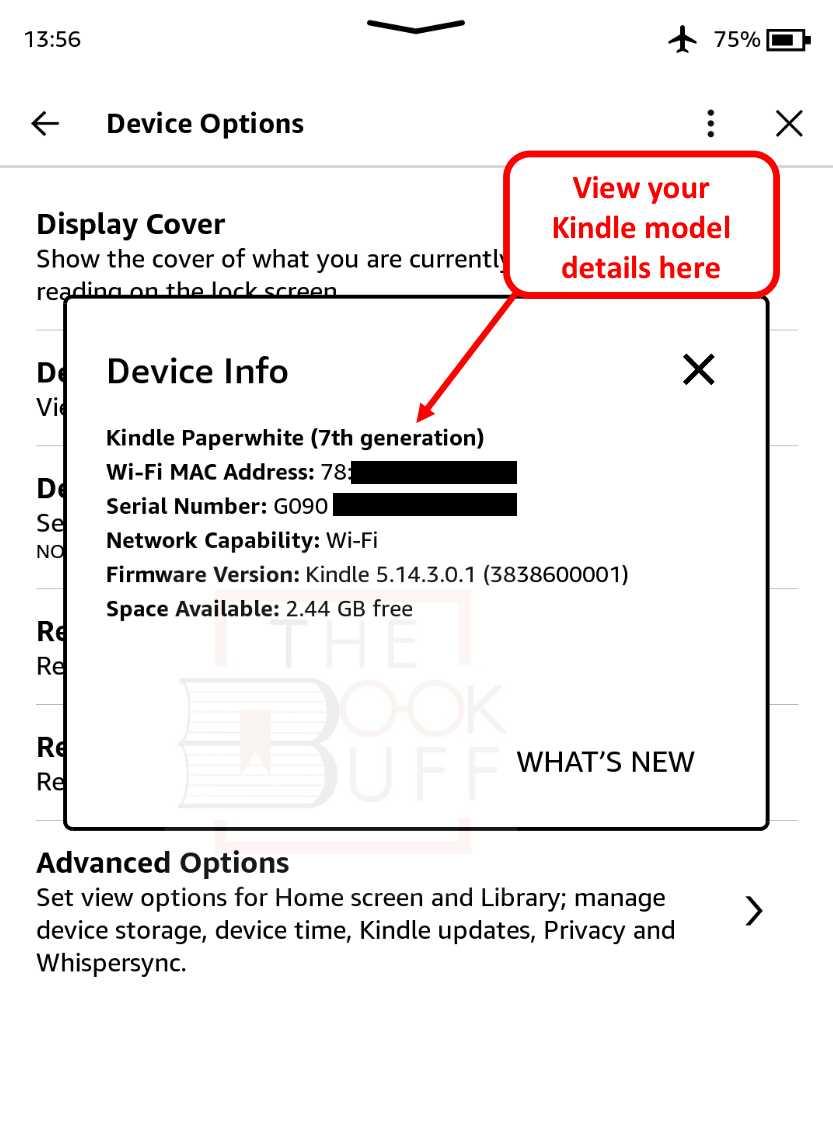

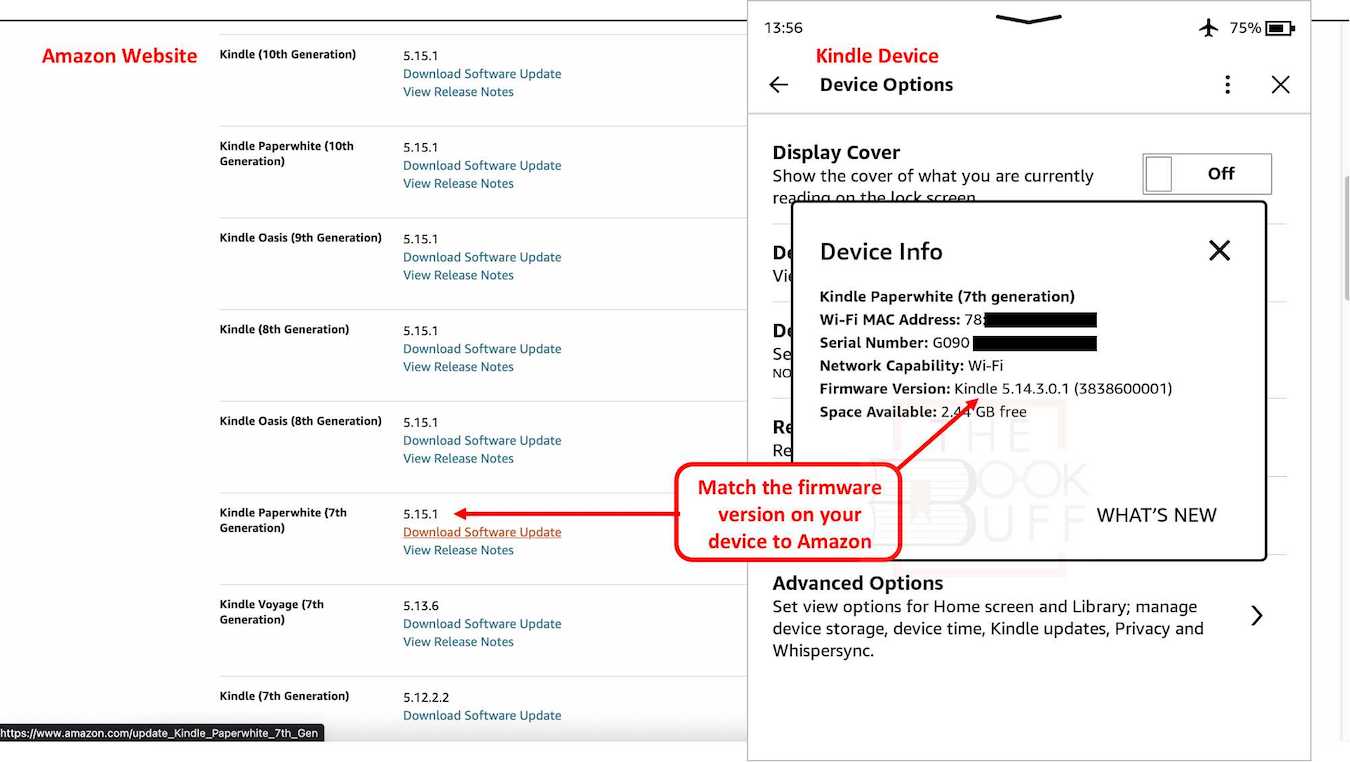



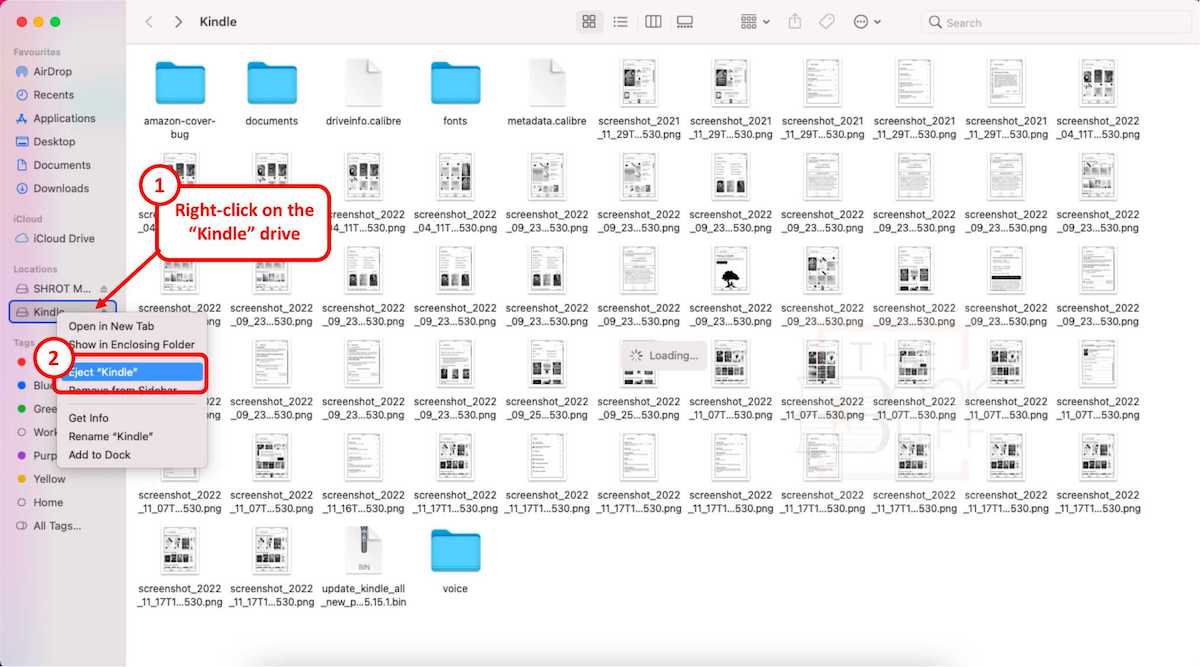

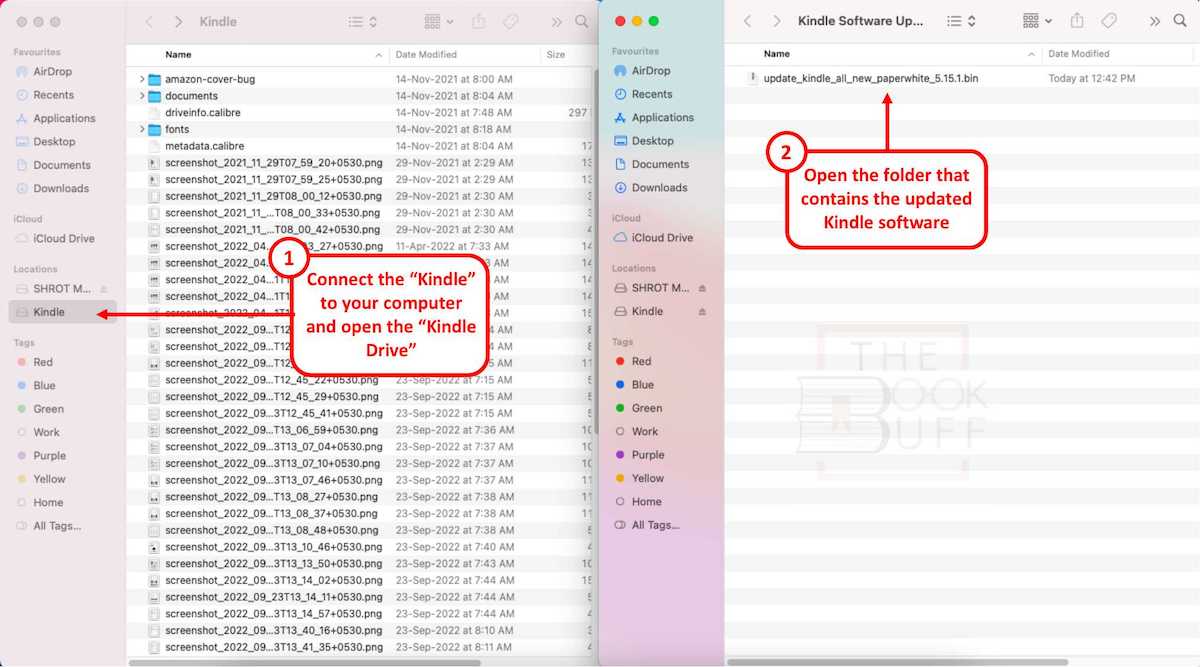

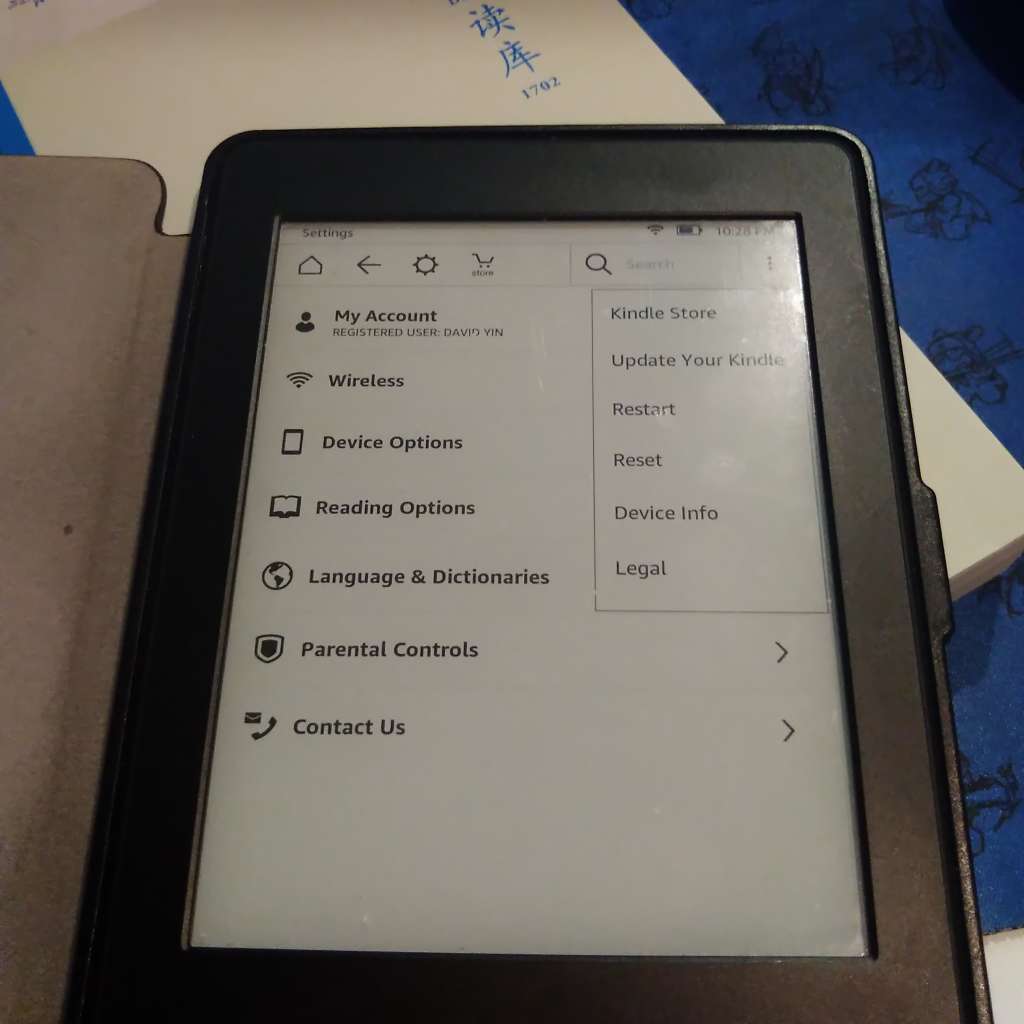










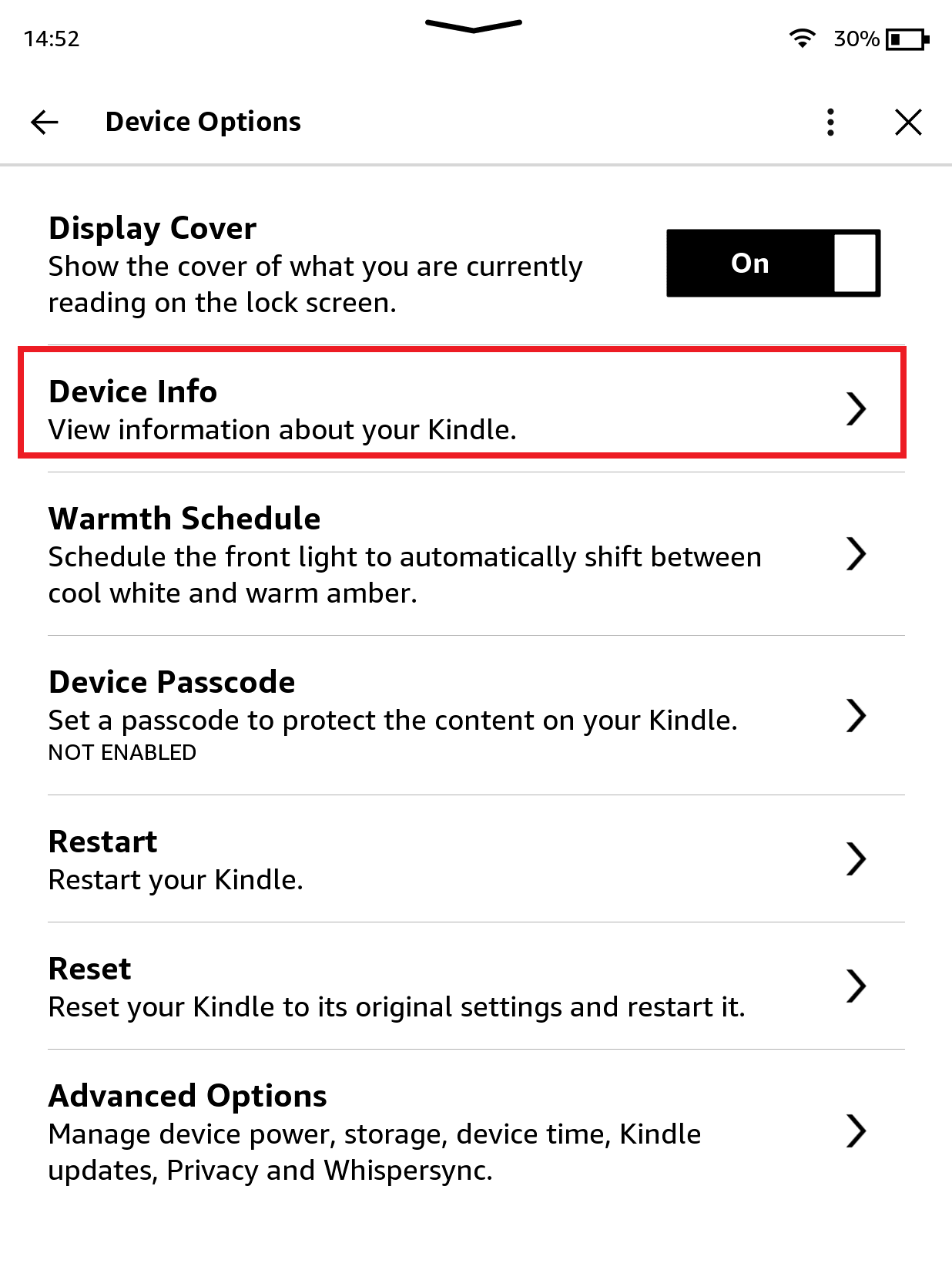





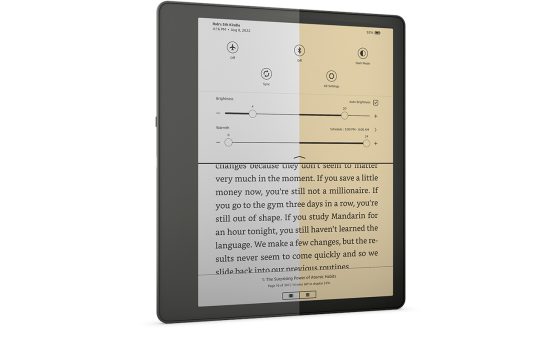
Celebrate the seasons with our stunning Update Kindle Menu collection of vast arrays of seasonal images. highlighting time-sensitive photography, images, and pictures. perfect for seasonal marketing and campaigns. Browse our premium Update Kindle Menu gallery featuring professionally curated photographs. Suitable for various applications including web design, social media, personal projects, and digital content creation All Update Kindle Menu images are available in high resolution with professional-grade quality, optimized for both digital and print applications, and include comprehensive metadata for easy organization and usage. Our Update Kindle Menu gallery offers diverse visual resources to bring your ideas to life. Advanced search capabilities make finding the perfect Update Kindle Menu image effortless and efficient. Time-saving browsing features help users locate ideal Update Kindle Menu images quickly. Regular updates keep the Update Kindle Menu collection current with contemporary trends and styles. The Update Kindle Menu archive serves professionals, educators, and creatives across diverse industries. Our Update Kindle Menu database continuously expands with fresh, relevant content from skilled photographers. Multiple resolution options ensure optimal performance across different platforms and applications. Professional licensing options accommodate both commercial and educational usage requirements. Diverse style options within the Update Kindle Menu collection suit various aesthetic preferences. Whether for commercial projects or personal use, our Update Kindle Menu collection delivers consistent excellence.