Ubuntu Read File







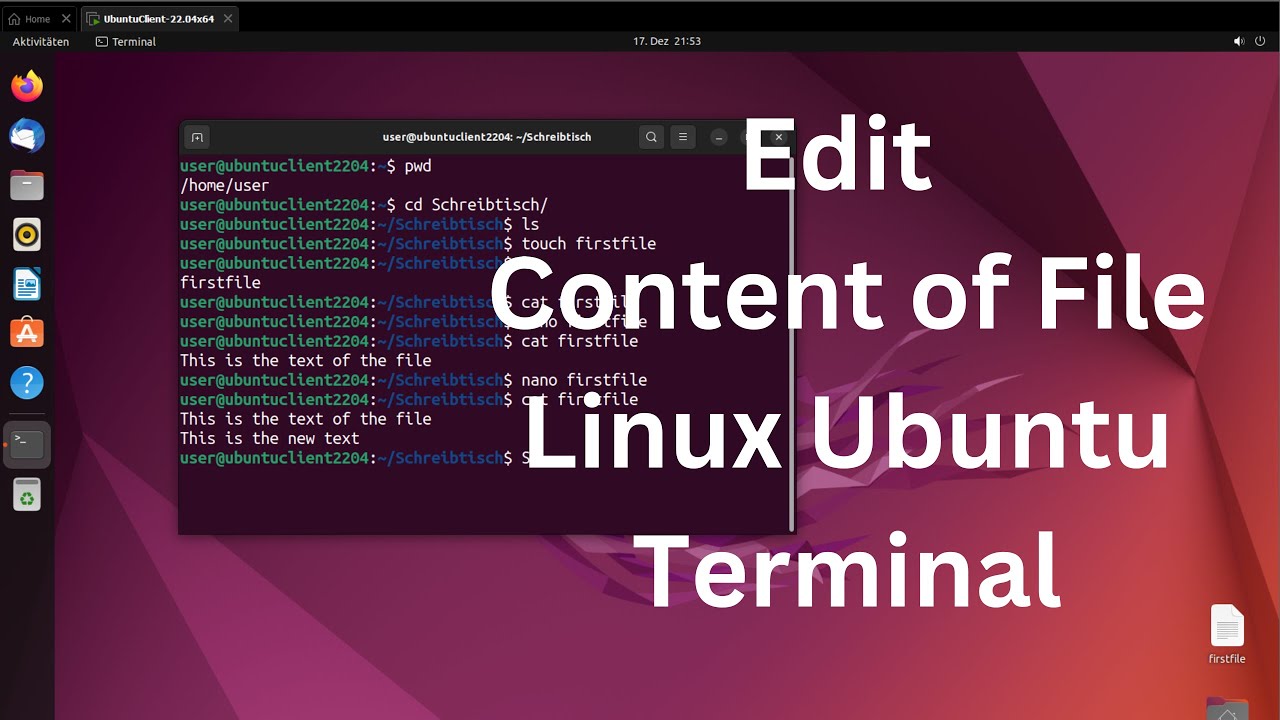
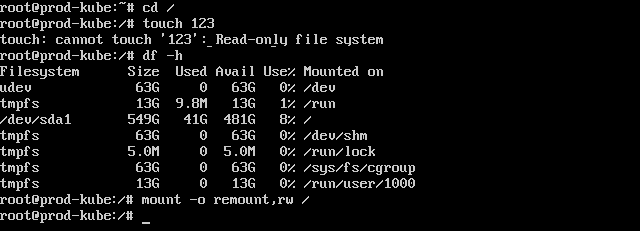


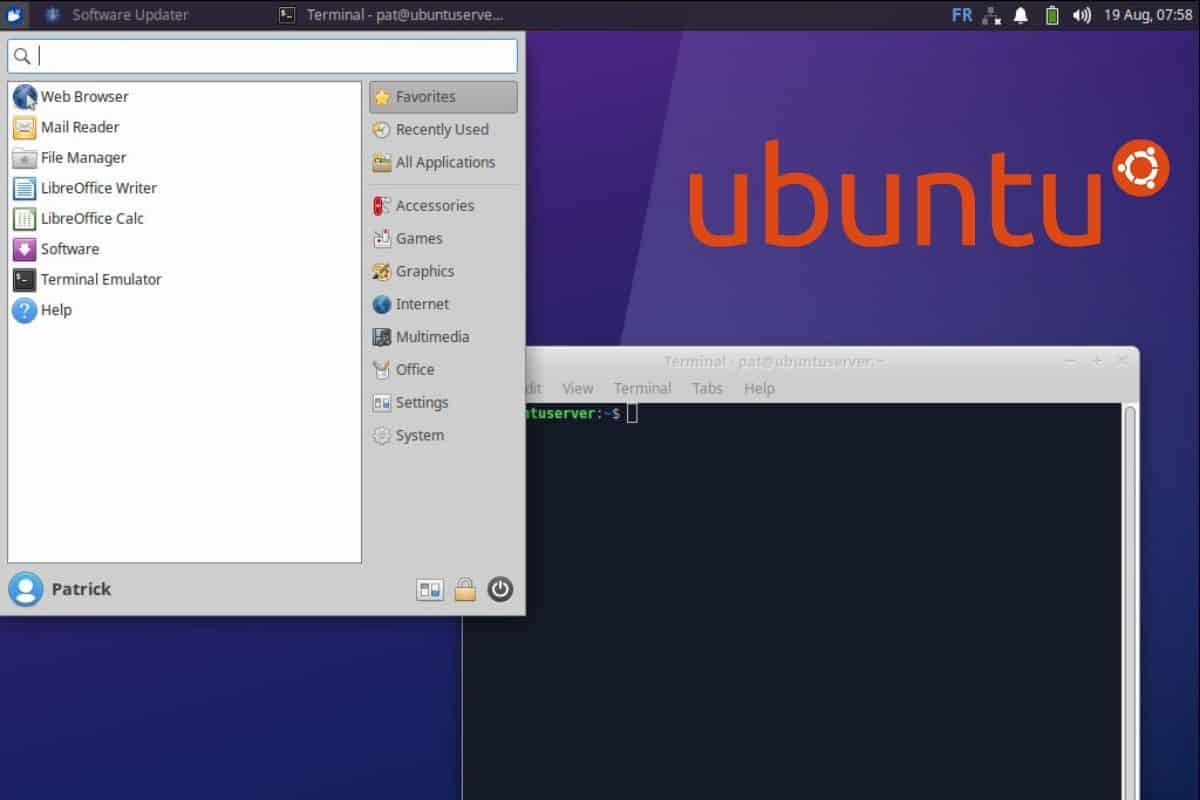
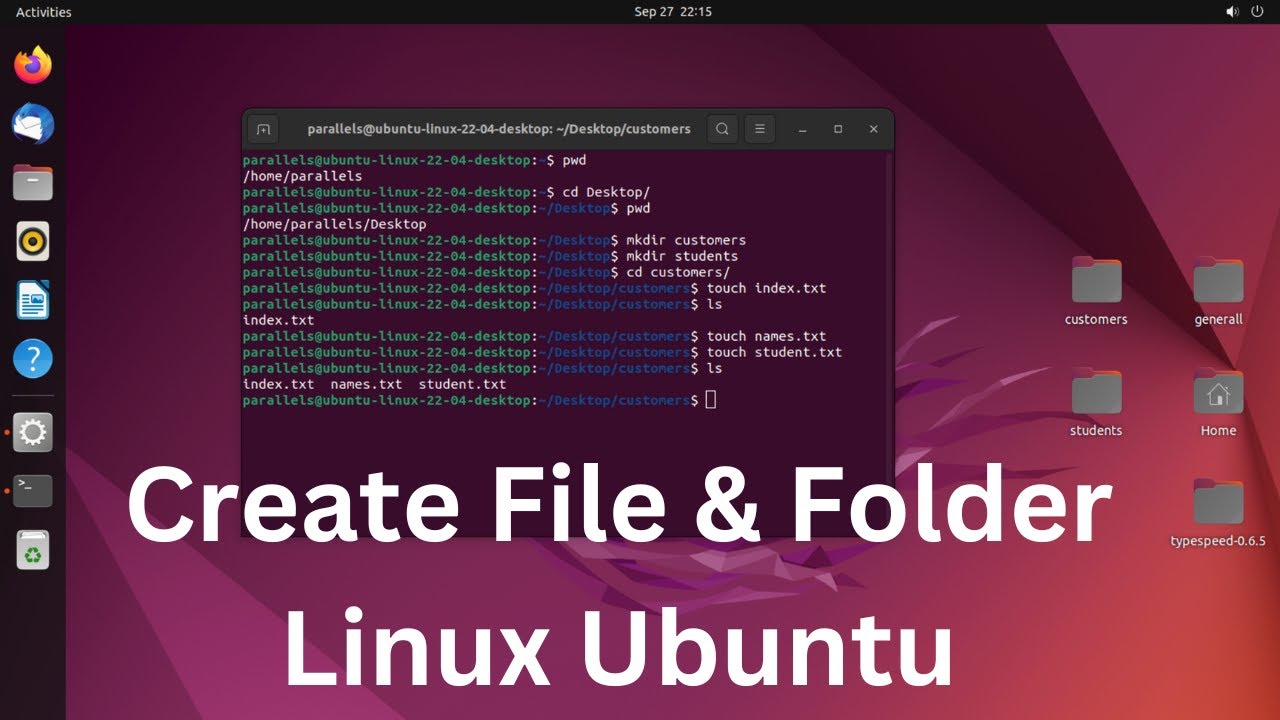


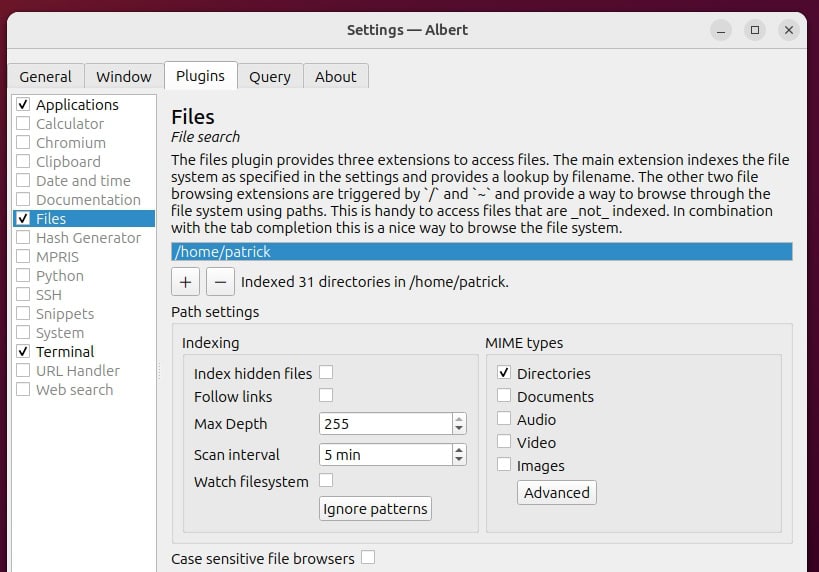
















































Entertain audiences with our stunning entertainment Ubuntu Read File collection of numerous captivating images. spectacularly highlighting photography, images, and pictures. perfect for entertainment marketing and promotion. The Ubuntu Read File collection maintains consistent quality standards across all images. Suitable for various applications including web design, social media, personal projects, and digital content creation All Ubuntu Read File images are available in high resolution with professional-grade quality, optimized for both digital and print applications, and include comprehensive metadata for easy organization and usage. Discover the perfect Ubuntu Read File images to enhance your visual communication needs. Comprehensive tagging systems facilitate quick discovery of relevant Ubuntu Read File content. The Ubuntu Read File collection represents years of careful curation and professional standards. Instant download capabilities enable immediate access to chosen Ubuntu Read File images. Cost-effective licensing makes professional Ubuntu Read File photography accessible to all budgets. Diverse style options within the Ubuntu Read File collection suit various aesthetic preferences. Advanced search capabilities make finding the perfect Ubuntu Read File image effortless and efficient. The Ubuntu Read File archive serves professionals, educators, and creatives across diverse industries. Multiple resolution options ensure optimal performance across different platforms and applications. Whether for commercial projects or personal use, our Ubuntu Read File collection delivers consistent excellence.