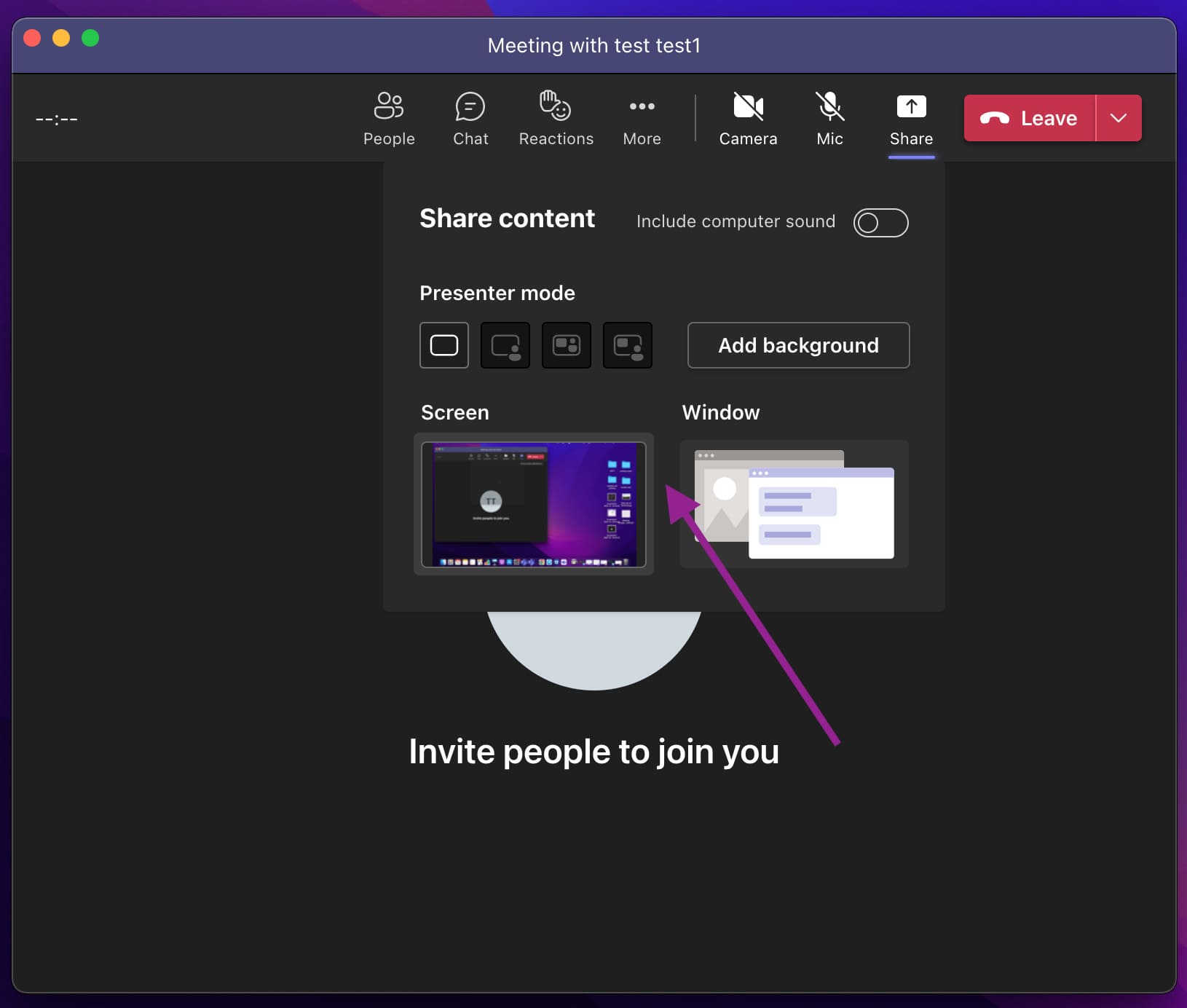
Teams Take Back Screen Control
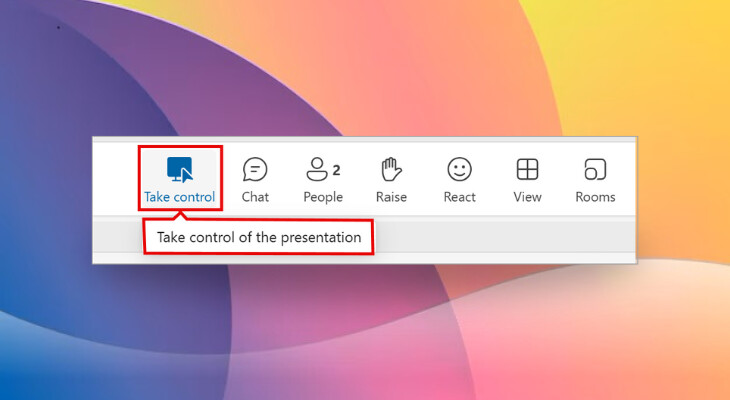
Enhance your business with our stunning commercial Teams Take Back Screen Control collection of comprehensive galleries of professional images. designed for business applications featuring sport, game, and athletic. designed to drive business results and engagement. Our Teams Take Back Screen Control collection features high-quality images with excellent detail and clarity. Suitable for various applications including web design, social media, personal projects, and digital content creation All Teams Take Back Screen Control images are available in high resolution with professional-grade quality, optimized for both digital and print applications, and include comprehensive metadata for easy organization and usage. Explore the versatility of our Teams Take Back Screen Control collection for various creative and professional projects. Each image in our Teams Take Back Screen Control gallery undergoes rigorous quality assessment before inclusion. Our Teams Take Back Screen Control database continuously expands with fresh, relevant content from skilled photographers. Multiple resolution options ensure optimal performance across different platforms and applications. The Teams Take Back Screen Control collection represents years of careful curation and professional standards. Instant download capabilities enable immediate access to chosen Teams Take Back Screen Control images. Cost-effective licensing makes professional Teams Take Back Screen Control photography accessible to all budgets. Time-saving browsing features help users locate ideal Teams Take Back Screen Control images quickly.
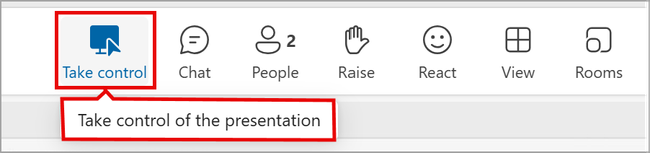
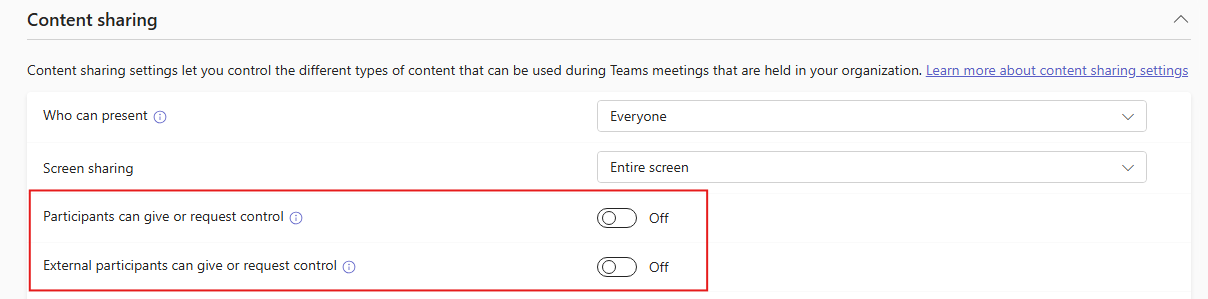


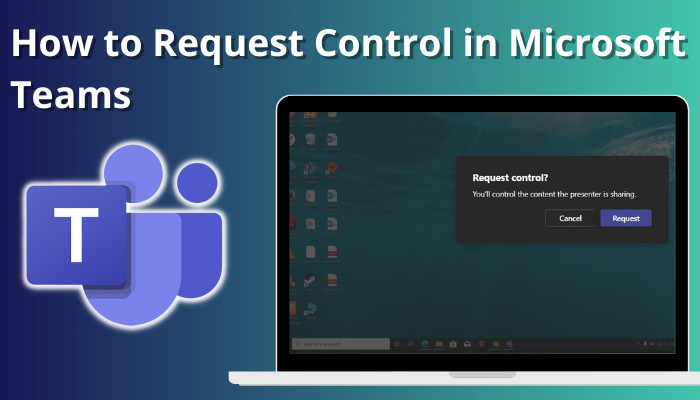
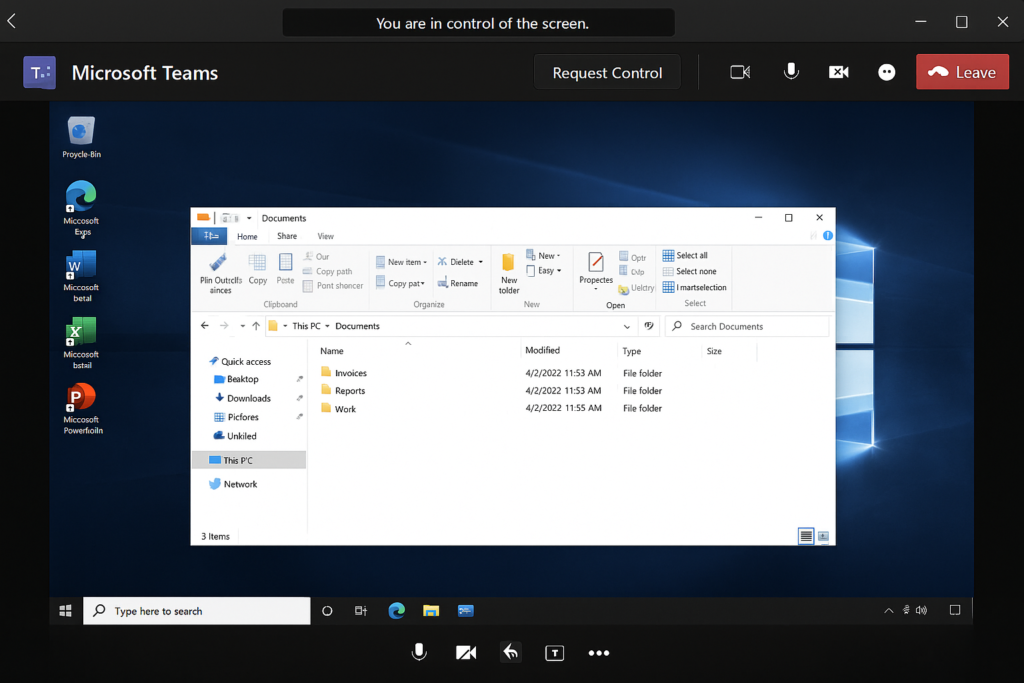
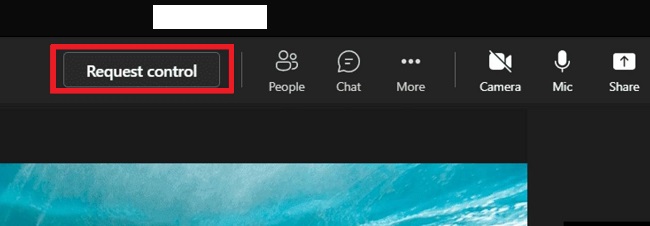
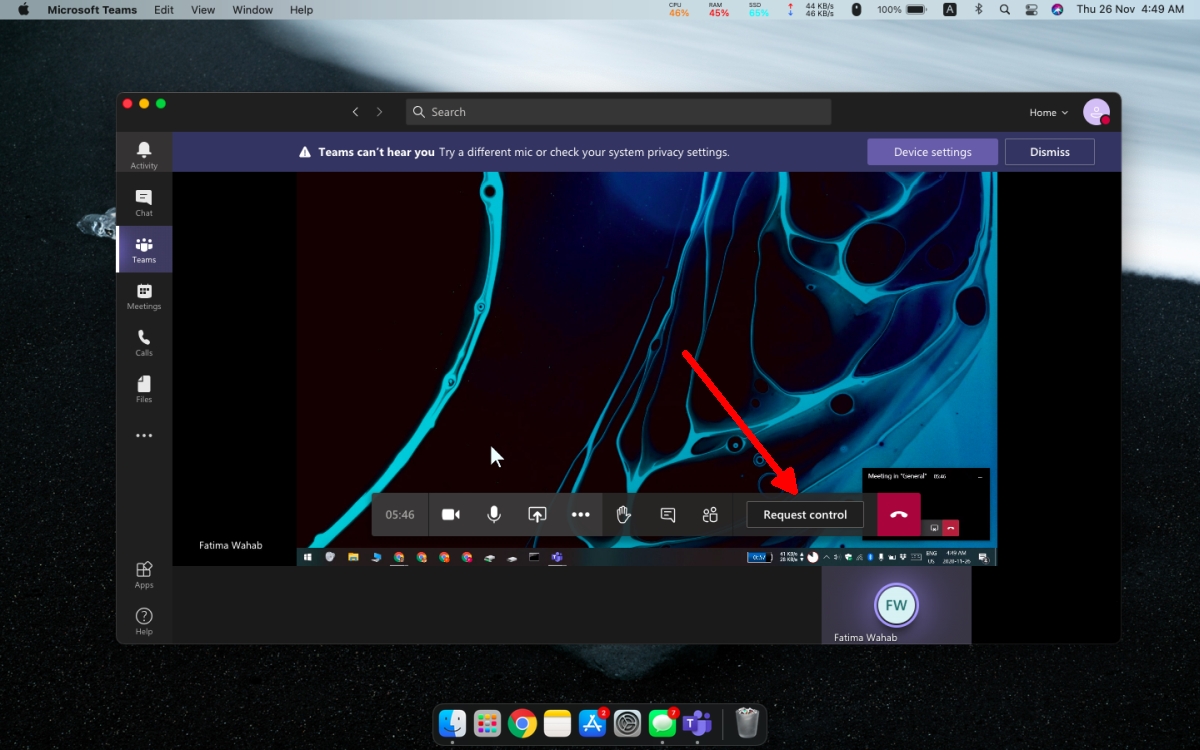
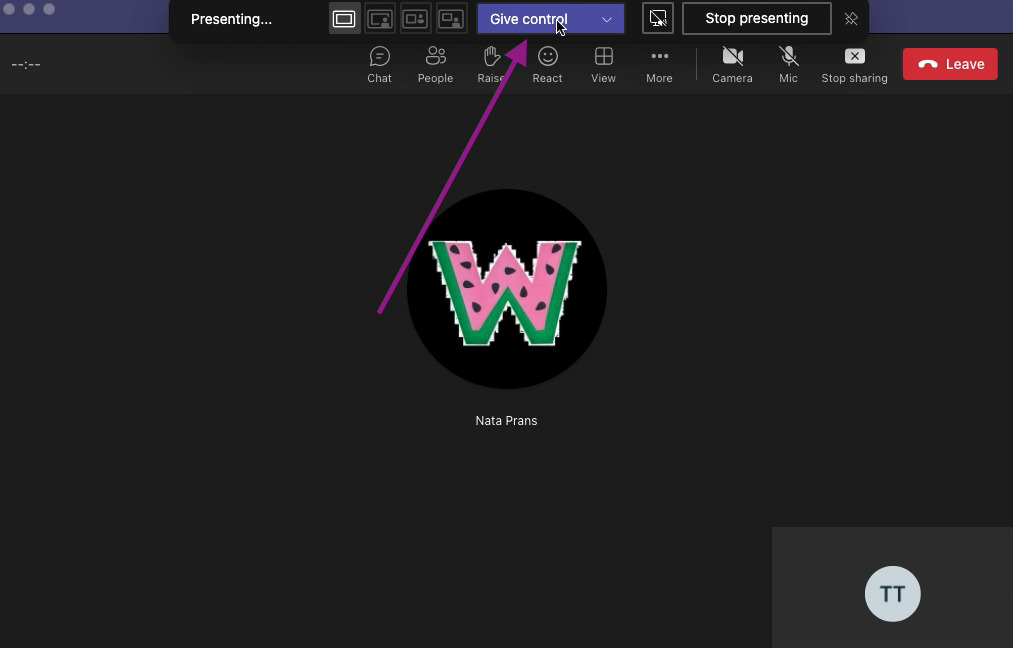
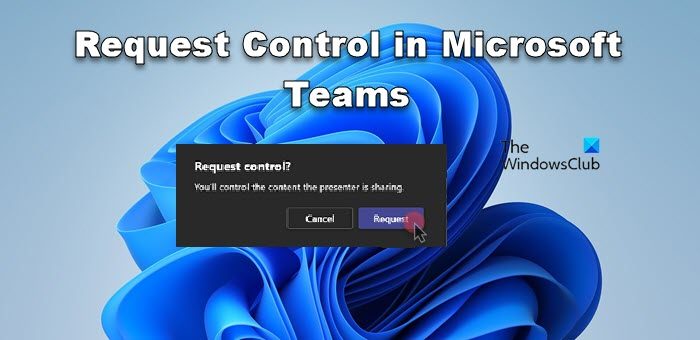
![Teams Take Back Screen Control How to Request Control in Microsoft Teams [Share Your Screen]](https://10pcg.com/wp-content/uploads/how-to-request-control-in-microsoft-teams.jpg)

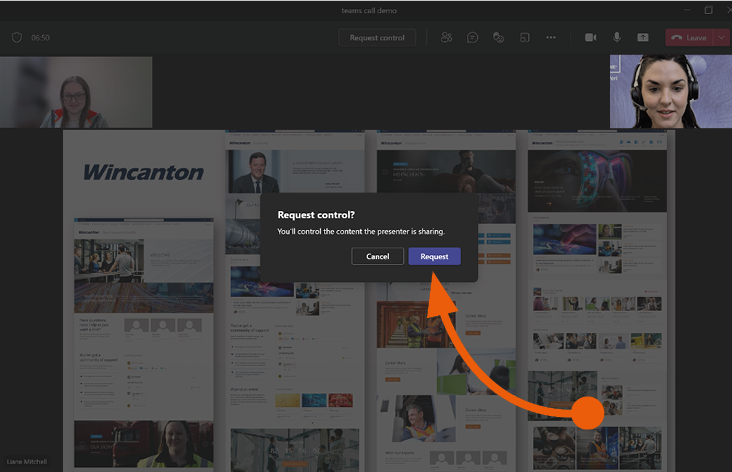
![Teams Take Back Screen Control How to Request Control in Microsoft Teams [Share Your Screen]](https://10pcg.com/wp-content/uploads/confirm-request-300x169.jpg)

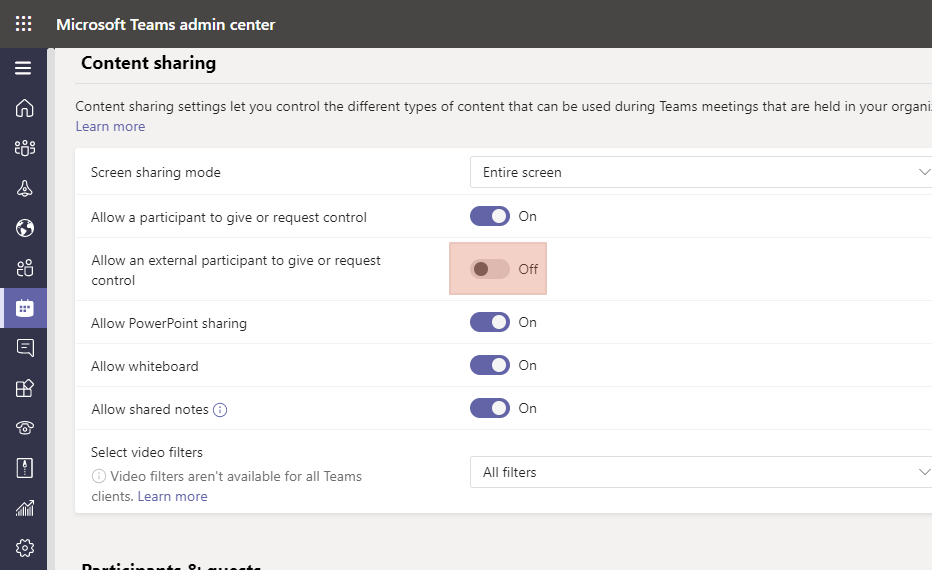
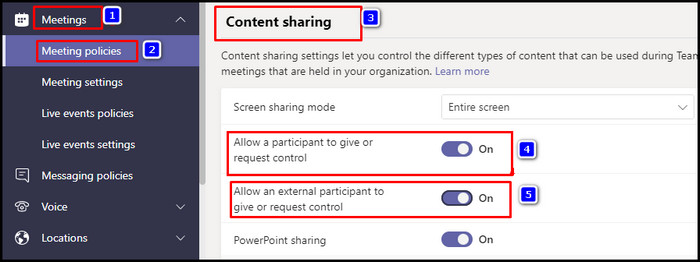
![Teams Take Back Screen Control How to Enable External Control in Microsoft Teams [Desktop Control]](https://www.mrsharepoint.com/wp-content/uploads/2021/04/allow-external-control-on-teams.png)
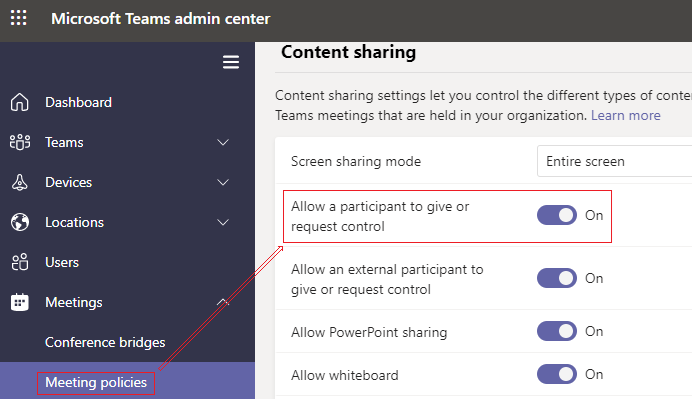
![Teams Take Back Screen Control How to Enable Remote Control in Microsoft Teams [Screen Share]](https://windowsreport.com/wp-content/uploads/2022/09/microsoft-teams-admin-center-meetings-meeting-policies-102x210.png)
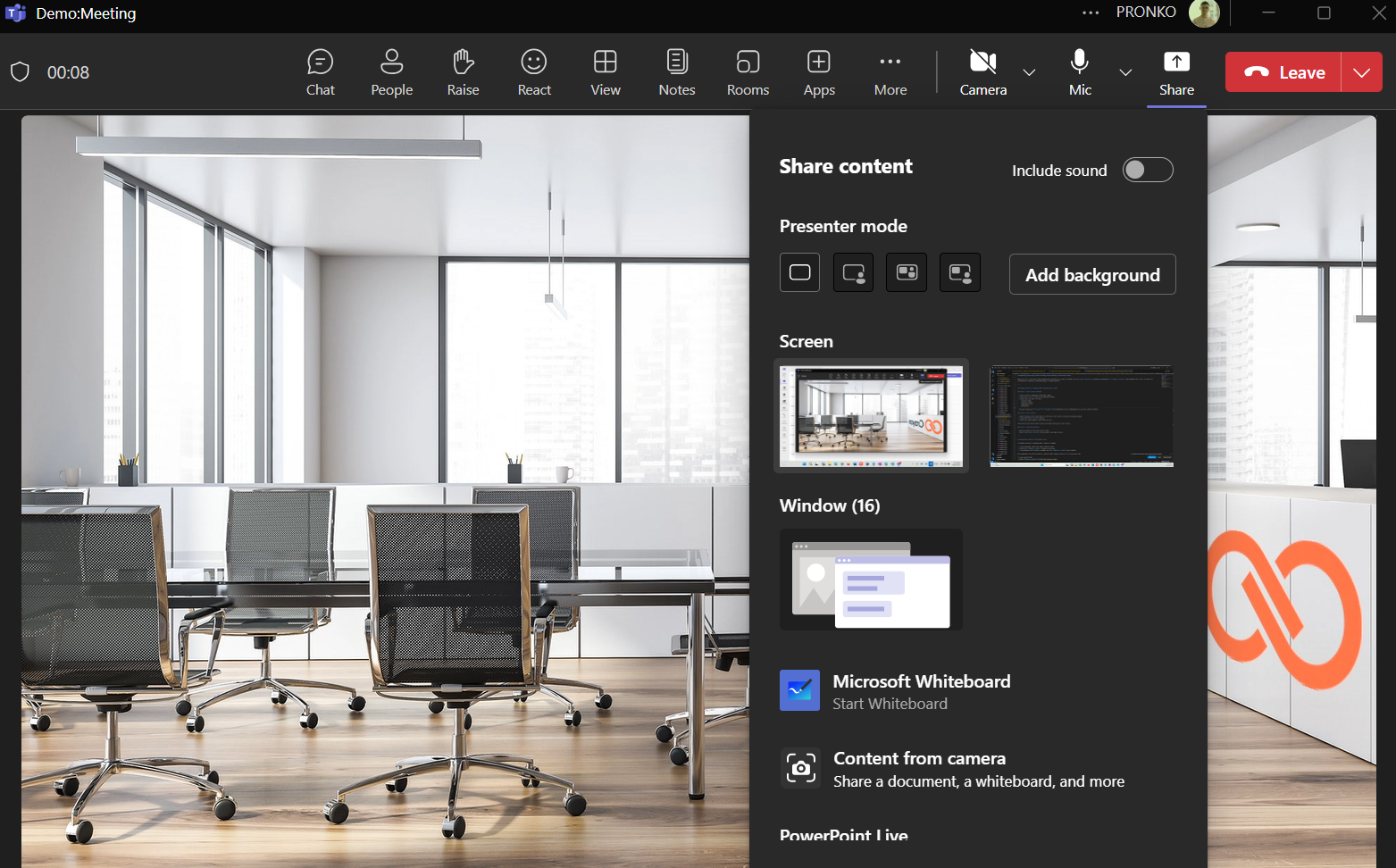
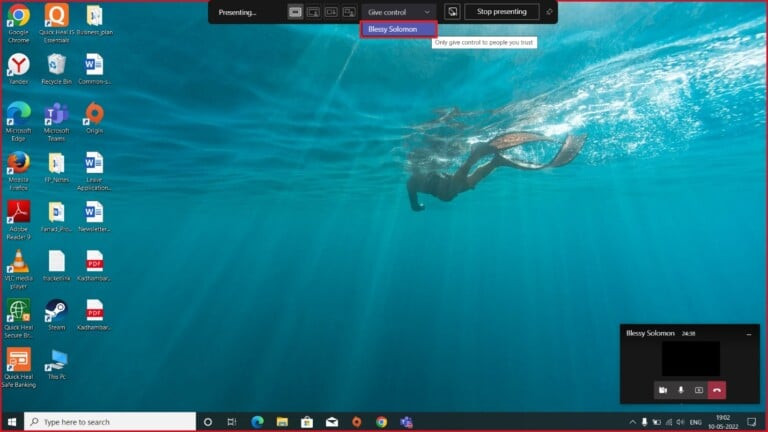
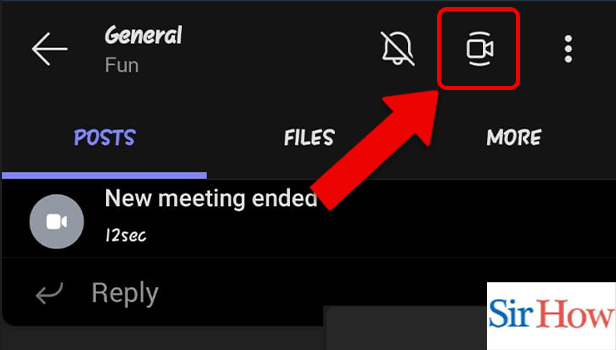
![Teams Take Back Screen Control How to Give Control in Teams [Allow Remote Access]](https://10pcg.com/wp-content/uploads/select-participants-1.jpg)

![Teams Take Back Screen Control How to Enable Remote Control in Microsoft Teams [Screen Share]](https://windowsreport.com/wp-content/uploads/2022/09/Untitled-design-2022-09-19T114019.981.png)


![Teams Take Back Screen Control How to Give Control in Teams [Allow Remote Access]](https://10pcg.com/wp-content/uploads/choose-option-1.jpg)


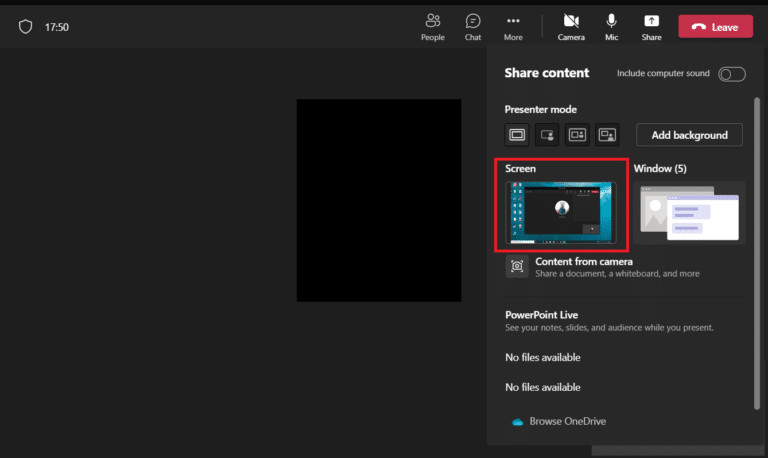
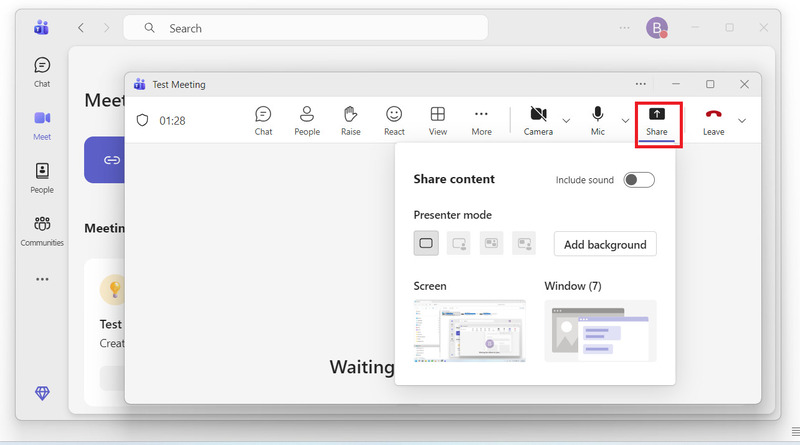
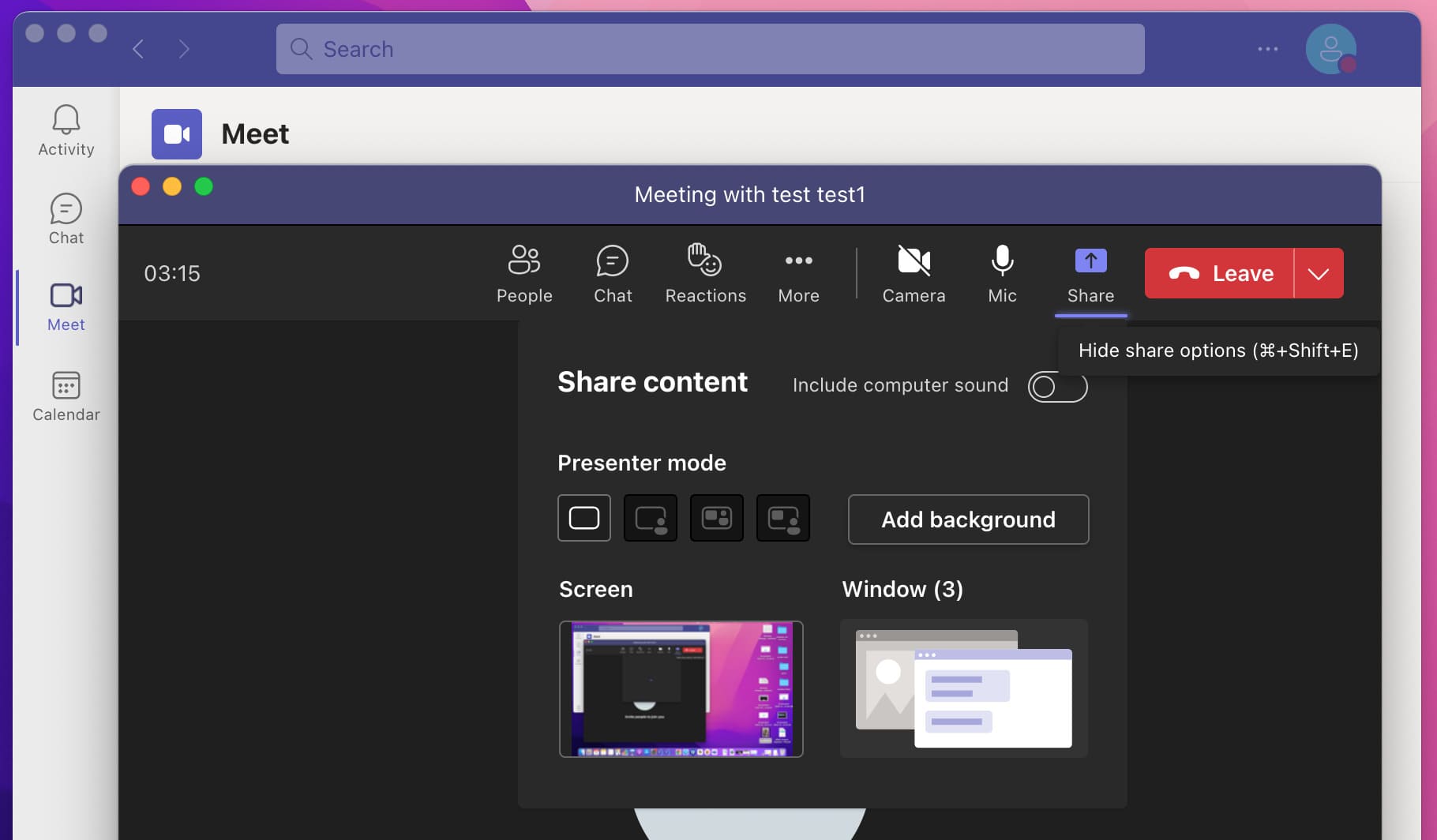
![Teams Take Back Screen Control How to Request Control in Microsoft Teams [Share Your Screen]](https://10pcg.com/wp-content/uploads/content-sharing.jpg)
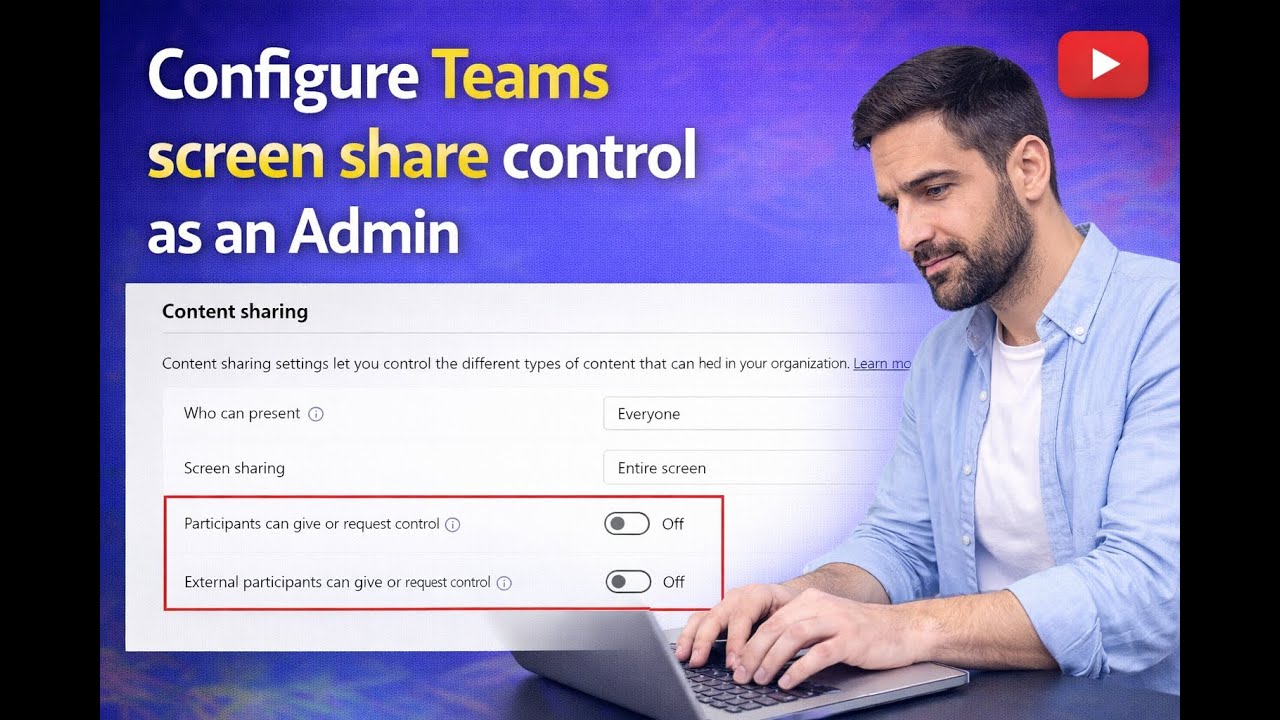


![Teams Take Back Screen Control How to record a Microsoft Teams meeting [quick guide]](https://images.ctfassets.net/lzny33ho1g45/4DtIK2aPCYsU061FuQHqF4/ae01dded21f4c3d1697e74cad6689599/access-meeting-controls.png?w=1400)
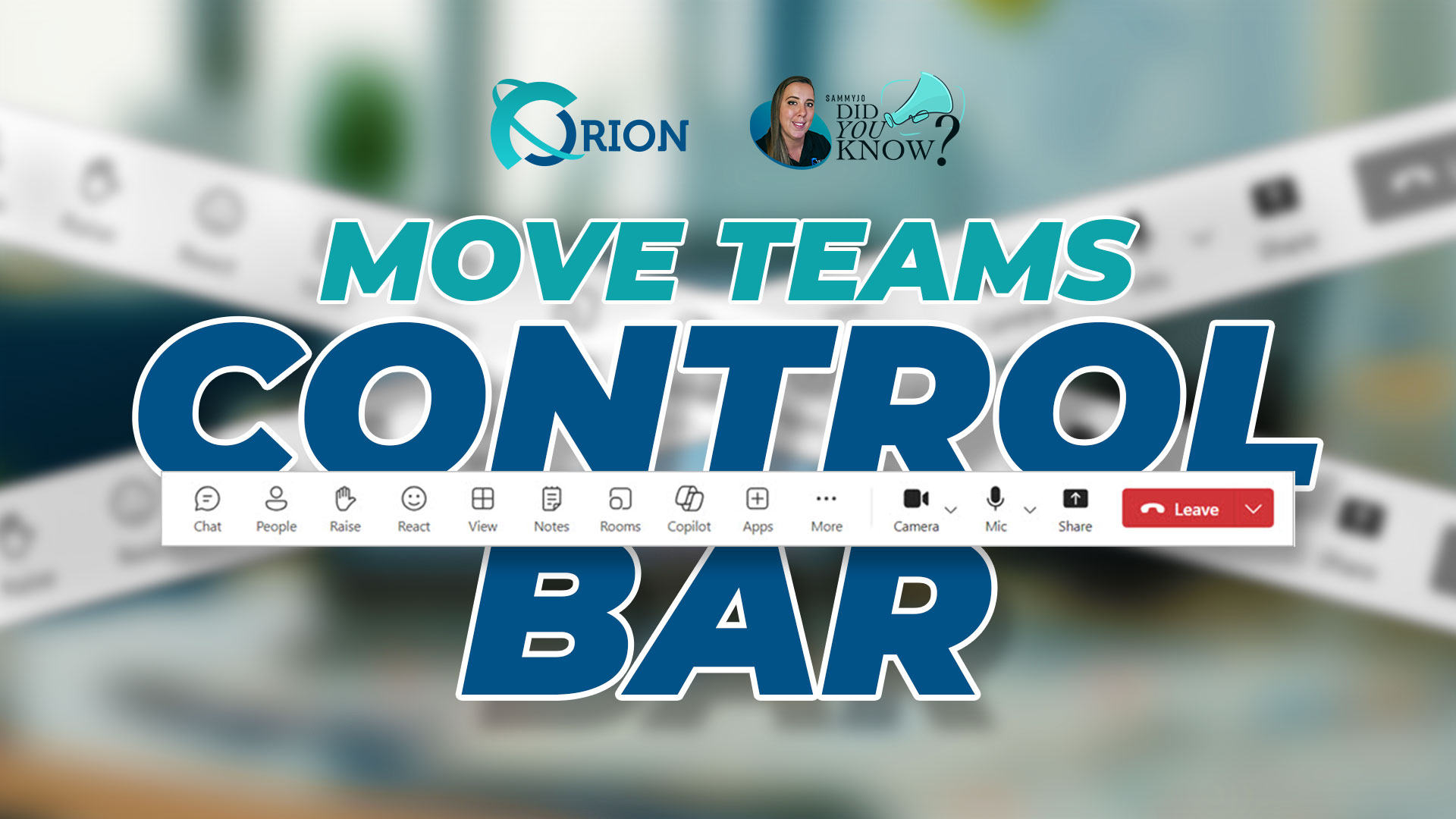
![Teams Take Back Screen Control Where is the Meeting Control Bar in Teams? [How to Use It]](https://10pcg.com/wp-content/uploads/teams-meeting-control-bar.jpg)
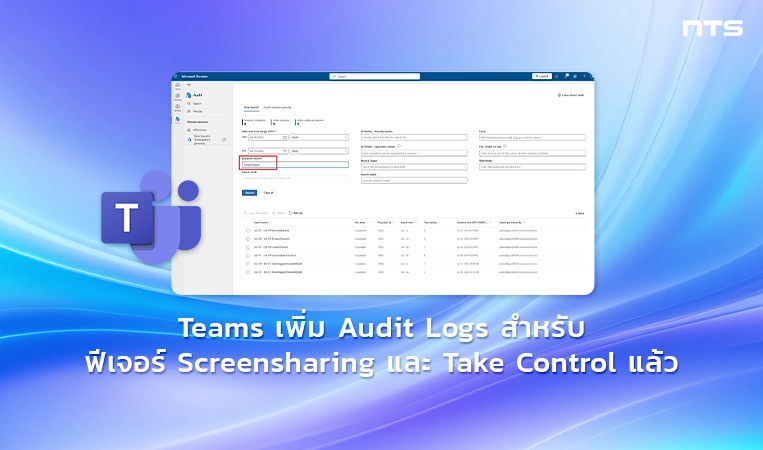


![Teams Take Back Screen Control [FIX] Microsoft Teams OFF SCREEN? - How to MOVE IT BACK! - YouTube](https://i.ytimg.com/vi/_sOwY4L6mmw/maxresdefault.jpg)


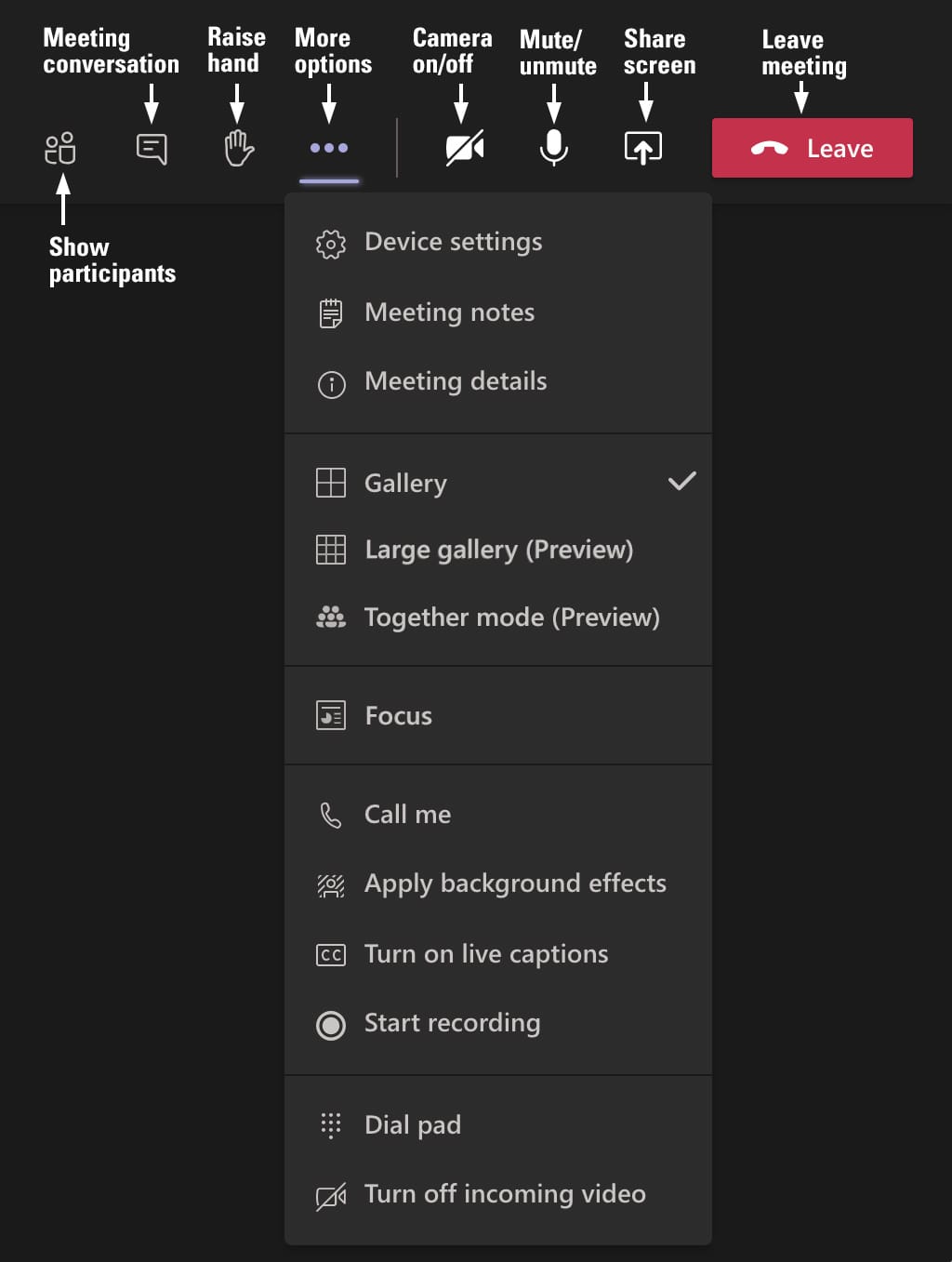
![Teams Take Back Screen Control Where is the Meeting Control Bar in Teams? [How to Use It]](https://10pcg.com/wp-content/uploads/teams-more-settings.jpg)