Screen Mirroring Indication
Boost your marketing with vast arrays of commercial-grade Screen Mirroring Indication photographs. crafted for marketing purposes showcasing photography, images, and pictures. designed to drive business results and engagement. The Screen Mirroring Indication collection maintains consistent quality standards across all images. Suitable for various applications including web design, social media, personal projects, and digital content creation All Screen Mirroring Indication images are available in high resolution with professional-grade quality, optimized for both digital and print applications, and include comprehensive metadata for easy organization and usage. Explore the versatility of our Screen Mirroring Indication collection for various creative and professional projects. Professional licensing options accommodate both commercial and educational usage requirements. Each image in our Screen Mirroring Indication gallery undergoes rigorous quality assessment before inclusion. Our Screen Mirroring Indication database continuously expands with fresh, relevant content from skilled photographers. Instant download capabilities enable immediate access to chosen Screen Mirroring Indication images. Time-saving browsing features help users locate ideal Screen Mirroring Indication images quickly. Regular updates keep the Screen Mirroring Indication collection current with contemporary trends and styles. The Screen Mirroring Indication archive serves professionals, educators, and creatives across diverse industries. Reliable customer support ensures smooth experience throughout the Screen Mirroring Indication selection process.
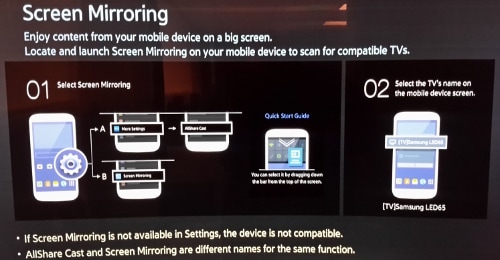
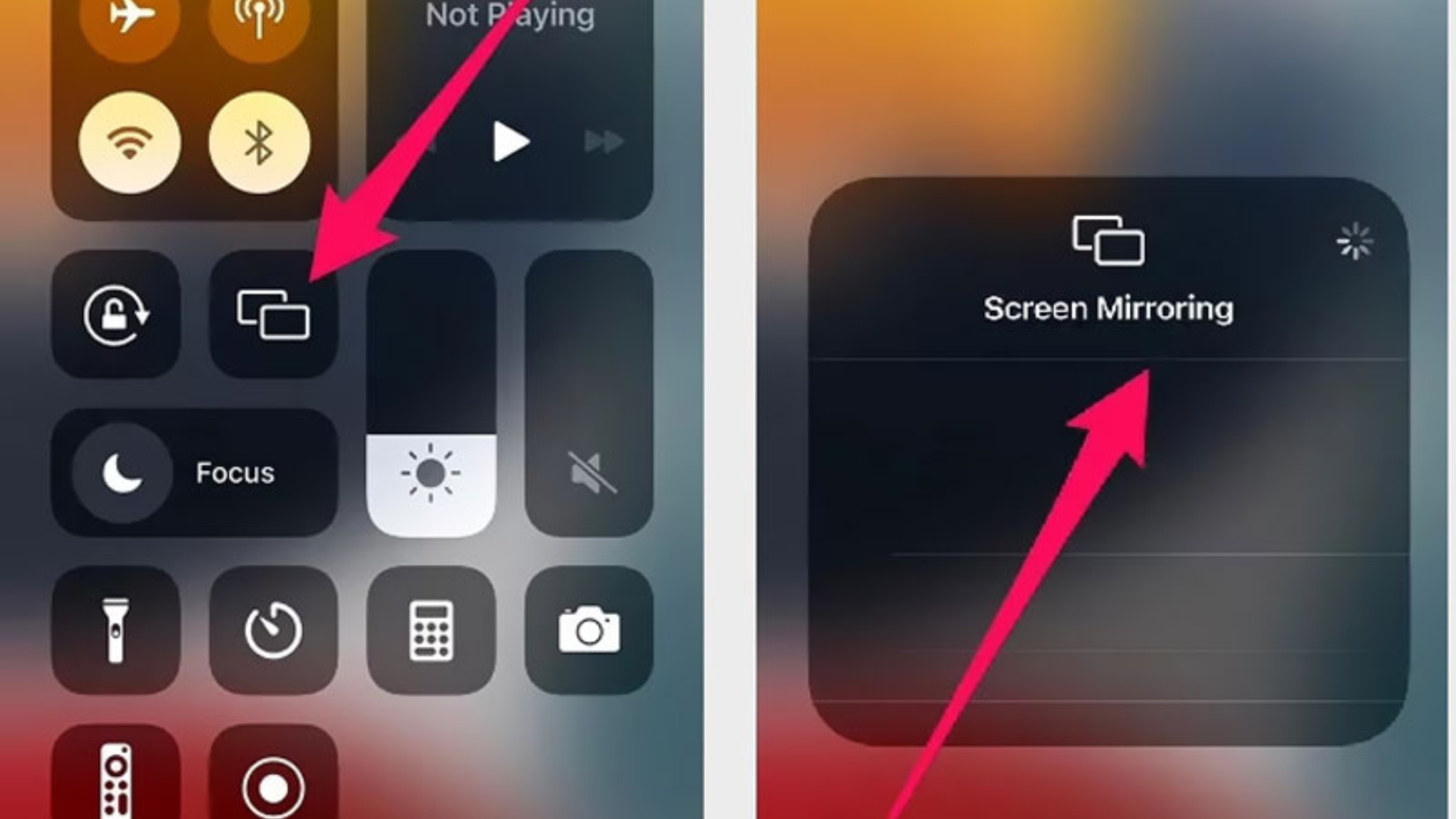
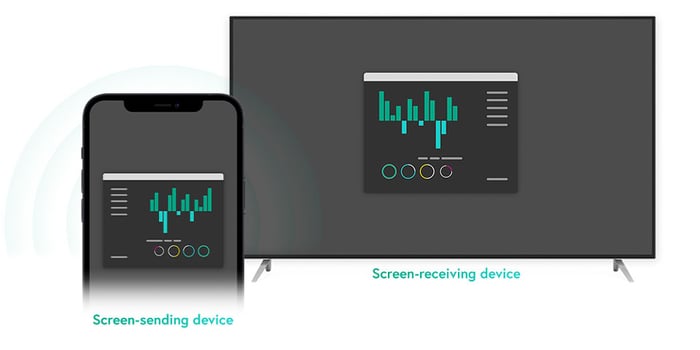
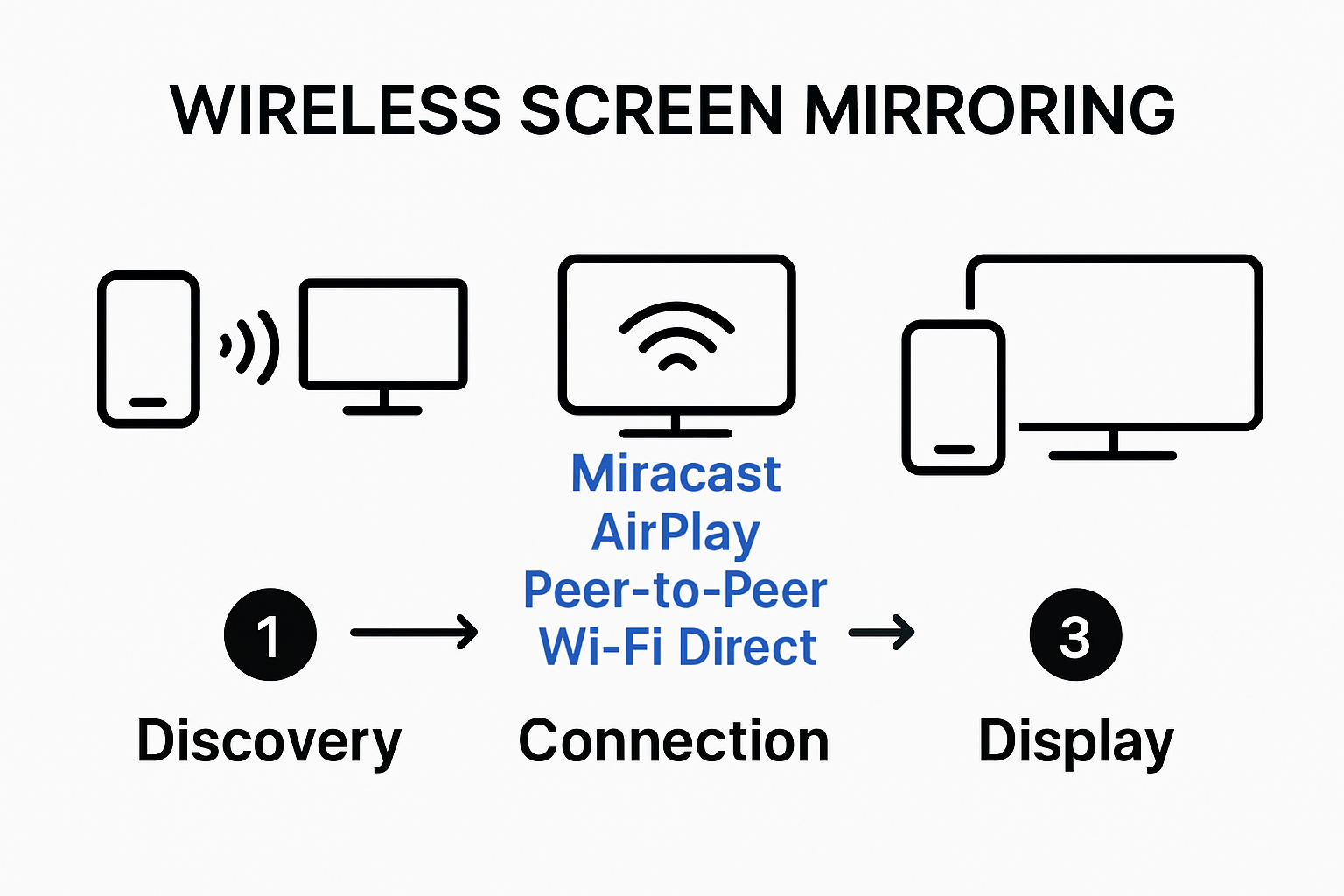


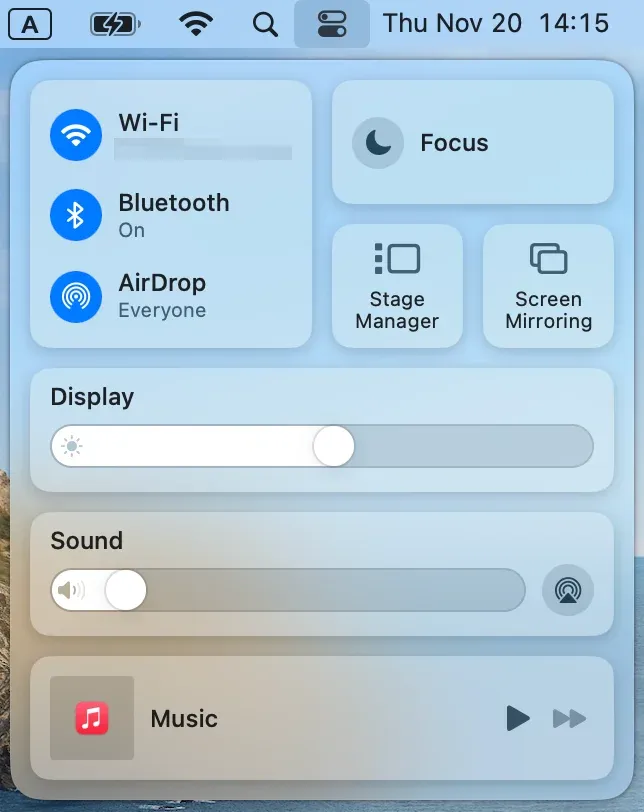
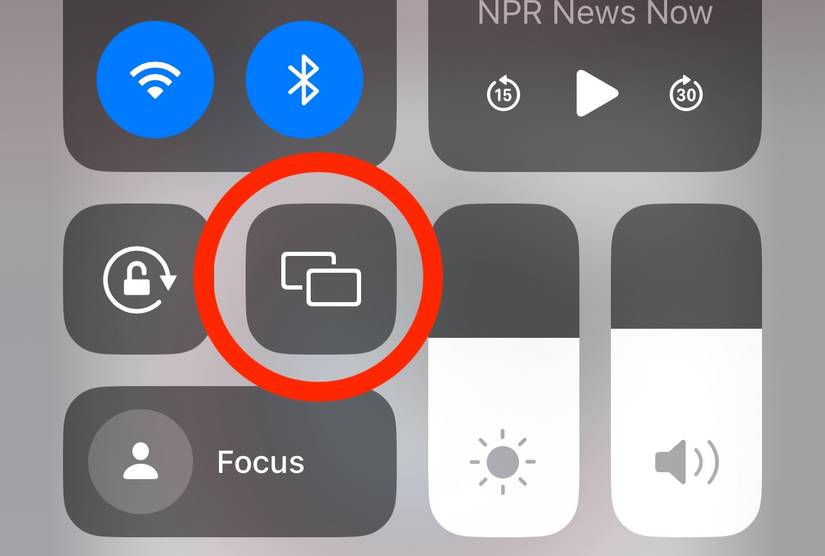
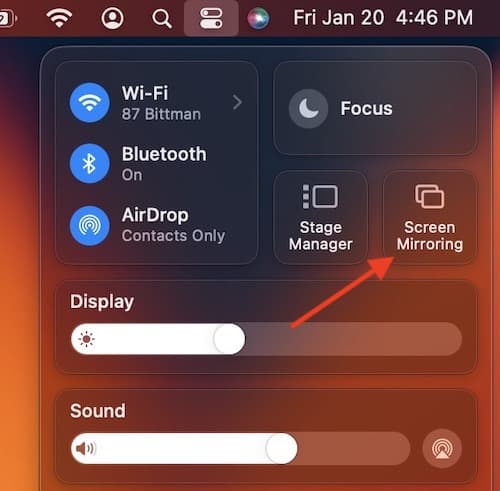
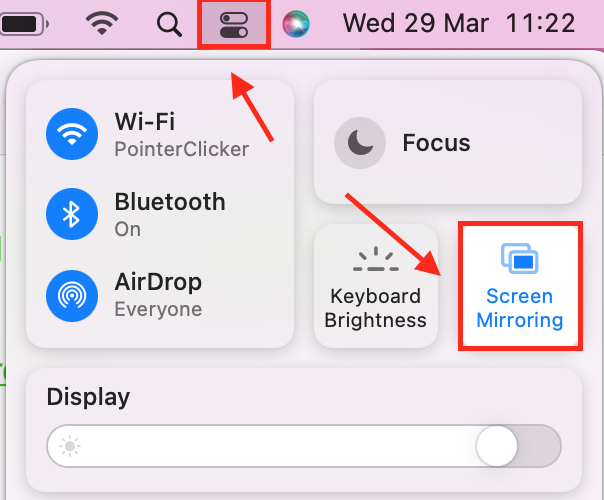
![Screen Mirroring Indication Start screen mirroring in an instant using Control Center [Pro tip]](https://www.cultofmac.com/wp-content/uploads/2021/04/Screen-Mirroring-Mac.jpg)
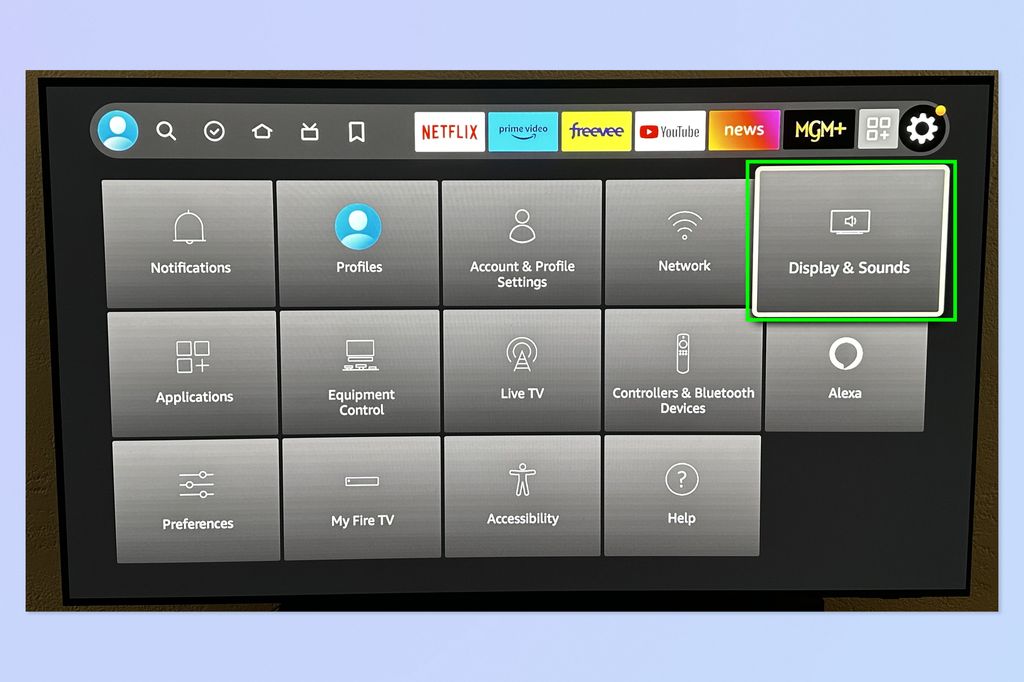


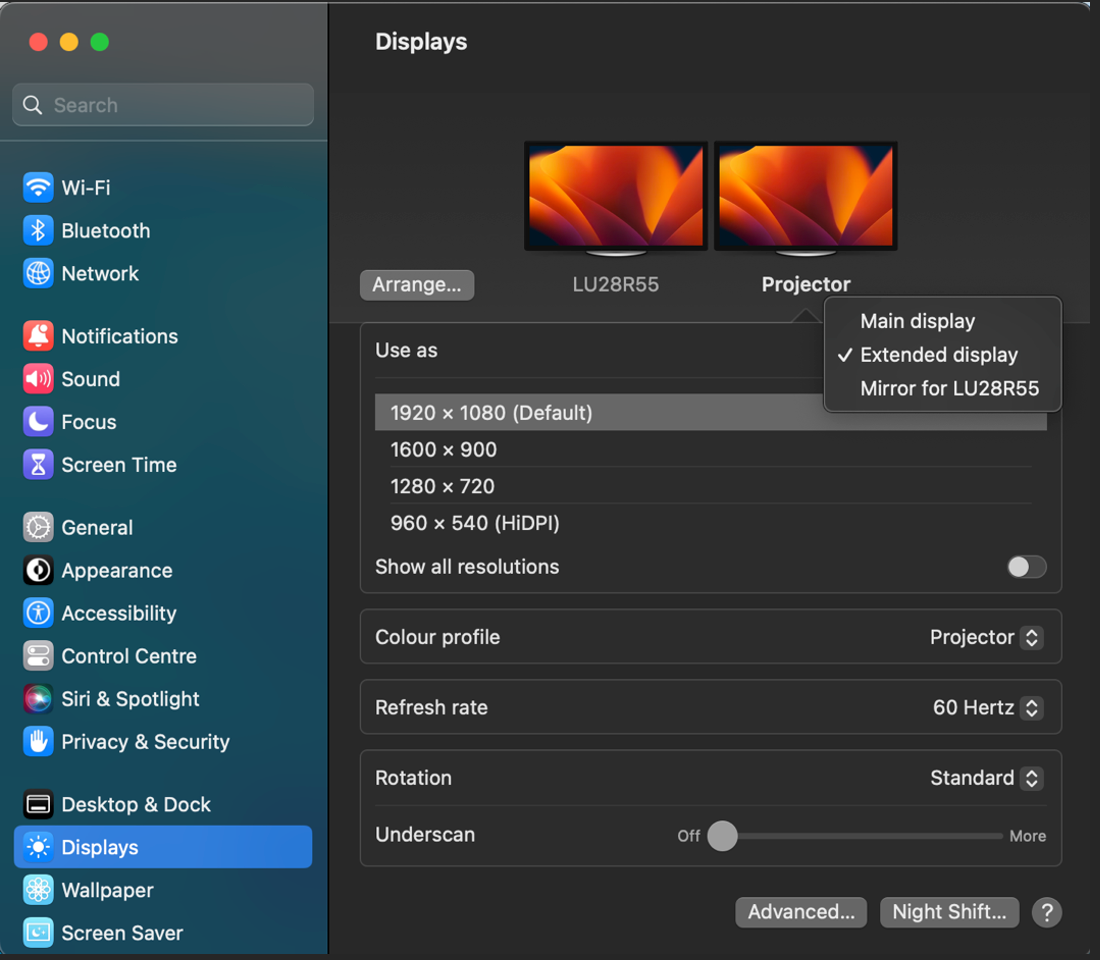
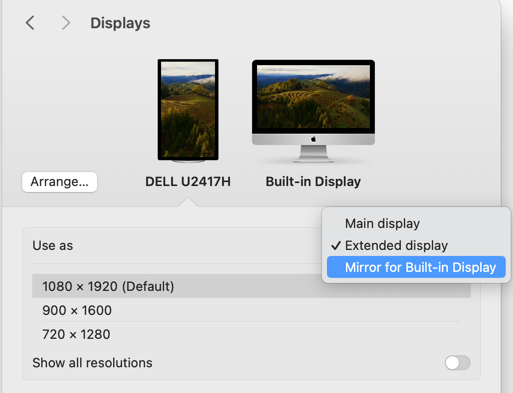
![Screen Mirroring Indication [ANSWERED] help! can't turn off screen mirroring on Macbook Pro Ventura ...](https://community.troikatronix.com/assets/uploads/files/1682074642049-extended-display.png)
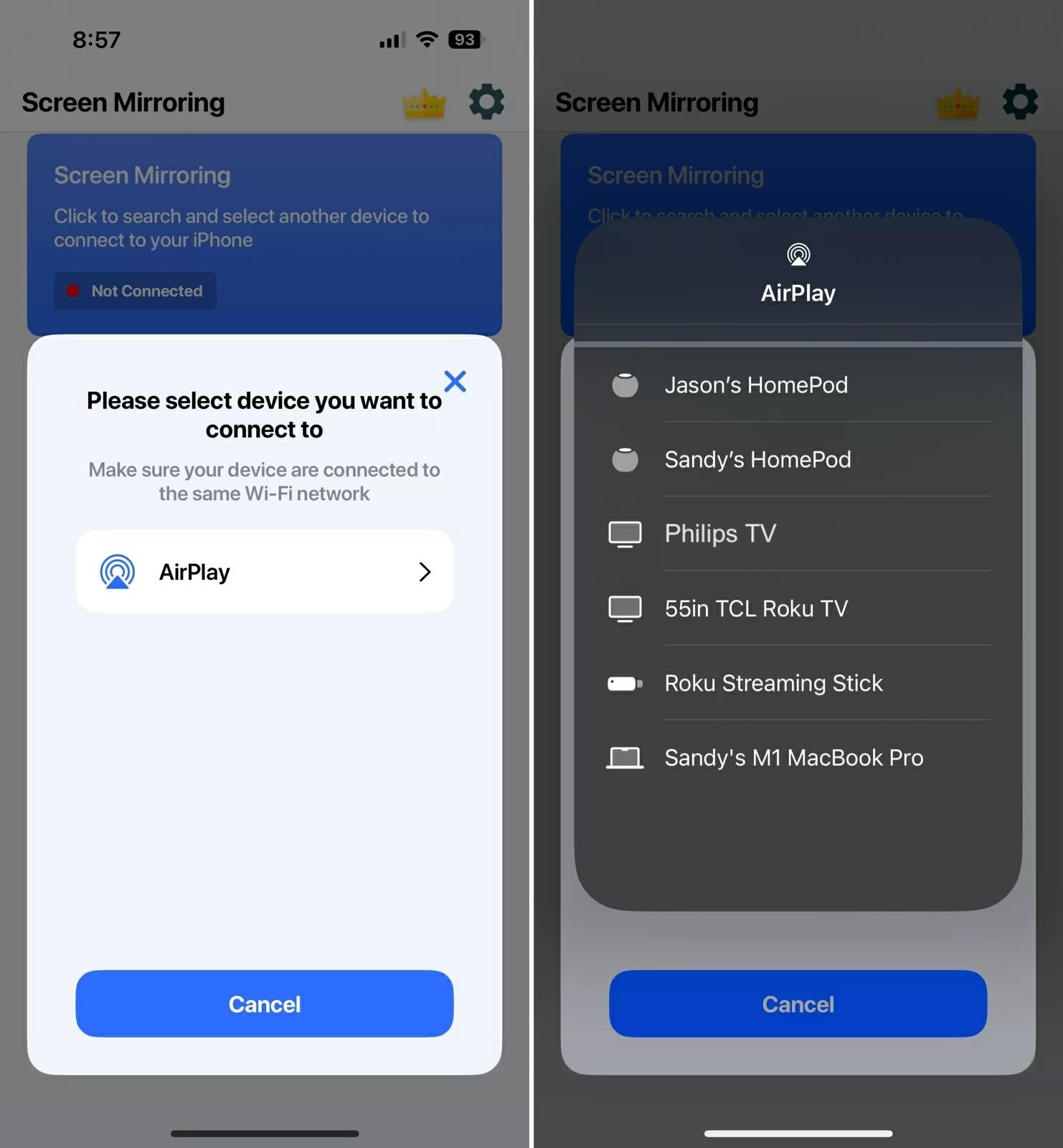


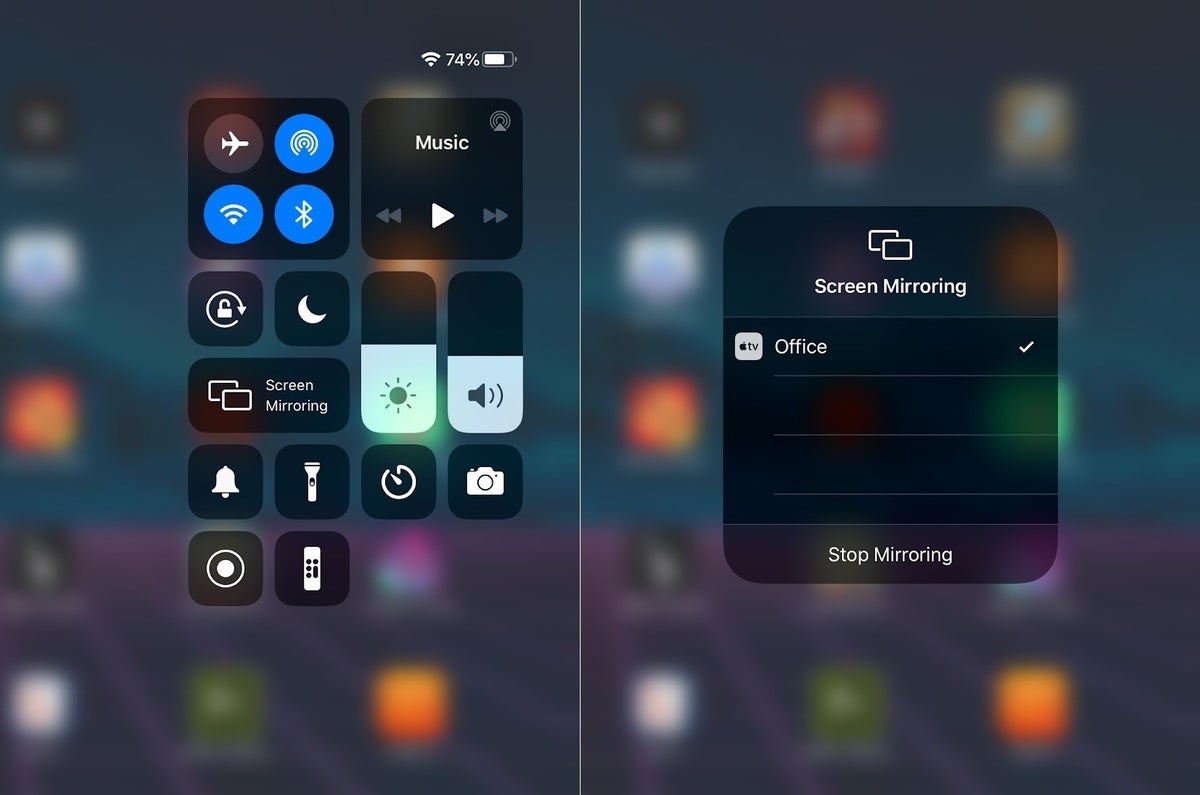
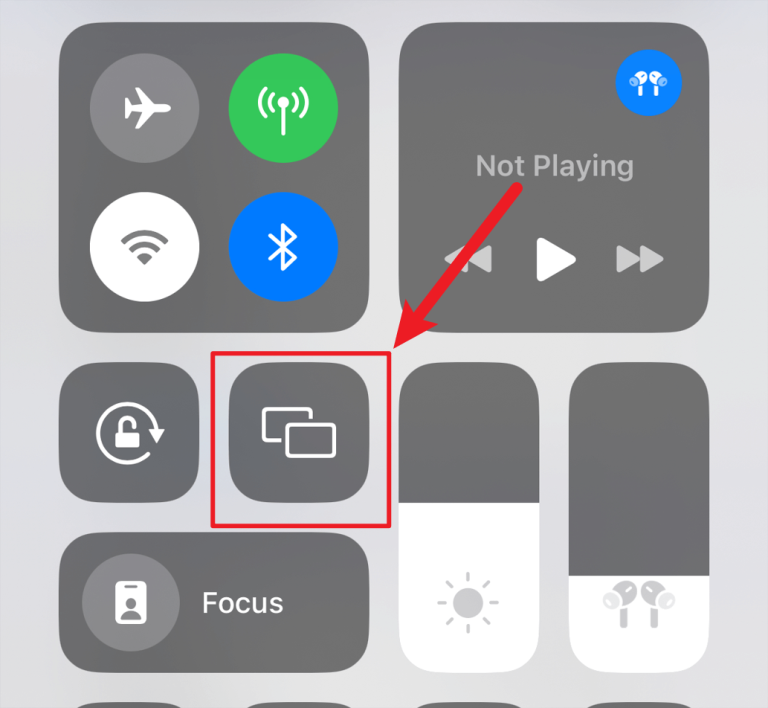
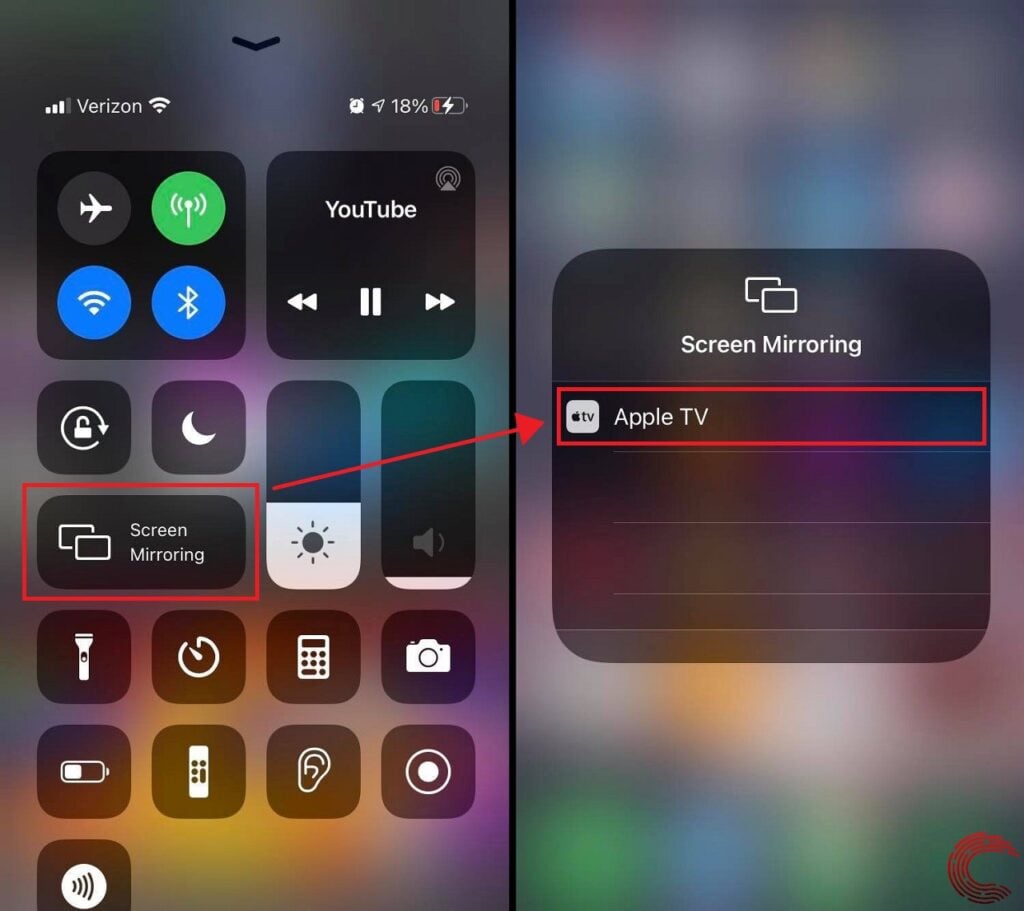
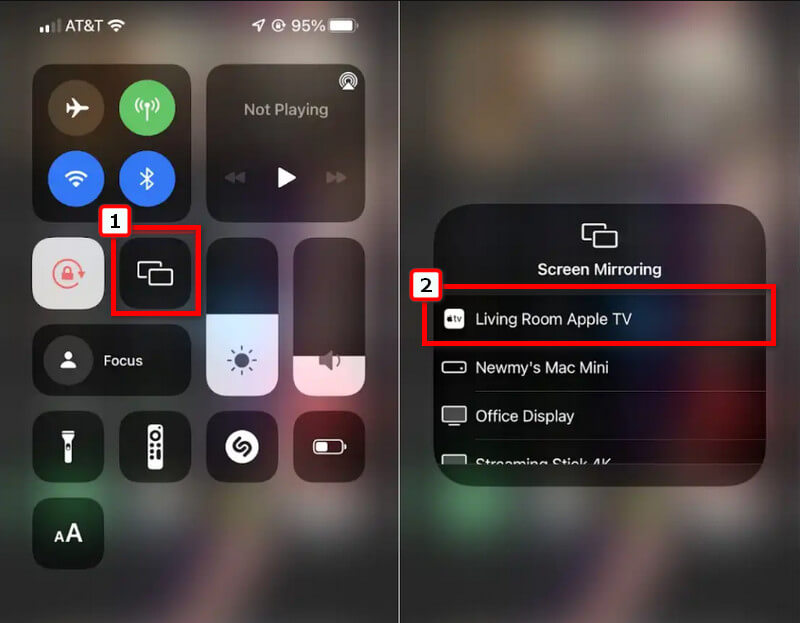
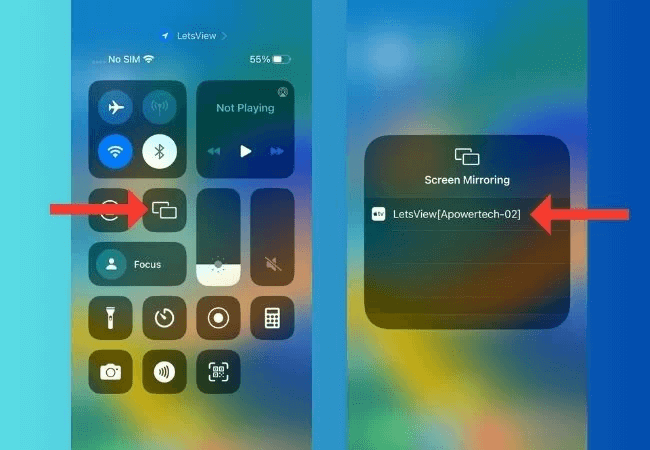
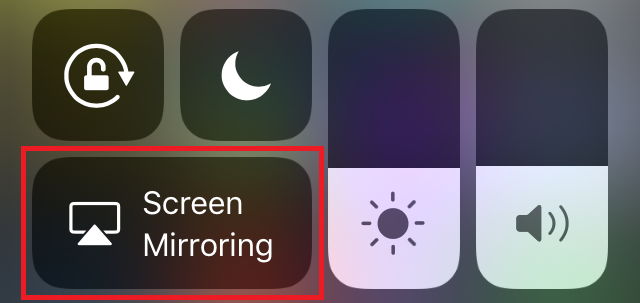
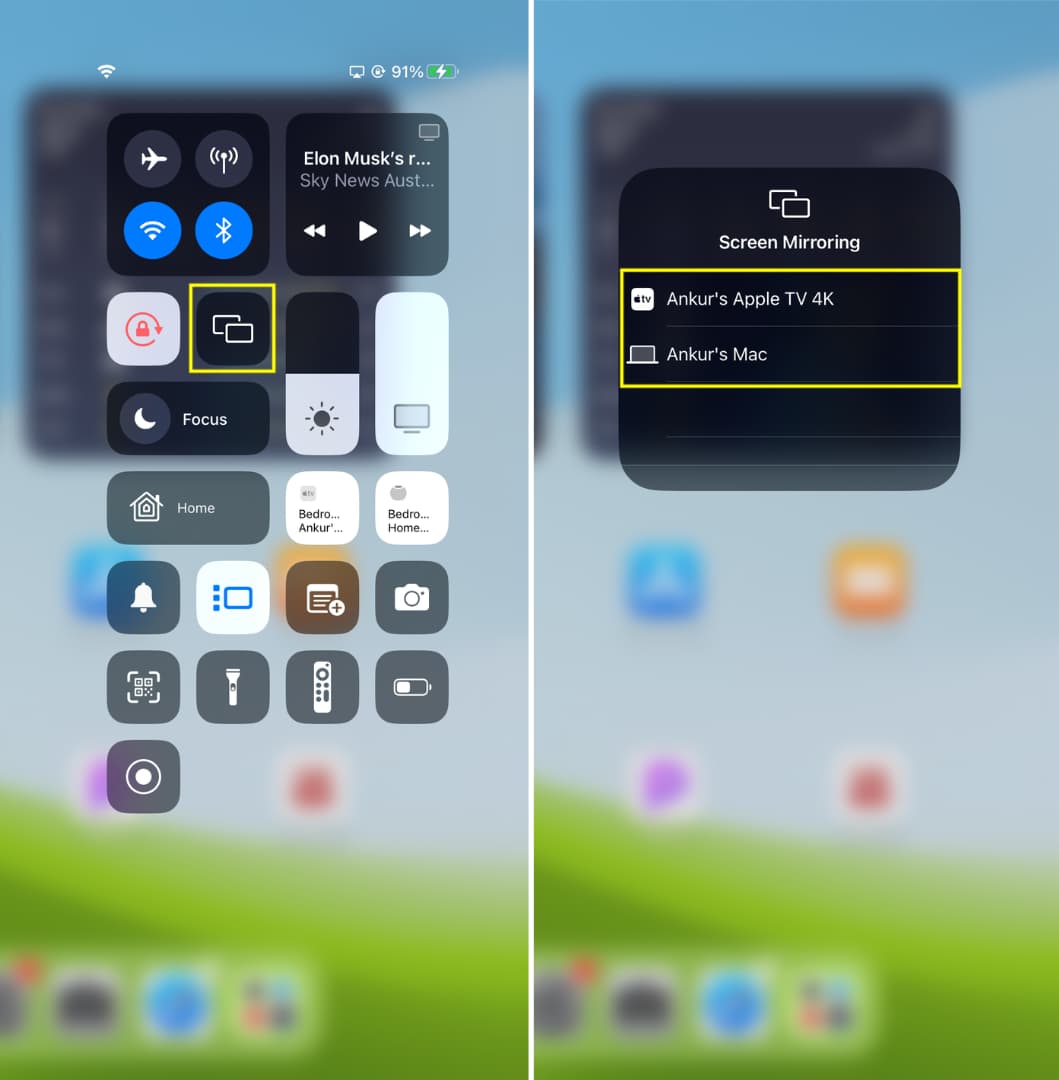
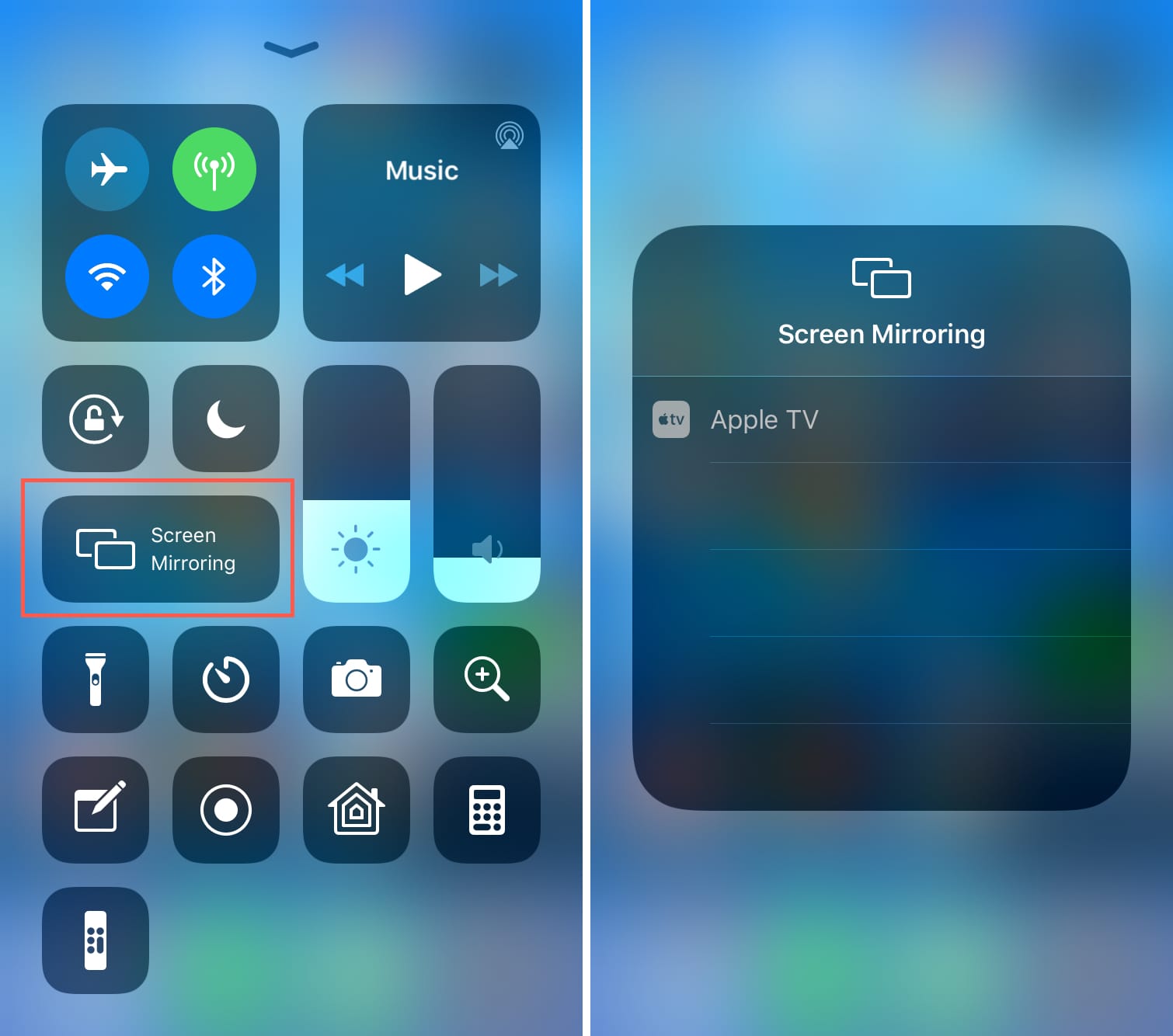
![Screen Mirroring Indication How to Use Screen Mirroring Feature in iOS 13, iPadOS [Tutorial]](https://cdn.wccftech.com/wp-content/uploads/2020/01/Screen-Mirroring-iOS-13-iPadOS.jpg)
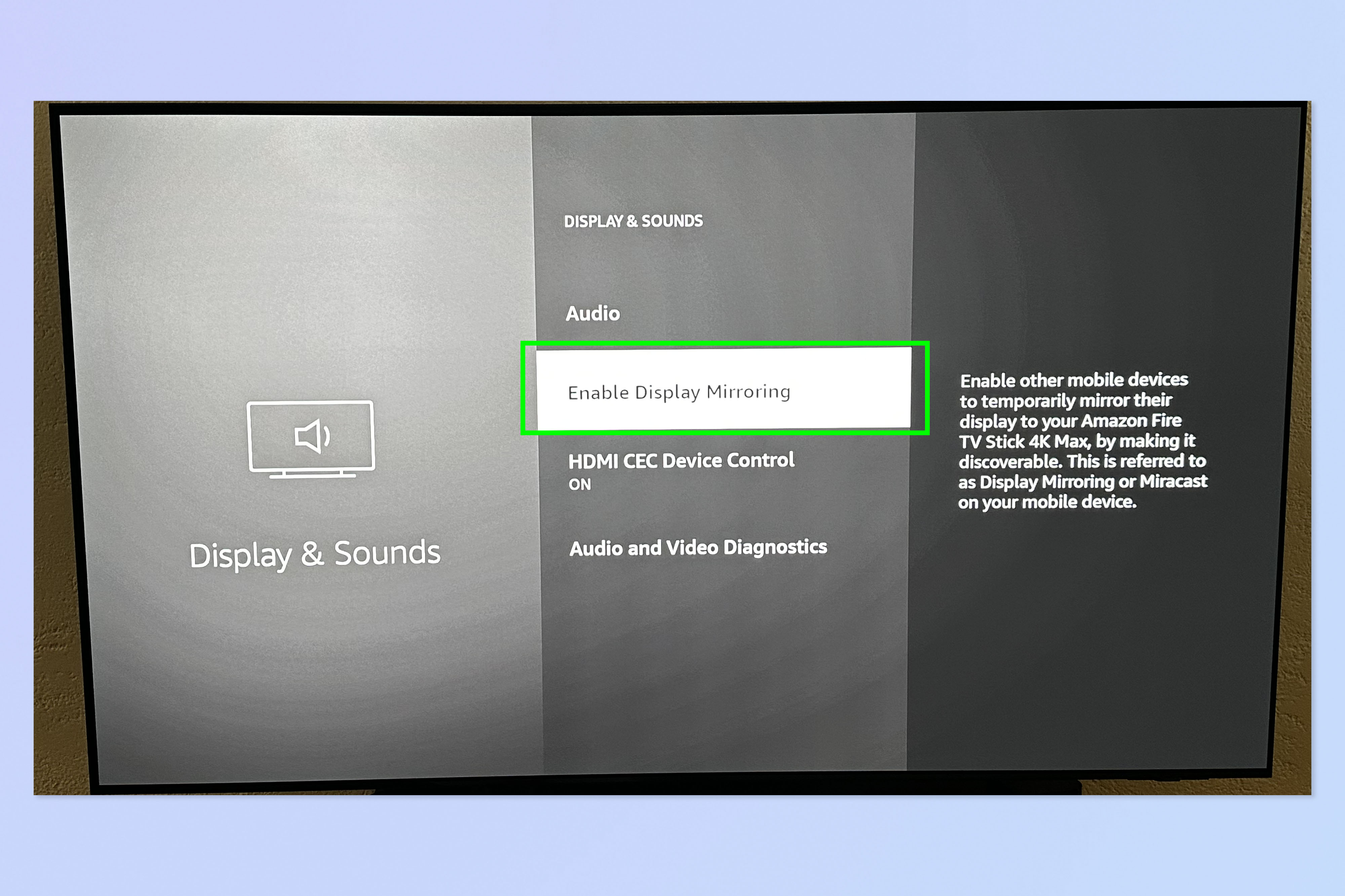


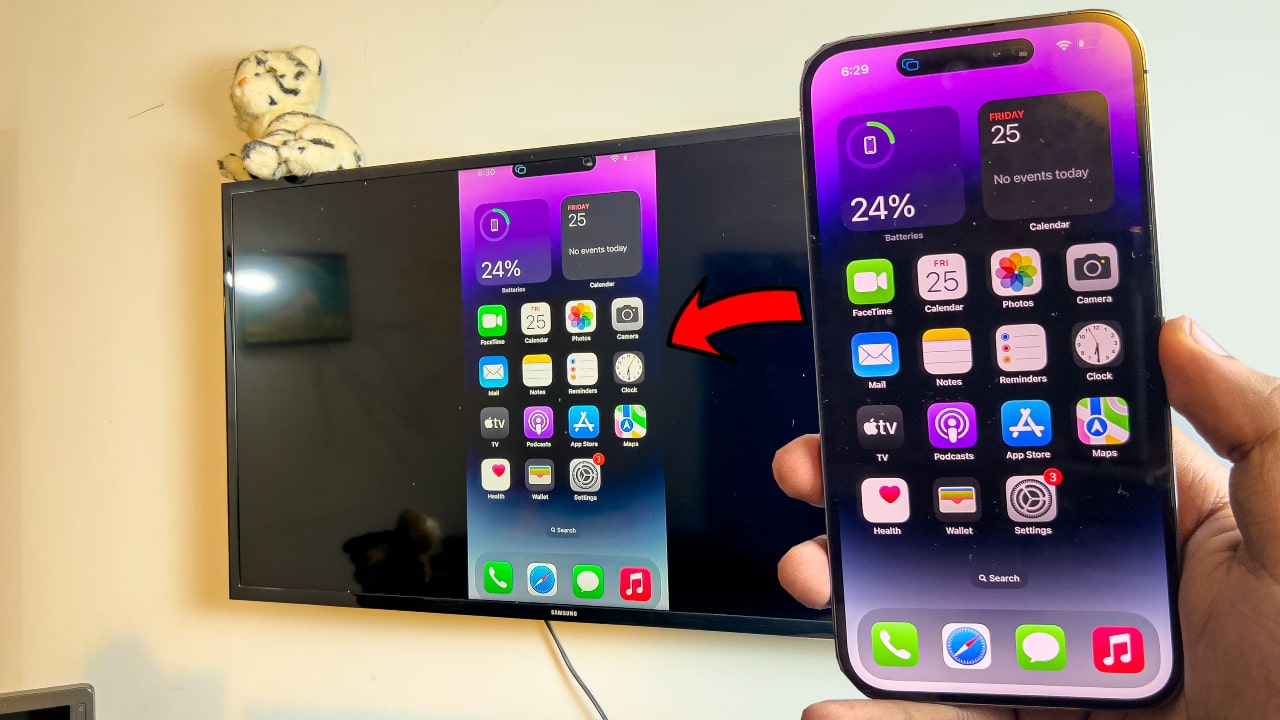
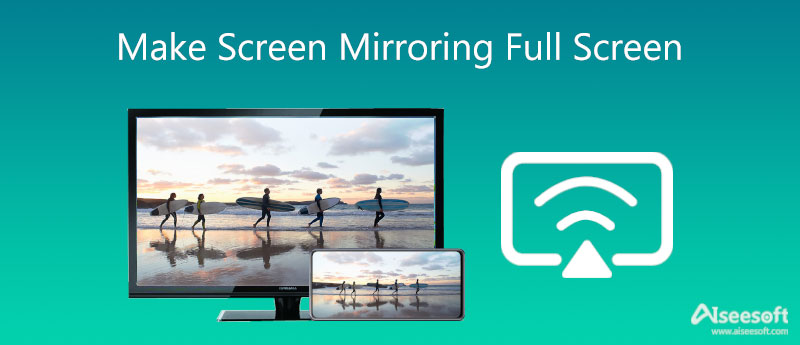
![Screen Mirroring Indication [Solved] How to Make iPhone Mirroring Full Screen on Mac](https://popular-chocolate-6f816fc165.media.strapiapp.com/how_to_make_iphone_mirroring_full_screen_on_mac_03_53e1da871a.webp)
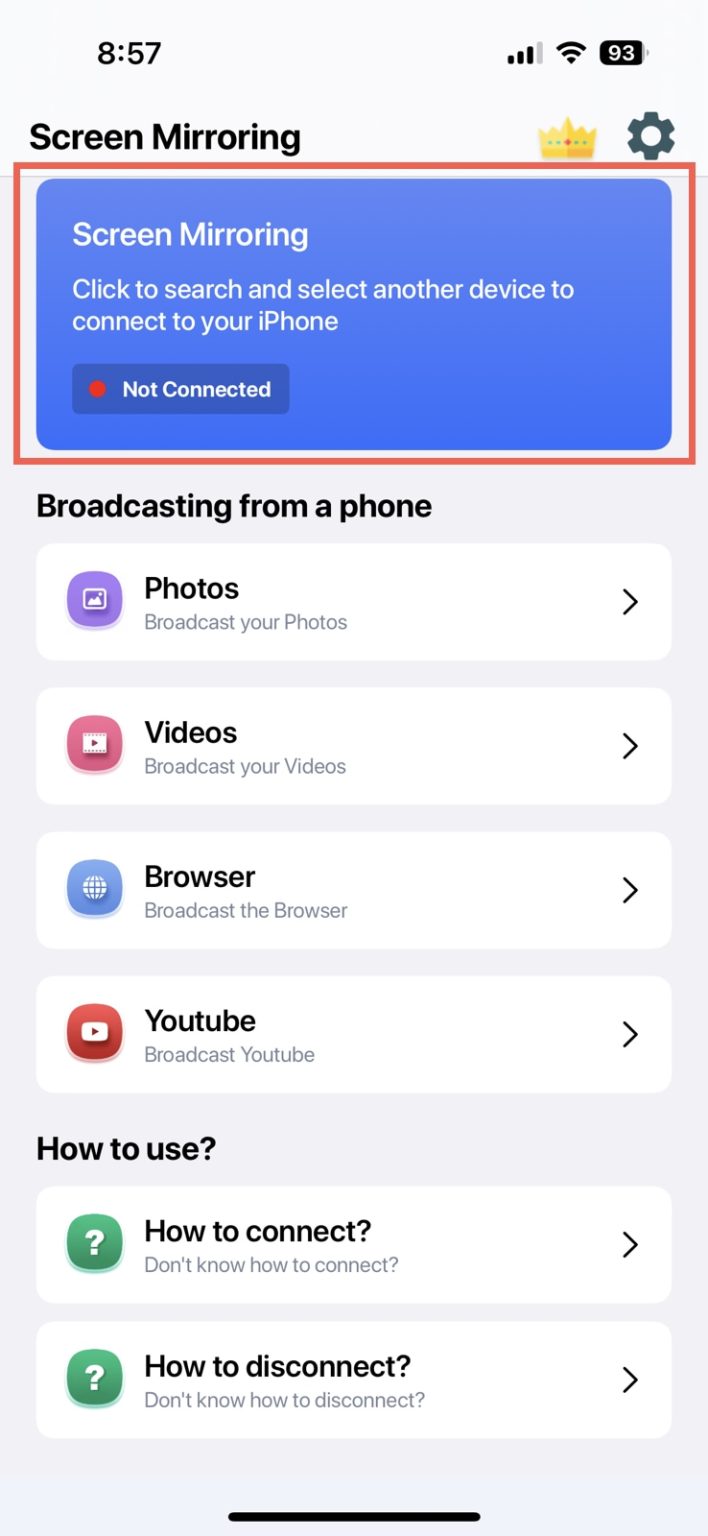

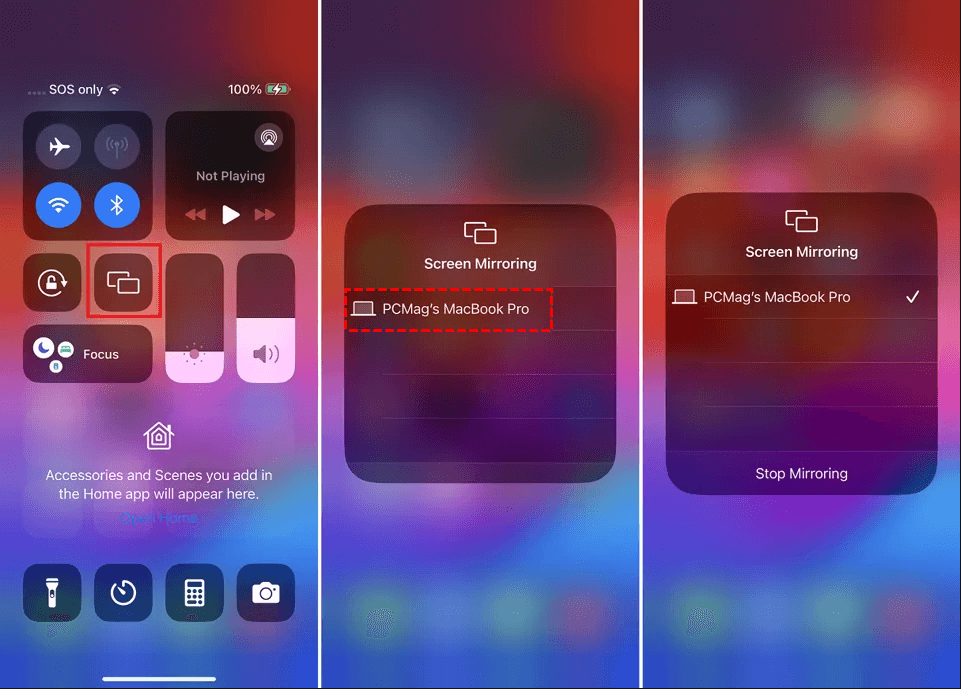
![Screen Mirroring Indication How to Use Screen Mirroring Feature in iOS 13, iPadOS [Tutorial]](https://cdn.wccftech.com/wp-content/uploads/2020/01/enable-screen-mirroring.png)


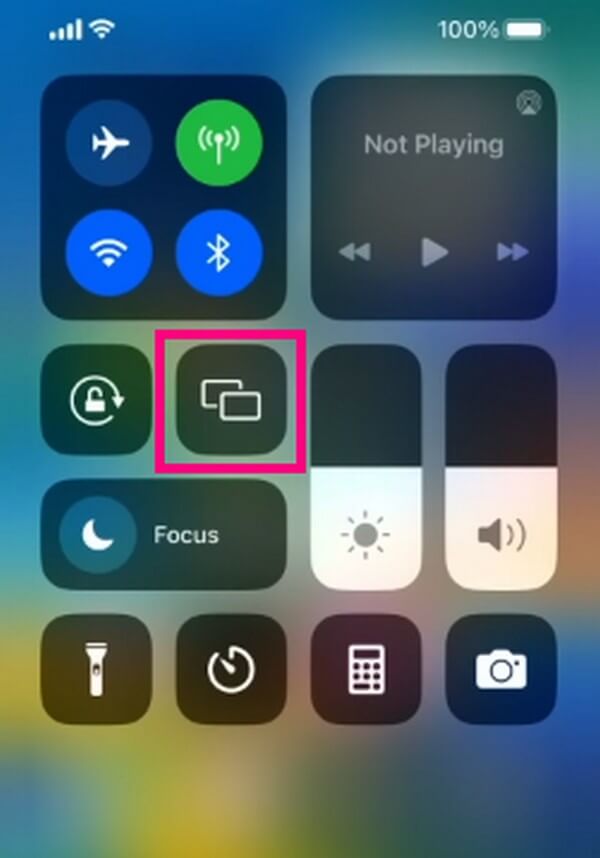
![Screen Mirroring Indication [2026] Where Is Screen Mirroring in iPhone Settings?](https://popular-chocolate-6f816fc165.media.strapiapp.com/where_is_screen_mirroring_in_iphone_settings_08_6aed3e619c.webp)
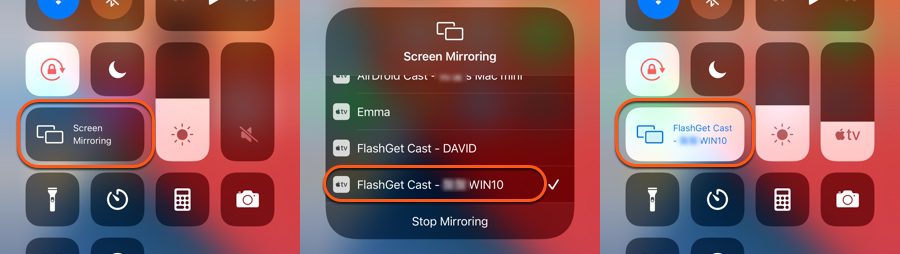
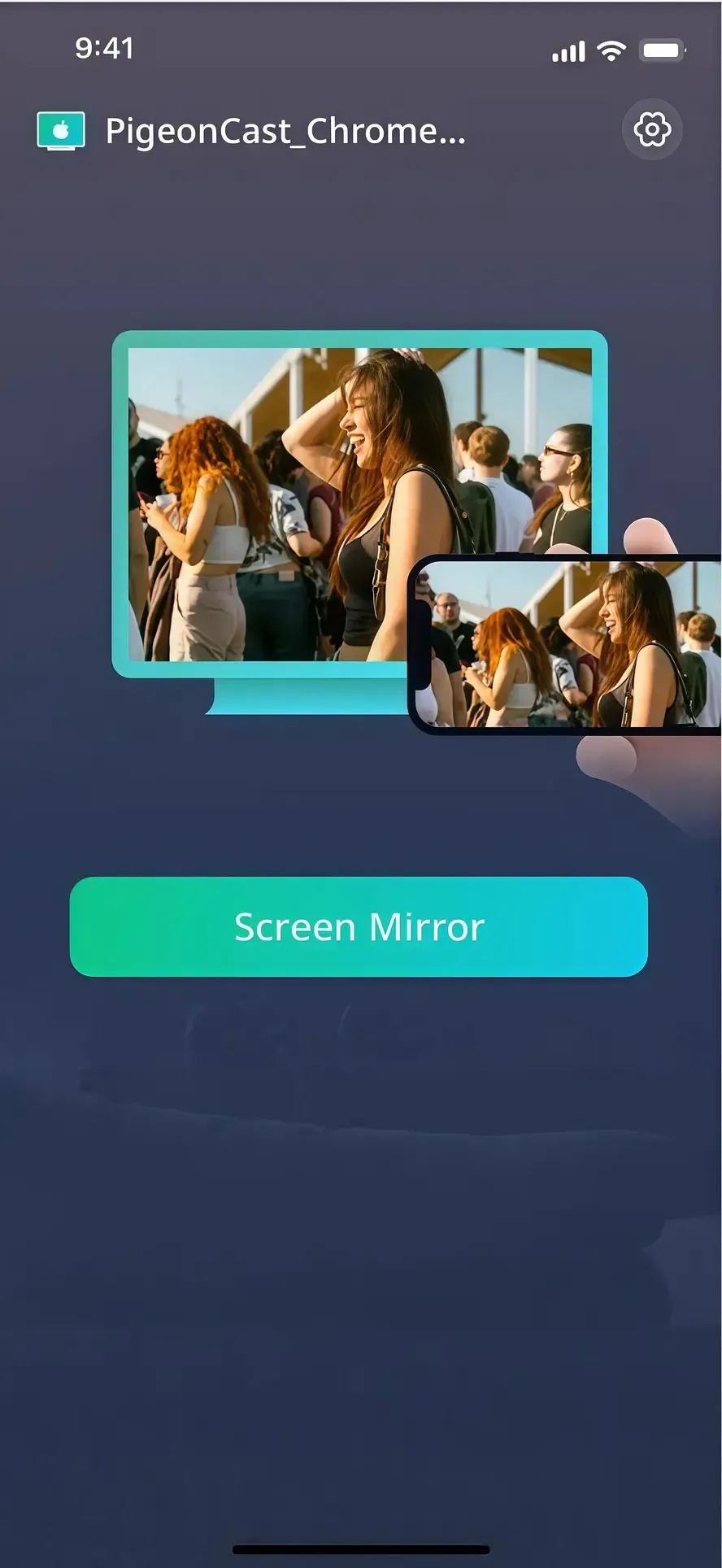
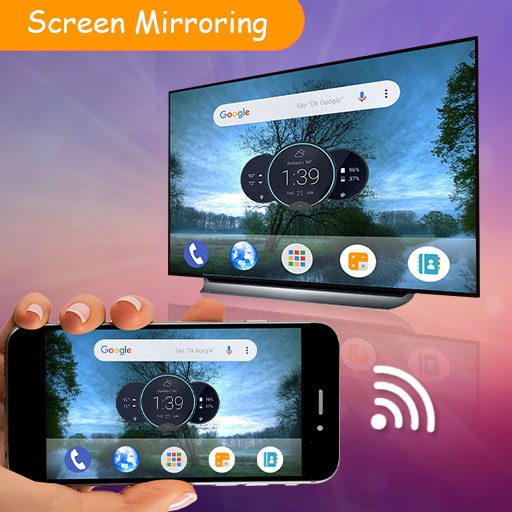
![Screen Mirroring Indication [100% Work] How to make iOS screen mirroring to PC with and without Wi ...](https://cast.flashget.com/wp-content/uploads/sites/2/2023/03/FlashGet-Cast-with-screen-mirroring.jpg)

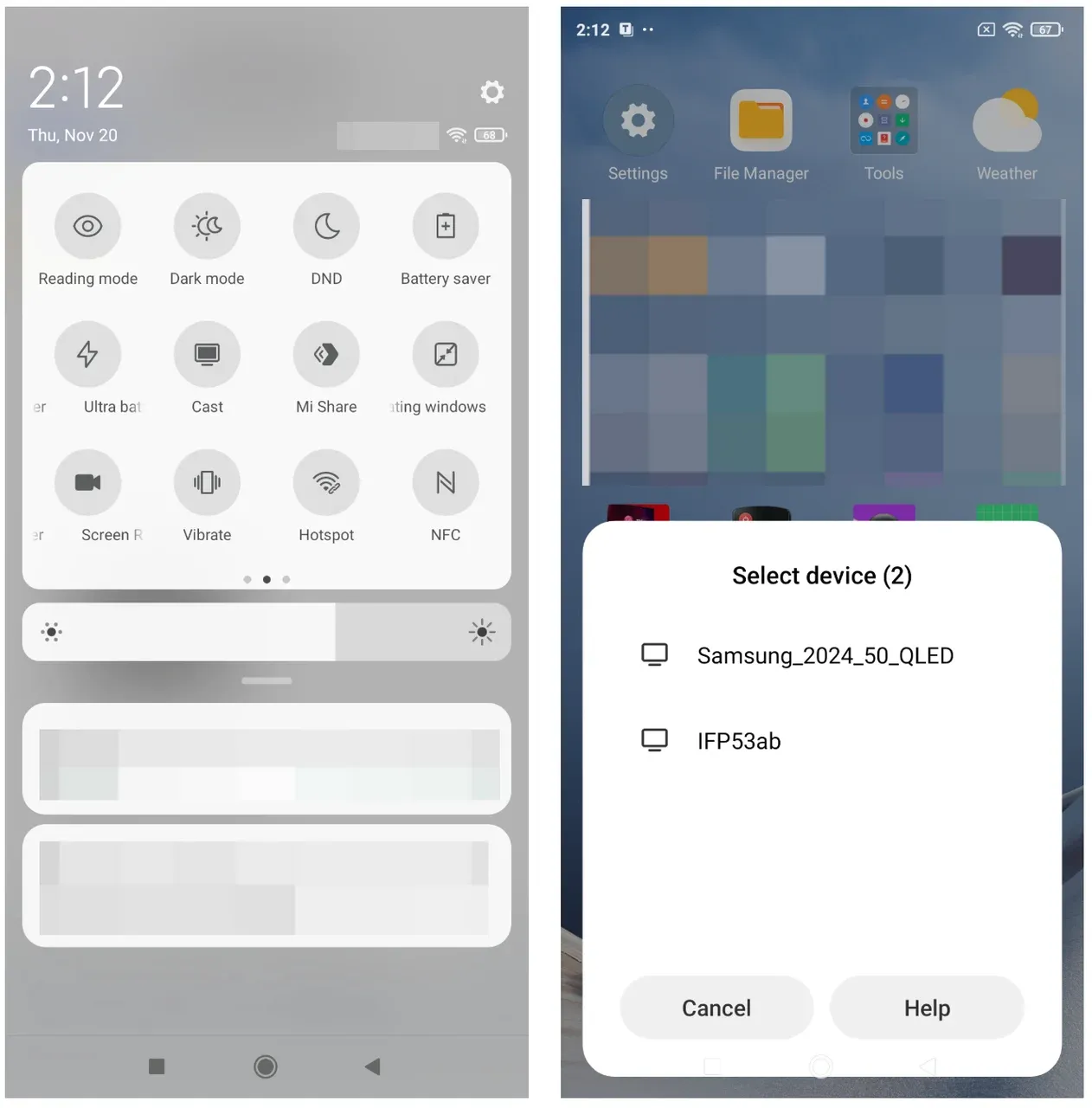
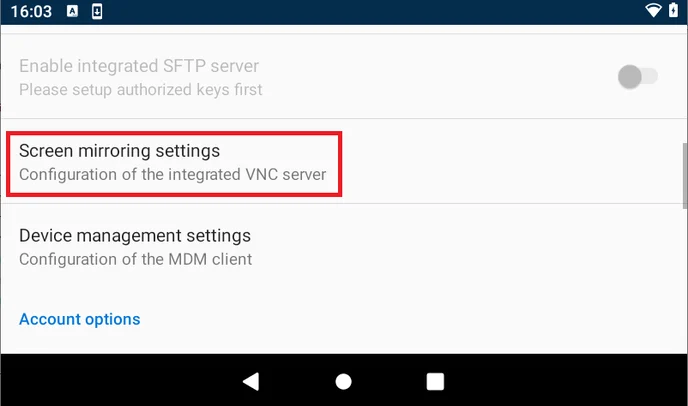
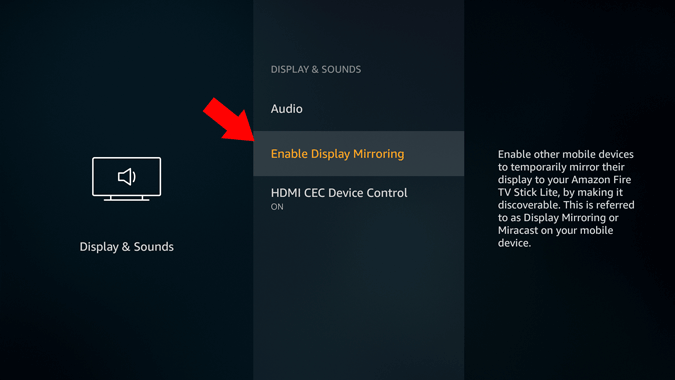
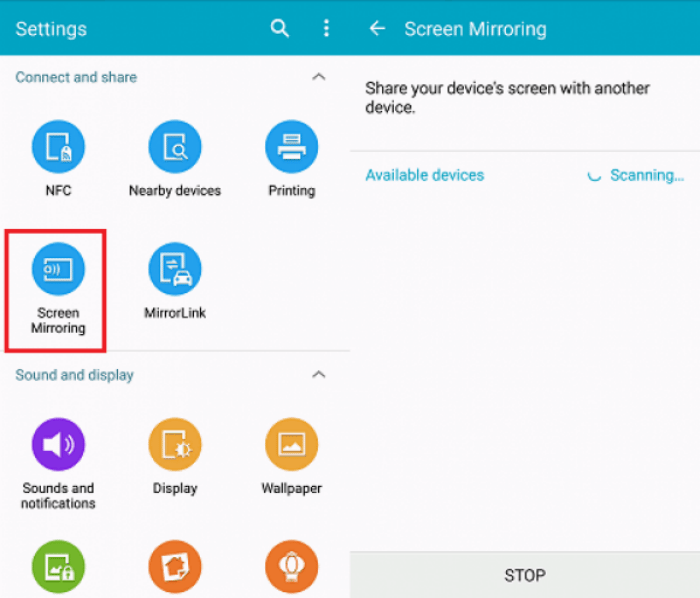
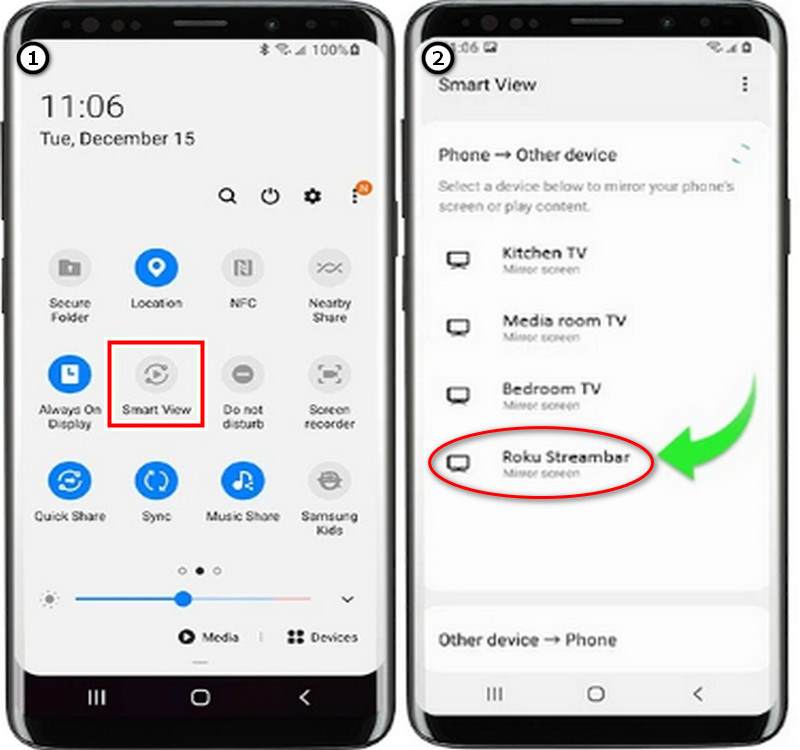
![Screen Mirroring Indication How to Enable Screen Mirroring on Android [2025]](https://popular-chocolate-6f816fc165.media.strapiapp.com/how_to_enable_screen_mirroring_on_android_11_51ecf45bbf.webp)


![Screen Mirroring Indication 怎麼將 iPhone 鏡射到 Mac [6 種簡單方式]](https://www.anyviewer.com/screenshot/mac/screen-mirroring-macbook.png)


![Screen Mirroring Indication [คู่มือสำหรับมือใหม่] 3 วิธีสะท้อนหน้าจอ iPad ไปทีวี](https://images.imyfone.com/th/assets/article/screen-mirror/screen-mirroring-01.jpg)