Rog Boot Options
Showcase trends with our fashion Rog Boot Options gallery of numerous chic images. stylishly presenting photography, images, and pictures. ideal for style blogs and trend reporting. The Rog Boot Options collection maintains consistent quality standards across all images. Suitable for various applications including web design, social media, personal projects, and digital content creation All Rog Boot Options images are available in high resolution with professional-grade quality, optimized for both digital and print applications, and include comprehensive metadata for easy organization and usage. Our Rog Boot Options gallery offers diverse visual resources to bring your ideas to life. Each image in our Rog Boot Options gallery undergoes rigorous quality assessment before inclusion. Multiple resolution options ensure optimal performance across different platforms and applications. Comprehensive tagging systems facilitate quick discovery of relevant Rog Boot Options content. Professional licensing options accommodate both commercial and educational usage requirements. Time-saving browsing features help users locate ideal Rog Boot Options images quickly. The Rog Boot Options collection represents years of careful curation and professional standards. Advanced search capabilities make finding the perfect Rog Boot Options image effortless and efficient. Whether for commercial projects or personal use, our Rog Boot Options collection delivers consistent excellence. Our Rog Boot Options database continuously expands with fresh, relevant content from skilled photographers.


![Rog Boot Options Asus ROG Rampage IV Extreme [121/179] Boot menu](https://mcgrp.ru/views2/1163307/page121/bg79.png)


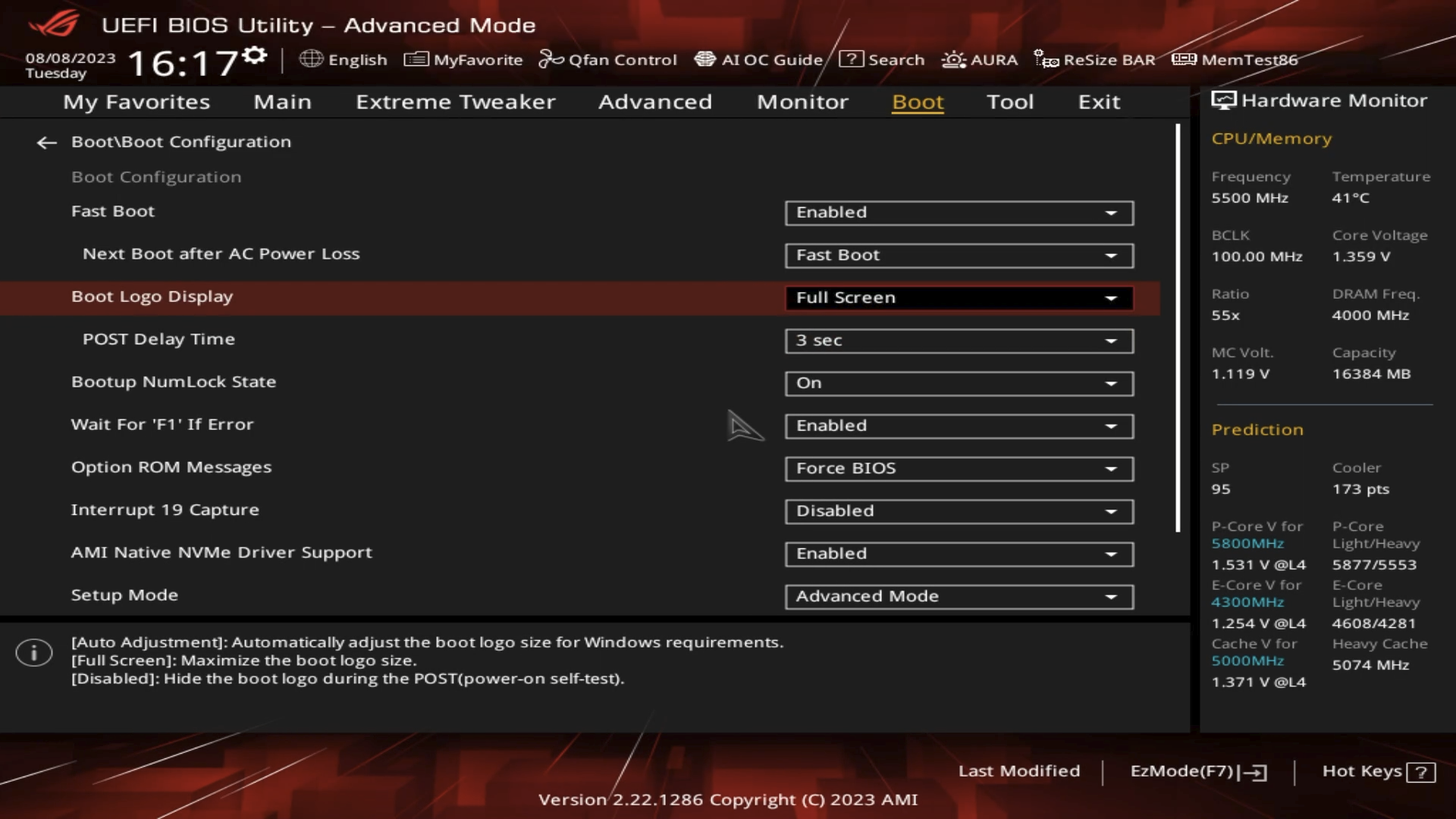
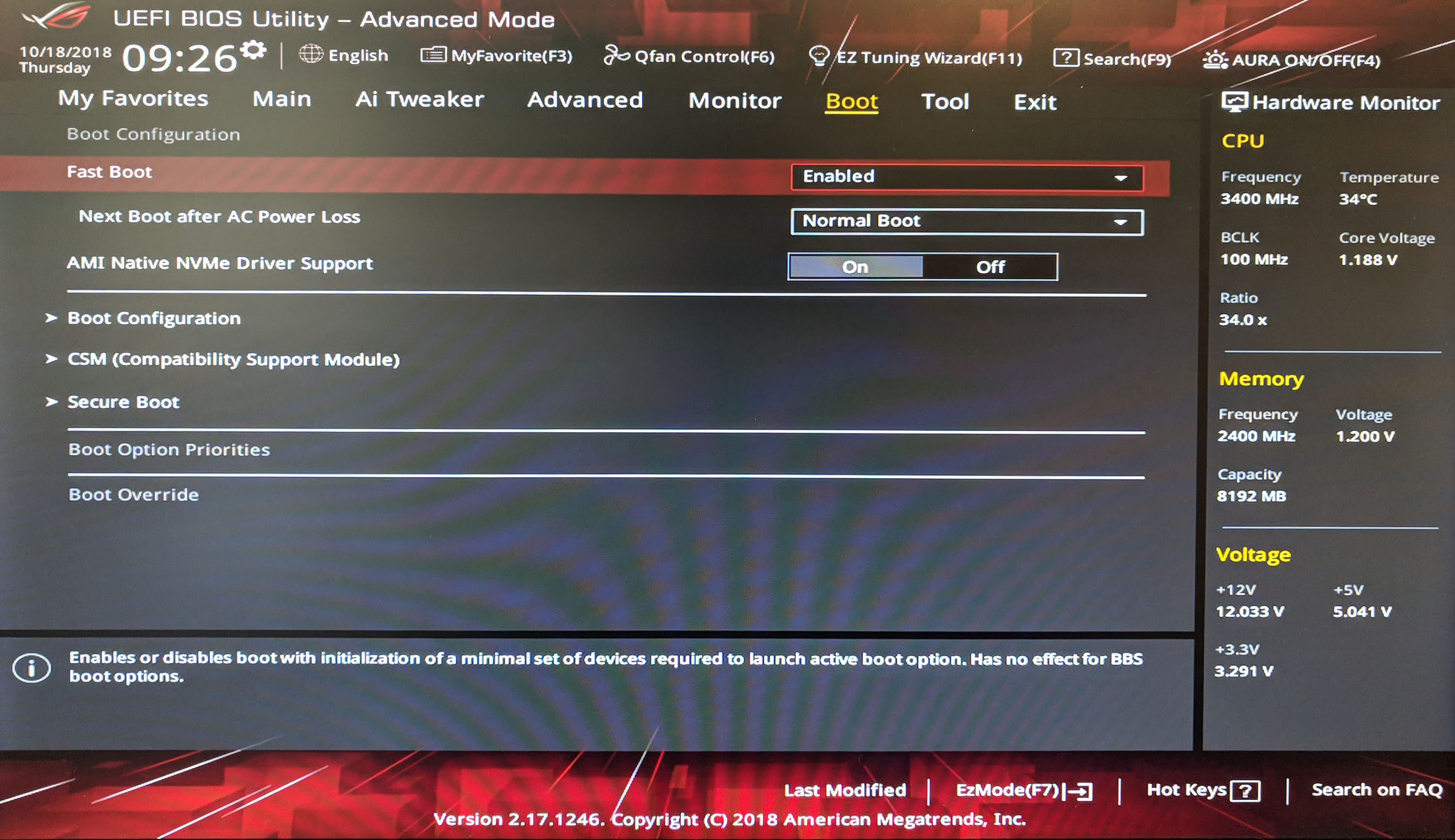
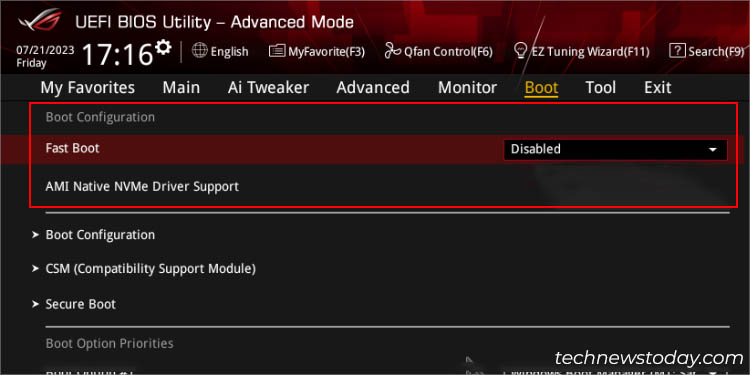
![Rog Boot Options Asus rog maximus viii impact [122/220] Fast boot enabled](https://mcgrp.ru/views2/1162887/page122/bg7a.png)


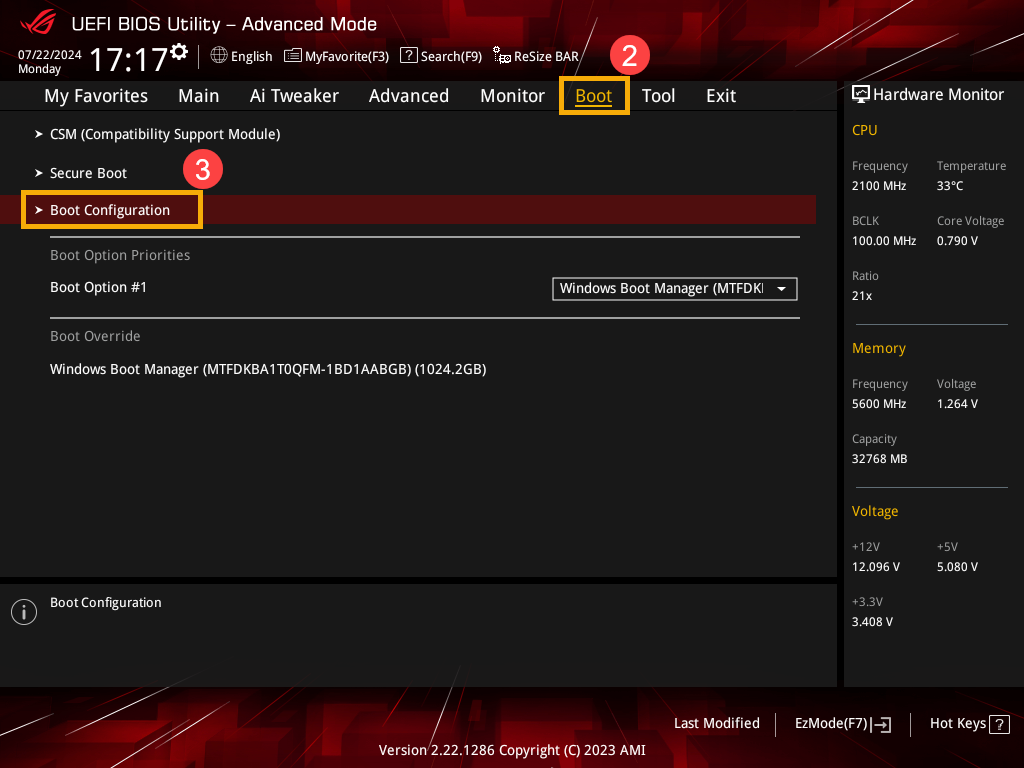
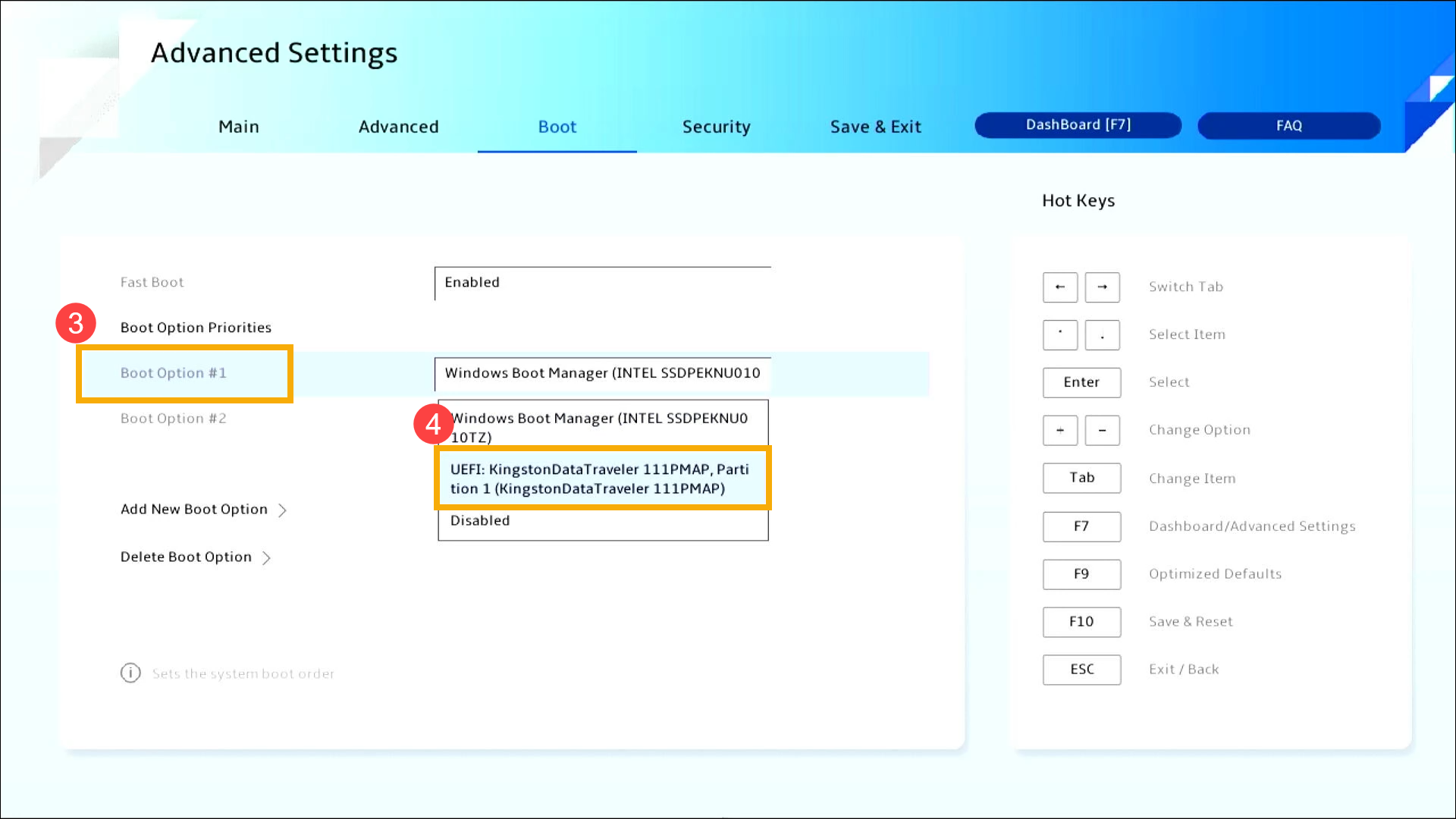
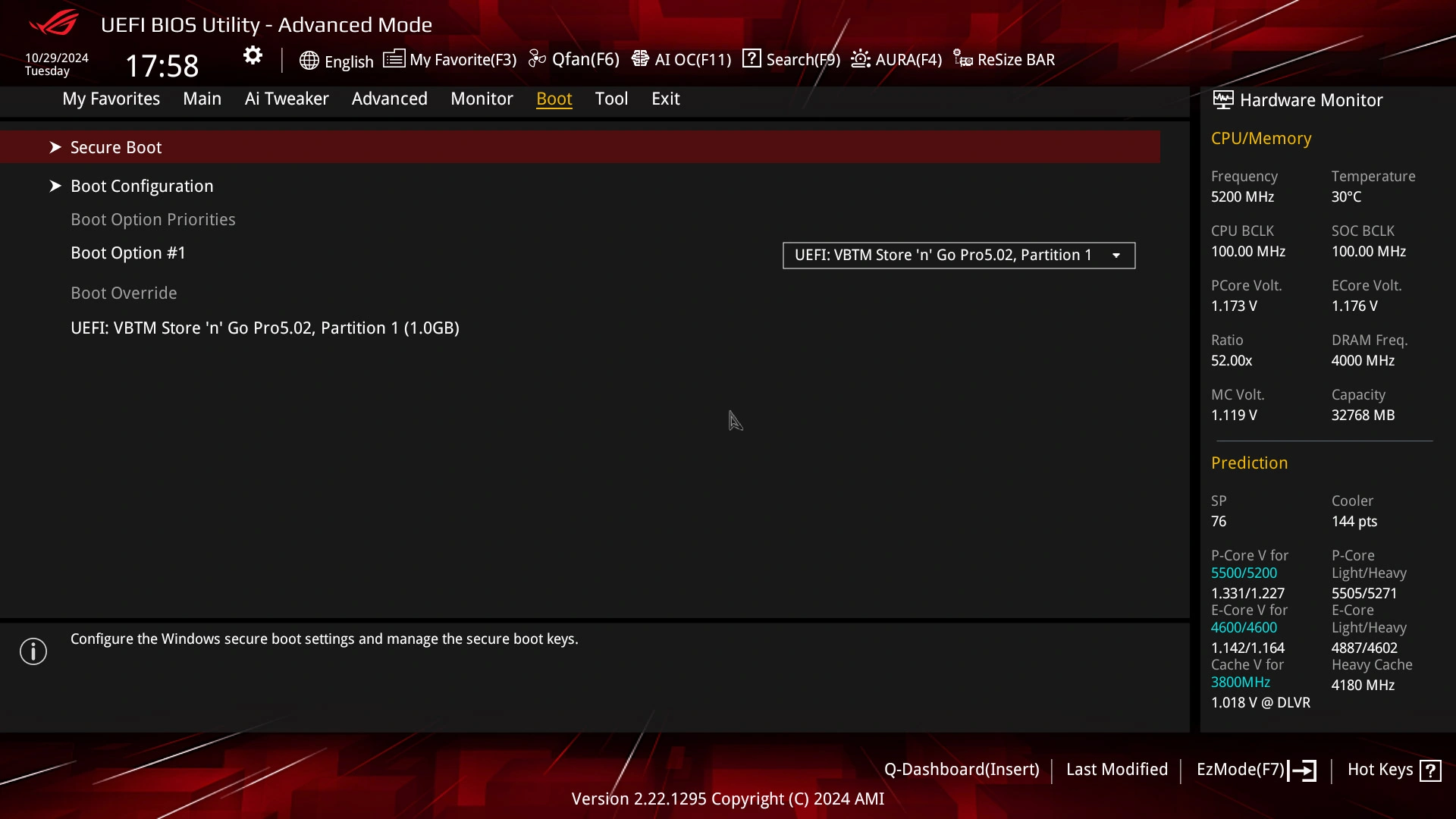
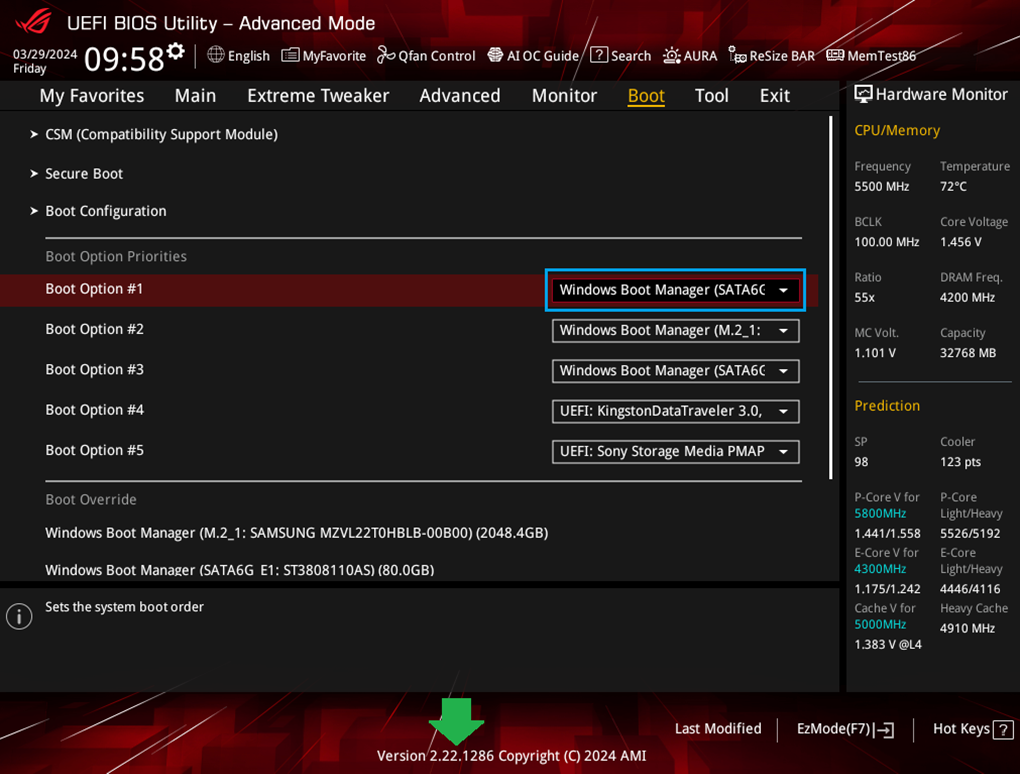
![Rog Boot Options [Motherboard] How to set the boot device priorities on the motherboard ...](https://km-ap.asus.com/uploads/PhotoLibrarys/df24d31a-596a-405d-bcda-3f8546a4e1f2/20240409144129270_7.png)

![Rog Boot Options [Motherboard] How to set the boot device prioritie... - ASUS - ZenTalk ...](https://km-ap.asus.com/uploads/PhotoLibrarys/df24d31a-596a-405d-bcda-3f8546a4e1f2/20240409144129224_4.png)


![Rog Boot Options [Motherboard] How to set the boot device priorities on the motherboard ...](https://km-ap.asus.com/uploads/PhotoLibrarys/df24d31a-596a-405d-bcda-3f8546a4e1f2/20240409144129081_6.png)


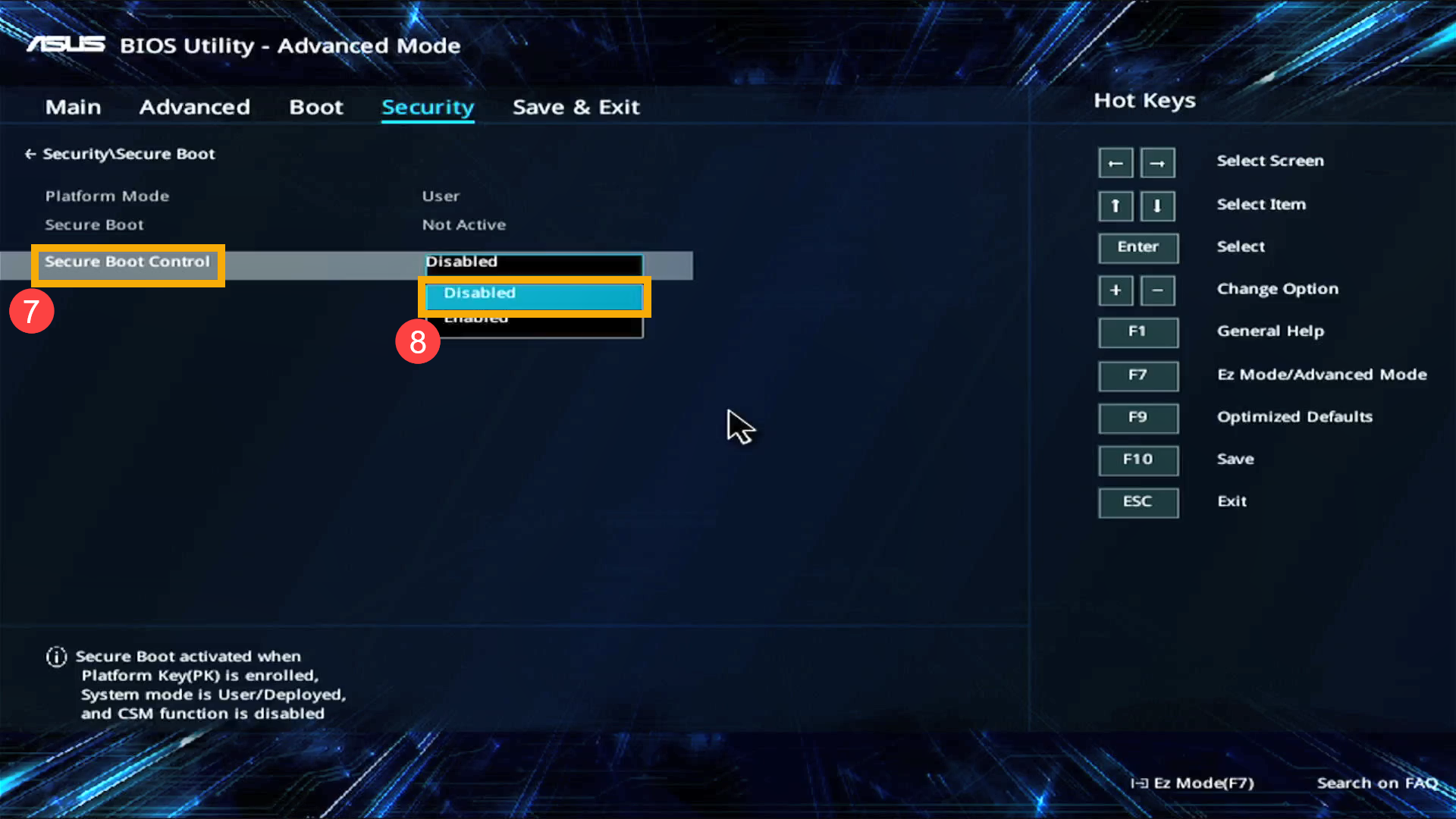
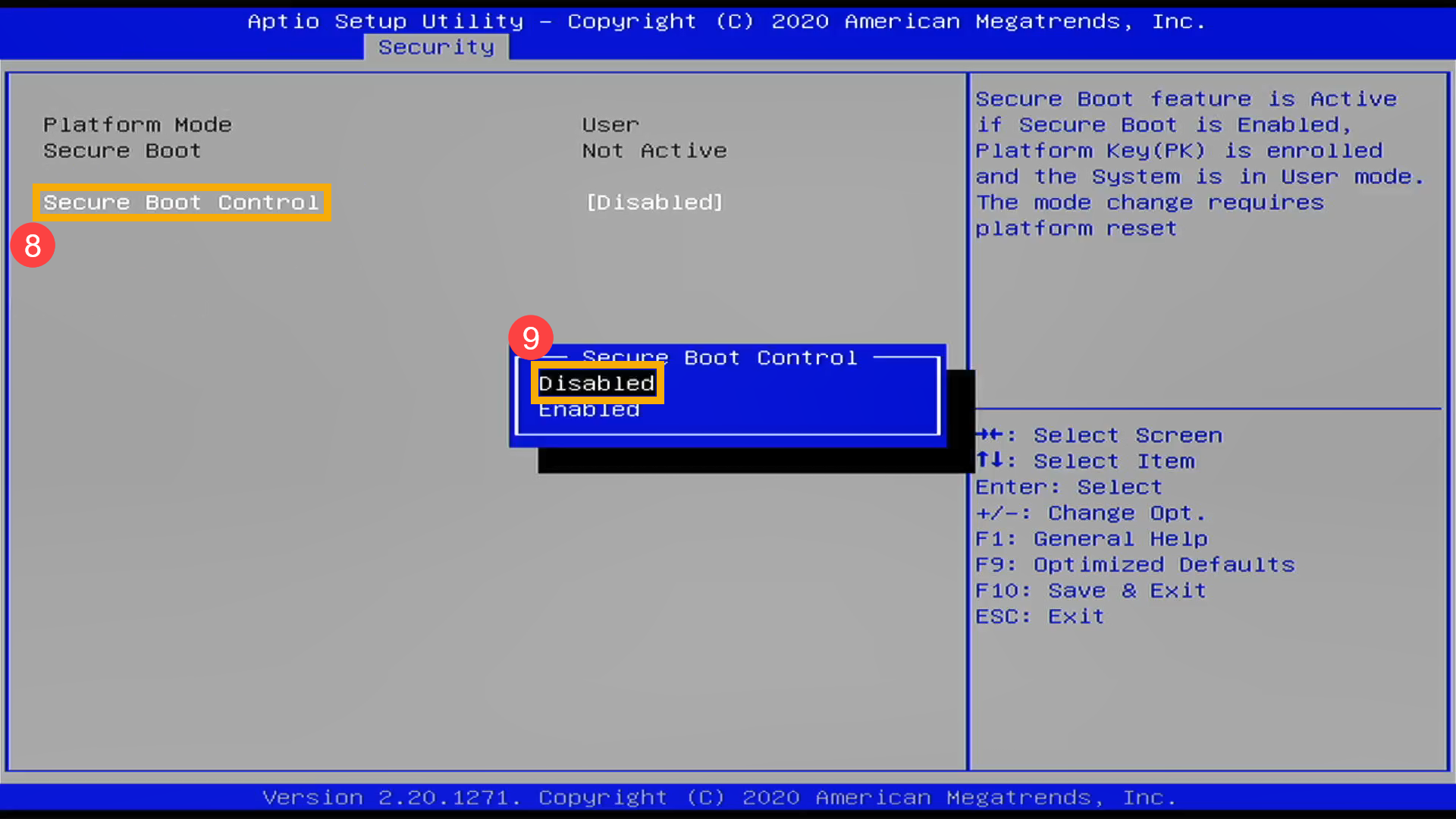
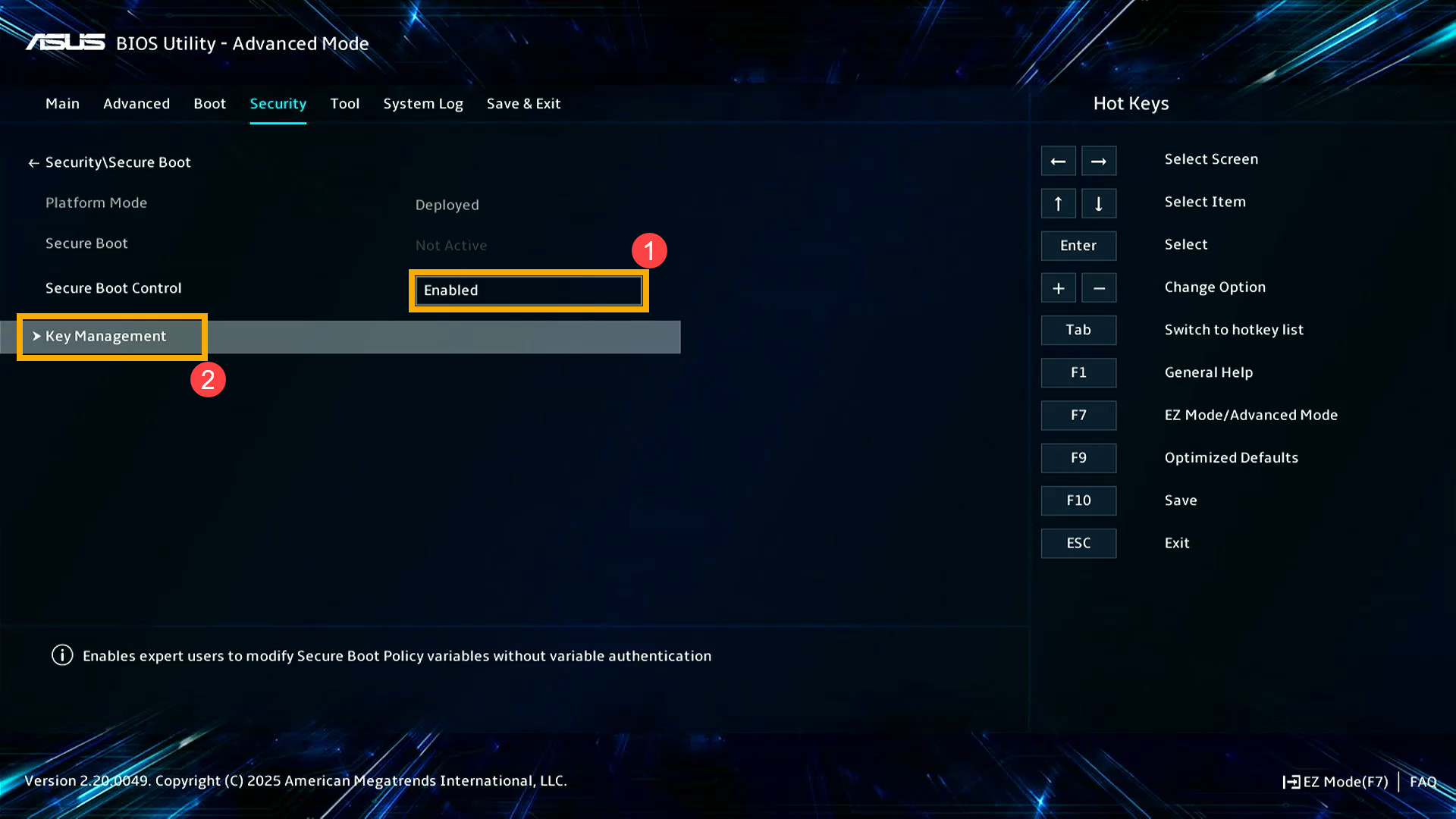
![Rog Boot Options [NoteBook] Comment activer/désactiver le Secure Boot (démarrage ...](https://km-ap.asus.com/uploads/PhotoLibrarys/8a53fc79-6a00-4a96-8408-a7e886967aef/20240830110847568_EN_7.png)

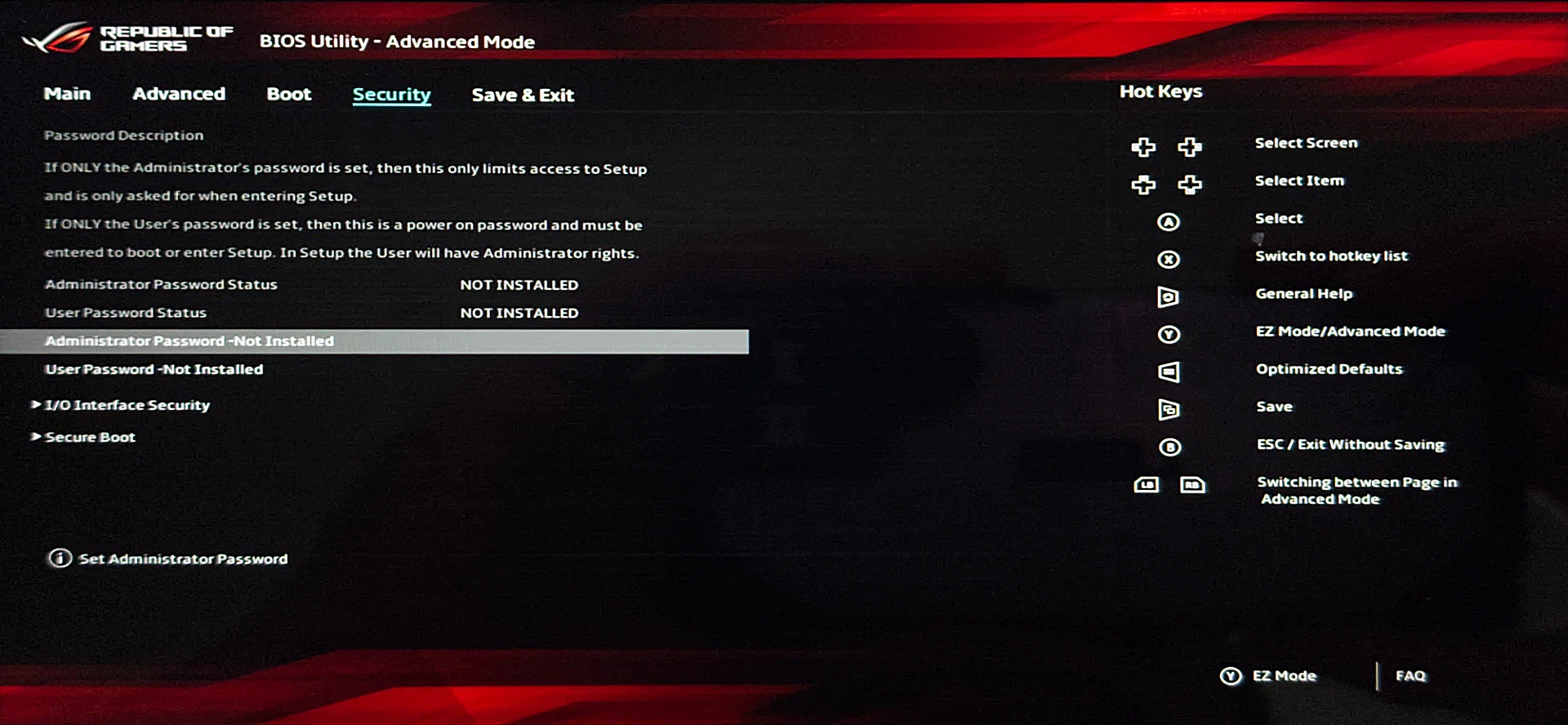
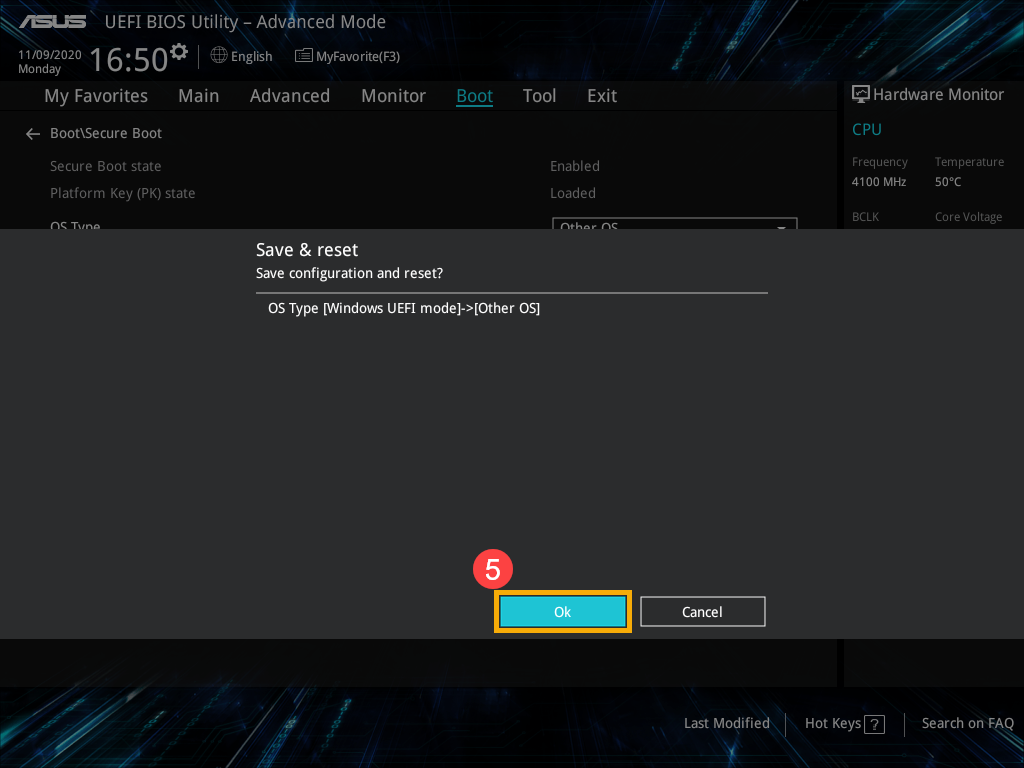
![Rog Boot Options [Desktop] Troubleshooting - 「Secure Boot Violation」 Appears at Startup ...](https://kmpic.asus.com/images/2020/11/10/66b680da-3426-42d1-9d56-7b5dc5ef0781.png)


![Rog Boot Options [Motherboard] How to set the boot device priorities on the motherboard ...](https://km-ap.asus.com/uploads/PhotoLibrarys/df24d31a-596a-405d-bcda-3f8546a4e1f2/20240409144129044_10.png)

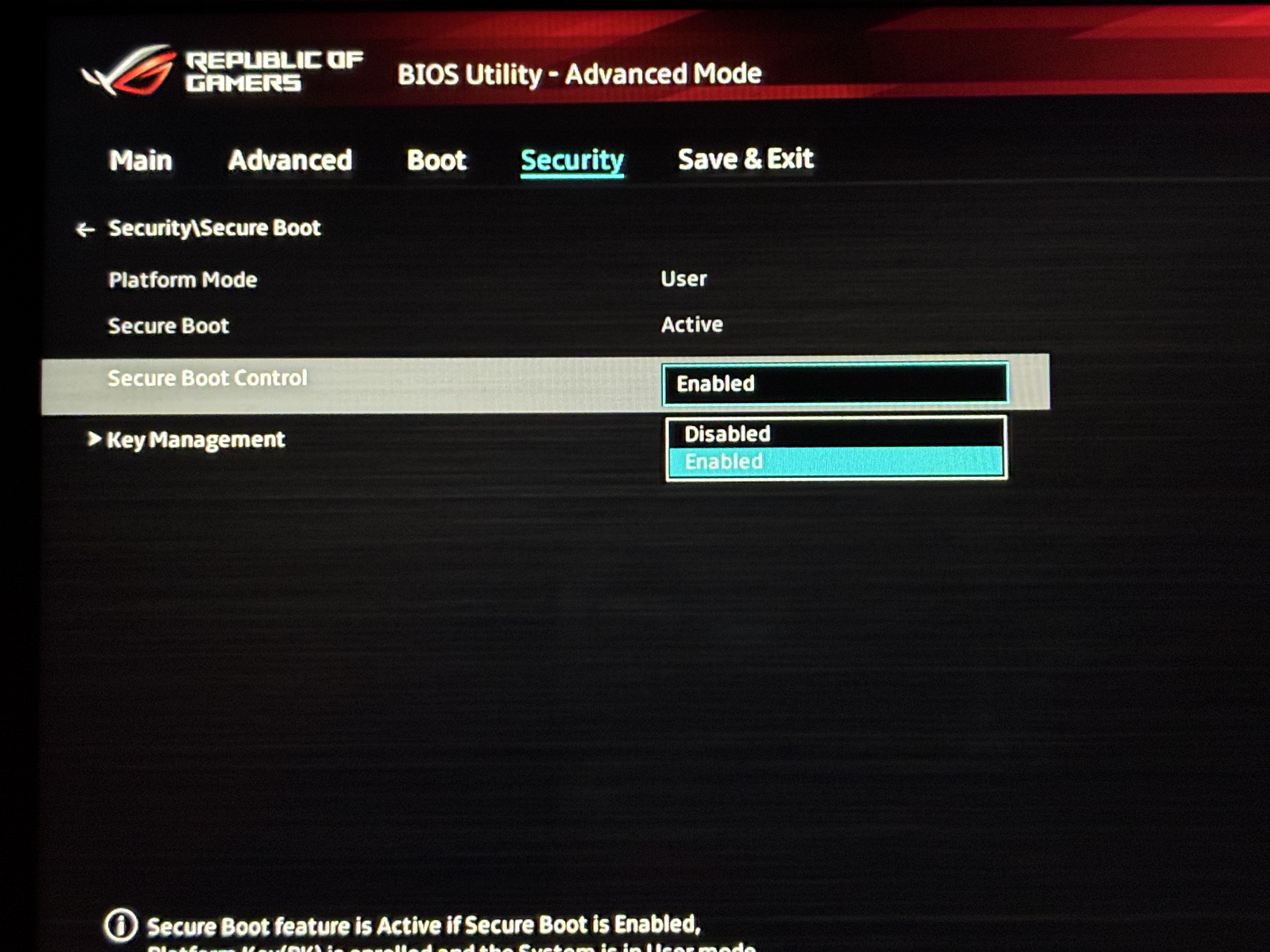
![Rog Boot Options [Desktop] Troubleshooting - 「Secure Boot Violation」 Appears at Startup ...](https://kmpic.asus.com/images/2020/11/10/b23b7f33-399d-4231-a687-5fc0e7343a3a.png)


![Rog Boot Options [Motherboard] How to set the boot device priorities on the motherboard ...](https://km-ap.asus.com/uploads/PhotoLibrarys/df24d31a-596a-405d-bcda-3f8546a4e1f2/20240409144129339_9.png)


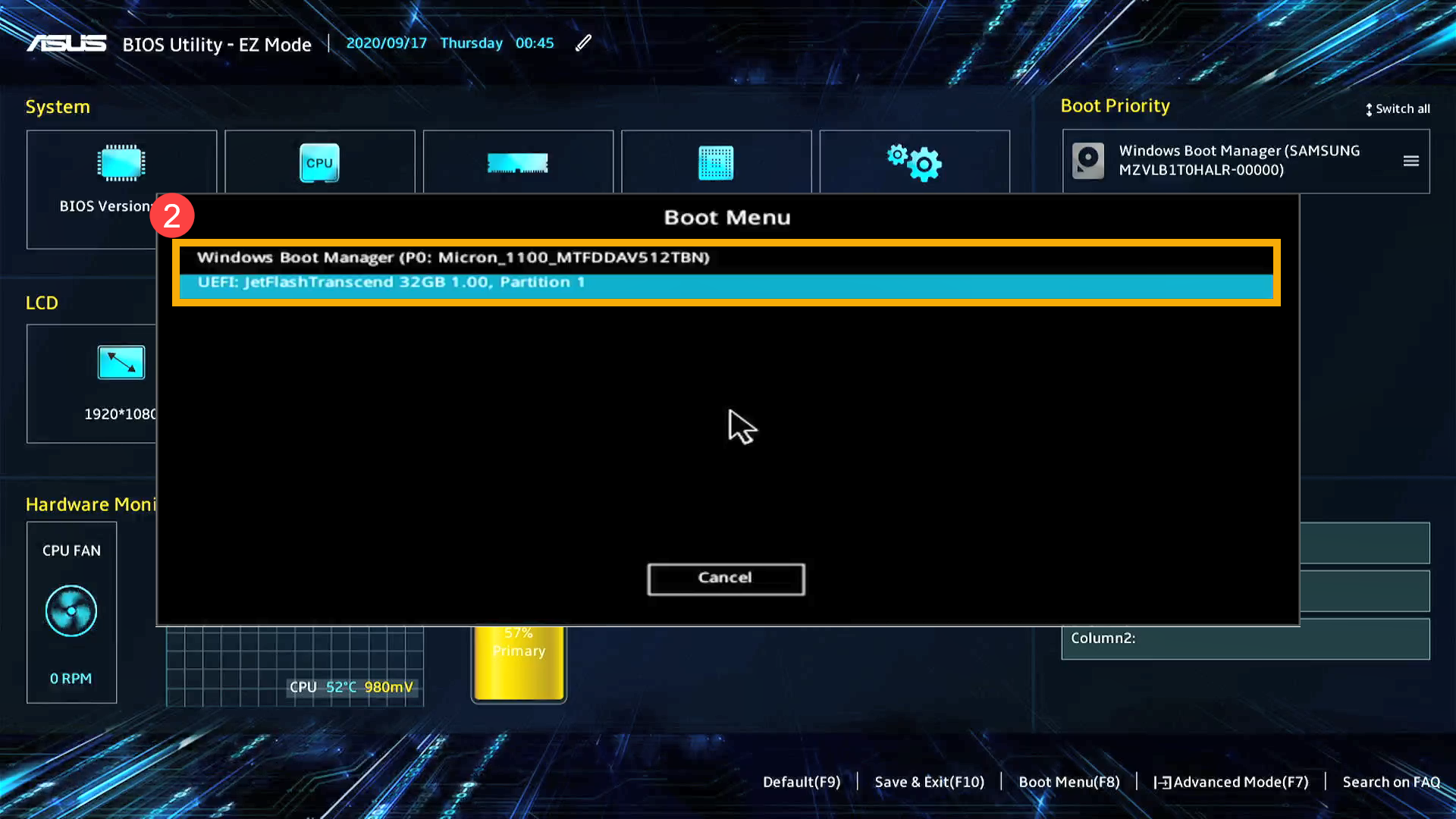
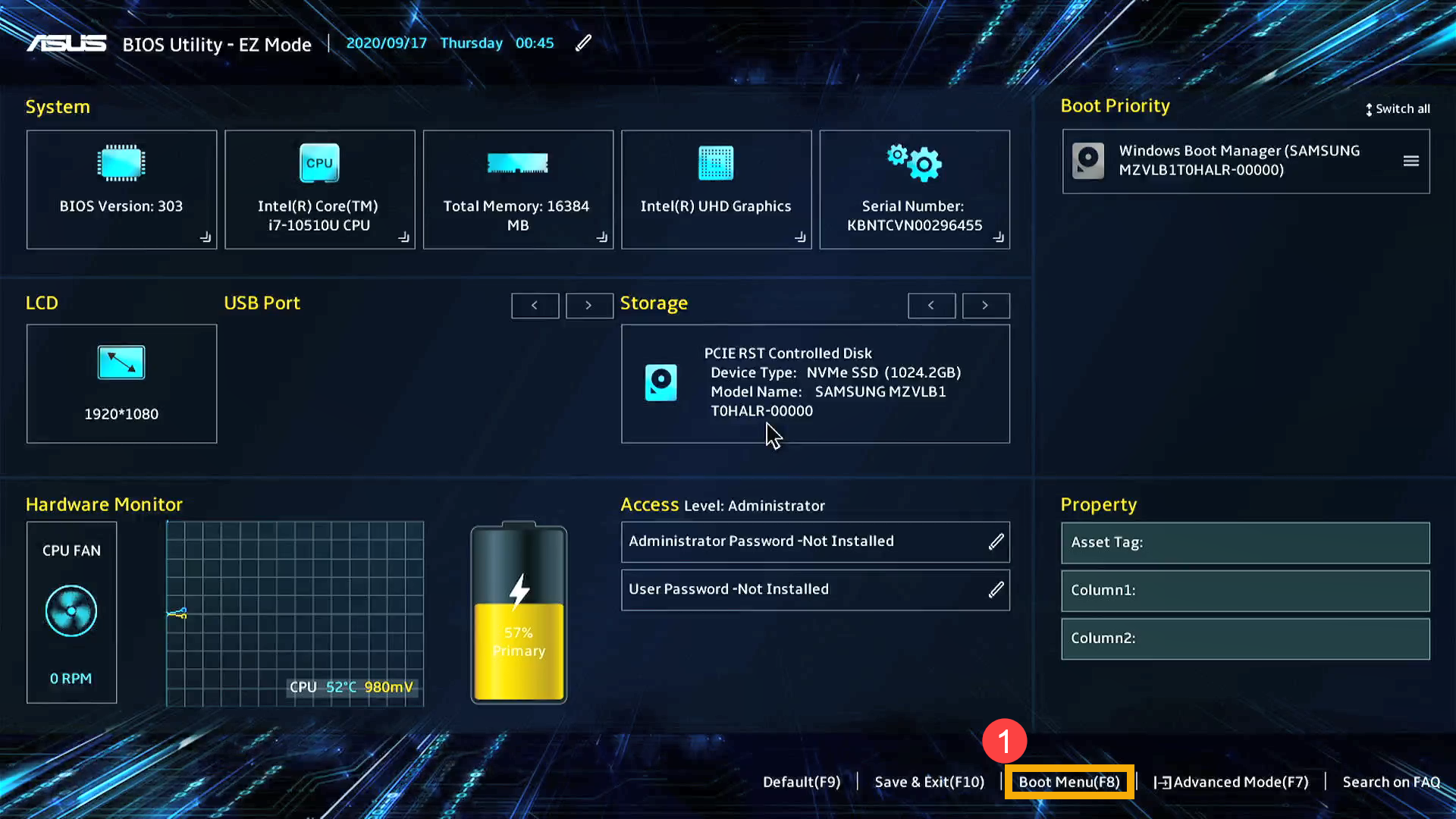
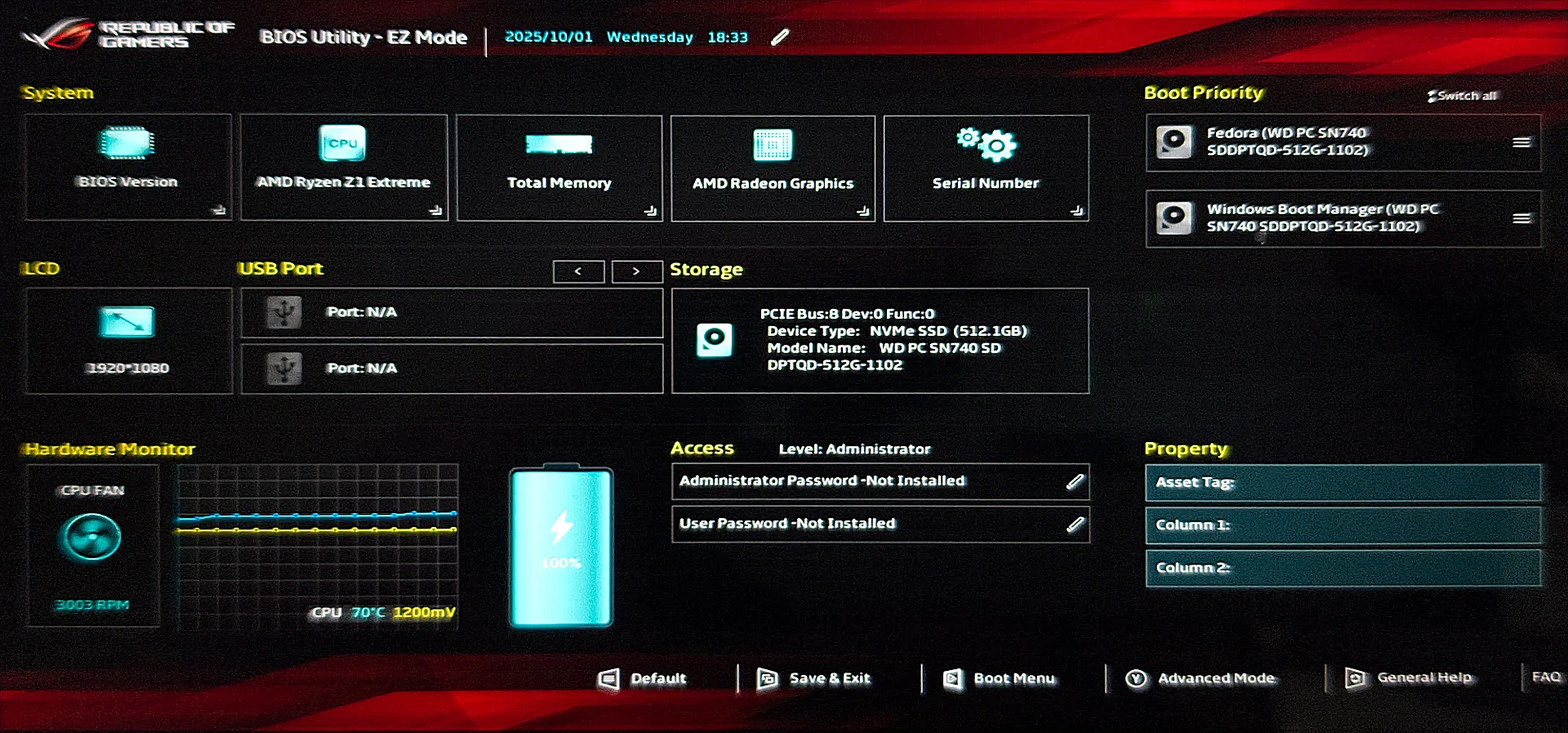
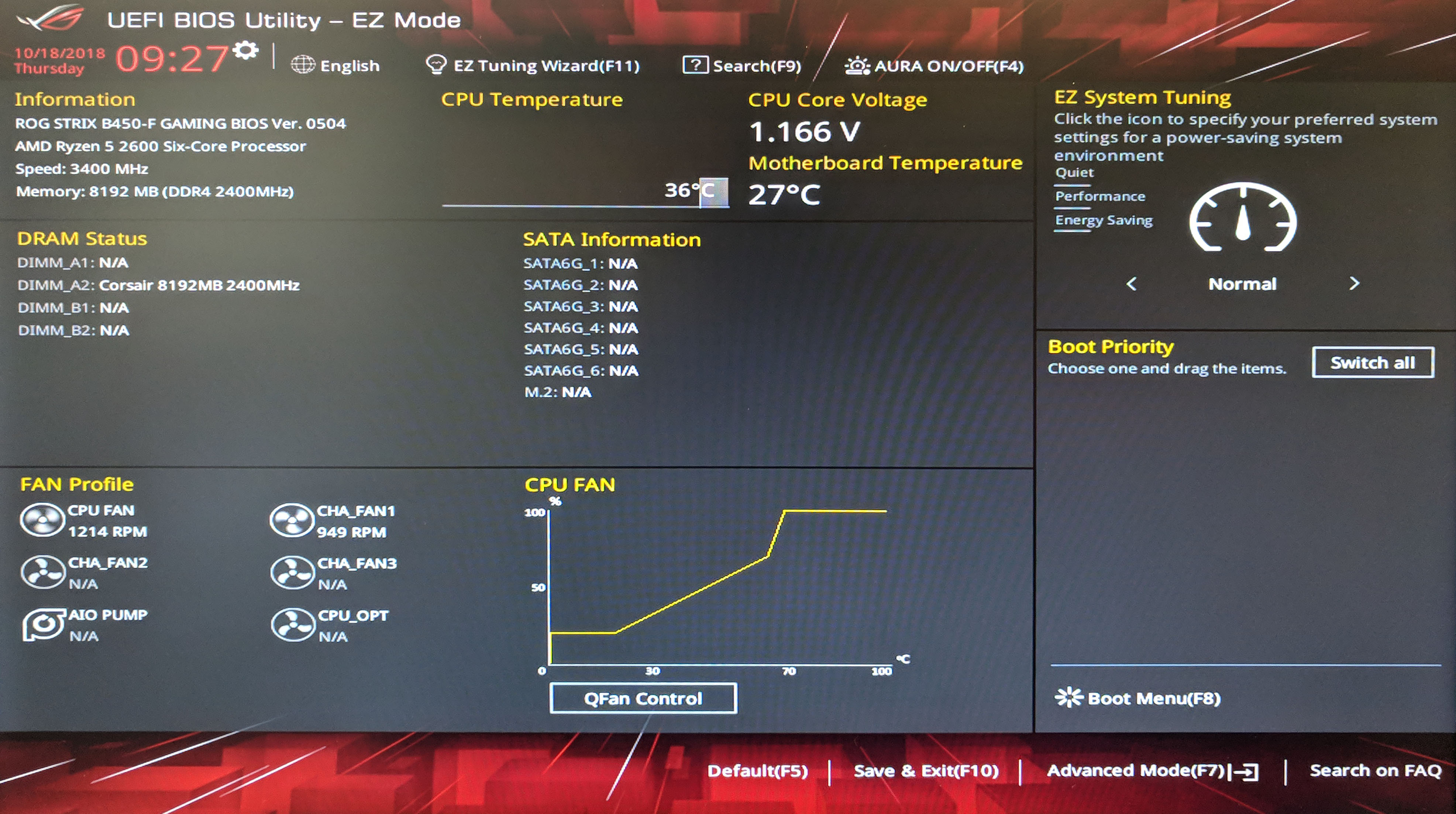
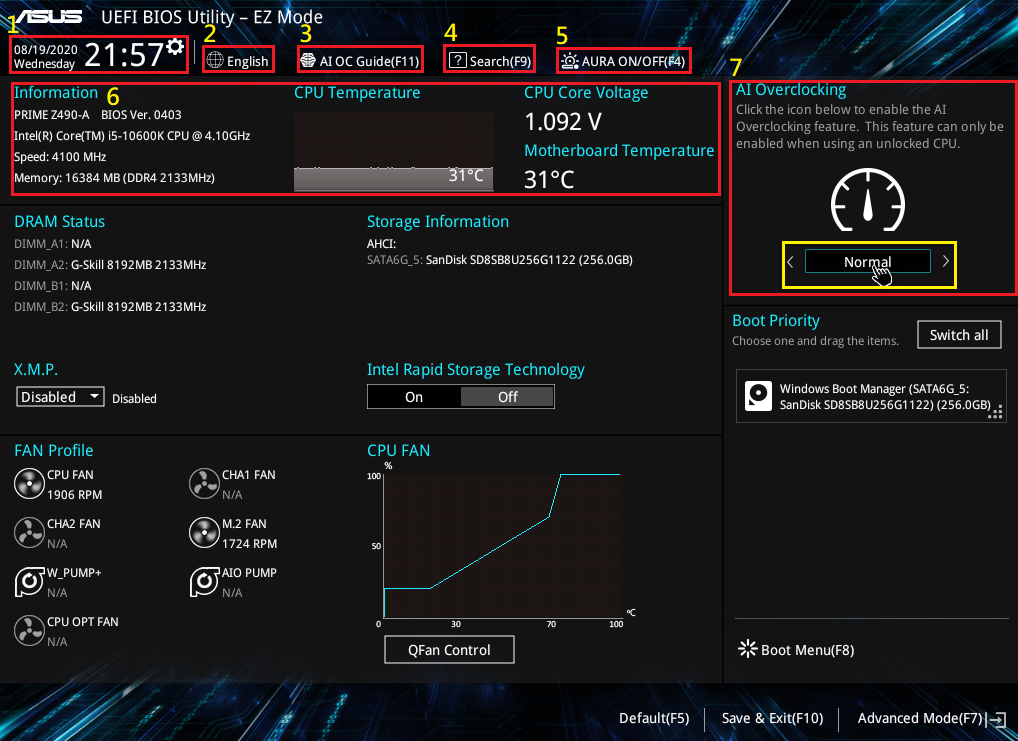
![Rog Boot Options [MotherBoard] UEFI BIOS EZ MODE GUI Introduction | Official Support ...](https://kmpic.asus.com/images/2022/10/18/670fa7e4-5073-4727-9691-b36691fd610c.png)
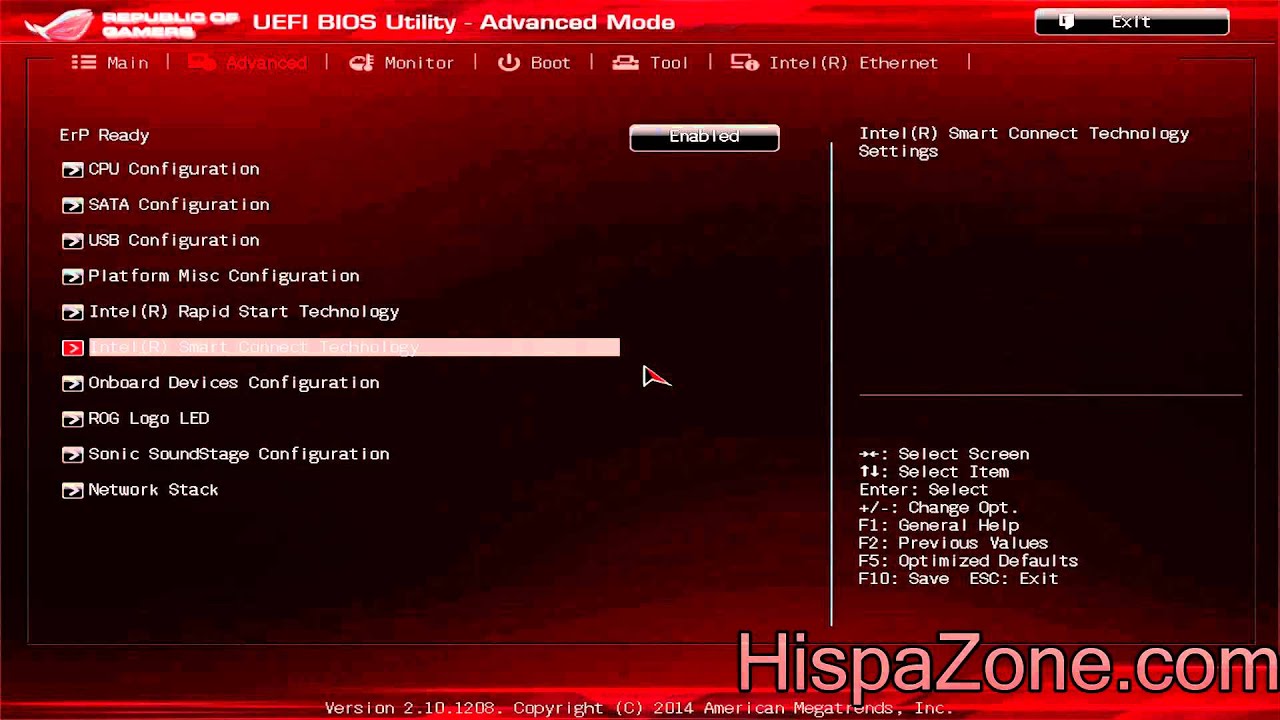
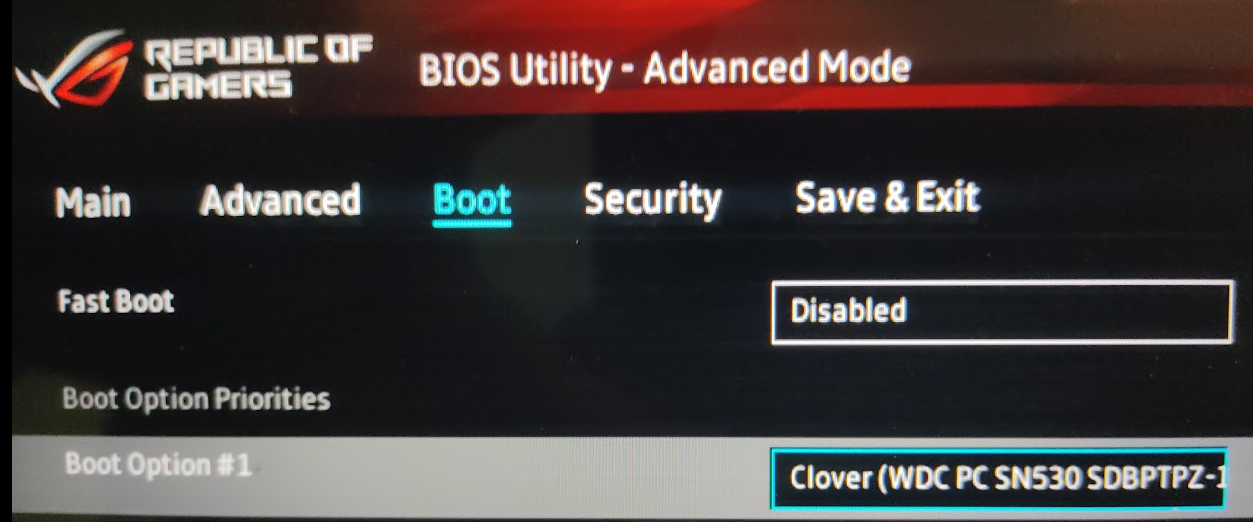
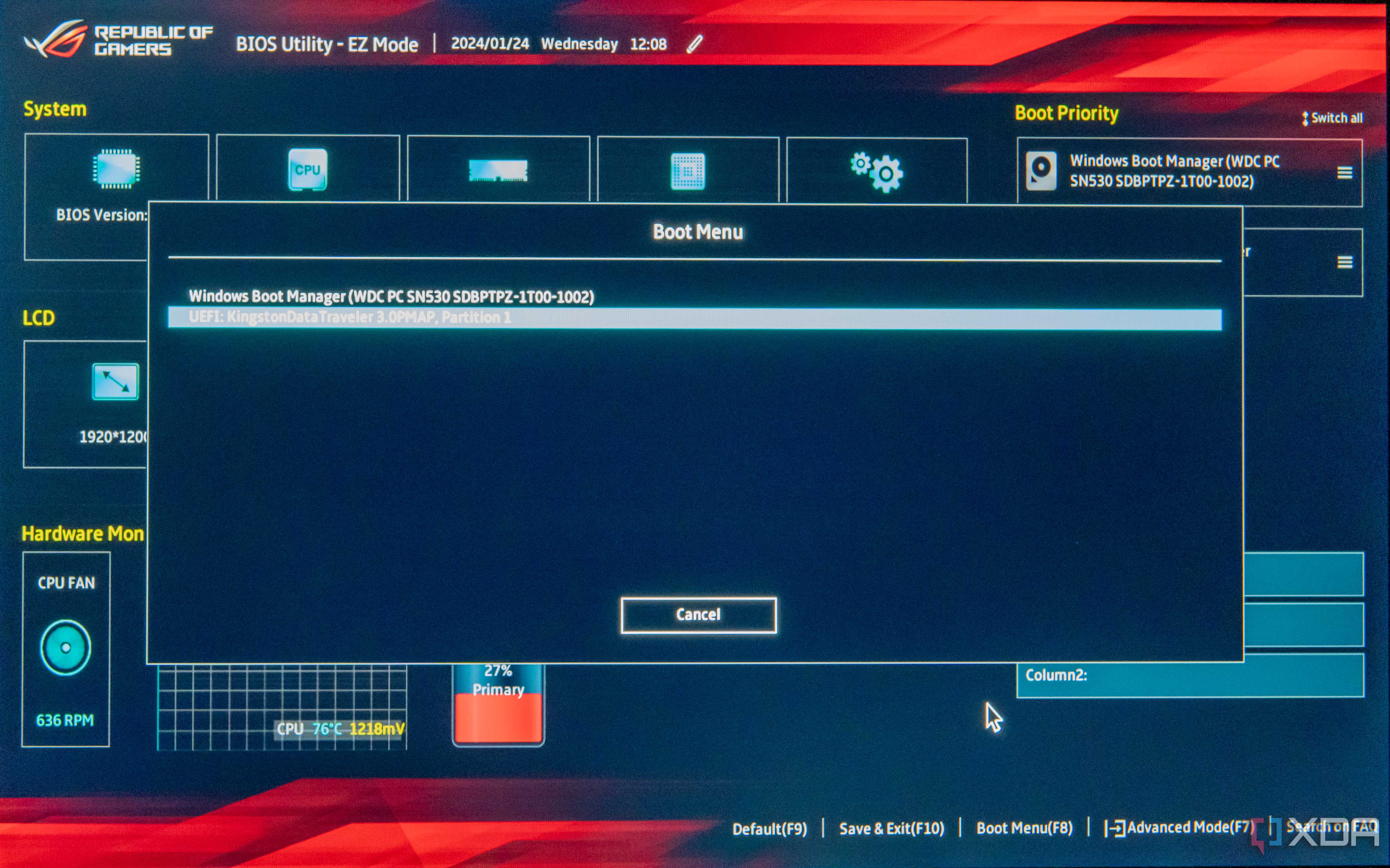
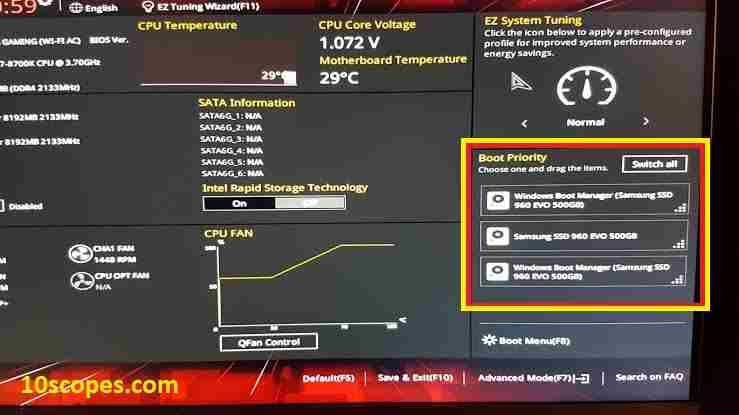
![Rog Boot Options [Solved] No Bootable Device Found Error (2024)](https://10scopes.com/wp-content/uploads/2019/12/boot-order-asus-rog-motherboard.jpg)