Right Size Refresh

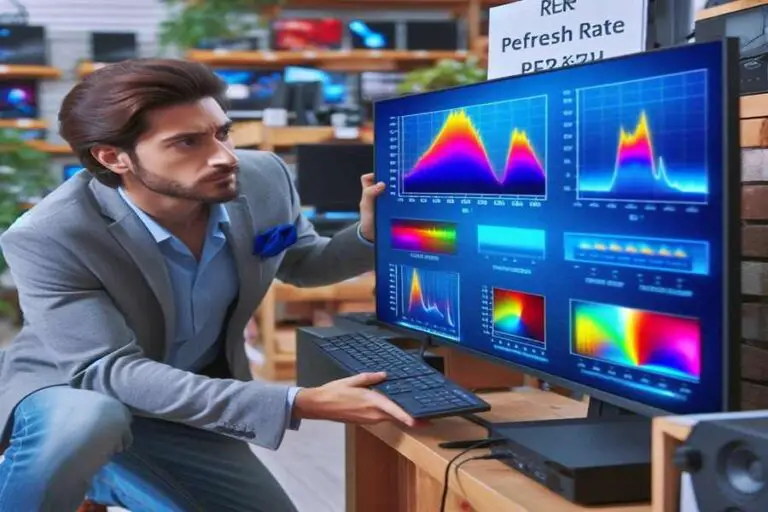

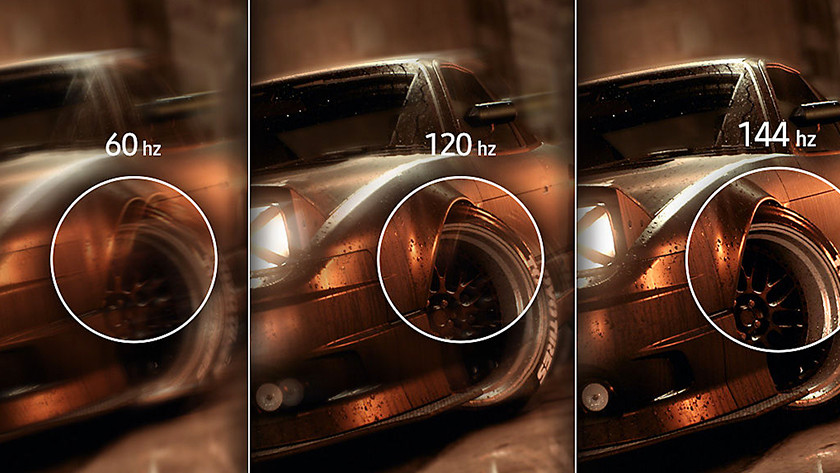
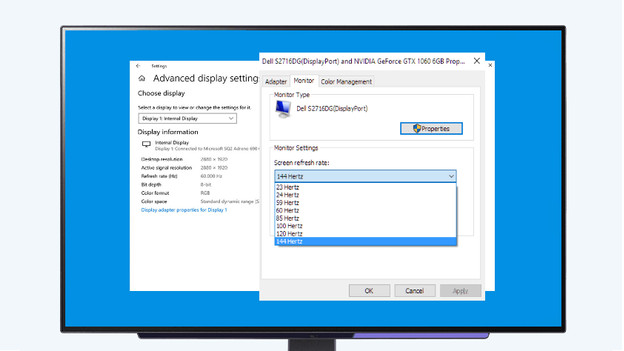
























































Drive innovation with our technology Right Size Refresh gallery of countless digital images. technologically showcasing photography, images, and pictures. designed to demonstrate technological advancement. The Right Size Refresh collection maintains consistent quality standards across all images. Suitable for various applications including web design, social media, personal projects, and digital content creation All Right Size Refresh images are available in high resolution with professional-grade quality, optimized for both digital and print applications, and include comprehensive metadata for easy organization and usage. Discover the perfect Right Size Refresh images to enhance your visual communication needs. Multiple resolution options ensure optimal performance across different platforms and applications. Instant download capabilities enable immediate access to chosen Right Size Refresh images. The Right Size Refresh archive serves professionals, educators, and creatives across diverse industries. Whether for commercial projects or personal use, our Right Size Refresh collection delivers consistent excellence. Regular updates keep the Right Size Refresh collection current with contemporary trends and styles. Our Right Size Refresh database continuously expands with fresh, relevant content from skilled photographers. Advanced search capabilities make finding the perfect Right Size Refresh image effortless and efficient. Each image in our Right Size Refresh gallery undergoes rigorous quality assessment before inclusion.