Reset Windows 7 Using Settings
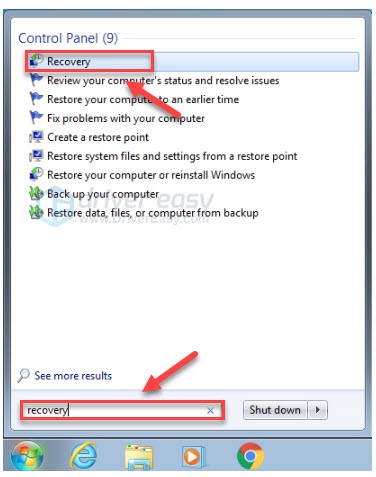


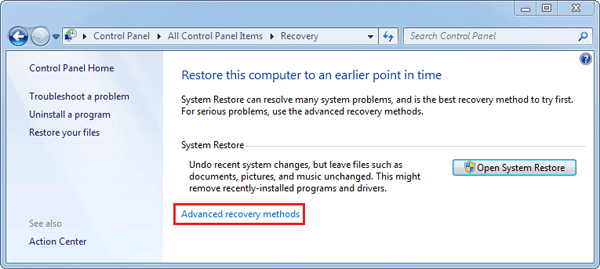
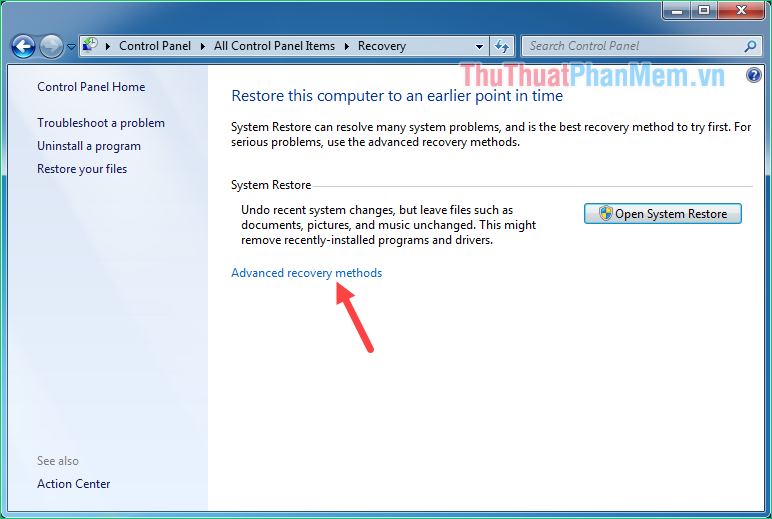
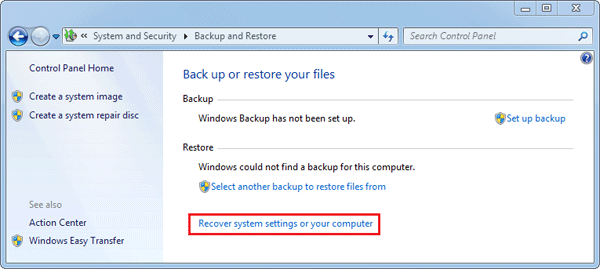
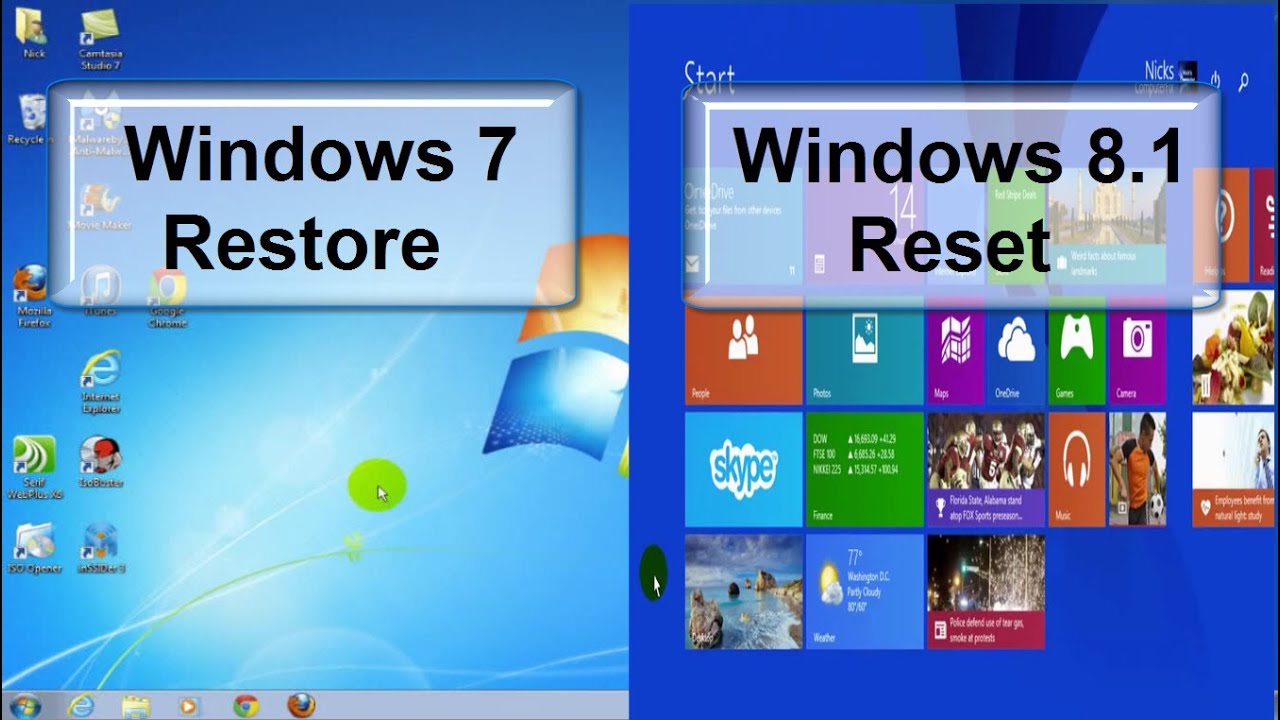
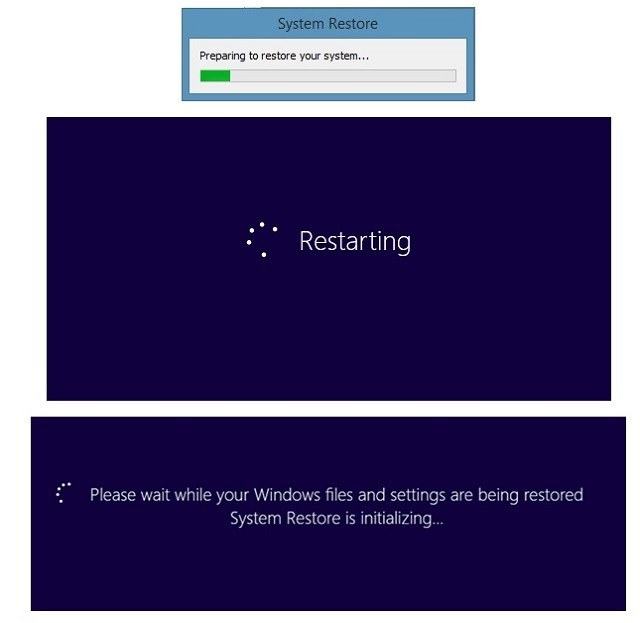
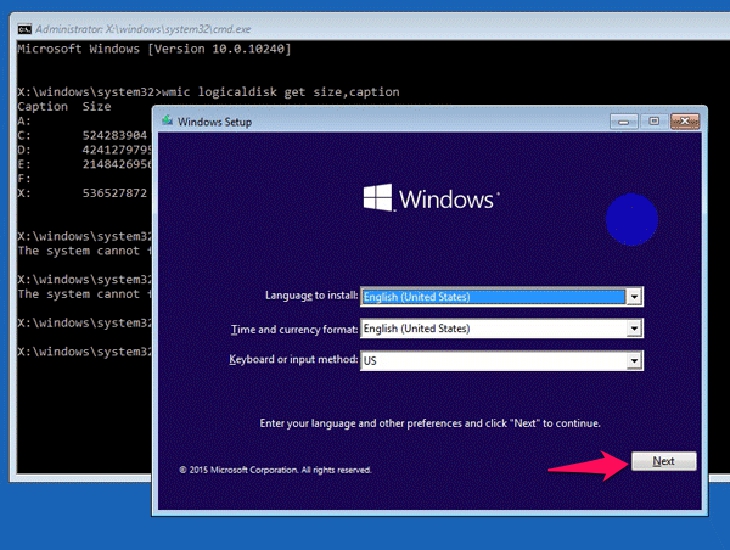
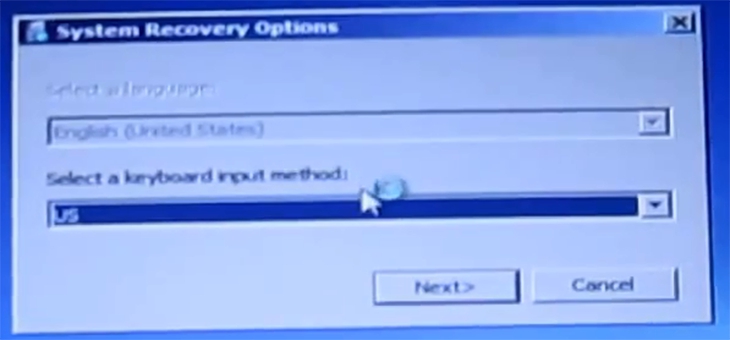


























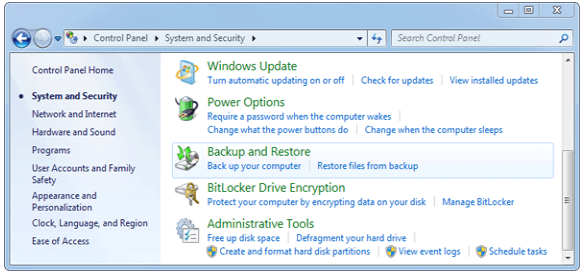
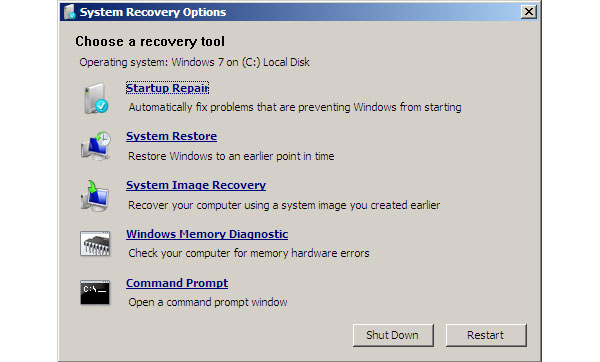
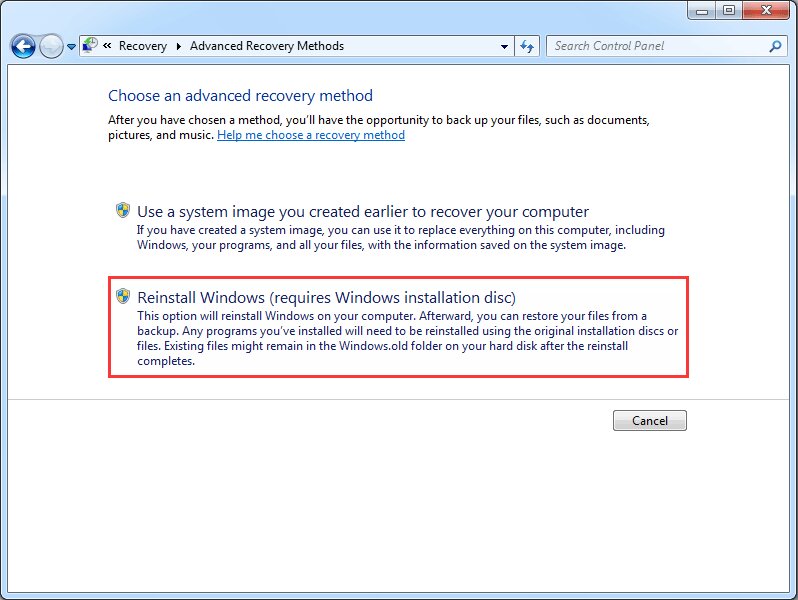
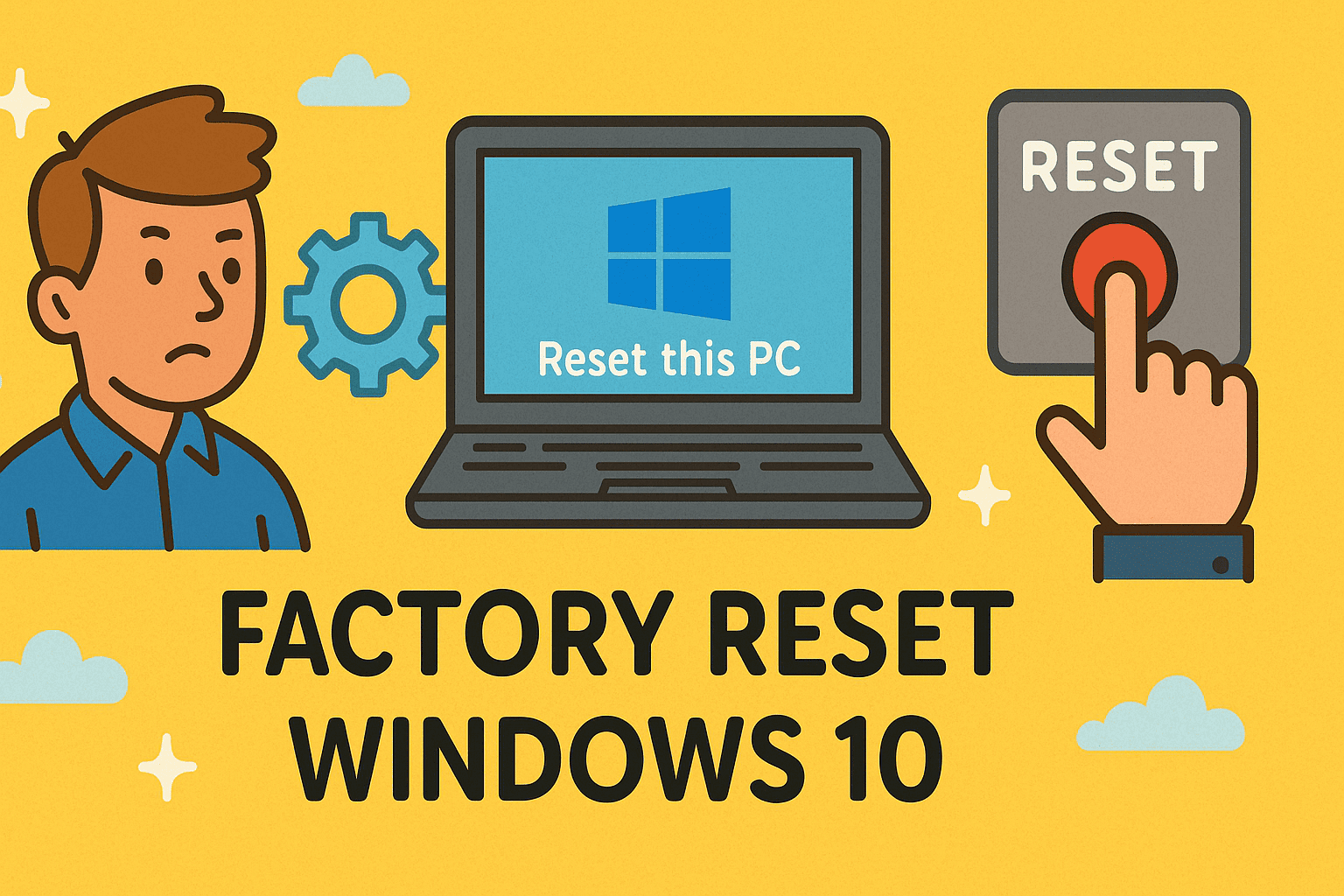



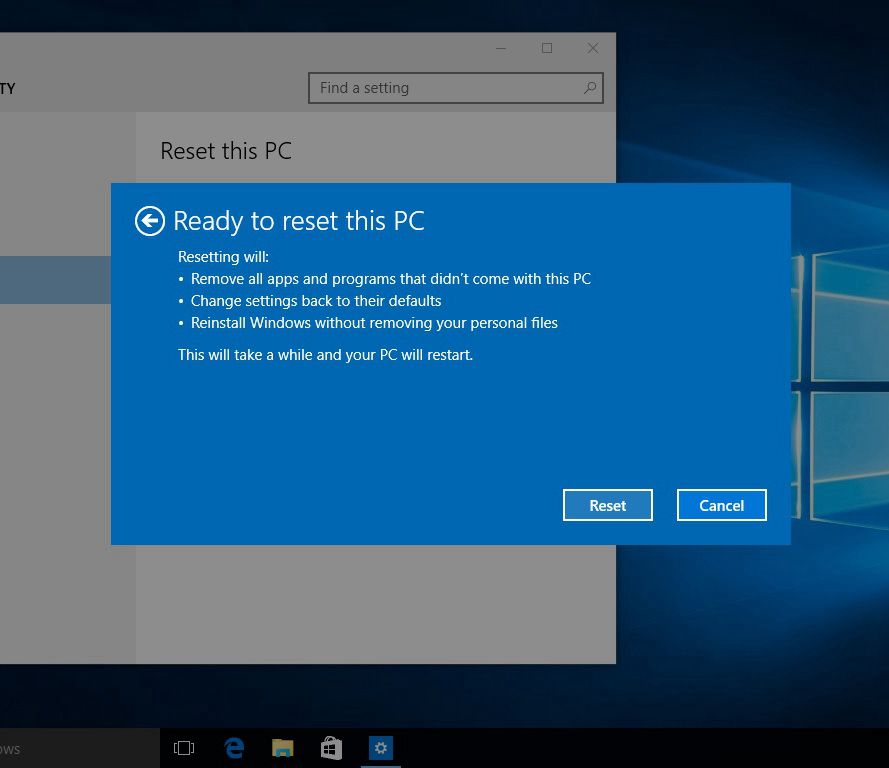


Entertain audiences with our stunning entertainment Reset Windows 7 Using Settings collection of countless captivating images. entertainingly showcasing photography, images, and pictures. perfect for entertainment marketing and promotion. The Reset Windows 7 Using Settings collection maintains consistent quality standards across all images. Suitable for various applications including web design, social media, personal projects, and digital content creation All Reset Windows 7 Using Settings images are available in high resolution with professional-grade quality, optimized for both digital and print applications, and include comprehensive metadata for easy organization and usage. Discover the perfect Reset Windows 7 Using Settings images to enhance your visual communication needs. Diverse style options within the Reset Windows 7 Using Settings collection suit various aesthetic preferences. Regular updates keep the Reset Windows 7 Using Settings collection current with contemporary trends and styles. Reliable customer support ensures smooth experience throughout the Reset Windows 7 Using Settings selection process. Multiple resolution options ensure optimal performance across different platforms and applications. Cost-effective licensing makes professional Reset Windows 7 Using Settings photography accessible to all budgets. Professional licensing options accommodate both commercial and educational usage requirements. The Reset Windows 7 Using Settings archive serves professionals, educators, and creatives across diverse industries. Advanced search capabilities make finding the perfect Reset Windows 7 Using Settings image effortless and efficient.