Remote Desktop Default Port


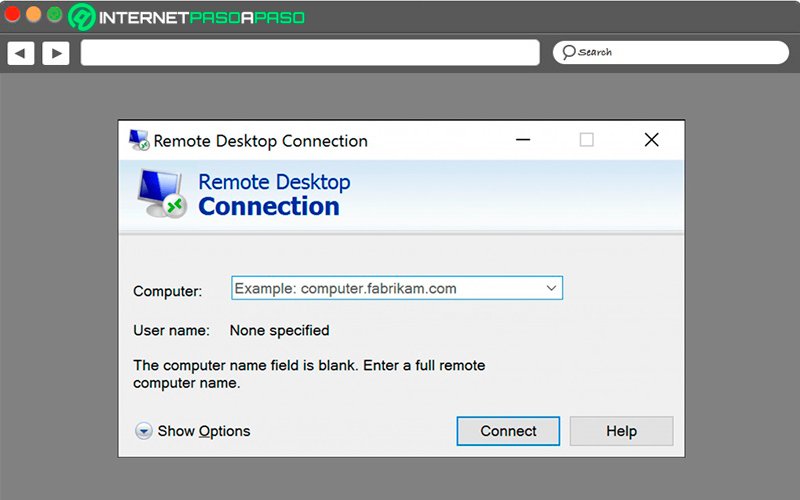


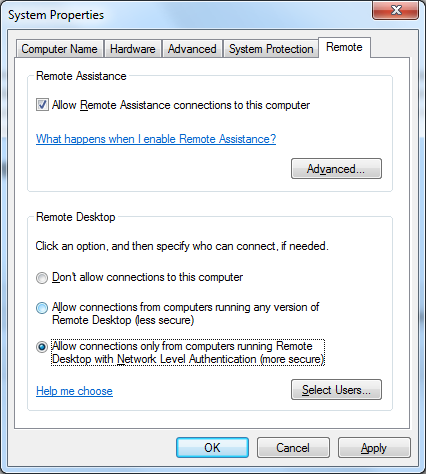

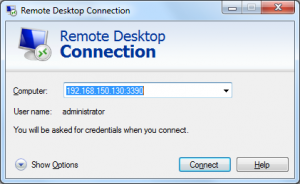
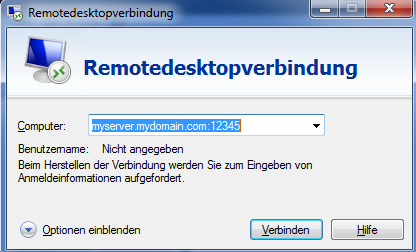



















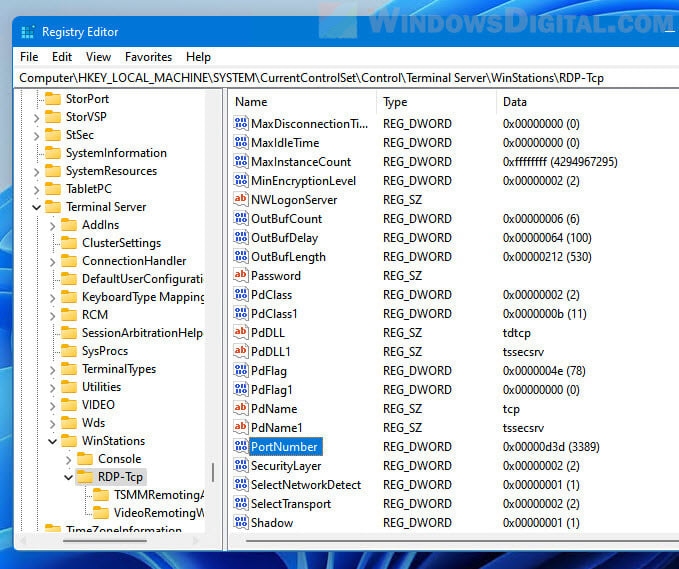


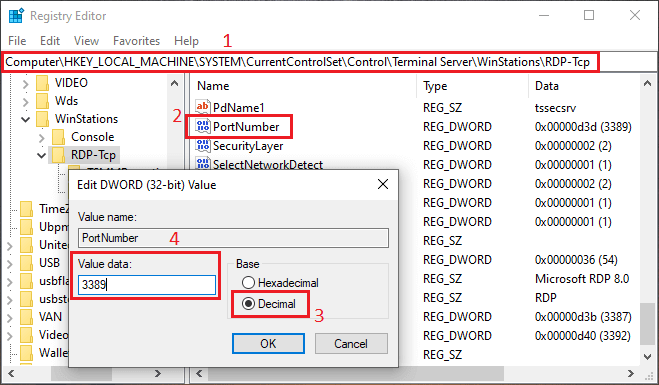













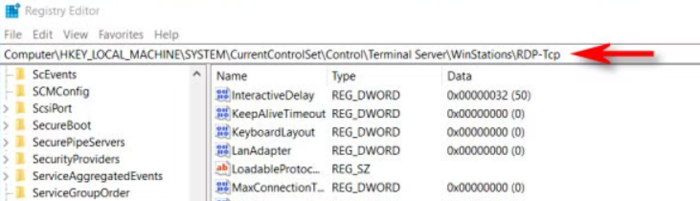


Immerse yourself in the artistic beauty of Remote Desktop Default Port through numerous inspiring images. merging documentary precision with creative imagination and aesthetic beauty. creating lasting impressions through powerful and memorable imagery. Each Remote Desktop Default Port image is carefully selected for superior visual impact and professional quality. Ideal for artistic projects, creative designs, digital art, and innovative visual expressions All Remote Desktop Default Port images are available in high resolution with professional-grade quality, optimized for both digital and print applications, and include comprehensive metadata for easy organization and usage. Our Remote Desktop Default Port collection inspires creativity through unique compositions and artistic perspectives. Professional licensing options accommodate both commercial and educational usage requirements. Diverse style options within the Remote Desktop Default Port collection suit various aesthetic preferences. Our Remote Desktop Default Port database continuously expands with fresh, relevant content from skilled photographers. Whether for commercial projects or personal use, our Remote Desktop Default Port collection delivers consistent excellence. Regular updates keep the Remote Desktop Default Port collection current with contemporary trends and styles. Each image in our Remote Desktop Default Port gallery undergoes rigorous quality assessment before inclusion. The Remote Desktop Default Port archive serves professionals, educators, and creatives across diverse industries.