Recorder Tab Windows
Capture truth through numerous documentary-style Recorder Tab Windows photographs. truthfully capturing photography, images, and pictures. designed to preserve authentic moments and stories. Discover high-resolution Recorder Tab Windows images optimized for various applications. Suitable for various applications including web design, social media, personal projects, and digital content creation All Recorder Tab Windows images are available in high resolution with professional-grade quality, optimized for both digital and print applications, and include comprehensive metadata for easy organization and usage. Explore the versatility of our Recorder Tab Windows collection for various creative and professional projects. Diverse style options within the Recorder Tab Windows collection suit various aesthetic preferences. Multiple resolution options ensure optimal performance across different platforms and applications. Whether for commercial projects or personal use, our Recorder Tab Windows collection delivers consistent excellence. The Recorder Tab Windows archive serves professionals, educators, and creatives across diverse industries. The Recorder Tab Windows collection represents years of careful curation and professional standards. Instant download capabilities enable immediate access to chosen Recorder Tab Windows images. Each image in our Recorder Tab Windows gallery undergoes rigorous quality assessment before inclusion. Comprehensive tagging systems facilitate quick discovery of relevant Recorder Tab Windows content. Cost-effective licensing makes professional Recorder Tab Windows photography accessible to all budgets.
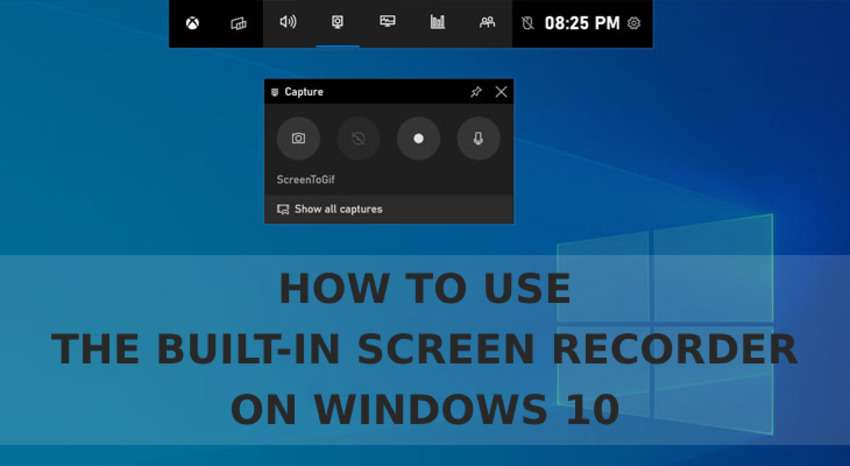
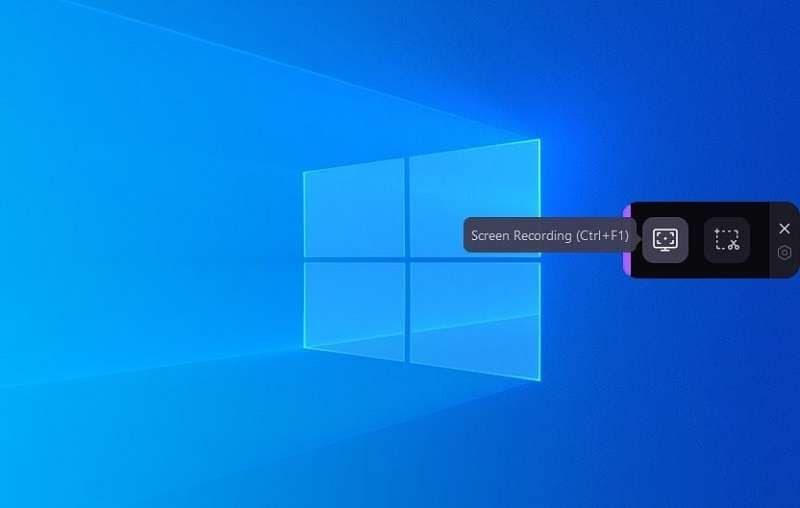
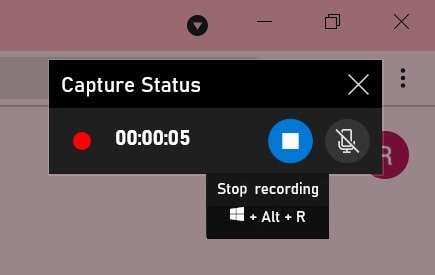


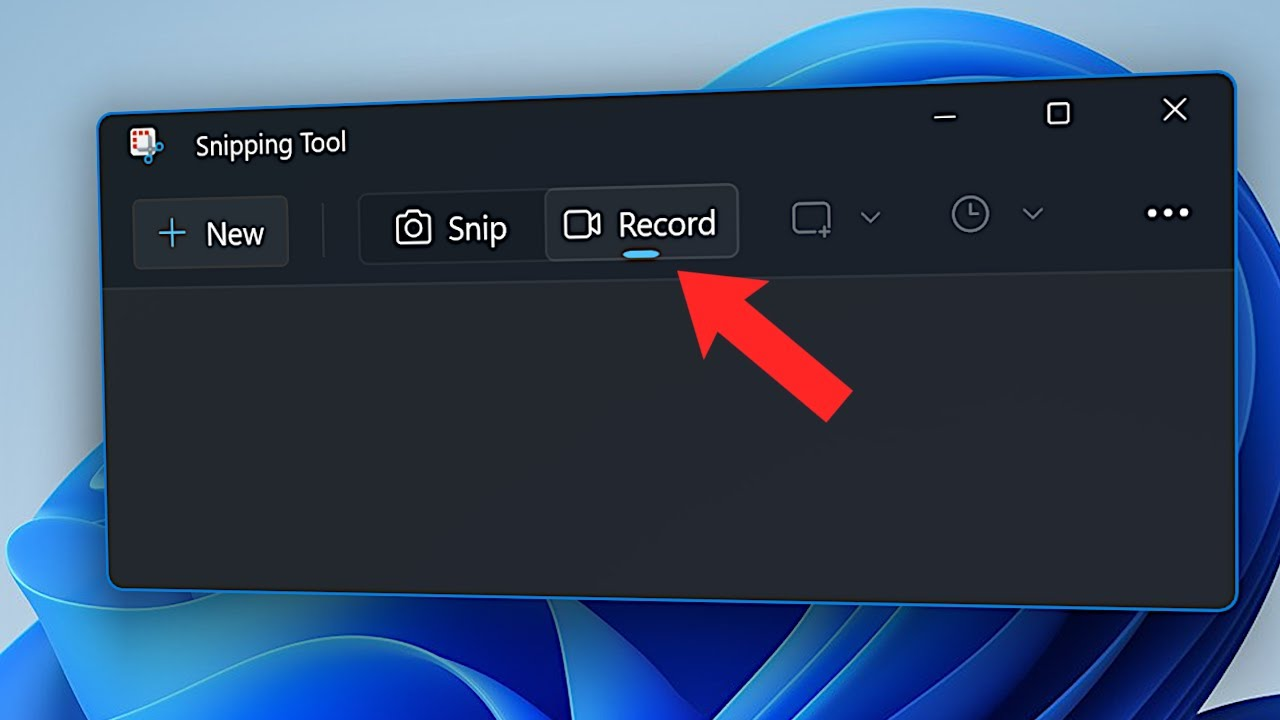
![Recorder Tab Windows [Steps&Shortcuts] Use the Built-in Screen Recorder in Windows 10](https://images.wondershare.com/democreator/article/built-in-windows-10-screen-recorder-1.jpg)
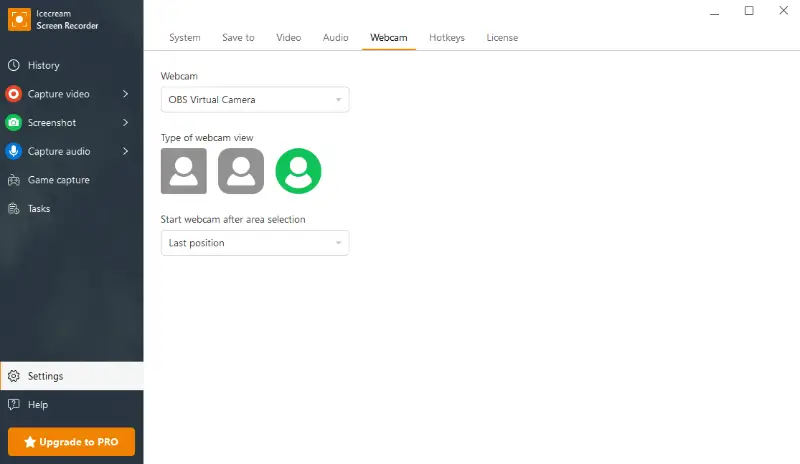


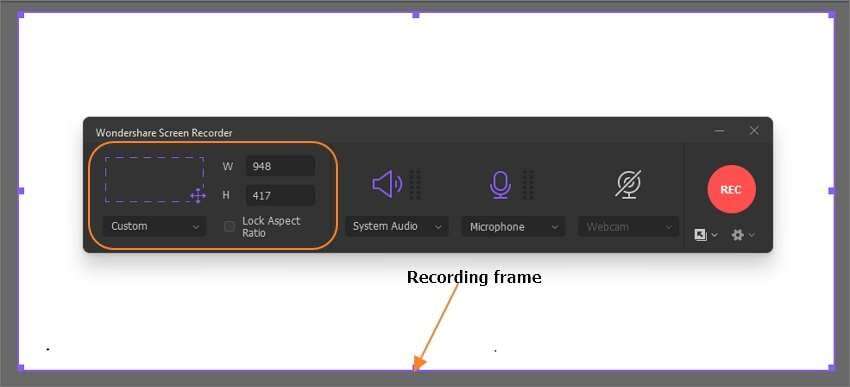
![Recorder Tab Windows [Steps&Shortcuts] Use the Built-in Screen Recorder in Windows 10](https://images.wondershare.com/democreator/article/built-in-windows-10-screen-recorder-12.jpg)
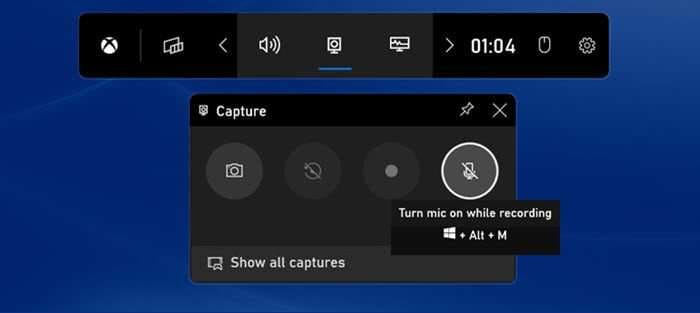


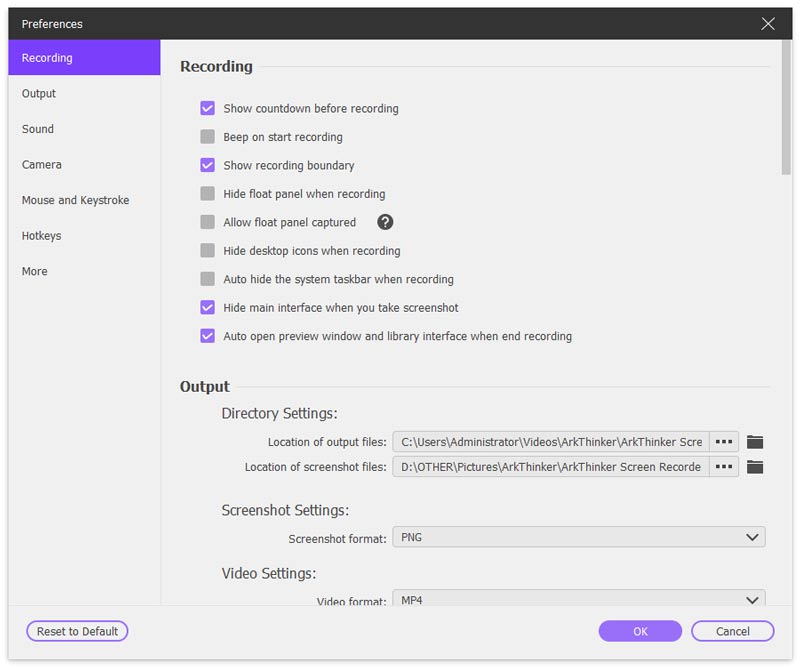
![Recorder Tab Windows [Steps&Shortcuts] Use the Built-in Screen Recorder in Windows 10](https://images.wondershare.com/democreator/article/built-in-windows-10-screen-recorder-19.jpg)
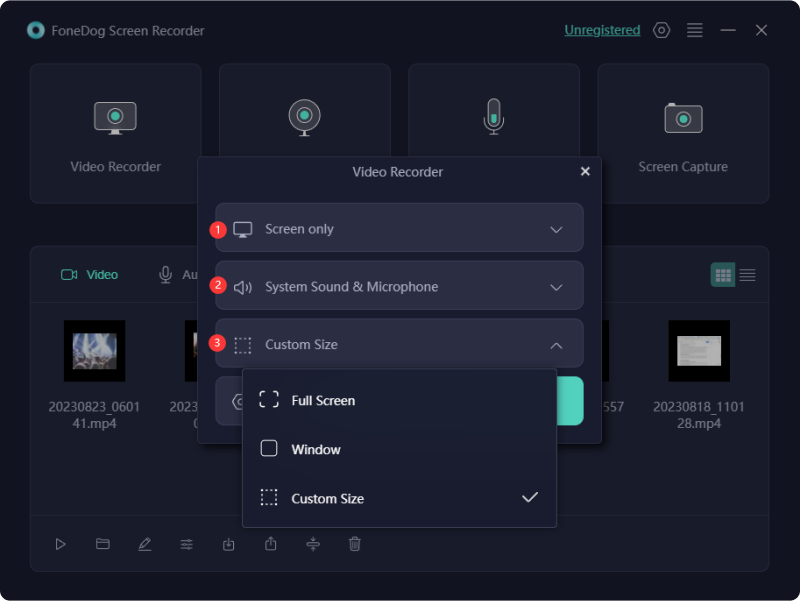
![Recorder Tab Windows [Steps&Shortcuts] Use the Built-in Screen Recorder in Windows 10](https://images.wondershare.com/democreator/article/built-in-windows-10-screen-recorder-18.jpg)
![Recorder Tab Windows [Steps&Shortcuts] Use the Built-in Screen Recorder in Windows 10](https://images.wondershare.com/democreator/article/built-in-windows-10-screen-recorder-22.jpg)


![Recorder Tab Windows [Steps&Shortcuts] Use the Built-in Screen Recorder in Windows 10](https://images.wondershare.com/democreator/article/built-in-windows-10-screen-recorder-7.jpg)

![Recorder Tab Windows [Steps&Shortcuts] Use the Built-in Screen Recorder in Windows 10](https://images.wondershare.com/democreator/article/built-in-windows-10-screen-recorder-10.jpg)


![Recorder Tab Windows How to Screen Record on Windows 10/11 [9 Free Methods]](https://images.minitool.com/recorder.minitool.com/images/uploads/2025/12/how-to-screen-record-on-windows-13.png)

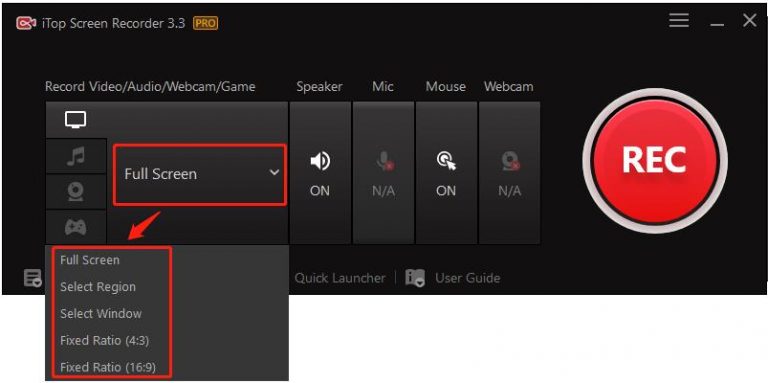
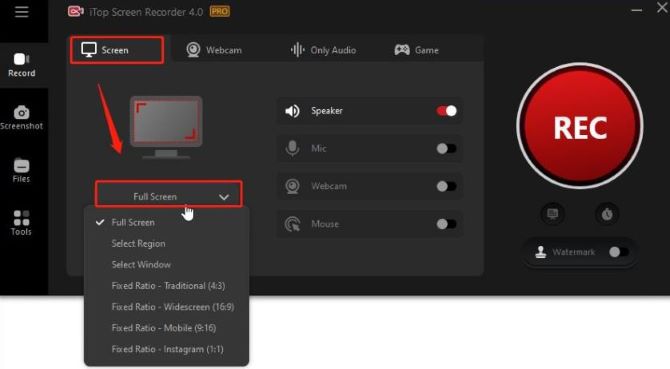
![Recorder Tab Windows How To Screen Record On Windows 10/11 [5 Easy Ways]](https://tencomputer.com/wp-content/uploads/2023/02/screen-record-itop-screen-recorder-full-screen-768x383.jpg)
:max_bytes(150000):strip_icc()/Record_Win10_06-2b48afa1b6574298bab7b3ce3f47a253.jpg)
![Recorder Tab Windows How to Screen Record on Windows 10 and 11 [5 Ways]](https://s3.amazonaws.com/recorder-itopvpn-com/blog/ste60209a08e749a.png)


![Recorder Tab Windows 4 Ways to Record Part of Screen on Windows [11/10]](https://recorder.easeus.com/images/en/screen-recorder/resource/how-to-record-laptop-screen-with-audio-in-windows-10.png)
![Recorder Tab Windows How to Screen Record on Windows 10/11 [9 Free Methods]](https://images.minitool.com/recorder.minitool.com/images/uploads/2025/12/how-to-screen-record-on-windows-14.png)


![Recorder Tab Windows Record Multiple Screens on Windows 11 [How to]](https://windowsreport.com/wp-content/uploads/2023/03/Start-recording.png)
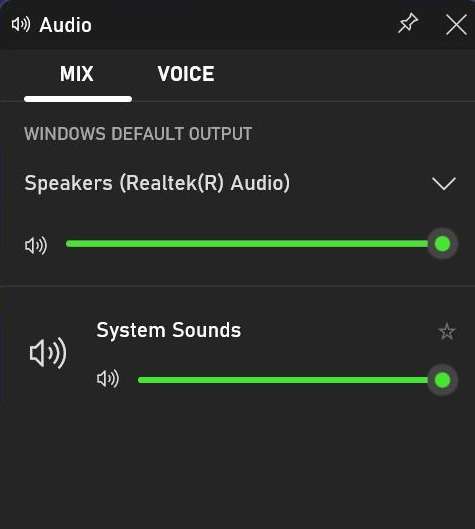


:max_bytes(150000):strip_icc()/A2-ScreenRecordonaWindowsLaptop-annotated-598d9c73a7fc4b7ebb0f7c88ea1b086a.jpg)


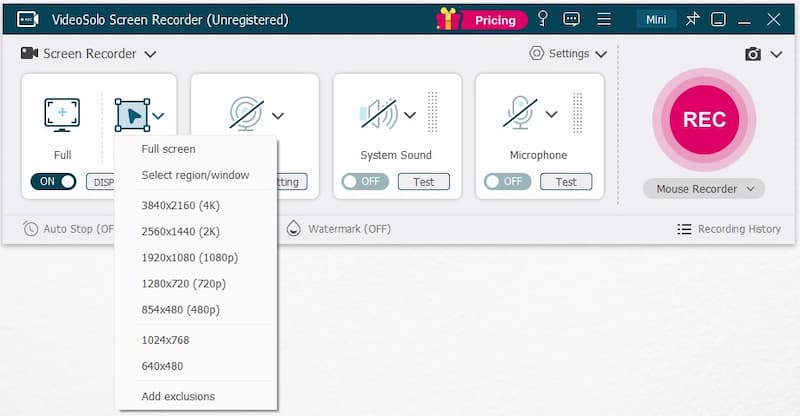
![Recorder Tab Windows How to Record Screen on Windows 11 Quickly [5 Ultimate Solutions]](https://videosolo.net/uploads/48/2023/04/select-recording-area.jpg)
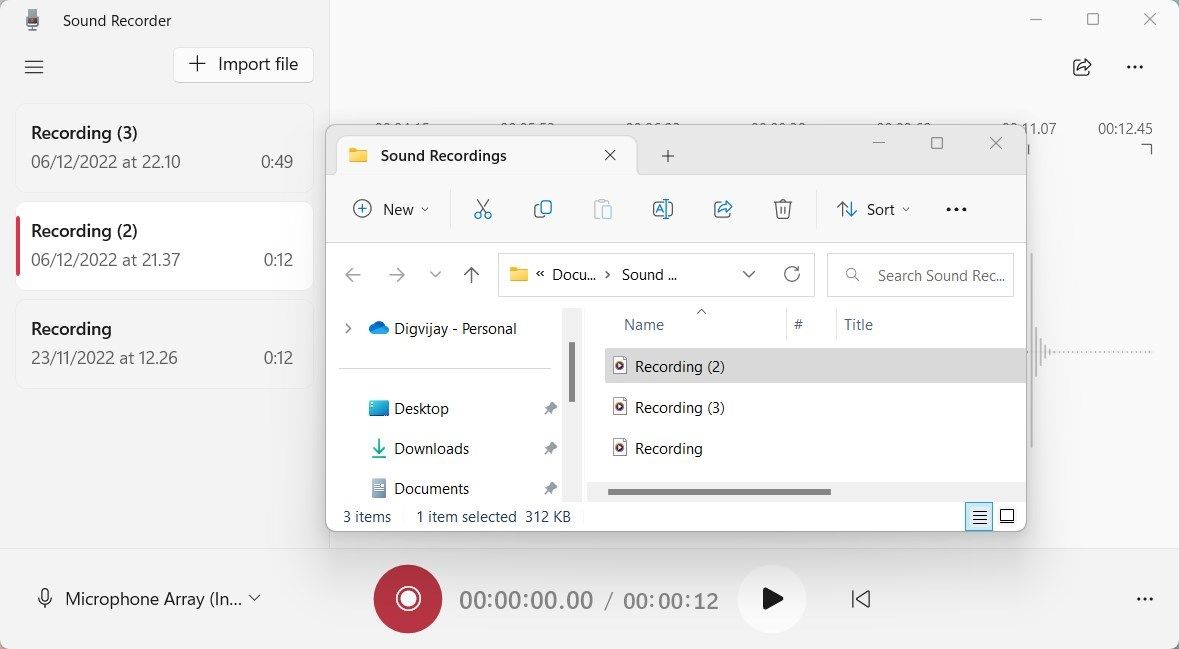
![Recorder Tab Windows How To Screen Record On Windows 10/11 [5 Easy Ways]](https://tencomputer.com/wp-content/uploads/2023/02/screen-record-itop-screen-recorder-full-screen.jpg)

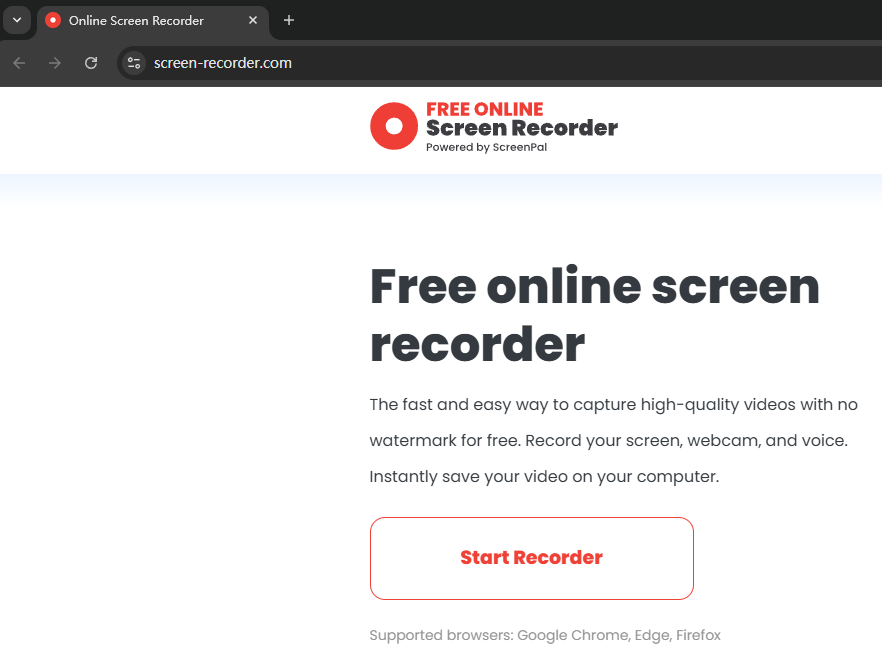
![Recorder Tab Windows [Tools & How] Browser Tab Recording with 4 Ways](https://res.kingshiper.com/abroadwm/2025/04/online-screen-recorder-for-browser-tab.png)
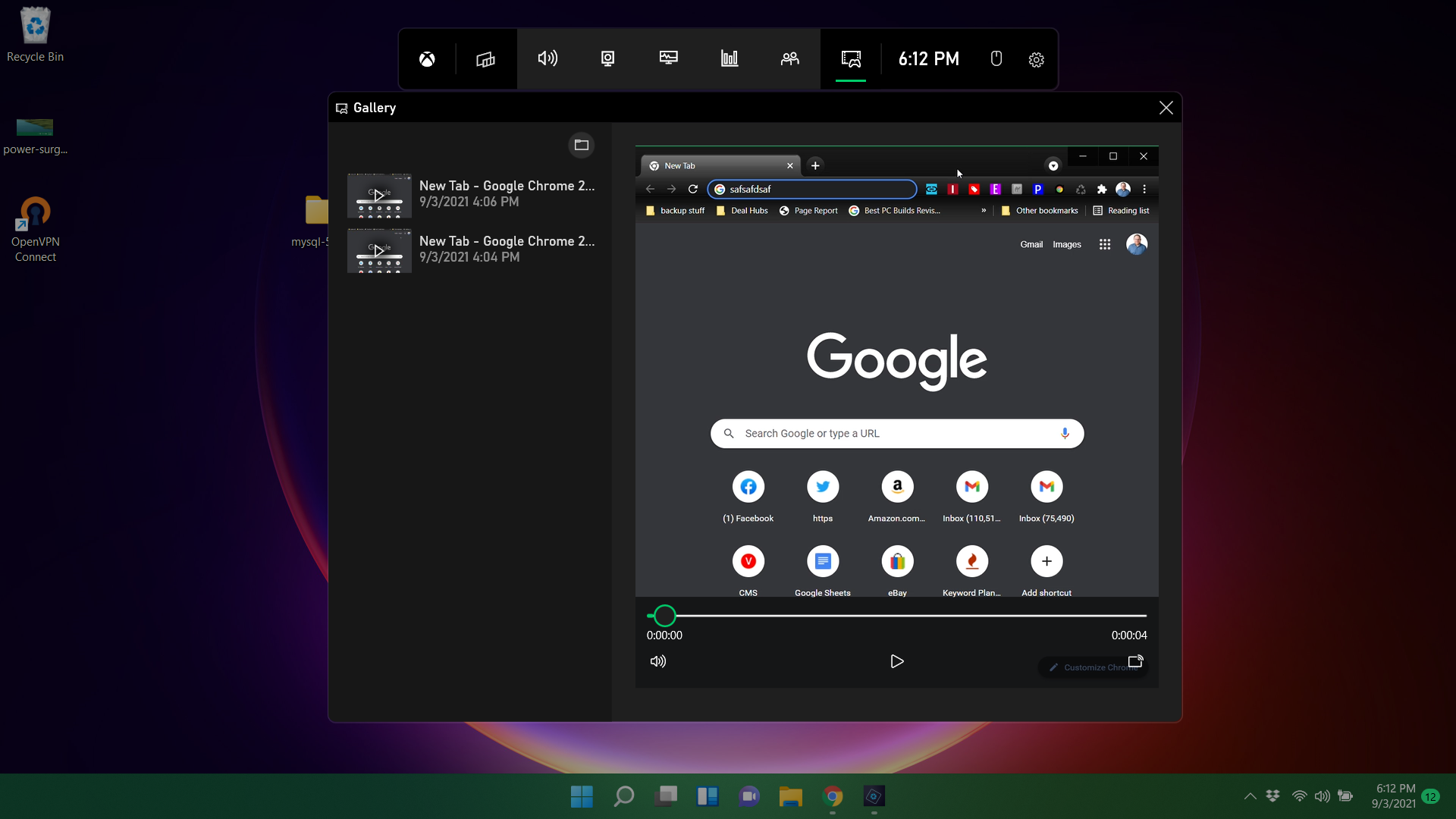


![Recorder Tab Windows 10 Best Chrome Tab Recorders Including Extensions [2025]](https://www.4easysoft.com/wp-content/uploads/2023/08/mac-screenshot-tool-chrome-tab-recoder.jpg)
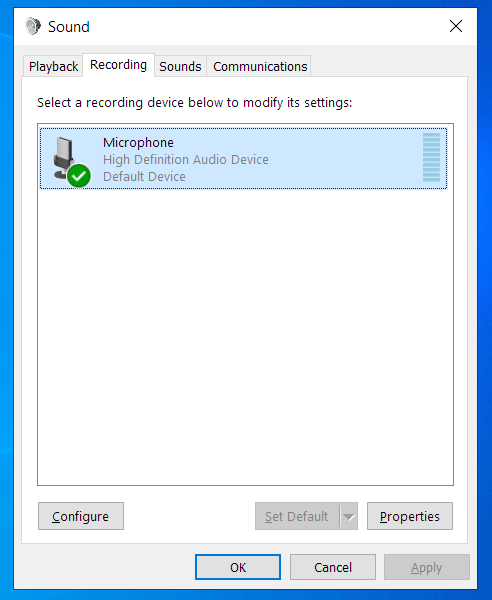


![Recorder Tab Windows Fix Screen Recording Not Working on Windows 11 [2026]](https://img.swifdoo.com/image/how-long-can-you-screen-record-4.png)


![Recorder Tab Windows How to Record on Xumo [All Devices ]](https://recorder.easeus.com/images/en/screen-recorder/resource/browser-tab-recording.jpg)


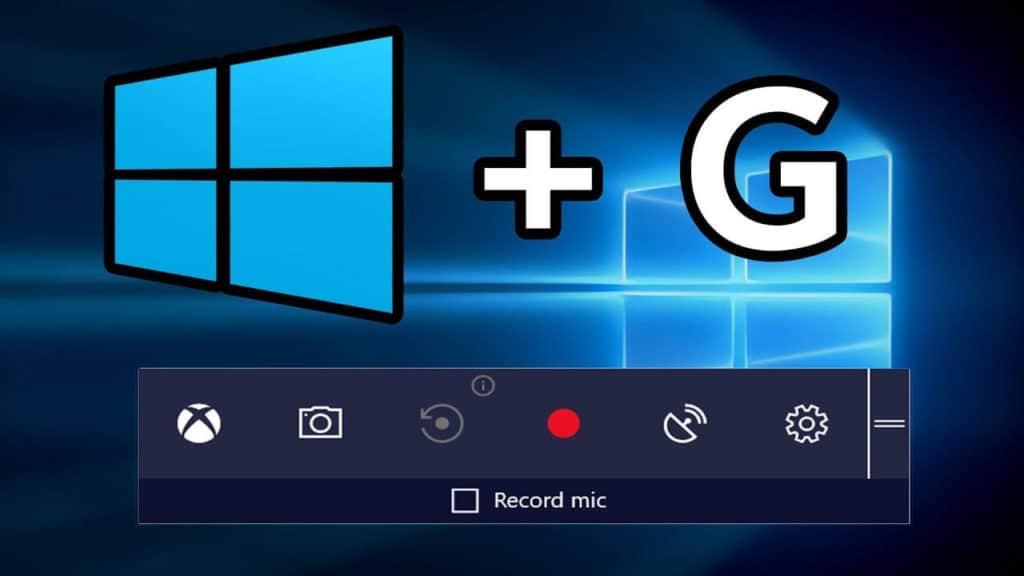
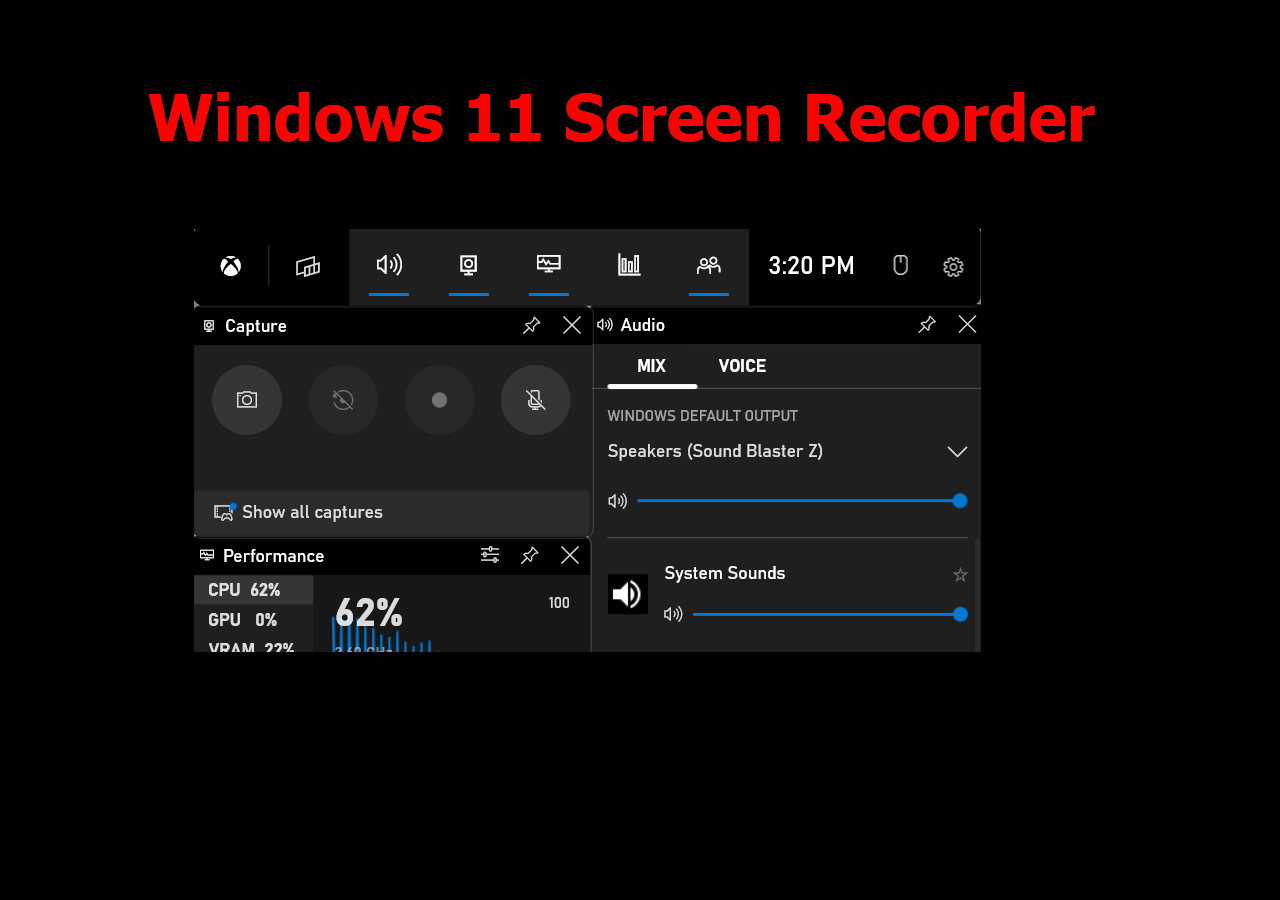
![Recorder Tab Windows How to Screen Record on MSI Laptop [3 Effective Ways]](https://recorder.easeus.com/images/en/screen-recorder/resource/windows-screen-recorder-shortcut.jpg)


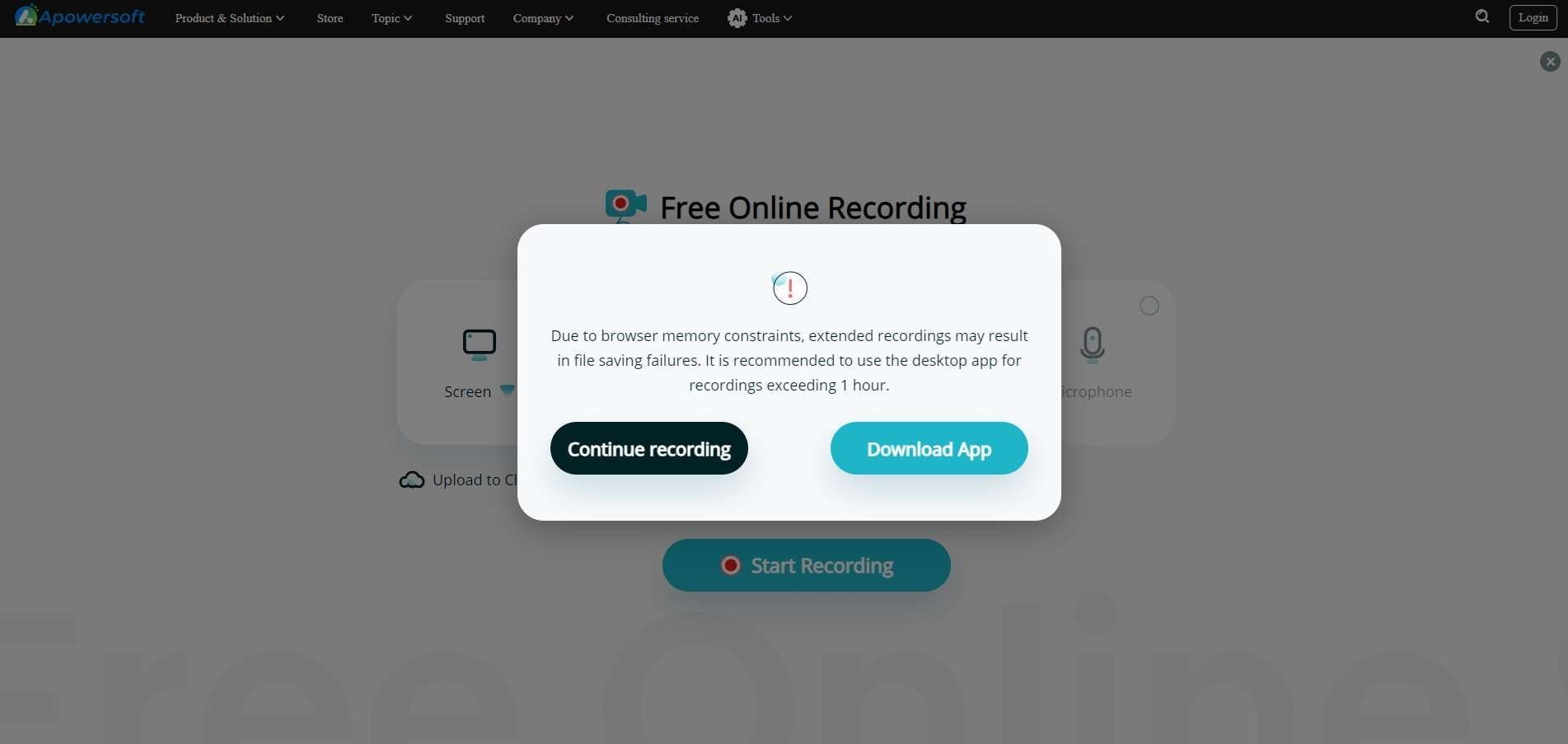
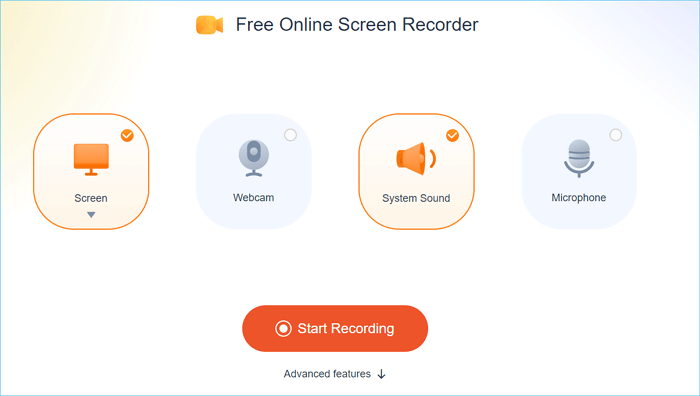
![Recorder Tab Windows How to Record Browser Screen/Window/Tab [Free Ways]](https://recorder.easeus.com/images/en/screen-recorder/resource/easeus-online-screen-recorder-start-recording.png)
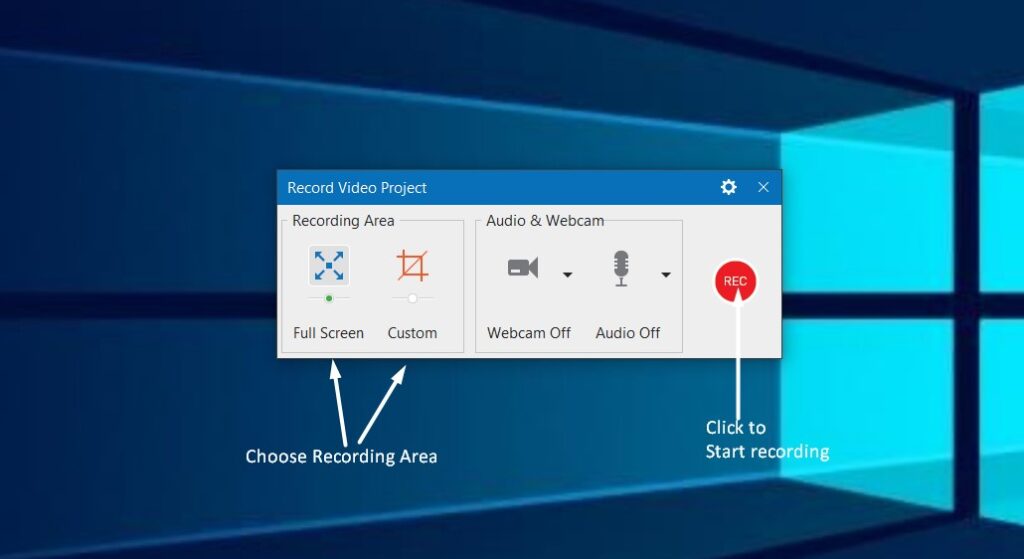
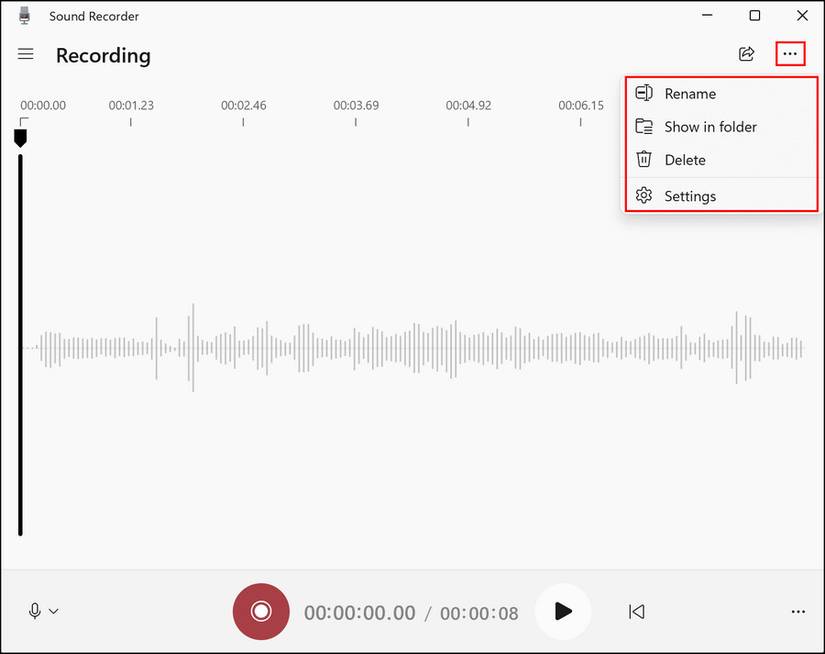
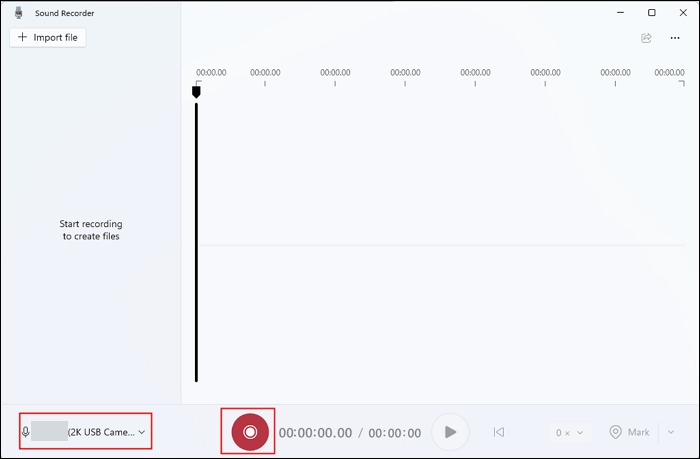
![Recorder Tab Windows How to Record Computer Audio for Free [8 Ways]](https://recorder.easeus.com/images/en/screen-recorder/resource/windows-sound-recorder-interface.png)

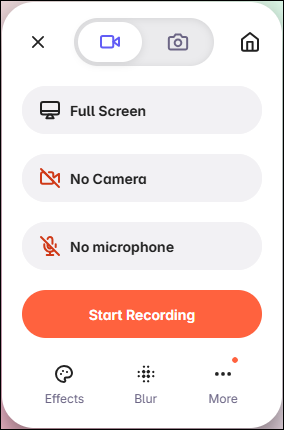
![Recorder Tab Windows How to Record Browser Screen/Window/Tab [Free Ways]](https://recorder.easeus.com/images/en/screen-recorder/resource/loom-extension-recording-interface.png)
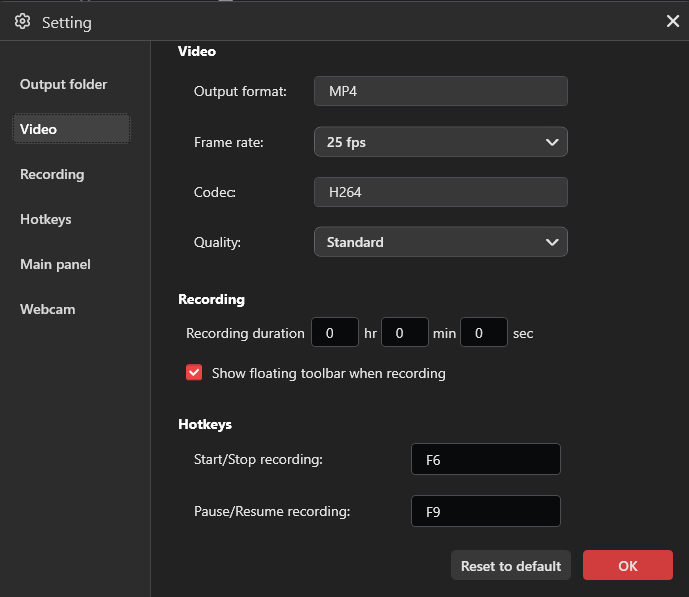
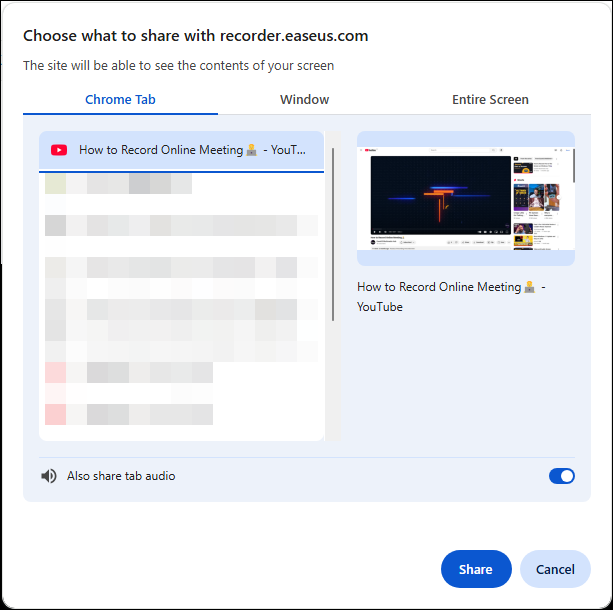
![Recorder Tab Windows How to Record Browser Screen/Window/Tab [Free Ways]](https://recorder.easeus.com/images/en/screen-recorder/resource/easeus-online-screen-recorder-select-source-record.png)