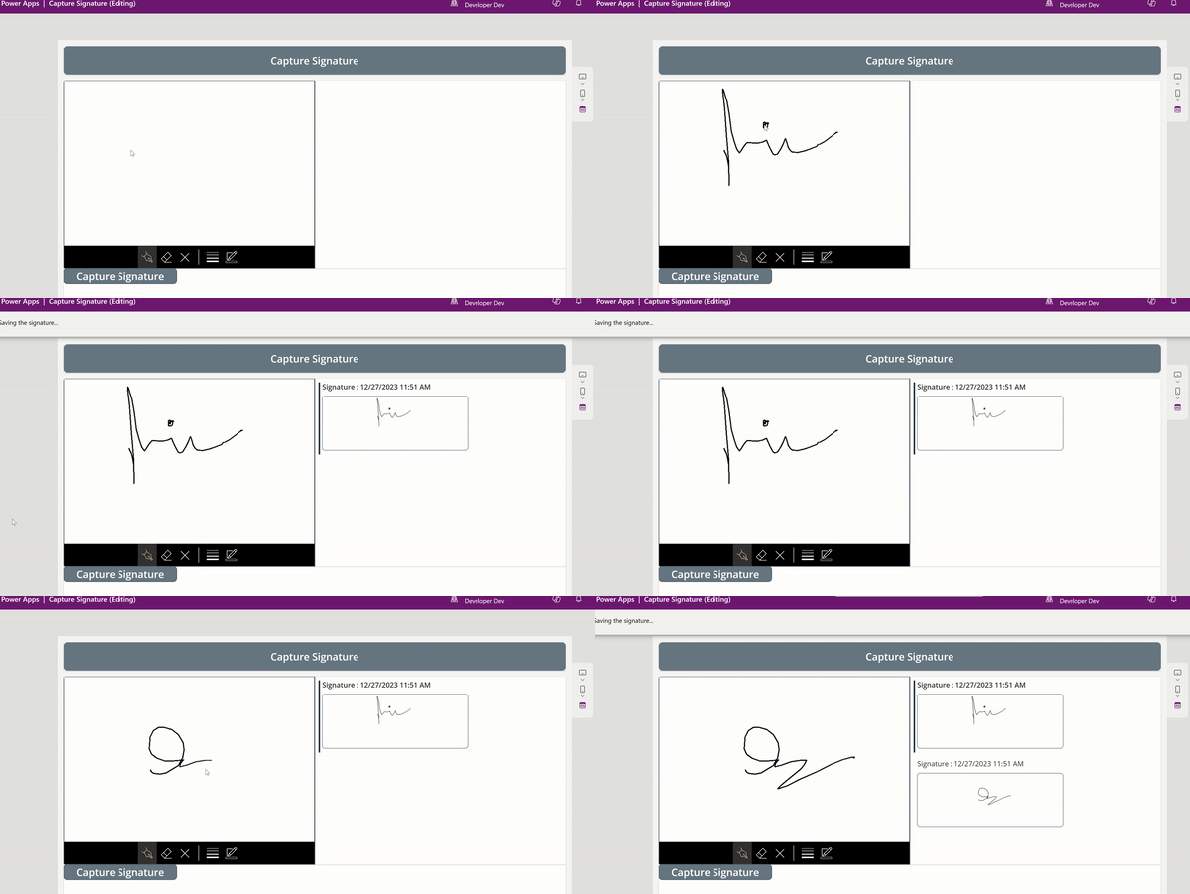
Power Apps Draw Signature
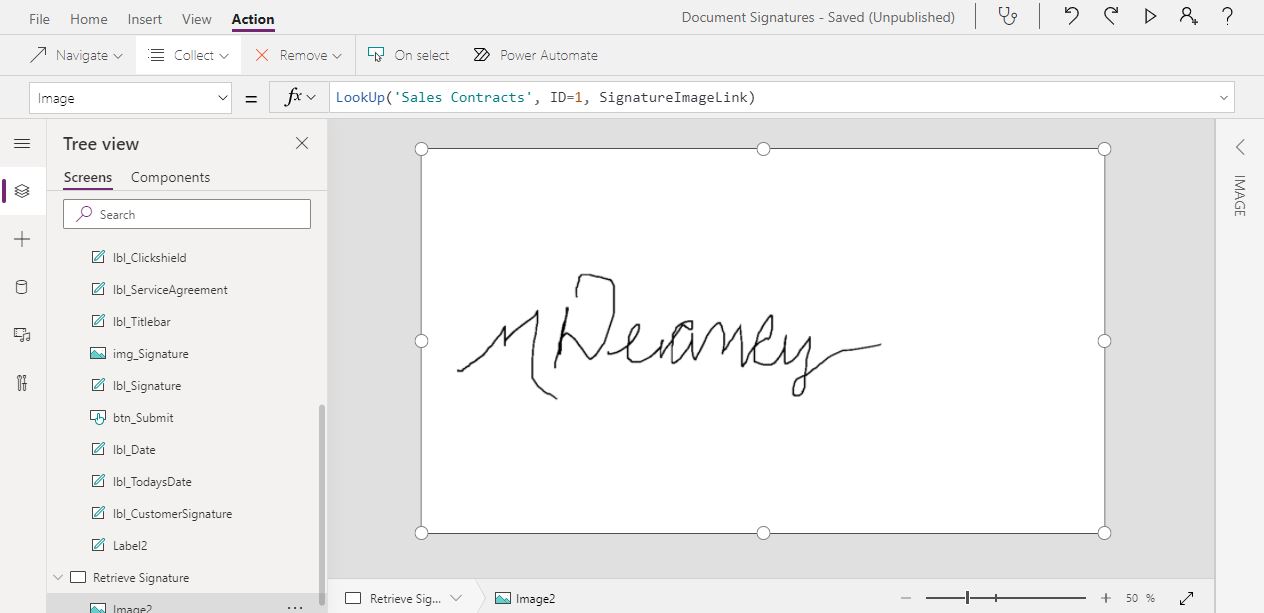
Explore the educational aspects of Power Apps Draw Signature through extensive collections of informative visual resources. providing valuable teaching resources for educators and students alike. supporting curriculum development and lesson planning initiatives. The Power Apps Draw Signature collection maintains consistent quality standards across all images. Excellent for educational materials, academic research, teaching resources, and learning activities All Power Apps Draw Signature images are available in high resolution with professional-grade quality, optimized for both digital and print applications, and include comprehensive metadata for easy organization and usage. Educators appreciate the pedagogical value of our carefully selected Power Apps Draw Signature photographs. Cost-effective licensing makes professional Power Apps Draw Signature photography accessible to all budgets. The Power Apps Draw Signature collection represents years of careful curation and professional standards. Diverse style options within the Power Apps Draw Signature collection suit various aesthetic preferences. Reliable customer support ensures smooth experience throughout the Power Apps Draw Signature selection process. The Power Apps Draw Signature archive serves professionals, educators, and creatives across diverse industries. Our Power Apps Draw Signature database continuously expands with fresh, relevant content from skilled photographers. Each image in our Power Apps Draw Signature gallery undergoes rigorous quality assessment before inclusion. Professional licensing options accommodate both commercial and educational usage requirements.
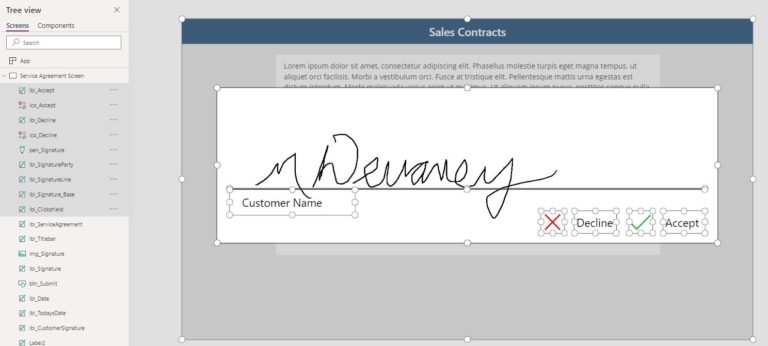
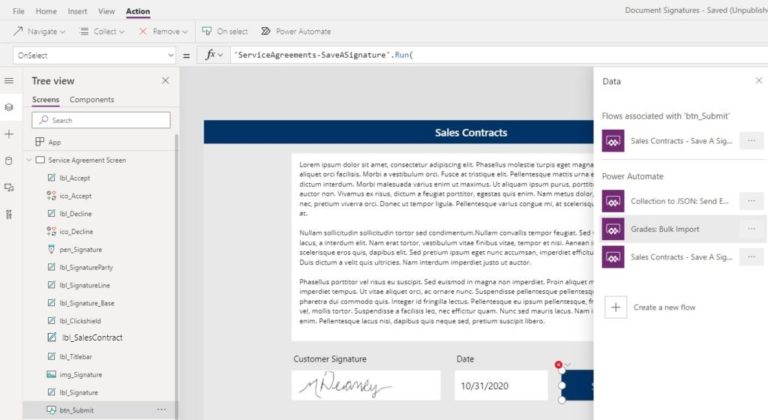
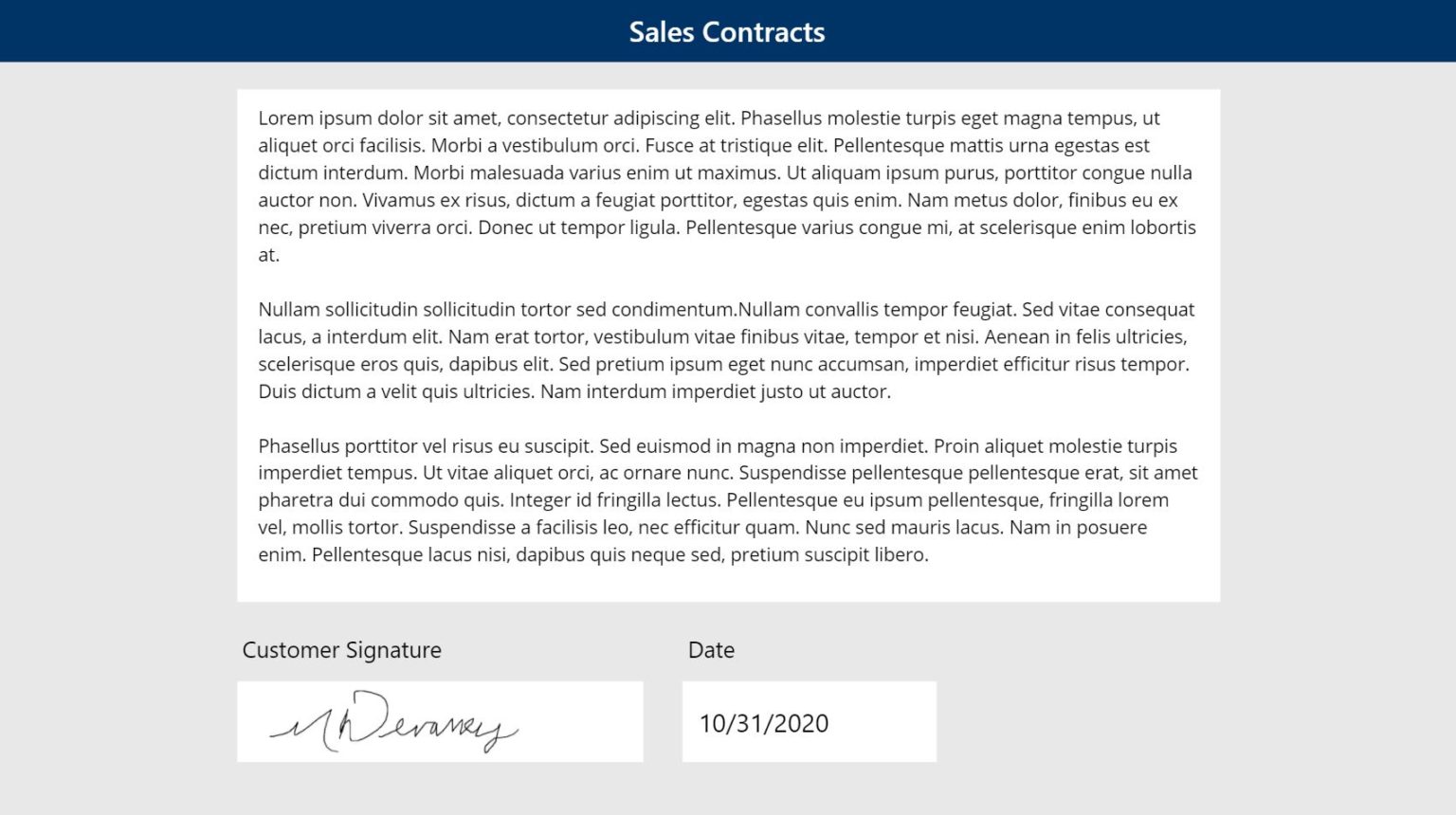
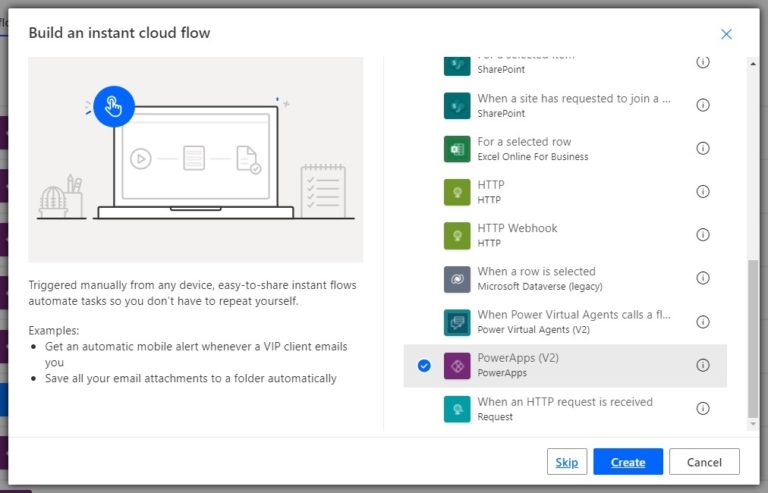


![Power Apps Draw Signature Power Apps Pen input [Capture a Power Apps Digital Signature]](https://www.spguides.com/wp-content/uploads/2024/03/power-apps-pen-input-768x307.jpg)
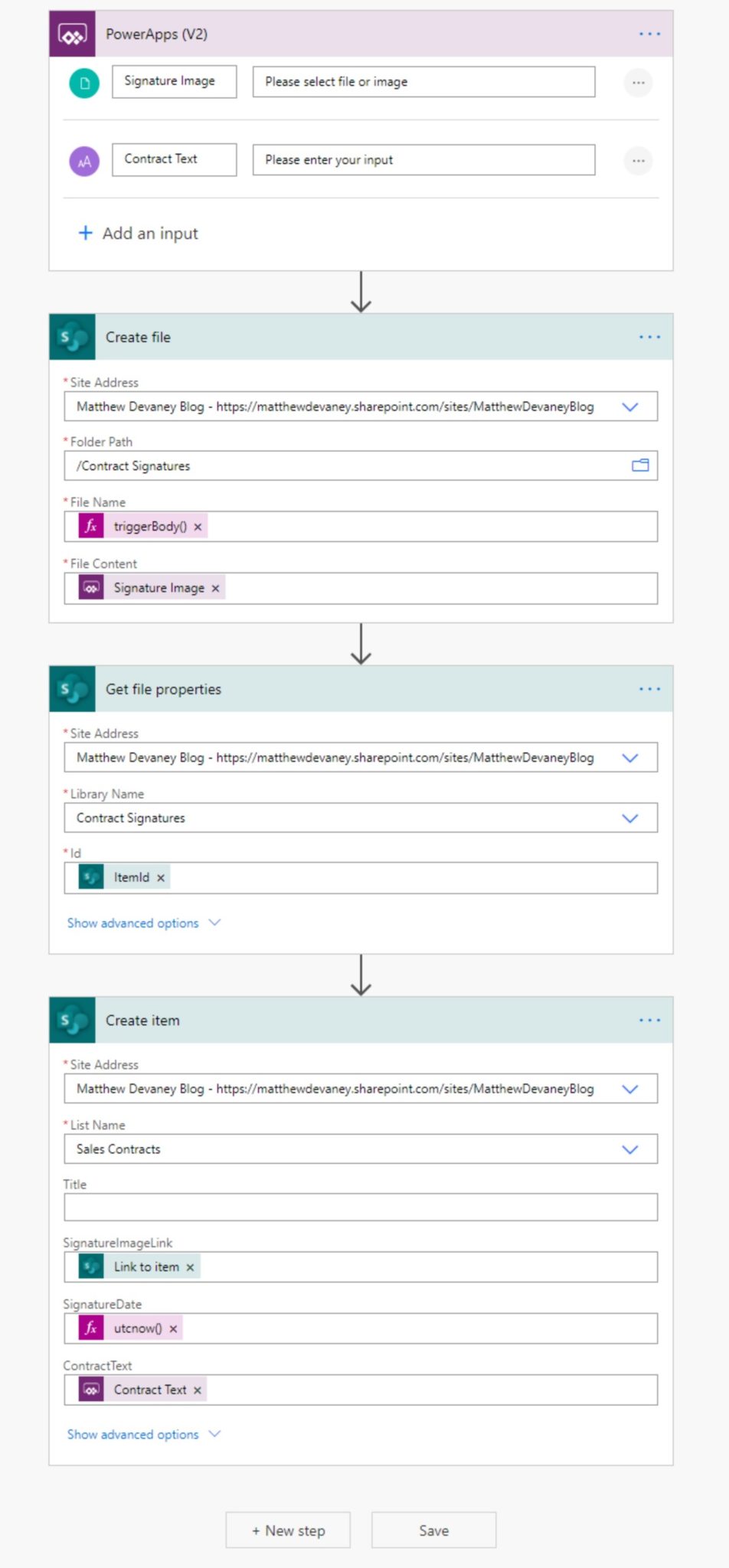
![Power Apps Draw Signature Power Apps Pen input [Capture a Power Apps Digital Signature]](https://www.spguides.com/wp-content/uploads/2024/03/powerapps-pen-input-signature.jpg)
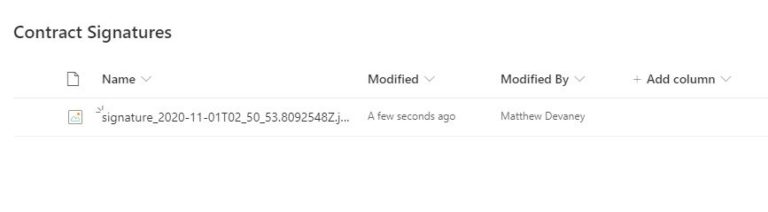
![Power Apps Draw Signature Power Apps Pen input [Capture a Power Apps Digital Signature]](https://www.spguides.com/wp-content/uploads/2024/03/power-apps-digital-signature.jpg)

![Power Apps Draw Signature Power Apps Pen input [Capture a Power Apps Digital Signature]](https://www.spguides.com/wp-content/uploads/2024/03/powerapps-pen-input-save-image-768x267.jpg)
![Power Apps Draw Signature Power Apps Pen input [Capture a Power Apps Digital Signature]](https://www.spguides.com/wp-content/uploads/2024/03/pen-input-in-powerapps.jpg)
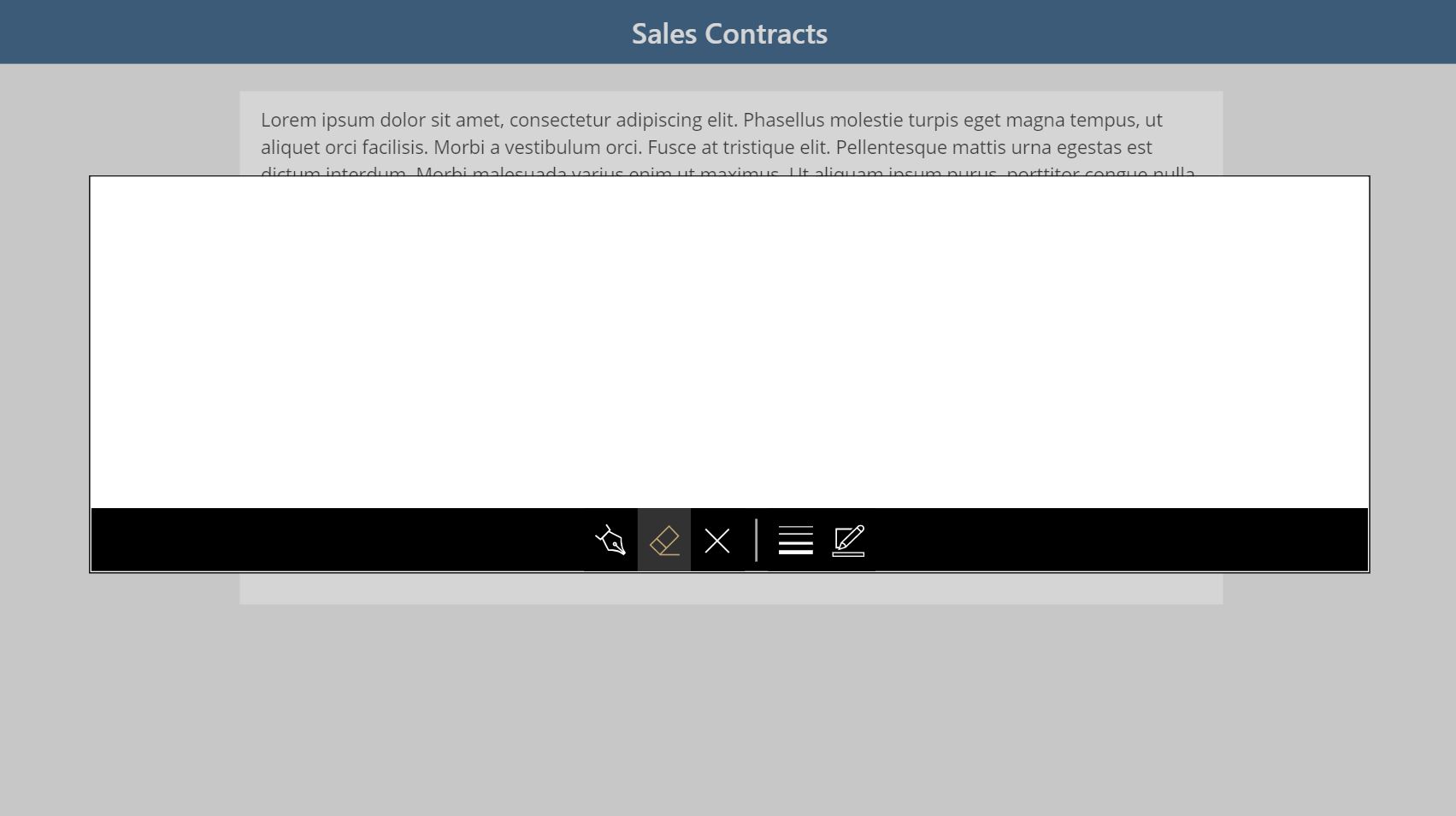
![Power Apps Draw Signature Power Apps Pen input [Capture a Power Apps Digital Signature]](https://www.spguides.com/wp-content/uploads/2024/03/pen-input-in-power-apps-canvas-app.jpg)
![Power Apps Draw Signature Power Apps Pen input [Capture a Power Apps Digital Signature]](https://www.spguides.com/wp-content/uploads/2024/03/pen-input-in-powerapps-canvas-app-768x160.jpg)
![Power Apps Draw Signature Power Apps Pen input [Capture a Power Apps Digital Signature]](https://www.spguides.com/wp-content/uploads/2024/03/power-apps-signature-to-sharepoint-list-768x243.jpg)

![Power Apps Draw Signature Power Apps Pen input [Capture a Power Apps Digital Signature]](https://www.spguides.com/wp-content/uploads/2024/03/powerapps-pen-input.jpg)
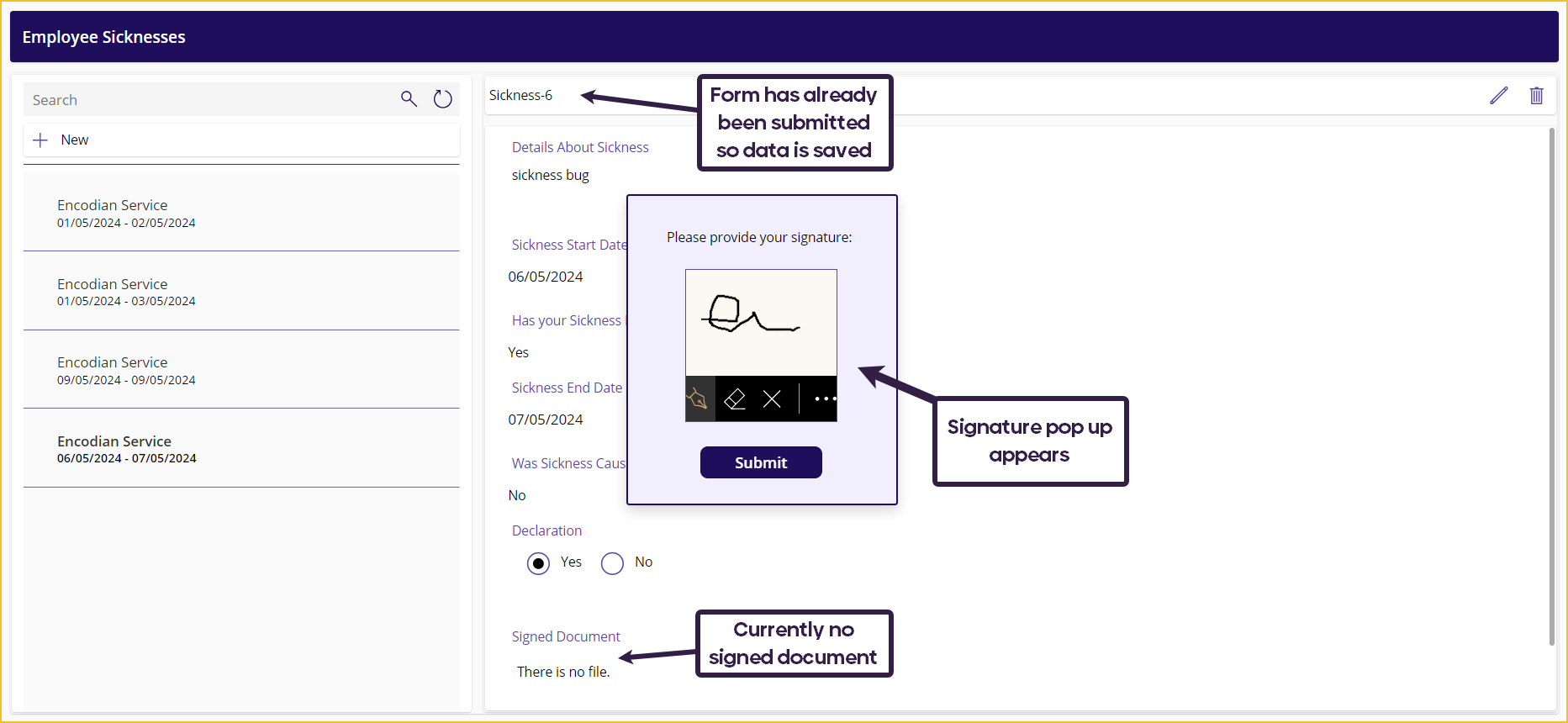
![Power Apps Draw Signature Power Apps Pen input [Capture a Power Apps Digital Signature]](https://www.spguides.com/wp-content/uploads/2024/03/Save-PowerApps-Pen-Input-Signature-to-SharePoint-List.jpg)


![Power Apps Draw Signature Power Apps Pen input [Capture a Power Apps Digital Signature]](https://www.spguides.com/wp-content/uploads/2024/03/powerapps-signature-to-sharepoint-list-1536x320.jpg)
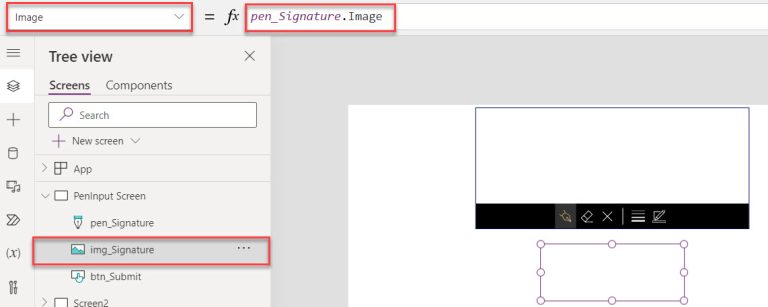
![Power Apps Draw Signature Power Apps Pen input [Capture a Power Apps Digital Signature]](https://www.spguides.com/wp-content/uploads/2024/03/powerapps-signature.jpg)
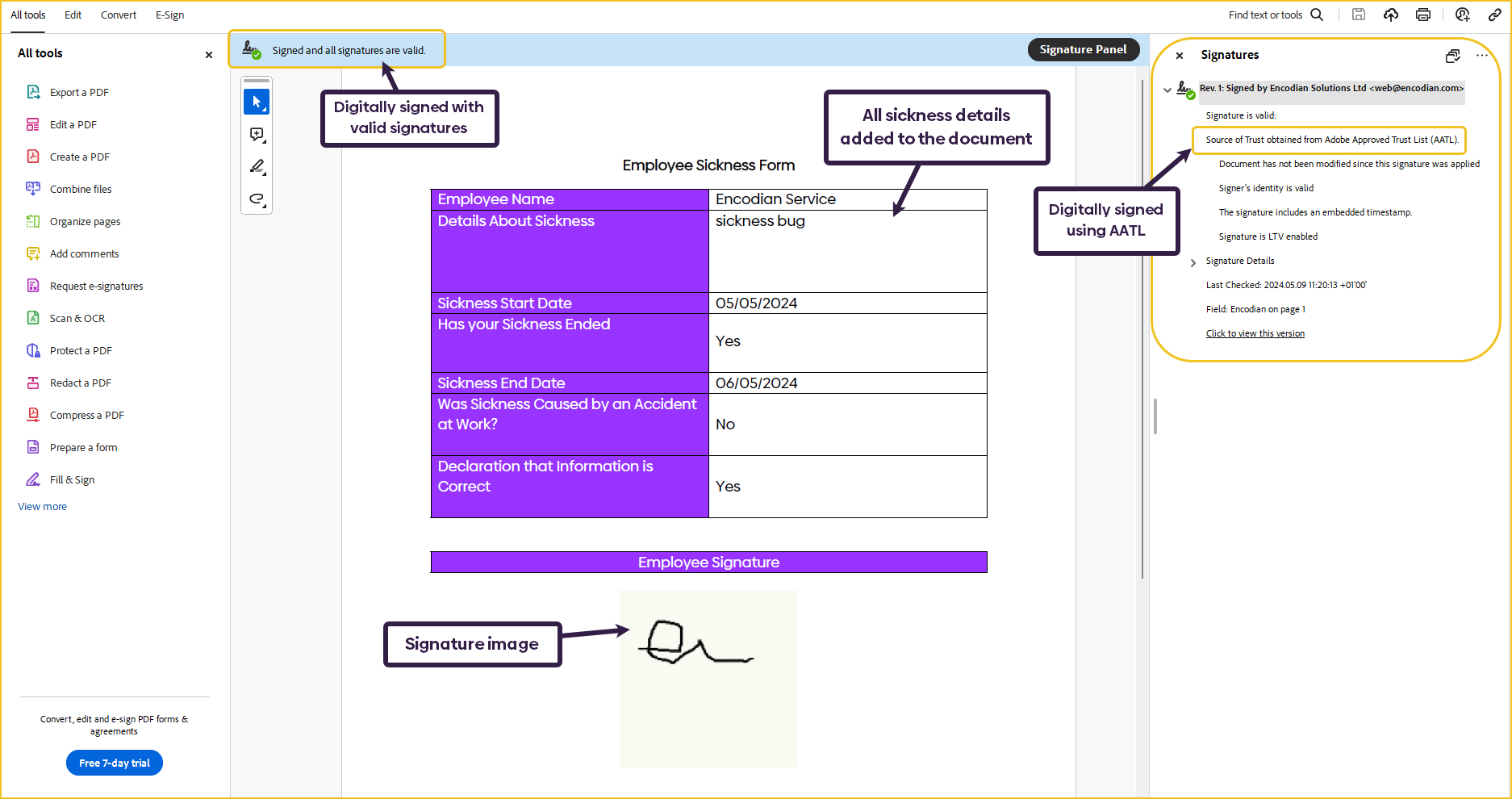
![Power Apps Draw Signature Power Apps Pen input [Capture a Power Apps Digital Signature]](https://www.spguides.com/wp-content/uploads/2024/03/powerapps-signature-field.jpg)
![Power Apps Draw Signature Power Apps Pen input [Capture a Power Apps Digital Signature]](https://www.spguides.com/wp-content/uploads/2024/03/power-apps-pen-input-to-sharepoint-300x250.jpg)
![Power Apps Draw Signature Power Apps Pen input [Capture a Power Apps Digital Signature]](https://www.spguides.com/wp-content/uploads/2024/03/powerapps-pen-input-to-sharepoint-list-768x239.jpg)

![Power Apps Draw Signature Power Apps Pen input [Capture a Power Apps Digital Signature]](https://www.spguides.com/wp-content/uploads/2024/03/pen-input-powerapps-300x129.jpg)


![Power Apps Draw Signature Power Apps Pen input [Capture a Power Apps Digital Signature]](https://www.spguides.com/wp-content/uploads/2024/03/Save-Power-Apps-Pen-Input-Signature-to-SharePoint-List-768x245.jpg)
![Power Apps Draw Signature Power Apps Pen input [Capture a Power Apps Digital Signature]](https://www.spguides.com/wp-content/uploads/2024/03/powerapps-save-signature-to-sharepoint-list-300x107.jpg)
![Power Apps Draw Signature Power Apps Pen input [Capture a Power Apps Digital Signature]](https://www.spguides.com/wp-content/uploads/2024/03/powerapps-signature-1024x328.jpg)
![Power Apps Draw Signature Power Apps Pen input [Capture a Power Apps Digital Signature]](https://www.spguides.com/wp-content/uploads/2024/03/powerapps-digital-signature-1024x380.jpg)


![Power Apps Draw Signature Power Apps Pen input [Capture a Power Apps Digital Signature]](https://www.spguides.com/wp-content/uploads/2024/03/How-to-Save-Power-Apps-Pen-Input-Signature-to-SharePoint-List-1024x593.jpg)
![Power Apps Draw Signature Power Apps Pen input [Capture a Power Apps Digital Signature]](https://www.spguides.com/wp-content/uploads/2024/03/How-to-Save-PowerApps-Pen-Input-Signature-to-SharePoint-List-1024x433.jpg)


![Power Apps Draw Signature Power Apps Pen input [Capture a Power Apps Digital Signature]](https://www.spguides.com/wp-content/uploads/2024/03/pen-input-in-power-apps-canvas-app-1536x586.jpg)