One Plus Screen Cast
Study the characteristics of One Plus Screen Cast using our comprehensive set of countless learning images. enhancing knowledge retention through engaging and informative imagery. encouraging critical thinking and analytical skill development. Each One Plus Screen Cast image is carefully selected for superior visual impact and professional quality. Excellent for educational materials, academic research, teaching resources, and learning activities All One Plus Screen Cast images are available in high resolution with professional-grade quality, optimized for both digital and print applications, and include comprehensive metadata for easy organization and usage. Educators appreciate the pedagogical value of our carefully selected One Plus Screen Cast photographs. Diverse style options within the One Plus Screen Cast collection suit various aesthetic preferences. Comprehensive tagging systems facilitate quick discovery of relevant One Plus Screen Cast content. Regular updates keep the One Plus Screen Cast collection current with contemporary trends and styles. Each image in our One Plus Screen Cast gallery undergoes rigorous quality assessment before inclusion. Multiple resolution options ensure optimal performance across different platforms and applications. Professional licensing options accommodate both commercial and educational usage requirements. The One Plus Screen Cast archive serves professionals, educators, and creatives across diverse industries. Our One Plus Screen Cast database continuously expands with fresh, relevant content from skilled photographers.
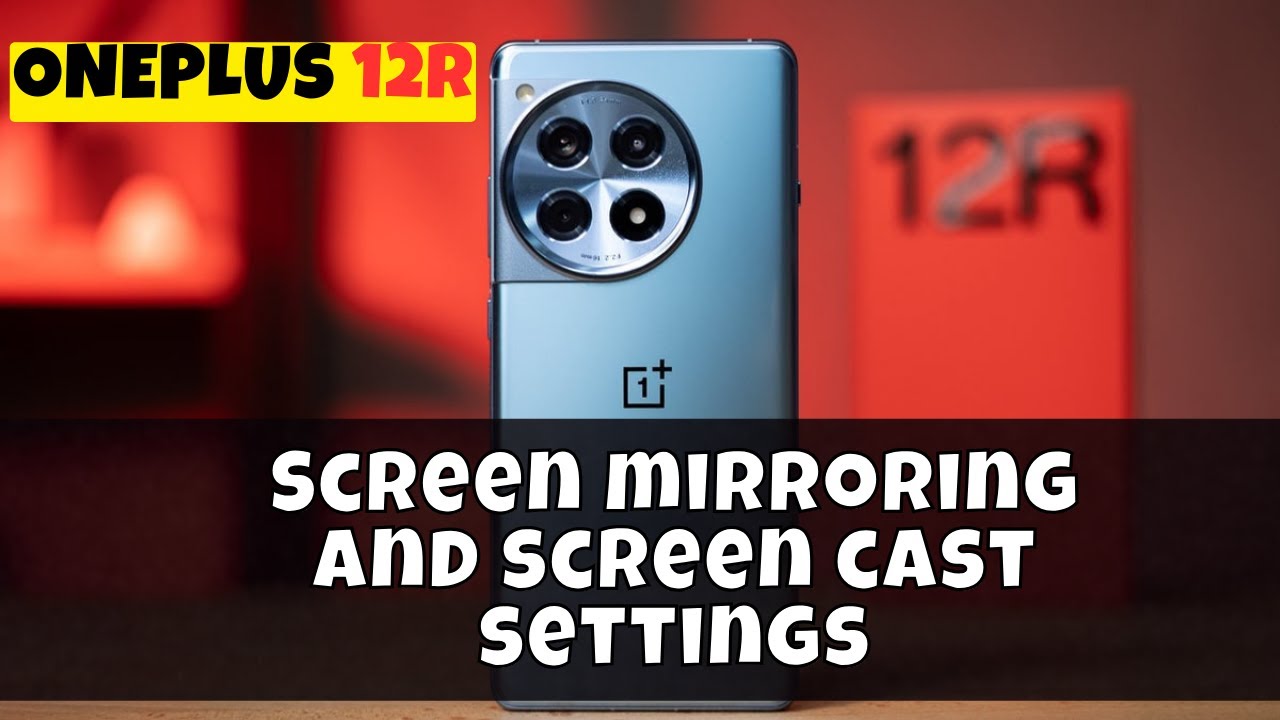
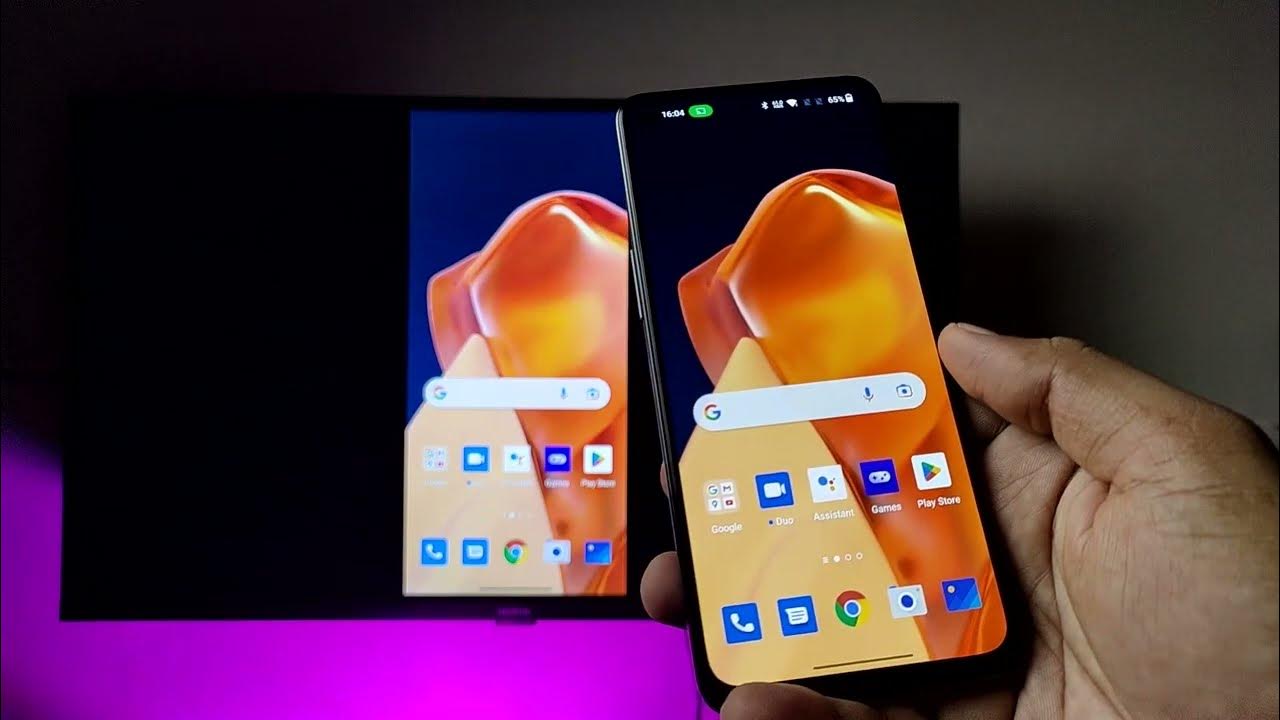


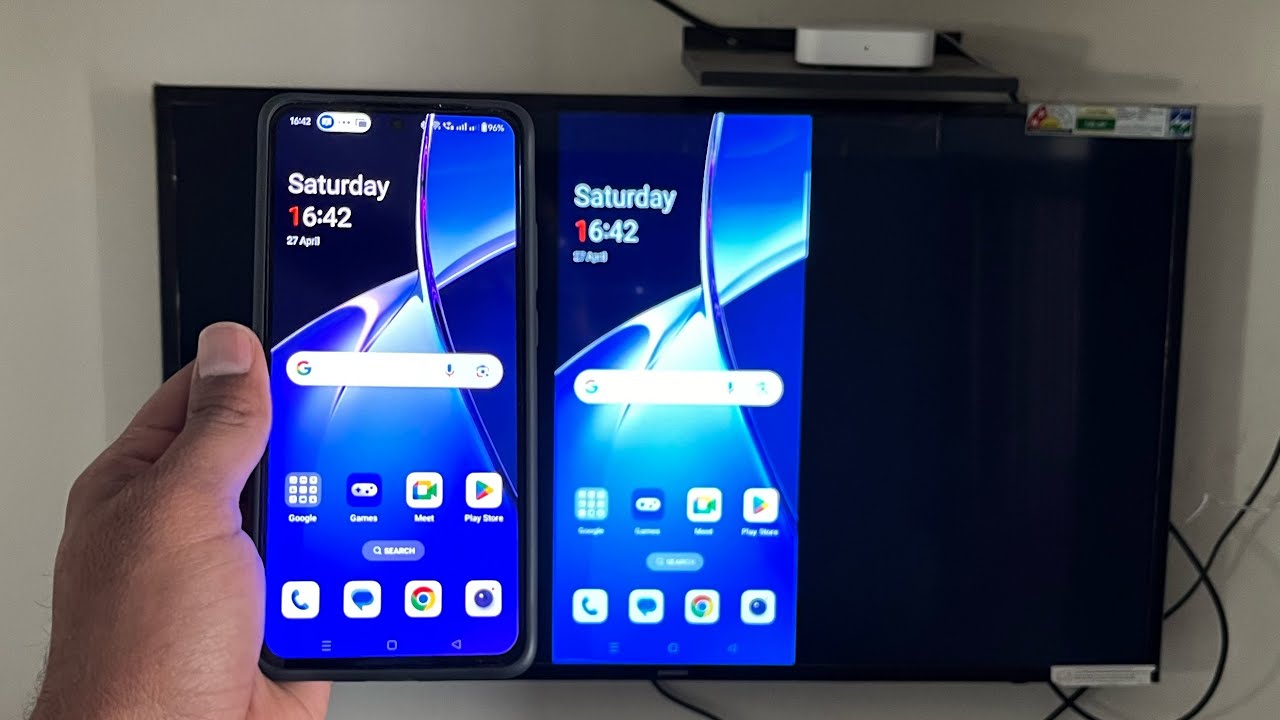
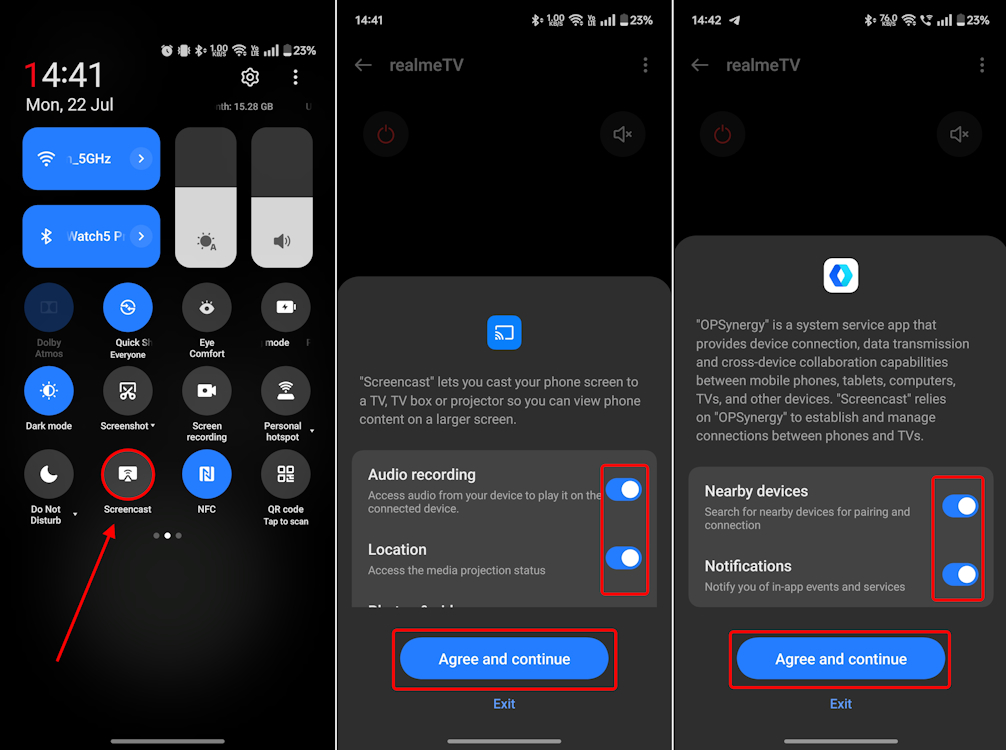
![One Plus Screen Cast How to Mirror OnePlus Screen to TV/Laptop/PC [Full Guide]](https://images.imyfone.com/en/assets/article/mirror-tips/screen-mirroring-in-oneplus.jpg)


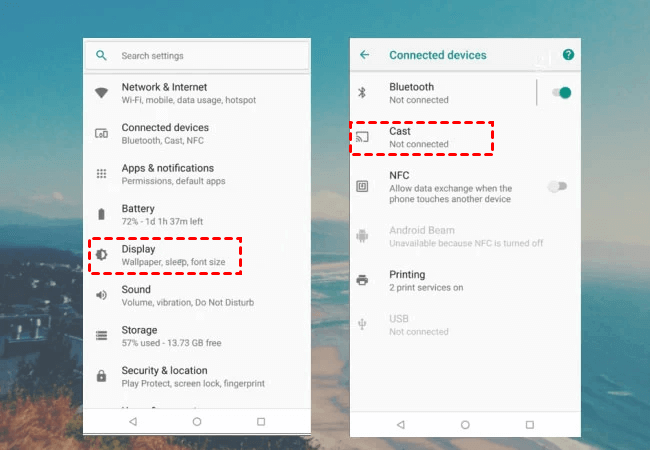
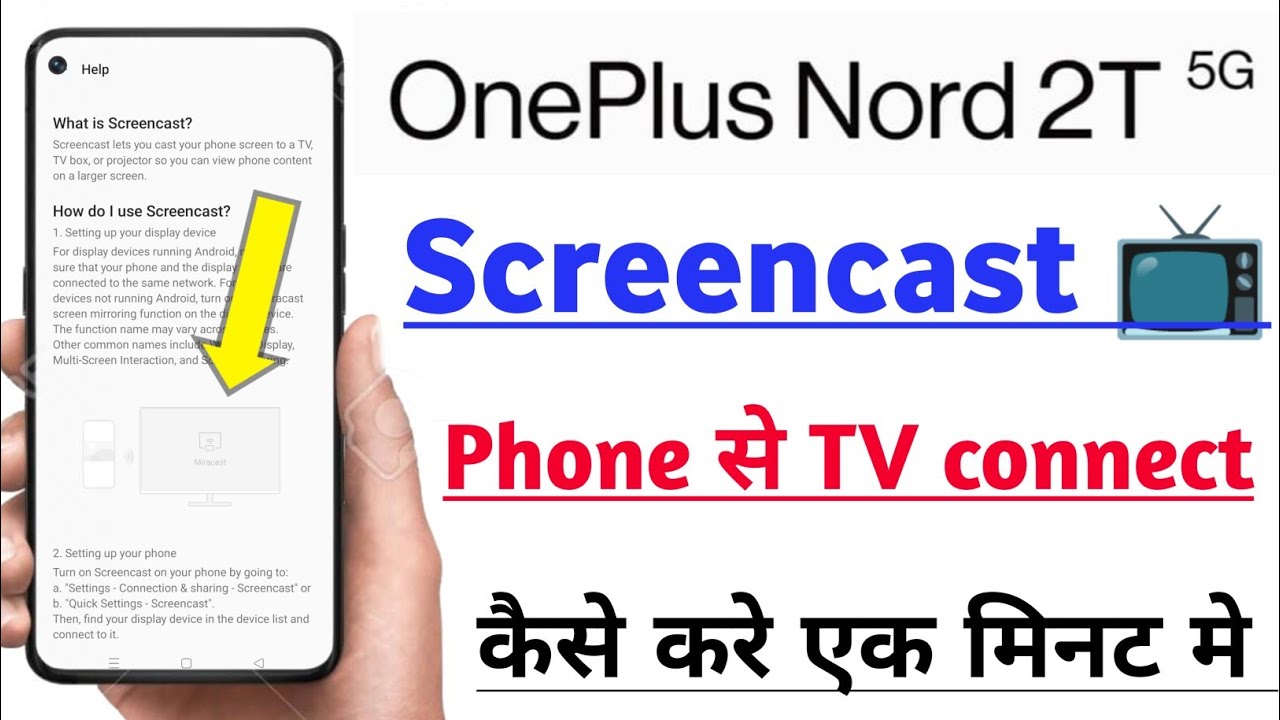
![One Plus Screen Cast How to Mirror OnePlus Screen to TV/Laptop/PC [Full Guide]](https://images.imyfone.com/en/assets/article/mirror-tips/oneplus-cast.jpg)

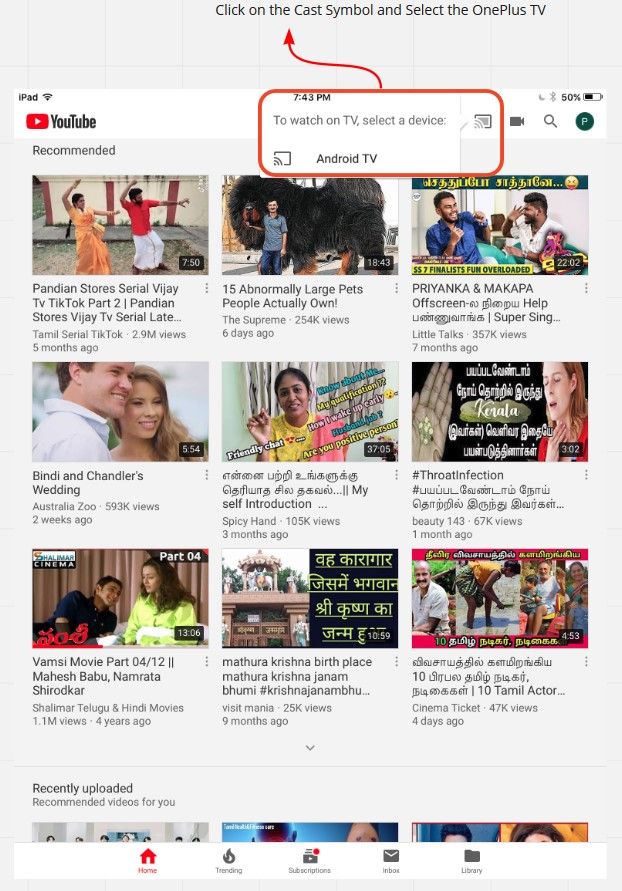
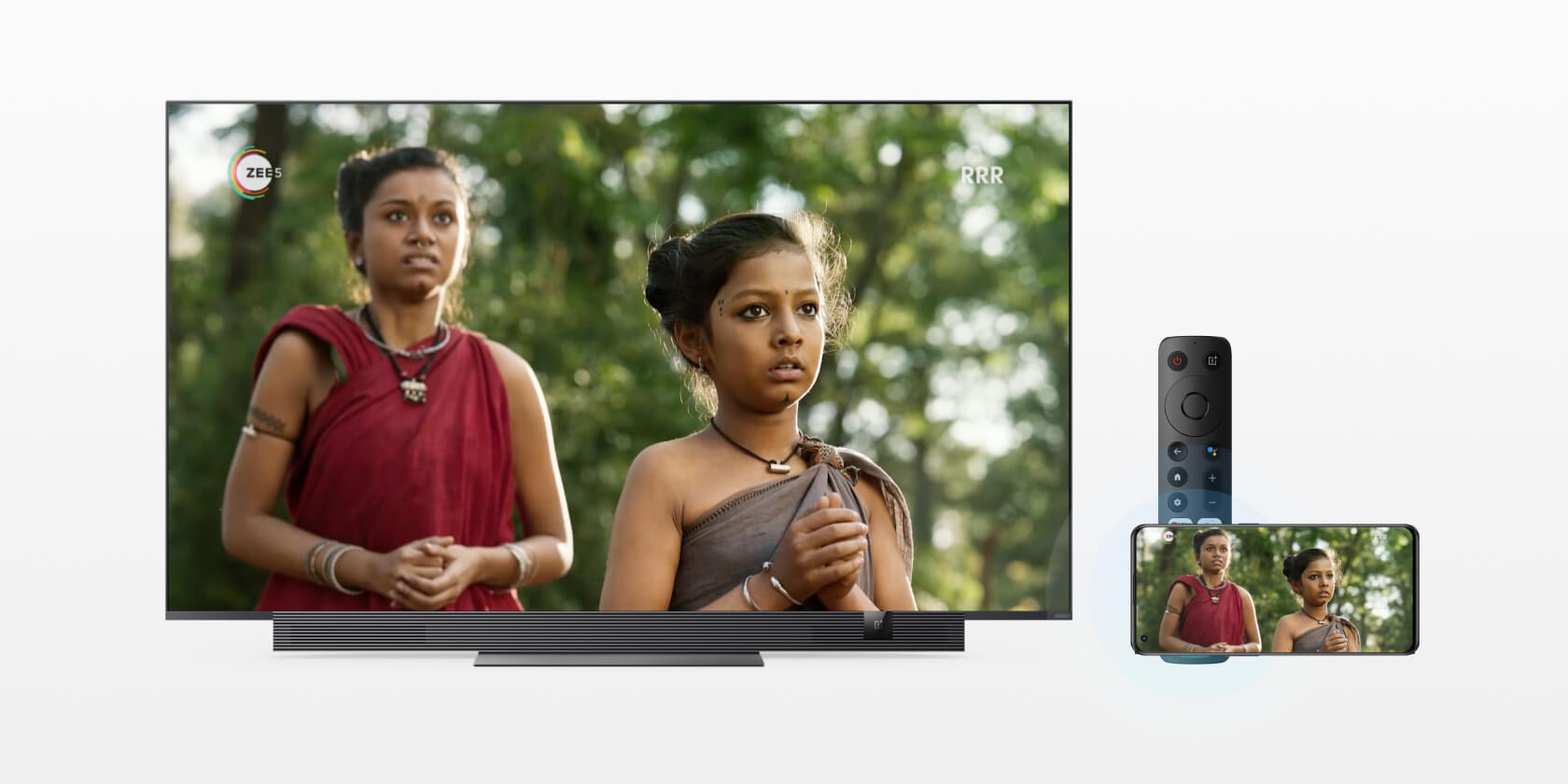
![One Plus Screen Cast [Tutorial] Casting and Screen Mirroring from an IOS Device - OnePlus TV](https://forumstatic.oneplusmobile.com/opforum-gl/upload/image/front/thread/20220615/303581/1089254450474254336/1089254450474254336.png)


![One Plus Screen Cast [Tutorial] Casting and Screen Mirroring from an IOS Device - OnePlus TV](https://forumstatic.oneplusmobile.com/opforum-gl/upload/image/front/thread/20220615/303581/1089254453594816514/1089254453594816514.jpg)
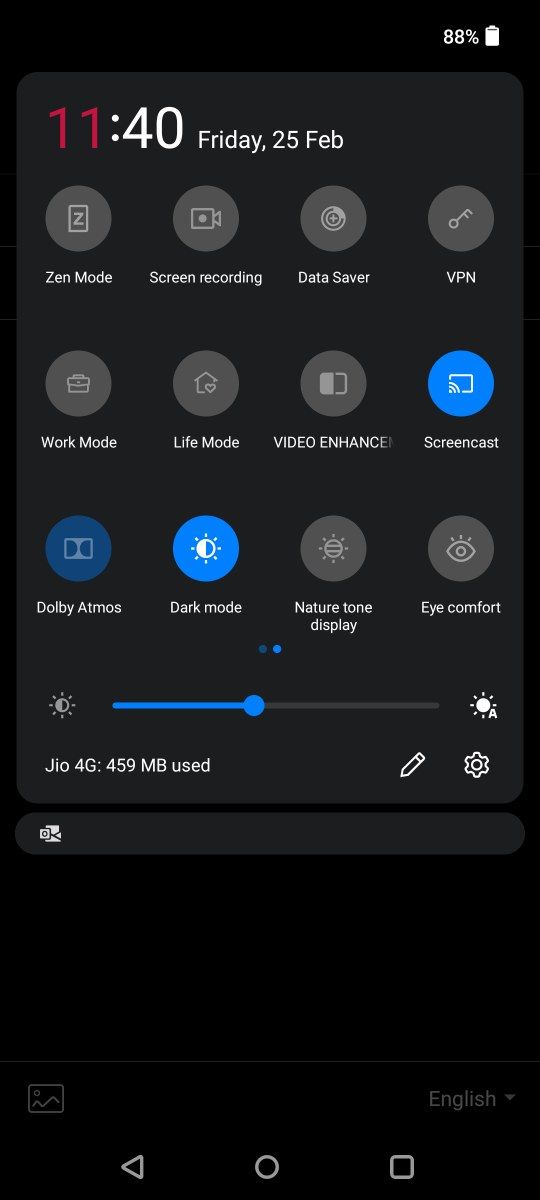


![One Plus Screen Cast How to Mirror OnePlus Screen to TV/Laptop/PC [Full Guide]](https://images.imyfone.com/en/assets/article/mirror-tips/oneplus-miracast-to-pc.jpg)

![One Plus Screen Cast How to Mirror OnePlus Screen to TV/Laptop/PC [Full Guide]](https://images.imyfone.com/en/assets/article/common/mirrorto-banner.png)


![One Plus Screen Cast How to Mirror OnePlus Screen to TV/Laptop/PC [Full Guide]](https://images.imyfone.com/en/assets/article/common/mirrorto_aside_img.png)

![One Plus Screen Cast [Tutorial] Casting and Screen Mirroring from an IOS Device - OnePlus TV](https://forumstatic.oneplusmobile.com/opforum-gl/upload/image/front/thread/20220615/303581/1089254443654316034/1089254443654316034.jpg)
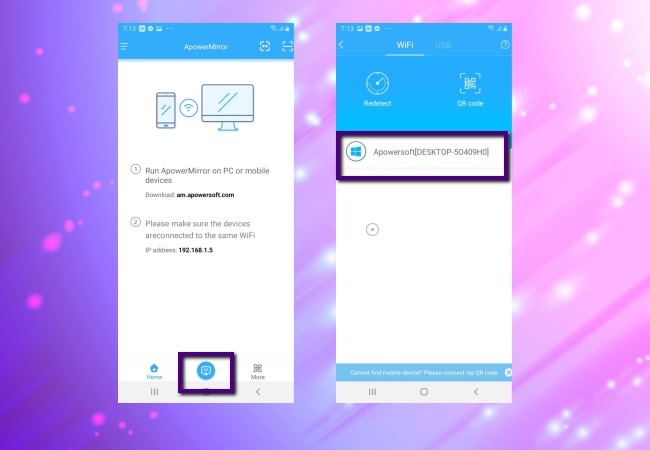
![One Plus Screen Cast 4 Best Oneplus Screen Mirroring Tools for PC [Tutorial Included]](https://res.kingshiper.com/abroadwm/2024/12/mirror-oneplus-screen-to-pc-1.png)


![One Plus Screen Cast How to Mirror OnePlus Screen to TV/Laptop/PC [Full Guide]](https://images.imyfone.com/en/assets/article/mirror-tips/no-device-in-miracast.jpg)


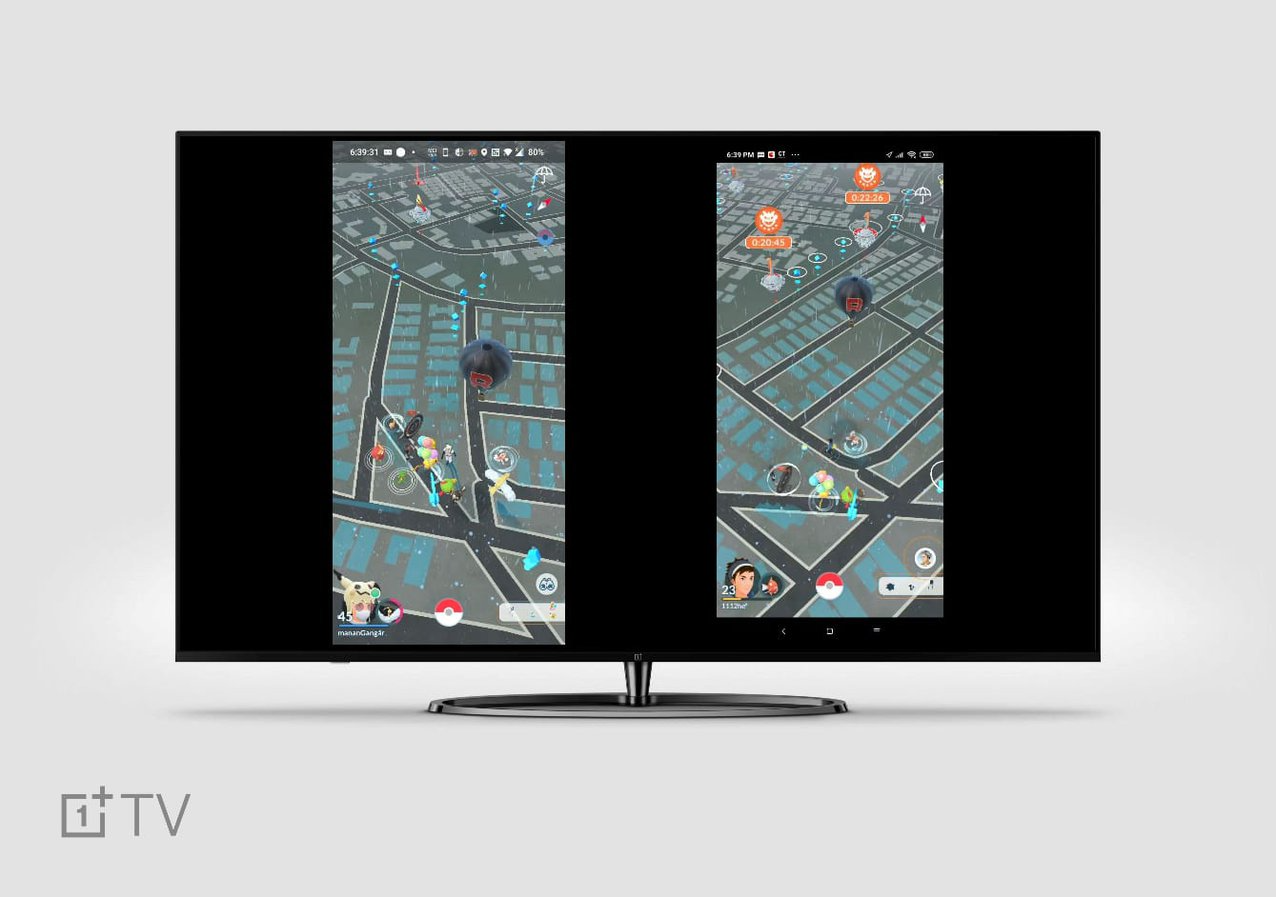
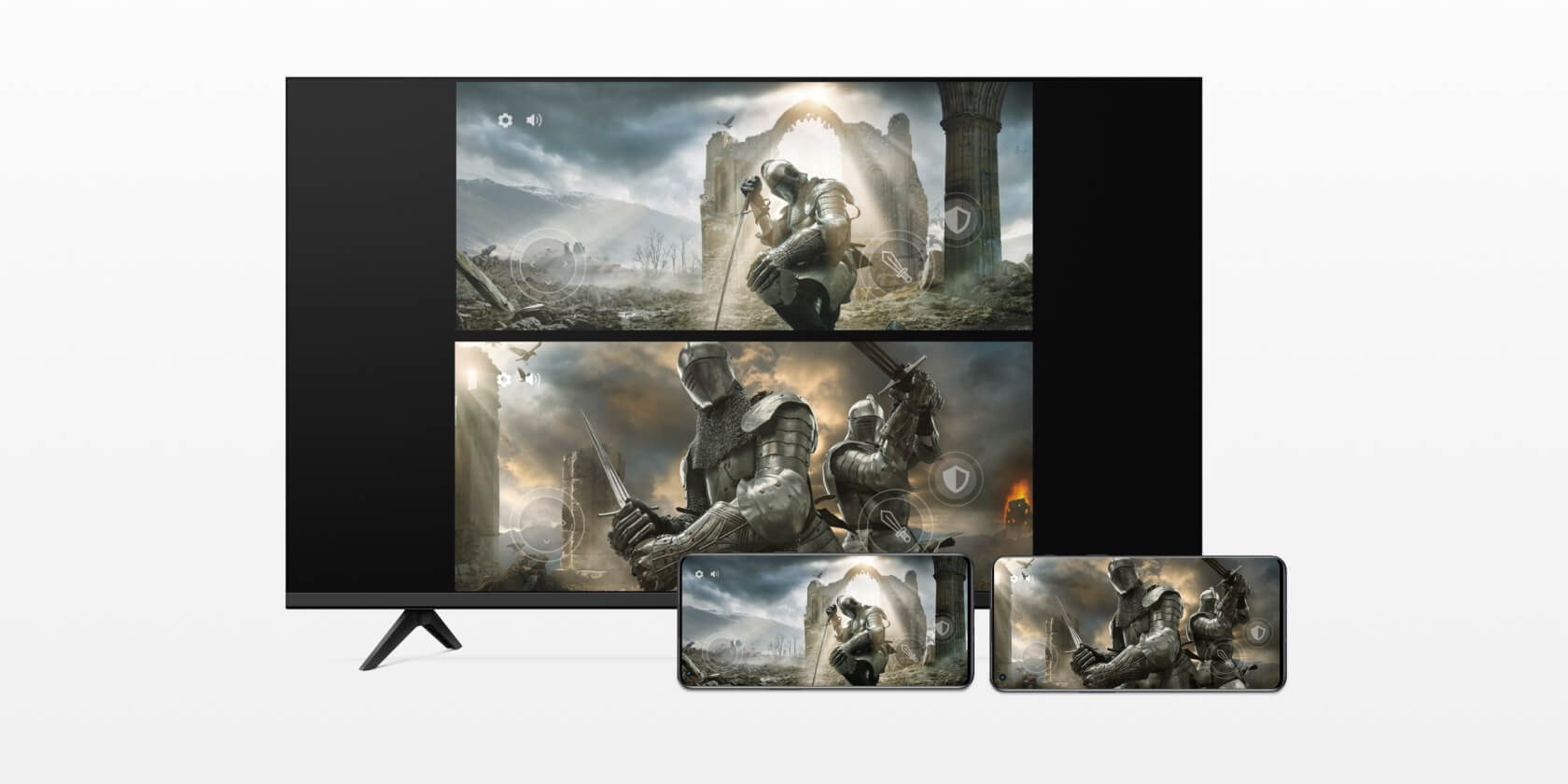
![One Plus Screen Cast [Tutorial] How to Use Multicast on your Oneplus TV Q and U series](https://forumstatic.oneplusmobile.com/opforum-gl/upload/image/front/thread/20220615/7420721/1089261681647288323/1089261681647288323.png)