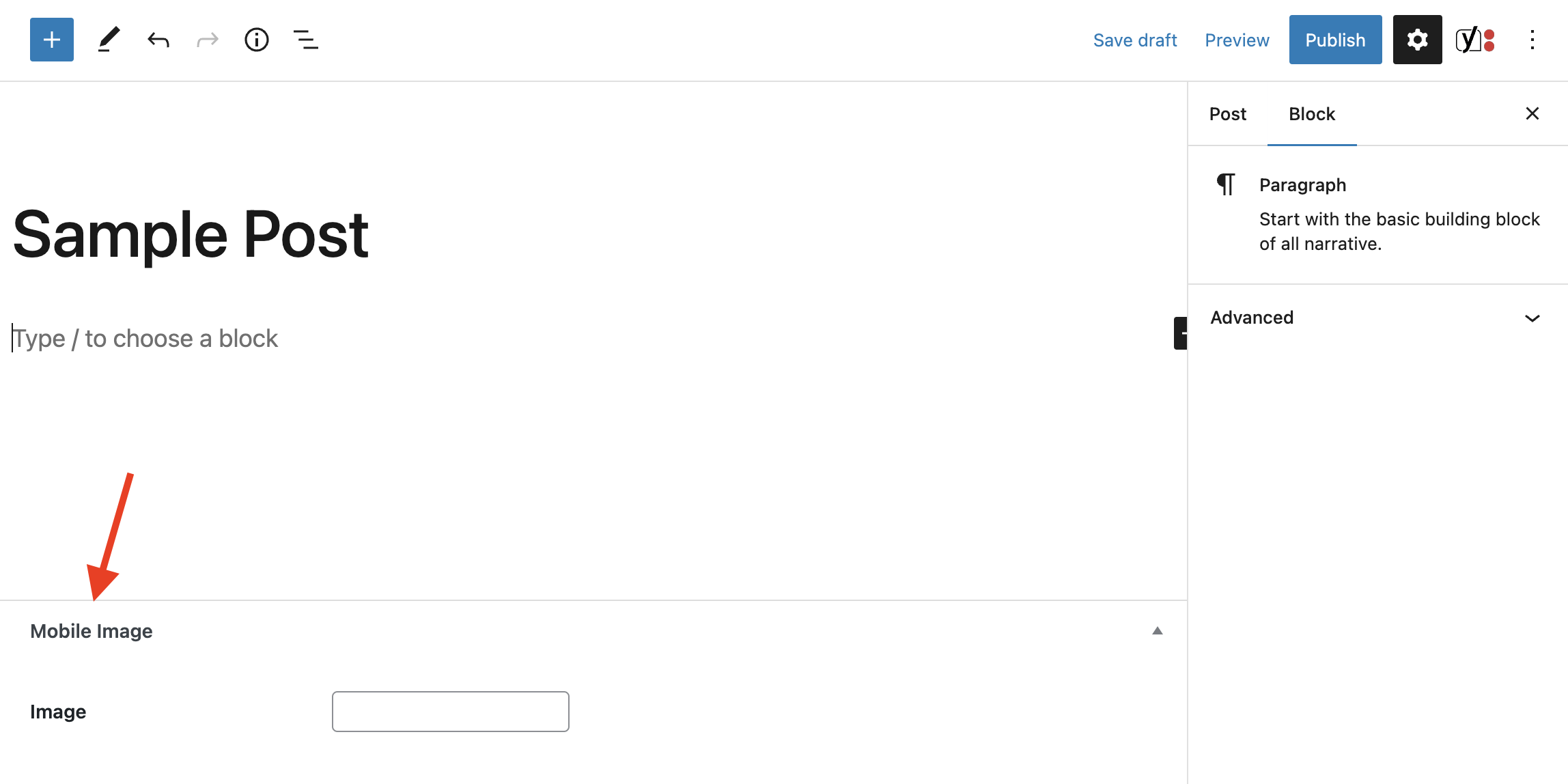
Mobile. Add Imge

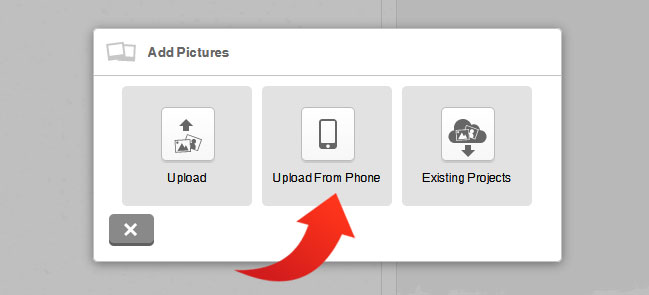



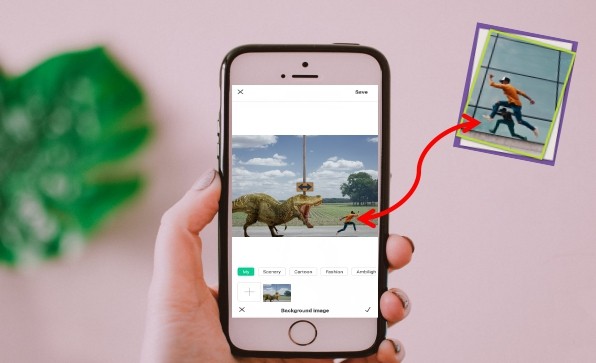








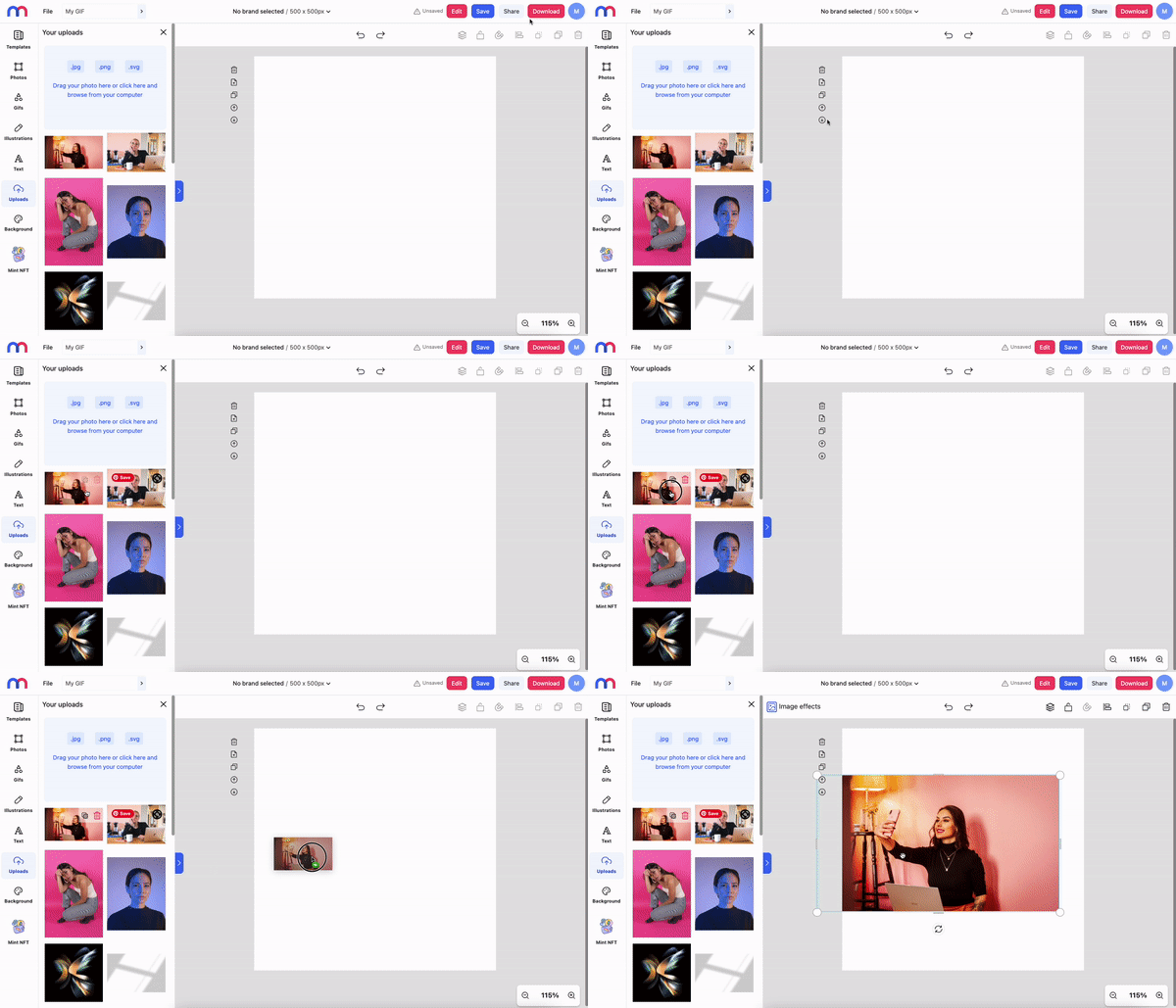

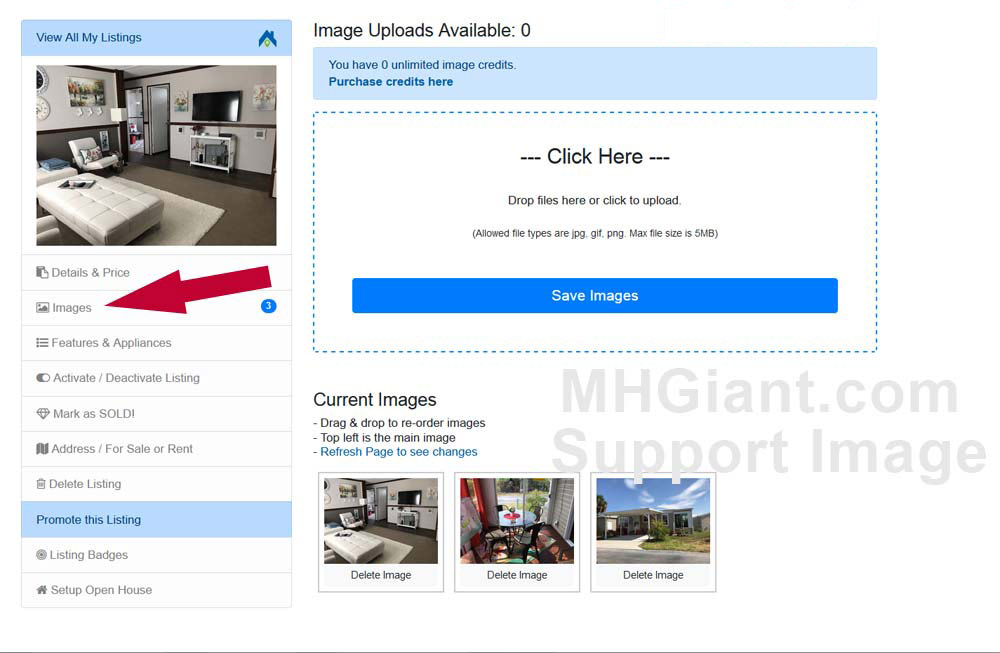


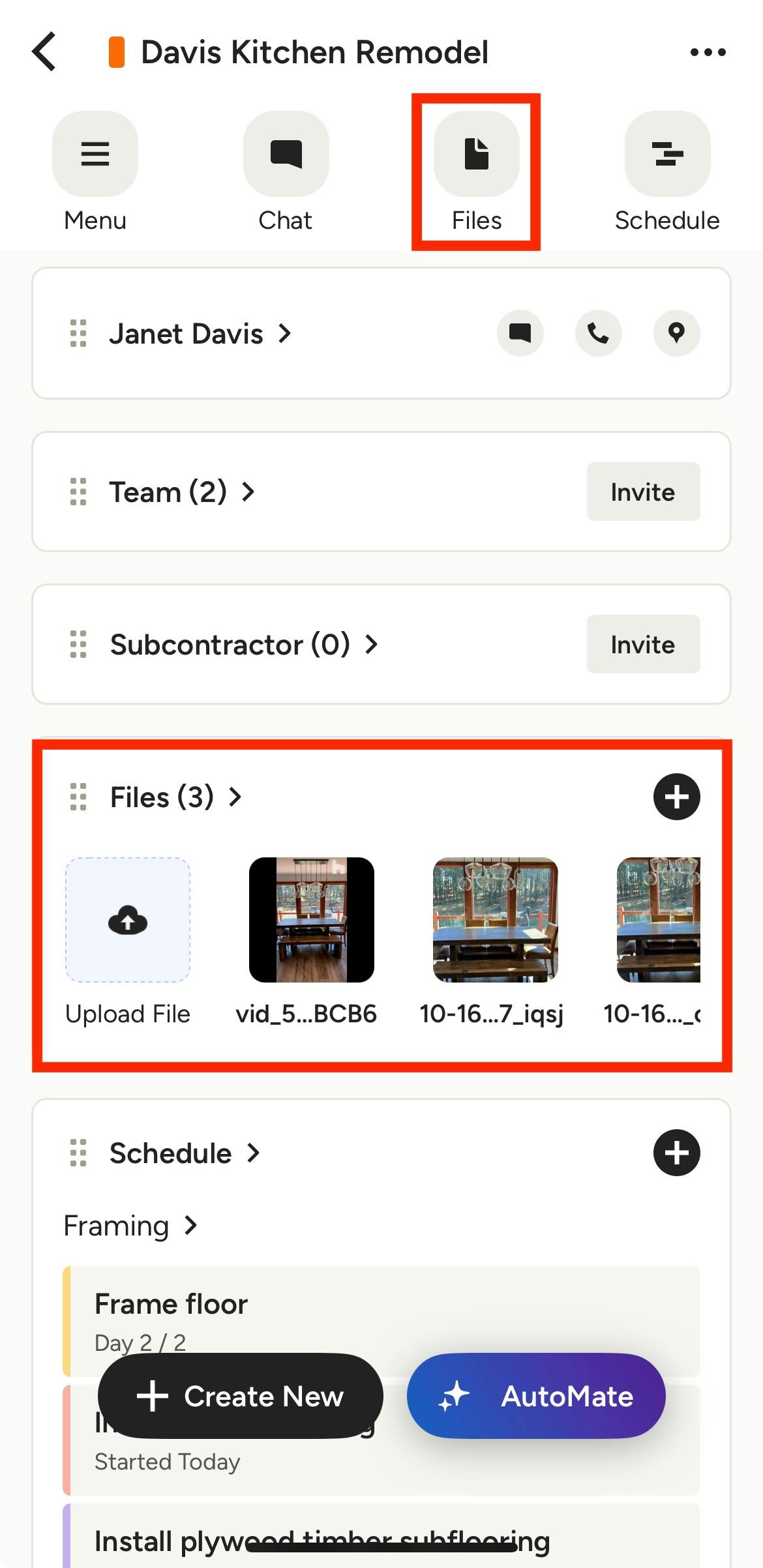
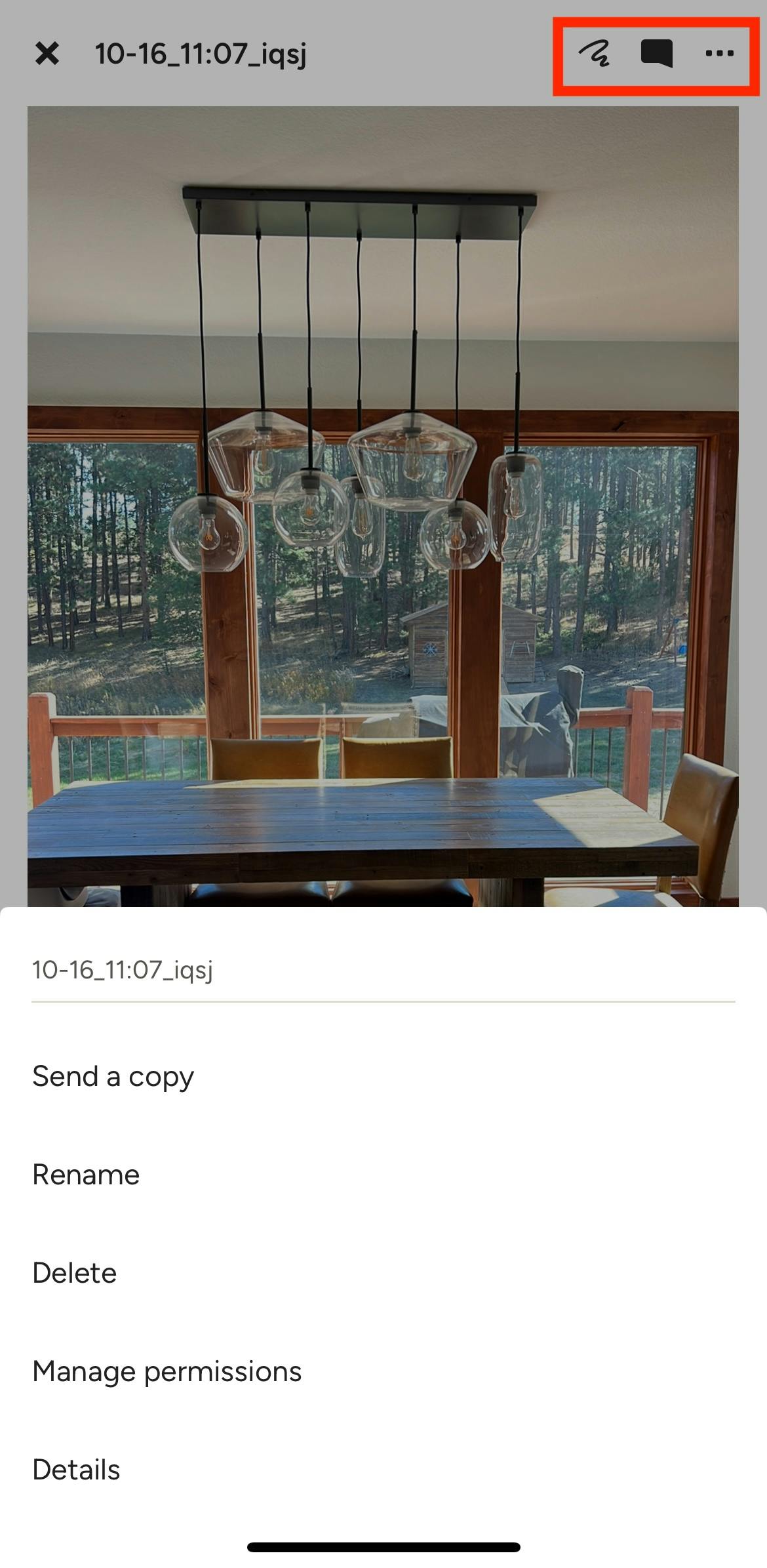

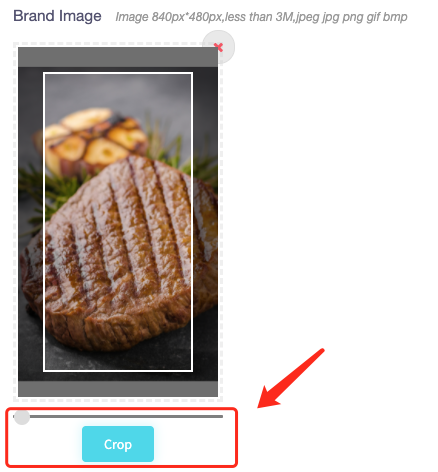


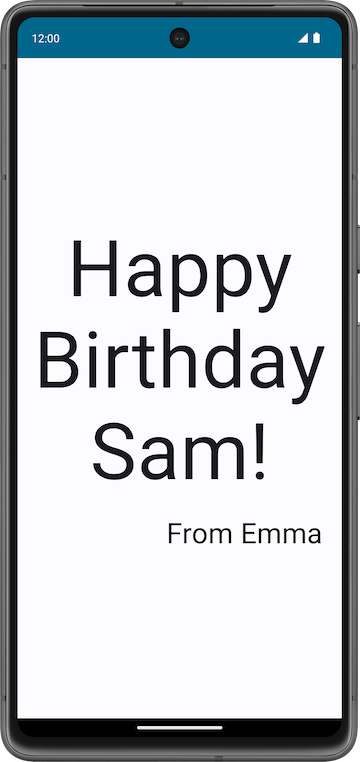
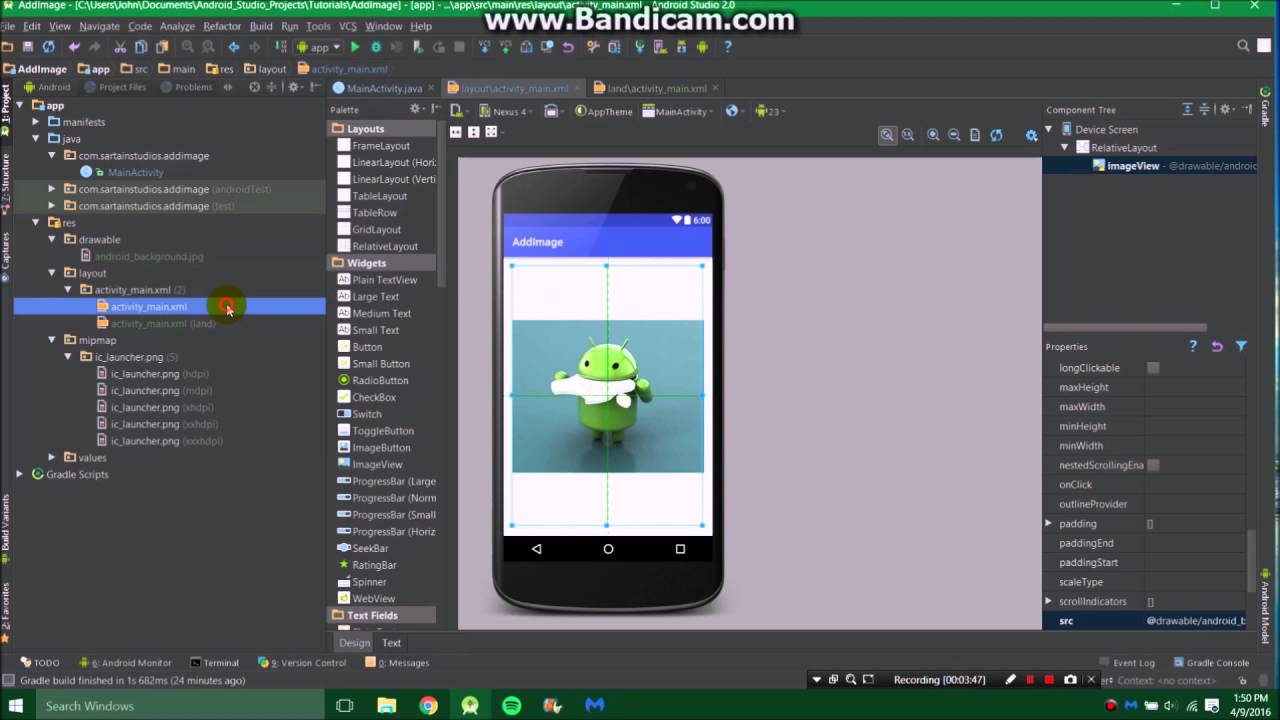


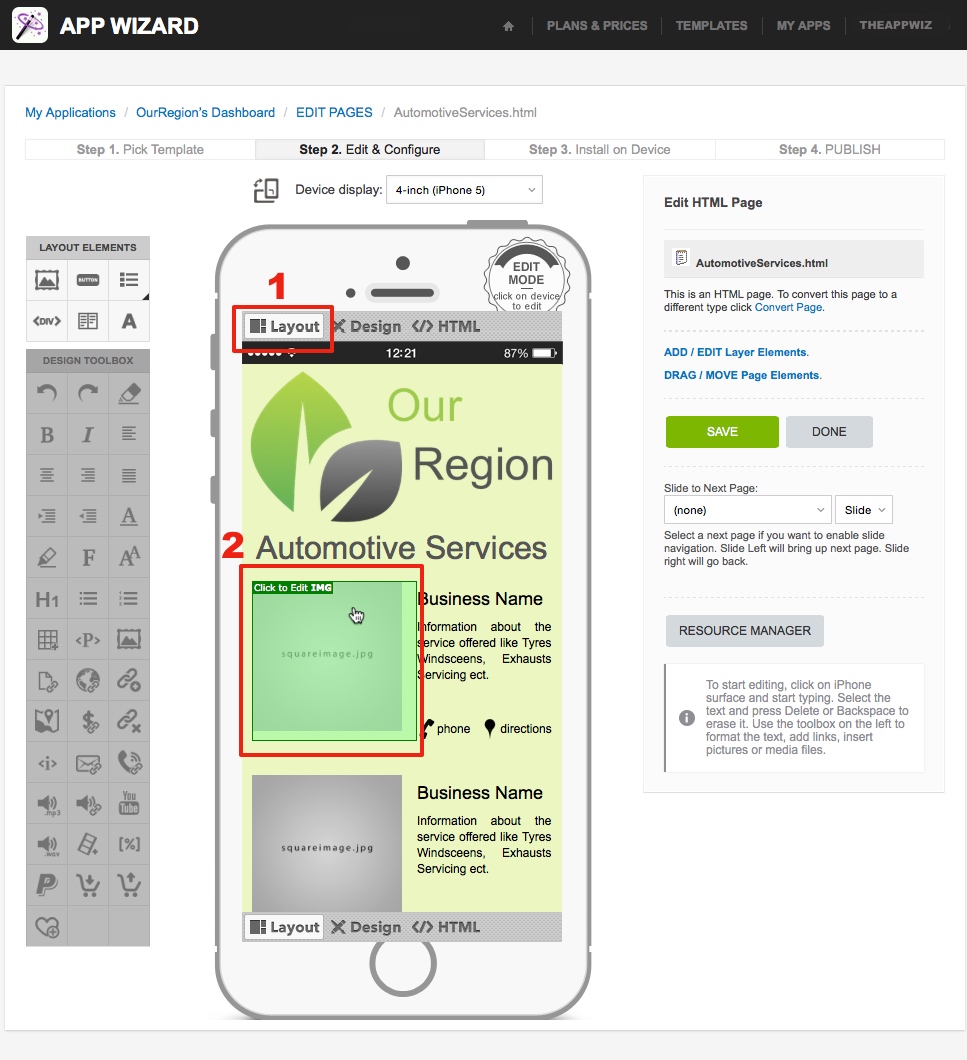
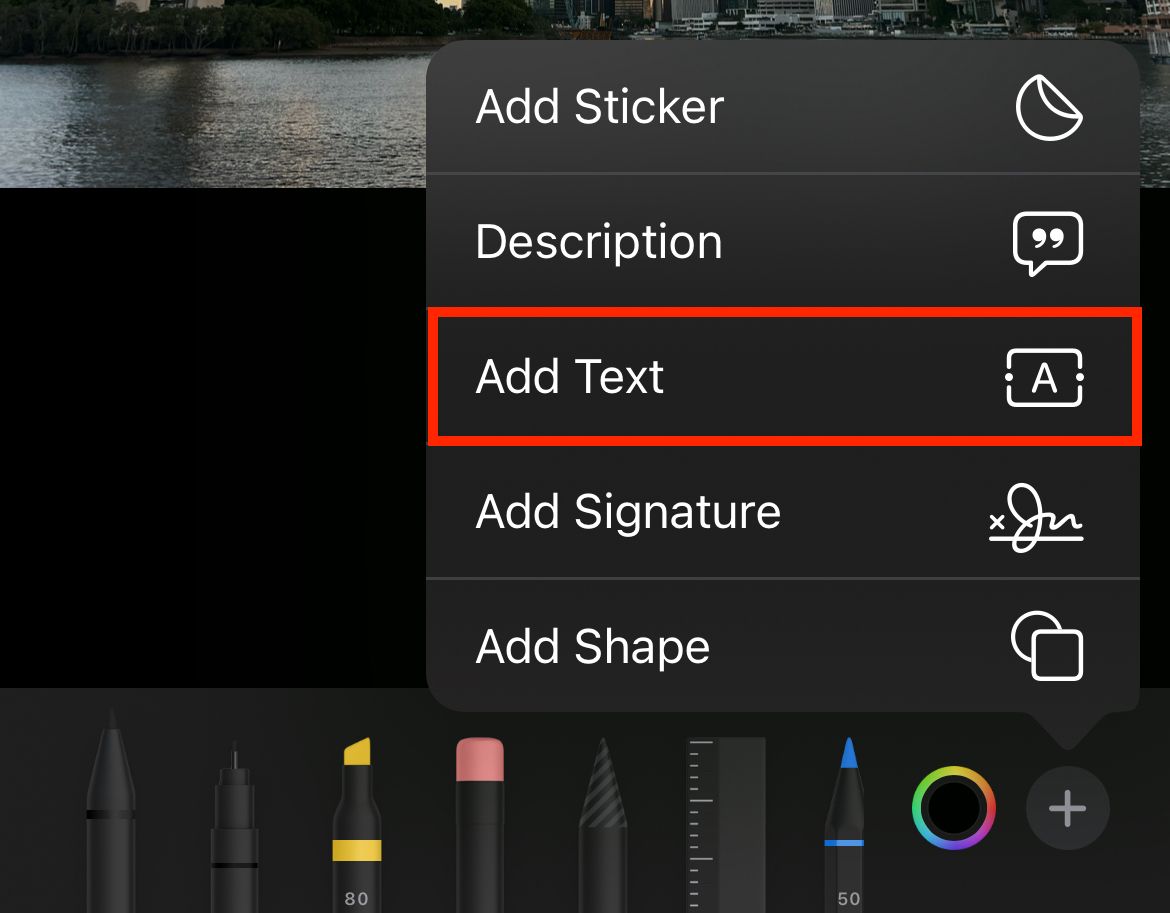

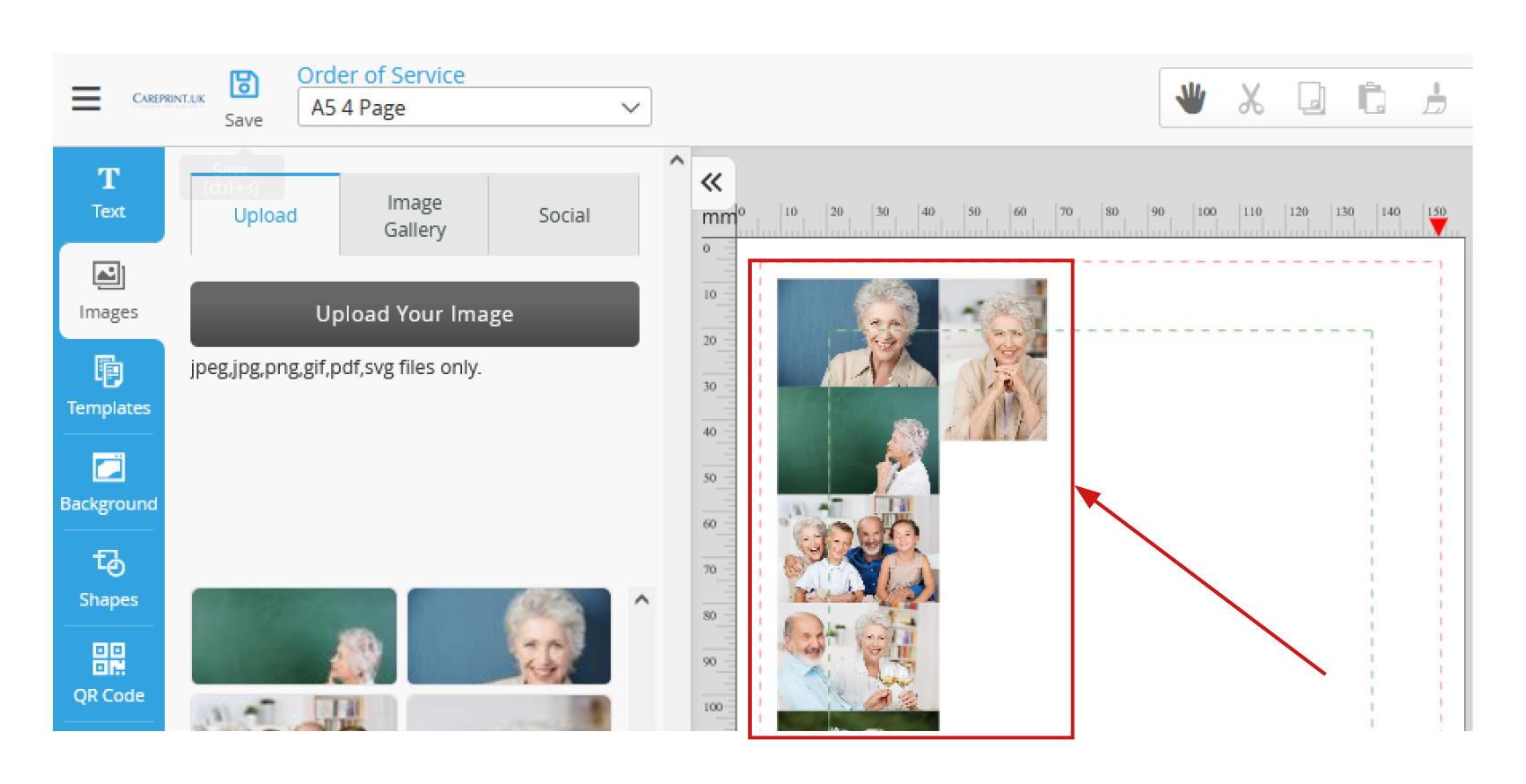
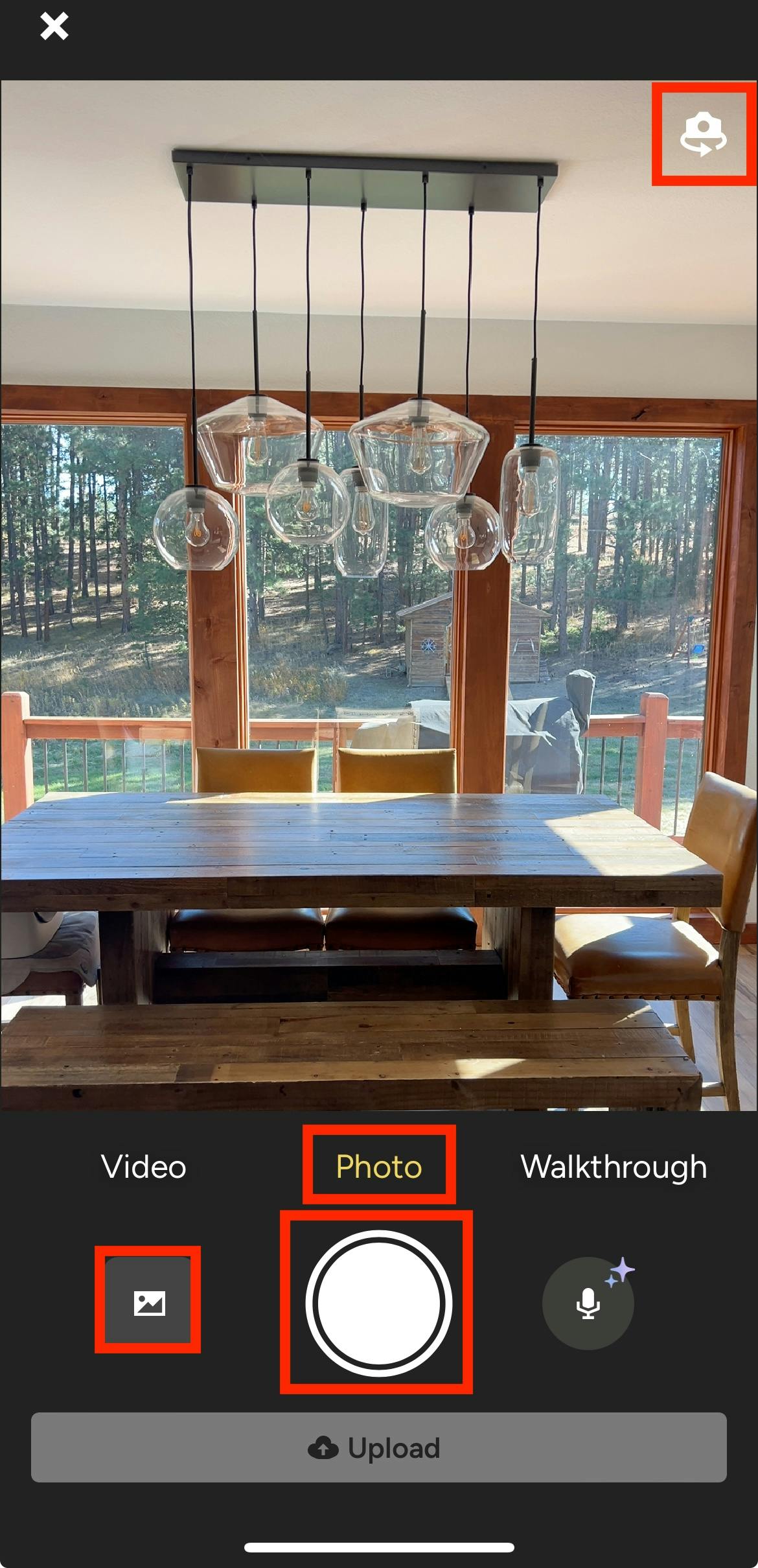
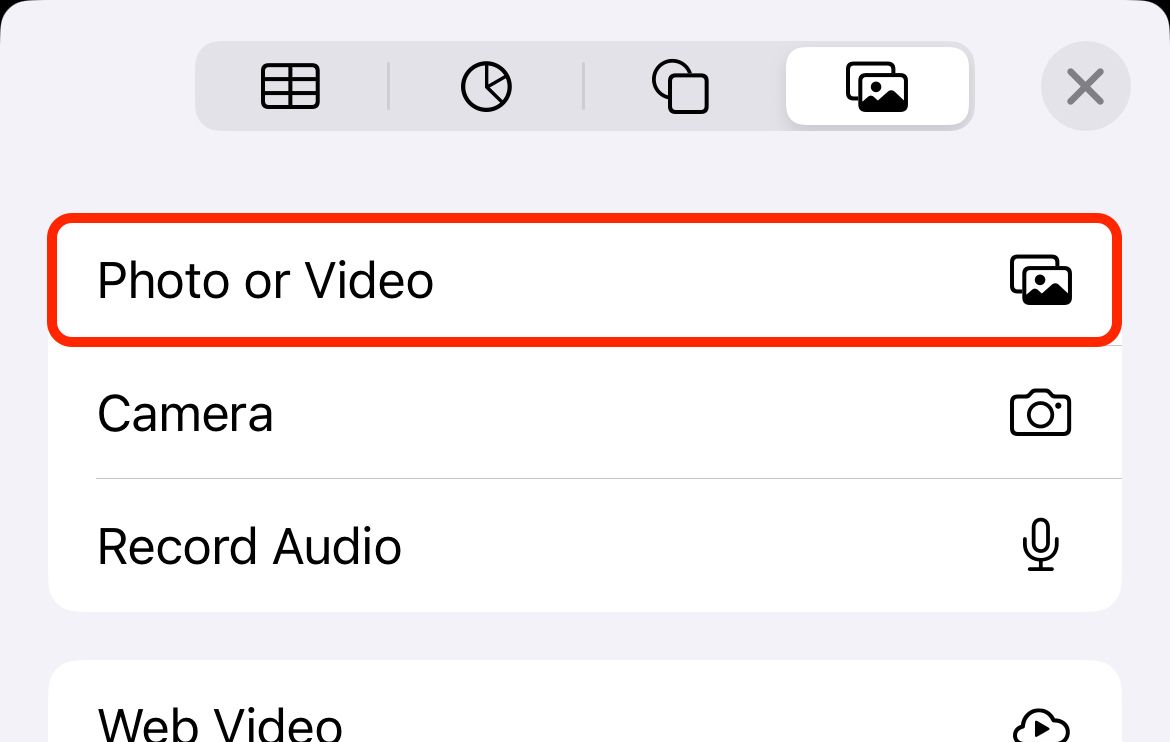




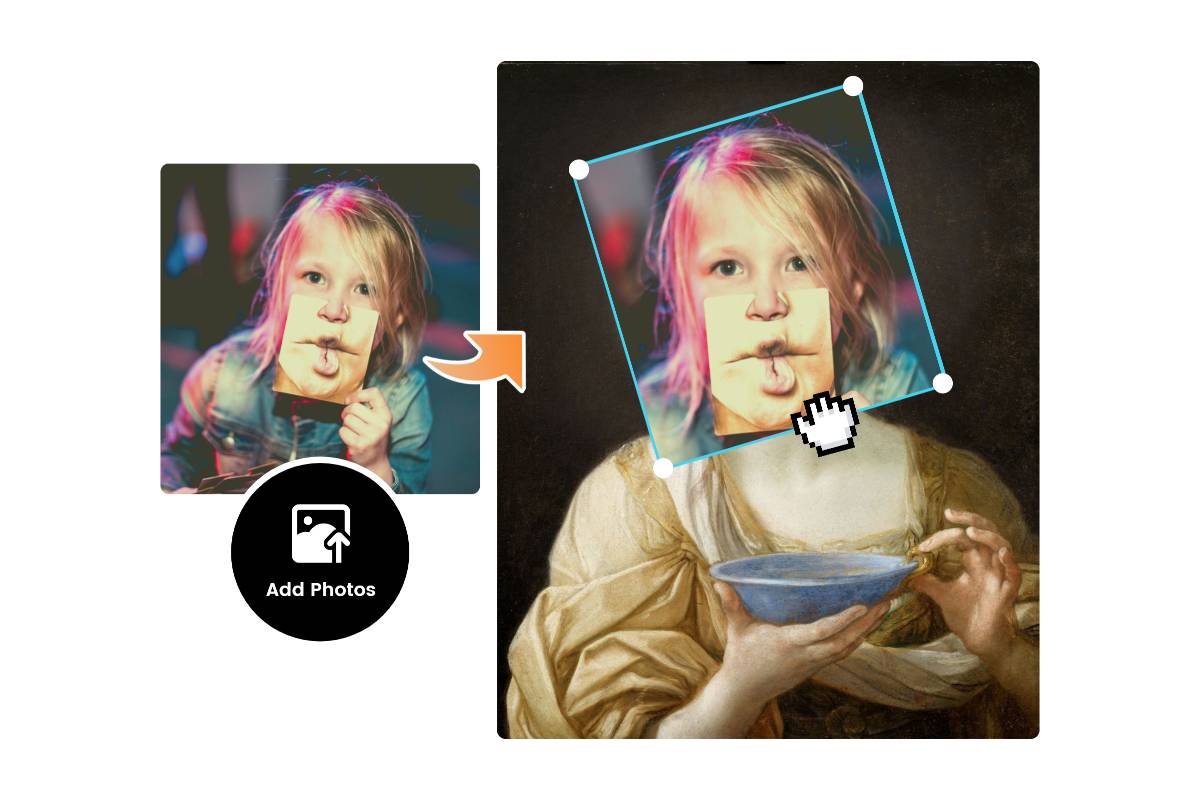





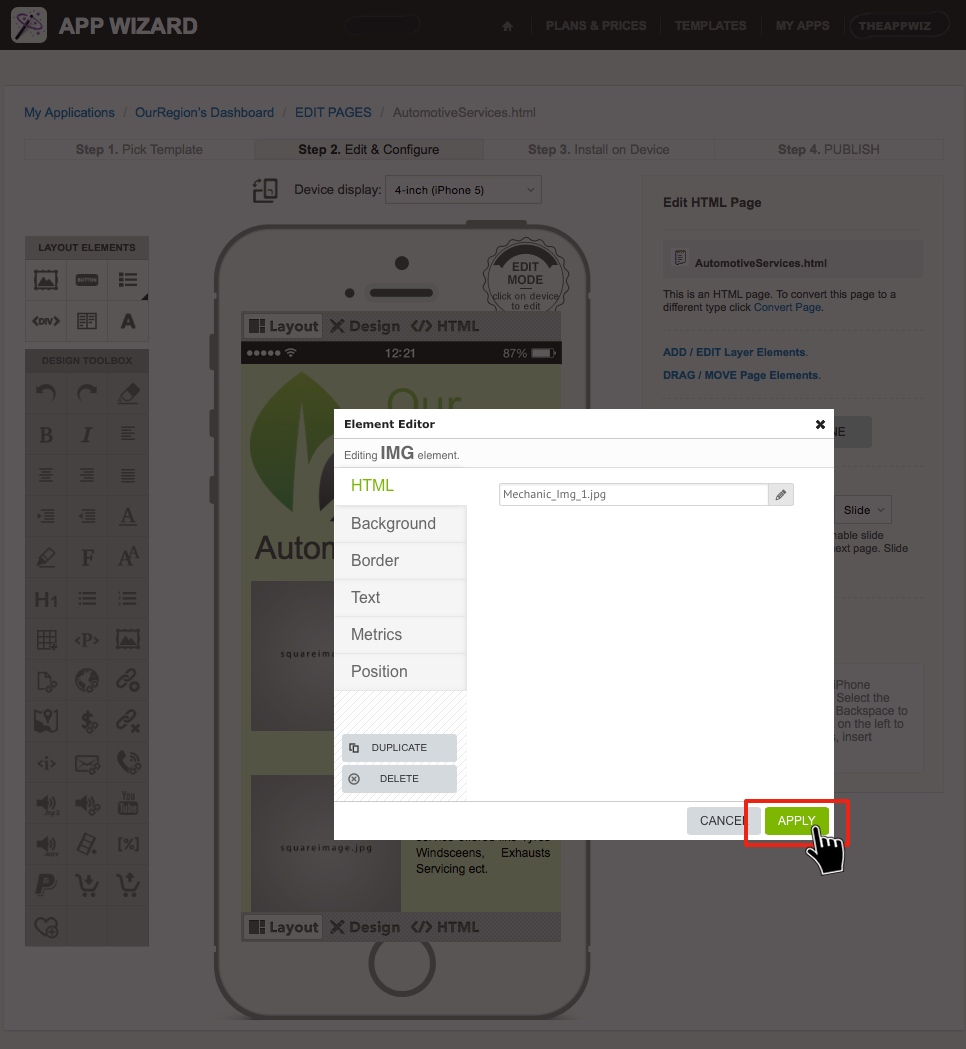






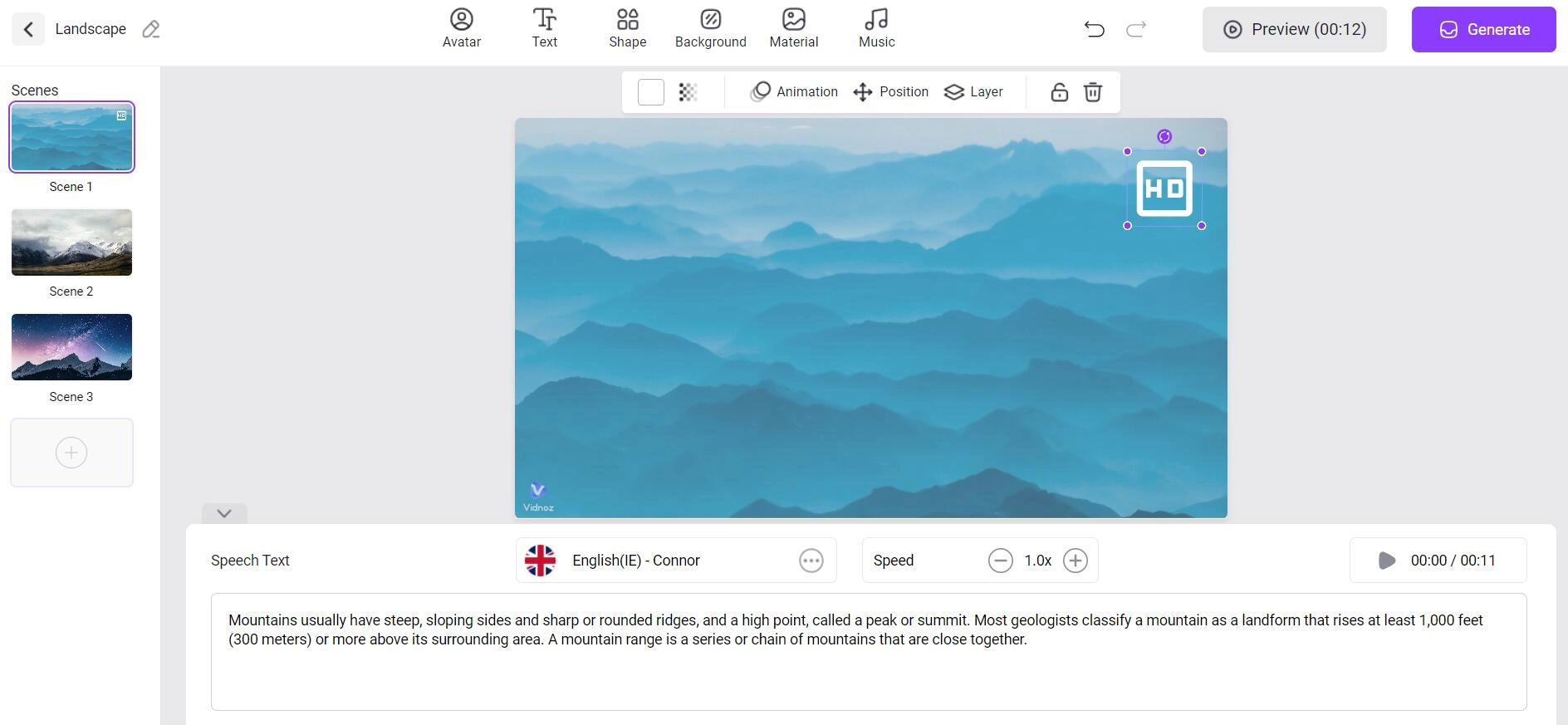

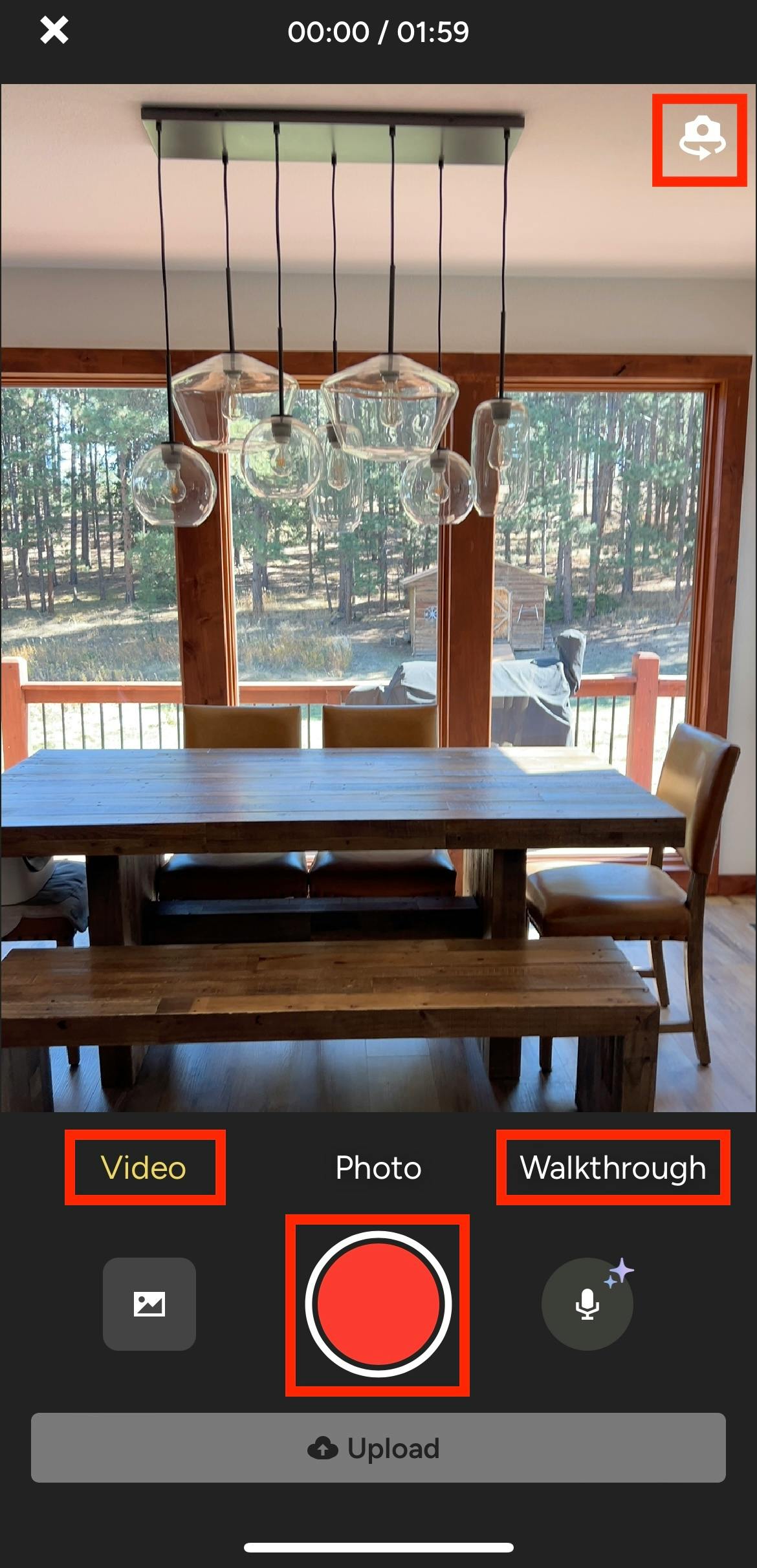

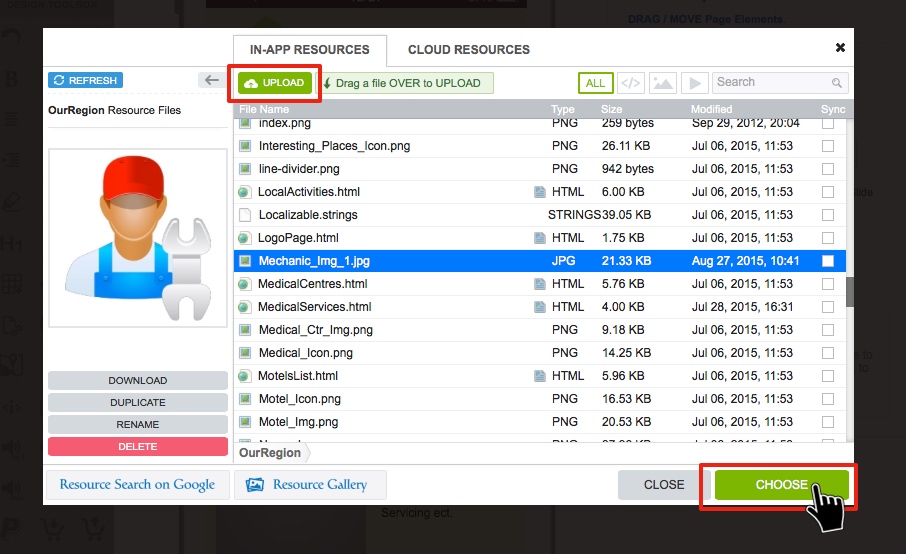





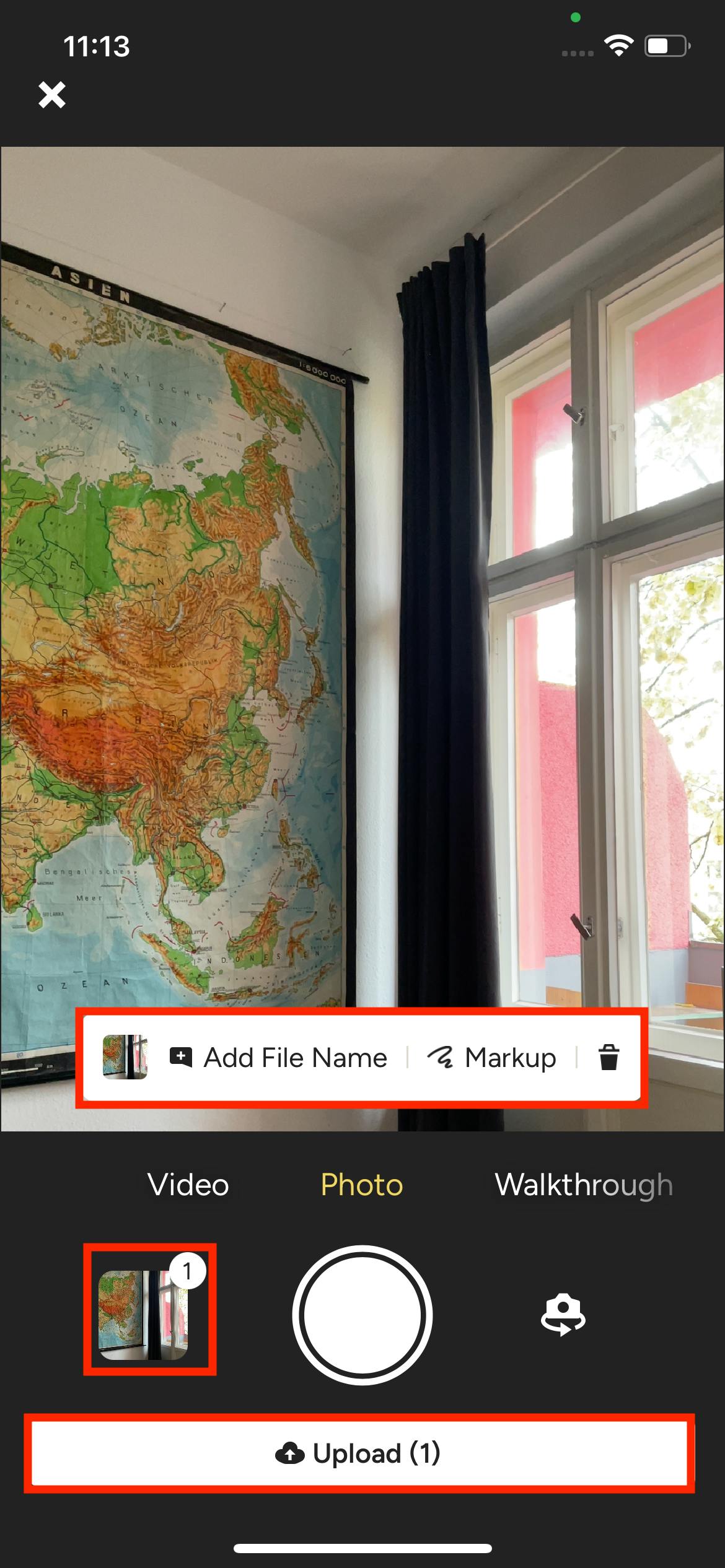

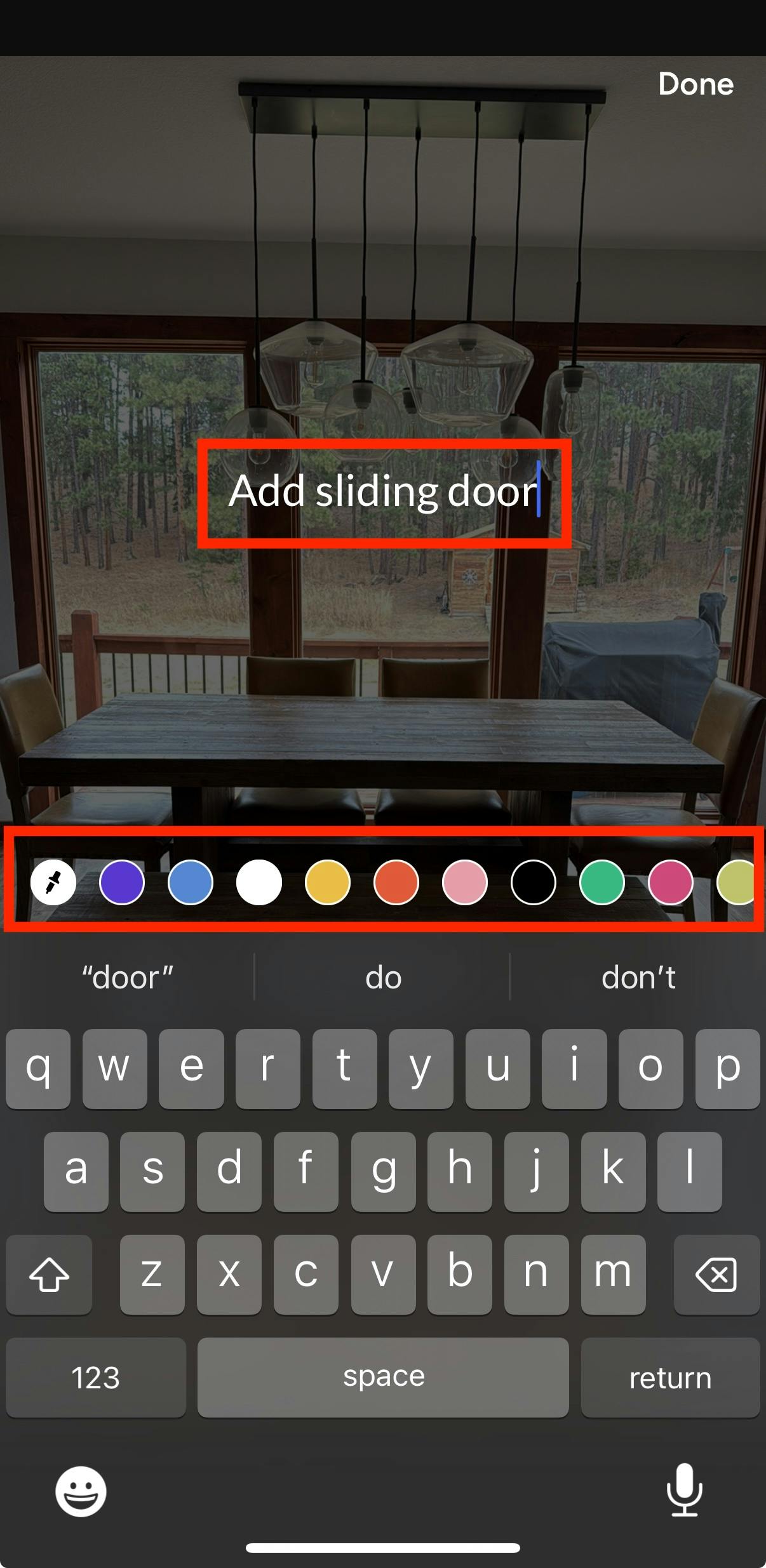




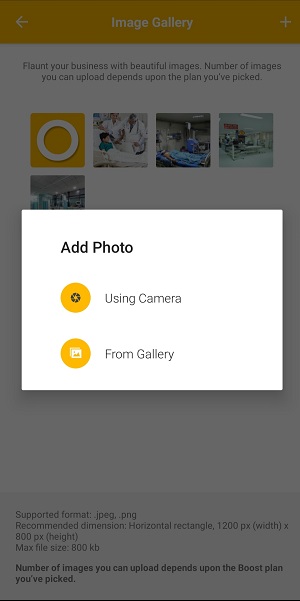
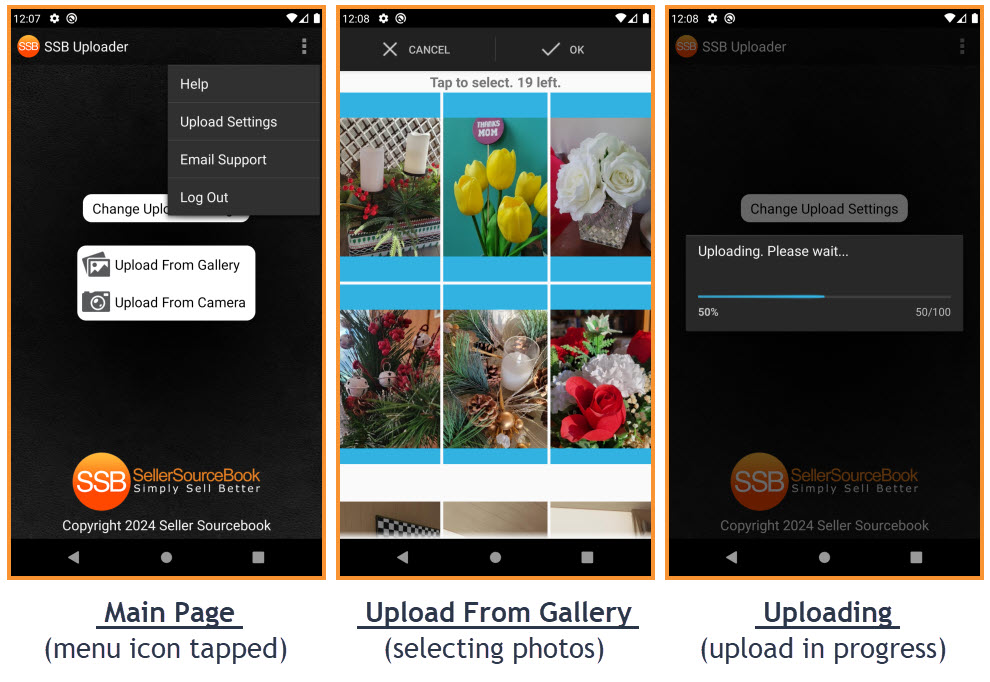

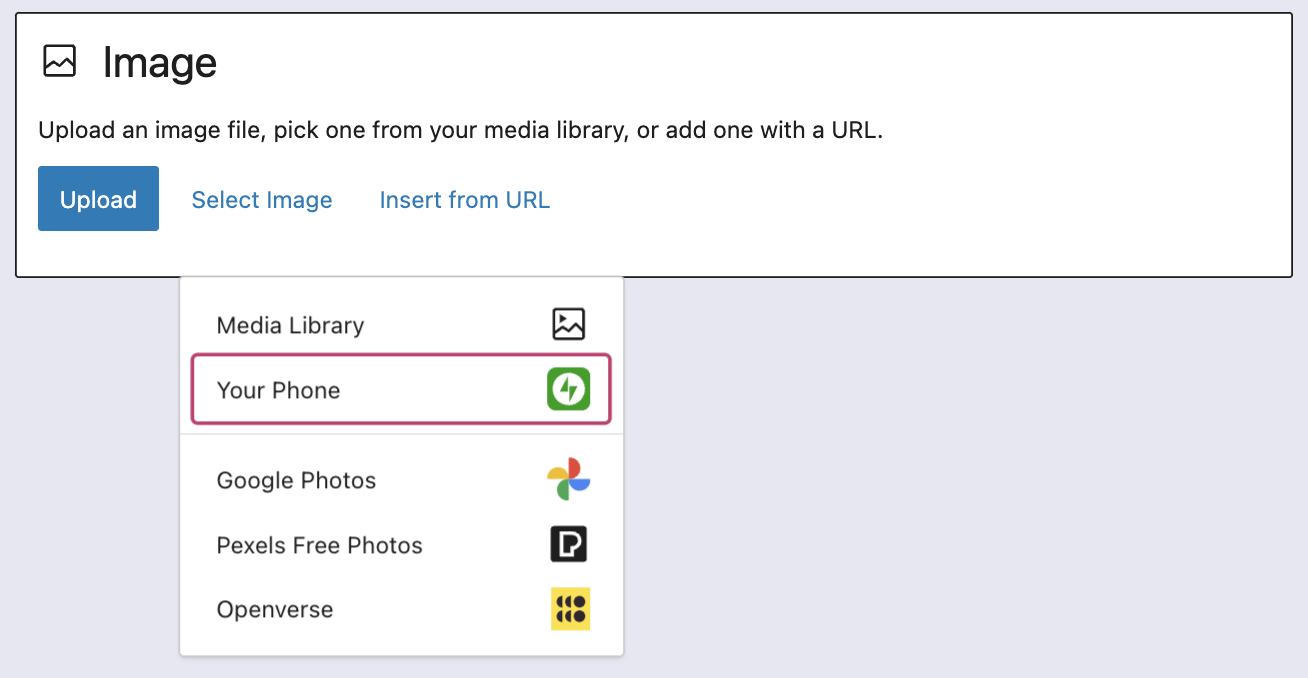



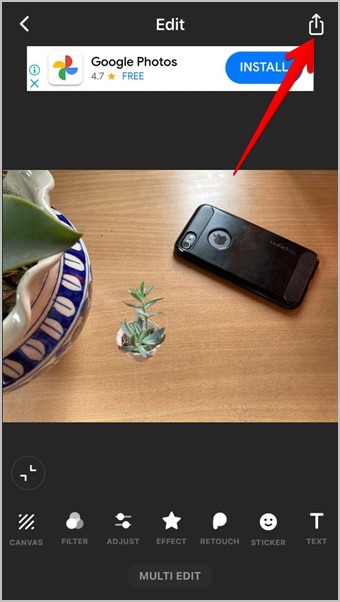





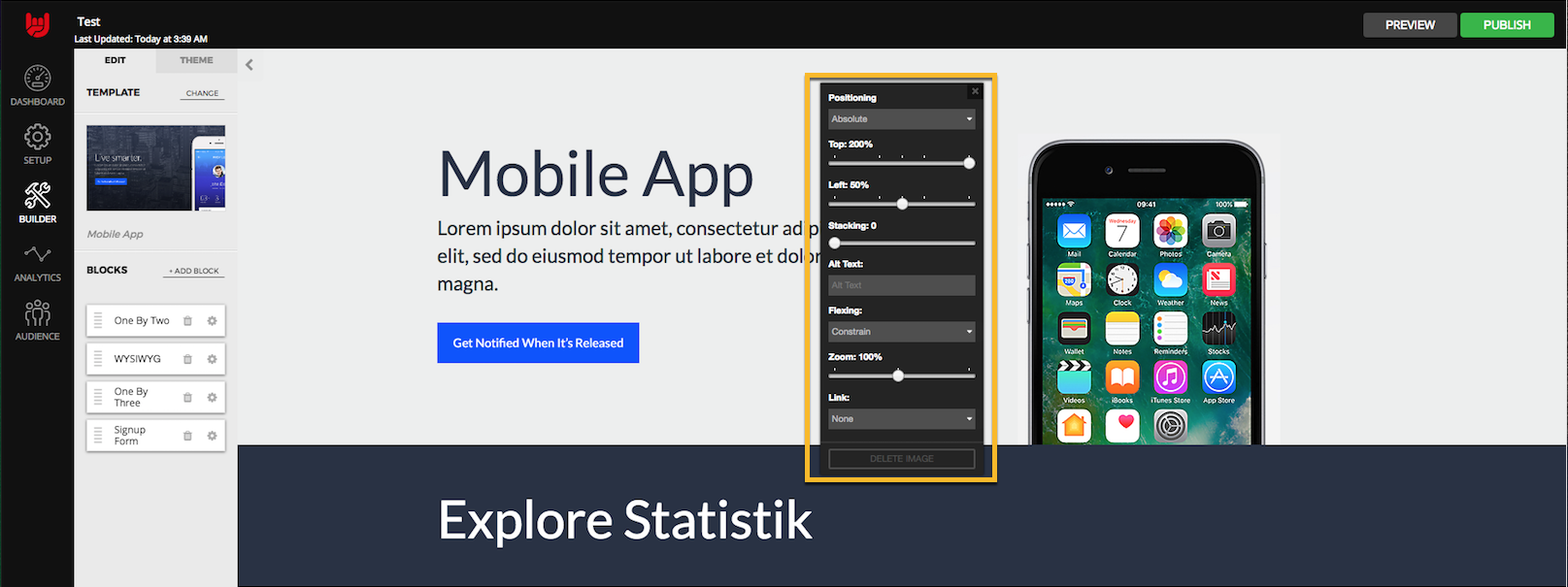
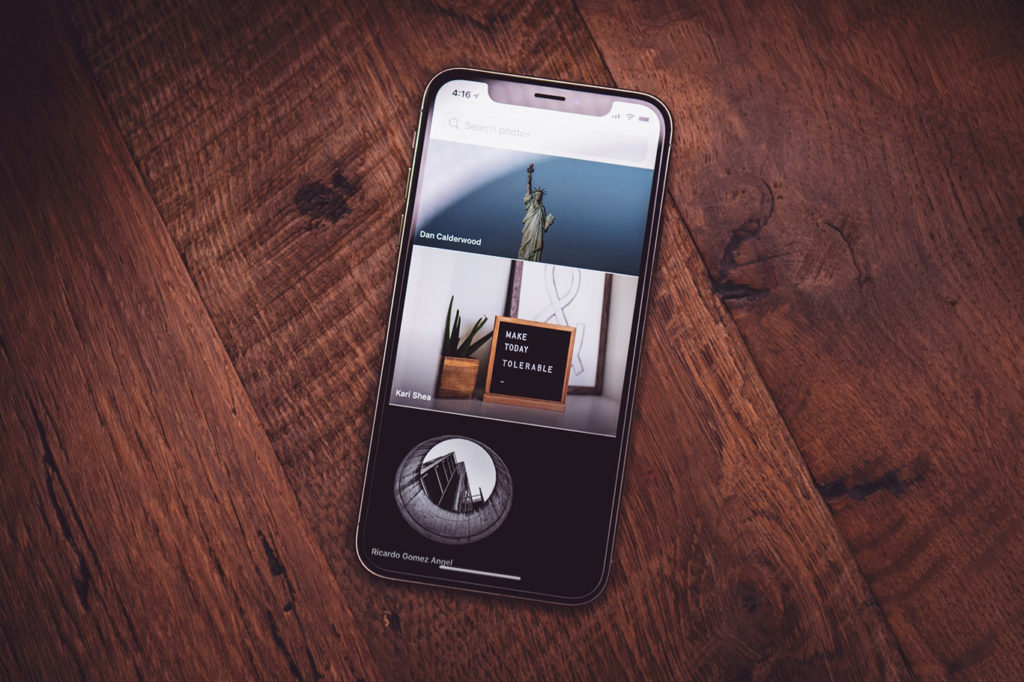









Enhance your understanding of Mobile. Add Imge with extensive collections of carefully selected educational photographs. providing valuable teaching resources for educators and students alike. encouraging critical thinking and analytical skill development. Discover high-resolution Mobile. Add Imge images optimized for various applications. Excellent for educational materials, academic research, teaching resources, and learning activities All Mobile. Add Imge images are available in high resolution with professional-grade quality, optimized for both digital and print applications, and include comprehensive metadata for easy organization and usage. Our Mobile. Add Imge images support learning objectives across diverse educational environments. Comprehensive tagging systems facilitate quick discovery of relevant Mobile. Add Imge content. Professional licensing options accommodate both commercial and educational usage requirements. The Mobile. Add Imge collection represents years of careful curation and professional standards. Time-saving browsing features help users locate ideal Mobile. Add Imge images quickly. Reliable customer support ensures smooth experience throughout the Mobile. Add Imge selection process. Advanced search capabilities make finding the perfect Mobile. Add Imge image effortless and efficient. Diverse style options within the Mobile. Add Imge collection suit various aesthetic preferences. Cost-effective licensing makes professional Mobile. Add Imge photography accessible to all budgets. Whether for commercial projects or personal use, our Mobile. Add Imge collection delivers consistent excellence.