Install Node On Windows Command Line
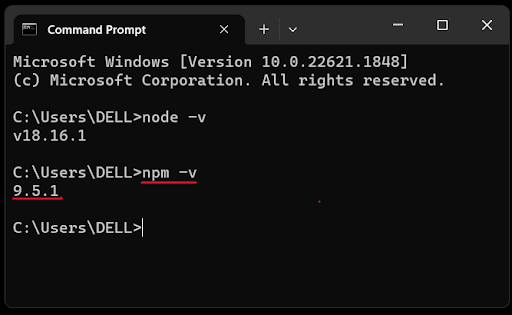
Honor legacy with our historical Install Node On Windows Command Line gallery of substantial collections of timeless images. heritage-preserving showcasing photography, images, and pictures. perfect for historical documentation and education. Our Install Node On Windows Command Line collection features high-quality images with excellent detail and clarity. Suitable for various applications including web design, social media, personal projects, and digital content creation All Install Node On Windows Command Line images are available in high resolution with professional-grade quality, optimized for both digital and print applications, and include comprehensive metadata for easy organization and usage. Explore the versatility of our Install Node On Windows Command Line collection for various creative and professional projects. Advanced search capabilities make finding the perfect Install Node On Windows Command Line image effortless and efficient. Professional licensing options accommodate both commercial and educational usage requirements. Instant download capabilities enable immediate access to chosen Install Node On Windows Command Line images. Cost-effective licensing makes professional Install Node On Windows Command Line photography accessible to all budgets. Reliable customer support ensures smooth experience throughout the Install Node On Windows Command Line selection process. Multiple resolution options ensure optimal performance across different platforms and applications. Our Install Node On Windows Command Line database continuously expands with fresh, relevant content from skilled photographers.
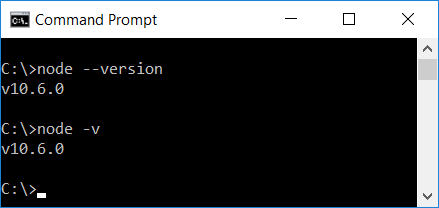
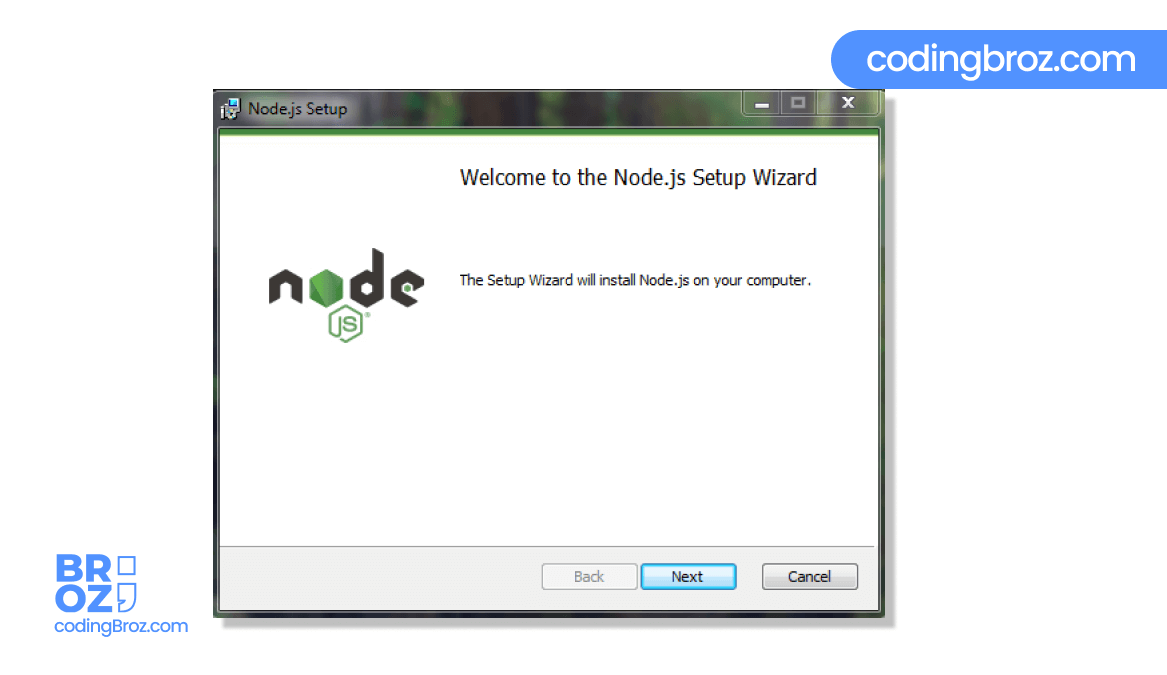


:max_bytes(150000):strip_icc()/nodejs-additional-modules-5cd7337b1e3a4f05bf9bb36b37ad8387.jpg)


![Install Node On Windows Command Line How to Install Node.js on Windows 10 [4 Steps]](https://www.fosstechnix.com/wp-content/uploads/2020/09/install-additional-tool-for-node.js-commands-prompt.png)


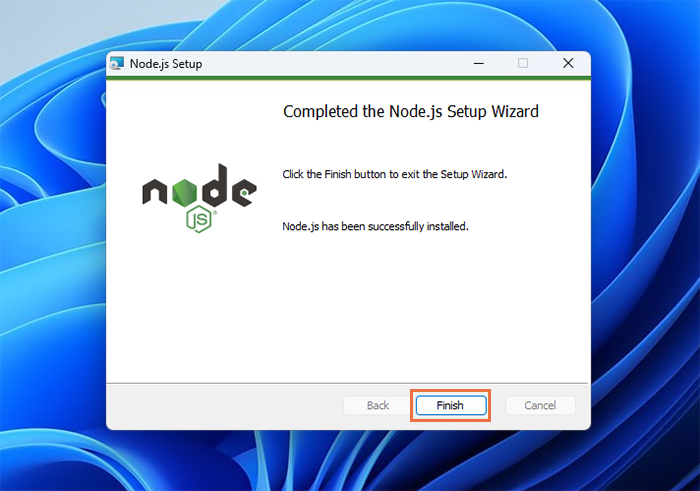
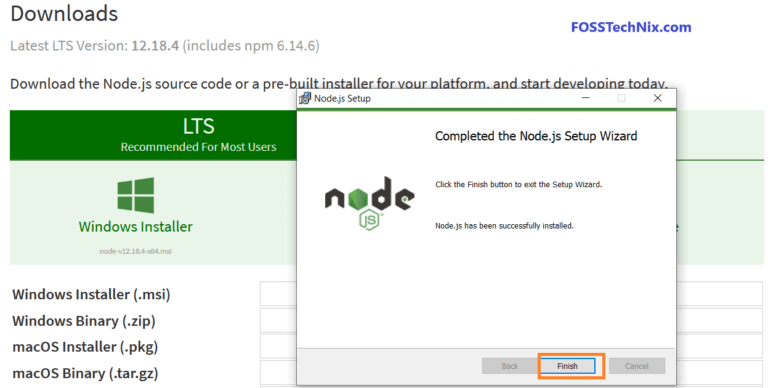
![Install Node On Windows Command Line How to Install Node.js on Windows 10 [4 Steps]](https://www.fosstechnix.com/wp-content/uploads/2020/09/click-on-finish-button-768x388.png)


![Install Node On Windows Command Line Install and Use Node.js on Windows 11 / Windows 10 [Guide]](https://computingforgeeks.com/wp-content/uploads/2025/08/Install-and-Use-Node.js-on-Windows-11-Windows-10-09-1536x1160.png)
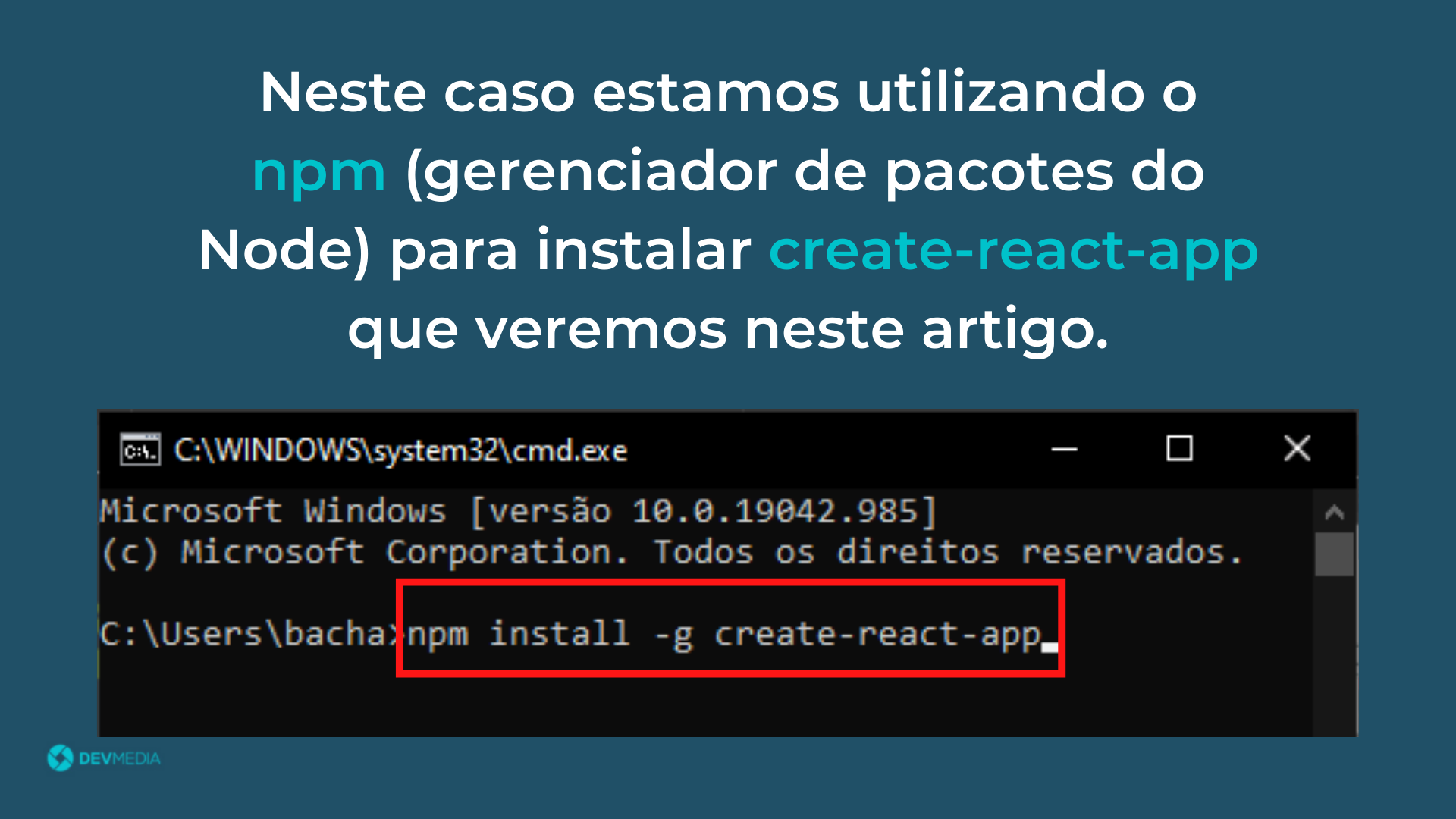


![Install Node On Windows Command Line Install and Use Node.js on Windows 11 / Windows 10 [Guide]](https://computingforgeeks.com/wp-content/uploads/2025/08/Install-and-Use-Node.js-on-Windows-11-Windows-10-06-1536x1160.png)


![Install Node On Windows Command Line How to Install Node.js on Windows 10 [4 Steps]](https://www.fosstechnix.com/wp-content/uploads/2020/09/accept-node.js-agreement-and-click-on-next.png)


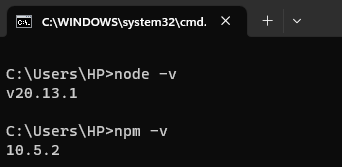
![Install Node On Windows Command Line Install and Use Node.js on Windows 11 / Windows 10 [Guide]](https://computingforgeeks.com/wp-content/uploads/2025/08/Install-and-Use-Node.js-on-Windows-11-Windows-10-10-768x433.png)
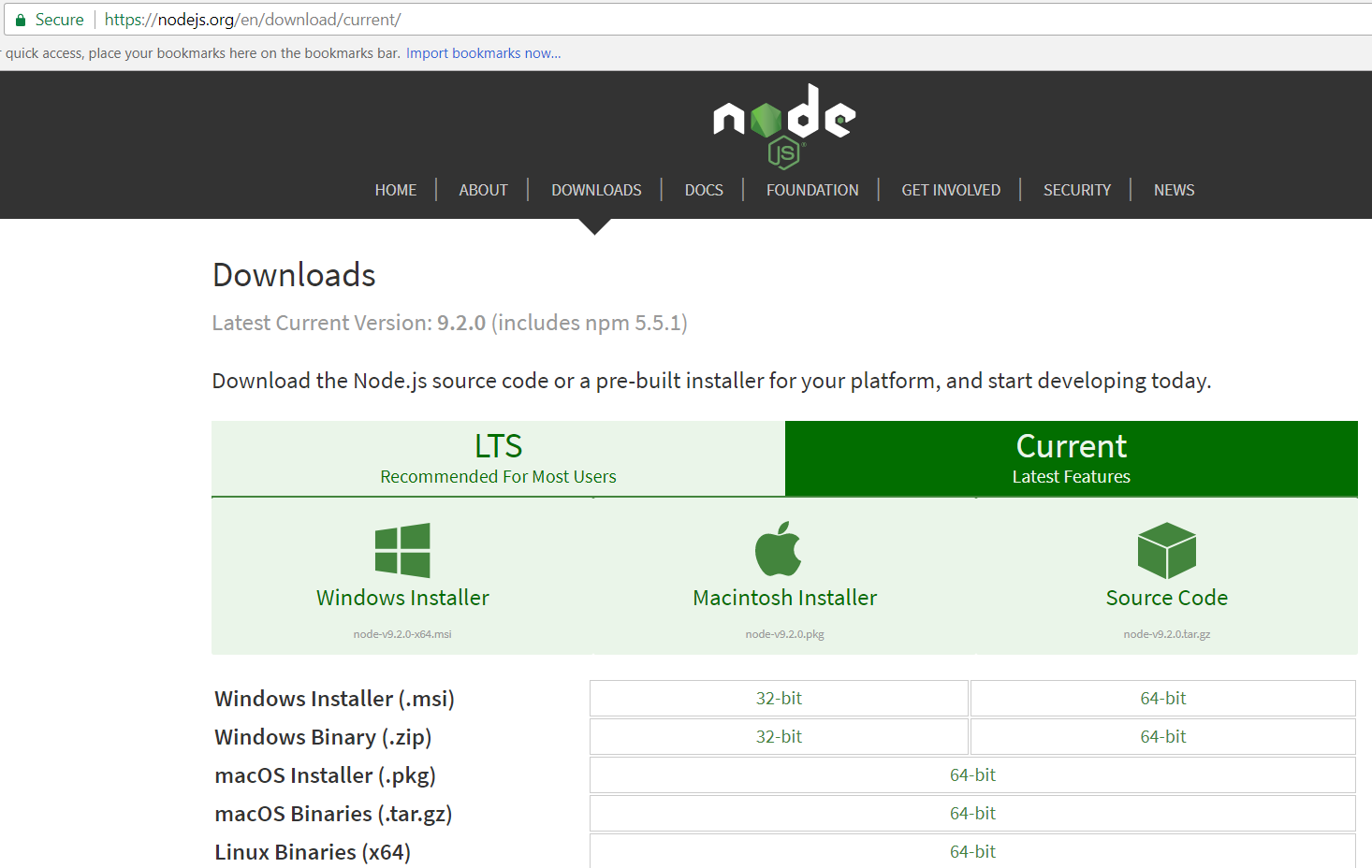
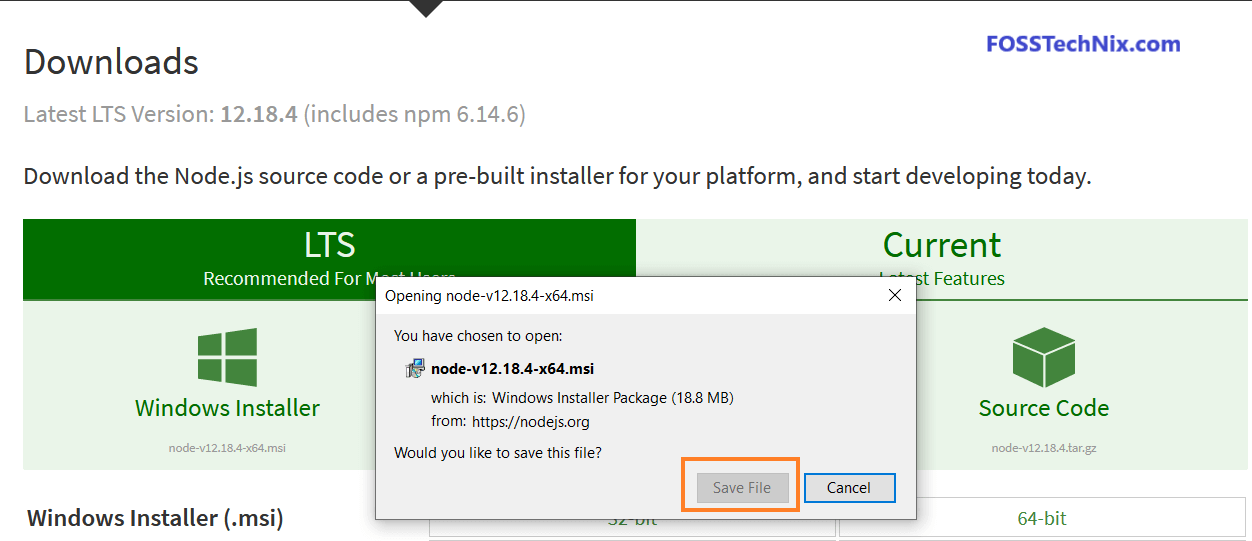
![Install Node On Windows Command Line How to Install Node.js on Windows 10 [4 Steps]](https://www.fosstechnix.com/wp-content/uploads/2020/09/save-node.js-msi-file-in-windows.png)


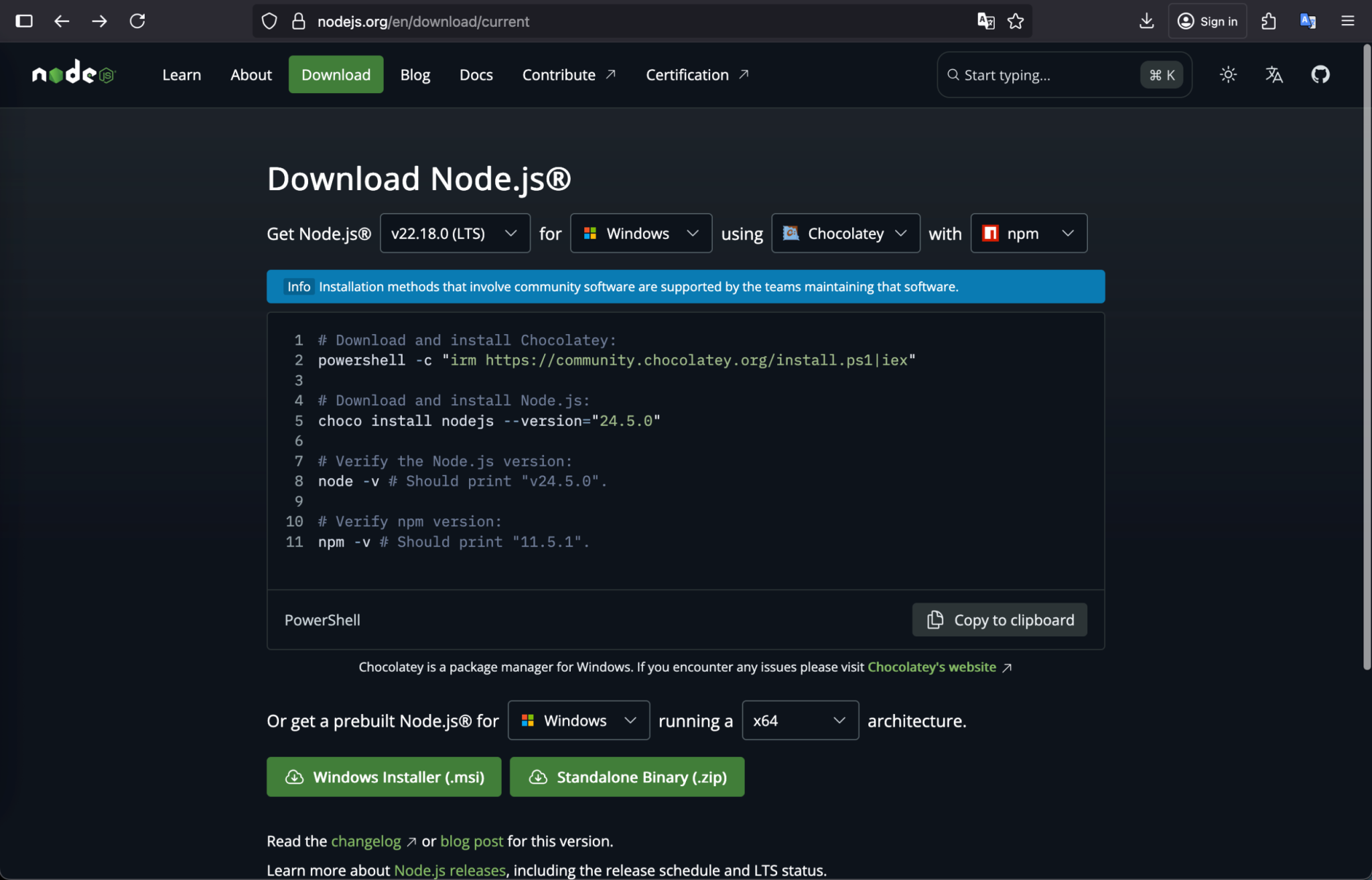
![Install Node On Windows Command Line Install and Use Node.js on Windows 11 / Windows 10 [Guide]](https://computingforgeeks.com/wp-content/uploads/2025/08/Install-and-Use-Node.js-on-Windows-11-Windows-10-01-scaled-1-2048x1314.png)
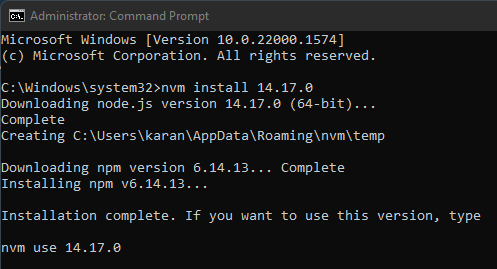


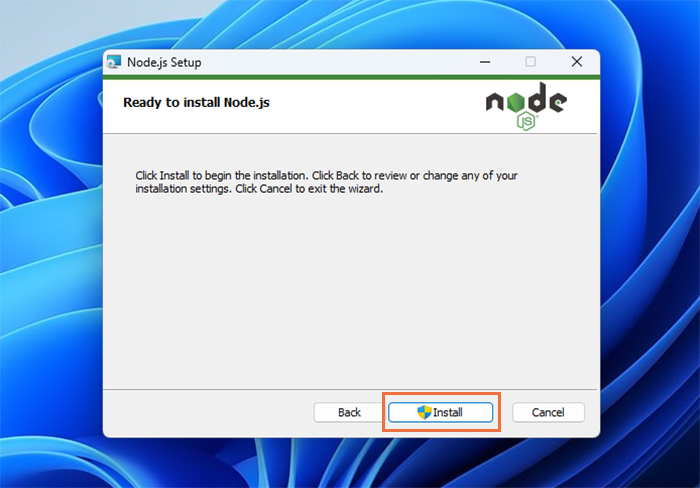
![Install Node On Windows Command Line Install and Use Node.js on Windows 11 / Windows 10 [Guide]](https://computingforgeeks.com/wp-content/uploads/2025/08/Install-and-Use-Node.js-on-Windows-11-Windows-10-05-1068x806.png)