Ip Edit












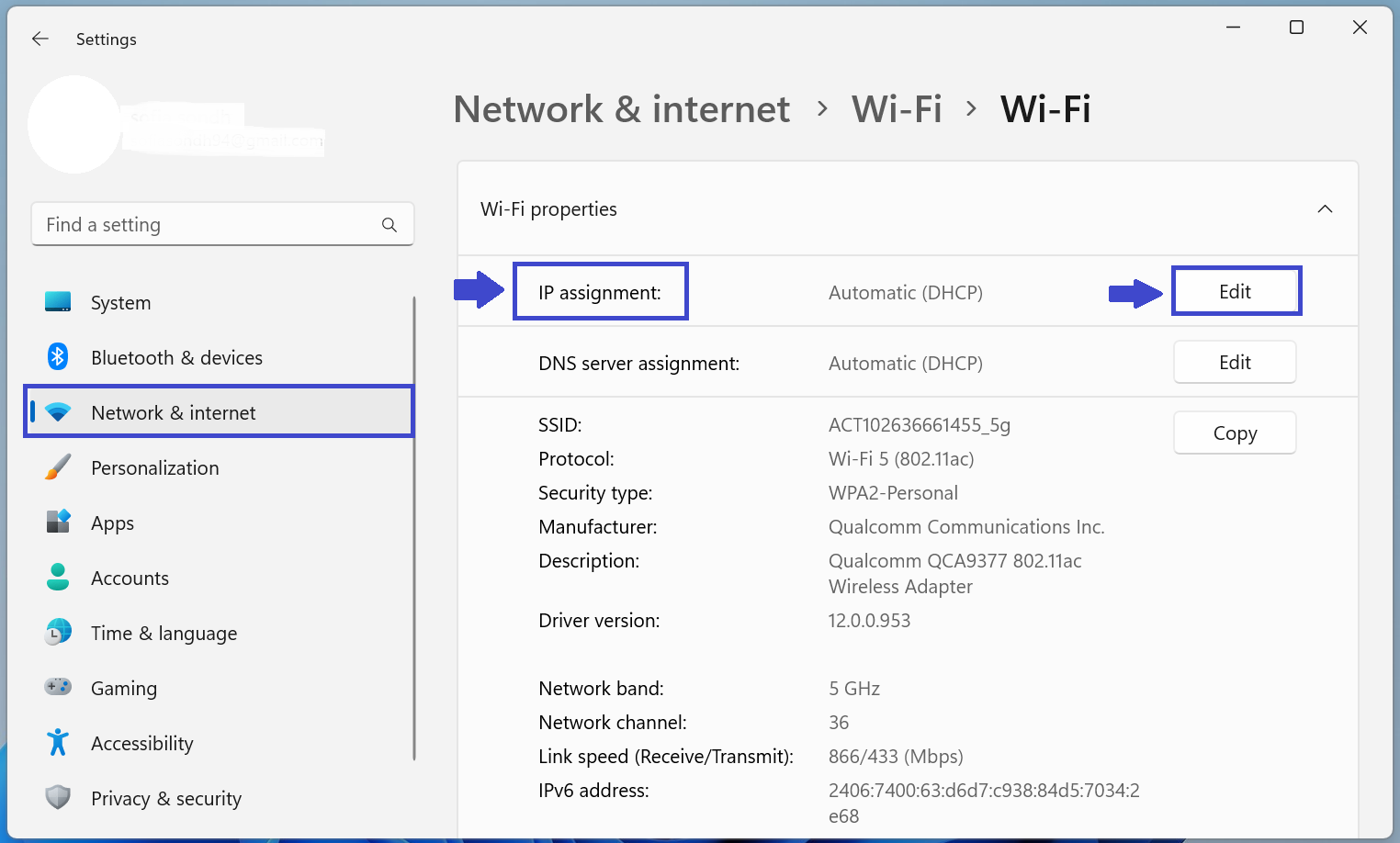

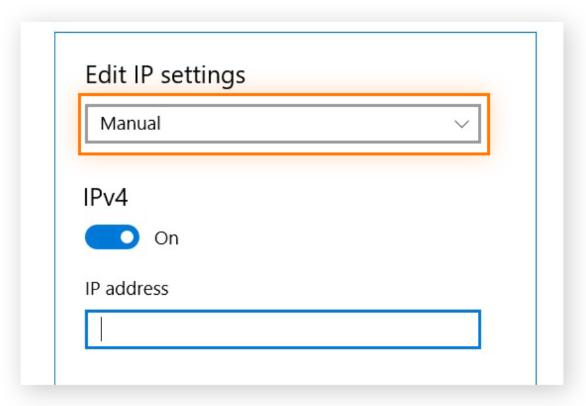

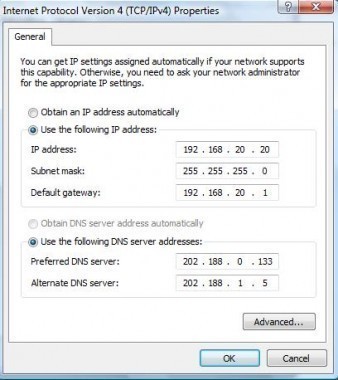
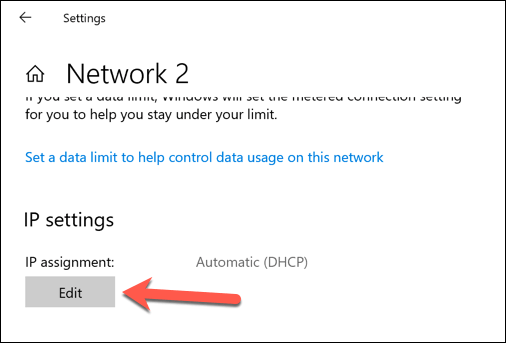



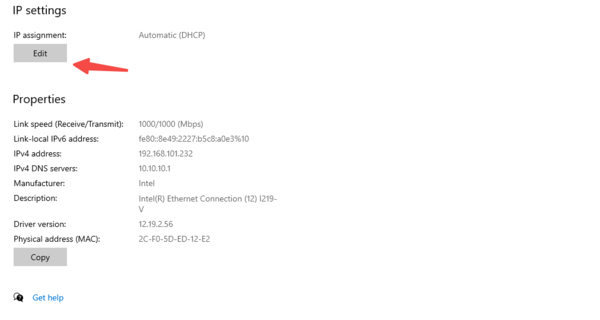
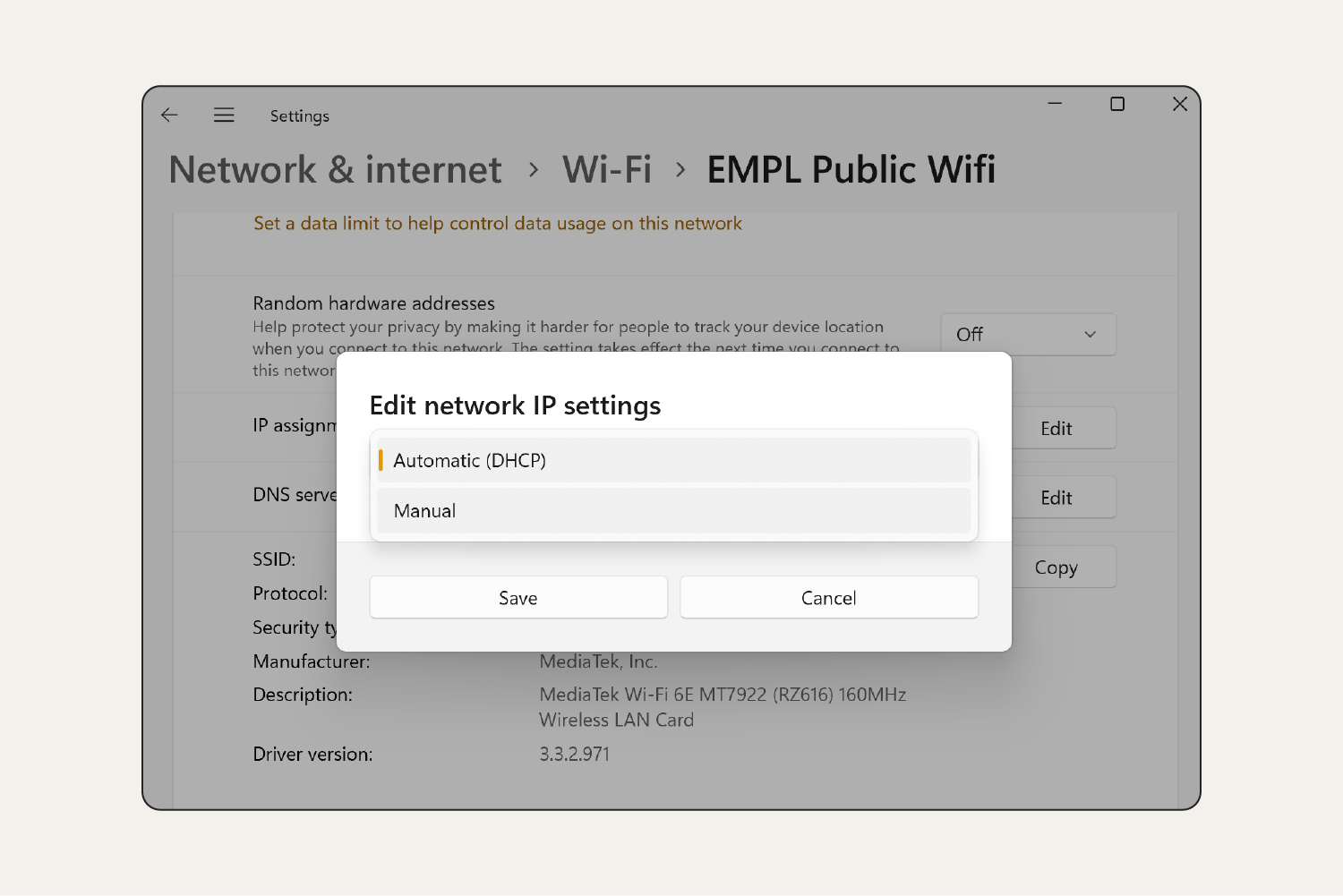

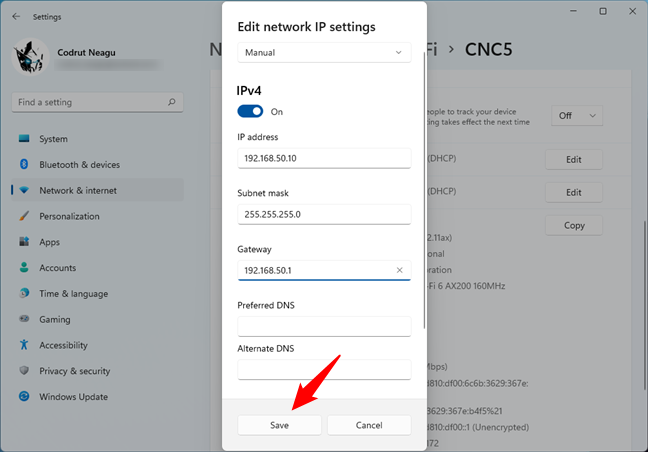
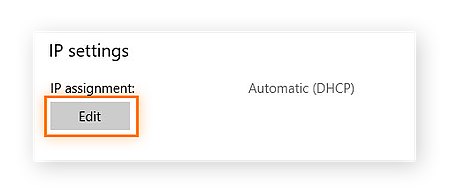


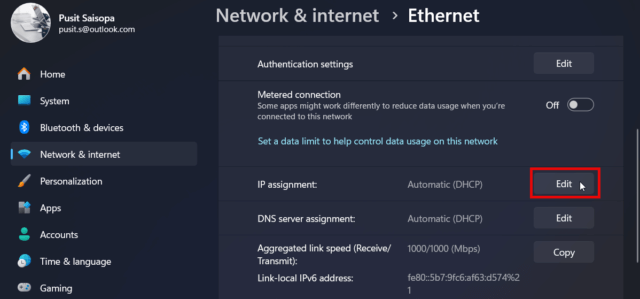

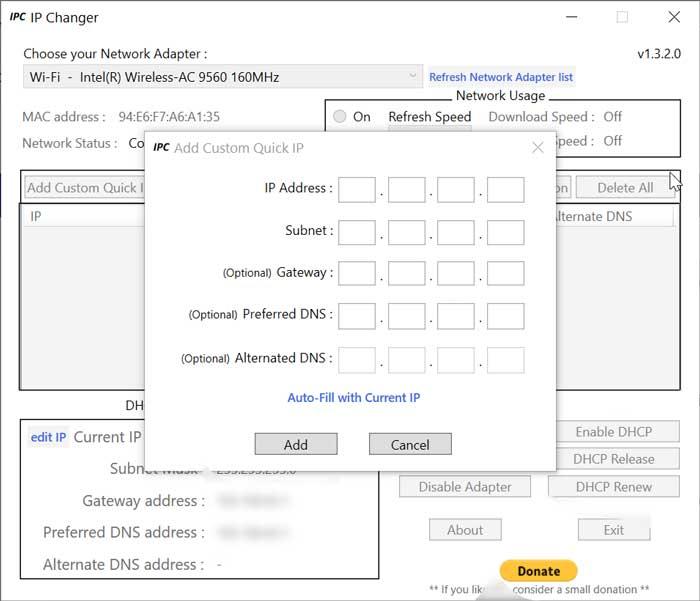
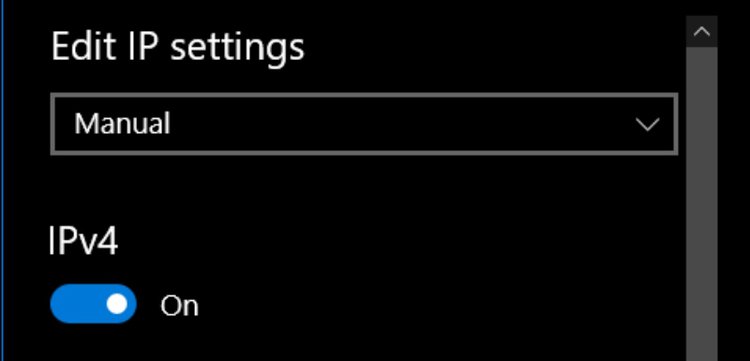
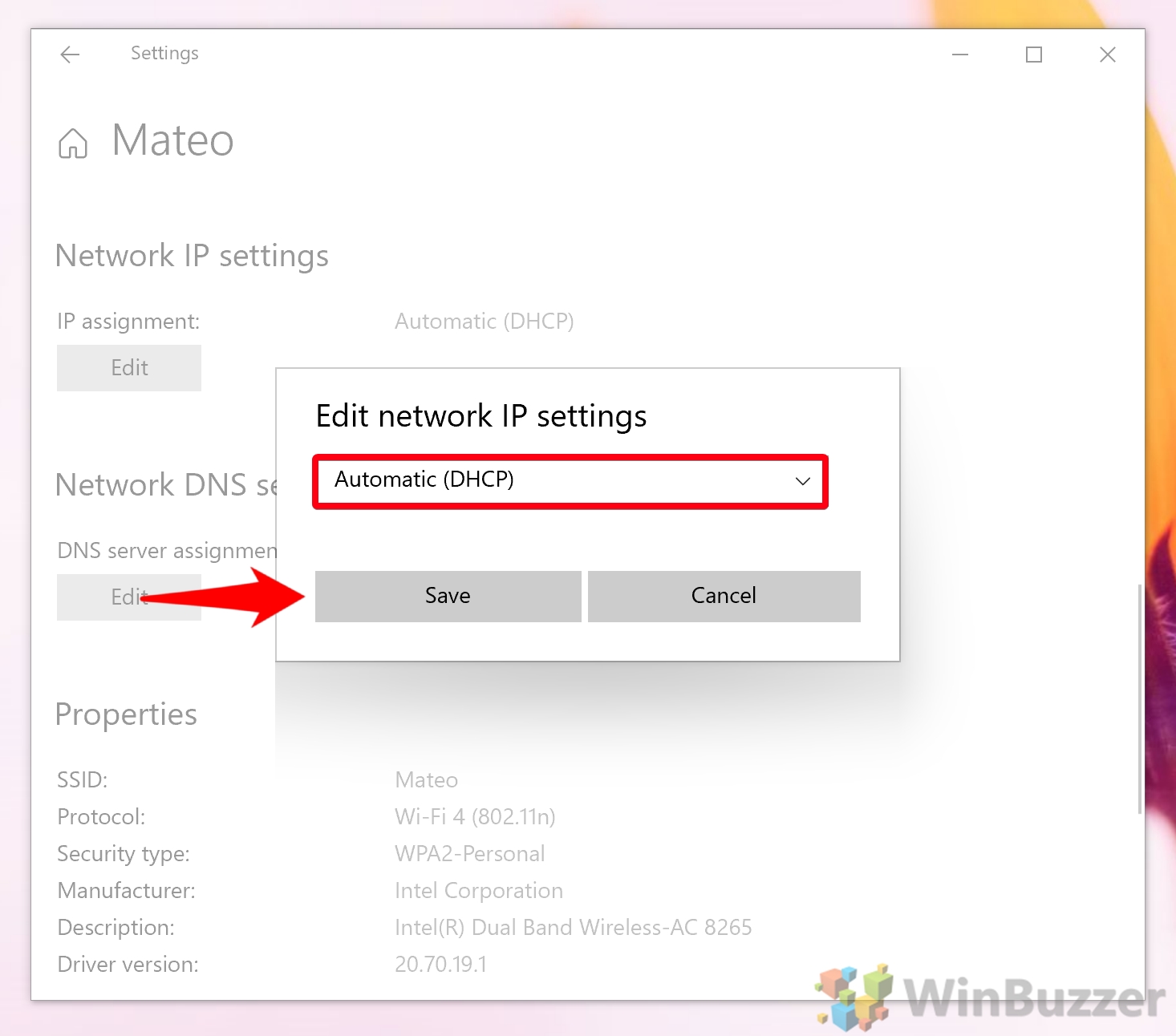

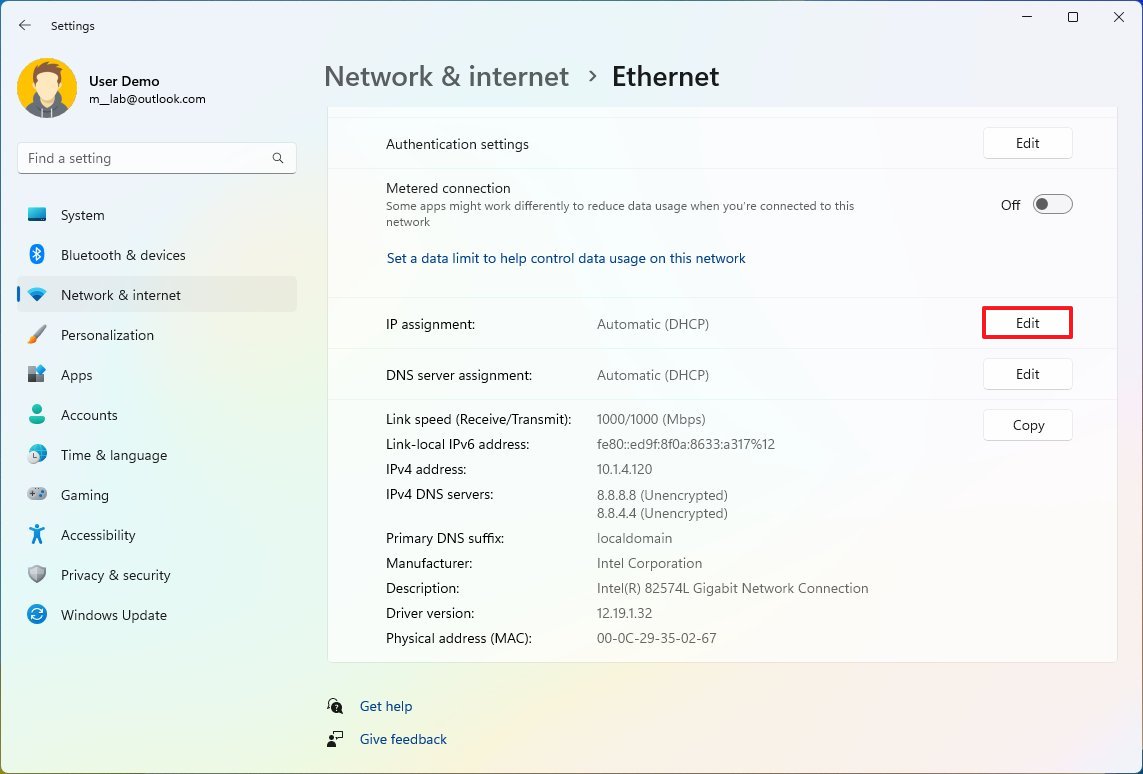

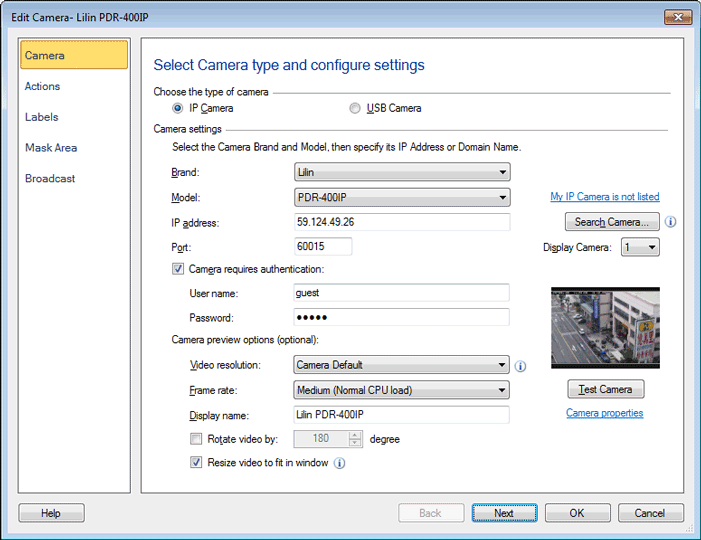

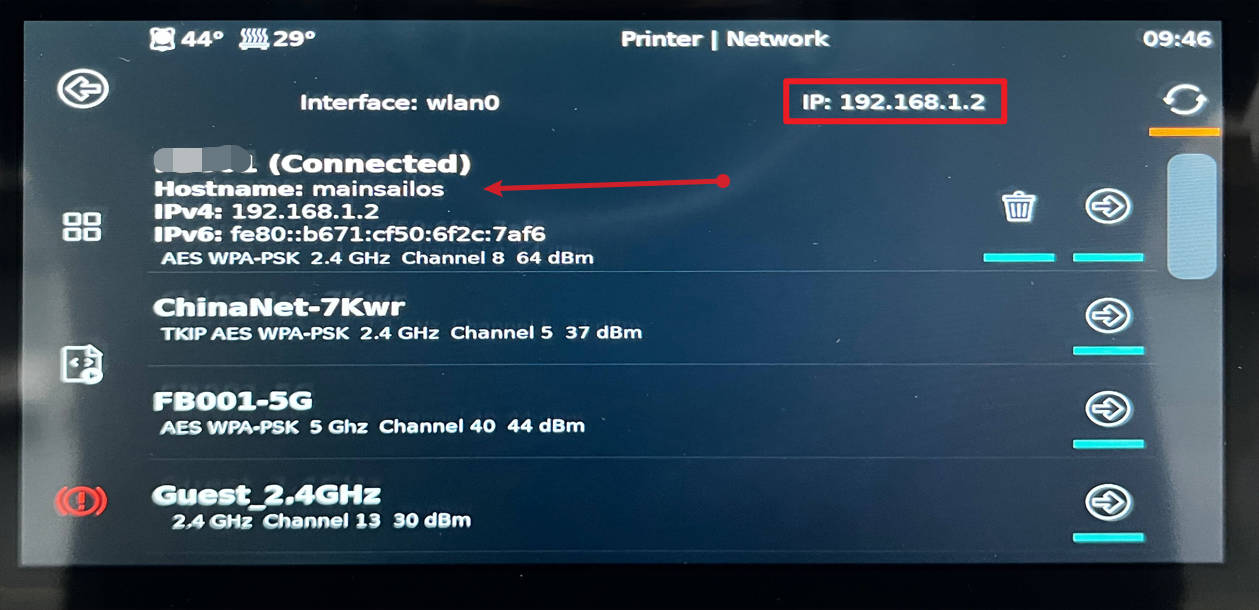
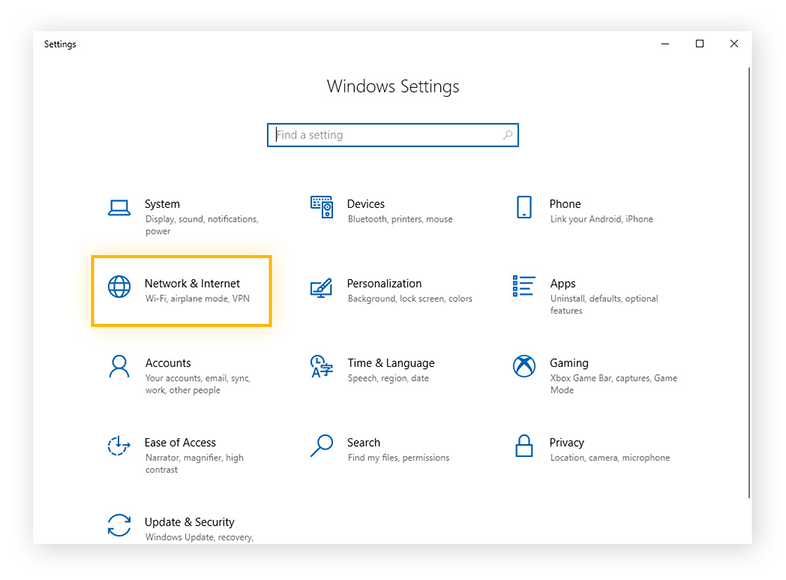


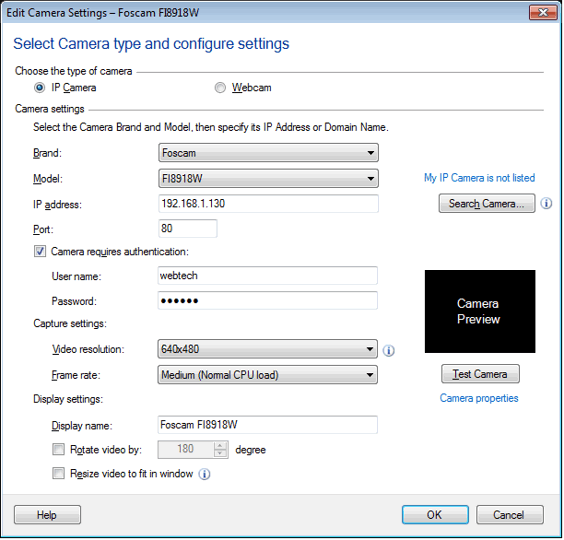


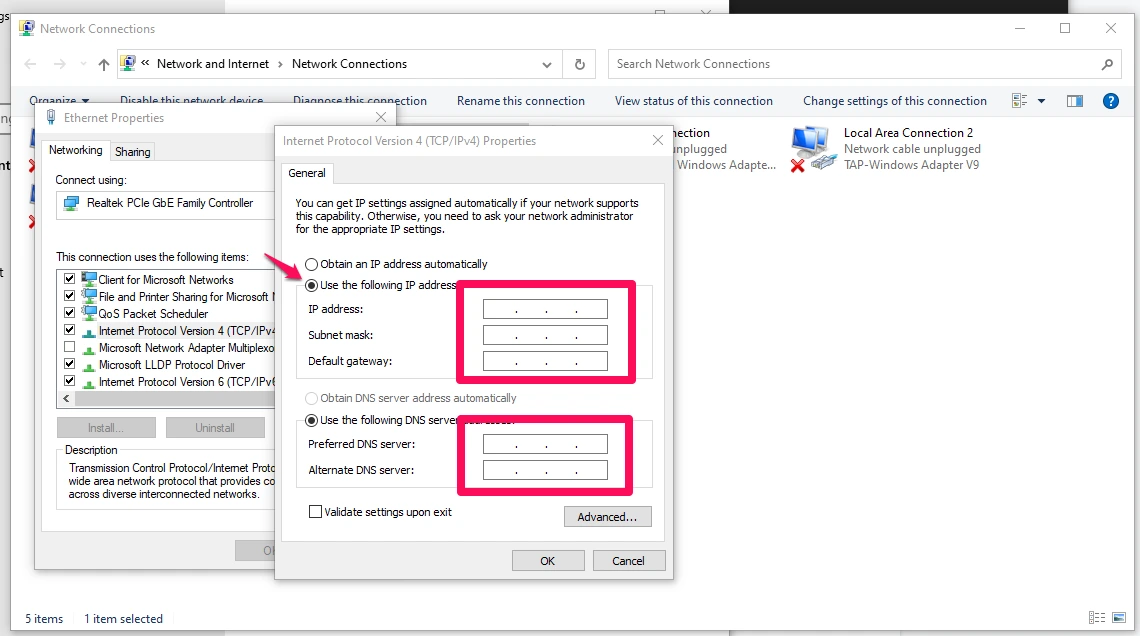
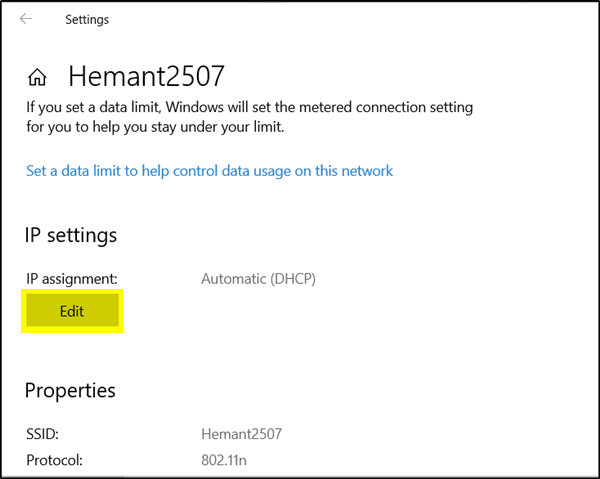


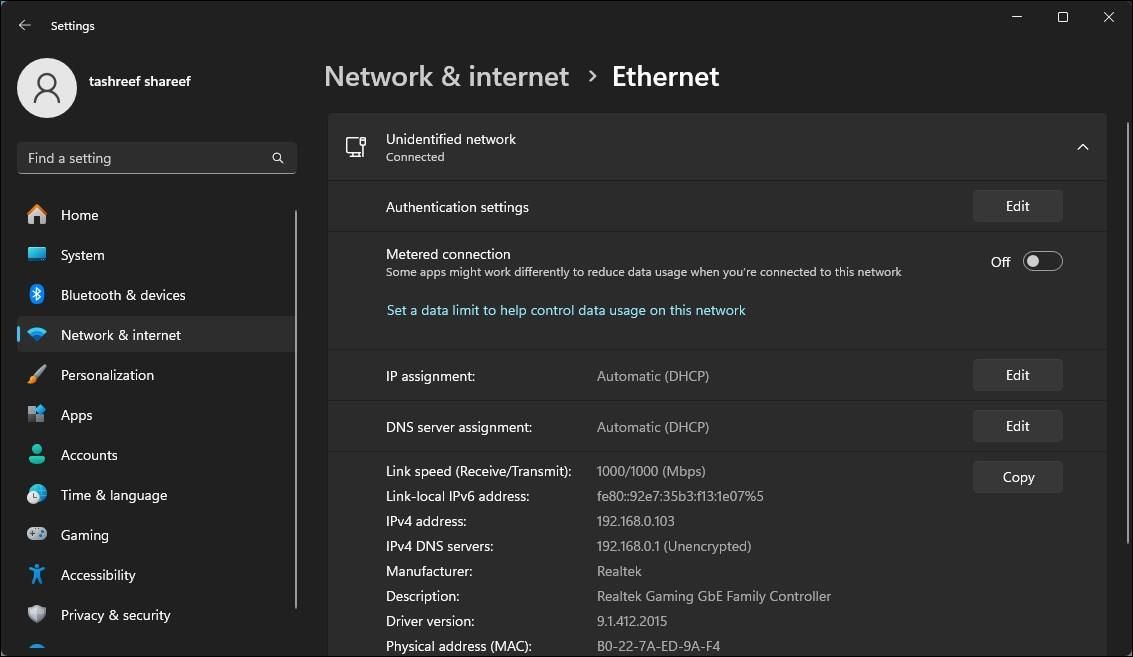




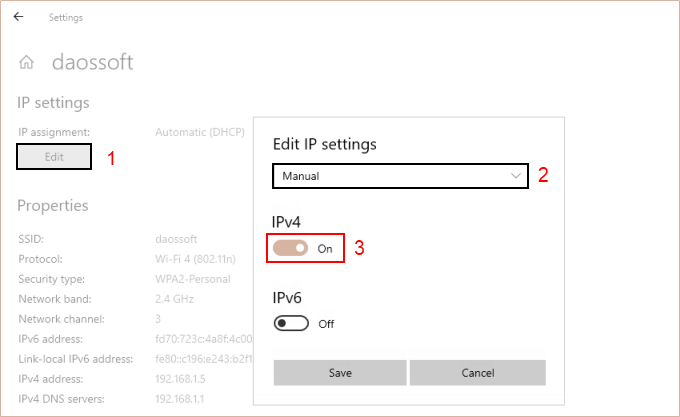
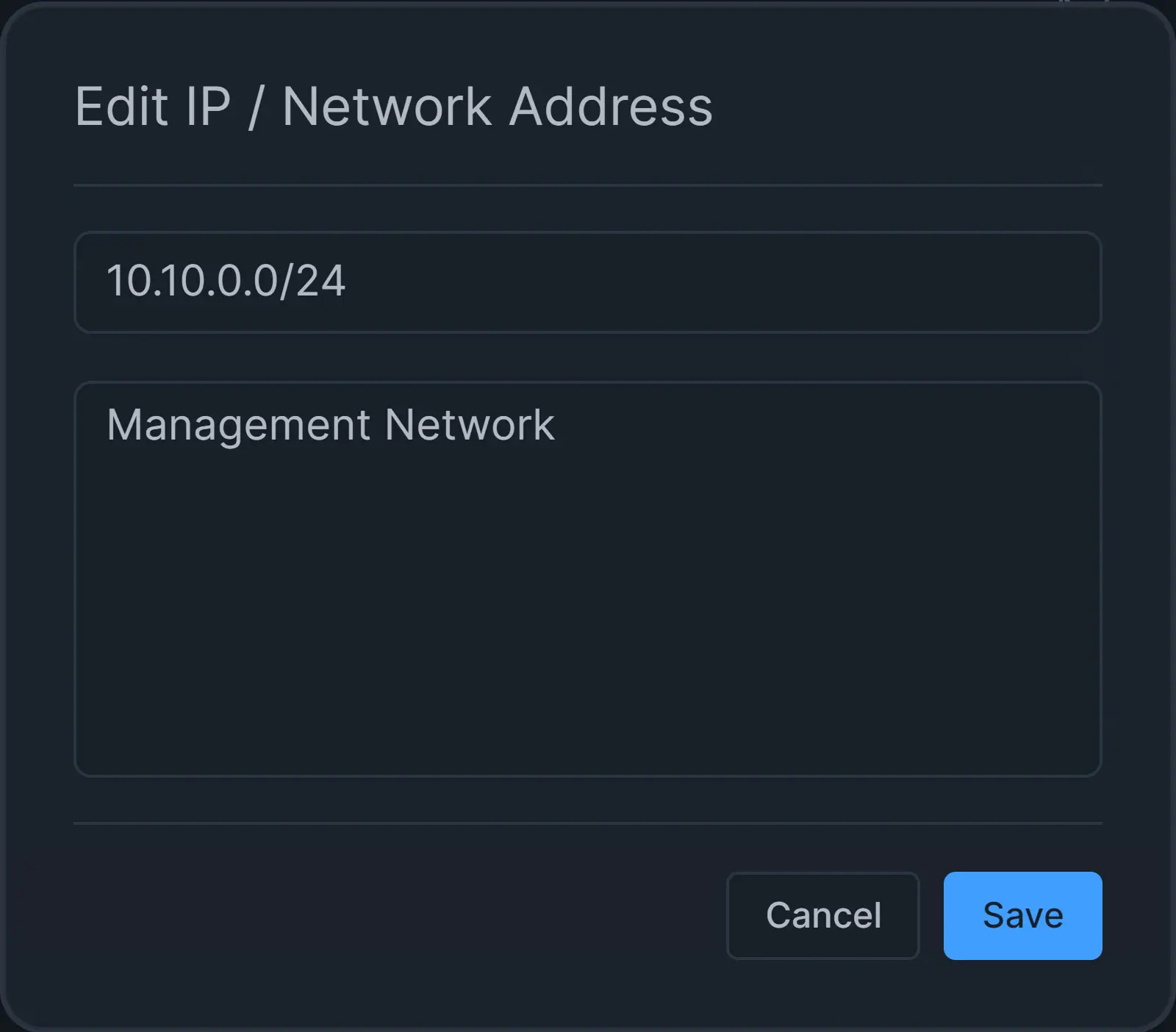
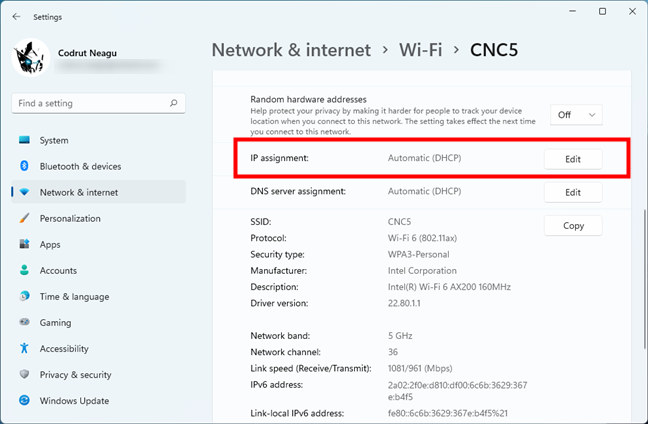


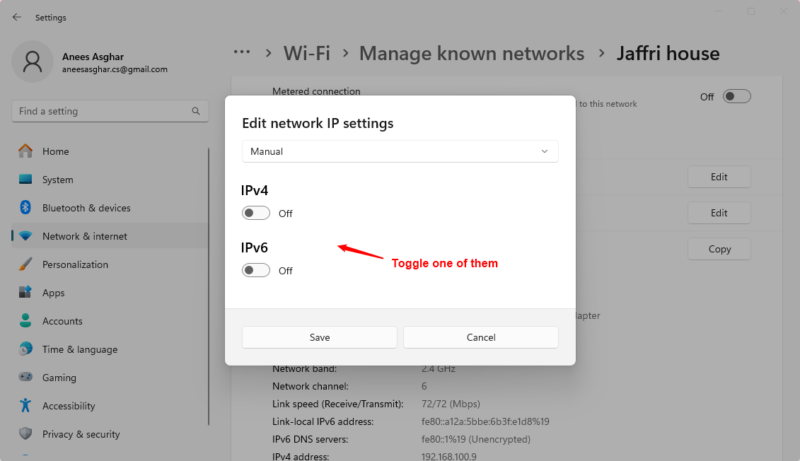









Explore the educational aspects of Ip Edit through substantial collections of informative visual resources. facilitating comprehension through clear visual examples and detailed documentation. making complex concepts accessible through visual learning. The Ip Edit collection maintains consistent quality standards across all images. Excellent for educational materials, academic research, teaching resources, and learning activities All Ip Edit images are available in high resolution with professional-grade quality, optimized for both digital and print applications, and include comprehensive metadata for easy organization and usage. Educators appreciate the pedagogical value of our carefully selected Ip Edit photographs. Advanced search capabilities make finding the perfect Ip Edit image effortless and efficient. Diverse style options within the Ip Edit collection suit various aesthetic preferences. Time-saving browsing features help users locate ideal Ip Edit images quickly. Cost-effective licensing makes professional Ip Edit photography accessible to all budgets. Professional licensing options accommodate both commercial and educational usage requirements. Each image in our Ip Edit gallery undergoes rigorous quality assessment before inclusion. Regular updates keep the Ip Edit collection current with contemporary trends and styles. Comprehensive tagging systems facilitate quick discovery of relevant Ip Edit content. The Ip Edit collection represents years of careful curation and professional standards. Whether for commercial projects or personal use, our Ip Edit collection delivers consistent excellence.