How To Go Server
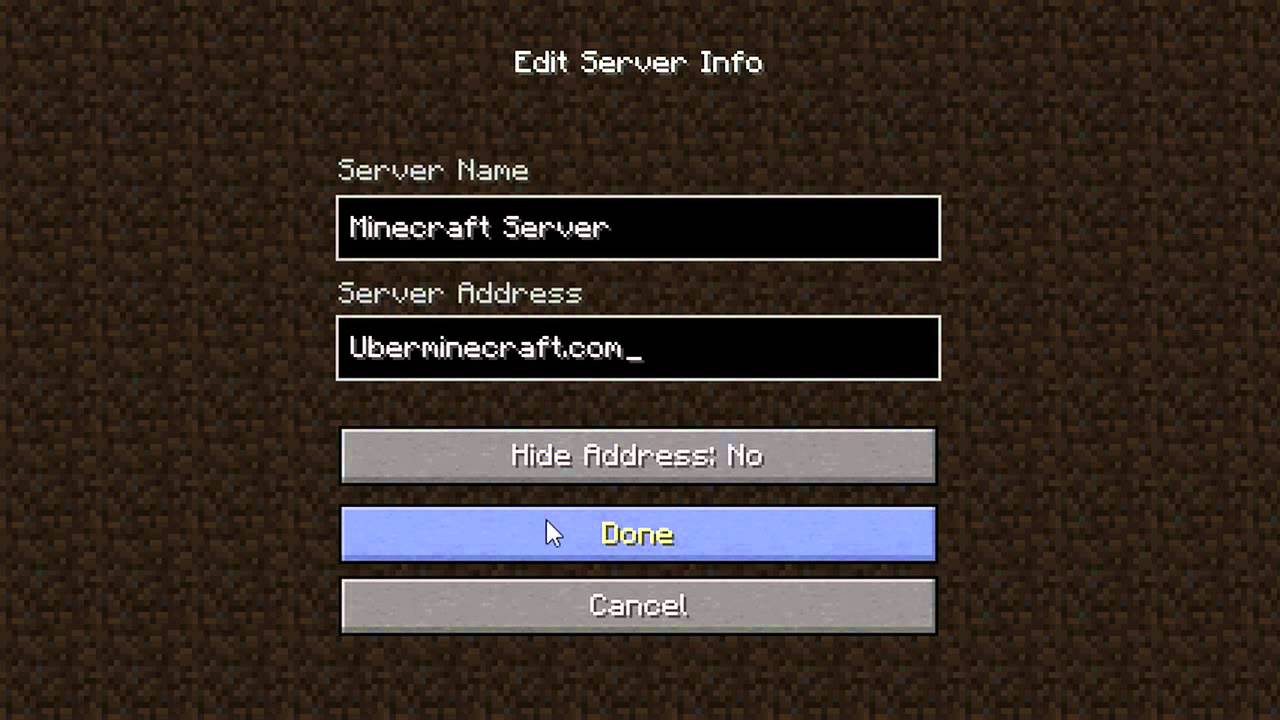
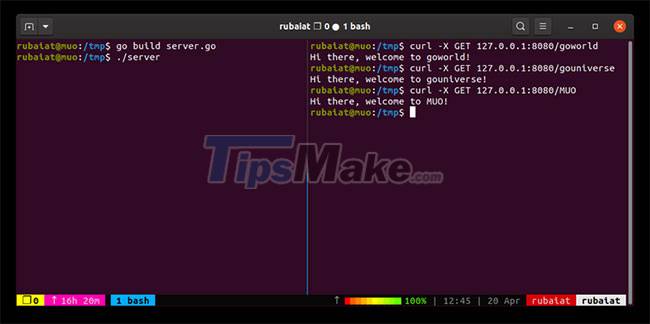

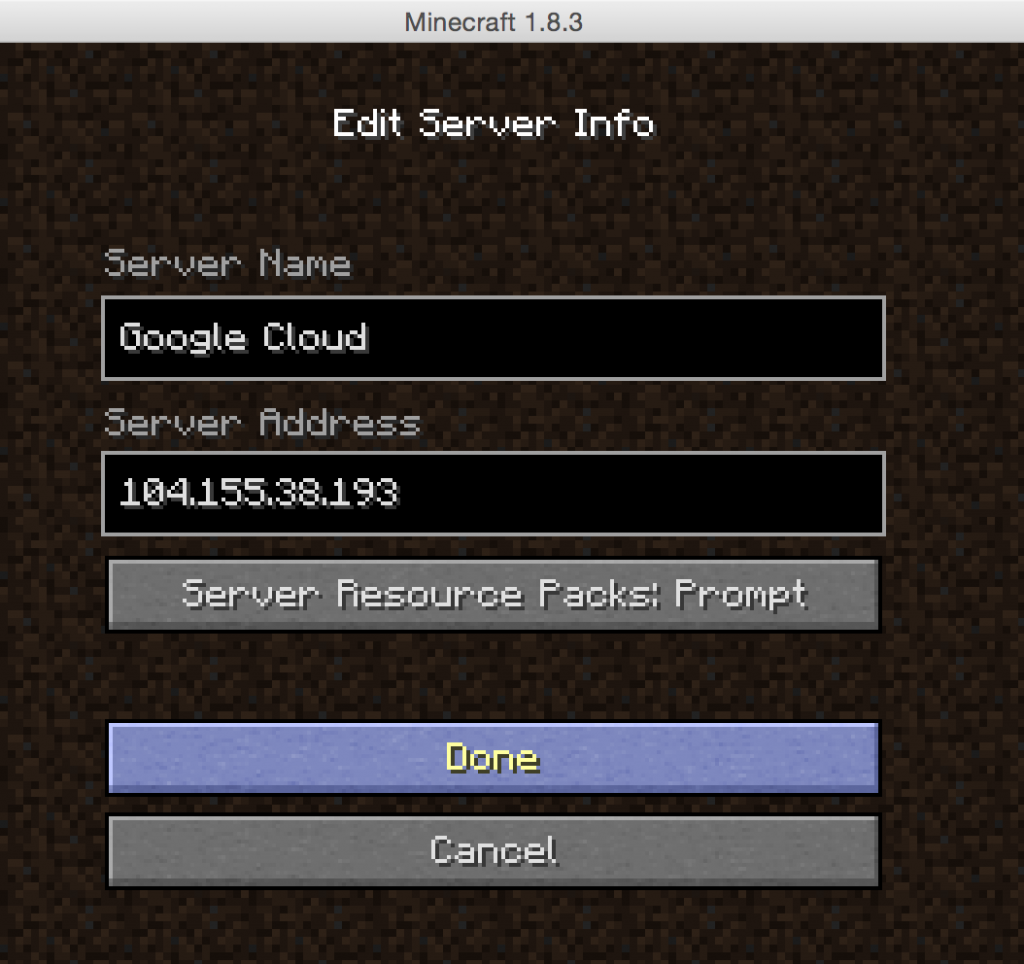

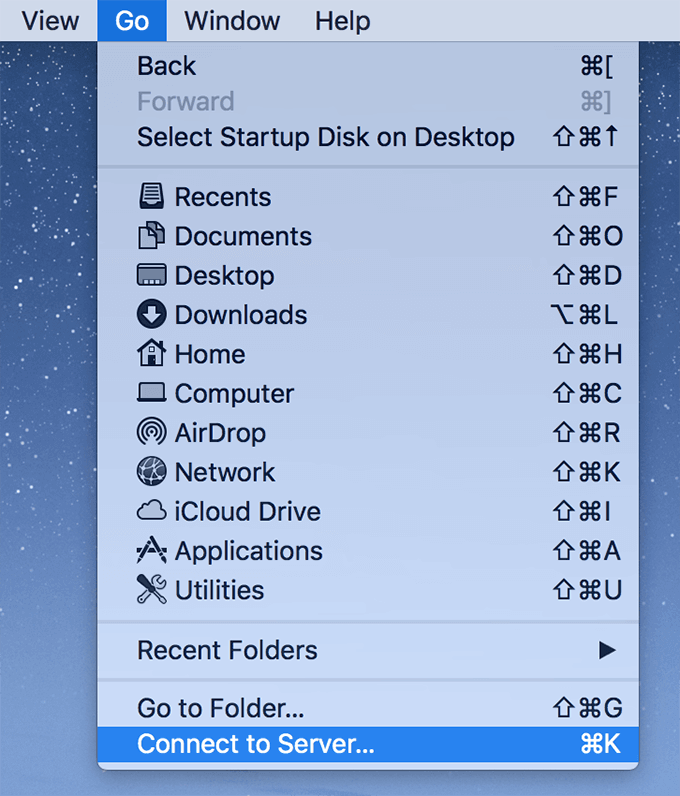
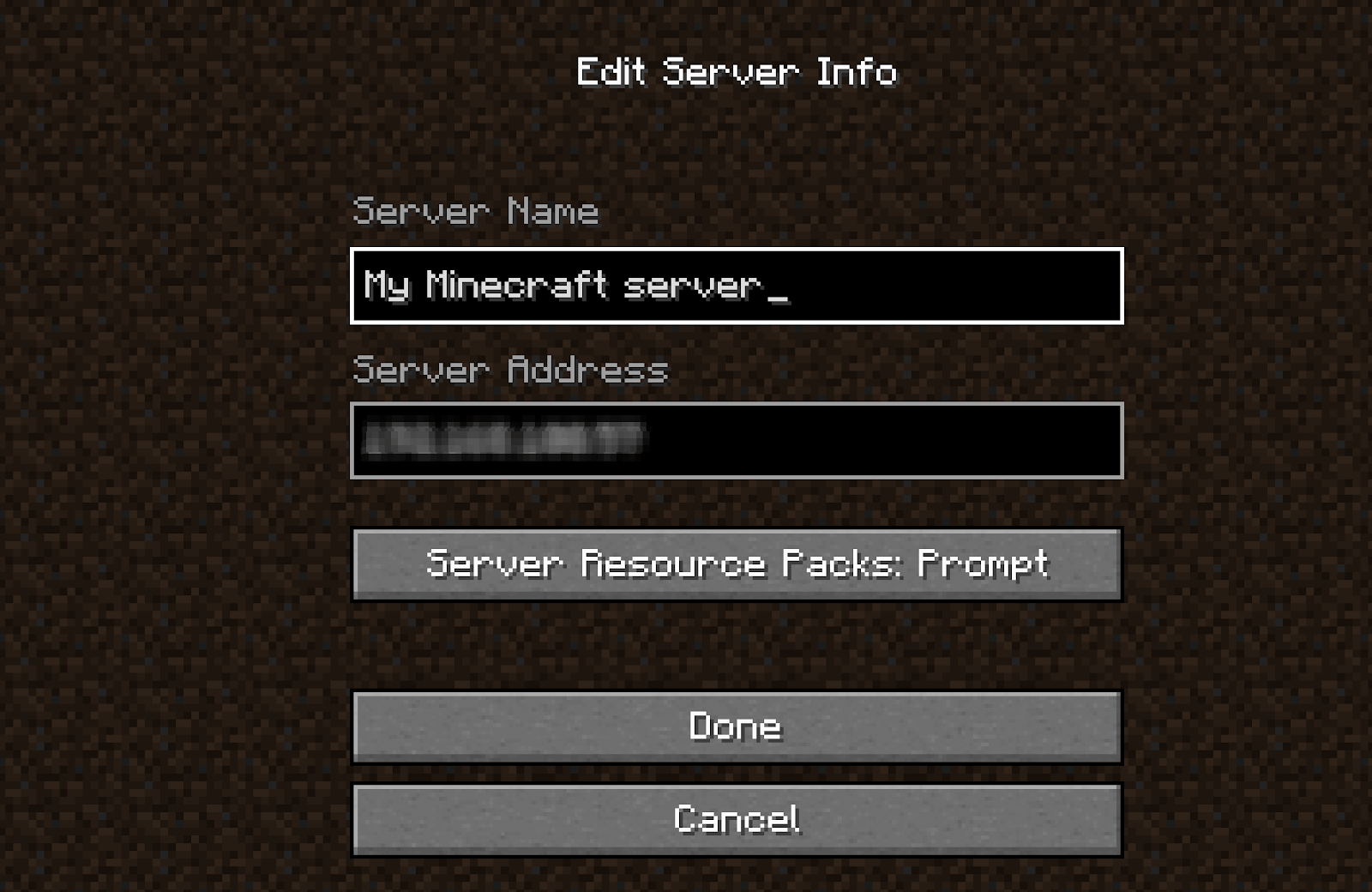




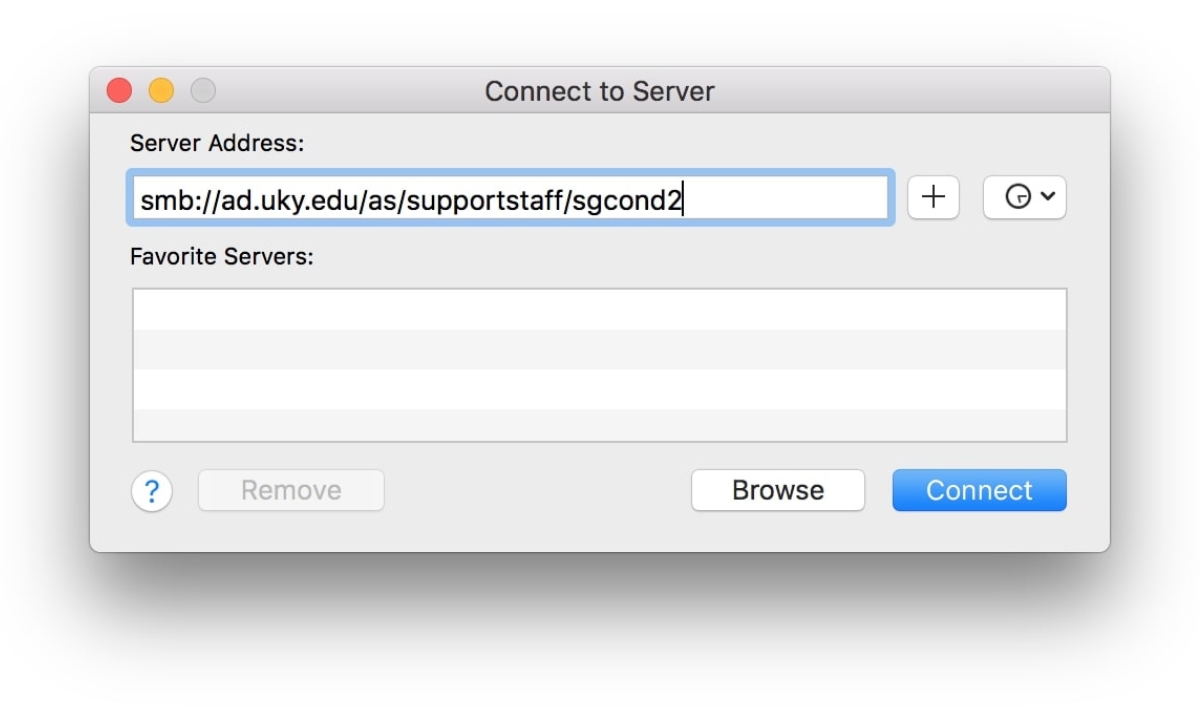





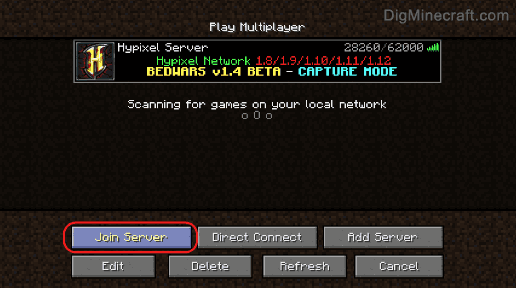

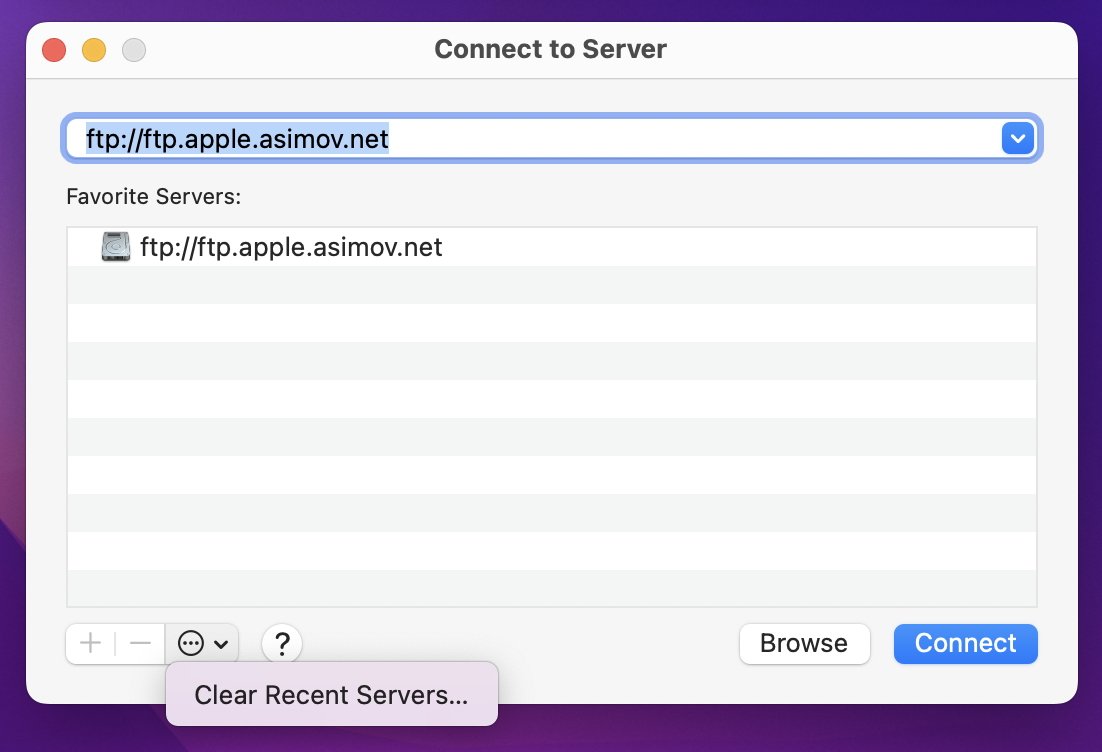

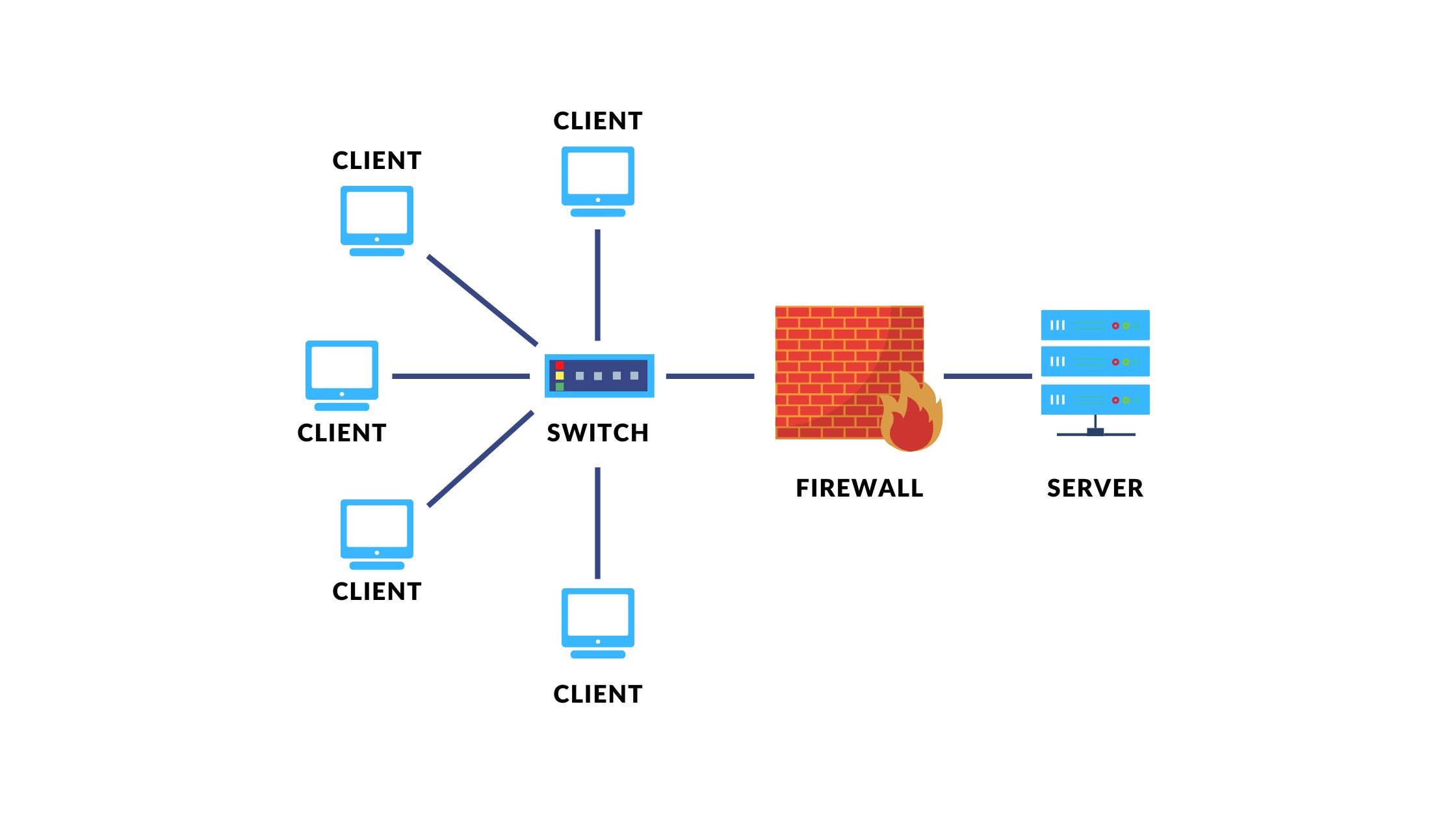
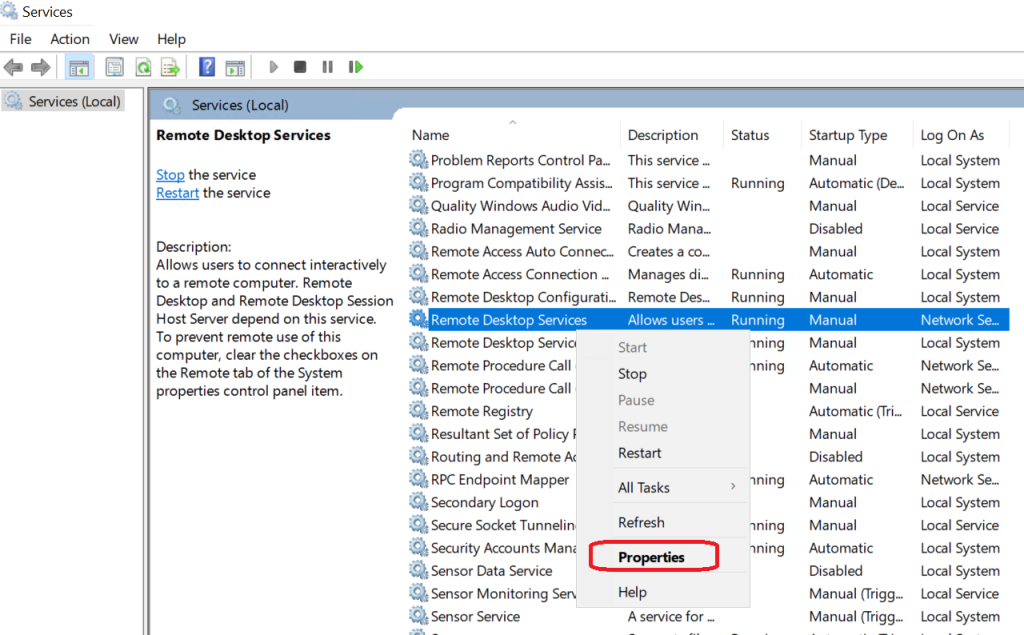


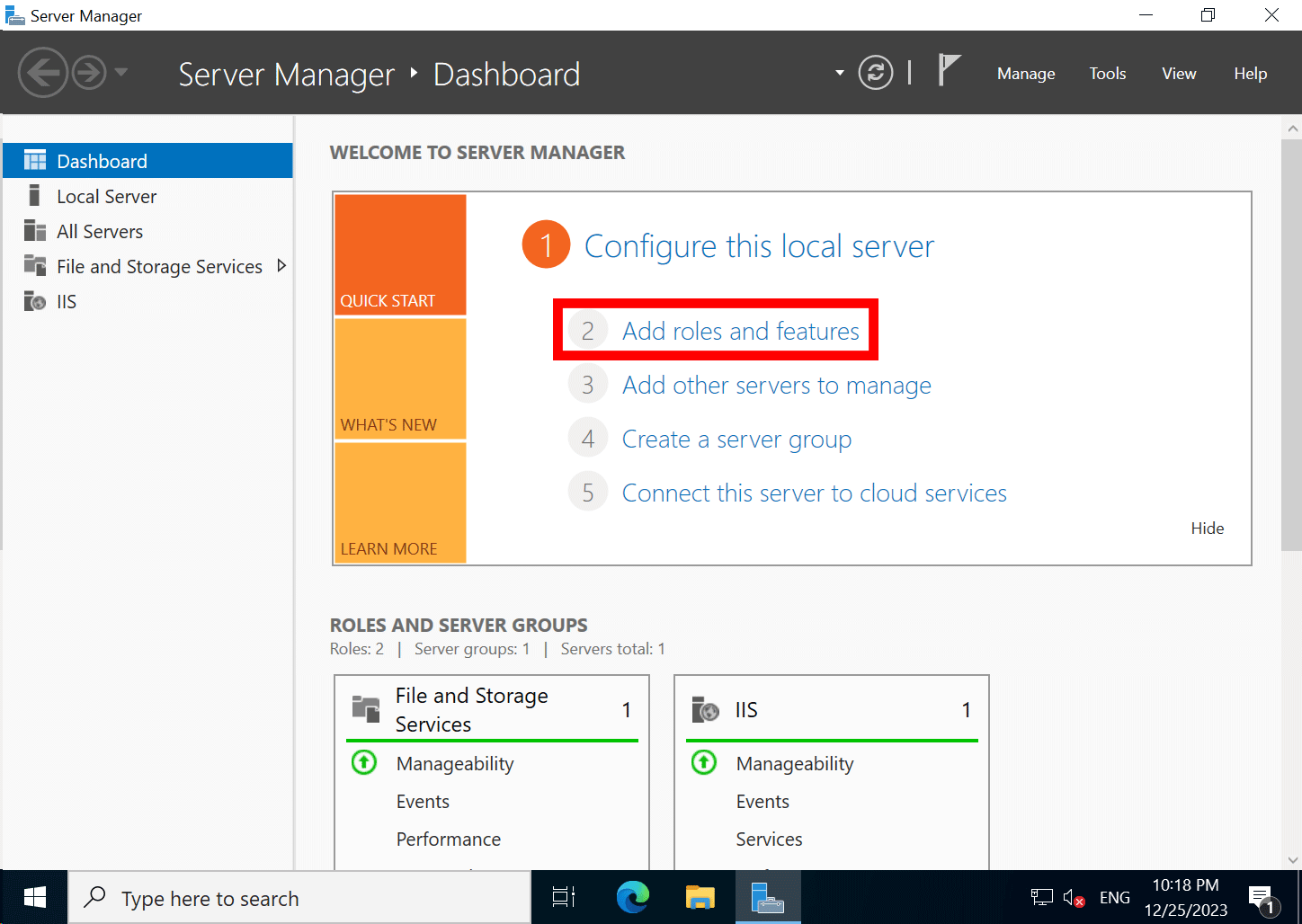





















































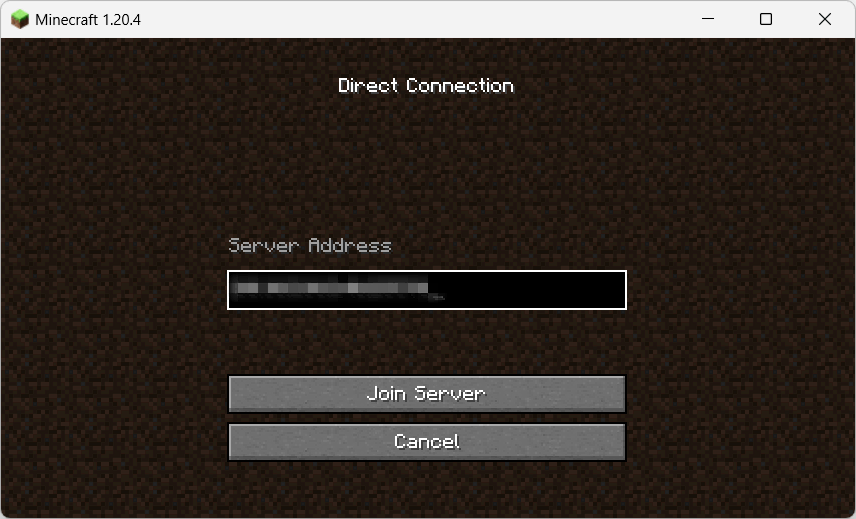
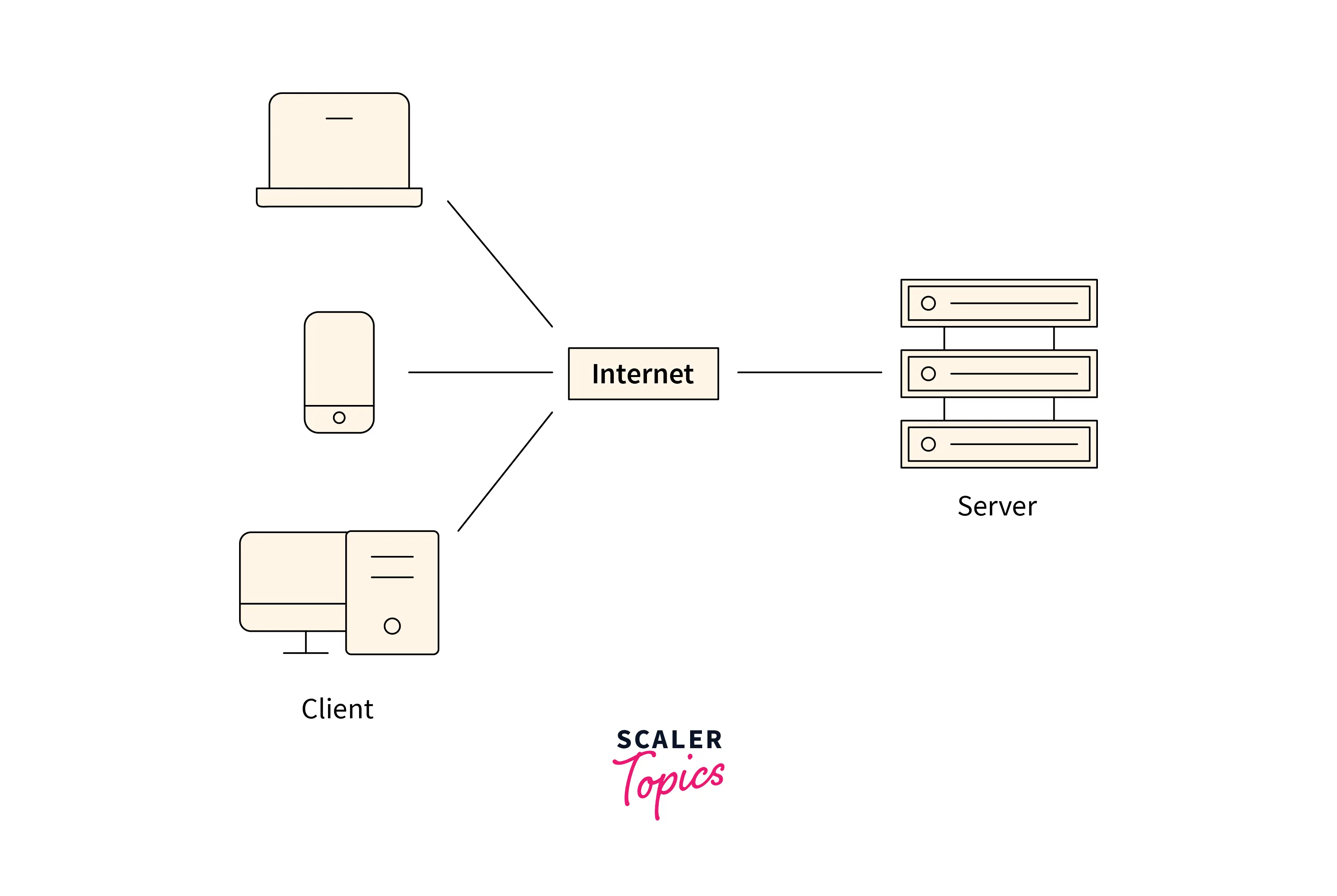
Experience the creative potential of How To Go Server with our collection of hundreds of artistic photographs. blending traditional techniques with contemporary artistic interpretation. evoking wonder and appreciation for the subject inherent beauty. Each How To Go Server image is carefully selected for superior visual impact and professional quality. Ideal for artistic projects, creative designs, digital art, and innovative visual expressions All How To Go Server images are available in high resolution with professional-grade quality, optimized for both digital and print applications, and include comprehensive metadata for easy organization and usage. Each How To Go Server image offers fresh perspectives that enhance creative projects and visual storytelling. The How To Go Server collection represents years of careful curation and professional standards. Reliable customer support ensures smooth experience throughout the How To Go Server selection process. Cost-effective licensing makes professional How To Go Server photography accessible to all budgets. Time-saving browsing features help users locate ideal How To Go Server images quickly. Professional licensing options accommodate both commercial and educational usage requirements. Comprehensive tagging systems facilitate quick discovery of relevant How To Go Server content. Each image in our How To Go Server gallery undergoes rigorous quality assessment before inclusion. Diverse style options within the How To Go Server collection suit various aesthetic preferences.