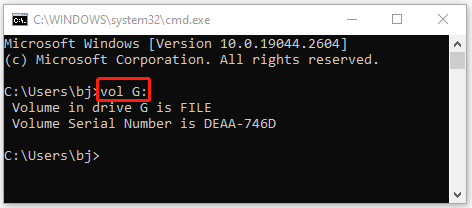
Find Volume Label Cmd
Explore the simplicity of Find Volume Label Cmd through numerous elegant photographs. featuring understated examples of photography, images, and pictures. perfect for modern design and branding. The Find Volume Label Cmd collection maintains consistent quality standards across all images. Suitable for various applications including web design, social media, personal projects, and digital content creation All Find Volume Label Cmd images are available in high resolution with professional-grade quality, optimized for both digital and print applications, and include comprehensive metadata for easy organization and usage. Discover the perfect Find Volume Label Cmd images to enhance your visual communication needs. Diverse style options within the Find Volume Label Cmd collection suit various aesthetic preferences. The Find Volume Label Cmd archive serves professionals, educators, and creatives across diverse industries. Whether for commercial projects or personal use, our Find Volume Label Cmd collection delivers consistent excellence. Each image in our Find Volume Label Cmd gallery undergoes rigorous quality assessment before inclusion. Cost-effective licensing makes professional Find Volume Label Cmd photography accessible to all budgets. The Find Volume Label Cmd collection represents years of careful curation and professional standards. Time-saving browsing features help users locate ideal Find Volume Label Cmd images quickly. Reliable customer support ensures smooth experience throughout the Find Volume Label Cmd selection process.




:max_bytes(150000):strip_icc()/vol-c-command-windows-10-f2360a11df6047ab8eb5185a8d26f354.jpg)


:max_bytes(150000):strip_icc()/hard-drive-properties-17164adbed774f8ea1ee22adaf48681d.jpg)
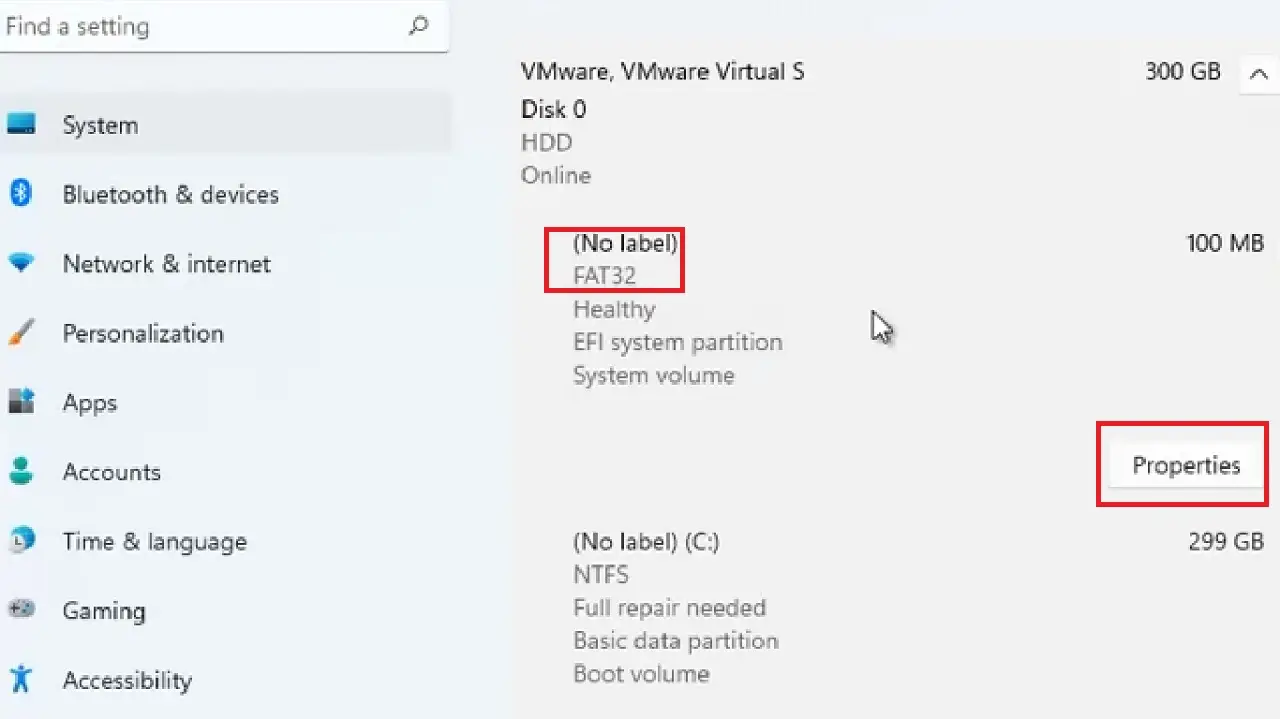
:max_bytes(150000):strip_icc()/volume-labels-windows-11-this-pc-87666ccbc134486d964a6f11b9dbc857.png)

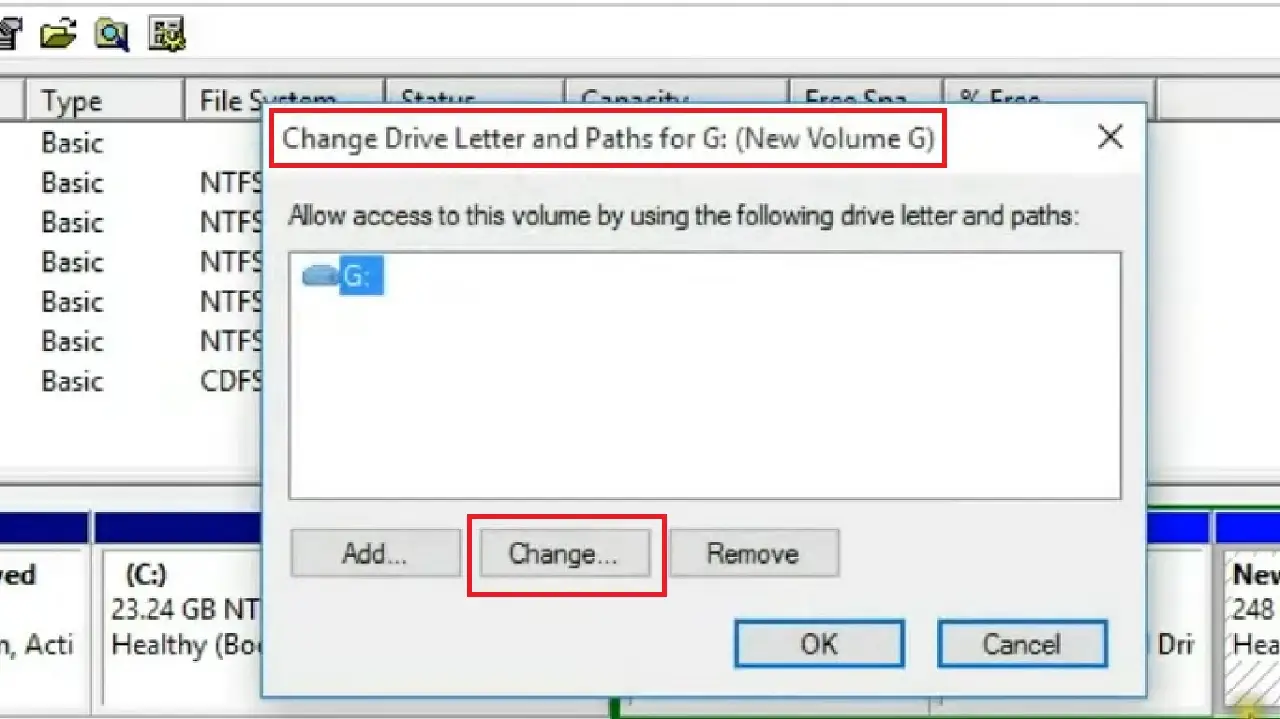
:max_bytes(150000):strip_icc()/view-change-volume-label-disk-management-598cc4a00d327a0010ef1c46.png)


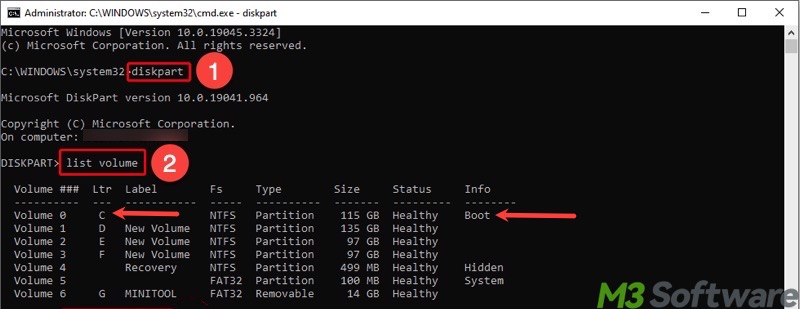
![Find Volume Label Cmd [6+ Ways] Change Volume Label of Internal Hard Drive USB Drive](https://www.resize-c.com/img/howto/change-volume-label-cmd-diskpart.jpg)


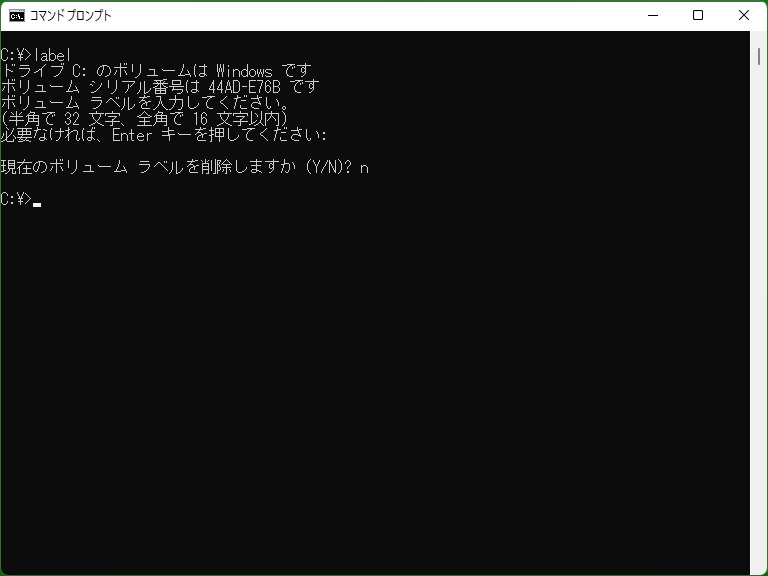
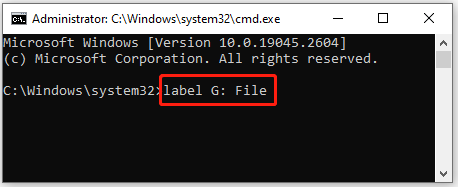
:max_bytes(150000):strip_icc()/label-command-windows-10-3cff7d08d2524628b4c9d97b67272000.png)


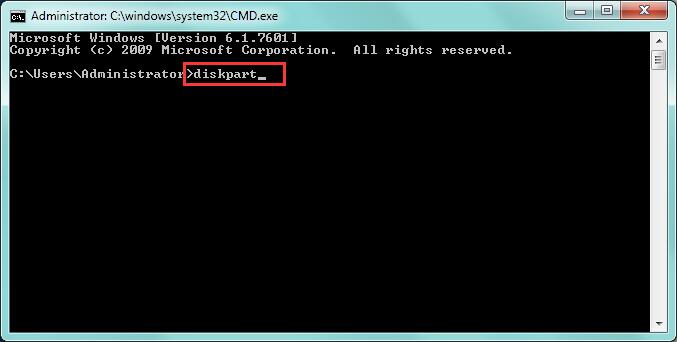
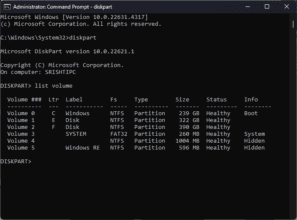
![Find Volume Label Cmd [6+ Ways] Change Volume Label of Internal Hard Drive USB Drive](https://www.resize-c.com/img/howto/cmd-diskpart.jpg)
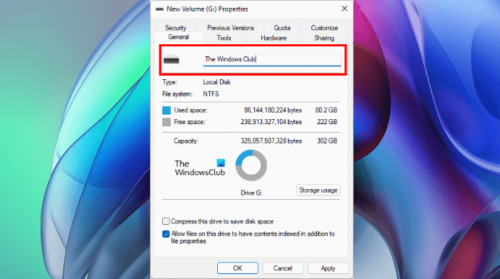
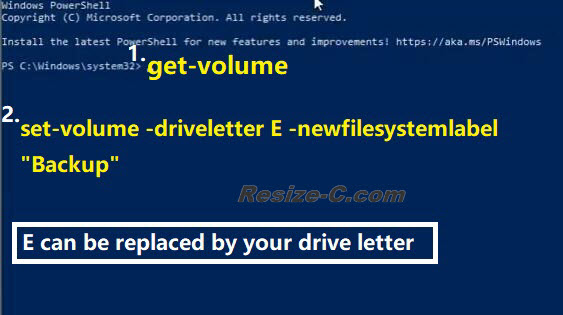
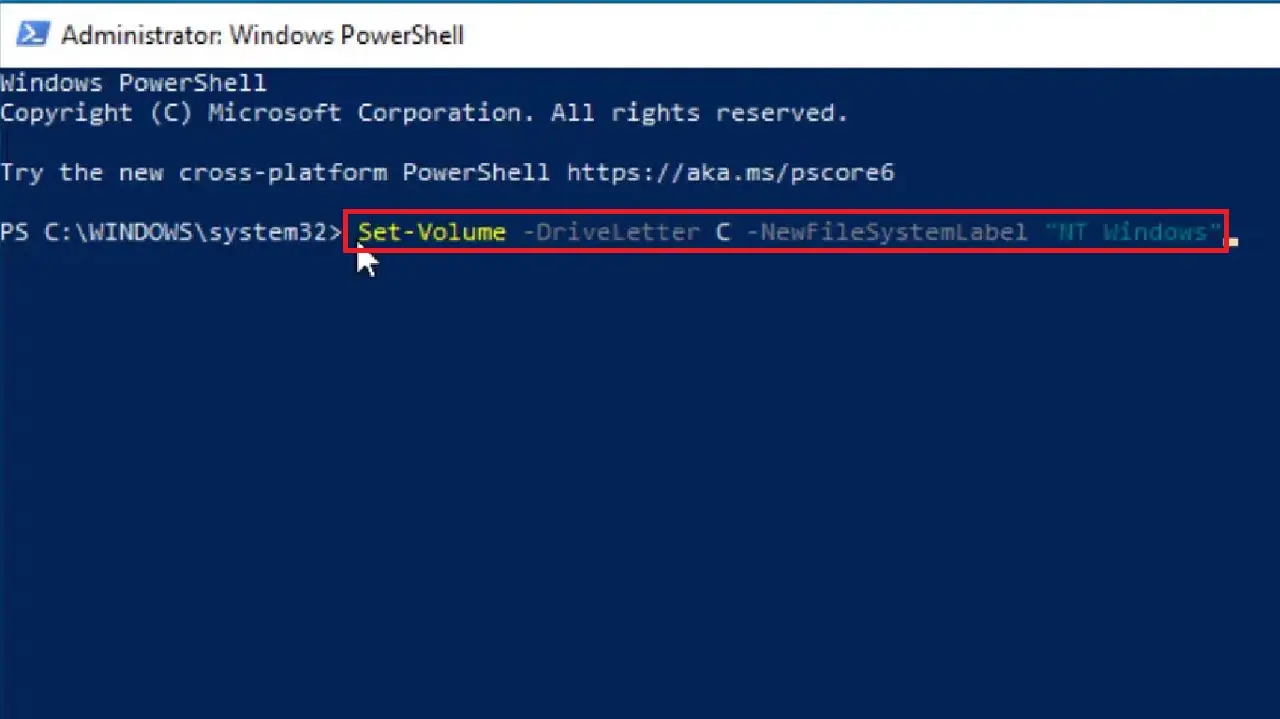
![Find Volume Label Cmd [6+ Ways] Change Volume Label of Internal Hard Drive USB Drive](https://www.resize-c.com/img/howto/change-volume-label-powershell.jpg)
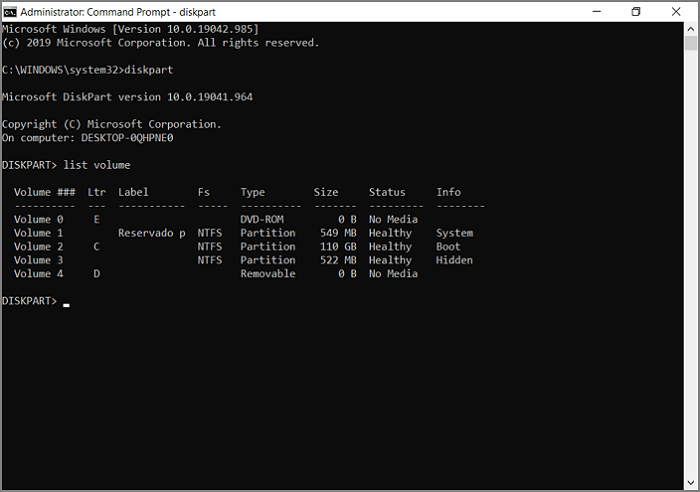


![Find Volume Label Cmd [Complete Guide] How to Fix If the Volume Label Is Not Valid ...](https://images.minitool.com/partitionwizard.com/images/uploads/news/2023/05/the-volume-label-is-not-valid/the-volume-label-is-not-valid-1.png)


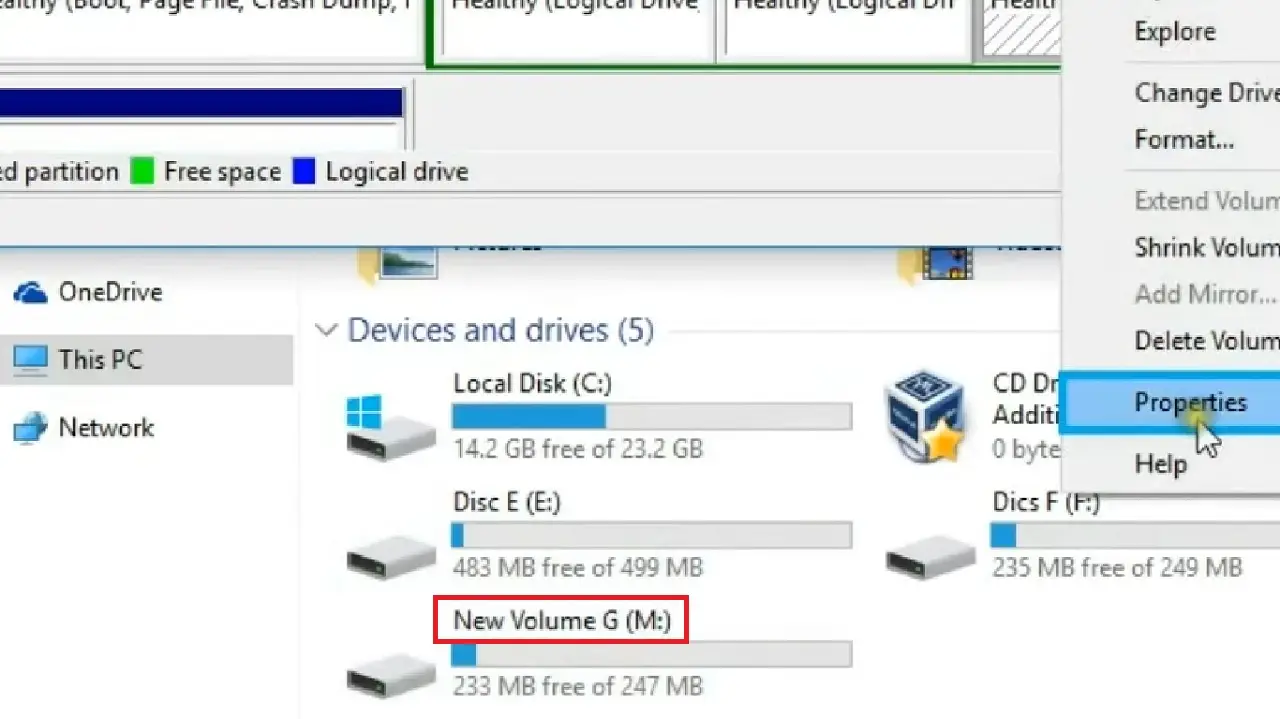
![Find Volume Label Cmd [6+ Ways] Change Volume Label of Internal Hard Drive USB Drive](https://www.resize-c.com/img/howto/volume-label.png)
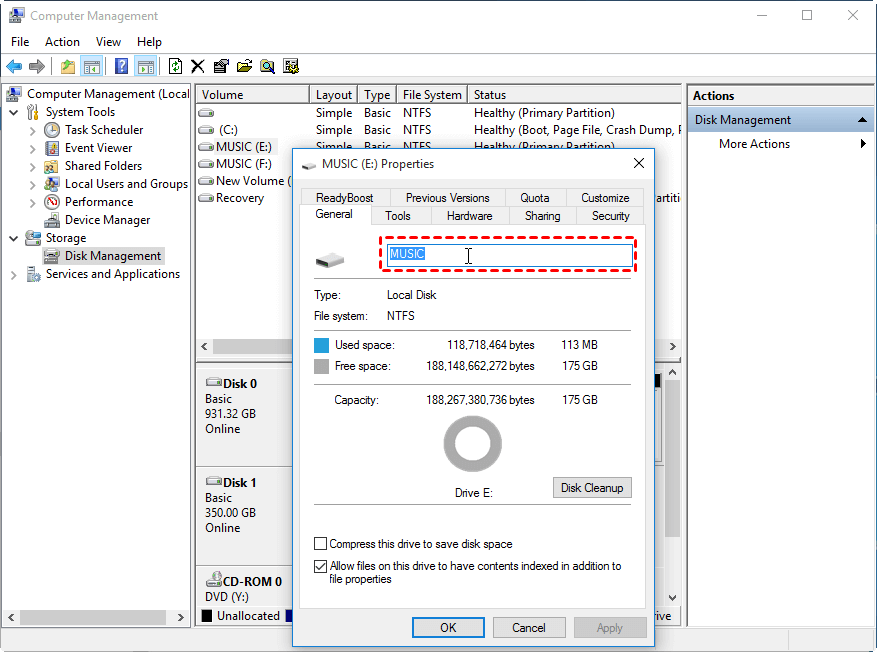
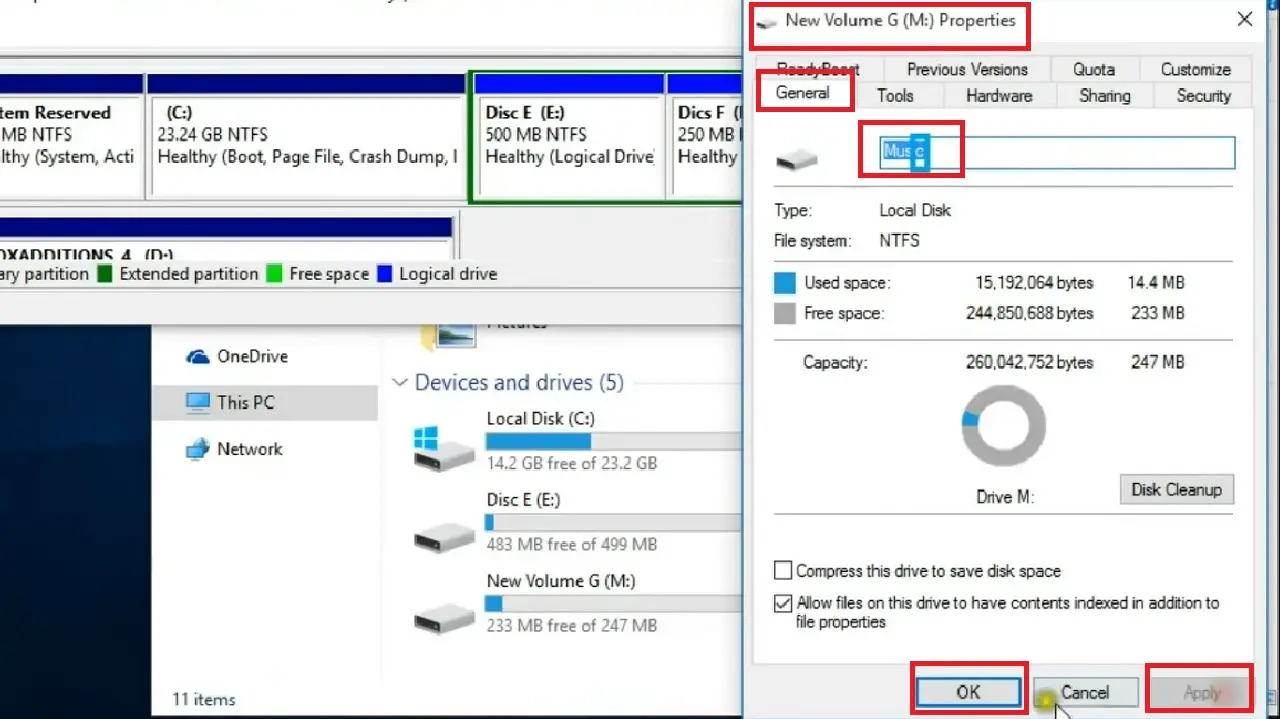
![Find Volume Label Cmd [6+ Ways] Change Volume Label of Internal Hard Drive USB Drive](https://www.resize-c.com/img/howto/properties.png)
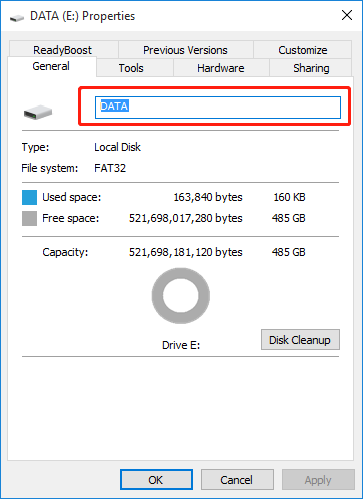


:max_bytes(150000):strip_icc()/vol-command-windows-10-f6351e6f4c3243c4956db54862273bc2.png)


:max_bytes(150000):strip_icc():focal(639x0:641x2)/vol-c-command-windows-10-f2360a11df6047ab8eb5185a8d26f354.jpg)

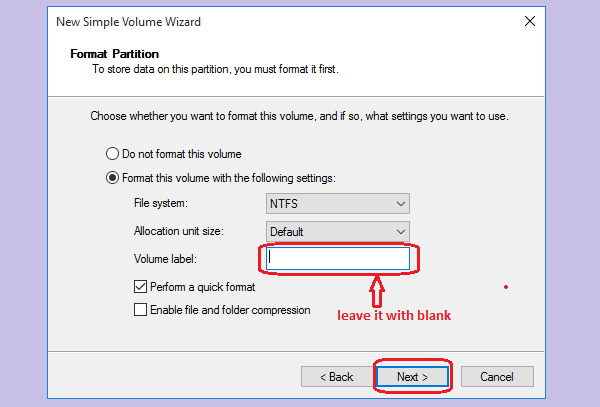
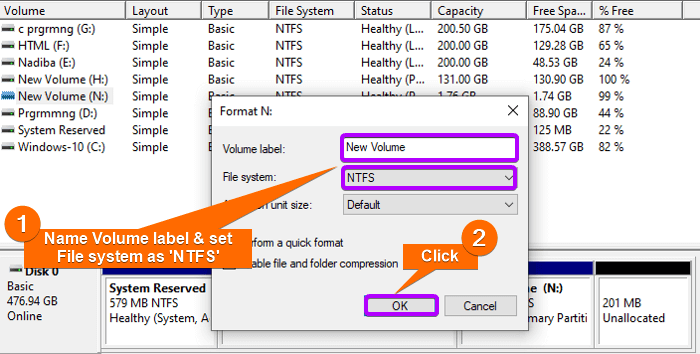
![Find Volume Label Cmd How to Share Files Between Linux and Windows Dual Boot [3 Methods]](https://linuxsimply.com/wp-content/uploads/2023/06/img14-name-volume-label-and-set-file-system-during-drive-formatting.png)
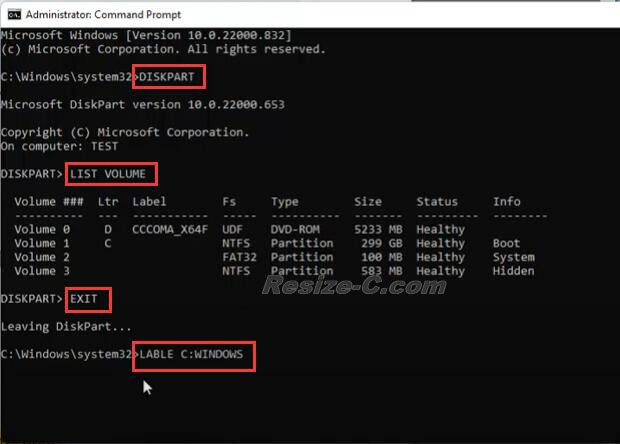
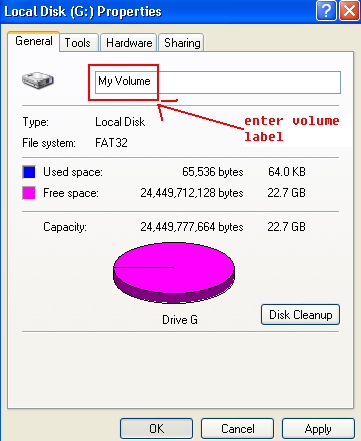
![Find Volume Label Cmd [6+ 方法] 更改內部硬碟或 USB 磁碟的卷標](https://www.resize-c.com/img/howto/enter-volume-label.png)

:max_bytes(150000):strip_icc():focal(728x0:730x2)/diskpart-command-help-ad19de56d02d43a6a37c13e1264b80bb.png)


:max_bytes(150000):strip_icc():focal(500x0:502x2)/help-command-windows-10-5235fec0871648538c84a171a37b33fd.png)


![Find Volume Label Cmd What to Do with Unallocated Space on USB Drive? [2 Solutions]](https://blog.7datarecovery.com/wp-content/uploads/2022/03/file-system-volume-label.png)


![Find Volume Label Cmd Why Is My SSD Only Showing Half Capacity? [Causes & Solutions]](https://www.myrecover.com/screenshots/en/windows/format-volume-cmd.png)