Excel Dates Twitter
































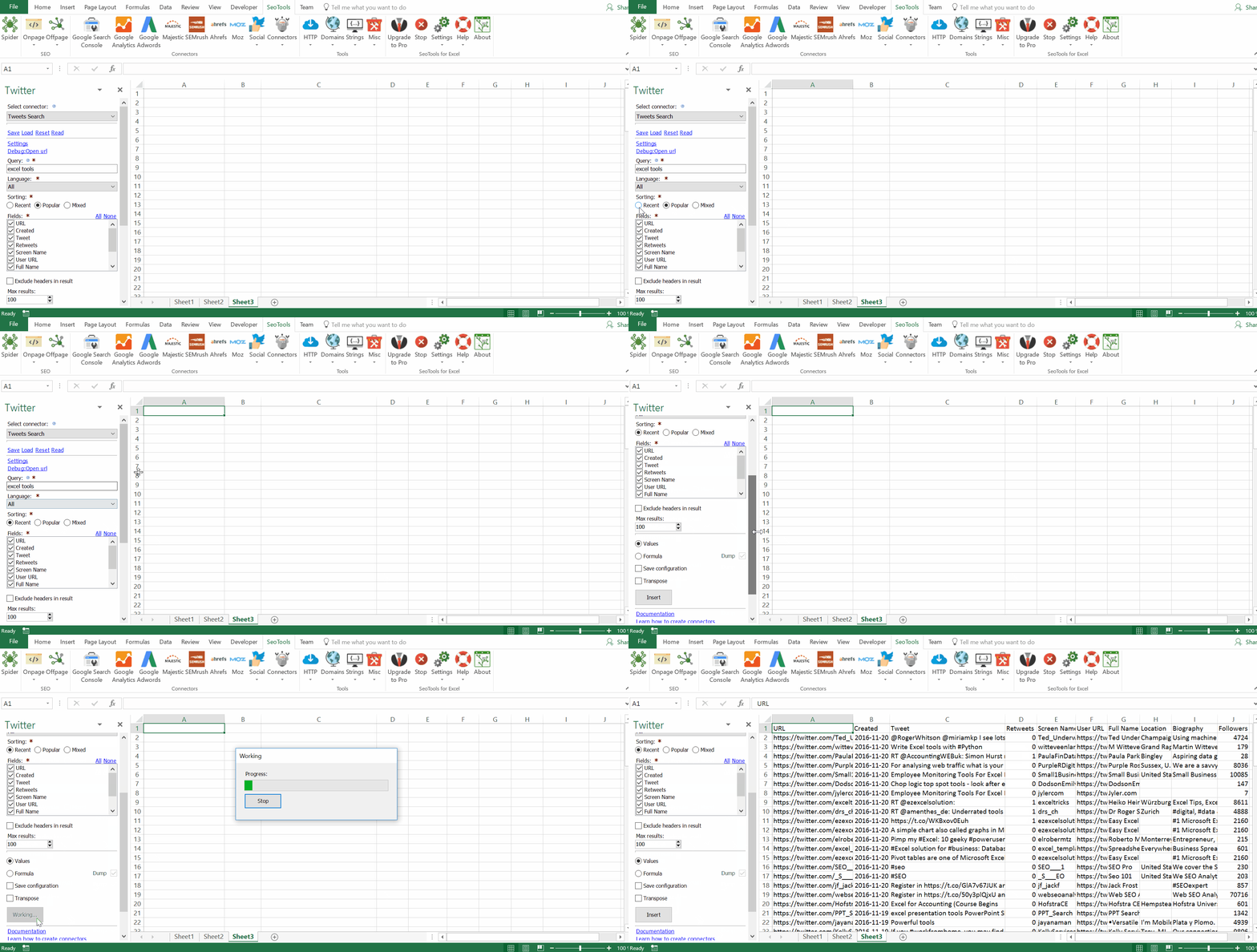


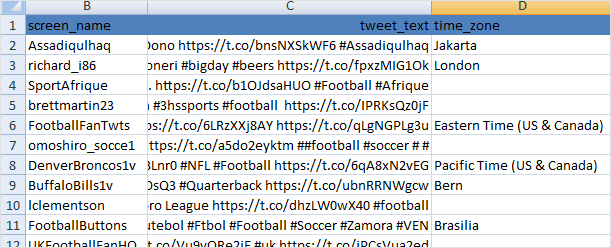

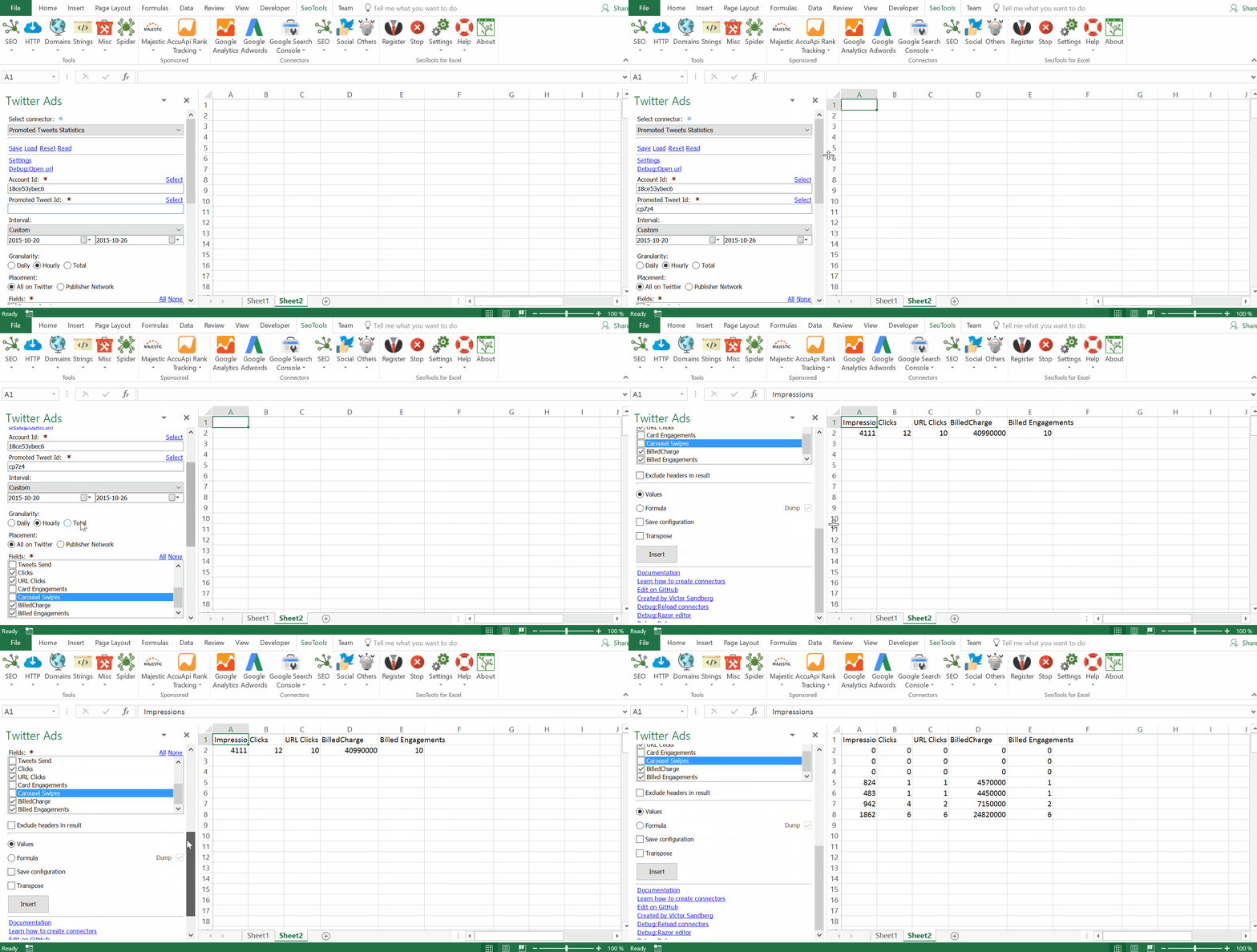


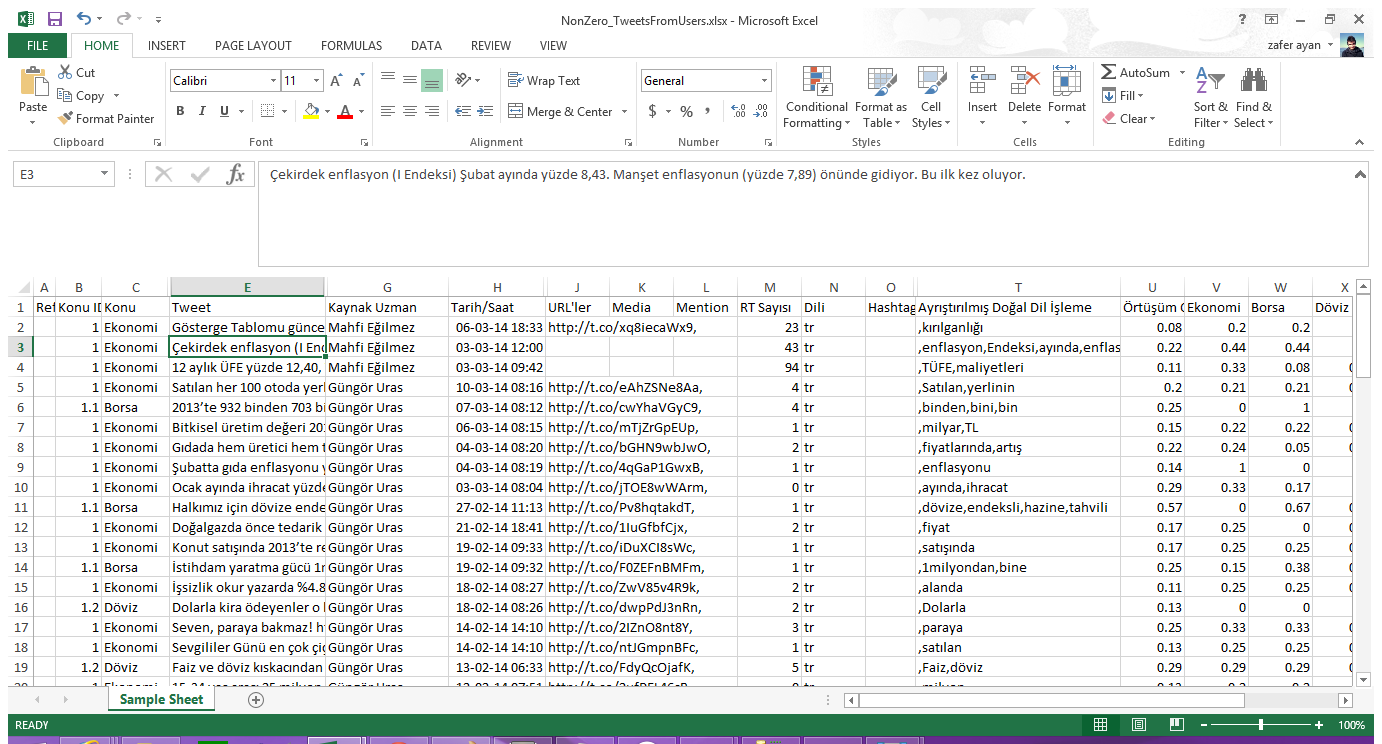


















Embrace seasonal changes with our Excel Dates Twitter gallery of vast arrays of weather-themed images. showcasing weather-dependent photography, images, and pictures. ideal for weather-related content and planning. Our Excel Dates Twitter collection features high-quality images with excellent detail and clarity. Suitable for various applications including web design, social media, personal projects, and digital content creation All Excel Dates Twitter images are available in high resolution with professional-grade quality, optimized for both digital and print applications, and include comprehensive metadata for easy organization and usage. Explore the versatility of our Excel Dates Twitter collection for various creative and professional projects. The Excel Dates Twitter archive serves professionals, educators, and creatives across diverse industries. Comprehensive tagging systems facilitate quick discovery of relevant Excel Dates Twitter content. Instant download capabilities enable immediate access to chosen Excel Dates Twitter images. Regular updates keep the Excel Dates Twitter collection current with contemporary trends and styles. Each image in our Excel Dates Twitter gallery undergoes rigorous quality assessment before inclusion. Our Excel Dates Twitter database continuously expands with fresh, relevant content from skilled photographers. Multiple resolution options ensure optimal performance across different platforms and applications. Whether for commercial projects or personal use, our Excel Dates Twitter collection delivers consistent excellence.