Driver Problems Using Recovery Boot Option
Build inspiration with our stunning architectural Driver Problems Using Recovery Boot Option collection of numerous structural images. architecturally showcasing photography, images, and pictures. ideal for construction and design documentation. Discover high-resolution Driver Problems Using Recovery Boot Option images optimized for various applications. Suitable for various applications including web design, social media, personal projects, and digital content creation All Driver Problems Using Recovery Boot Option images are available in high resolution with professional-grade quality, optimized for both digital and print applications, and include comprehensive metadata for easy organization and usage. Explore the versatility of our Driver Problems Using Recovery Boot Option collection for various creative and professional projects. Time-saving browsing features help users locate ideal Driver Problems Using Recovery Boot Option images quickly. Regular updates keep the Driver Problems Using Recovery Boot Option collection current with contemporary trends and styles. The Driver Problems Using Recovery Boot Option archive serves professionals, educators, and creatives across diverse industries. Comprehensive tagging systems facilitate quick discovery of relevant Driver Problems Using Recovery Boot Option content. Cost-effective licensing makes professional Driver Problems Using Recovery Boot Option photography accessible to all budgets. Professional licensing options accommodate both commercial and educational usage requirements. Reliable customer support ensures smooth experience throughout the Driver Problems Using Recovery Boot Option selection process.



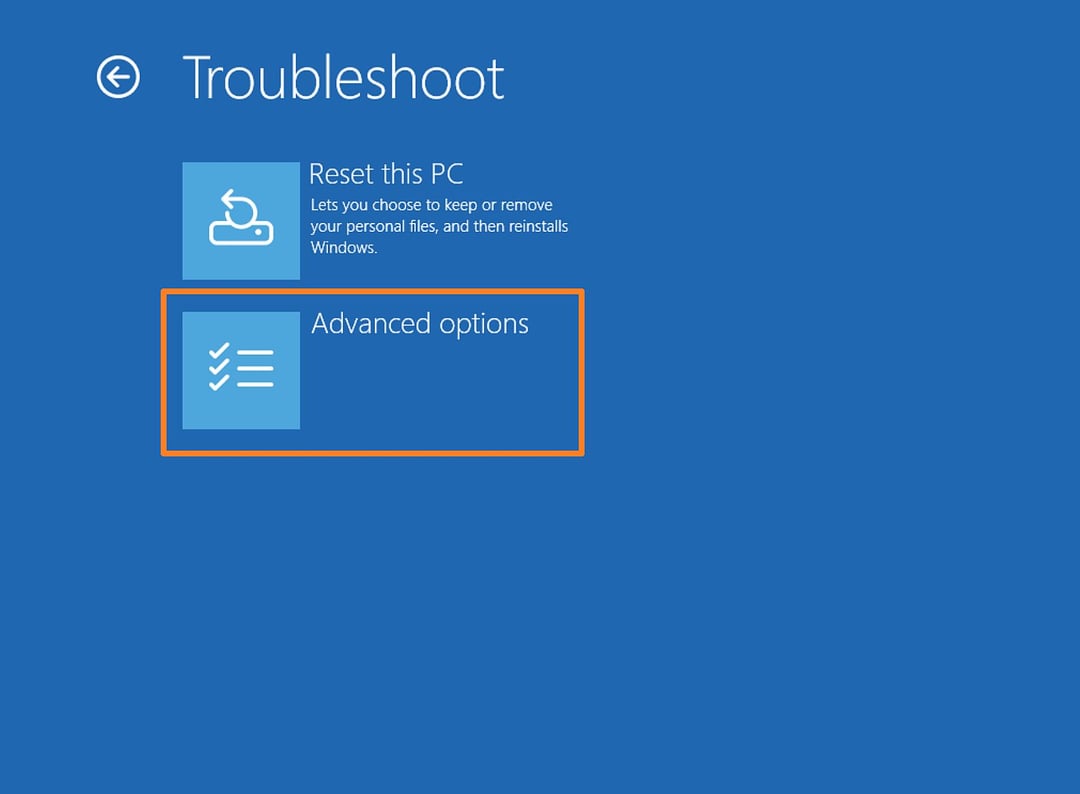
![Driver Problems Using Recovery Boot Option How to Access Boot Options Menu in Windows 10 [Solved] - Driver Easy](https://images.drivereasy.com/wp-content/uploads/2017/02/Untitled.png)


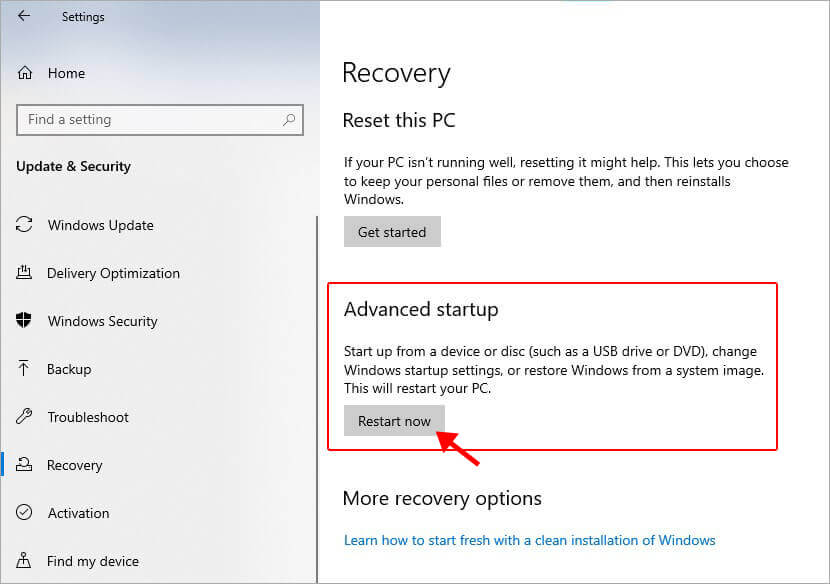
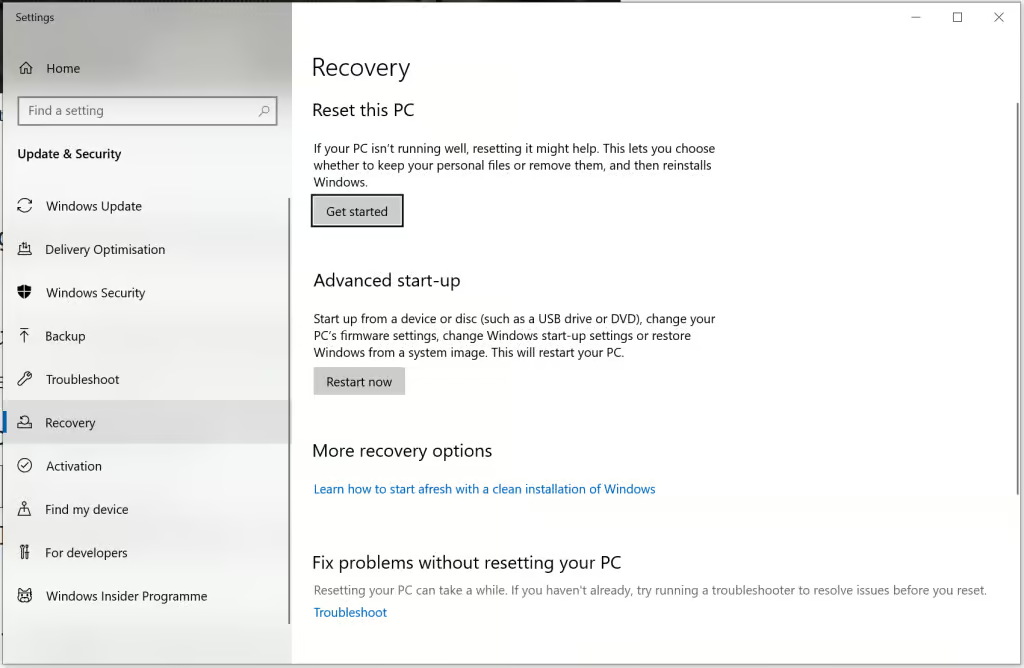
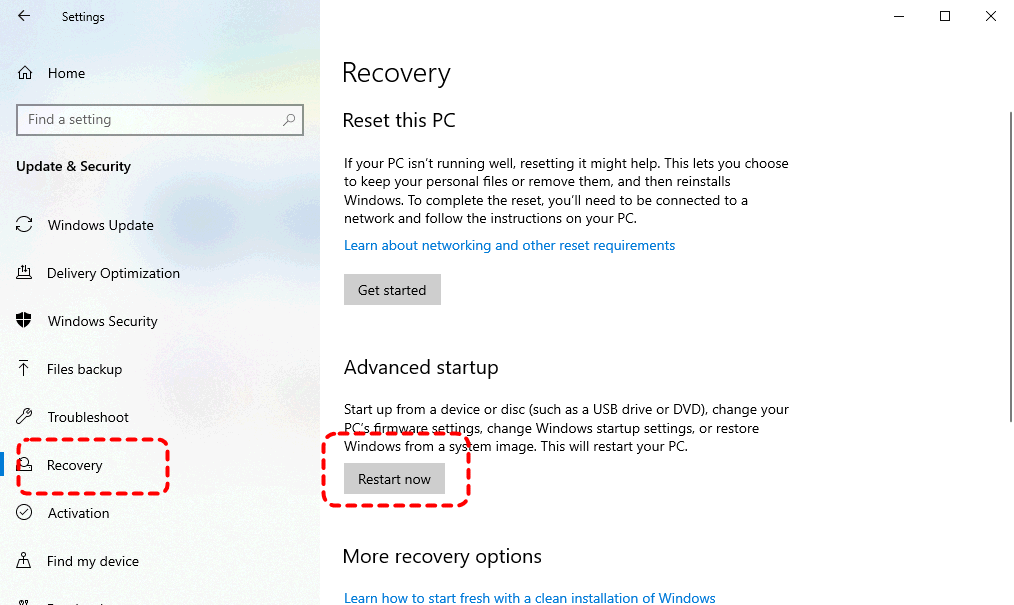
![Driver Problems Using Recovery Boot Option [Fixed] DRIVER VERIFIER DMA VIOLATION BSoD Error](https://www.stellarinfo.com/blog/wp-content/uploads/2023/02/mark-recovery-advanced-setup-restart-now.jpg)
![Driver Problems Using Recovery Boot Option [Solved] Your Computer Was Unable To Start - Driver Easy](https://www.drivereasy.com/wp-content/uploads/2019/11/recovery.jpg)


![Driver Problems Using Recovery Boot Option SSD Not Booting: Causes, Fixes, and Data Recovery Options [2026]](https://www.stellarinfo.co.in/blog/wp-content/uploads/2025/10/Boot-Issues-in-SSDs.jpg)


![Driver Problems Using Recovery Boot Option Windows 10/11 Won't Enter Recovery Mode [Troubleshoot]](https://windowsreport.com/wp-content/uploads/2019/04/advanced-startup-options-279x300.png)


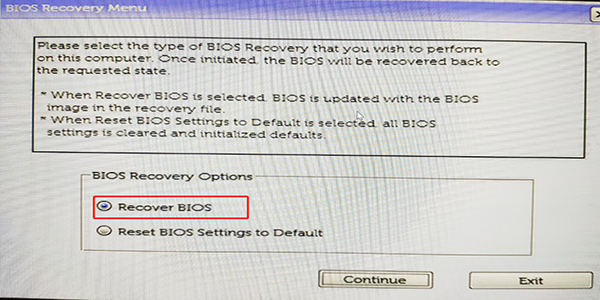
![Driver Problems Using Recovery Boot Option Windows 10/11 Won't Enter Recovery Mode [Troubleshoot]](https://windowsreport.com/wp-content/uploads/2017/10/pc-wont-boot-after-bios-update-2-300x178.png)


![Driver Problems Using Recovery Boot Option Windows 10 Boot Repair [Quick & Easy]](https://www.ventoy.net/en/experience/20231013/images/roll-back-driver.png)


![Driver Problems Using Recovery Boot Option UNMOUNTABLE_BOOT_VOLUME Windows 10 Blue Screen Error [Solved] - Driver Easy](https://images.drivereasy.com/wp-content/uploads/2017/05/img_5929362e0888f.png)

![Driver Problems Using Recovery Boot Option Windows Boot Manager on wrong drive [Fix]](https://www.thewindowsclub.com/wp-content/uploads/2015/06/windows-10-boot-7.jpg)


![Driver Problems Using Recovery Boot Option [Windows 11/10] Troubleshooting - Automatic Repair (Startup Repair) on ...](https://km-ap.asus.com/uploads/PhotoLibrarys/8a53fc79-6a00-4a96-8408-a7e886967aef/20231025174332284_EN_5.png)