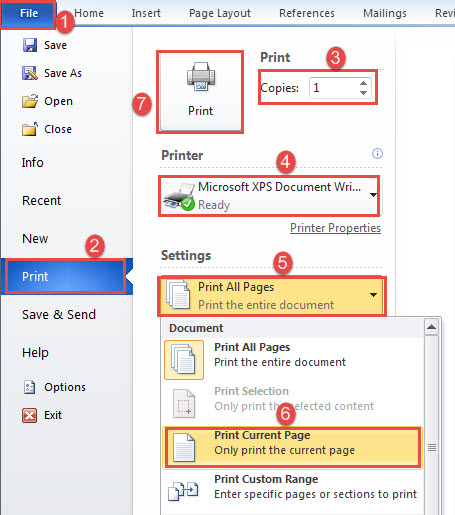
Docs Prints Layout Button
Discover the thrill of Docs Prints Layout Button through vast arrays of breathtaking photographs. highlighting the adventurous spirit of photography, images, and pictures. designed to inspire exploration and discovery. Browse our premium Docs Prints Layout Button gallery featuring professionally curated photographs. Suitable for various applications including web design, social media, personal projects, and digital content creation All Docs Prints Layout Button images are available in high resolution with professional-grade quality, optimized for both digital and print applications, and include comprehensive metadata for easy organization and usage. Explore the versatility of our Docs Prints Layout Button collection for various creative and professional projects. Our Docs Prints Layout Button database continuously expands with fresh, relevant content from skilled photographers. Each image in our Docs Prints Layout Button gallery undergoes rigorous quality assessment before inclusion. Instant download capabilities enable immediate access to chosen Docs Prints Layout Button images. Whether for commercial projects or personal use, our Docs Prints Layout Button collection delivers consistent excellence. Professional licensing options accommodate both commercial and educational usage requirements. Diverse style options within the Docs Prints Layout Button collection suit various aesthetic preferences. Cost-effective licensing makes professional Docs Prints Layout Button photography accessible to all budgets. Comprehensive tagging systems facilitate quick discovery of relevant Docs Prints Layout Button content.
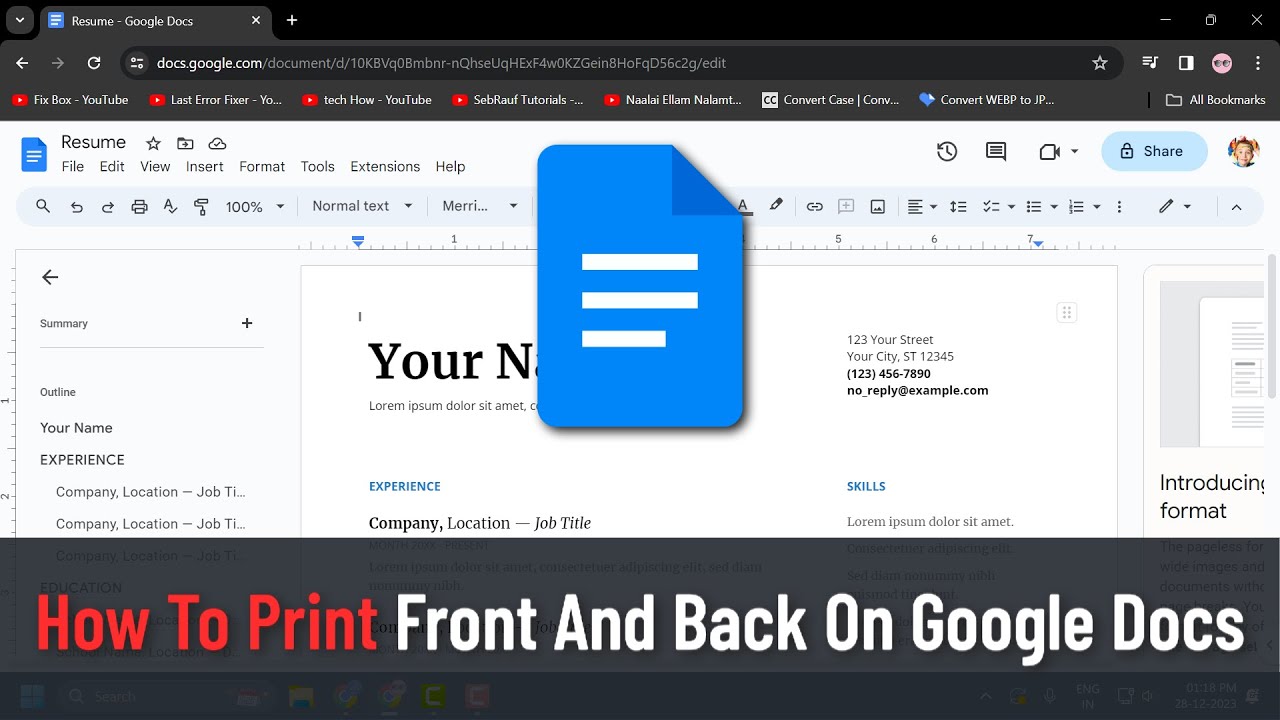
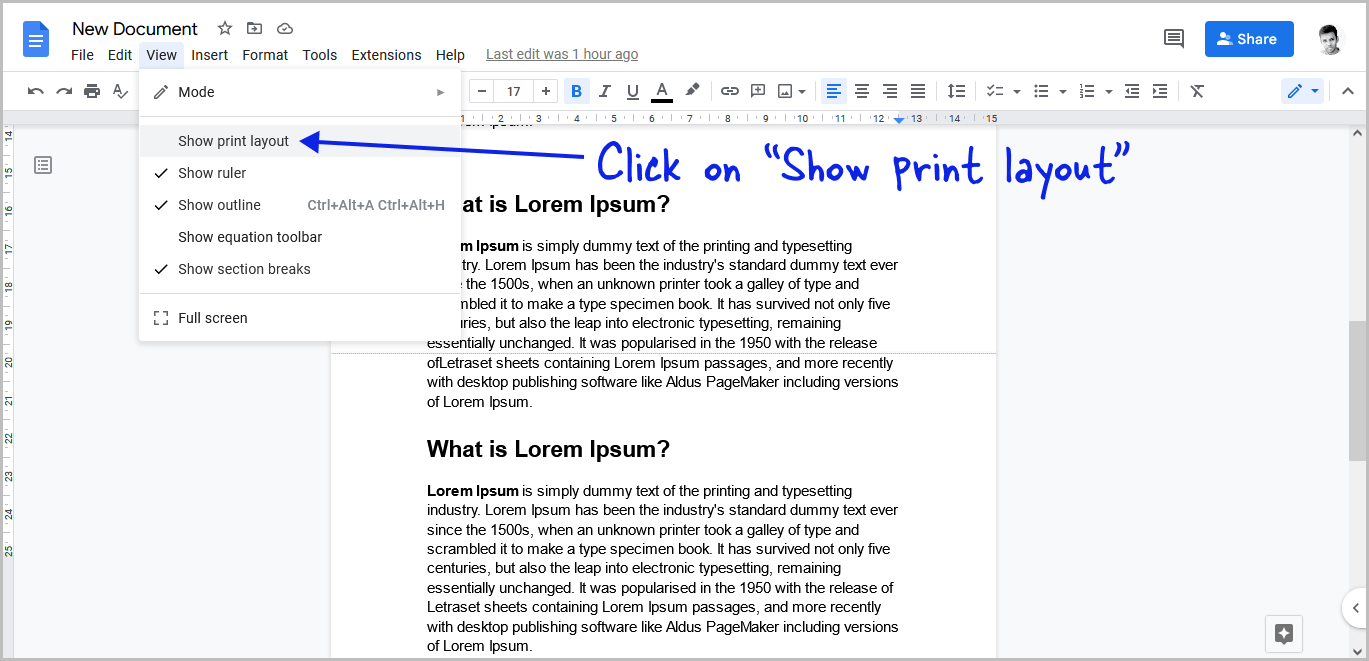
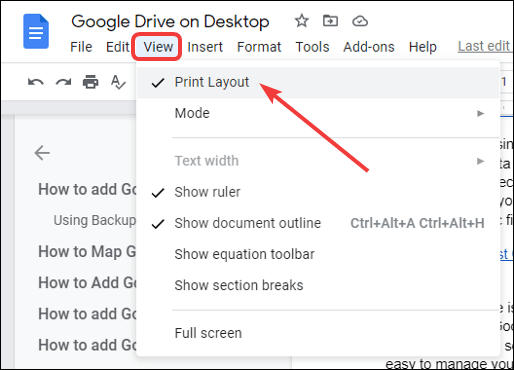
![Docs Prints Layout Button How to Show Print Layout in Google Docs [SIMPLE GUIDE] - YouTube](https://i.ytimg.com/vi/2eslCXa0cE8/maxresdefault.jpg)


![Docs Prints Layout Button How To Print Double-Sided on Google Docs [Guide] | SSP](https://spreadsheetpoint.com/wp-content/uploads/2023/05/pasted-image-0-29.png)


![Docs Prints Layout Button How to Print Double Sided on Google Docs [Updated 2025] - Technical Wall](https://technicalwall.com/wp-content/uploads/2024/01/printing-in-google-docs.png)


![Docs Prints Layout Button How To Print Double-Sided on Google Docs [Guide] | SSP](https://spreadsheetpoint.com/wp-content/uploads/2023/05/pasted-image-0-27.png)


![Docs Prints Layout Button How to Print Envelopes in Google Docs [3 Easy Ways] | SSP](https://spreadsheetpoint.com/wp-content/uploads/2023/05/Untitled-156.png)


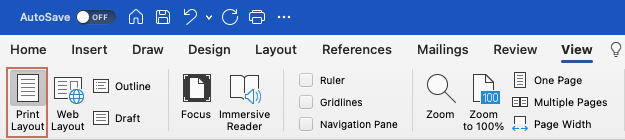
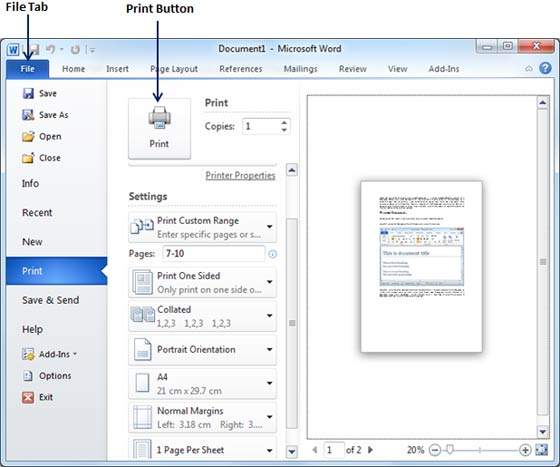
![Docs Prints Layout Button How to Print Comments in Google Docs [2 Effective Ways]](https://10pcg.com/wp-content/uploads/ms-word-print-settings.jpg)
![Docs Prints Layout Button How To Print Double-Sided on Google Docs [Guide] | SSP](https://spreadsheetpoint.com/wp-content/uploads/2023/05/pasted-image-0-28.png)


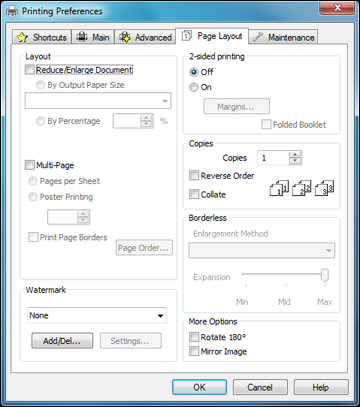
![Docs Prints Layout Button How to Print Comments in Google Docs [2 Effective Ways]](https://10pcg.com/wp-content/uploads/windows-print-options.jpg)


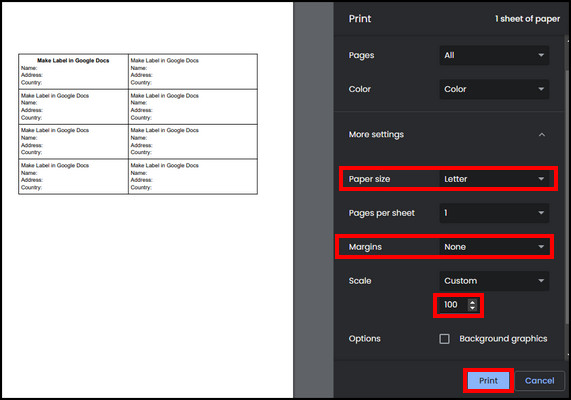
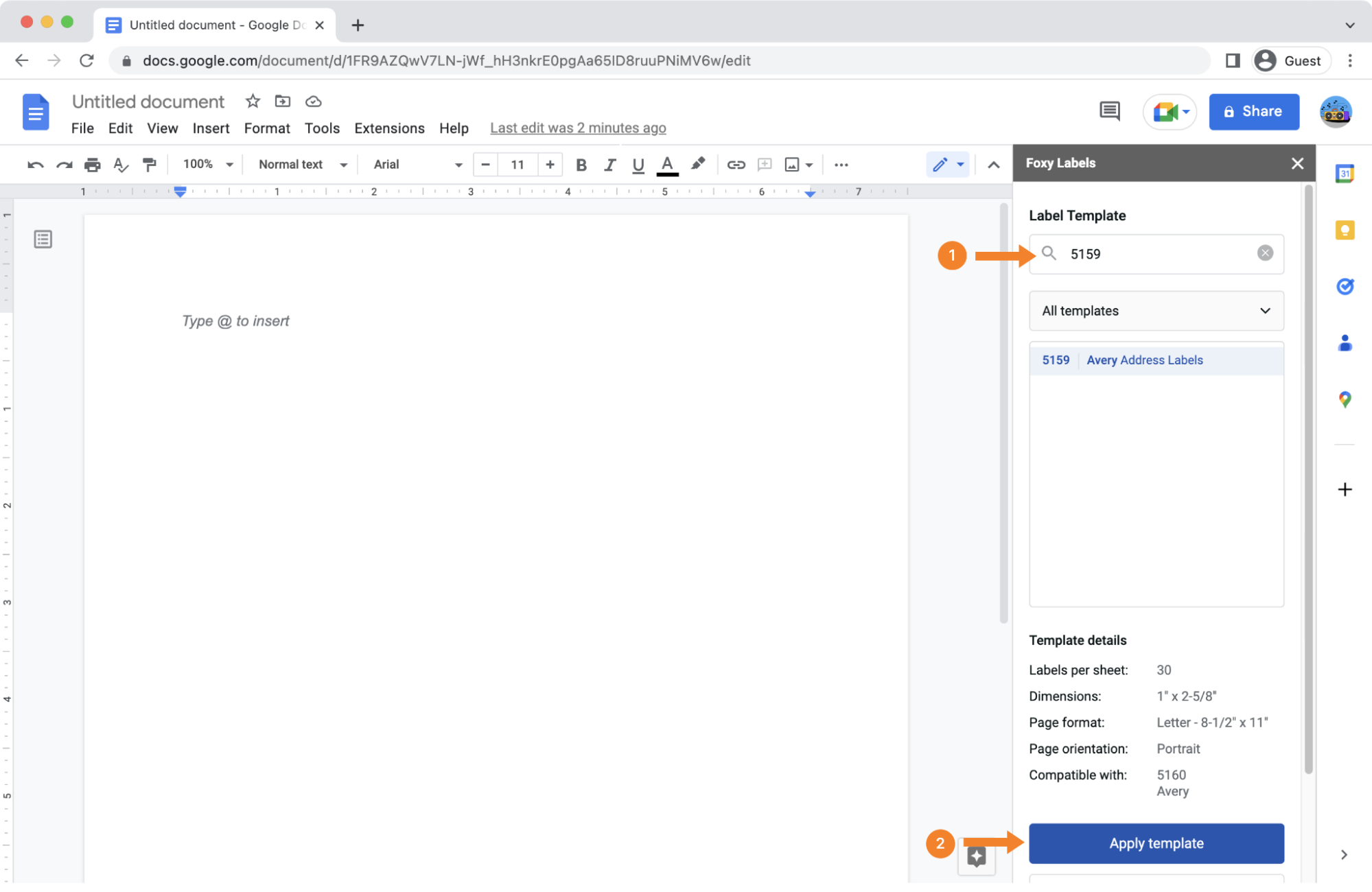
![Docs Prints Layout Button How to Make Labels in Google Docs [Free Template] | SSP](https://spreadsheetpoint.com/wp-content/uploads/2023/04/image-64.png)
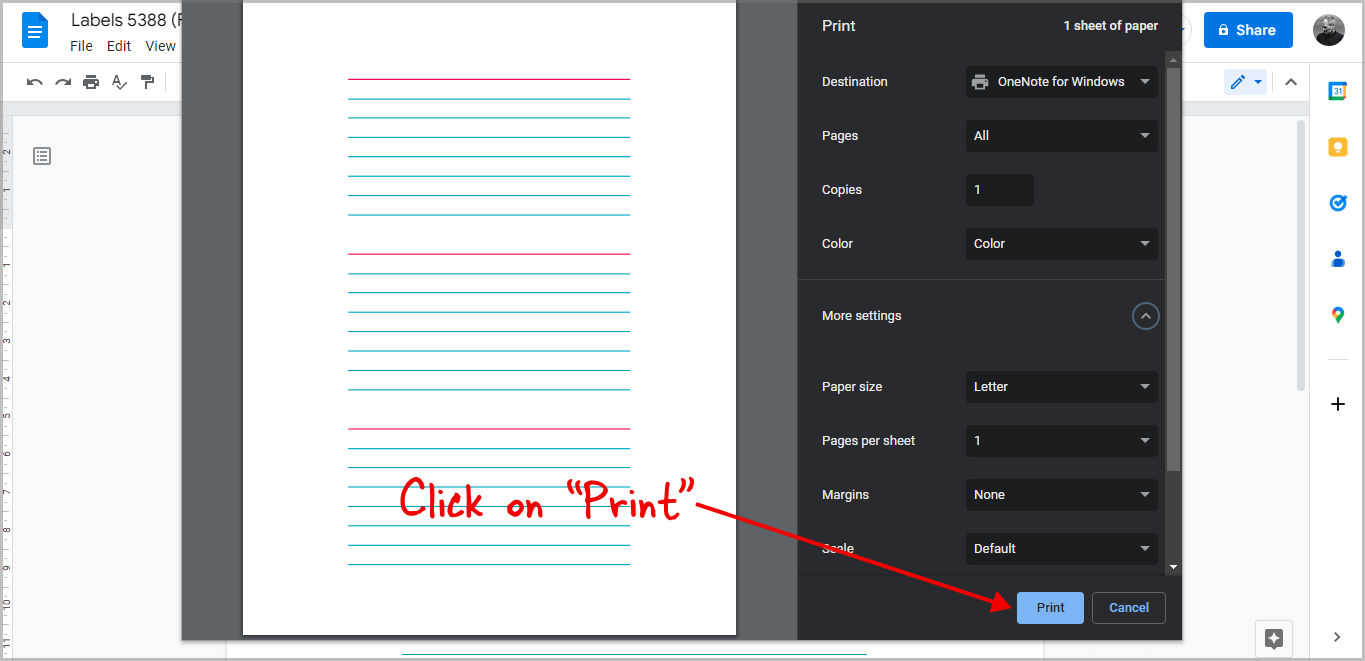
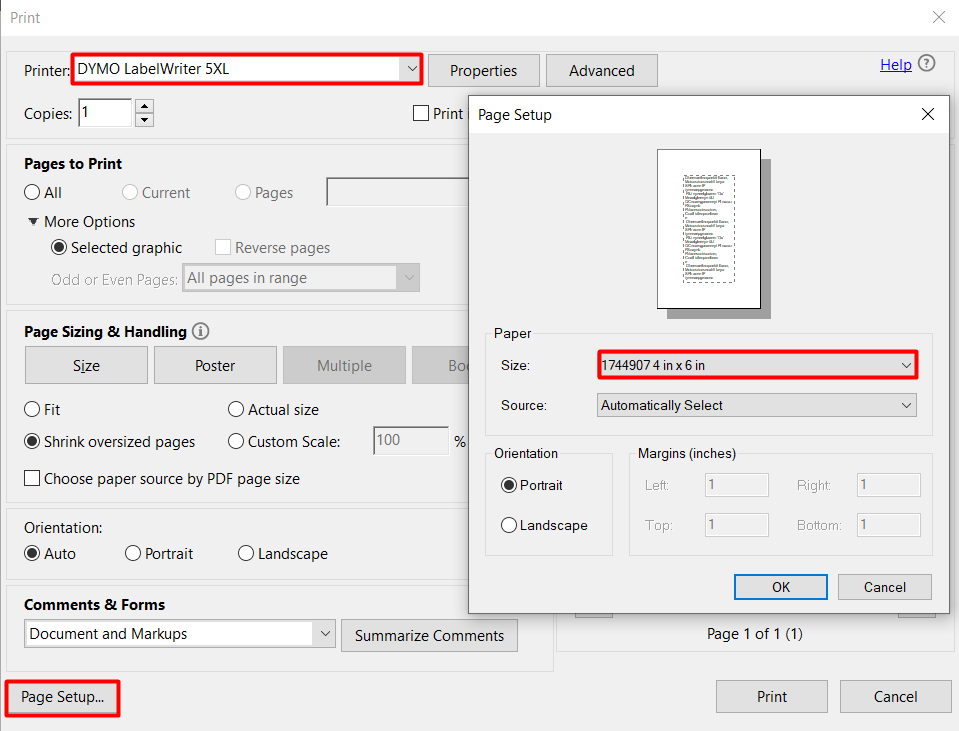
![Docs Prints Layout Button How to Create and Print Labels in Google Docs [2024]](https://10pcg.com/wp-content/uploads/print-labels-in-google-docs.jpg)


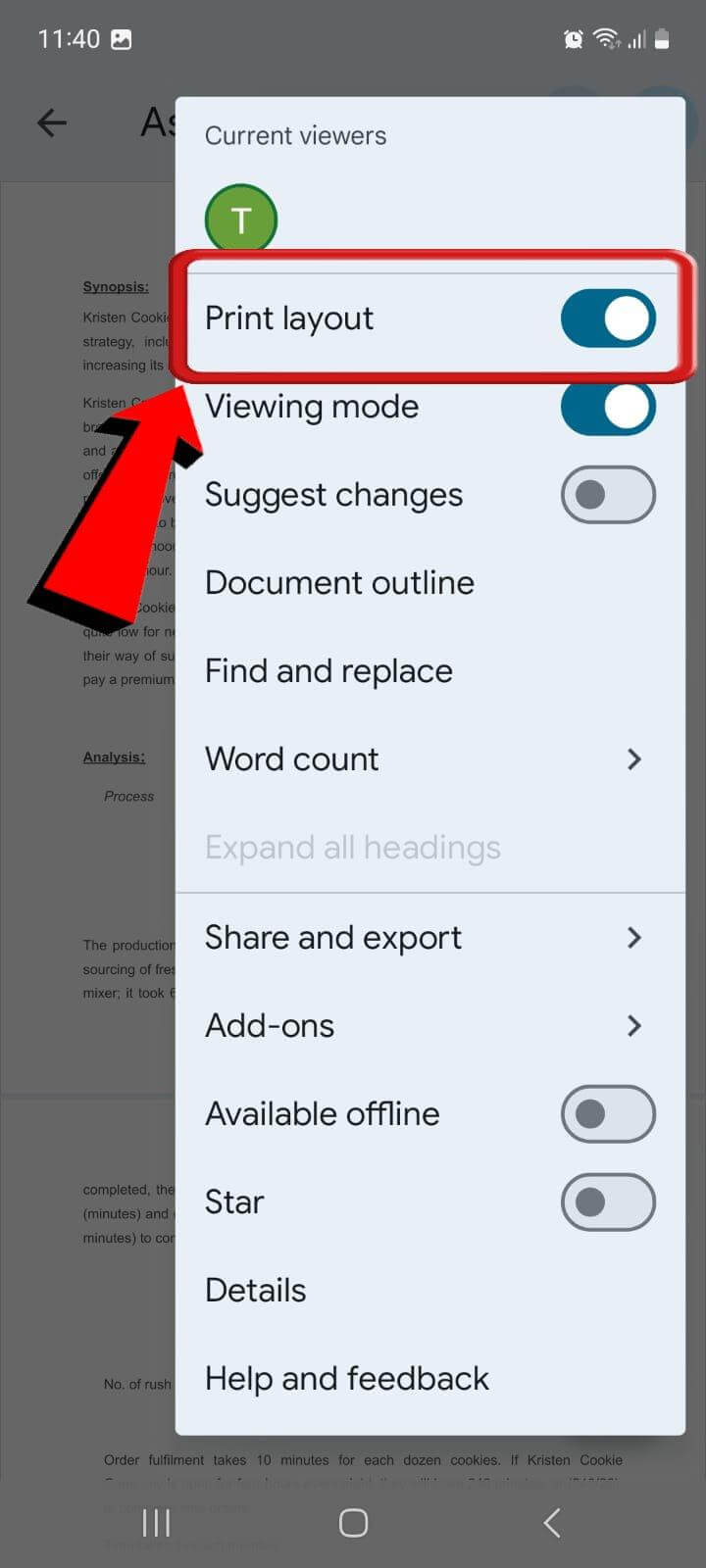
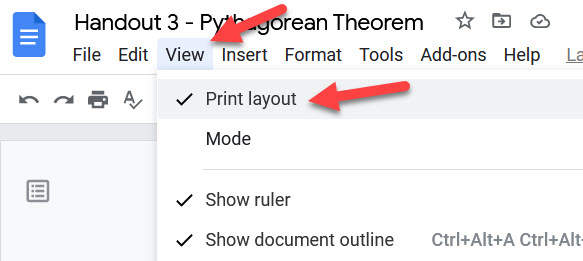
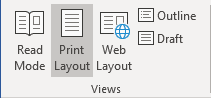
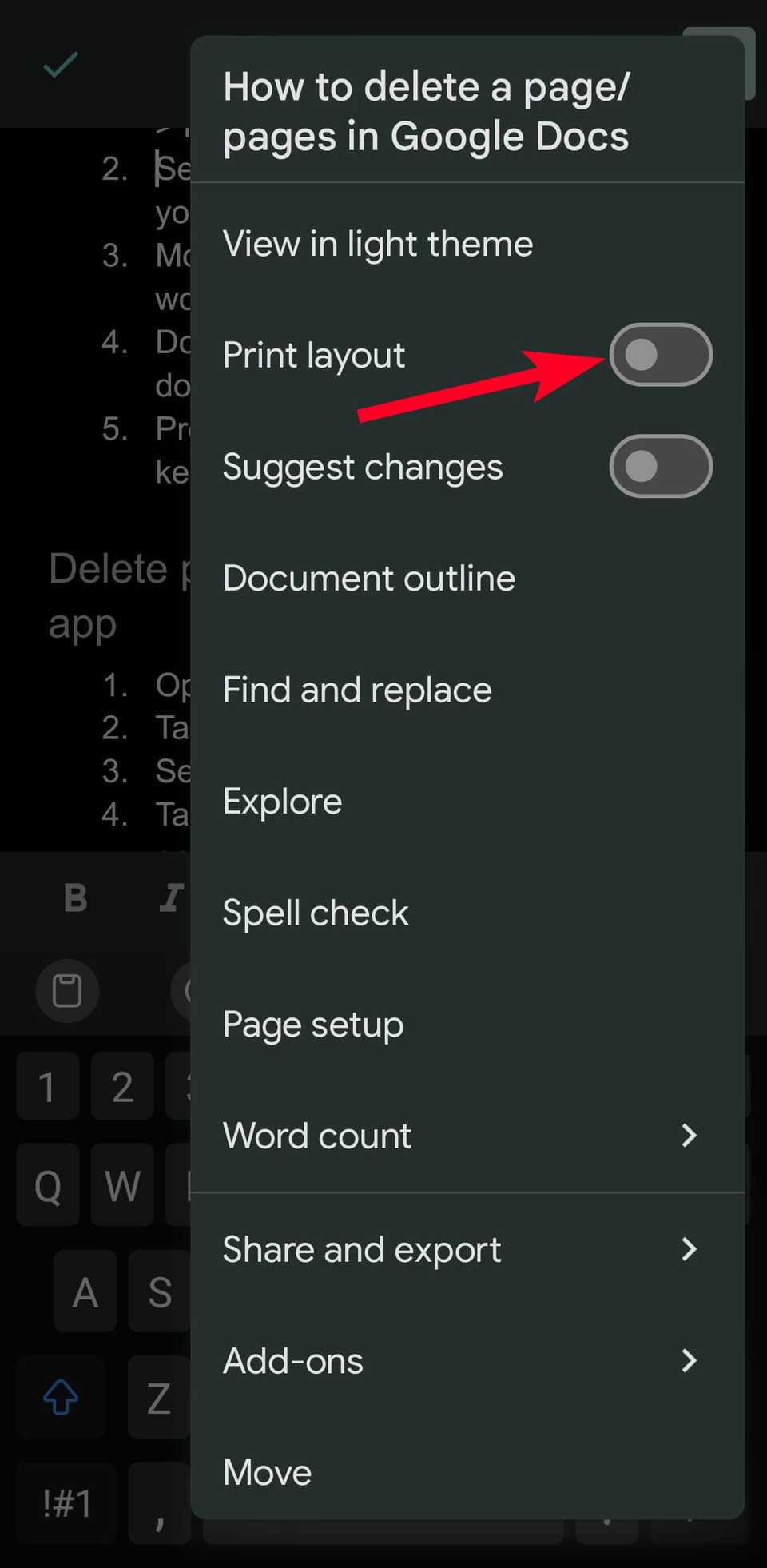
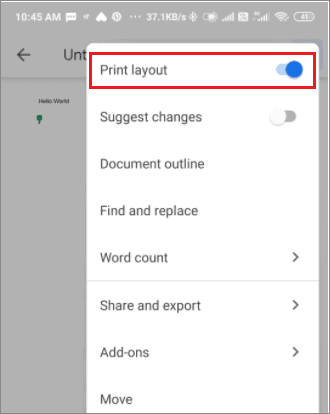
![Docs Prints Layout Button How to Delete a Page in Google Docs? [2024]](https://mrnoob.net/wp-content/uploads/2022/01/toggle-on-print-layout-docs-android-mrnoob.jpg)


![Docs Prints Layout Button How to Delete a Page in Google Docs? [2024]](https://mrnoob.net/wp-content/uploads/2022/01/enable-print-layout-gdocs-mrnoob.png)
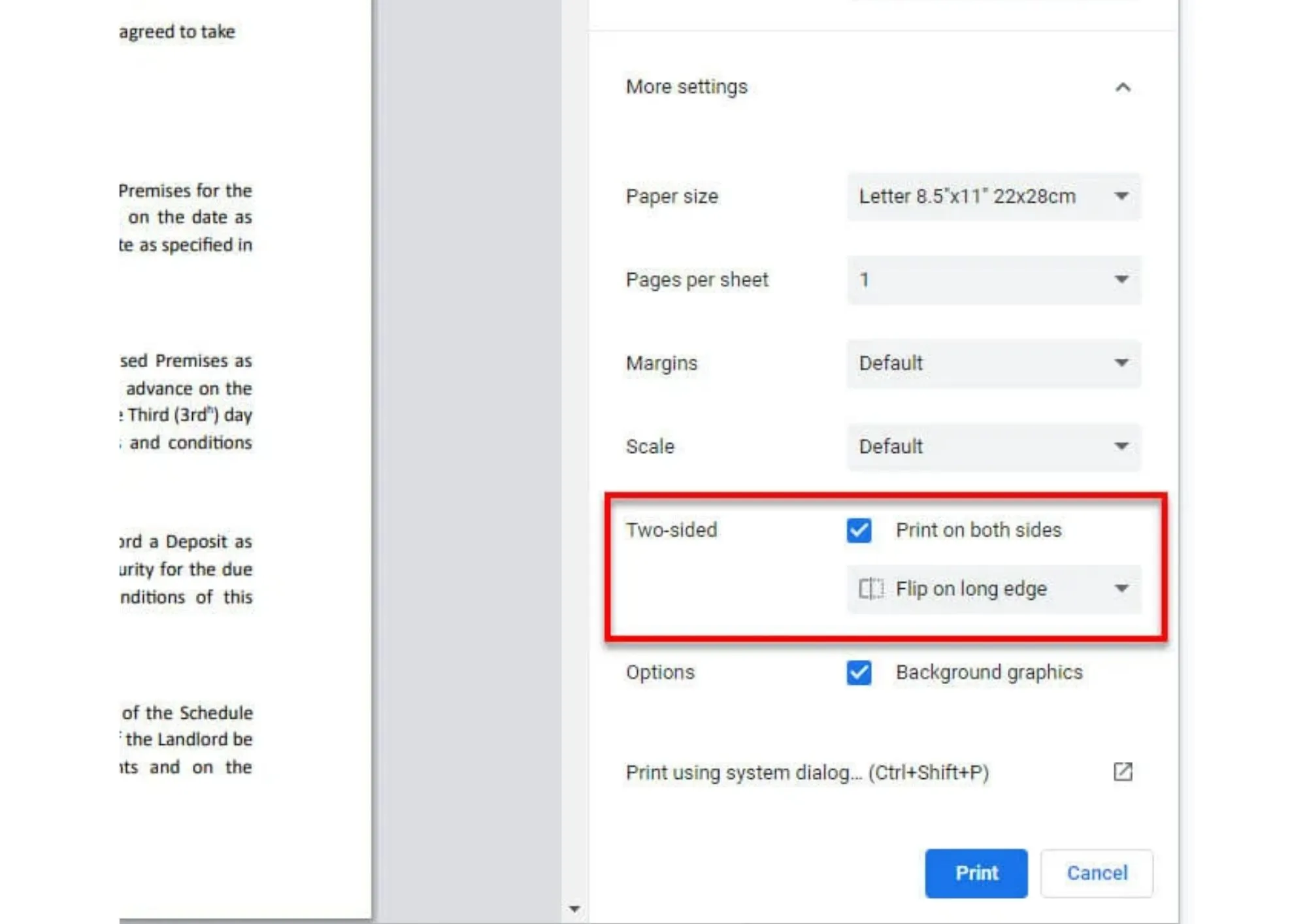
![Docs Prints Layout Button How To Print Double-Sided on Google Docs? [2 Easy Ways]](https://boltq.com/wp-content/uploads/2023/10/Two-Sided-Print-in-Google-Docs.png)
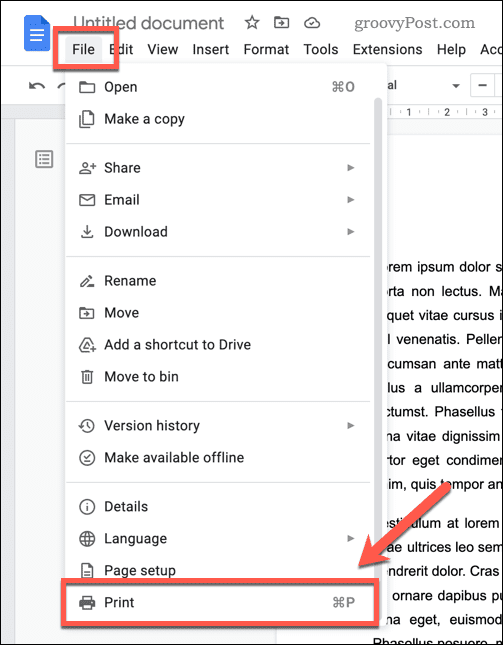
![Docs Prints Layout Button How To Print Double-Sided on Google Docs? [2 Easy Ways]](https://boltq.com/wp-content/uploads/2023/10/Click-on-File-and-Select-Print-in-Google-Doc.png)

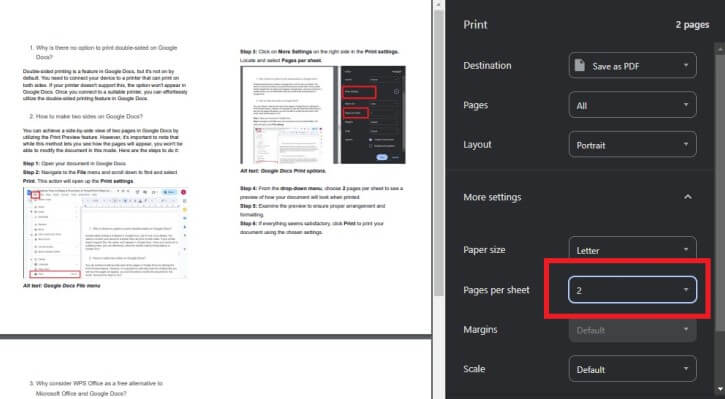
![Docs Prints Layout Button How To Print Double-Sided on Google Docs? [2 Easy Ways]](https://boltq.com/wp-content/uploads/2023/10/More-settings-in-google-docs-print.png)