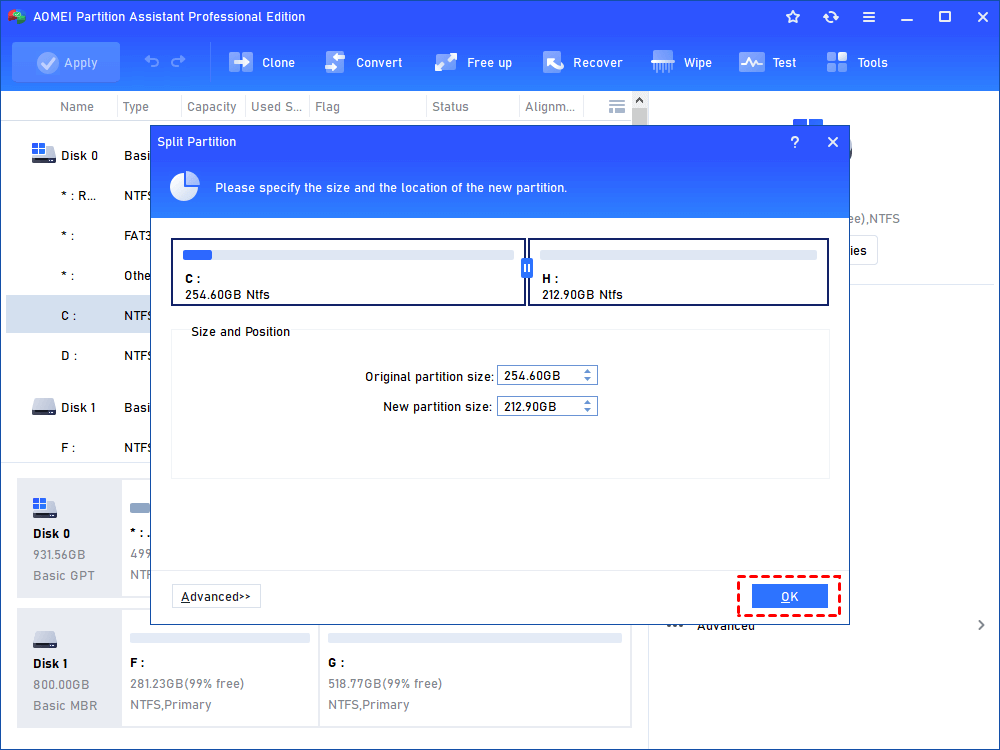

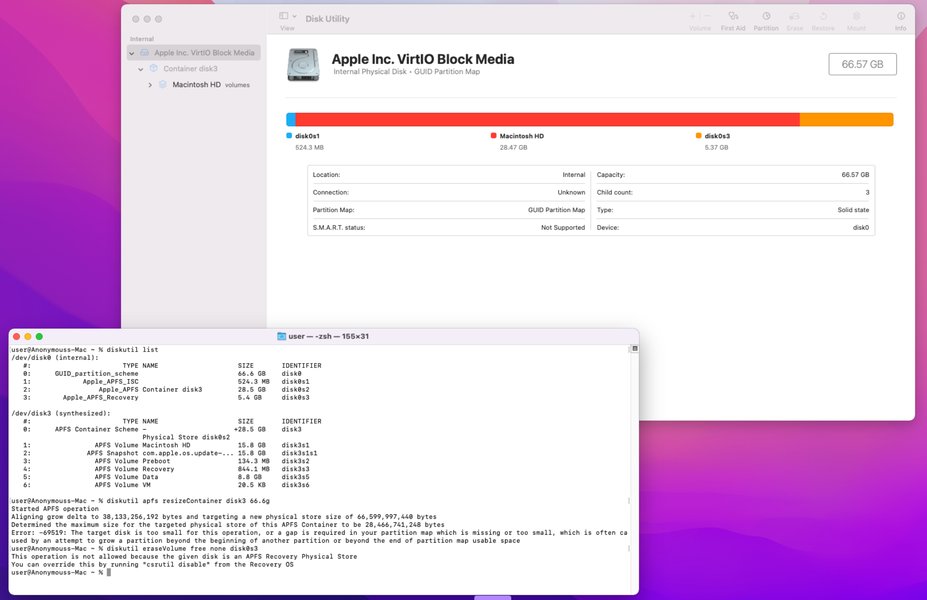
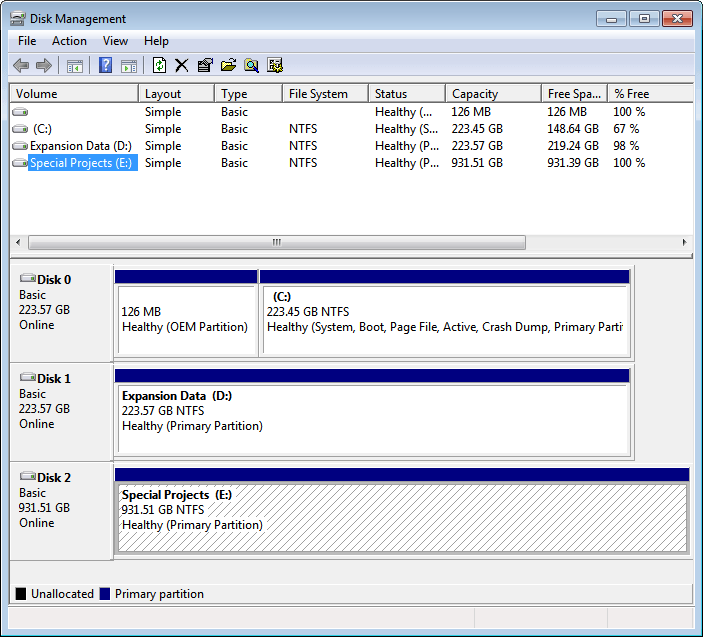
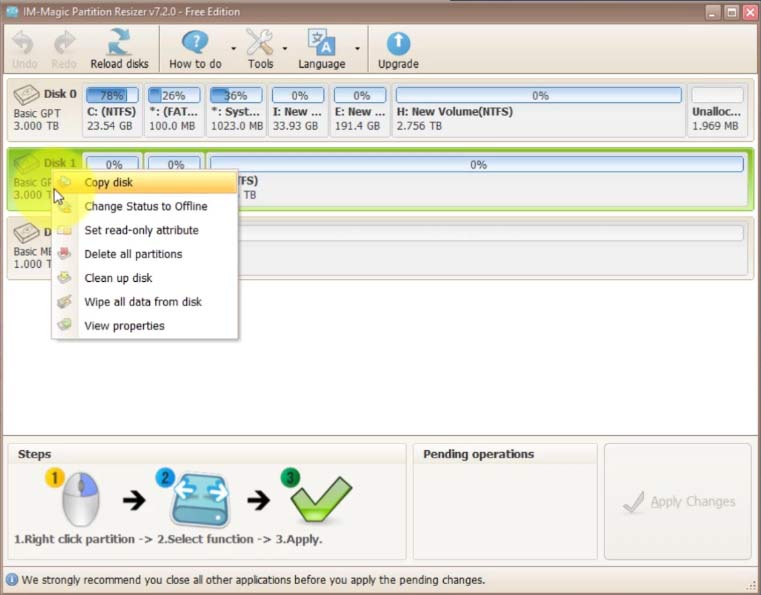
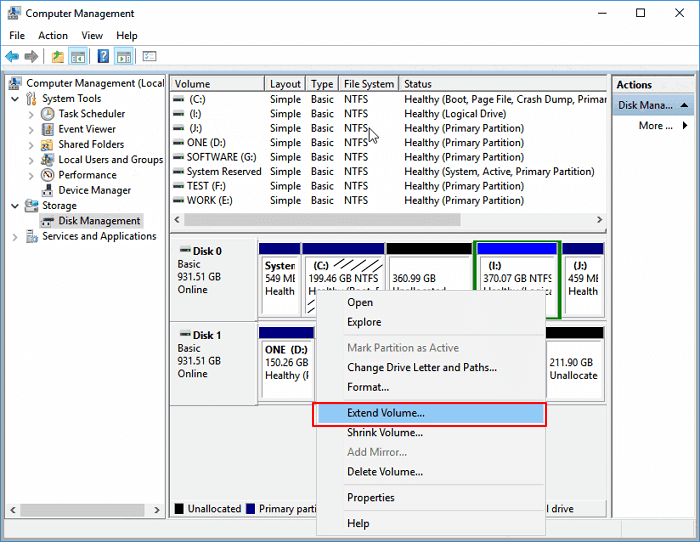
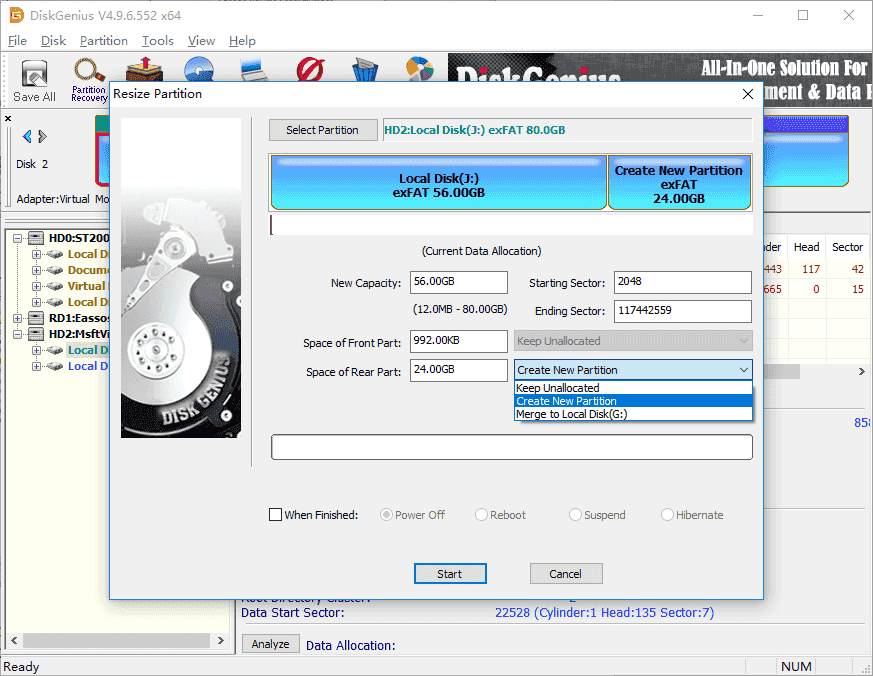
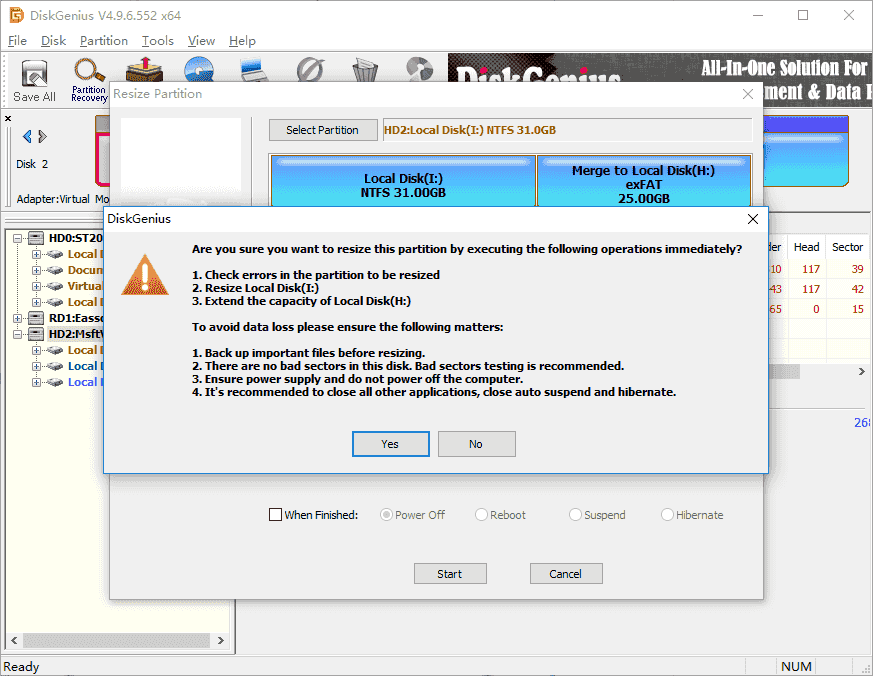

Disk Resizer
Support conservation with our environmental Disk Resizer gallery of countless green images. ecologically highlighting photography, images, and pictures. designed to promote environmental awareness. Discover high-resolution Disk Resizer images optimized for various applications. Suitable for various applications including web design, social media, personal projects, and digital content creation All Disk Resizer images are available in high resolution with professional-grade quality, optimized for both digital and print applications, and include comprehensive metadata for easy organization and usage. Discover the perfect Disk Resizer images to enhance your visual communication needs. The Disk Resizer collection represents years of careful curation and professional standards. Cost-effective licensing makes professional Disk Resizer photography accessible to all budgets. Our Disk Resizer database continuously expands with fresh, relevant content from skilled photographers. Reliable customer support ensures smooth experience throughout the Disk Resizer selection process. Regular updates keep the Disk Resizer collection current with contemporary trends and styles. Comprehensive tagging systems facilitate quick discovery of relevant Disk Resizer content. Professional licensing options accommodate both commercial and educational usage requirements. Whether for commercial projects or personal use, our Disk Resizer collection delivers consistent excellence. Diverse style options within the Disk Resizer collection suit various aesthetic preferences. Instant download capabilities enable immediate access to chosen Disk Resizer images.


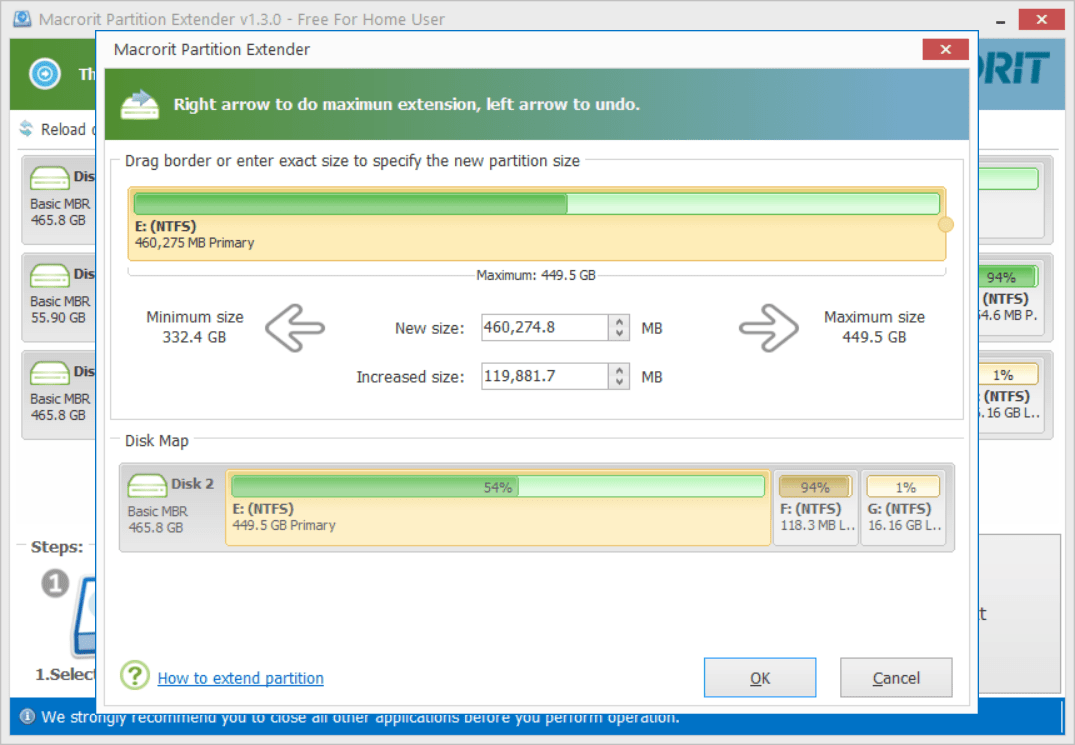
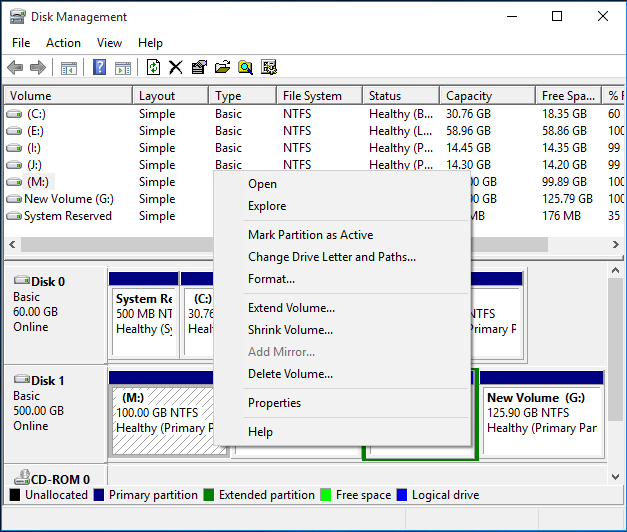
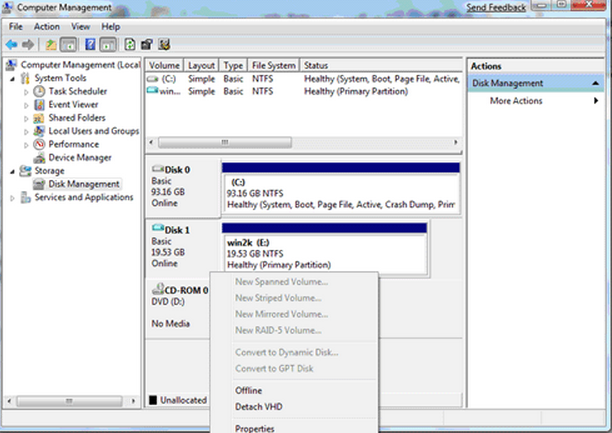
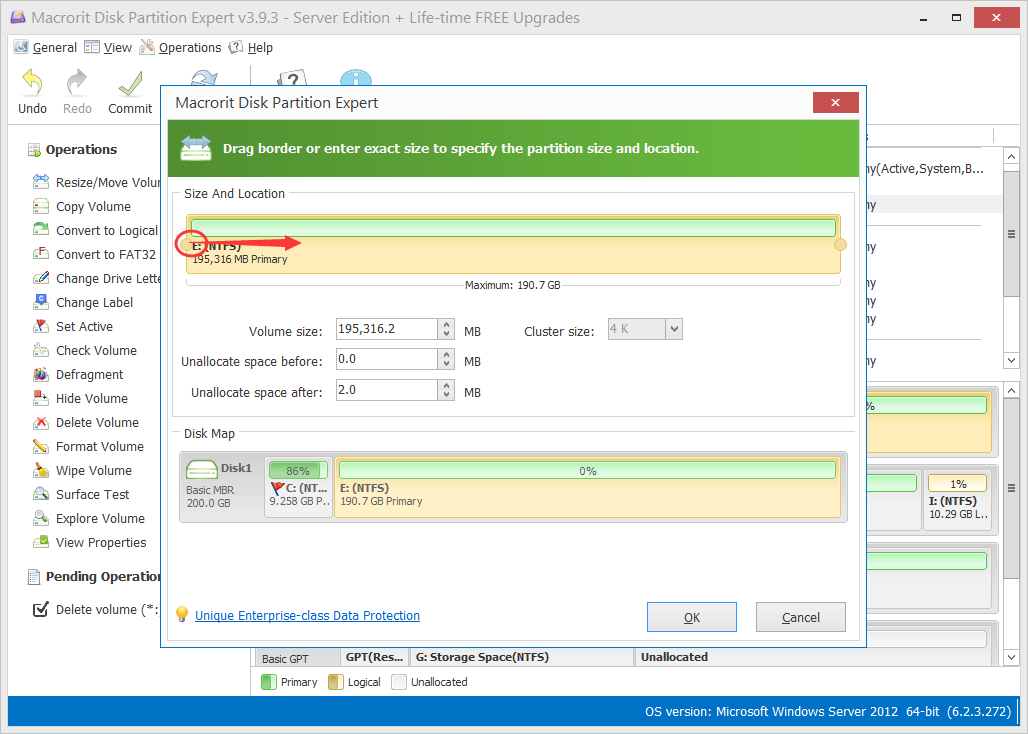
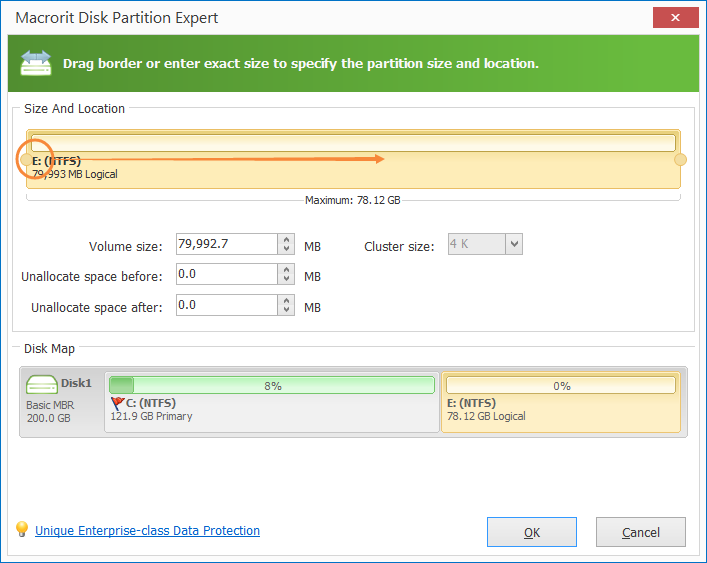
![Disk Resizer Windows 10 Disk Management can't resize SSD partition [Fixed]](https://macrorit.com/images/extender/next-resize-after.png)


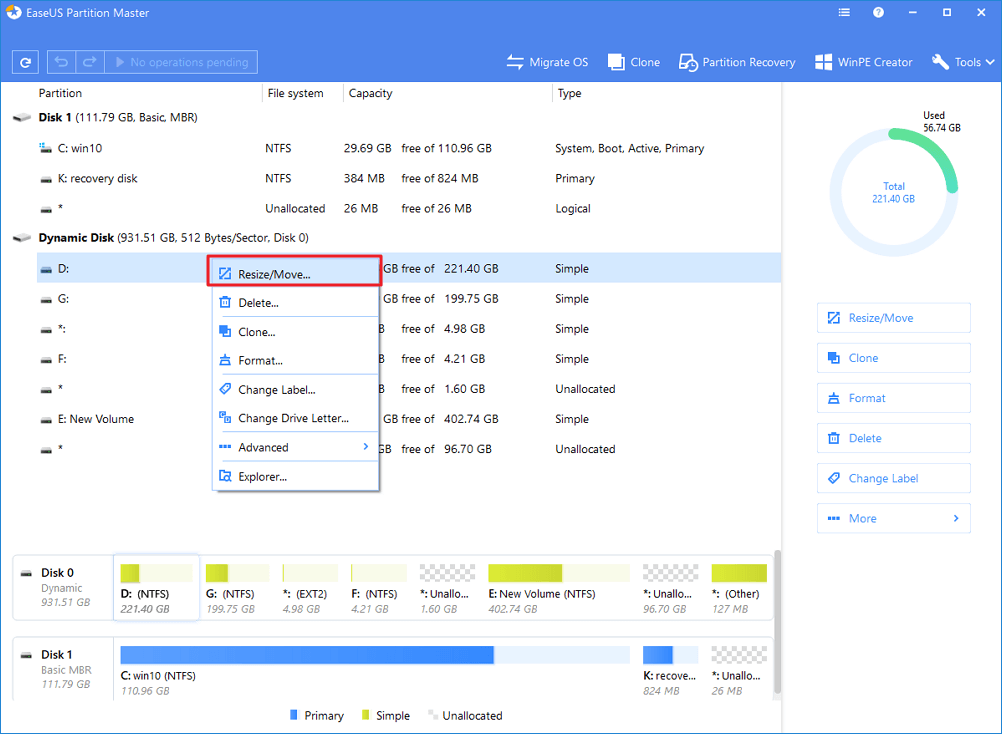
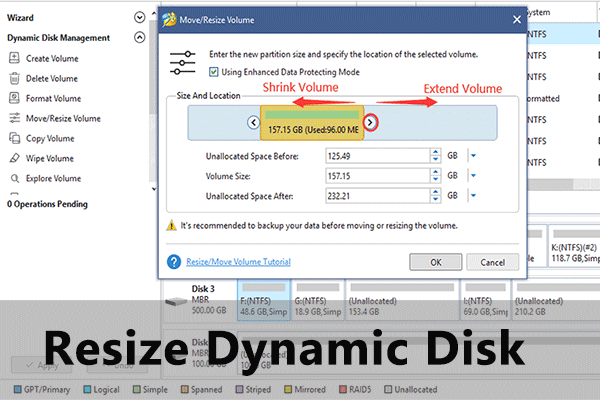
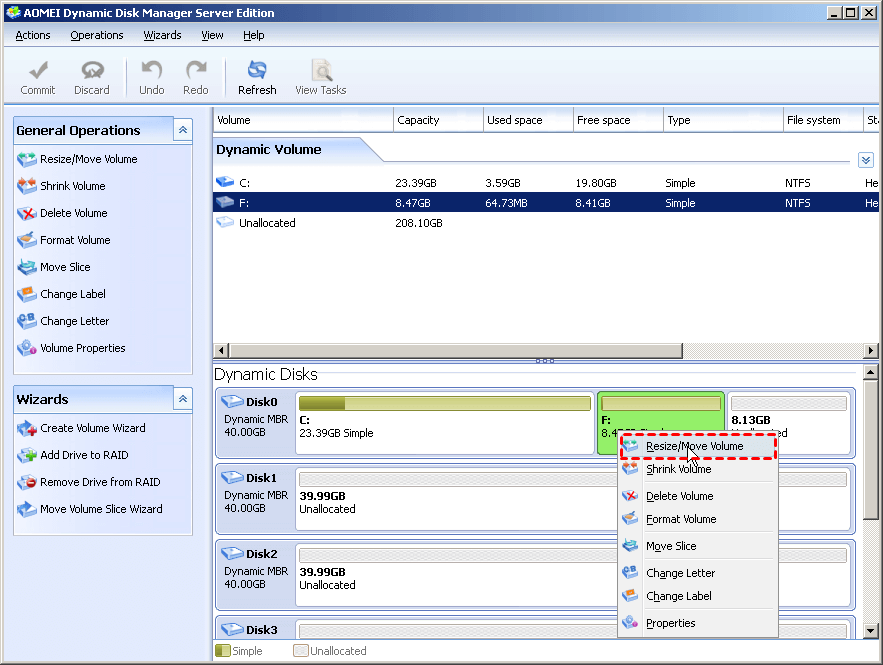
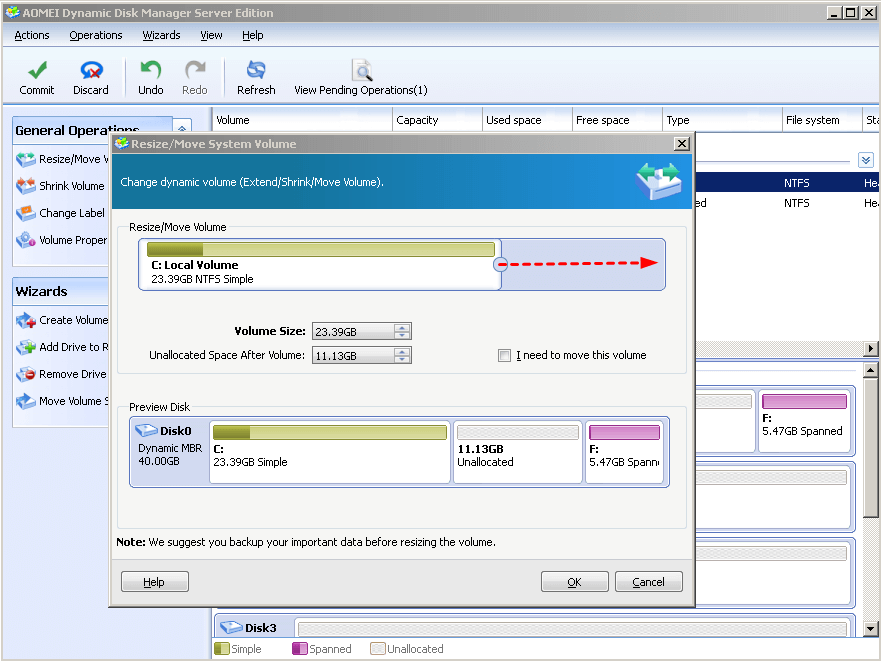
![Disk Resizer [2 Ways] Resize Dynamic Disk to Extend or Shrink Dynamic Disk - EaseUS](https://www.easeus.com/images/en/screenshot/partition-manager/resize-dynamic-volume-1.png)


![Disk Resizer [2 Ways] Resize Dynamic Disk to Extend or Shrink Dynamic Disk - EaseUS](https://www.easeus.com/images/en/screenshot/partition-manager/screenshots/resize-dynamic-volume-2.png)
![Disk Resizer [2 Ways] Resize Dynamic Disk to Extend or Shrink Dynamic Disk - EaseUS](https://www.easeus.com/images/en/screenshot/partition-manager/resize-dynamic-volume-3.png)


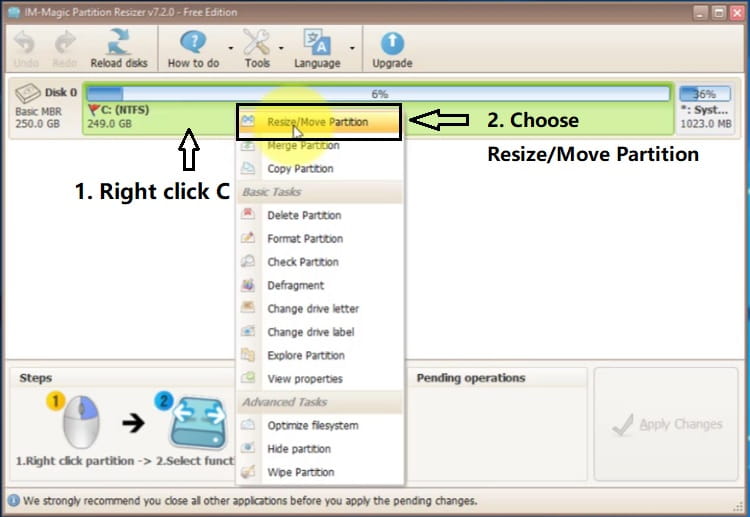
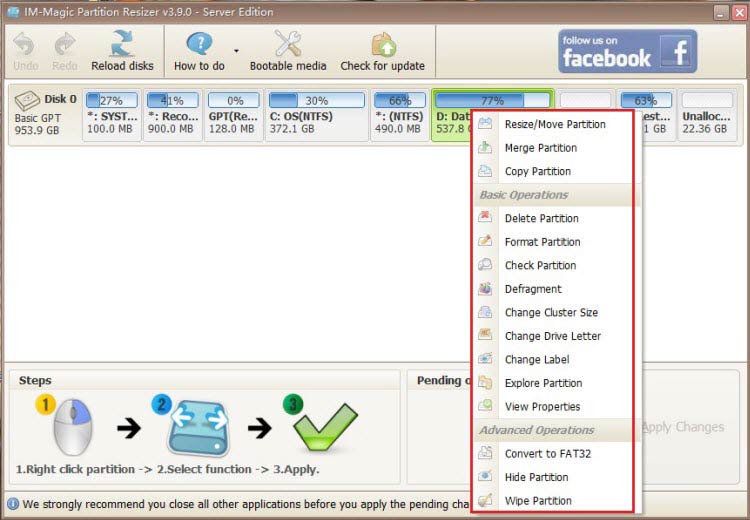
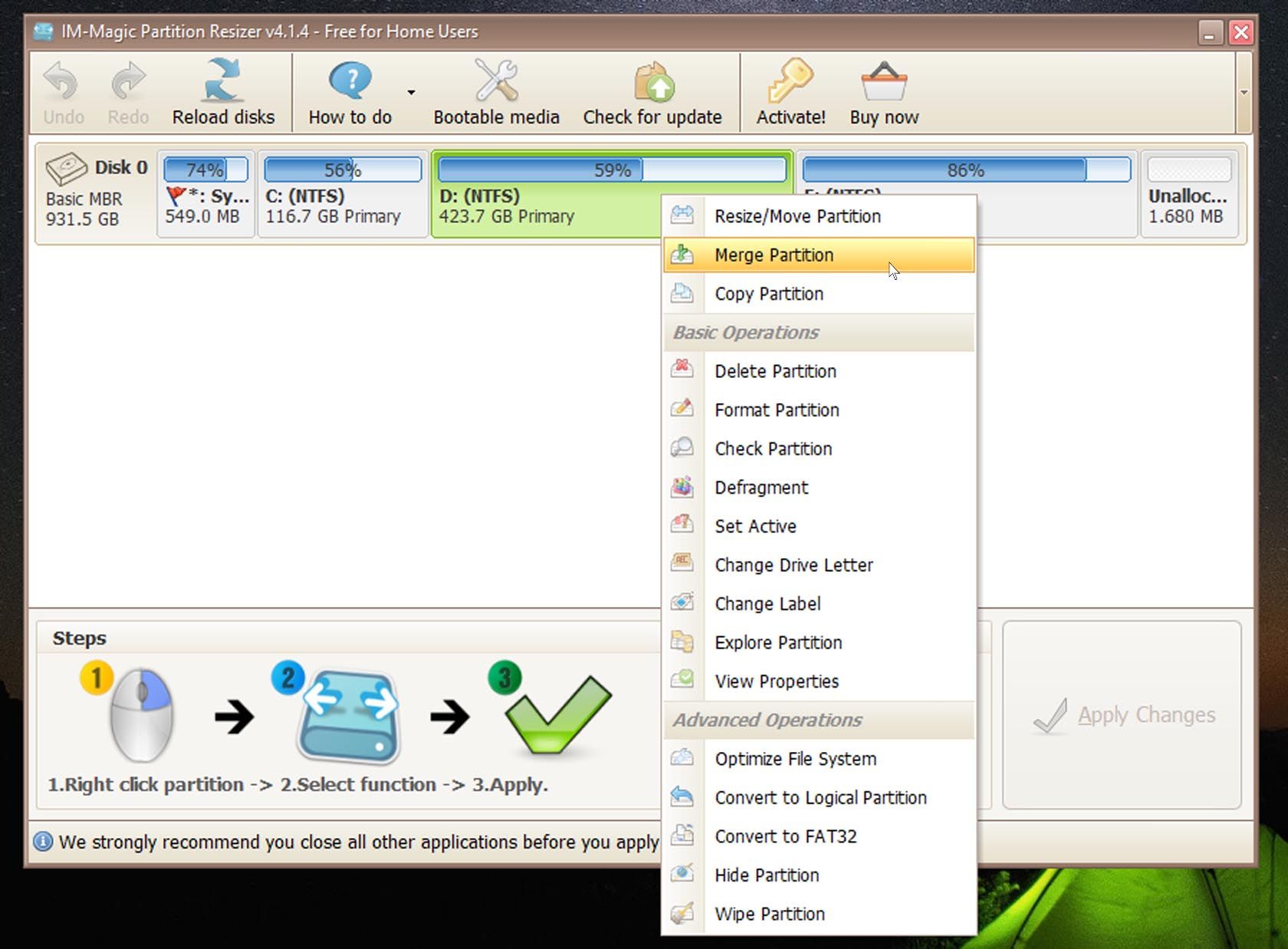
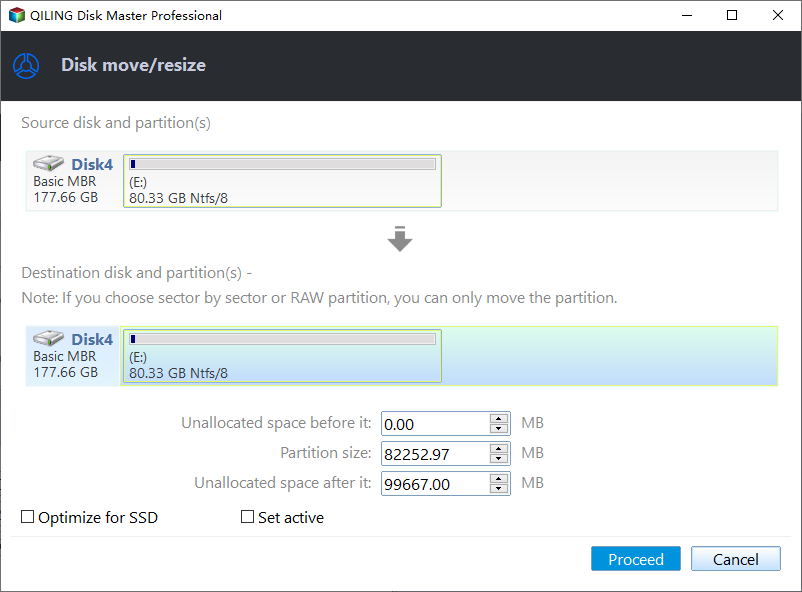
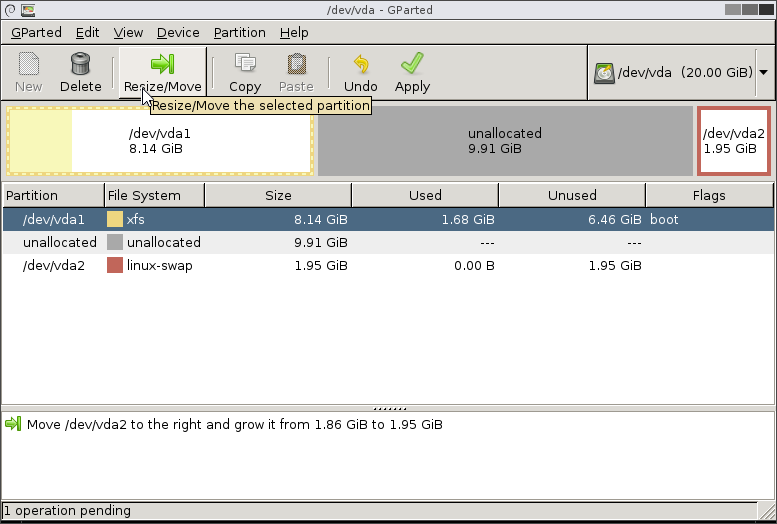
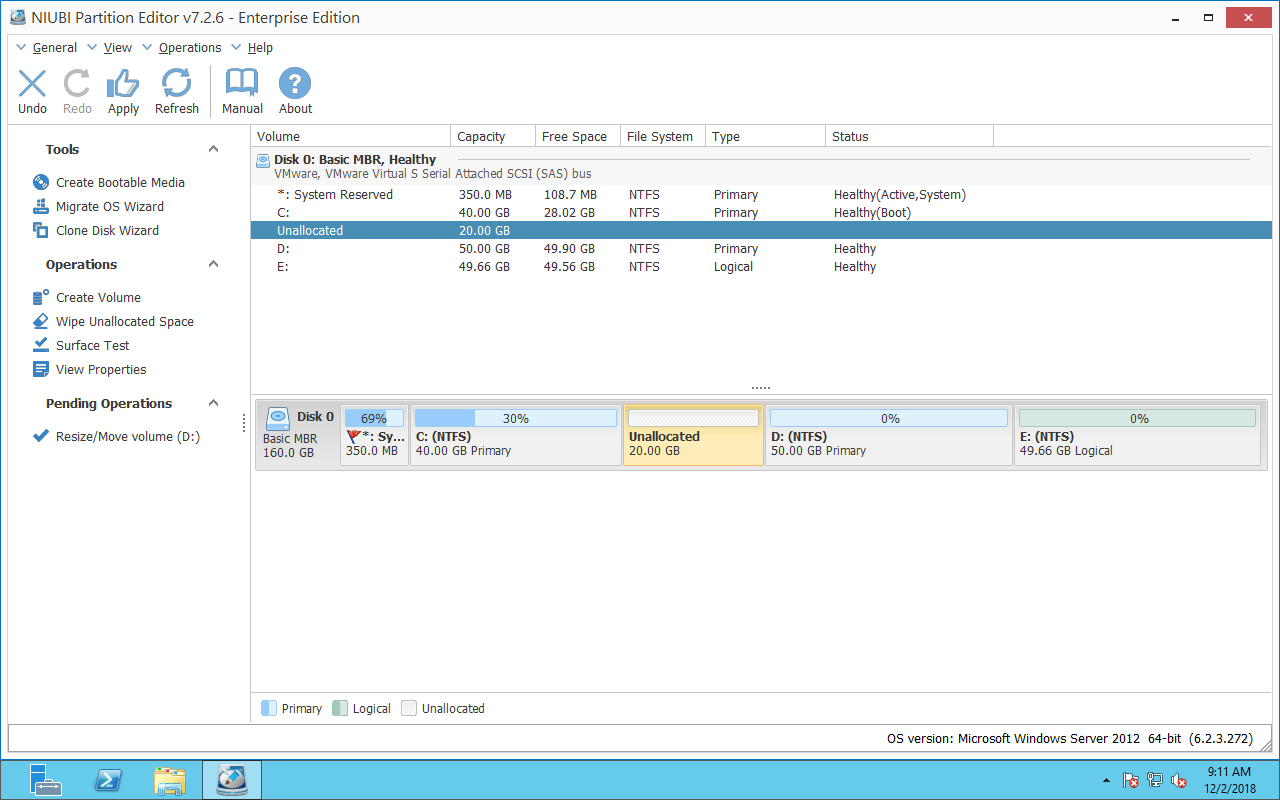
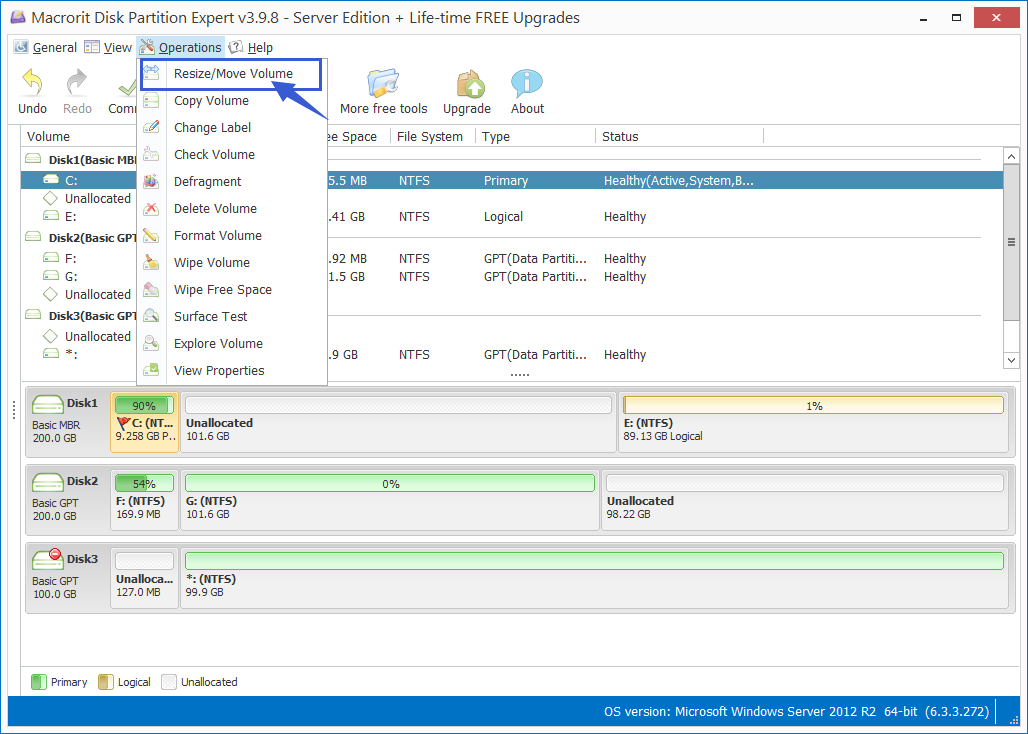
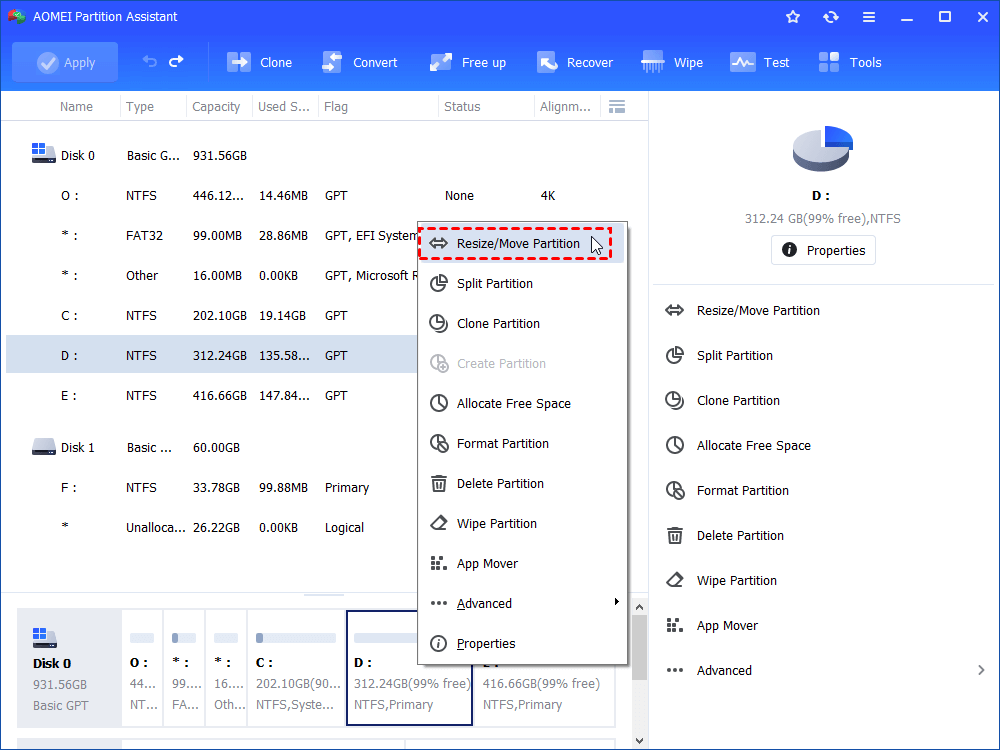
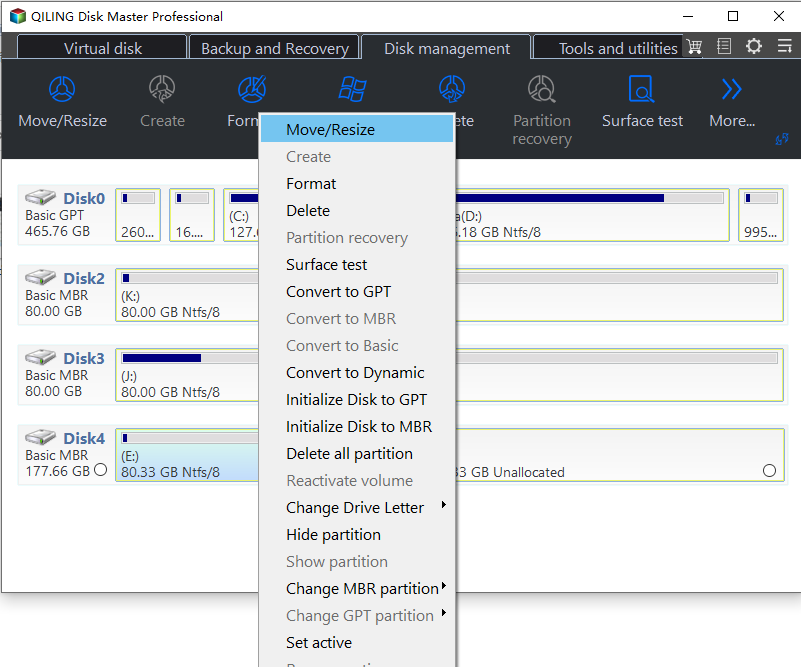
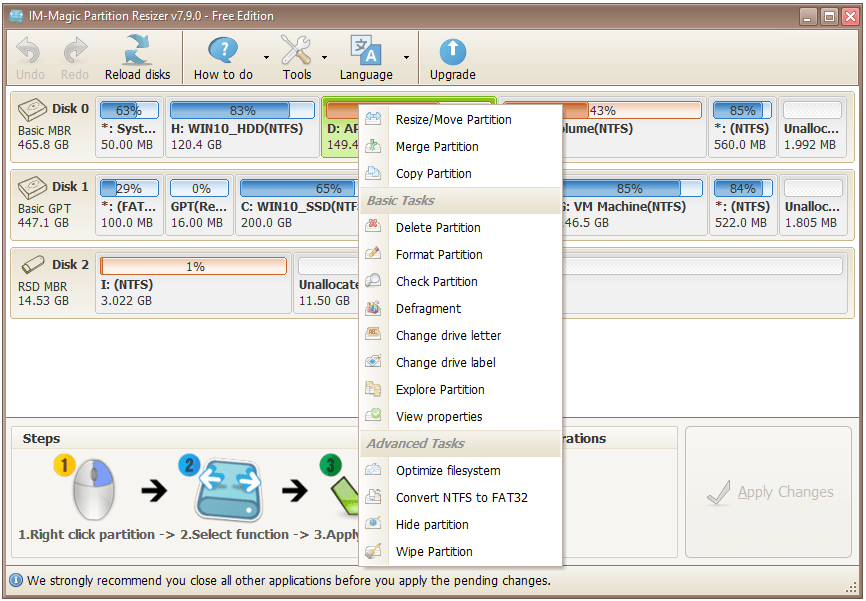
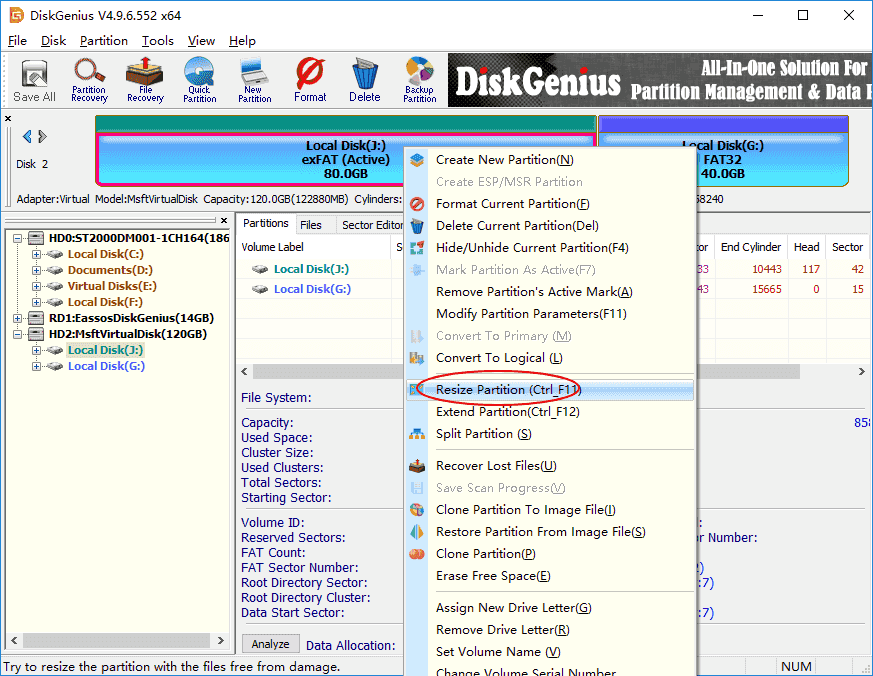
![Disk Resizer How to Resize Virtual Hard Disk in 2023 [Step-by-Step Guide] - Qiling](https://www.idiskhome.com/resource/img/resize-partition/resize-move-partition.png)


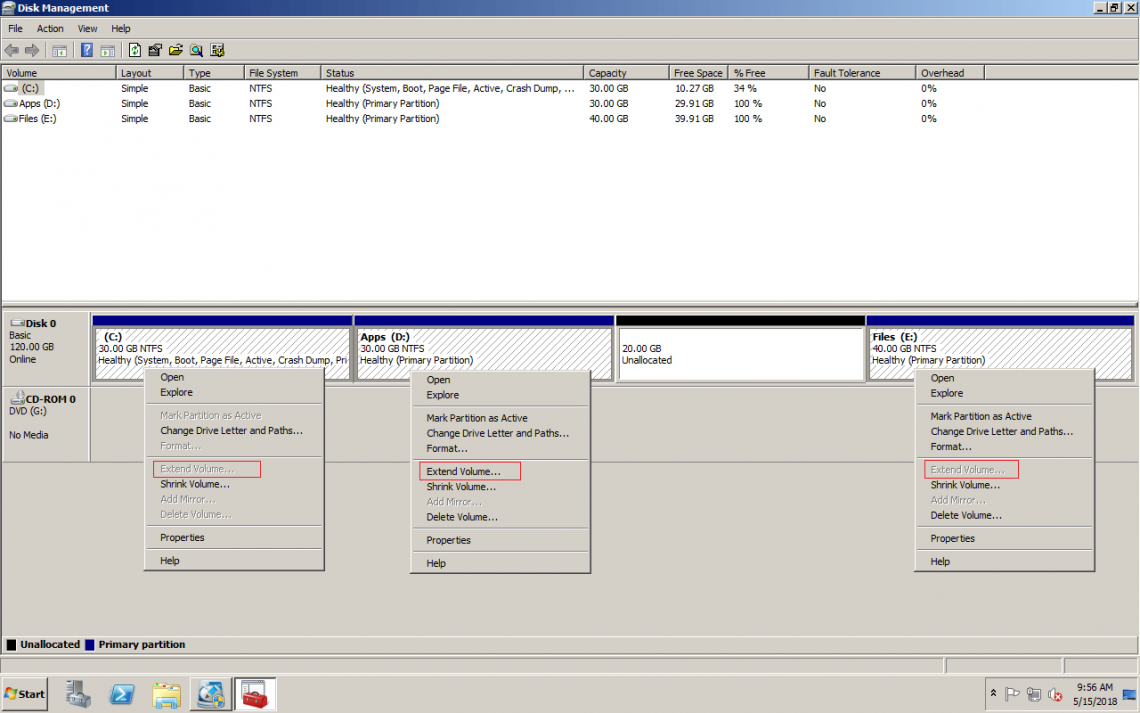
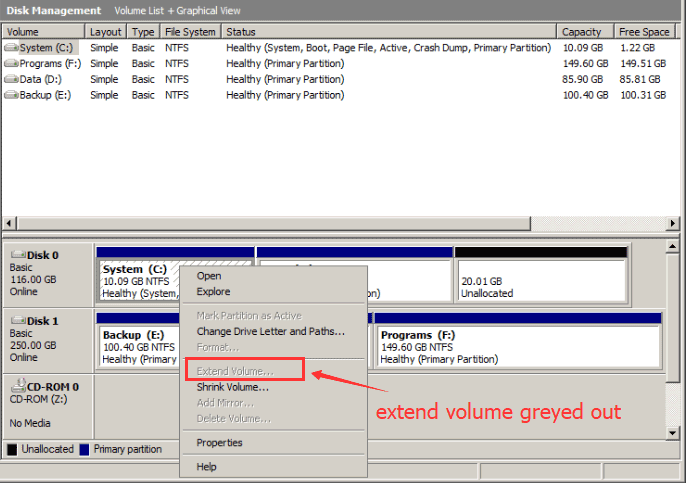
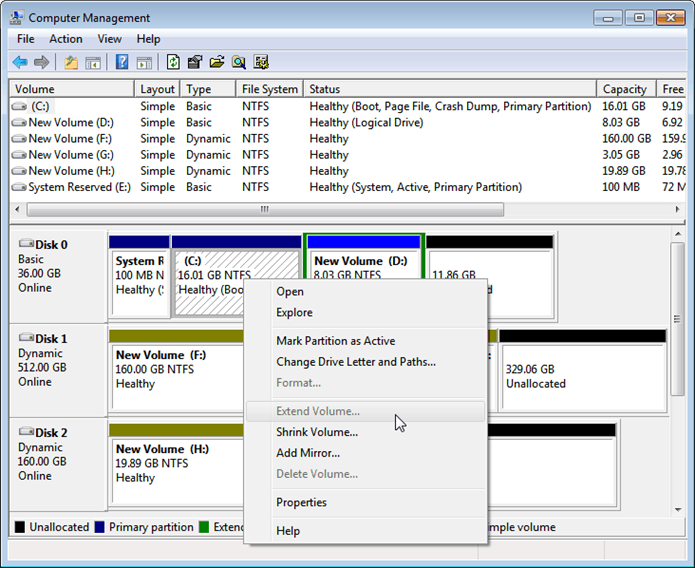
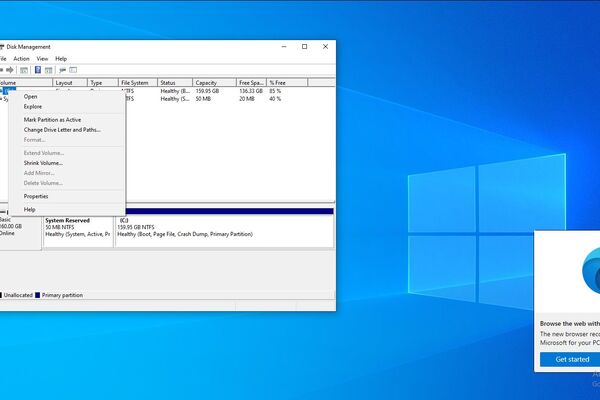
![Disk Resizer [Video] Windows 10 Disk Management – Guide and Freeware Alternatives](https://www.resize-c.com/img/howto/extend-volume-greyed-out.png)


![Disk Resizer [2 Ways] Resize Dynamic Disk to Extend or Shrink Dynamic Disk - EaseUS](https://www.easeus.com/images/en/screenshot/partition-manager/extend-dynamic-volume-in-disk-management.png)


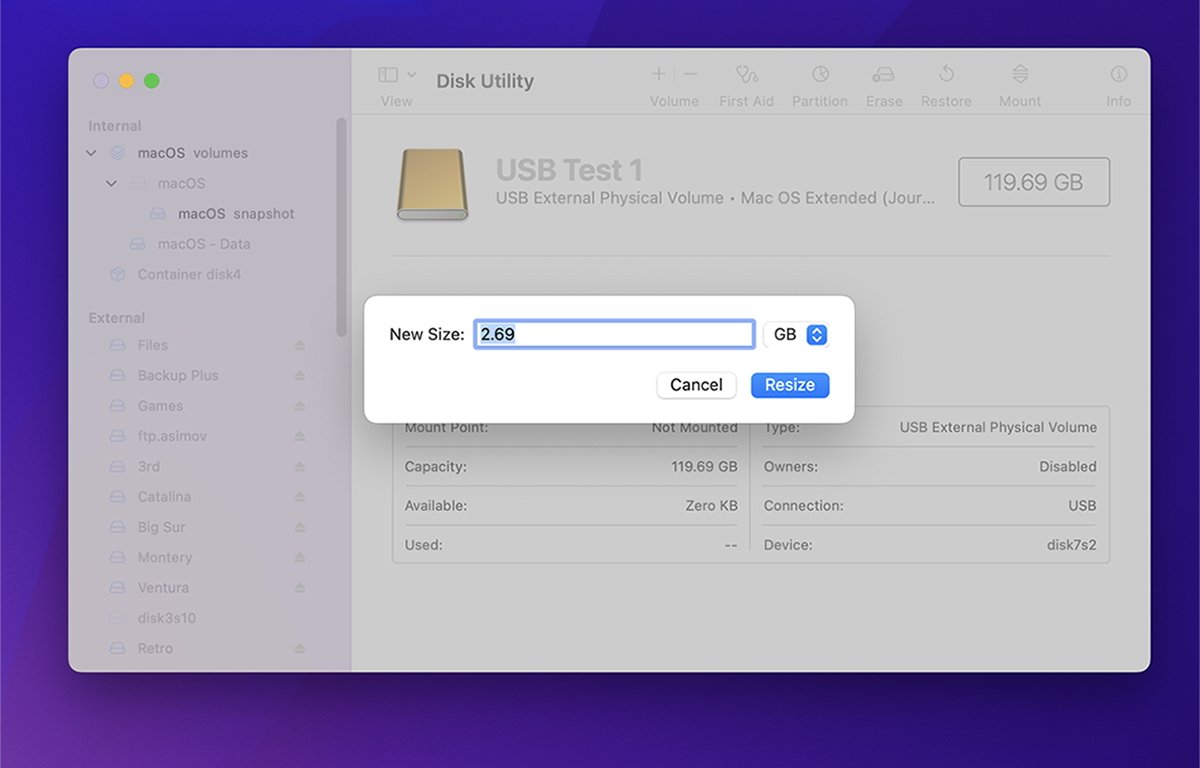
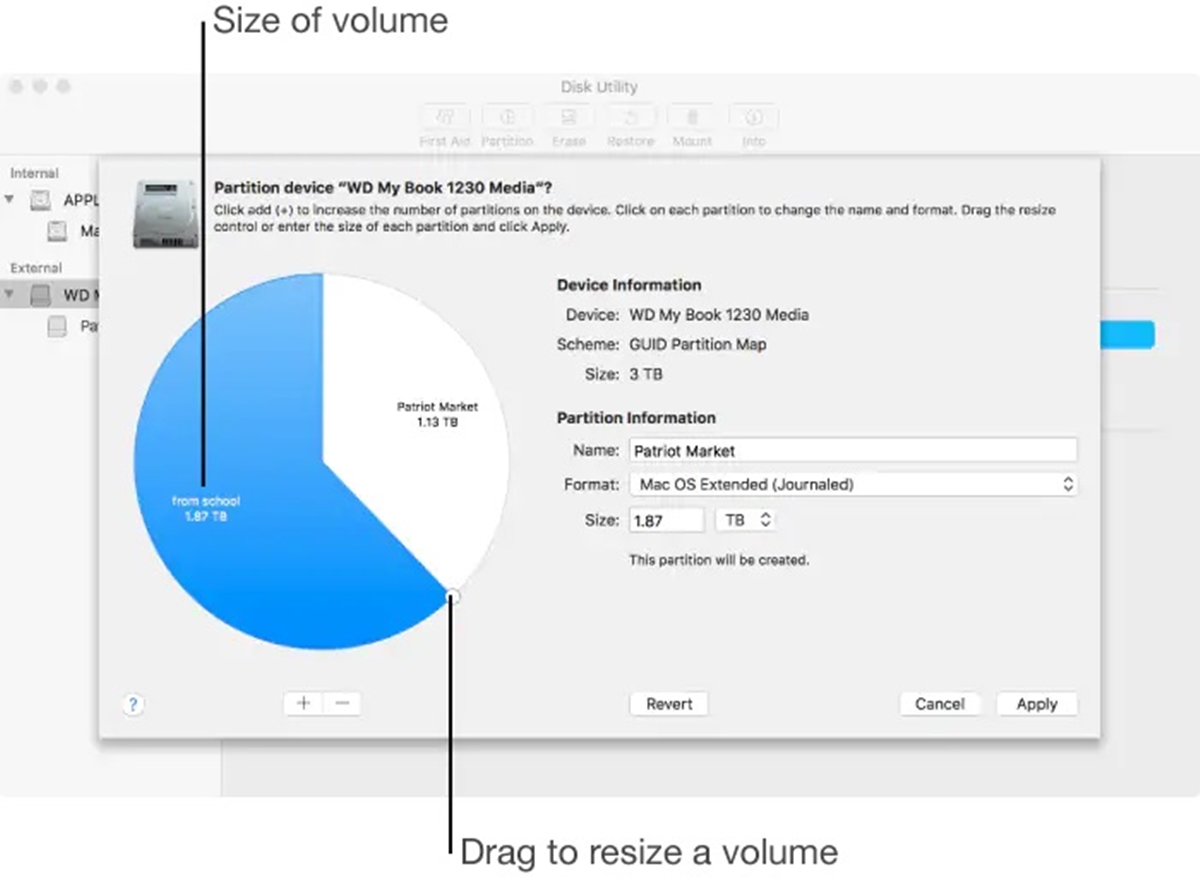
/ResizeDiskUtilityElCap-56b3defa3df78c0b135383d8.jpg)


![Disk Resizer Windows 10 Disk Management can't resize SSD partition [Fixed]](https://macrorit.com/images/extend_c_drive/shrink_partition_next_to_system_partition.png)


![Disk Resizer Windows 10 Disk Management can't resize SSD partition [Fixed]](https://macrorit.com/images/extend_c_drive/resize_c_drive.png)
![Disk Resizer [Clear Tutorial]How to resize disk partitions - YouTube](https://i.ytimg.com/vi/ALn3bPLMIdU/maxresdefault.jpg)


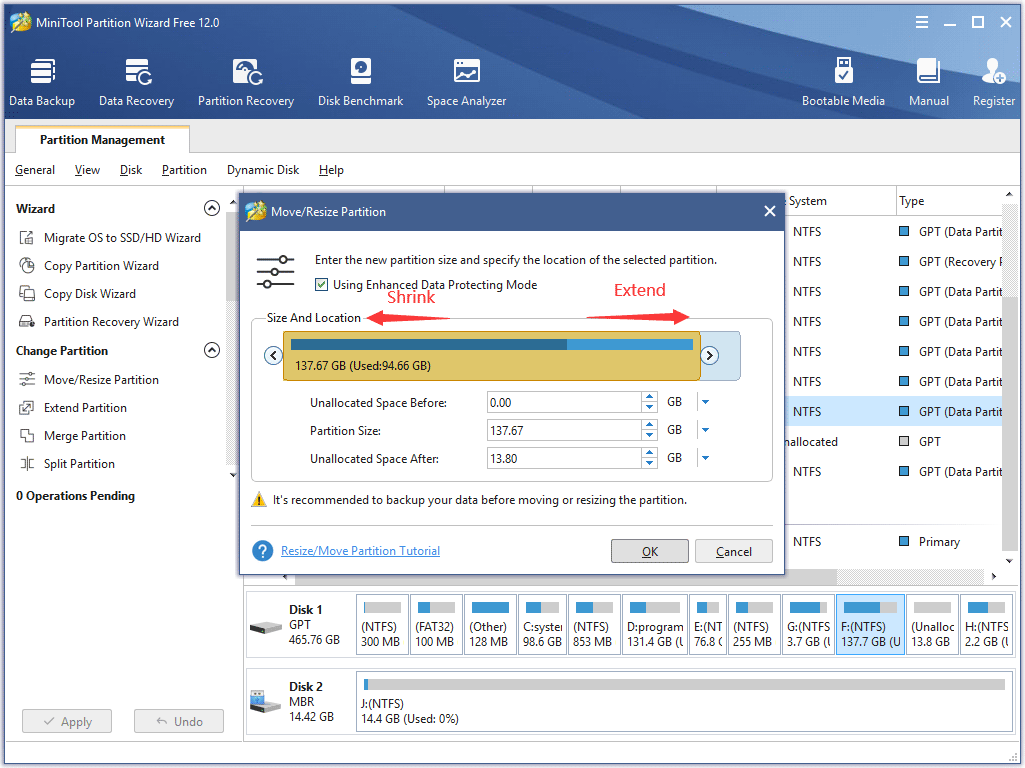
![Disk Resizer [5+ Free] Resize Partition Windows 11/10/7 without Losing Data](https://www.resize-c.com/img/howto/shrink500.gif)


![Disk Resizer [8+ Free] SD Card Repair Tools to Fix Damaged SD MicroSD Samsung](https://www.icare-recovery.com/images/howto/clone-disk-resizer.jpg)


![Disk Resizer [9 Free]Best Disk/USB Format Tool for Hard Drive USB - Tested](https://www.icare-recovery.com/images/howto/resizer-wipe-1.png)
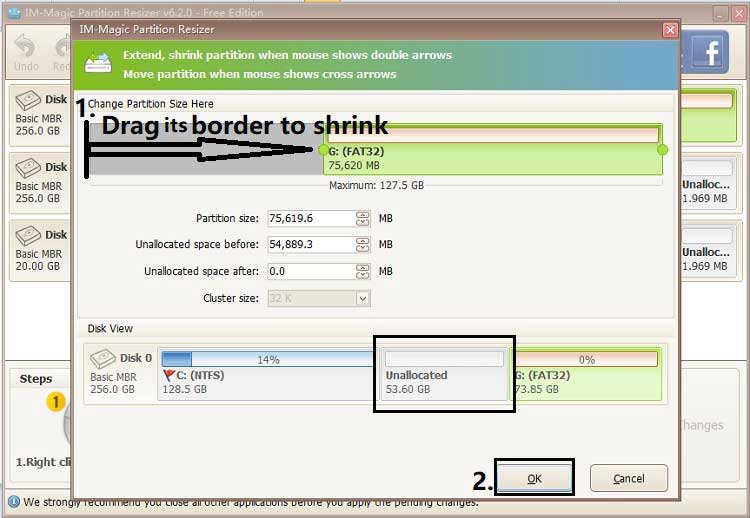
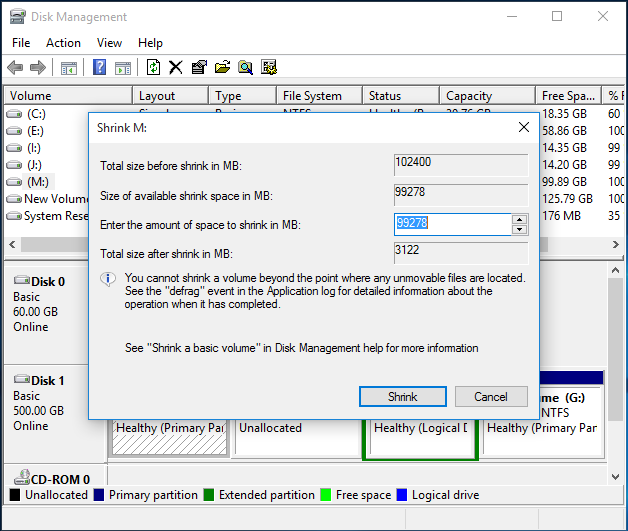
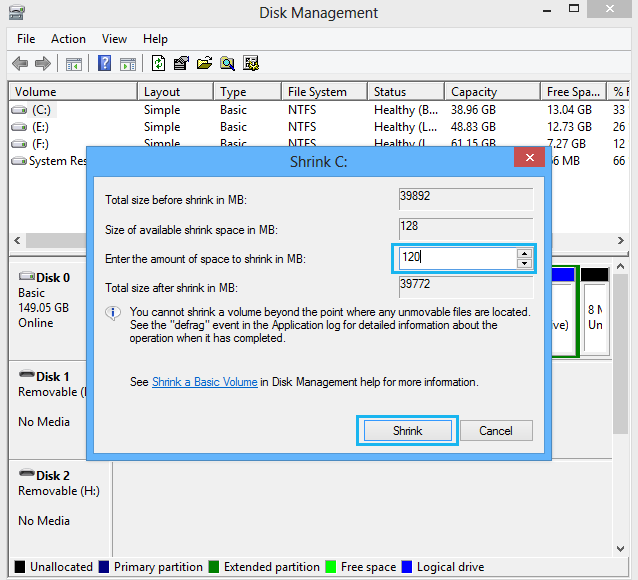
![Disk Resizer [FREE] Resize FAT32 Partition Without Losing Data or Formatting](https://www.resize-c.com/img/howto/shrink-volume-type-size-disk-management.jpg)

![Disk Resizer [5+ Ways] Create D Drive in Windows 11 10 Laptop PC even when Installing OS](https://www.resize-c.com/img/howto/shrink-c-2.jpg)


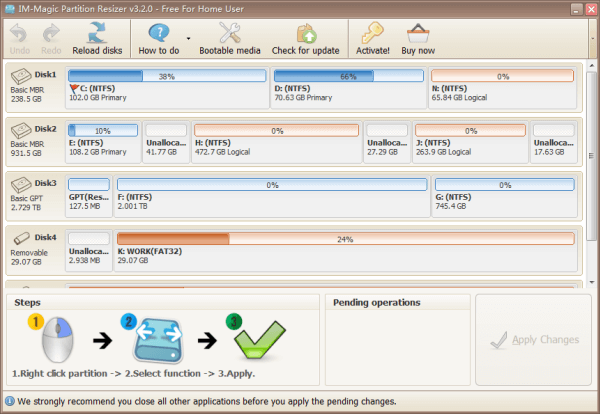
![Disk Resizer Increase Partition Resize without Formatting [2025 Update]](https://www.resize-c.com/img/steps/1-right-click.png)