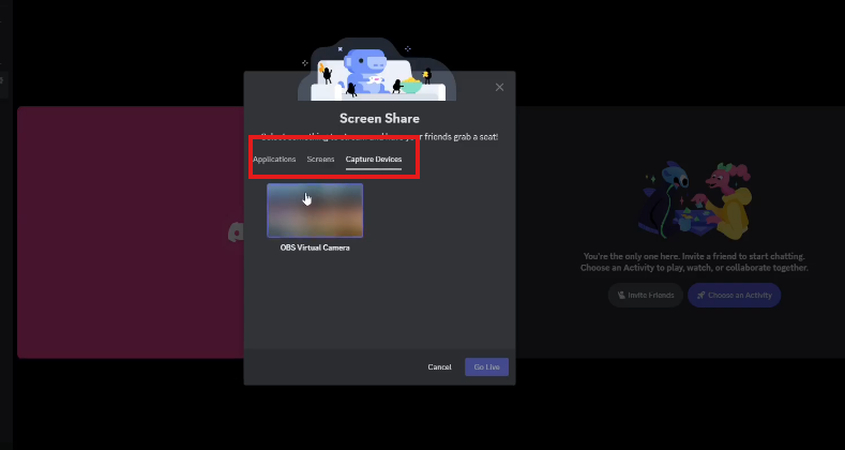
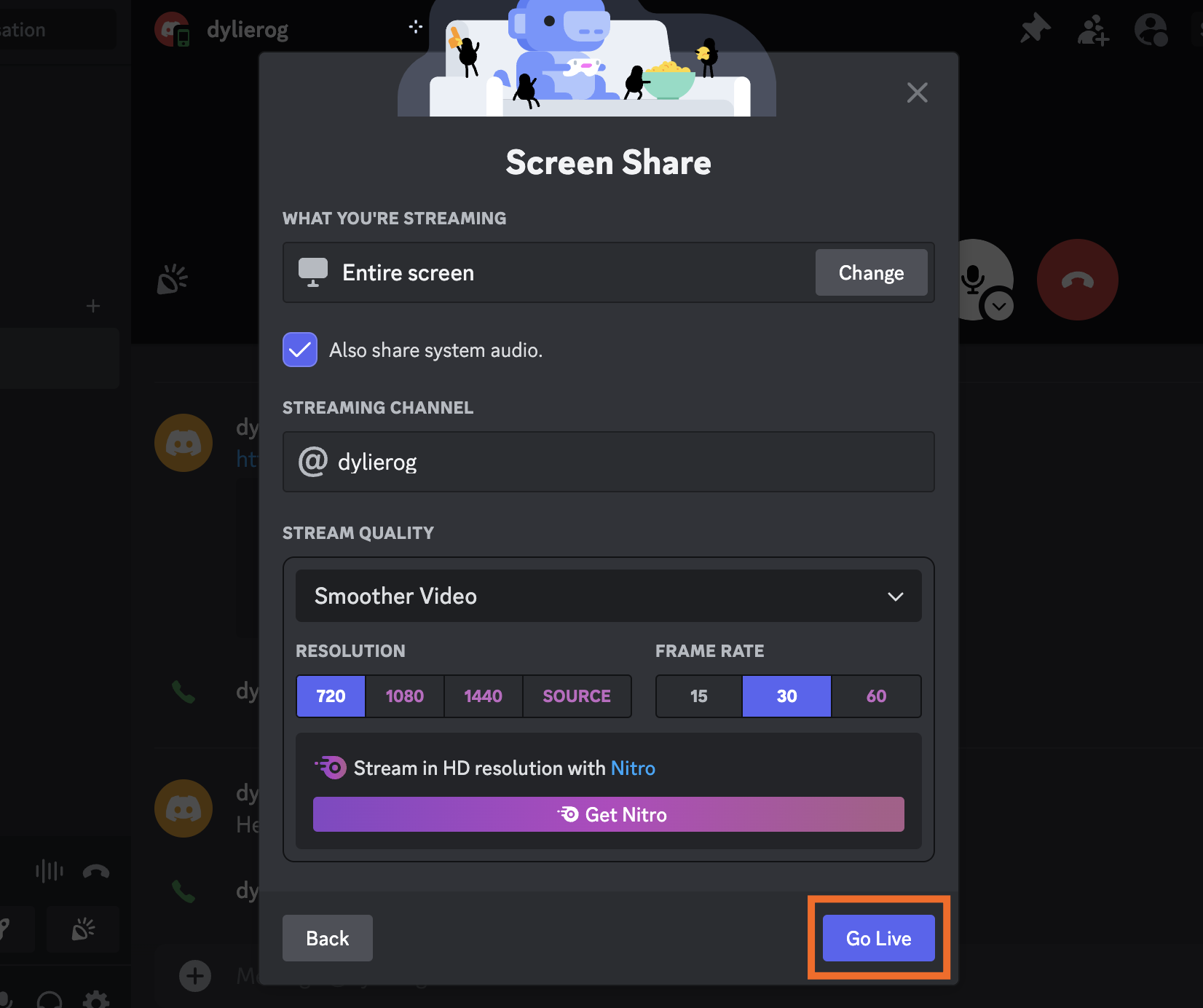
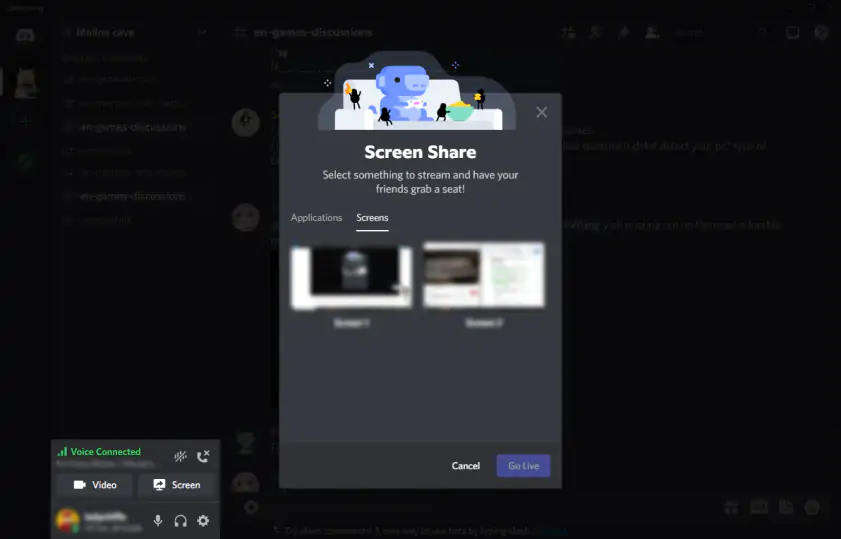
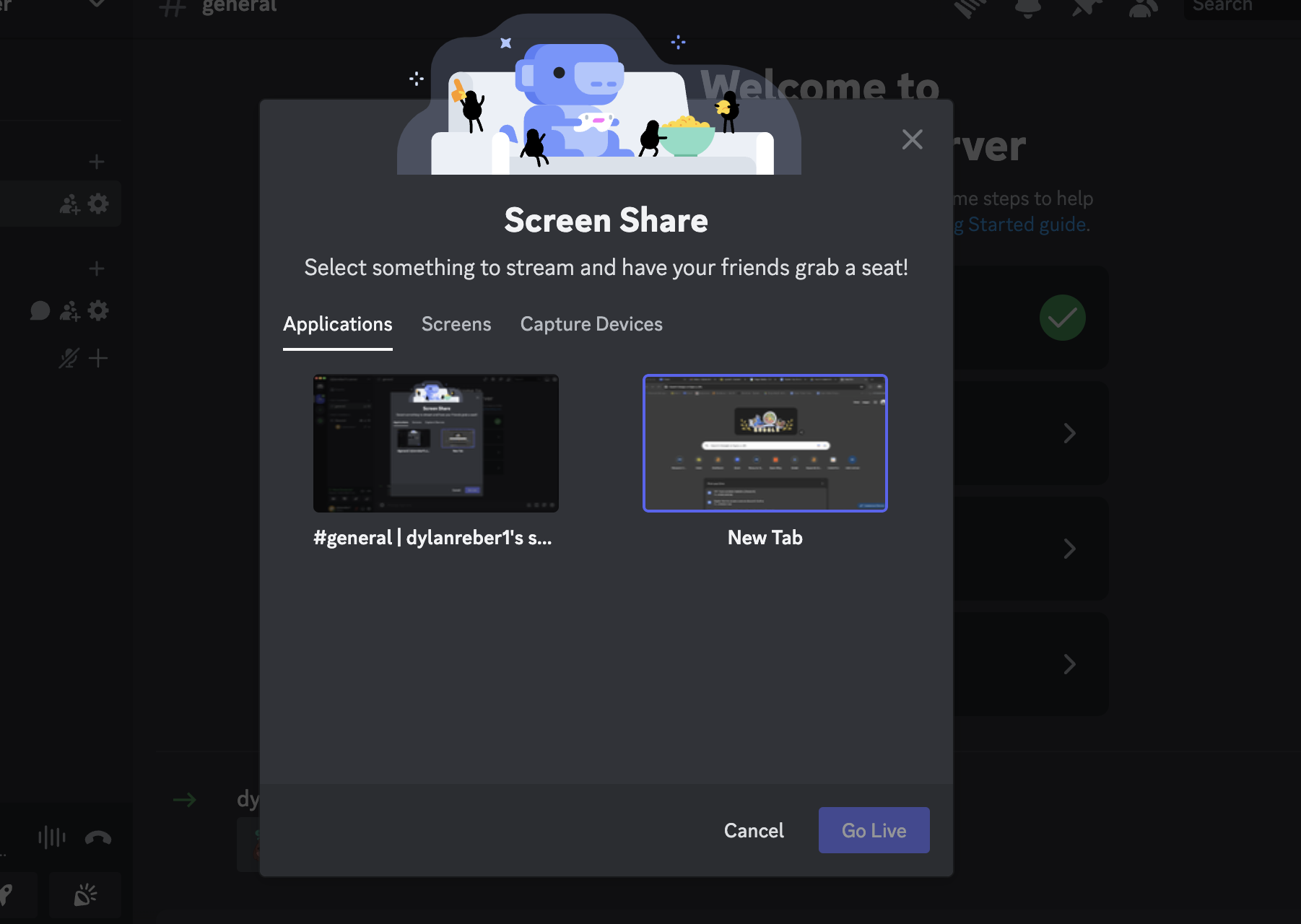
Discord Screenshare Capture Device
Explore the artistic interpretation of Discord Screenshare Capture Device through vast arrays of expressive photographs. showcasing the expressive qualities of computer, digital, and electronic. perfect for galleries and artistic exhibitions. Each Discord Screenshare Capture Device image is carefully selected for superior visual impact and professional quality. Suitable for various applications including web design, social media, personal projects, and digital content creation All Discord Screenshare Capture Device images are available in high resolution with professional-grade quality, optimized for both digital and print applications, and include comprehensive metadata for easy organization and usage. Explore the versatility of our Discord Screenshare Capture Device collection for various creative and professional projects. Each image in our Discord Screenshare Capture Device gallery undergoes rigorous quality assessment before inclusion. Regular updates keep the Discord Screenshare Capture Device collection current with contemporary trends and styles. Instant download capabilities enable immediate access to chosen Discord Screenshare Capture Device images. The Discord Screenshare Capture Device collection represents years of careful curation and professional standards. Multiple resolution options ensure optimal performance across different platforms and applications. Advanced search capabilities make finding the perfect Discord Screenshare Capture Device image effortless and efficient. Time-saving browsing features help users locate ideal Discord Screenshare Capture Device images quickly.
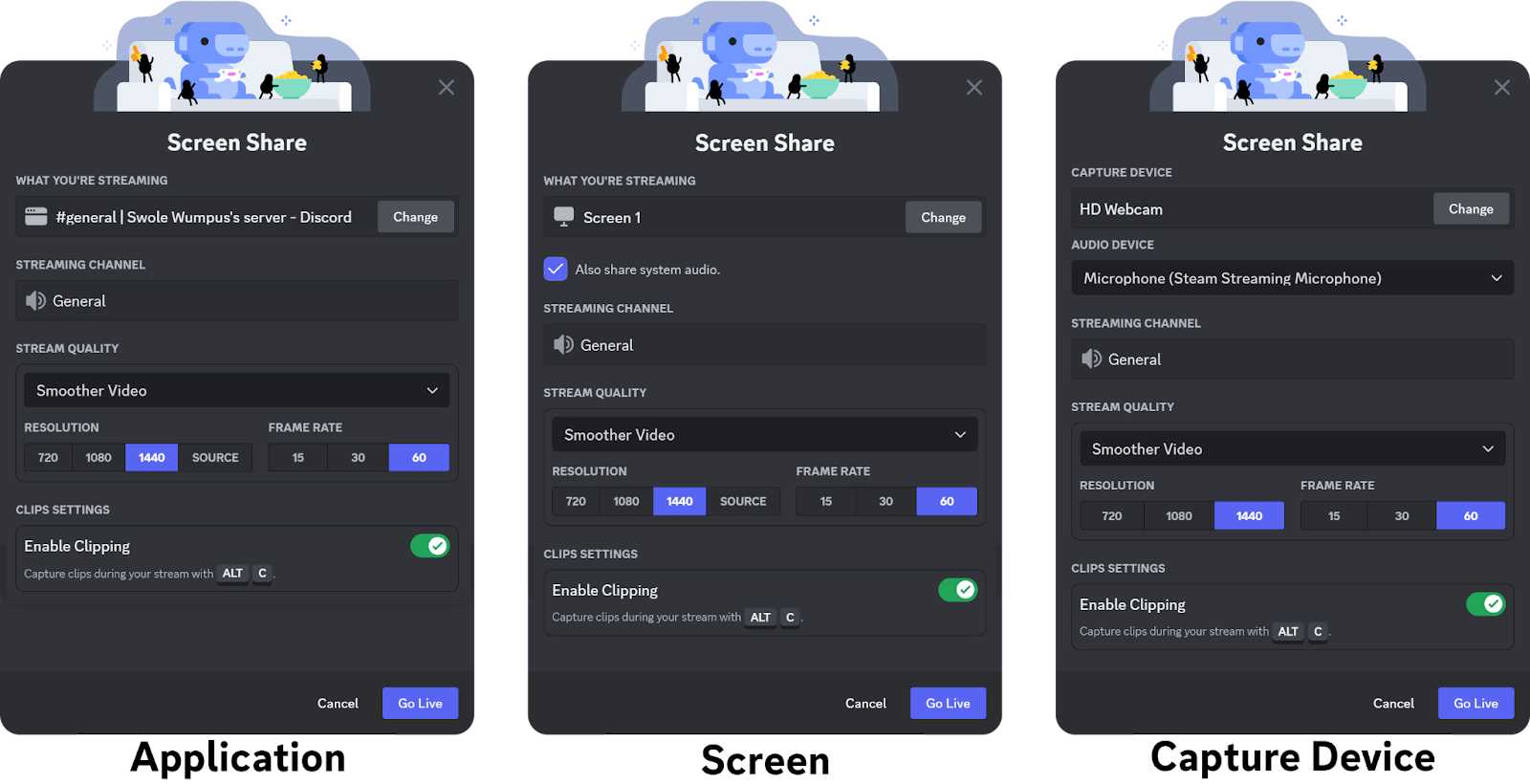
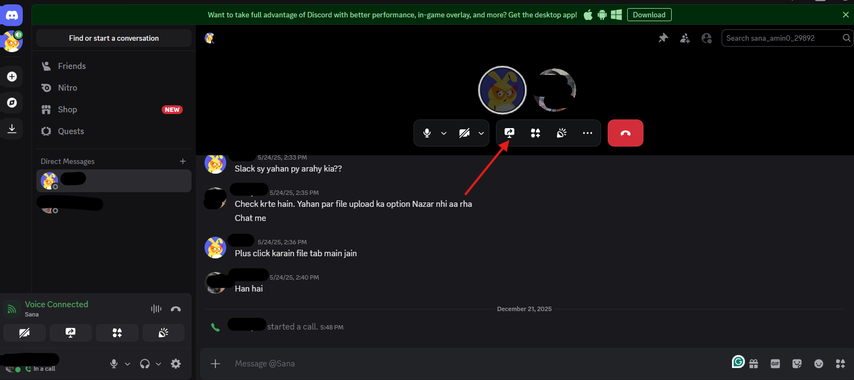


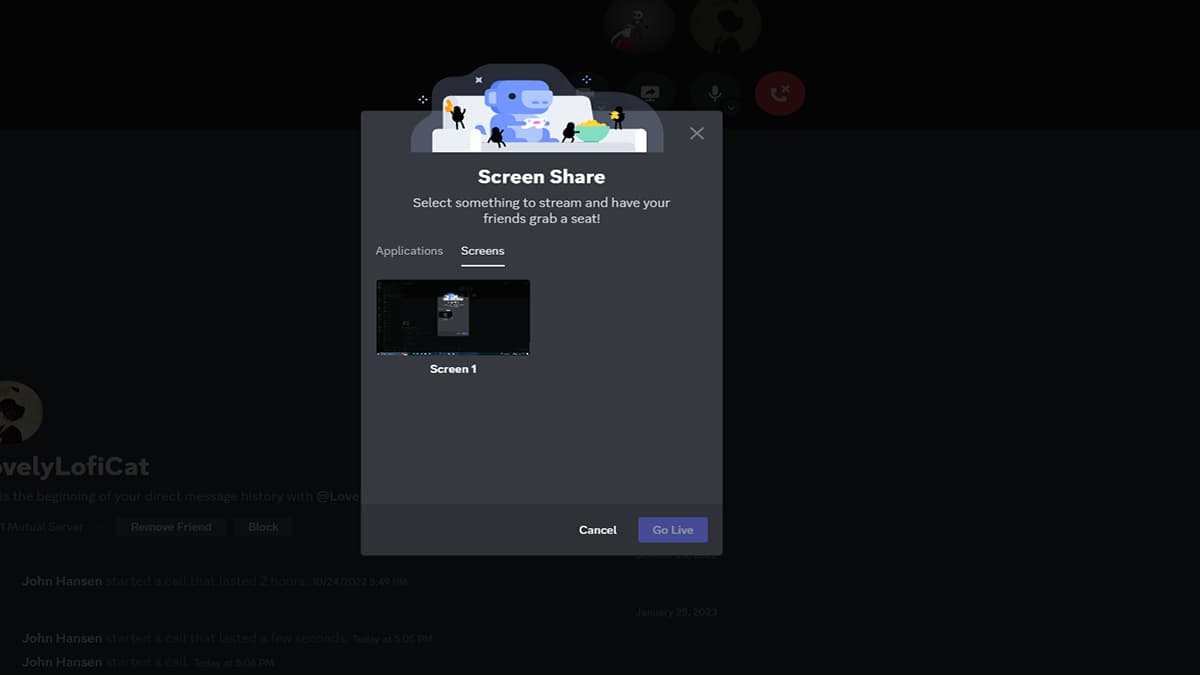
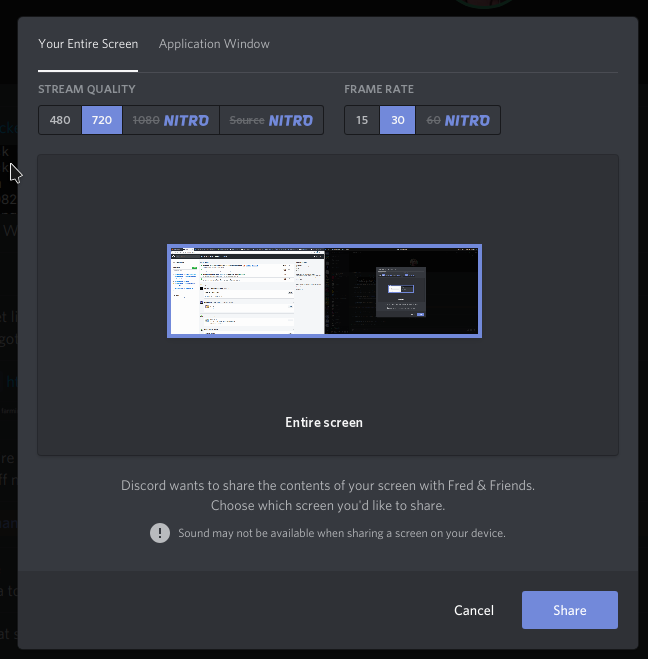
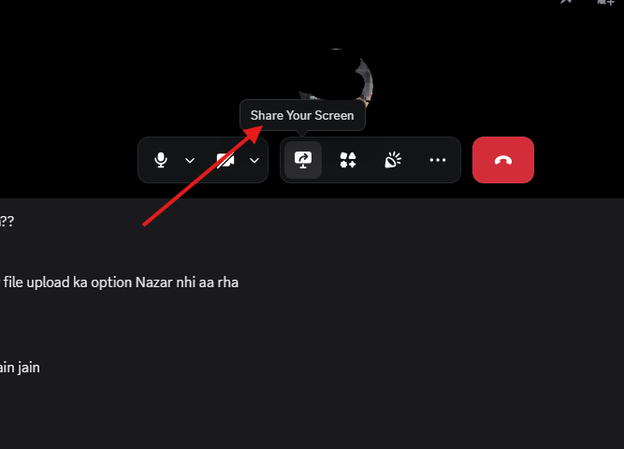
![Discord Screenshare Capture Device How to screen share on Discord [quick guide] | Zapier](https://images.ctfassets.net/lzny33ho1g45/4B9plu80gZzfHZExkRj7cU/46abd903e6175acc32f5950f4ac6d2ae/go_live_private.png)
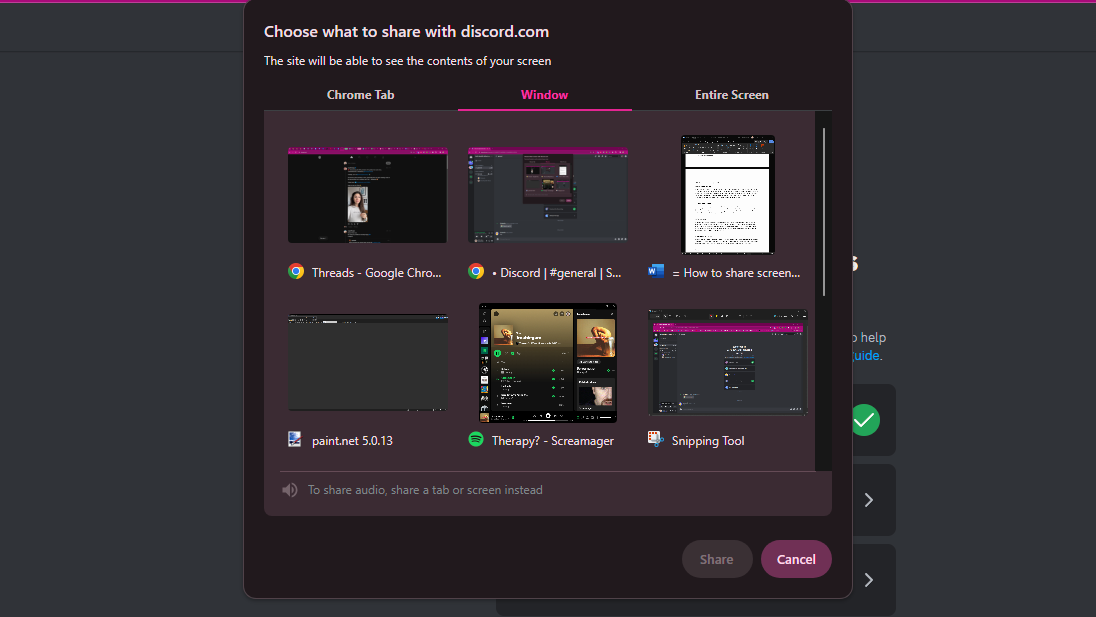
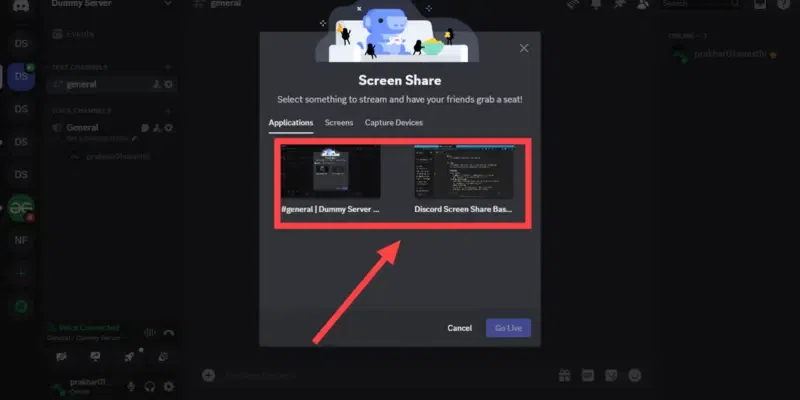
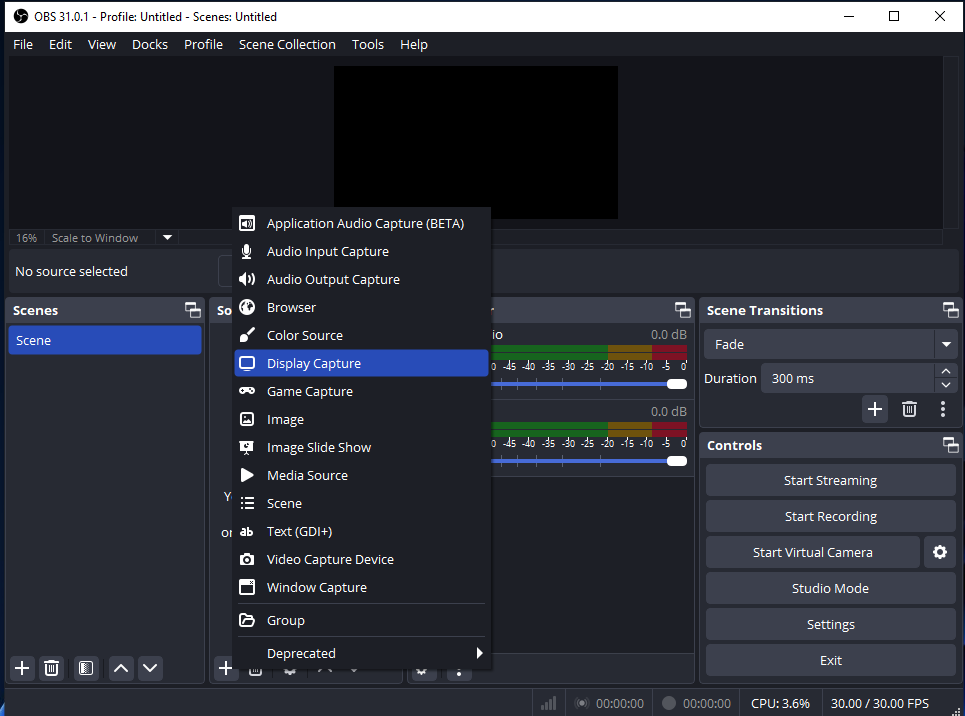
![Discord Screenshare Capture Device How to screen share on Discord [quick guide] | Zapier](https://images.ctfassets.net/lzny33ho1g45/67EUmtTm1ps0h7nVgyBxWg/c9f2254824535f947cea258e10ef4ffc/choose_app_to_share.png?)

:max_bytes(150000):strip_icc()/016_Screenshare_Discord-c98d37a5c7ba417fbba1d339c629c0e6.jpg)


.jpg?width=900&name=Method-2-step-7(2).jpg)
:max_bytes(150000):strip_icc()/008_Screenshare_Discord-1d1fb9b0c853495480ca84d7fa996738.jpg)


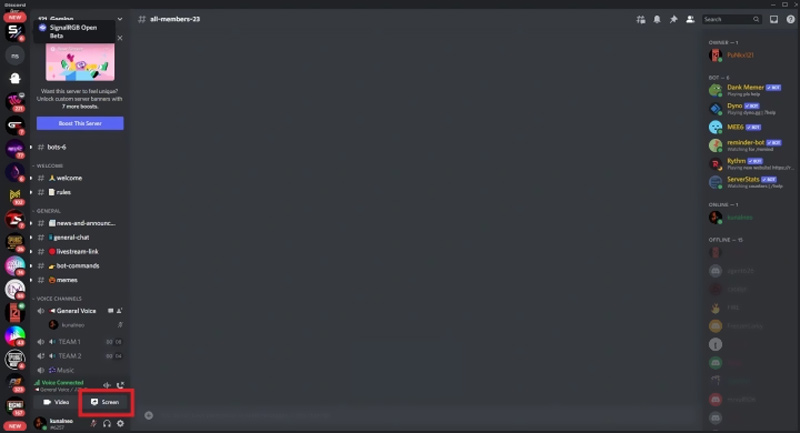
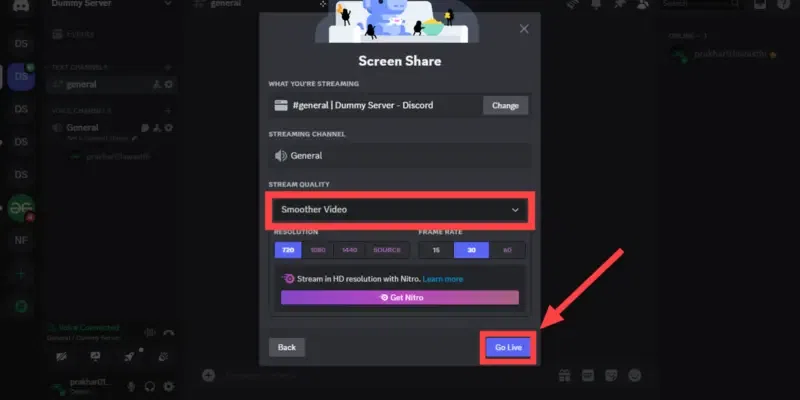
![Discord Screenshare Capture Device How to screen share on Discord [quick guide] | Zapier](https://images.ctfassets.net/lzny33ho1g45/5XvNYeYMuSyJCjO0rF74jH/546757ec033e9c86fcab852634d9ad97/Go_live.png?w=1400)


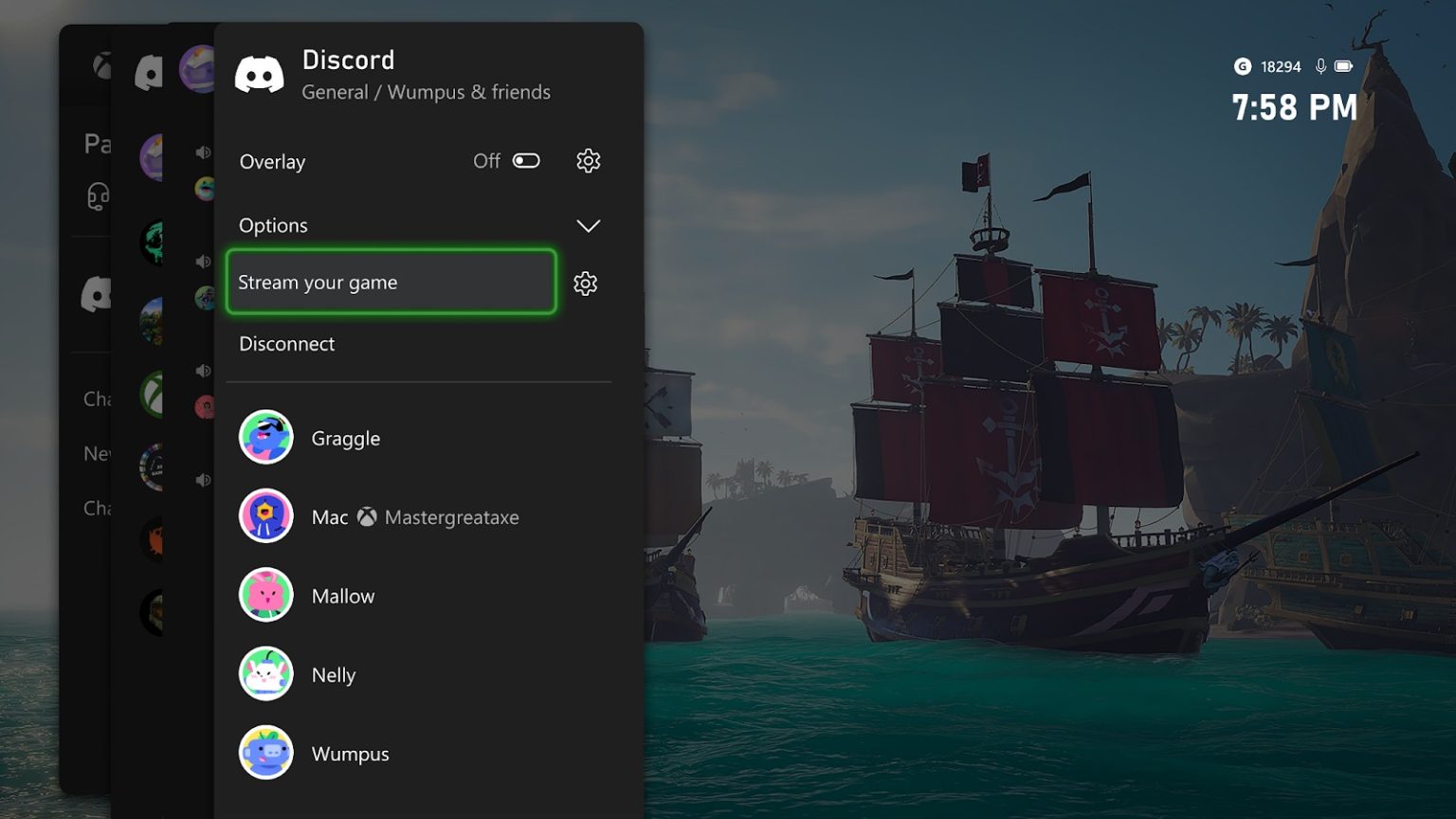
![Discord Screenshare Capture Device [2025 Guide] How to Share Screen on Discord in Different Devices?](https://www.leawo.org/entips/wp-content/uploads/2023/12/share-xbox-screen-on-discord-1536x864.jpg)


![Discord Screenshare Capture Device [Full Guide] How to Screen Share Discord on PC & Mobile 2023](https://img.swifdoo.com/image/how-to-record-screen-on-pc.jpg)

![Discord Screenshare Capture Device [2025 Guide] How to Share Screen on Discord in Different Devices?](https://www.leawo.org/entips/wp-content/uploads/2023/12/share-ps5-screen-on-discord-1024x576.jpg)
![Discord Screenshare Capture Device Fix Discord Screen Share Lagging [The Easy Way] - Alvaro Trigo's Blog](https://alvarotrigo.com/blog/wp-content/uploads/2024/12/discord-screen-share-no-audio.jpg)
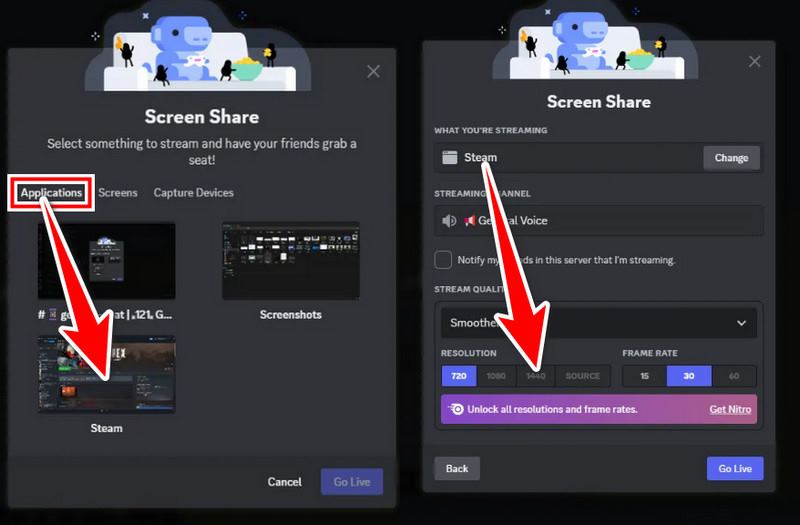
:max_bytes(150000):strip_icc()/014_Screenshare_Discord-9ad50b90036f4fb3aa2be15f03258d24.jpg)


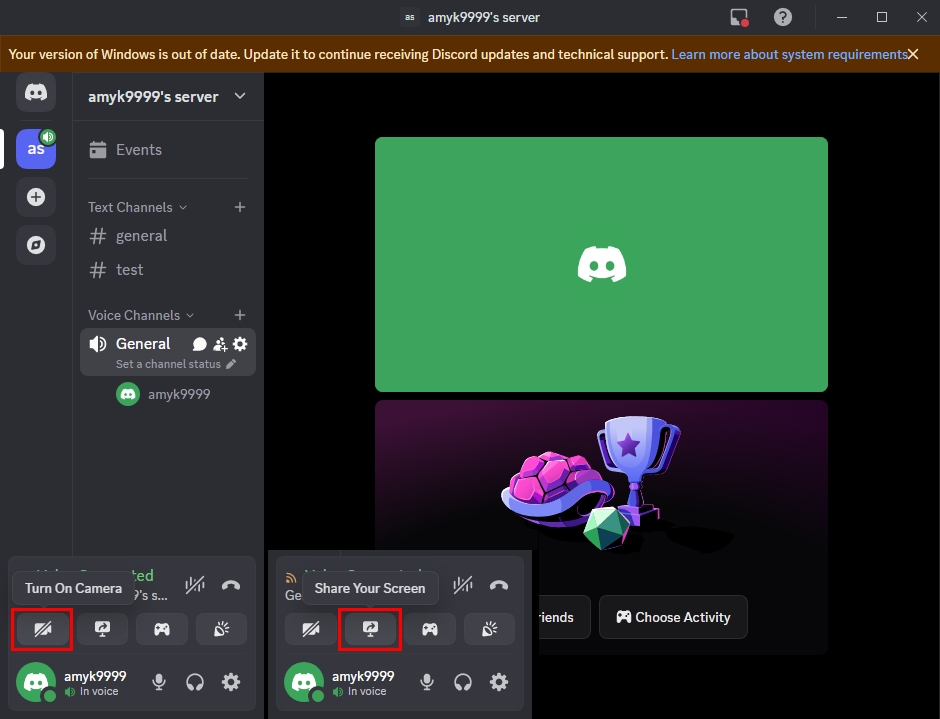
![Discord Screenshare Capture Device How to screen share on Discord [quick guide] | Zapier](https://images.ctfassets.net/lzny33ho1g45/3rj4W87Kgq2DEOnxsuOjqw/21a60d4c0c1e9b5077950d0c50e42235/turn_camera_on.png?)
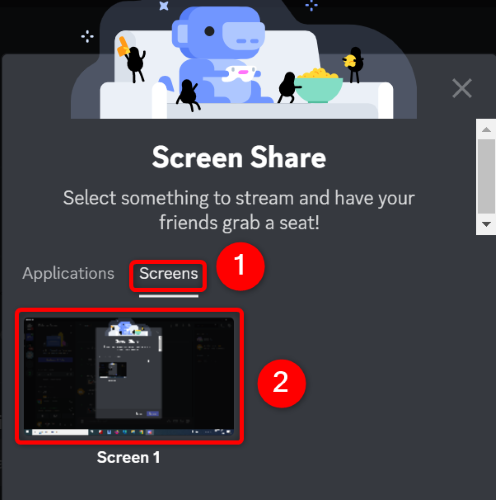


:max_bytes(150000):strip_icc()/012_Screenshare_Discord-28cd3bab24e540d292899821020b9024.jpg)


![Discord Screenshare Capture Device [Full Guide] How to Screen Share Discord on PC & Mobile 2023](https://img.swifdoo.com/image/record-game-effortlessly-adjust-recording-settings.jpg)
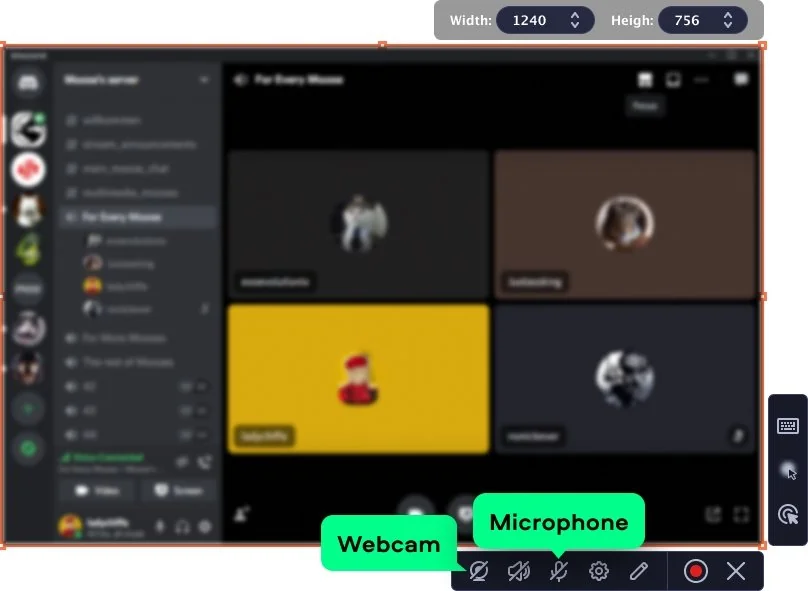


![Discord Screenshare Capture Device How to screen share on Discord [quick guide] | Zapier](https://images.ctfassets.net/lzny33ho1g45/58M8OSxeqzDx31tzx0NDB4/d46d92dd491649f7817fe9c97a67c2b2/layout_1.png)


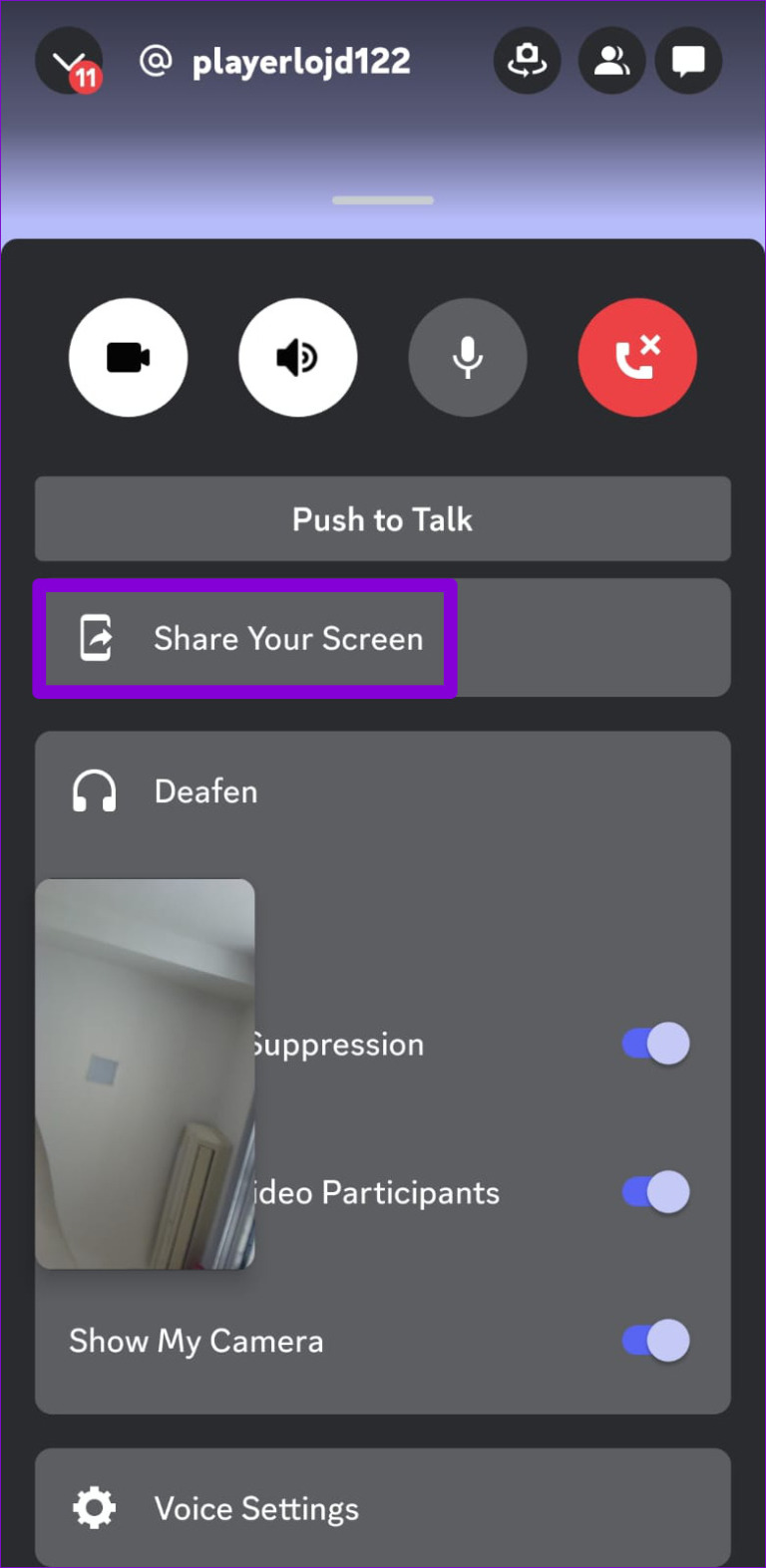
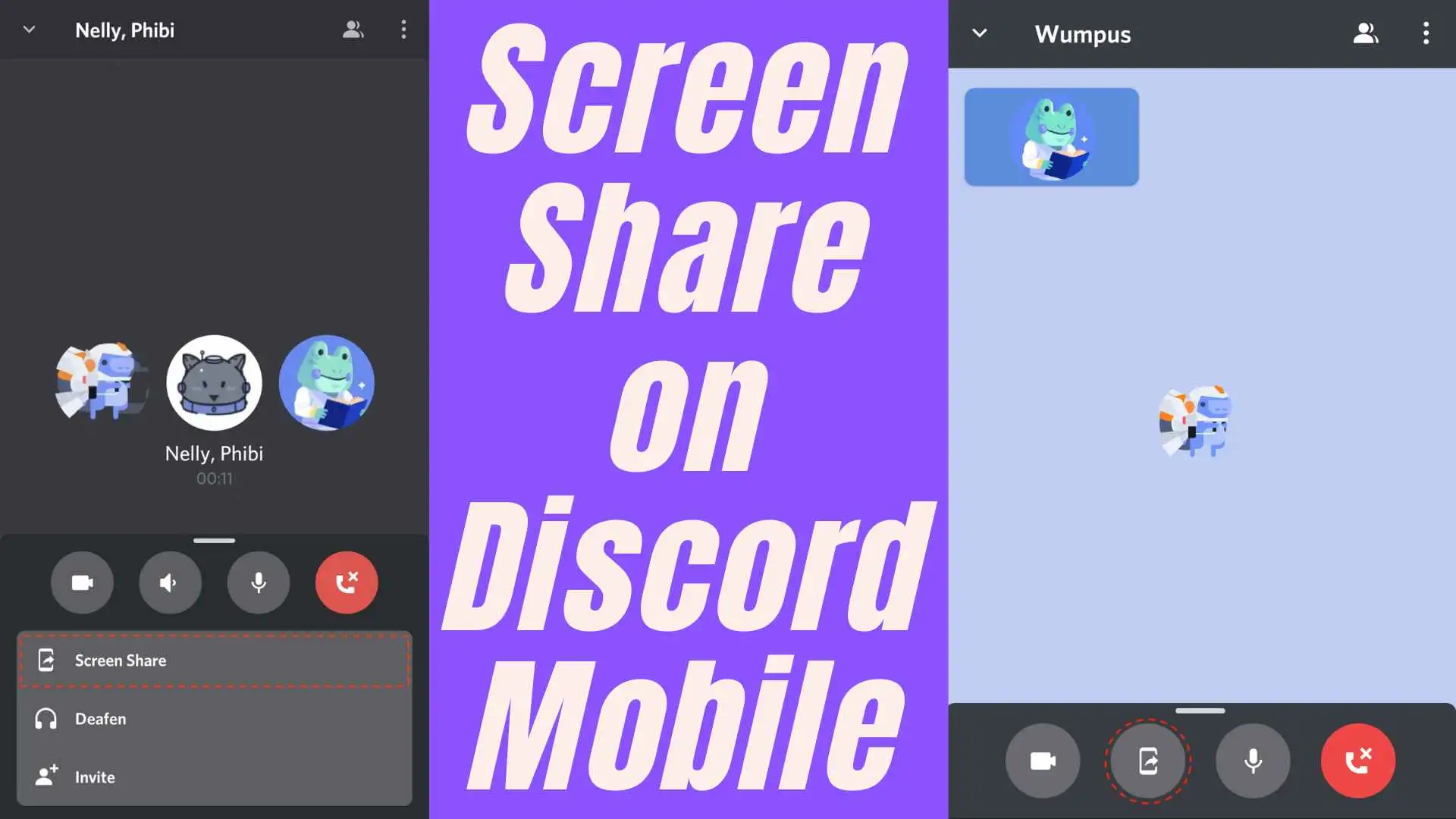
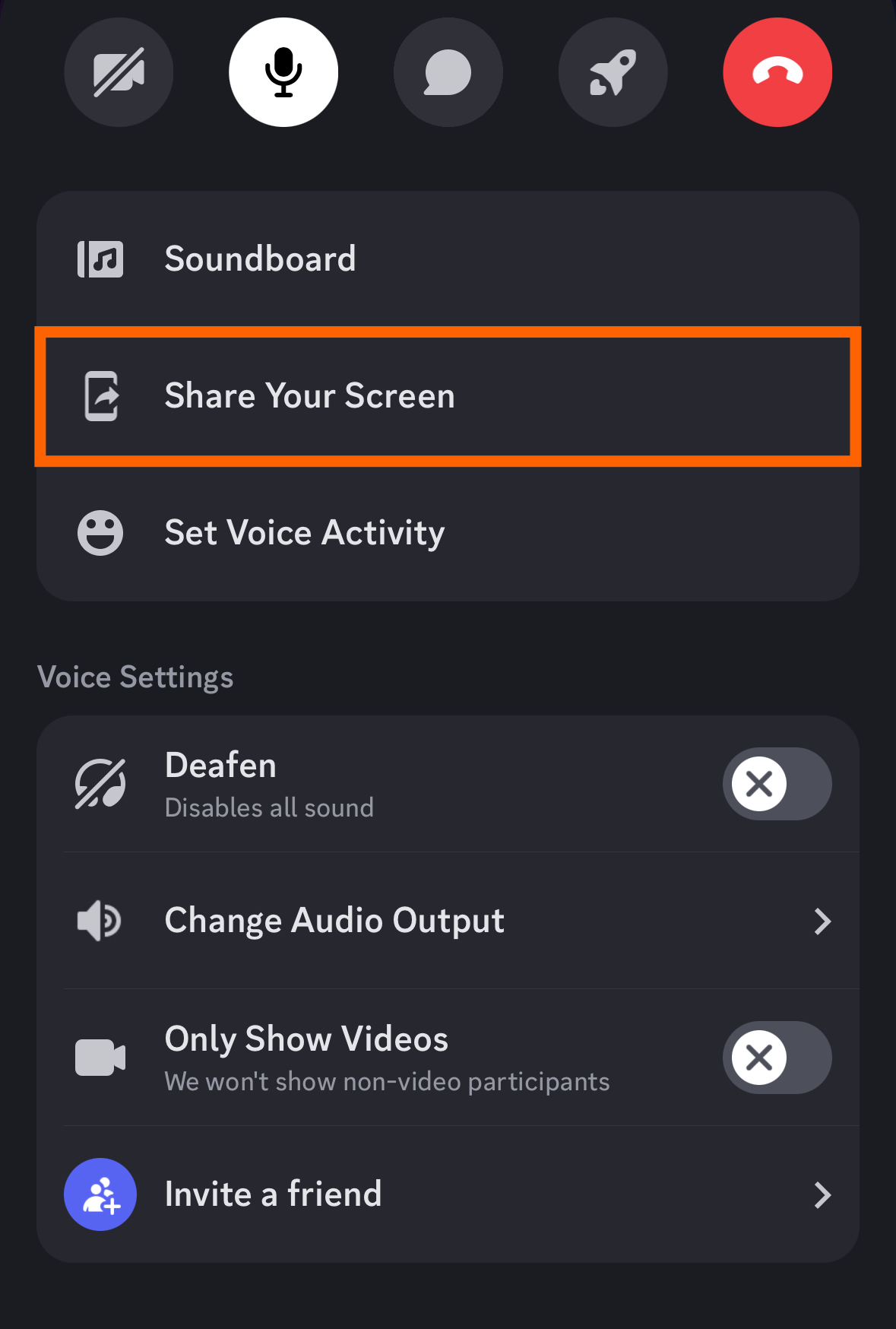
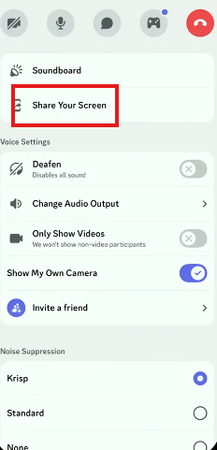
![Discord Screenshare Capture Device How to screen share on Discord [quick guide] | Zapier](https://images.ctfassets.net/lzny33ho1g45/5jYALbg0YgSo58DInhahHk/0ea39620009c70d65949bc329e80aa78/mobile_share_your_screen.png?)
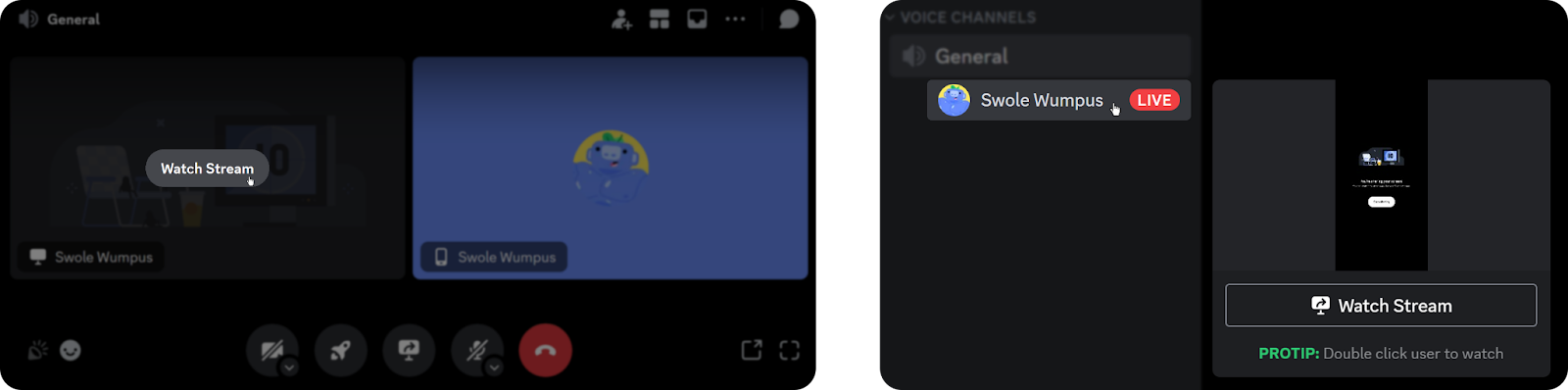

:max_bytes(150000):strip_icc()/006_Screenshare_Discord-40bc64c5fb624871803382642bbcb60b.jpg)


![Discord Screenshare Capture Device 15 Best Methods to Fix Discord Screen Share No Audio [100% Working]](https://www.fineshare.com/wp-content/uploads/2023/02/discord-screen-share-no-audio-19.webp)
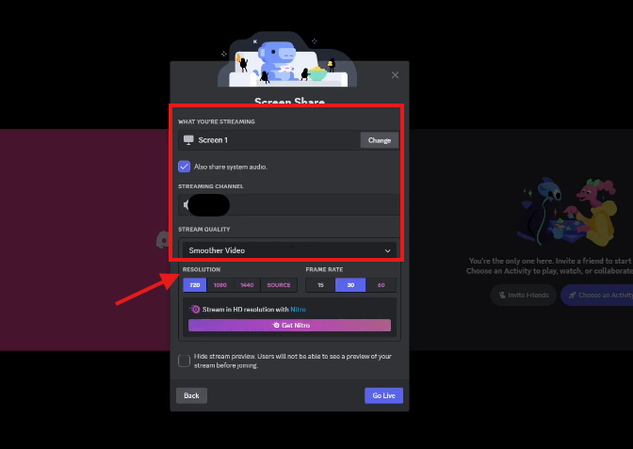


:max_bytes(150000):strip_icc()/015_Screenshare_Discord-2cbefd140688492580434fcb33523bf1.jpg)


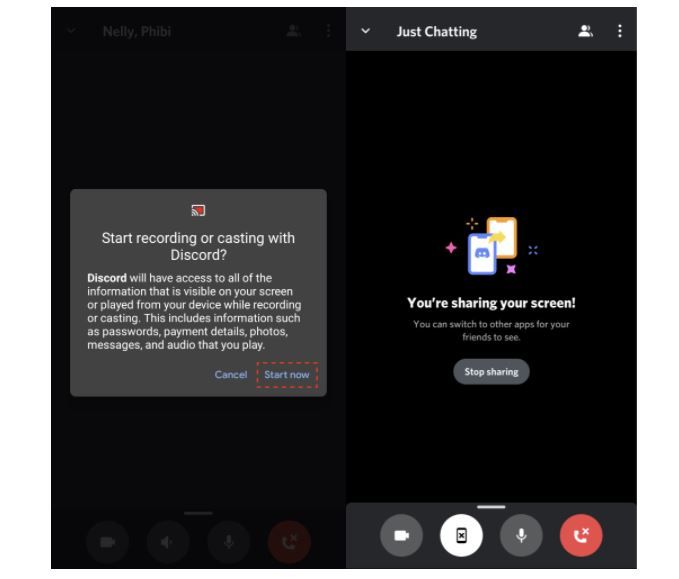
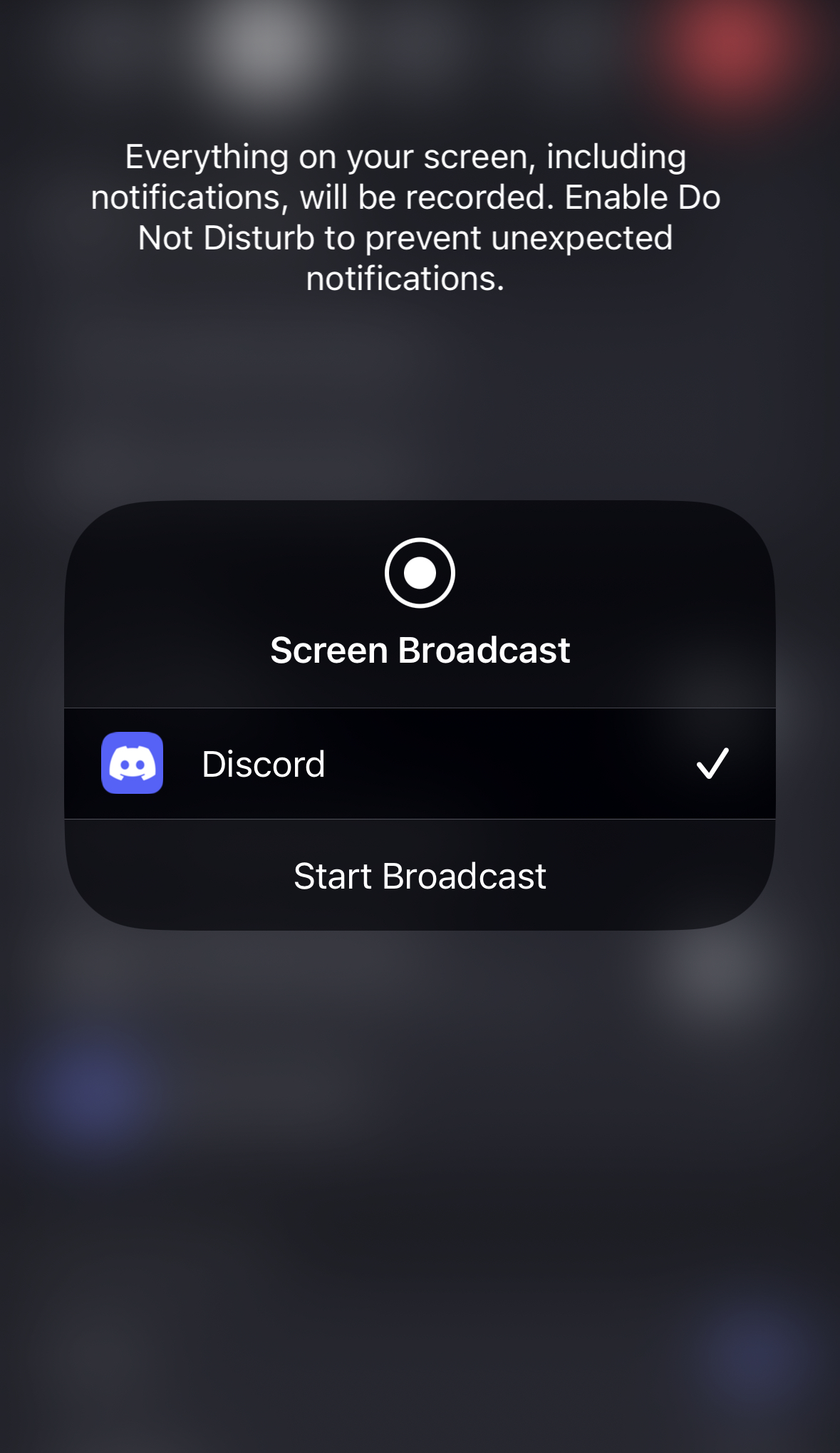
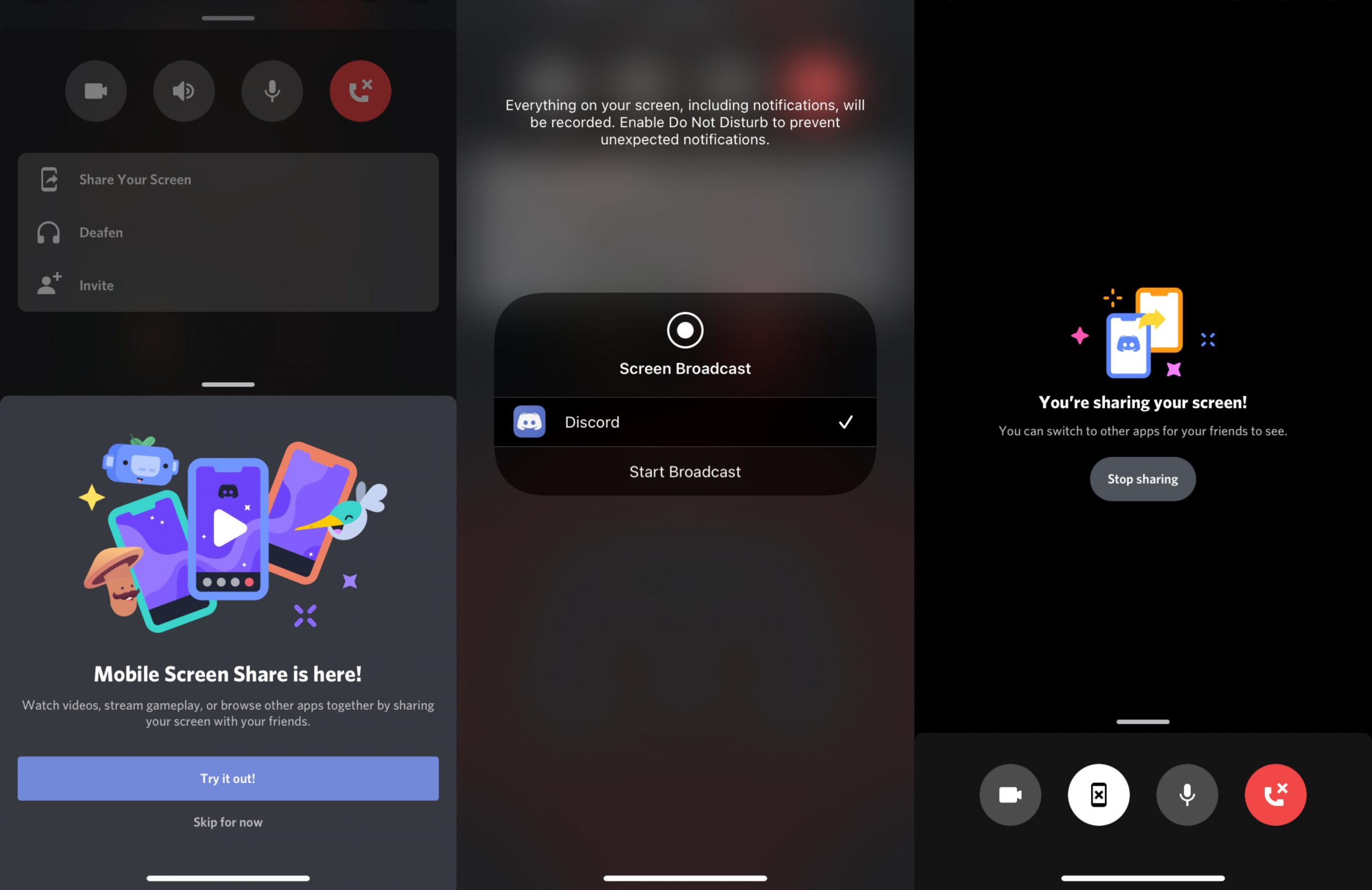
![Discord Screenshare Capture Device How to screen share on Discord [quick guide] | Zapier](https://images.ctfassets.net/lzny33ho1g45/3lNLpELRBHFuRtJhVHvOmh/41f9d70e4d3eed026b88f3db0fdf982b/mobile_start_broadcast.jpg)


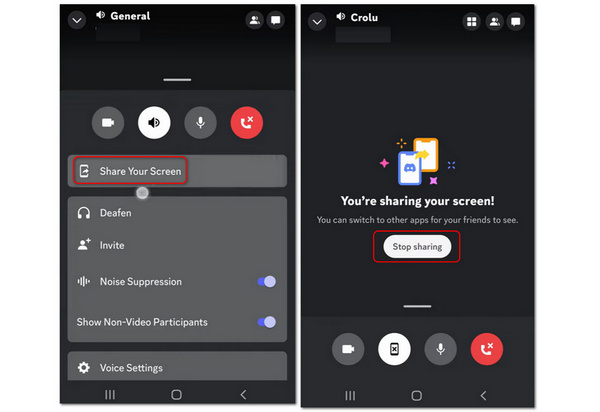
![Discord Screenshare Capture Device [가이드] 디스코드에서 화면 공유하는 방법 (데스크톱 및 모바일)](https://www.apeaksoft.com/images/solution/start-and-stop-screen-share-discord.jpg)