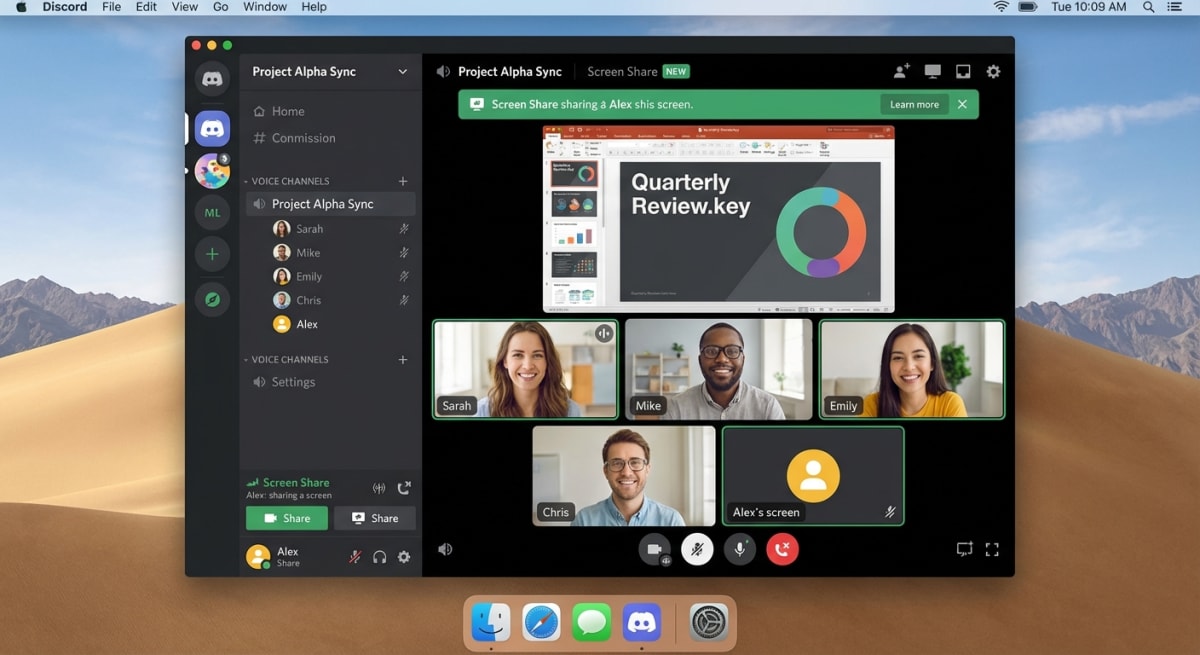
Discord Methods Screen Shot
Celebrate the visual poetry of Discord Methods Screen Shot through numerous carefully composed images. combining innovative composition with emotional depth and visual storytelling. creating lasting impressions through powerful and memorable imagery. Each Discord Methods Screen Shot image is carefully selected for superior visual impact and professional quality. Ideal for artistic projects, creative designs, digital art, and innovative visual expressions All Discord Methods Screen Shot images are available in high resolution with professional-grade quality, optimized for both digital and print applications, and include comprehensive metadata for easy organization and usage. Artists and designers find inspiration in our diverse Discord Methods Screen Shot gallery, featuring innovative visual approaches. Comprehensive tagging systems facilitate quick discovery of relevant Discord Methods Screen Shot content. Reliable customer support ensures smooth experience throughout the Discord Methods Screen Shot selection process. Professional licensing options accommodate both commercial and educational usage requirements. Each image in our Discord Methods Screen Shot gallery undergoes rigorous quality assessment before inclusion. Our Discord Methods Screen Shot database continuously expands with fresh, relevant content from skilled photographers. Regular updates keep the Discord Methods Screen Shot collection current with contemporary trends and styles. Instant download capabilities enable immediate access to chosen Discord Methods Screen Shot images.

:max_bytes(150000):strip_icc()/012_Screenshare_Discord-28cd3bab24e540d292899821020b9024.jpg)
:max_bytes(150000):strip_icc()/008_Screenshare_Discord-1d1fb9b0c853495480ca84d7fa996738.jpg)
:max_bytes(150000):strip_icc()/017_Screenshare_Discord-5a7ace7f53db46be8288228efa1f91f1.jpg)

:max_bytes(150000):strip_icc()/007_Screenshare_Discord-e5eaed495ab843e3ae3bd5e287509a74.jpg)


:max_bytes(150000):strip_icc()/013_Screenshare_Discord-fe11b458979b48e089b46b6088dd4e37.jpg)


:max_bytes(150000):strip_icc()/014_Screenshare_Discord-9ad50b90036f4fb3aa2be15f03258d24.jpg)
:max_bytes(150000):strip_icc()/004_Screenshare_Discord-855e4d68585d43f4b280278b6d12a2f4.jpg)
:max_bytes(150000):strip_icc()/011_Screenshare_Discord-91565f27eca545f2b18809a7272fa2bd.jpg)


![Discord Methods Screen Shot How to Screen Record on Discord [2 Simple Methods]](https://images.minitool.com/recorder.minitool.com/images/uploads/2026/03/how-to-screen-record-on-discord-5.png)


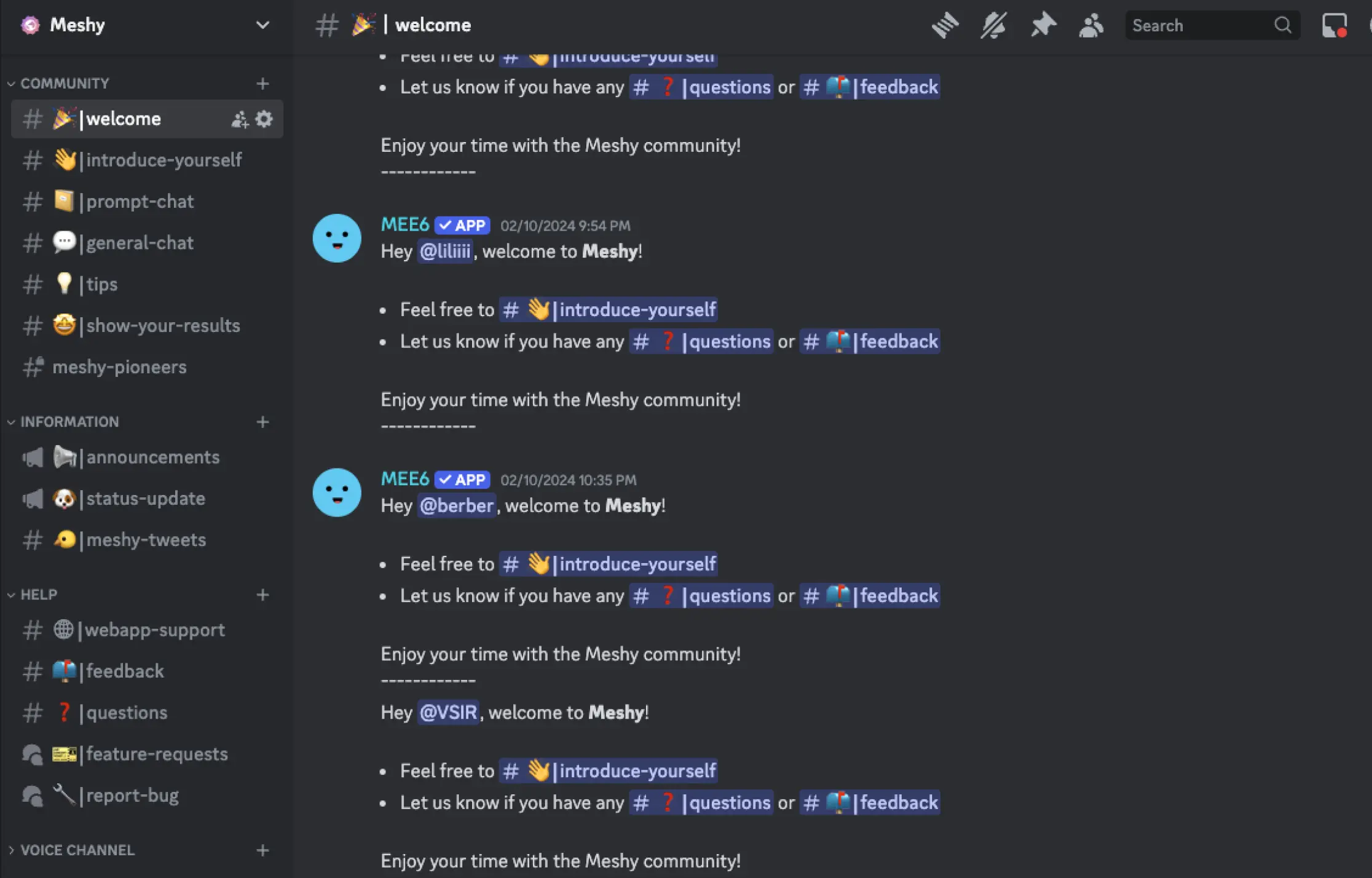
![Discord Methods Screen Shot Screenshot auf Discord auf 5 Arten und posten [Alle Geräte]](https://www.anyrec.io/images/2022/01/discord-screenshot-s.jpg)


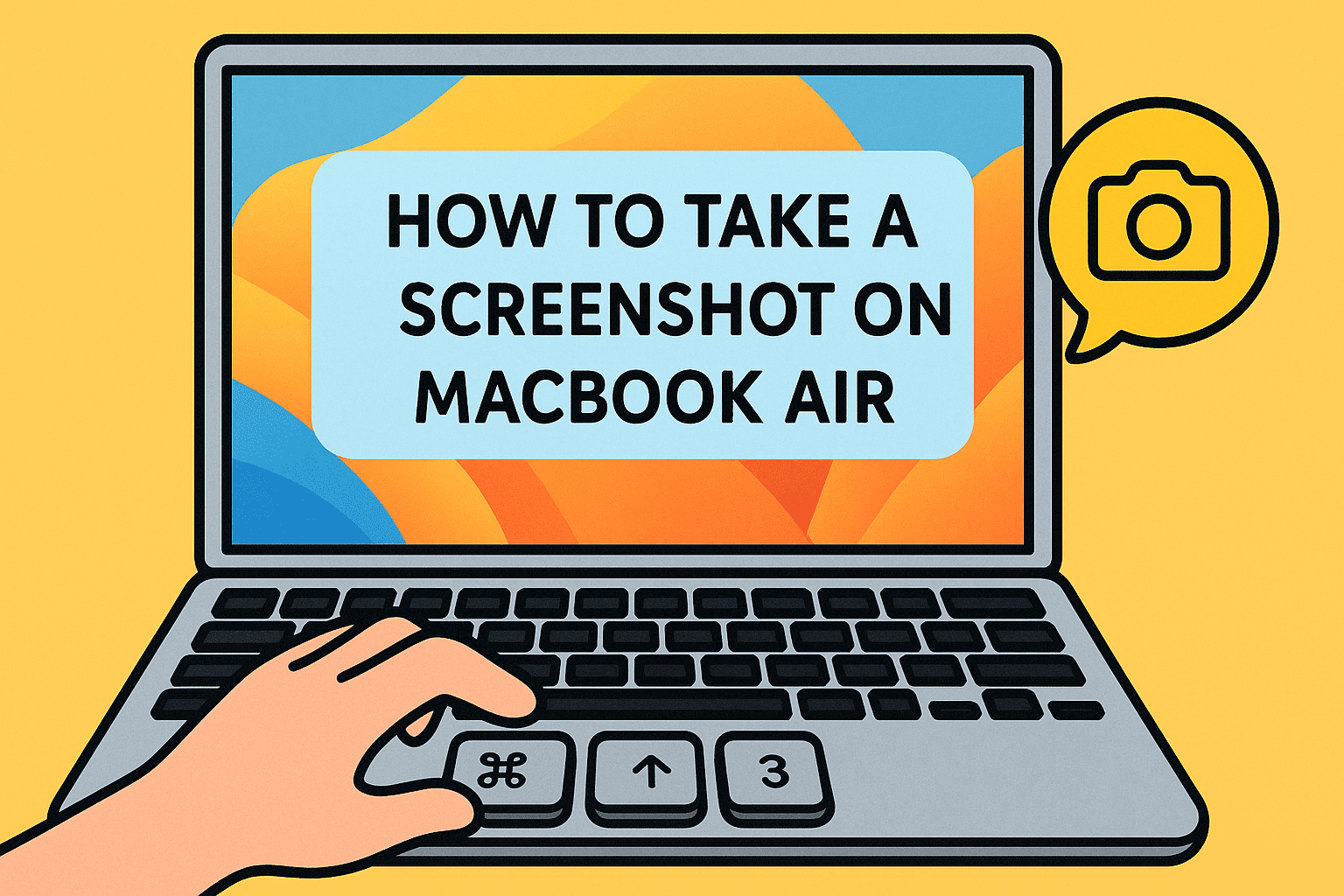
![Discord Methods Screen Shot Screenshot on Discord in 5 Ways and Post It [All Devices]](https://www.anyrec.io/images/2021/12/command-shift-5-discord.jpg)
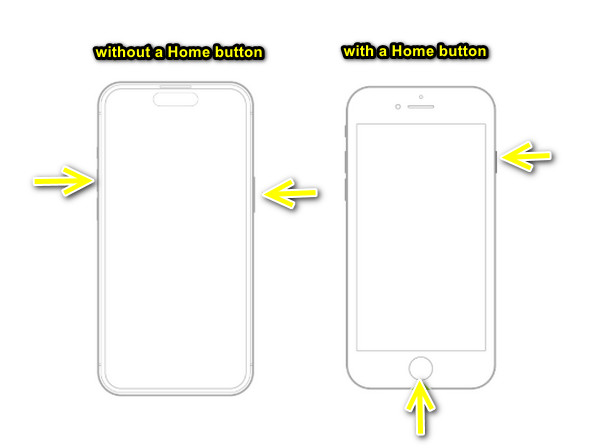


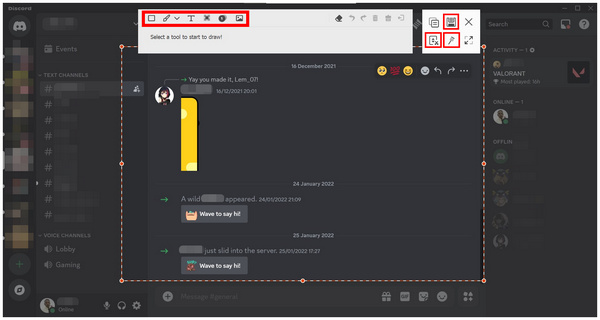
![Discord Methods Screen Shot Screenshot on Discord in 5 Ways and Post It [All Devices]](https://www.anyrec.io/images/screen-recorder/edit-screenshot.jpg)
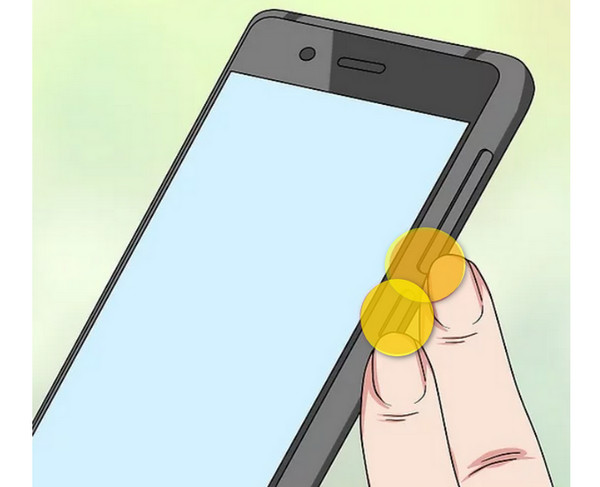


![Discord Methods Screen Shot Screenshot on Discord in 5 Ways and Post It [All Devices]](https://www.anyrec.io/images/2021/12/screencast-discord-windows.jpg)


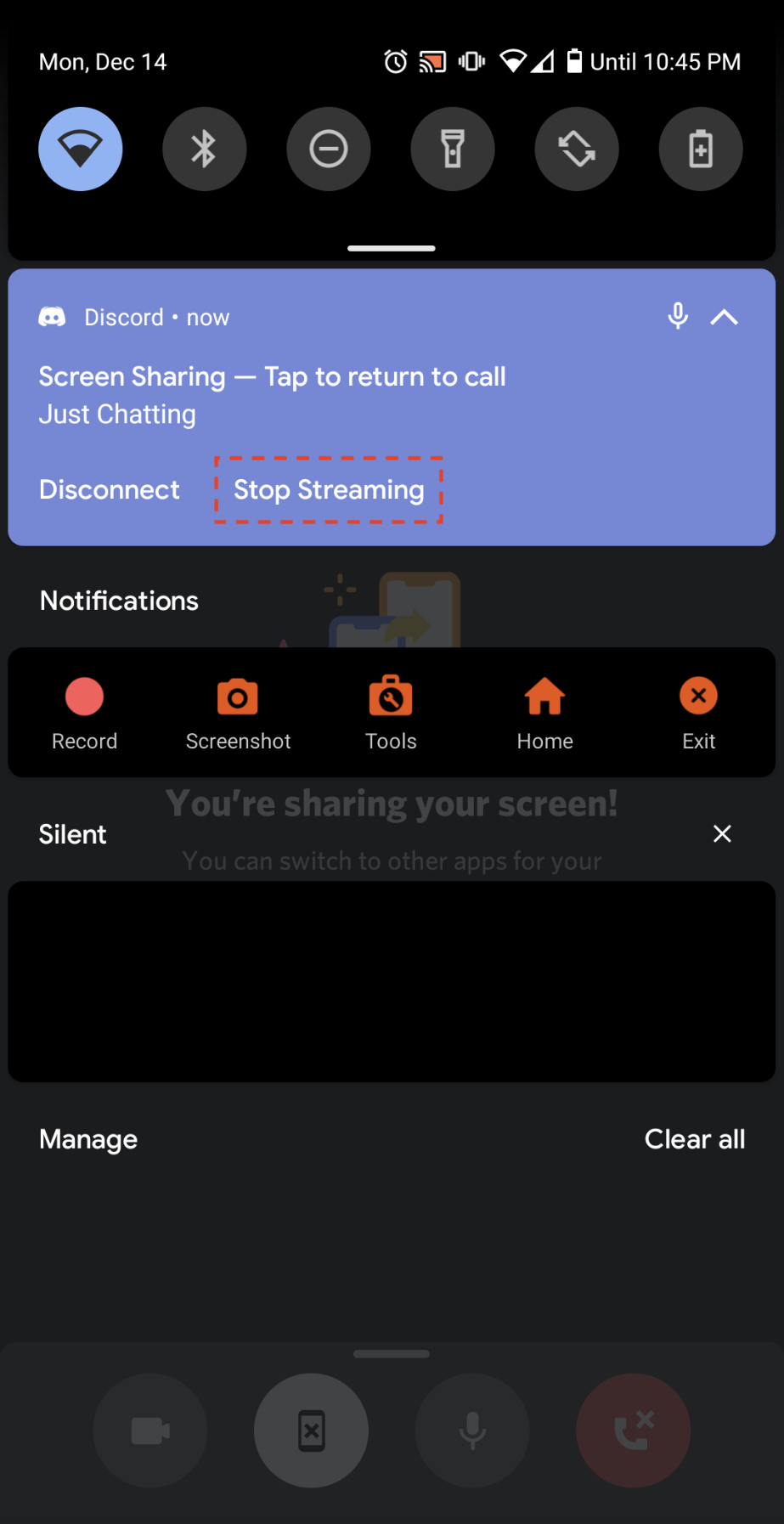
![Discord Methods Screen Shot [Mobile] Screenshare FAQ – Discord](https://support.discord.com/hc/article_attachments/360099320114/image10.png)

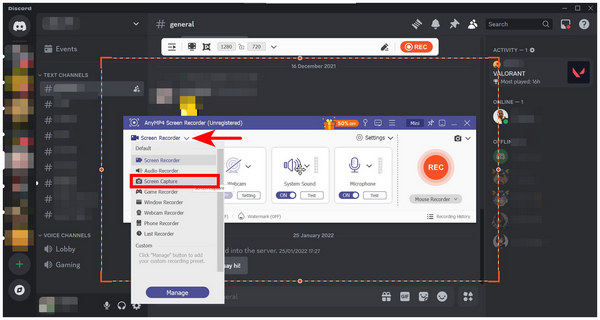
![Discord Methods Screen Shot 在 Discord 上截圖並發布(5 種方法)[所有裝置]](https://www.anyrec.io/images/screen-recorder/select-screen-capture.jpg)


![Discord Methods Screen Shot [Mobile] Screenshare FAQ – Discord](https://support.discord.com/hc/article_attachments/360101543873/image9.png)