
Create A Back Up
Embrace seasonal changes with our Create A Back Up gallery of numerous weather-themed images. capturing seasonal variations of food, cooking, and recipe. designed to celebrate natural cycles and changes. Browse our premium Create A Back Up gallery featuring professionally curated photographs. Suitable for various applications including web design, social media, personal projects, and digital content creation All Create A Back Up images are available in high resolution with professional-grade quality, optimized for both digital and print applications, and include comprehensive metadata for easy organization and usage. Our Create A Back Up gallery offers diverse visual resources to bring your ideas to life. Instant download capabilities enable immediate access to chosen Create A Back Up images. Advanced search capabilities make finding the perfect Create A Back Up image effortless and efficient. Cost-effective licensing makes professional Create A Back Up photography accessible to all budgets. The Create A Back Up collection represents years of careful curation and professional standards. Comprehensive tagging systems facilitate quick discovery of relevant Create A Back Up content. Diverse style options within the Create A Back Up collection suit various aesthetic preferences. Professional licensing options accommodate both commercial and educational usage requirements. Each image in our Create A Back Up gallery undergoes rigorous quality assessment before inclusion.
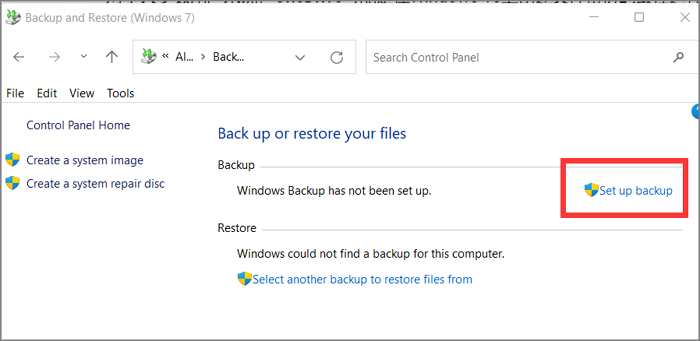
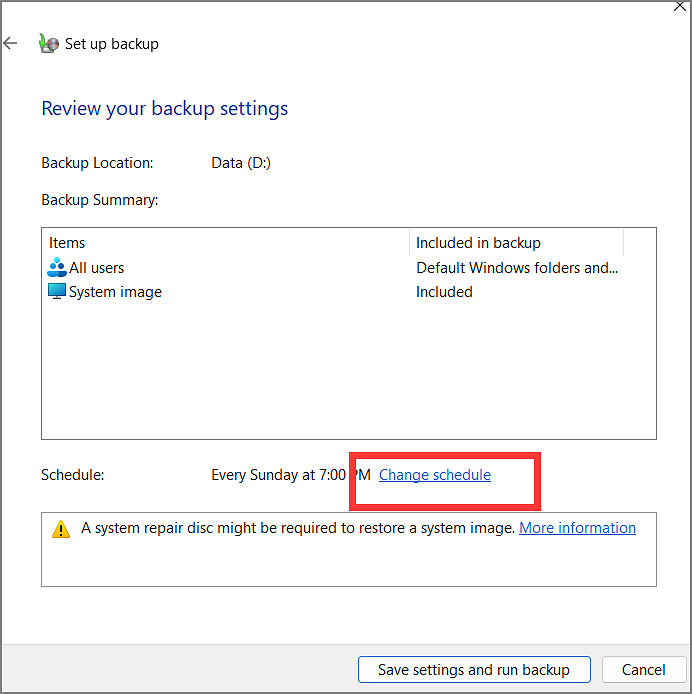
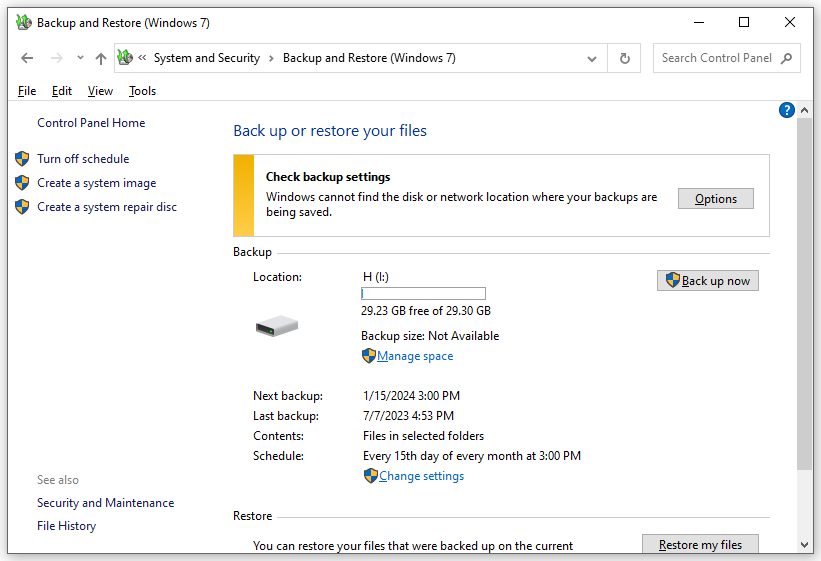
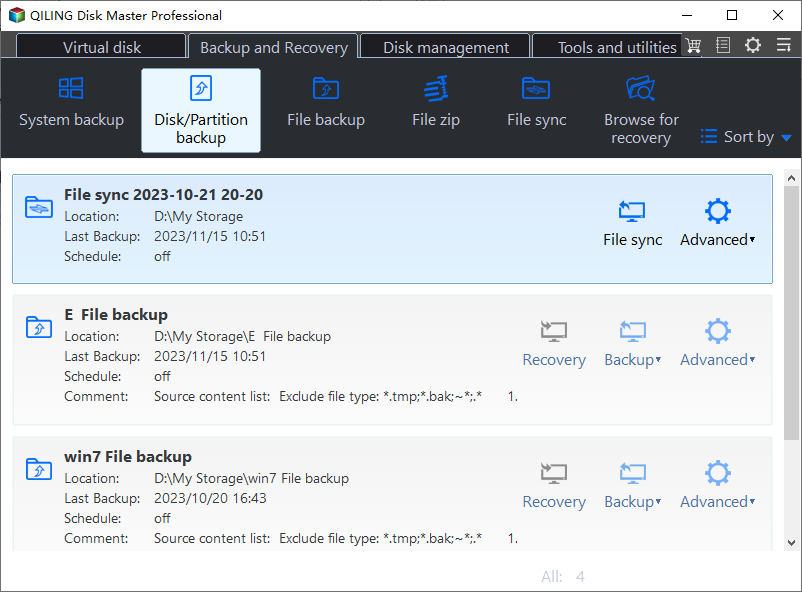
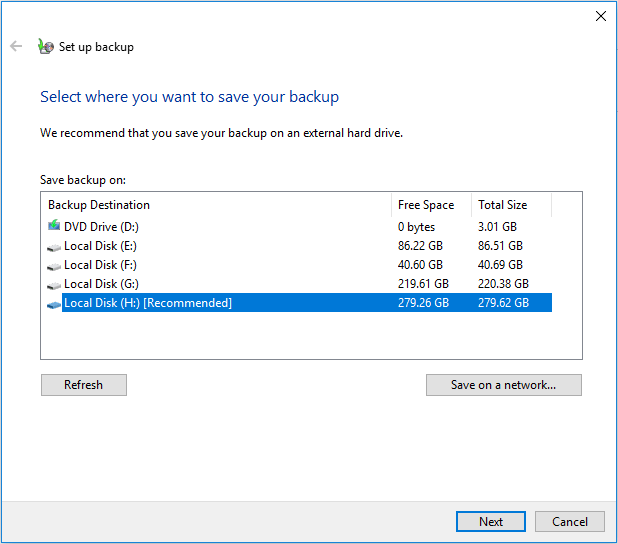
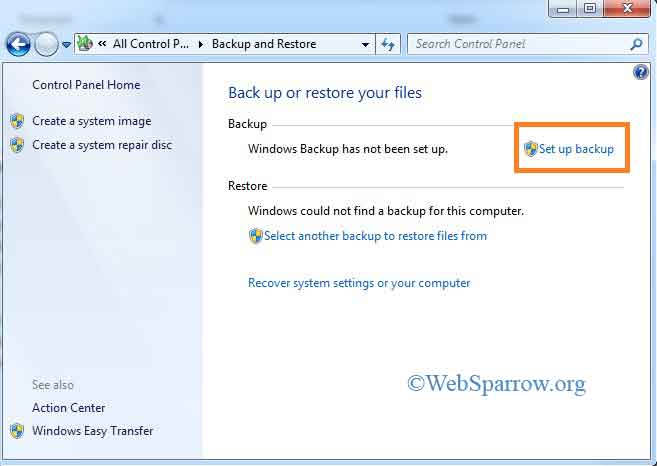
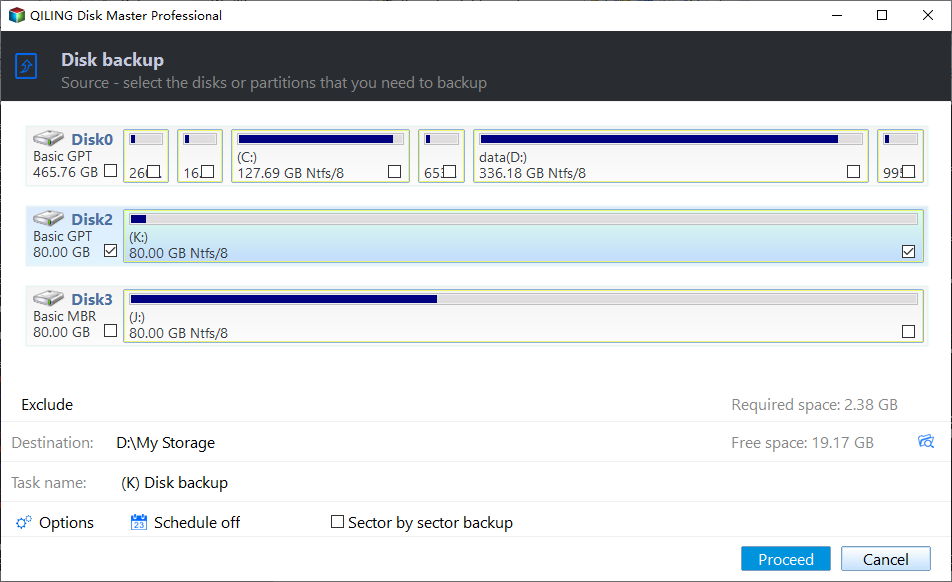
![Create A Back Up How to Create a Backup Disk for Windows 10 [Ultimate Guide] - Qiling](https://www.idiskhome.com/resource/images/backup/backup-and-restore-set-up-backup.png)


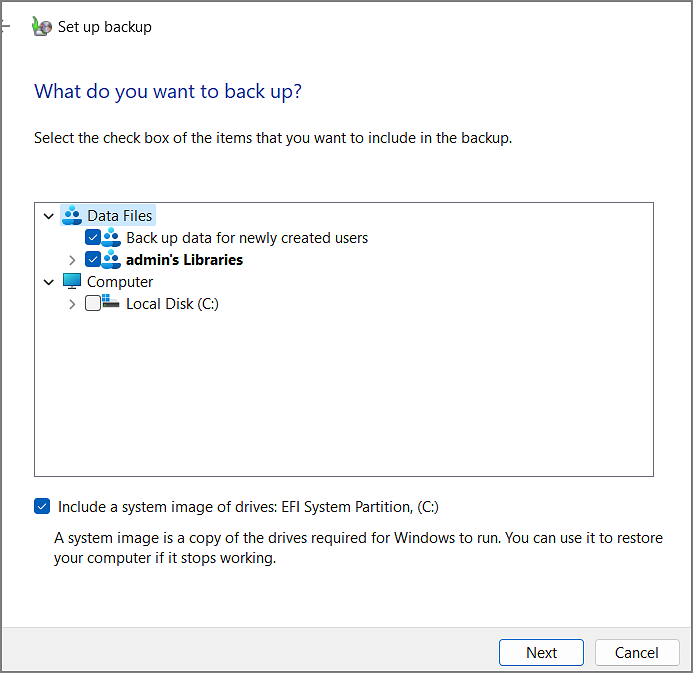
![Create A Back Up How to Create a Backup Disk for Windows 10 [Ultimate Guide] - Qiling](https://www.idiskhome.com/resource/images/backup/what-do-you-want-to-backup.png)


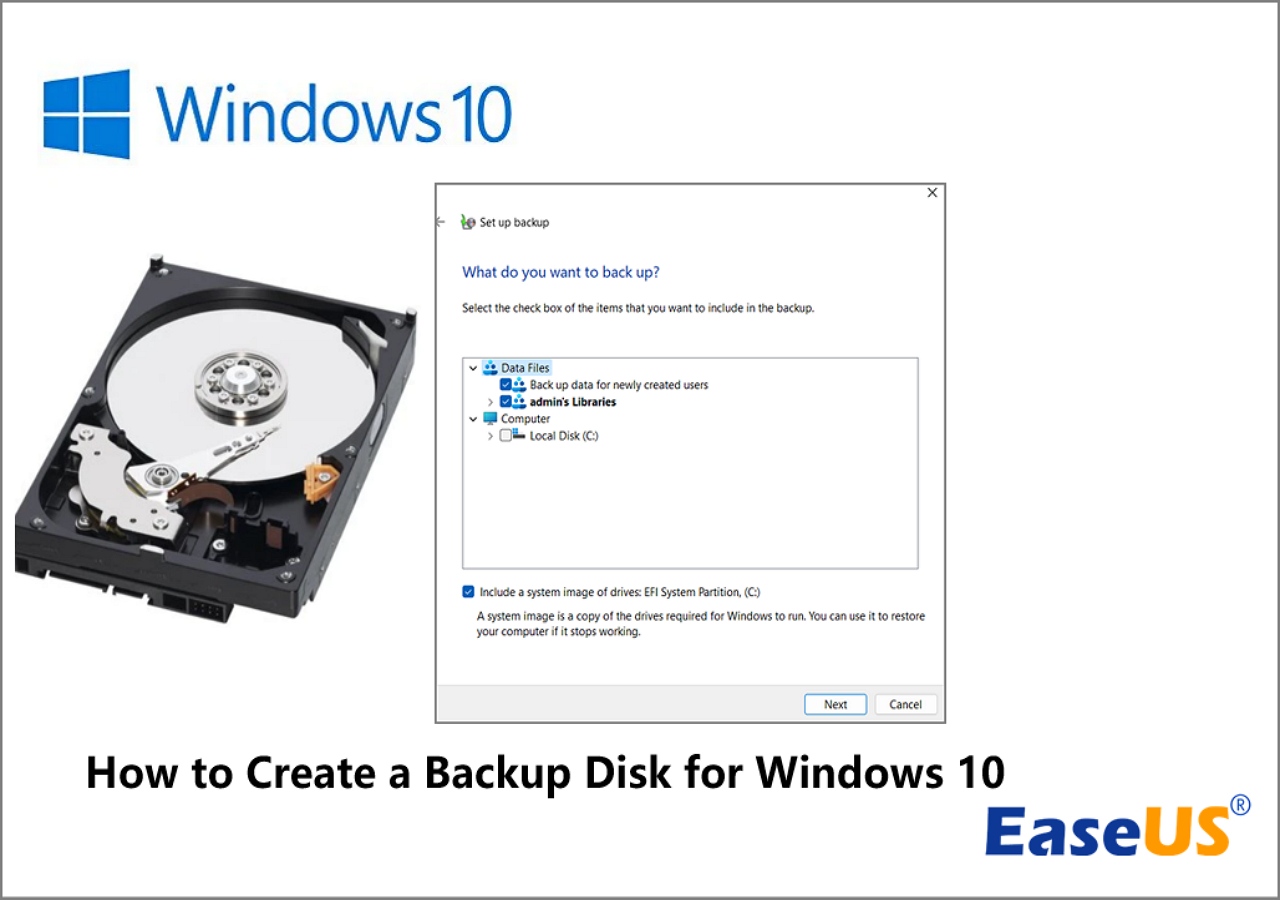
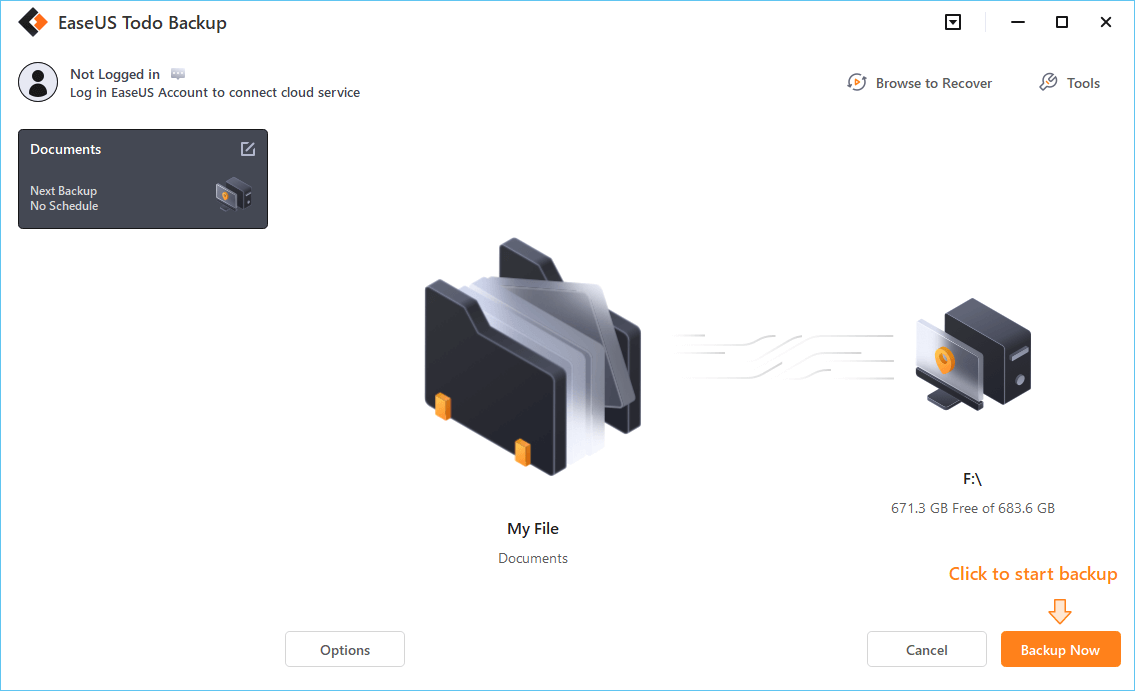
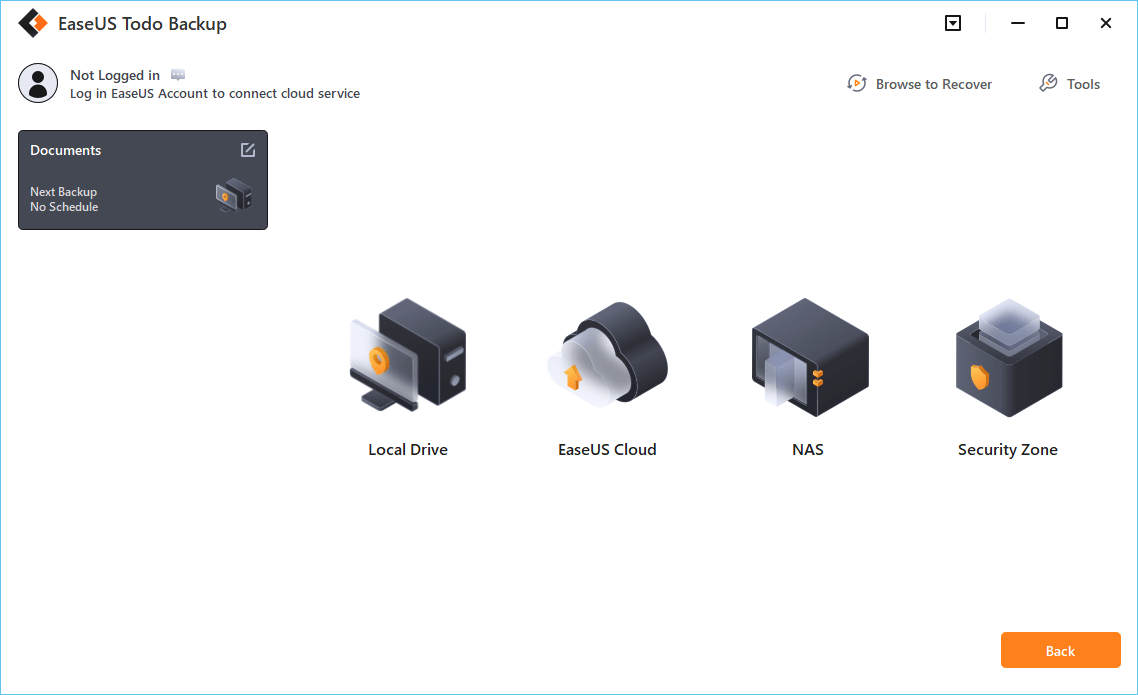
![Create A Back Up How To Create A Scheduled Backup In Windows 10 [Utimate Guide] – RXFRF](https://www.easeus.com/images/en/screenshot/todo-backup/guide/how-to-create-backup-disk-for-windows-10.png)


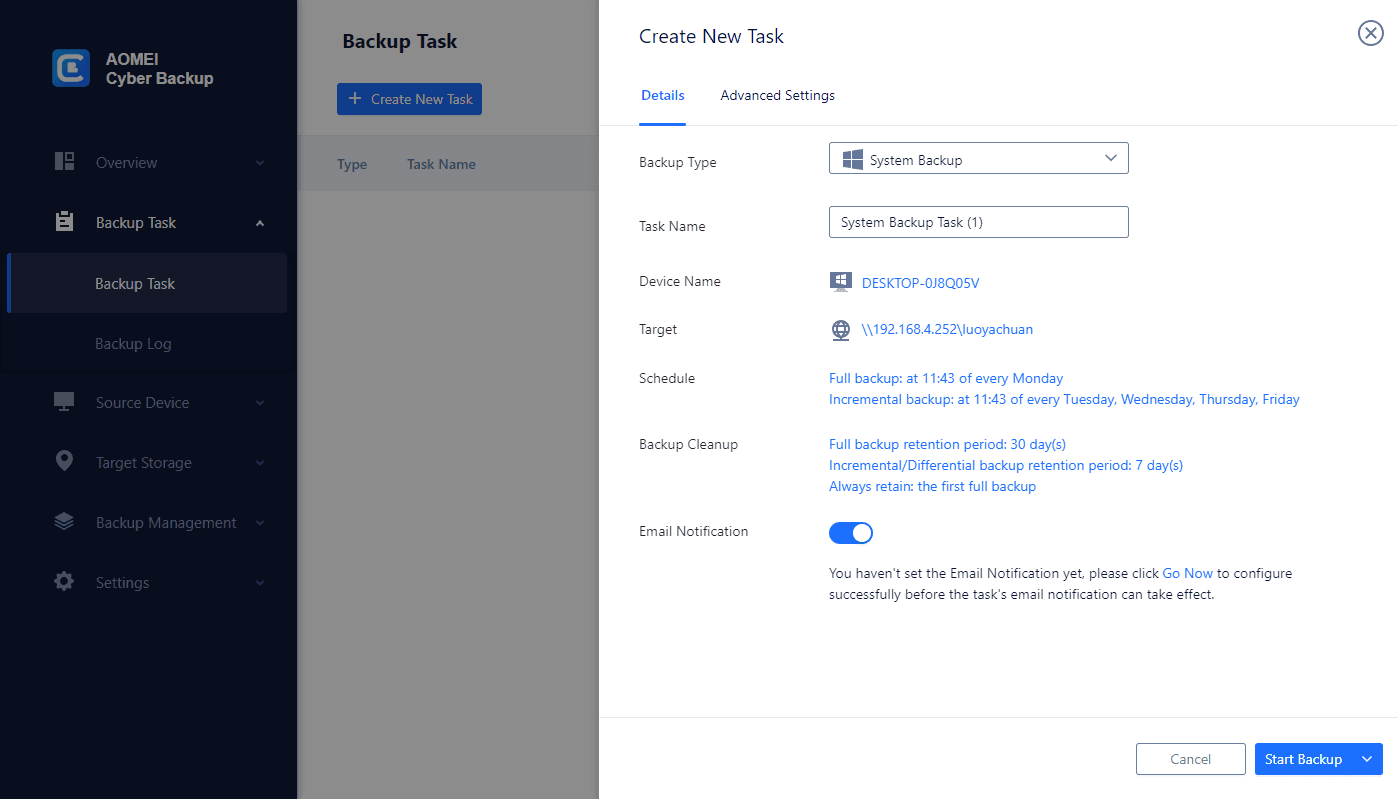
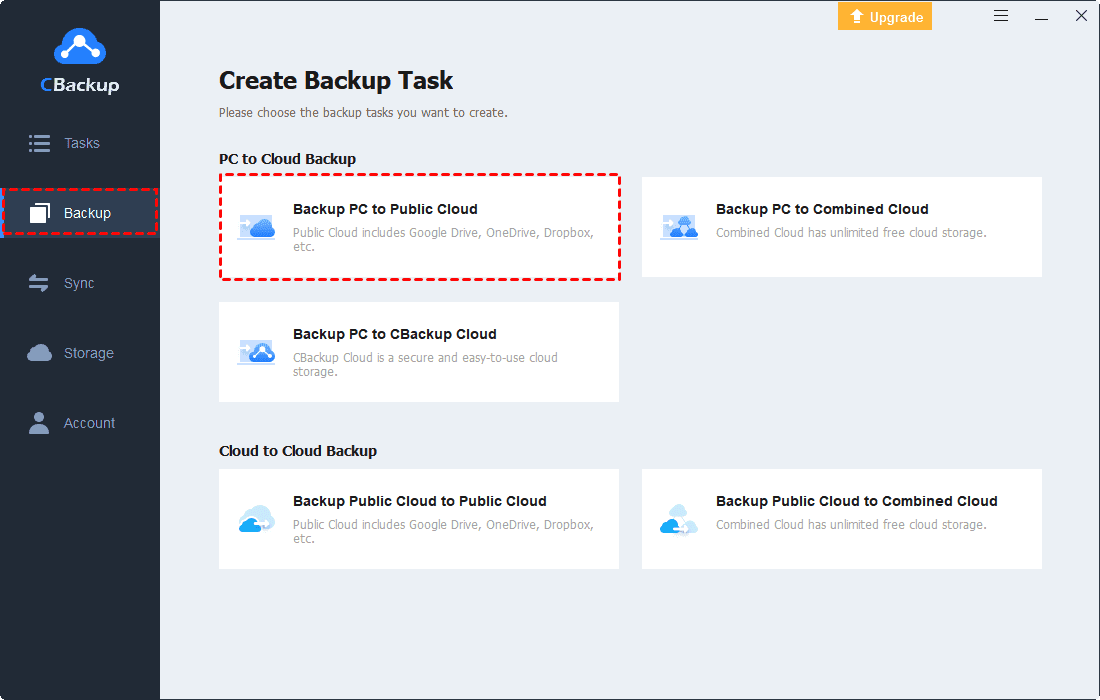
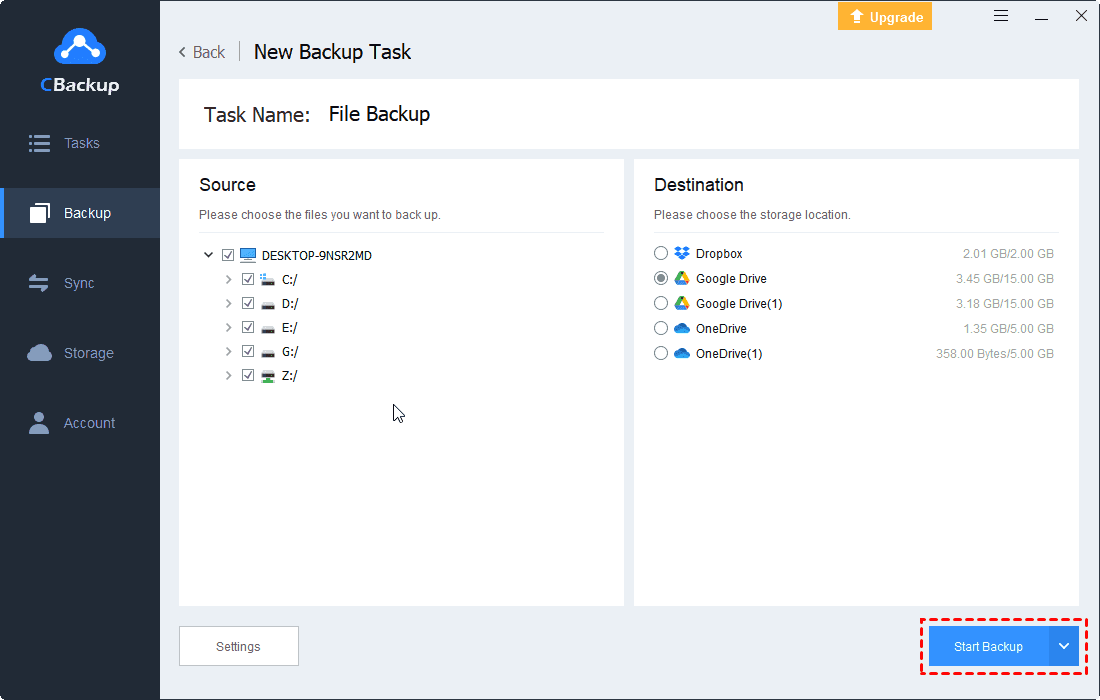
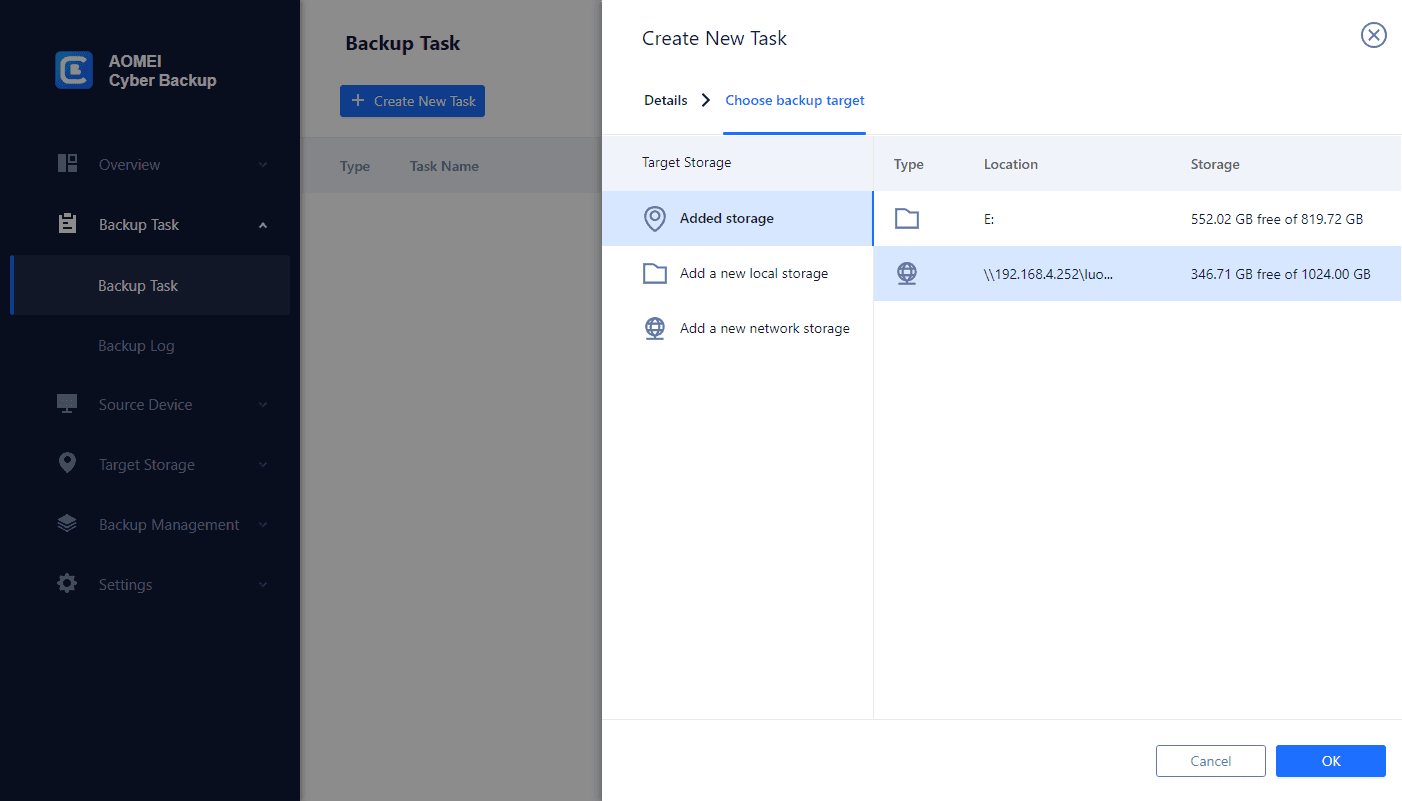
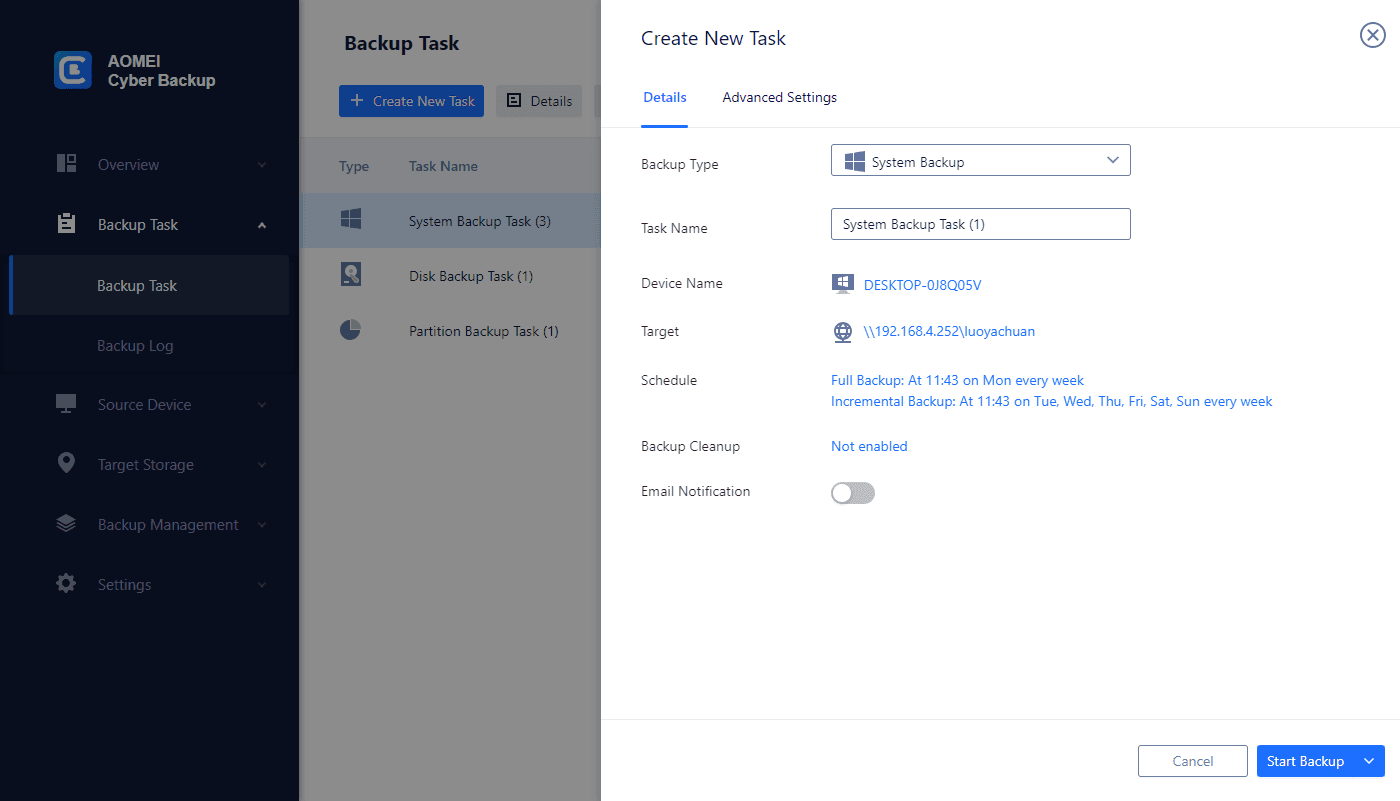
![Create A Back Up How to Create Full PC Backup on Windows 11/10/8/7 [2 Ways]](https://www.cbackup.com/screenshot/en/cb-pc/backup/create-task.png)


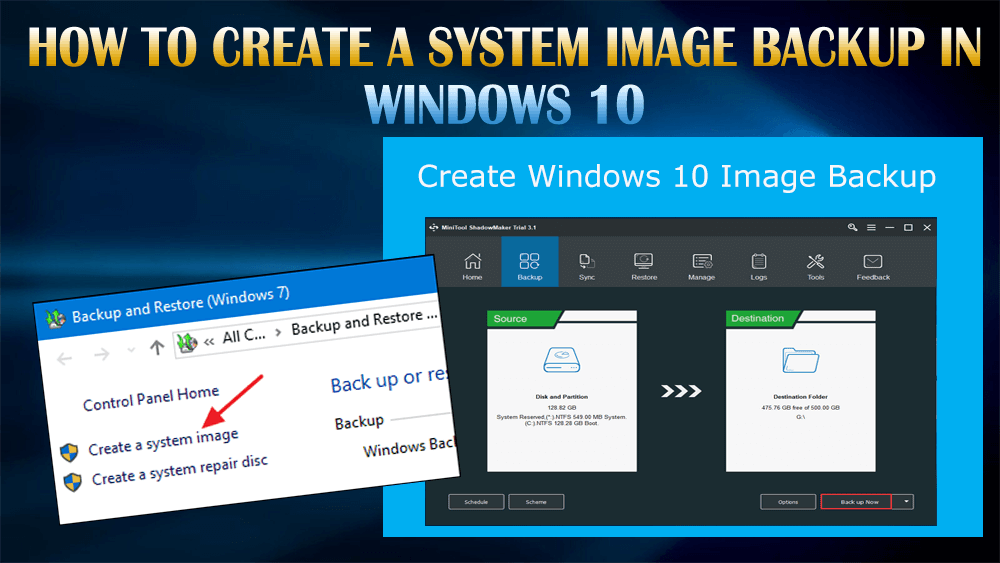
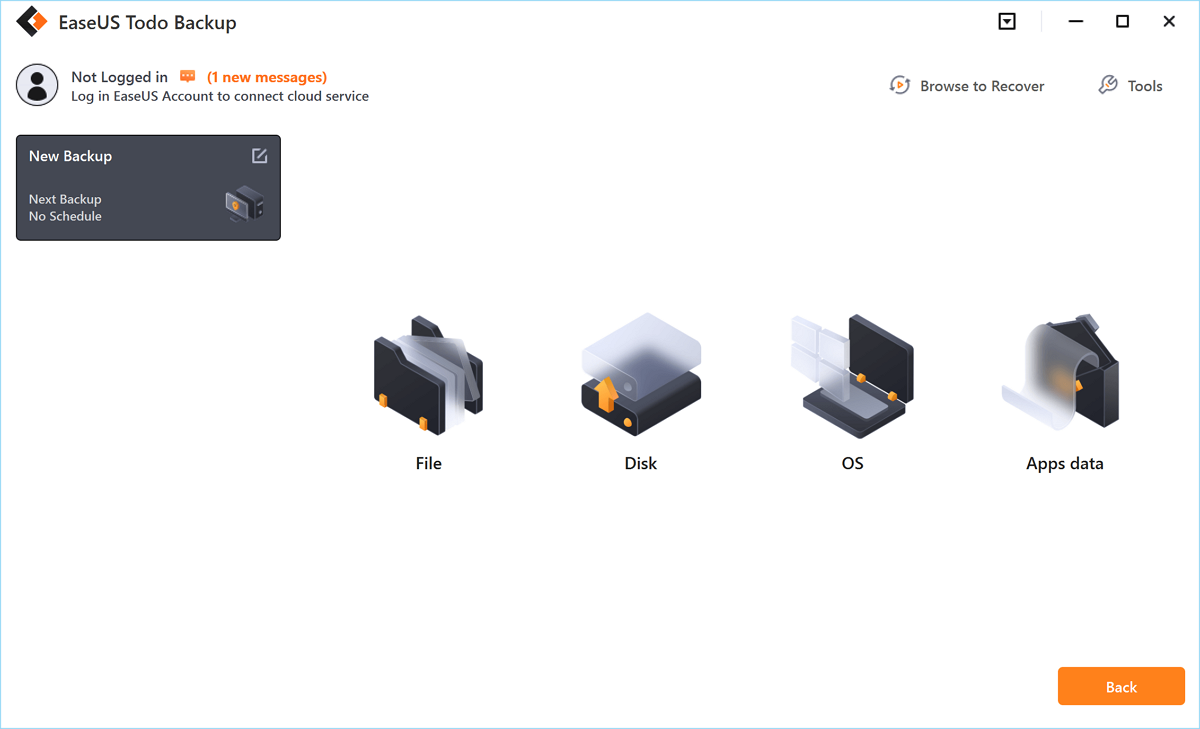
![Create A Back Up How to Create an Image Backup in Windows 10 [ 2026 Update] - EaseUS](https://www.easeus.com/images/en/screenshot/todo-backup/screenshots/create-backup-step5.png)


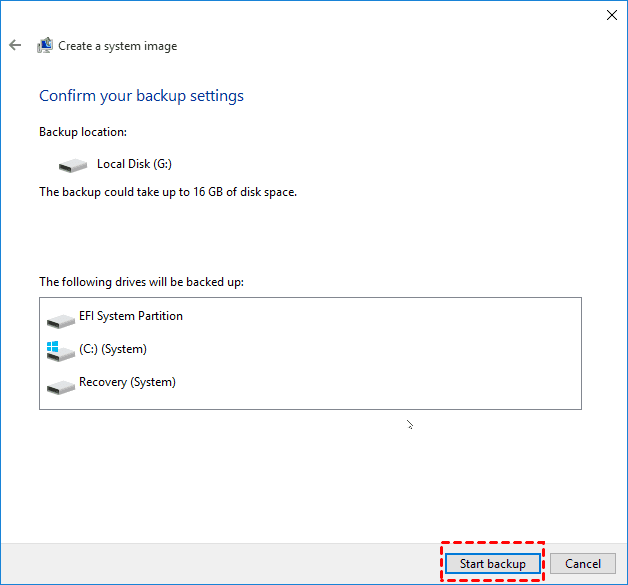
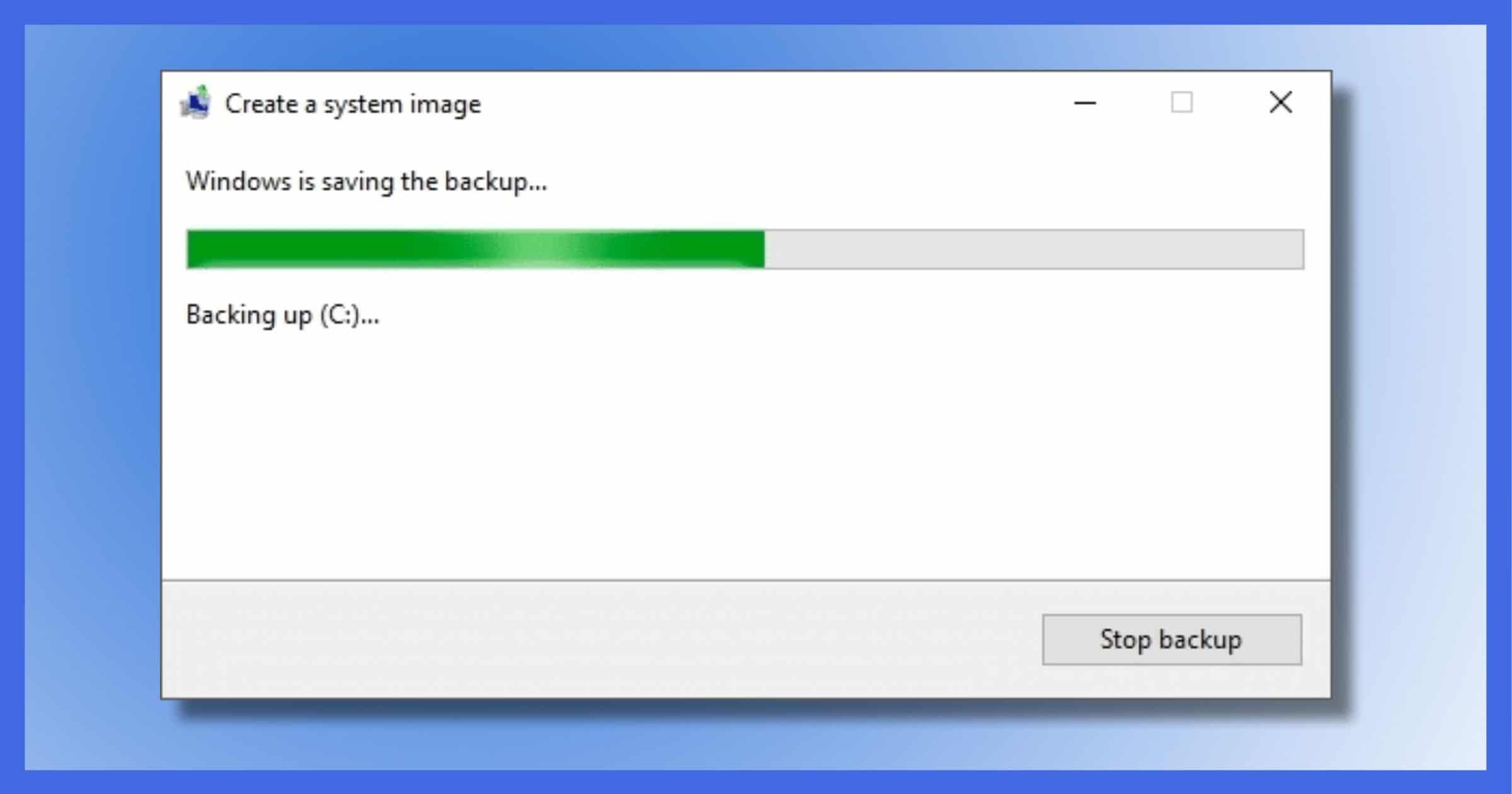
![Create A Back Up Creating a Full System Image Backup in Windows 10 [The Ultimate Guide]](https://techcult.com/wp-content/uploads/2019/09/Click-on-Start-Backup.jpg)
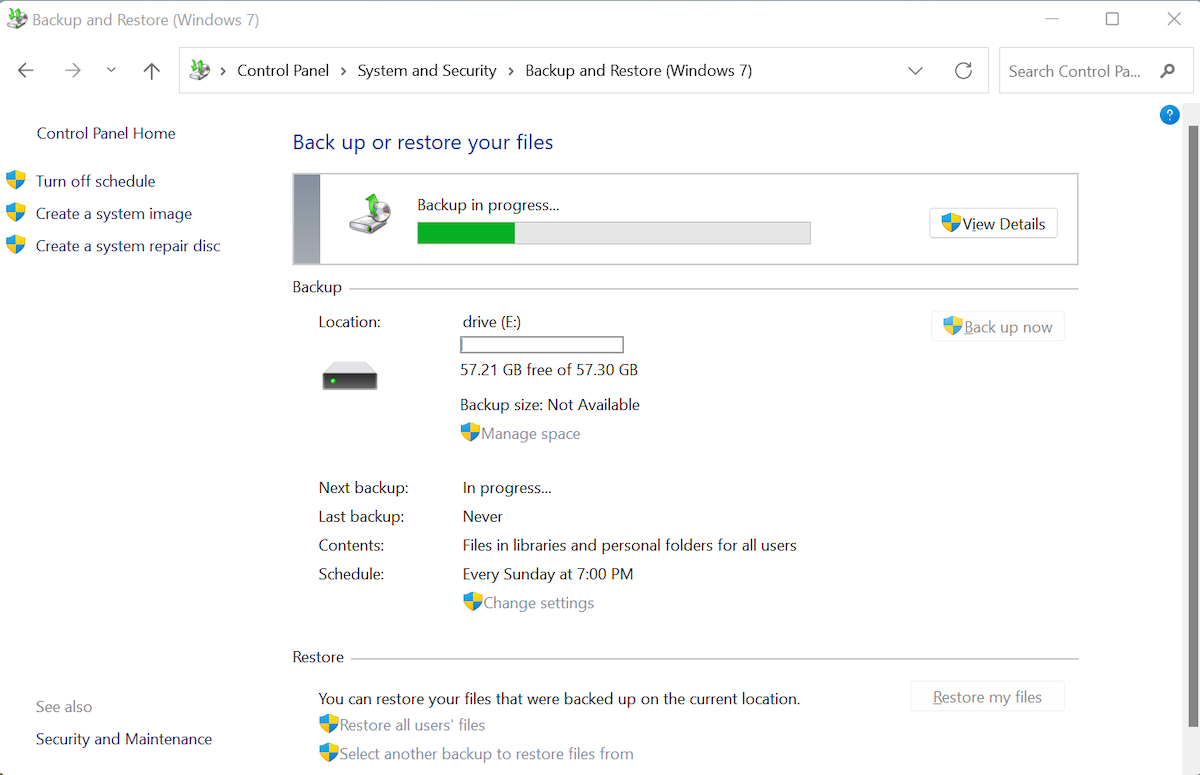
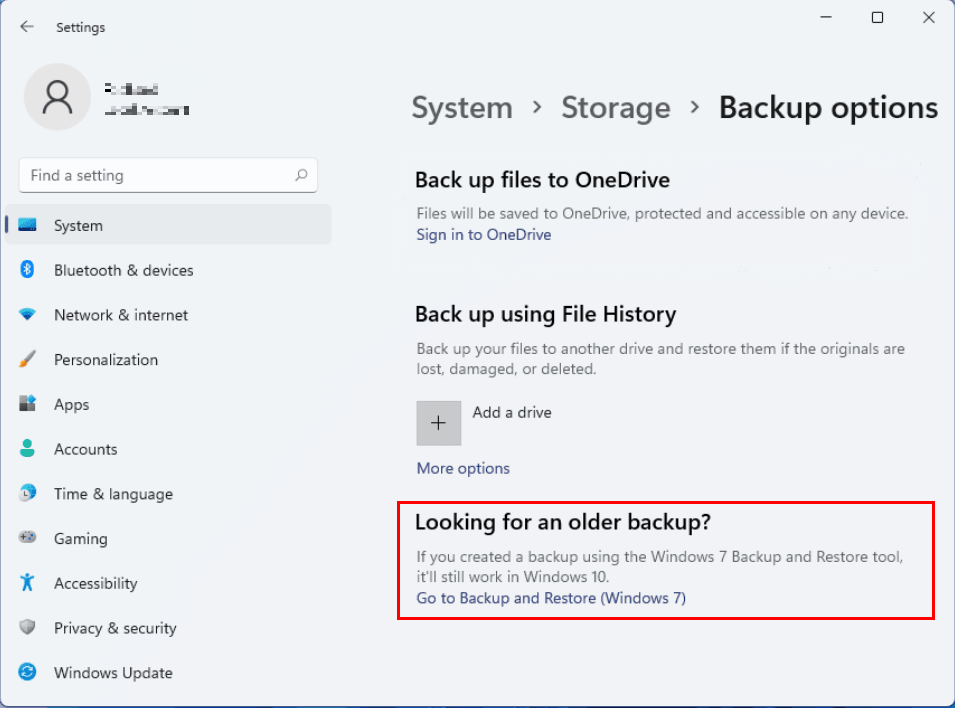
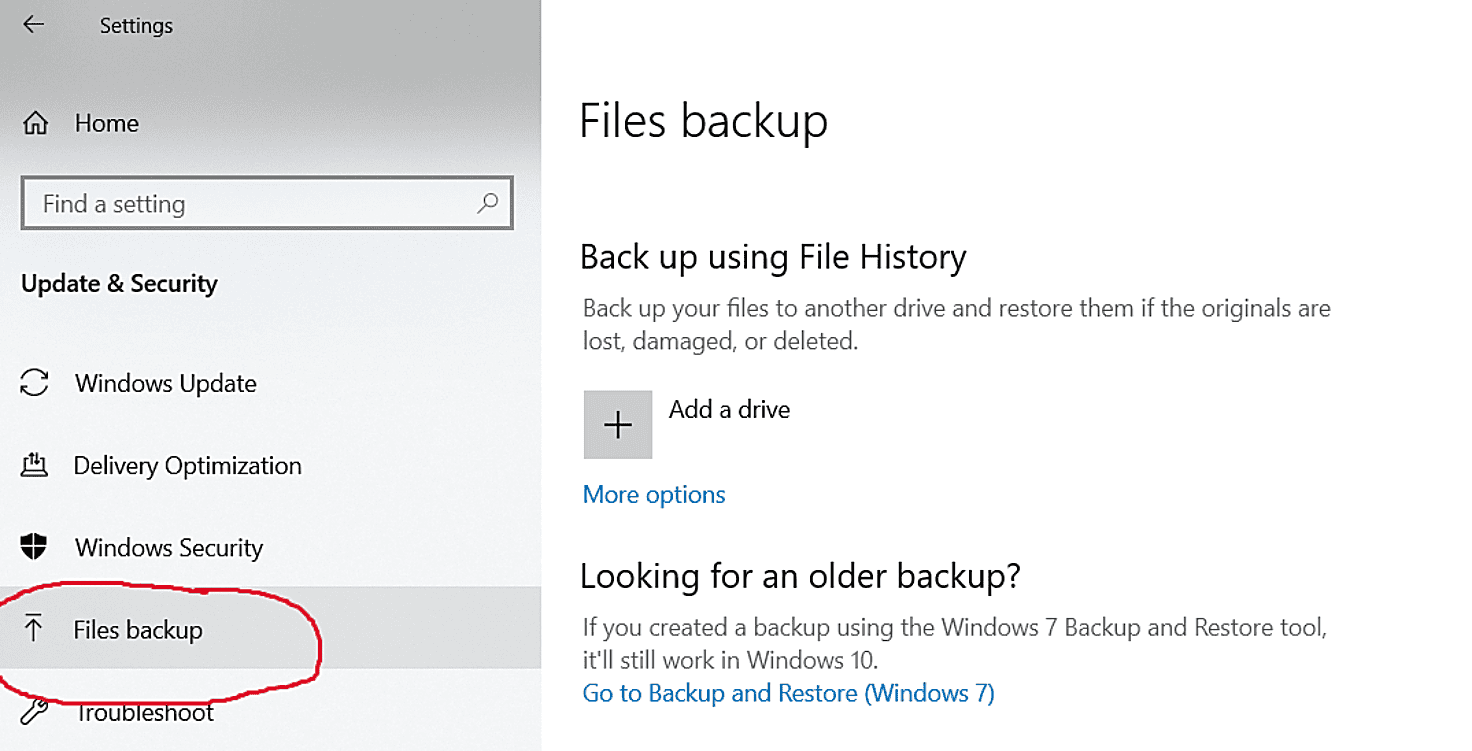
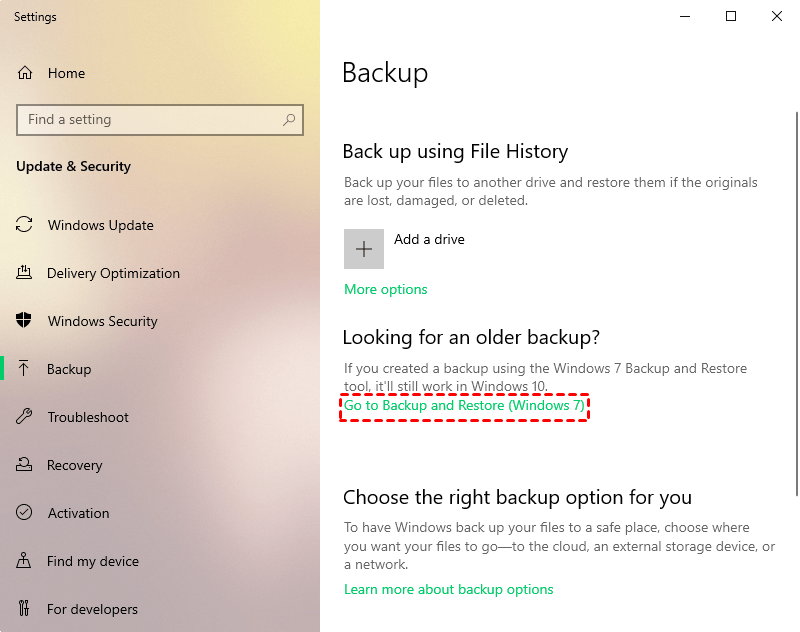
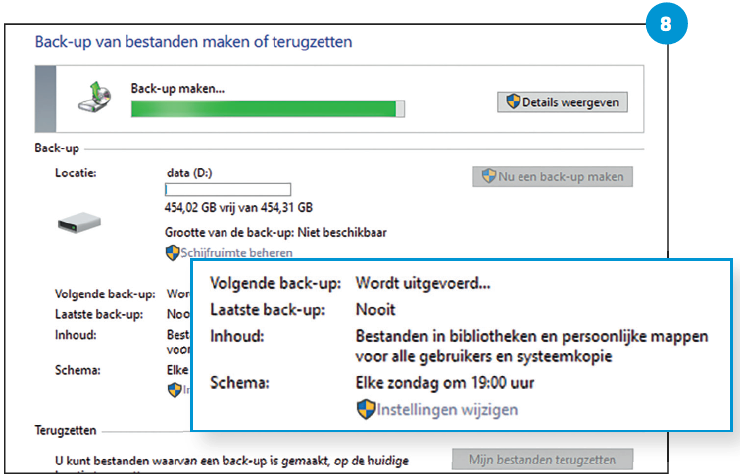
![Create A Back Up Create Complete System Backup in Windows 10 [Best Free Way]](https://www.ubackup.com/screenshot/en/others/backup-using-backup-and-restore/go-to-backup-and-restore-windows7.png)


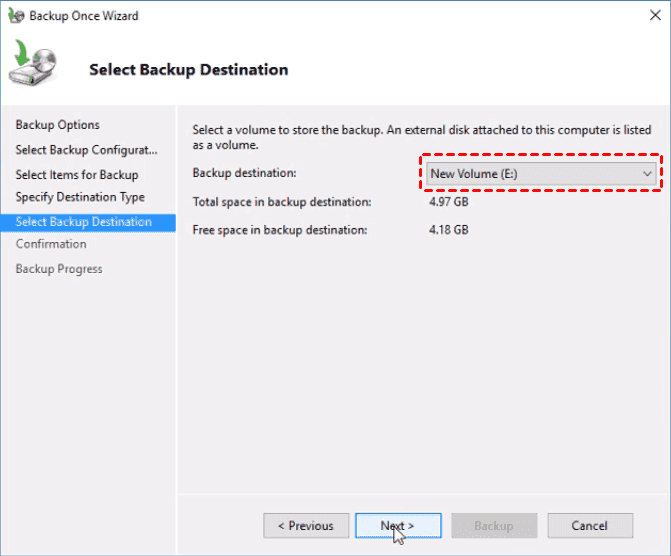
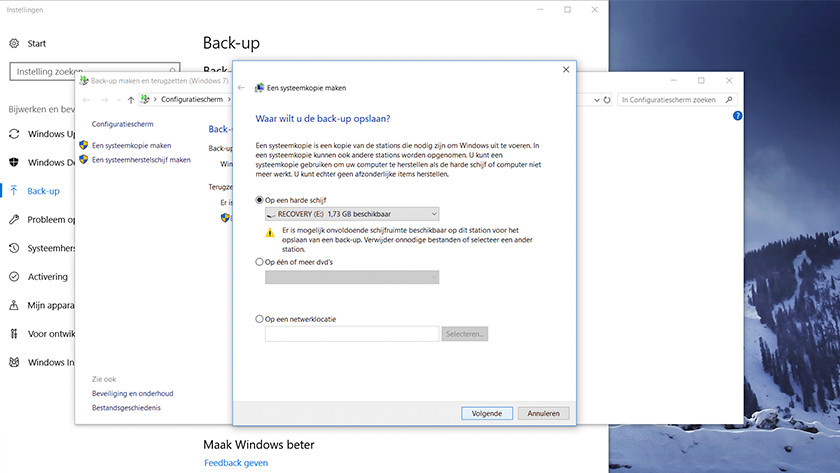
![Create A Back Up Creating a Full System Image Backup in Windows 10 [The Ultimate Guide]](https://techcult.com/wp-content/uploads/2019/09/Choose-the-drive-where-you-want-to-create-Backup-using-the-dropdown-menu.png)


![Create A Back Up How to Create an Image Backup in Windows 10 [ 2026 Update] - EaseUS](https://www.easeus.com/images/en/screenshot/todo-backup/screenshots/create-backup-step4.png)


![Create A Back Up How to Create Full PC Backup on Windows 11/10/8/7 [2 Ways]](https://www.cbackup.com/screenshot/en/others/cloud-storage/computer-backup/go-to-backup-and-restore.png)


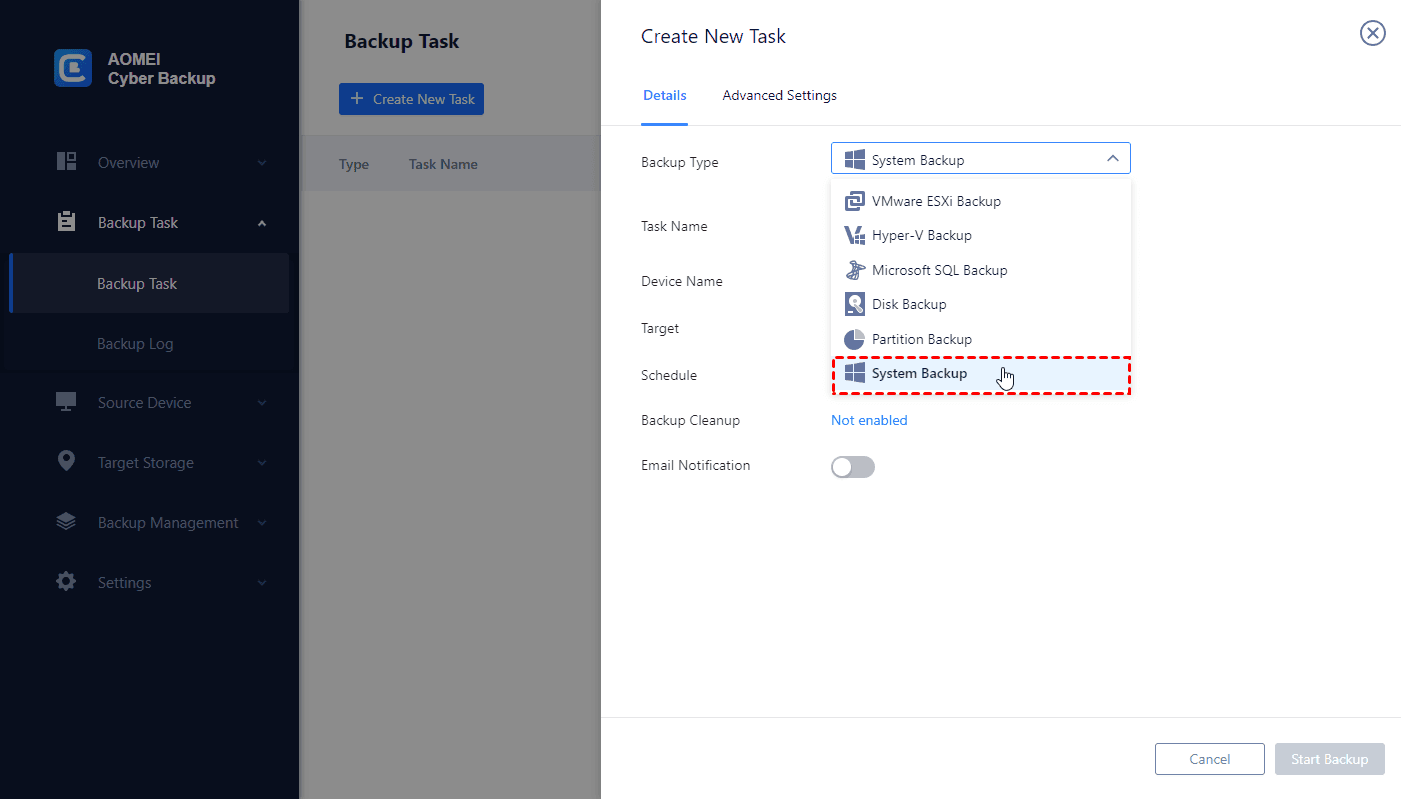
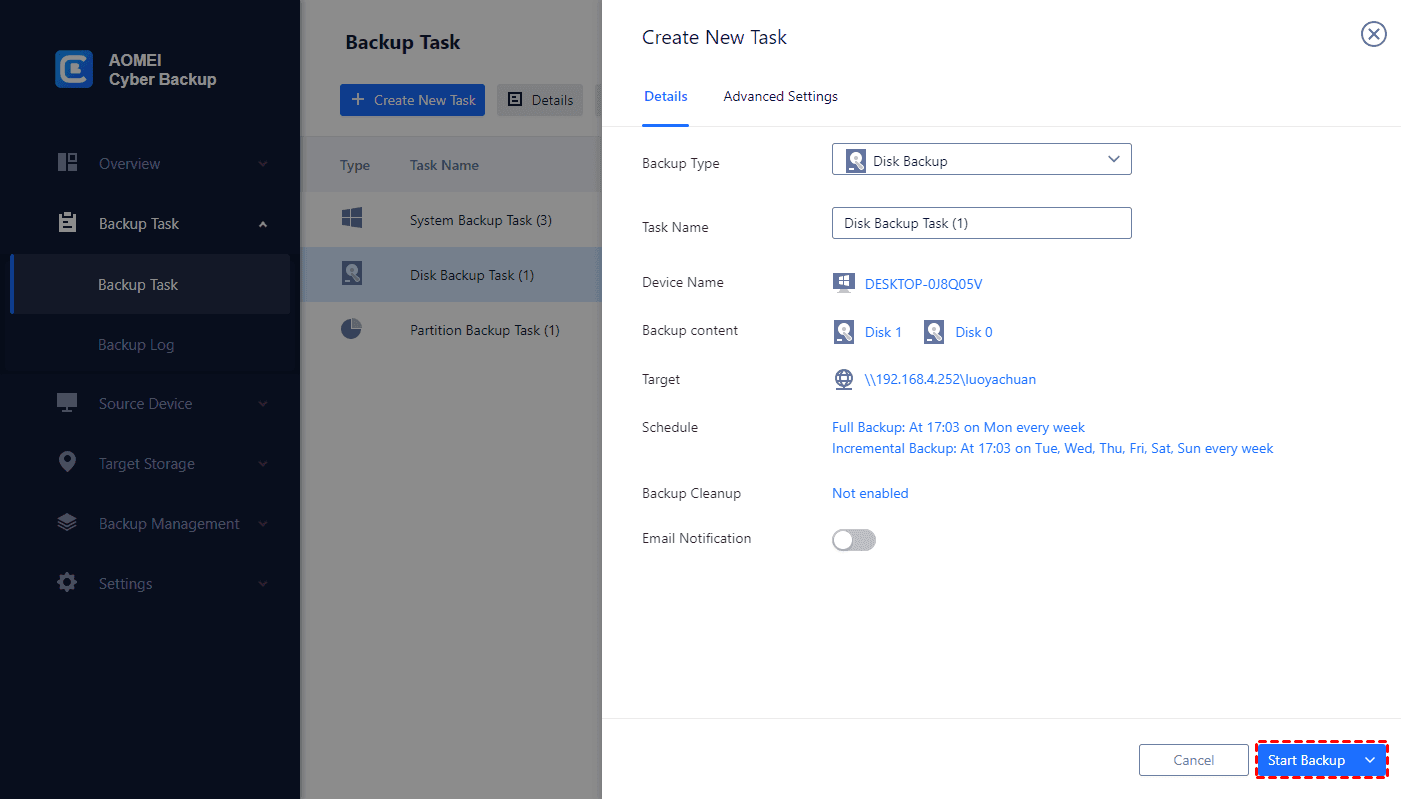
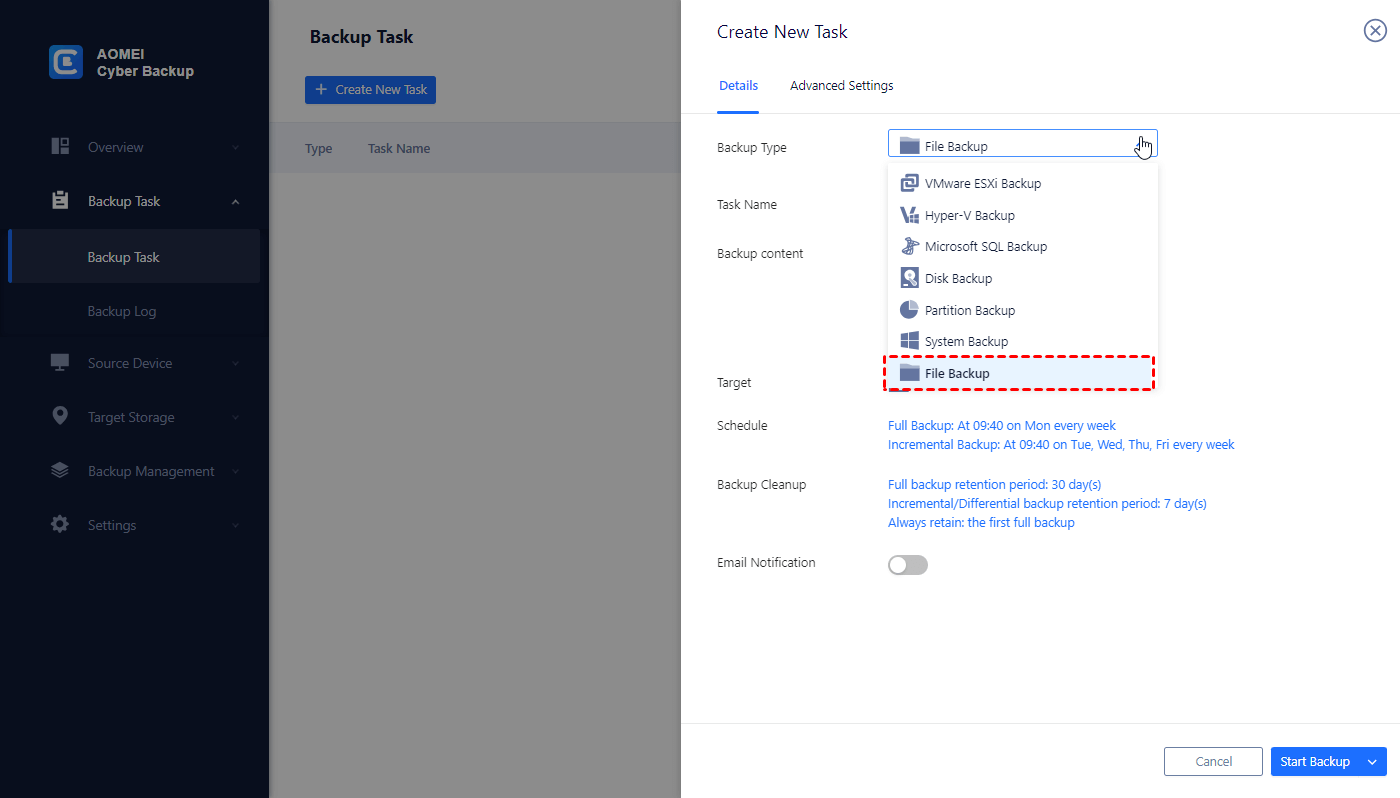
![Create A Back Up [Detailed Steps] Windows Server Backup: Install, Backup and Restore](https://www.aomeitech.com/screenshot/acbn/product-screenshot/windows/disk-backup/create-disk-backup-free.png)


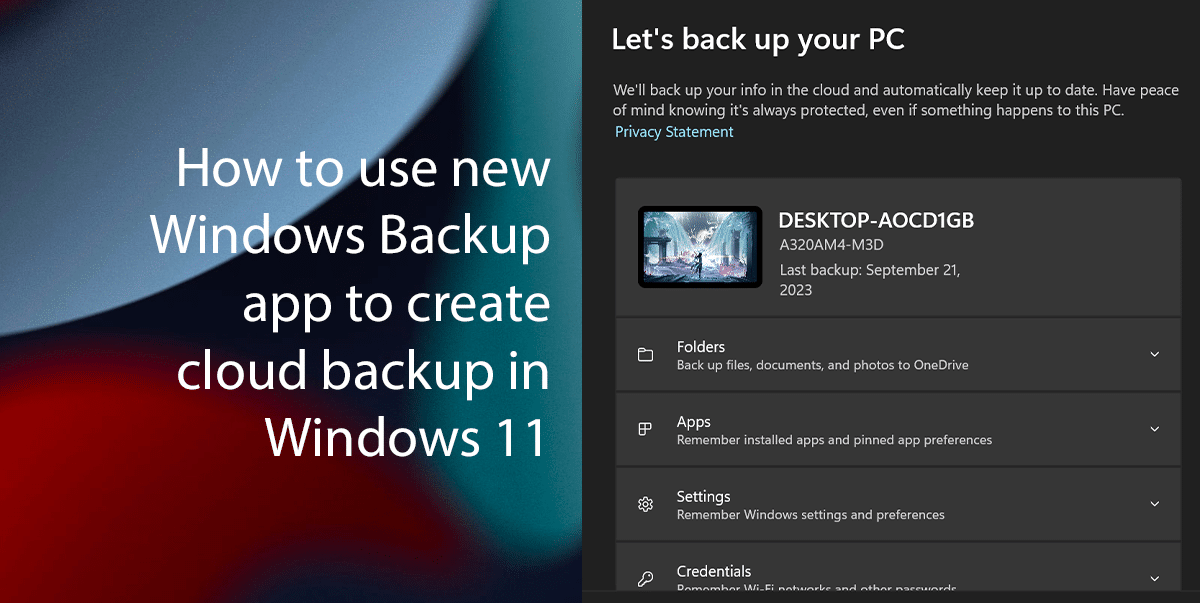
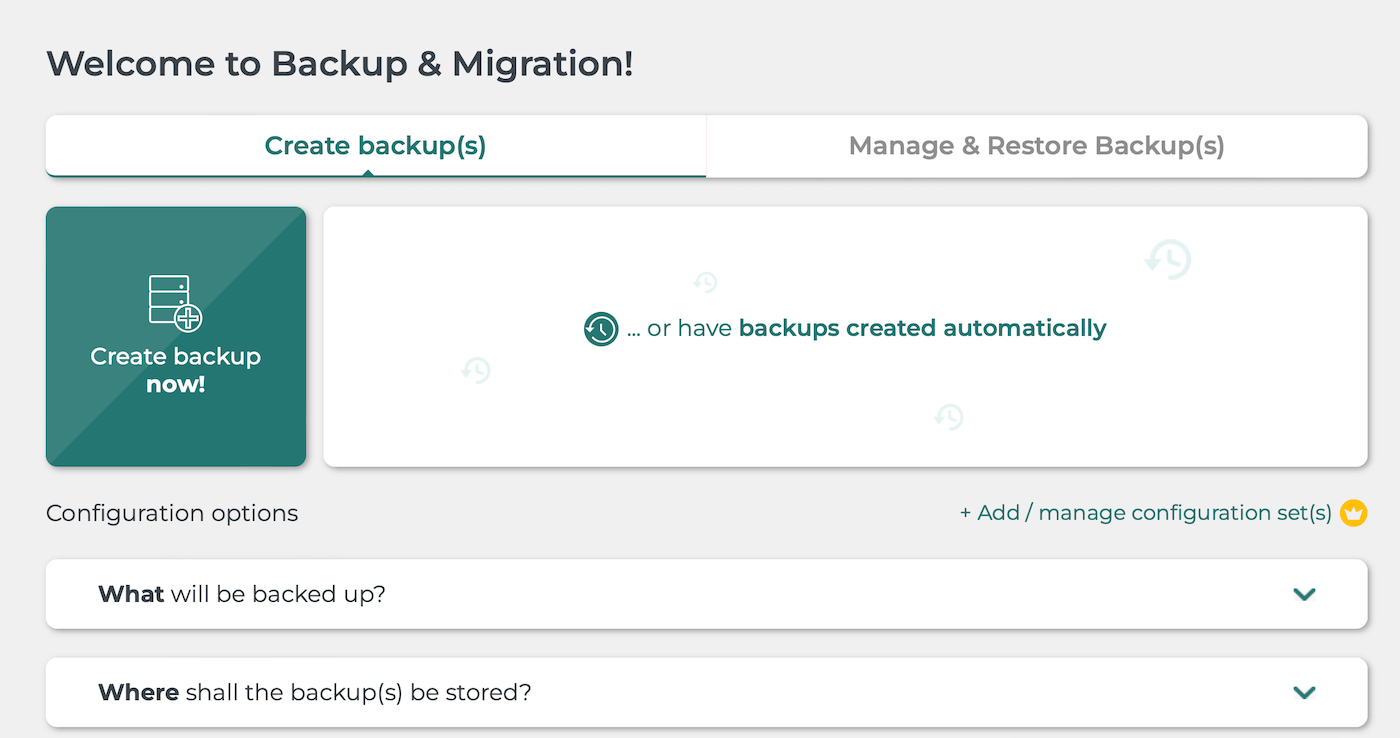
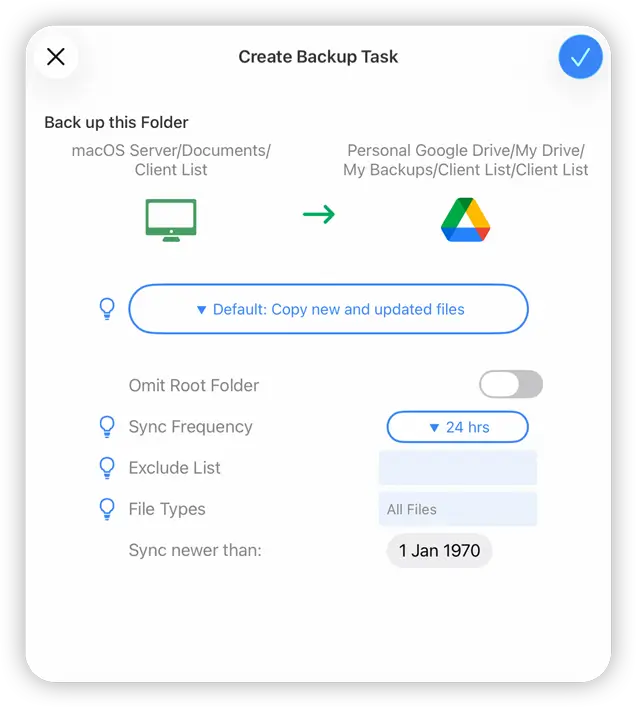
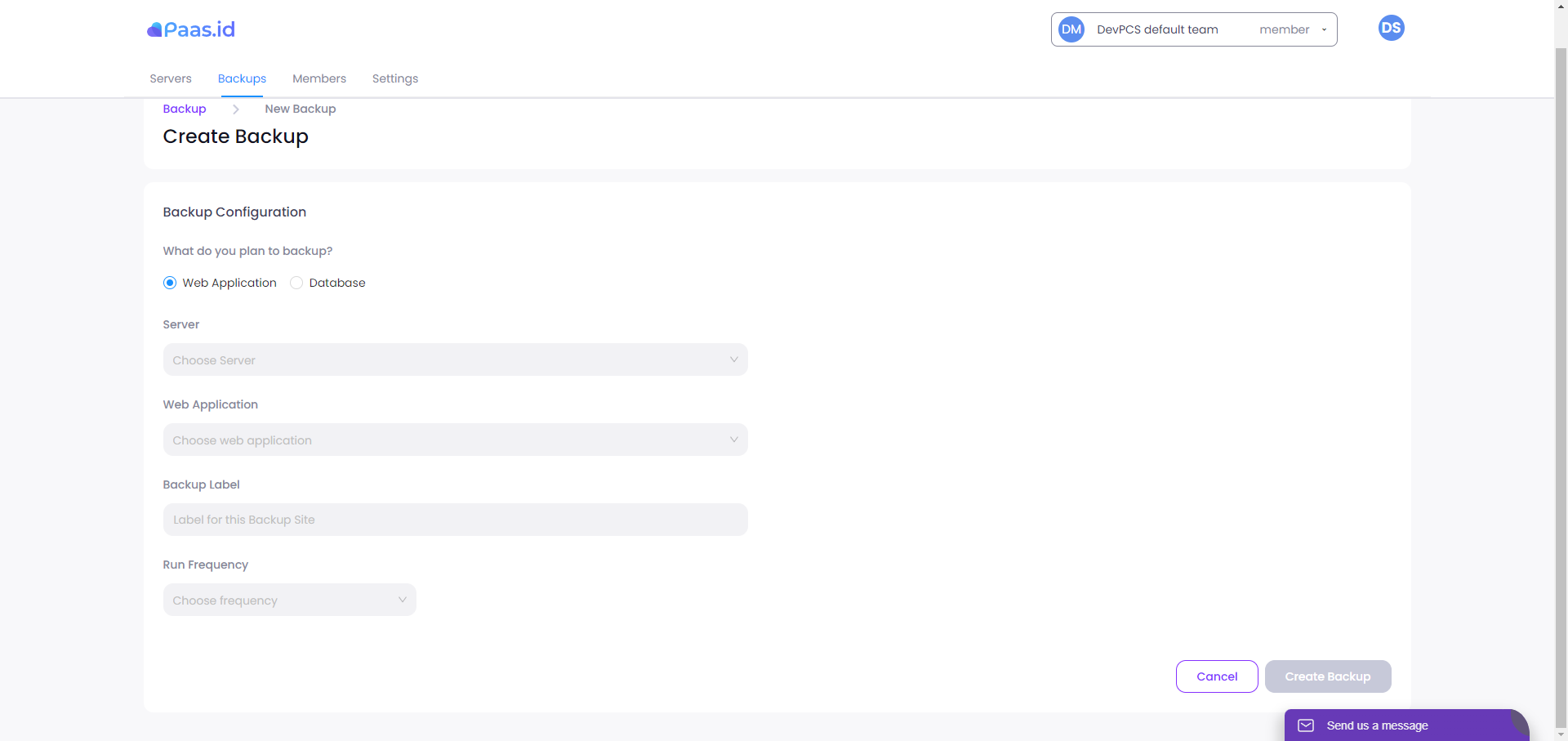
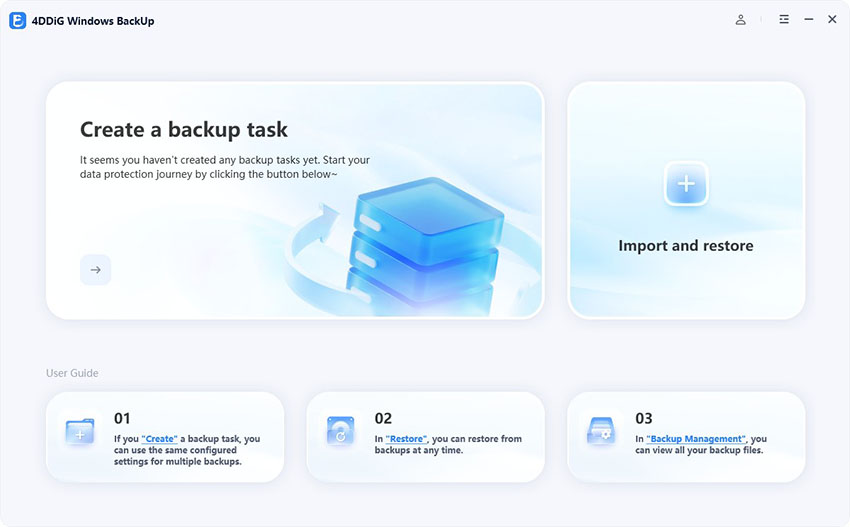
![Create A Back Up How to Backup Computer to Google Drive [3 Easy Wyas for Beginners]](https://4ddig.tenorshare.com/images/guide/windows-backup/select-create-a-backup-task.jpg?w=850&h=527)


