Copy Phone To Computer
Experience seasonal beauty through substantial collections of time-specific Copy Phone To Computer photographs. capturing seasonal variations of technology, digital, and software. designed to celebrate natural cycles and changes. Our Copy Phone To Computer collection features high-quality images with excellent detail and clarity. Suitable for various applications including web design, social media, personal projects, and digital content creation All Copy Phone To Computer images are available in high resolution with professional-grade quality, optimized for both digital and print applications, and include comprehensive metadata for easy organization and usage. Our Copy Phone To Computer gallery offers diverse visual resources to bring your ideas to life. Regular updates keep the Copy Phone To Computer collection current with contemporary trends and styles. Comprehensive tagging systems facilitate quick discovery of relevant Copy Phone To Computer content. The Copy Phone To Computer archive serves professionals, educators, and creatives across diverse industries. Each image in our Copy Phone To Computer gallery undergoes rigorous quality assessment before inclusion. Reliable customer support ensures smooth experience throughout the Copy Phone To Computer selection process. Diverse style options within the Copy Phone To Computer collection suit various aesthetic preferences. Whether for commercial projects or personal use, our Copy Phone To Computer collection delivers consistent excellence.


:max_bytes(150000):strip_icc()/002-how-to-transfer-photos-from-phone-to-computer-4173057-5e9dbc45d1da40639f0488f9054de9a9.jpg)
:max_bytes(150000):strip_icc()/004-how-to-transfer-photos-from-phone-to-computer-4173057-094876c0a9c3471591224b83fb0672c0.jpg)


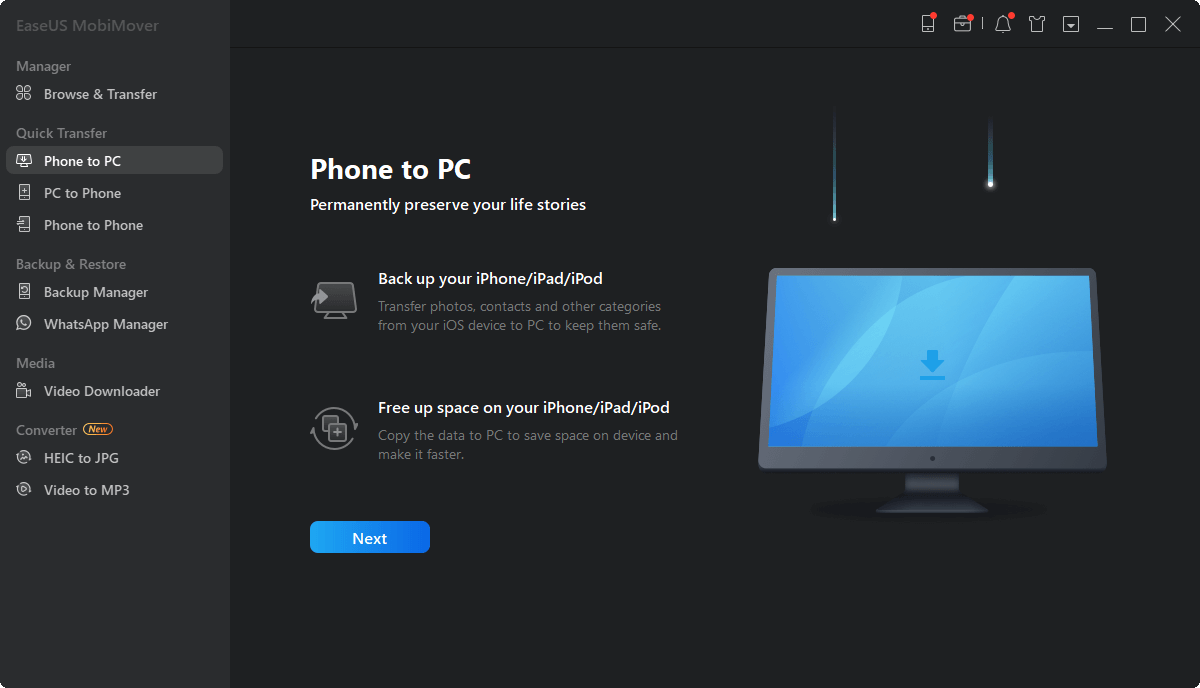
![Copy Phone To Computer How to Backup Samsung Phone to Computer [PC/Mac]](https://mobi.easeus.com/images/en/screenshot/phone-resource/backup-samsung-phone-to-computer-theme.png)
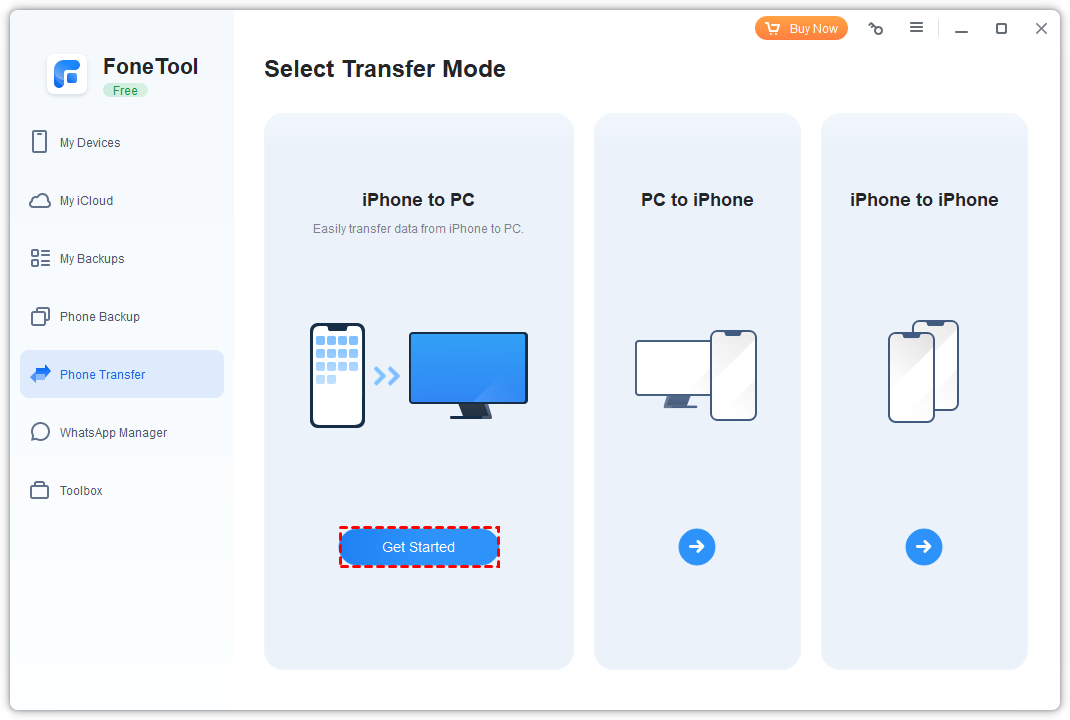
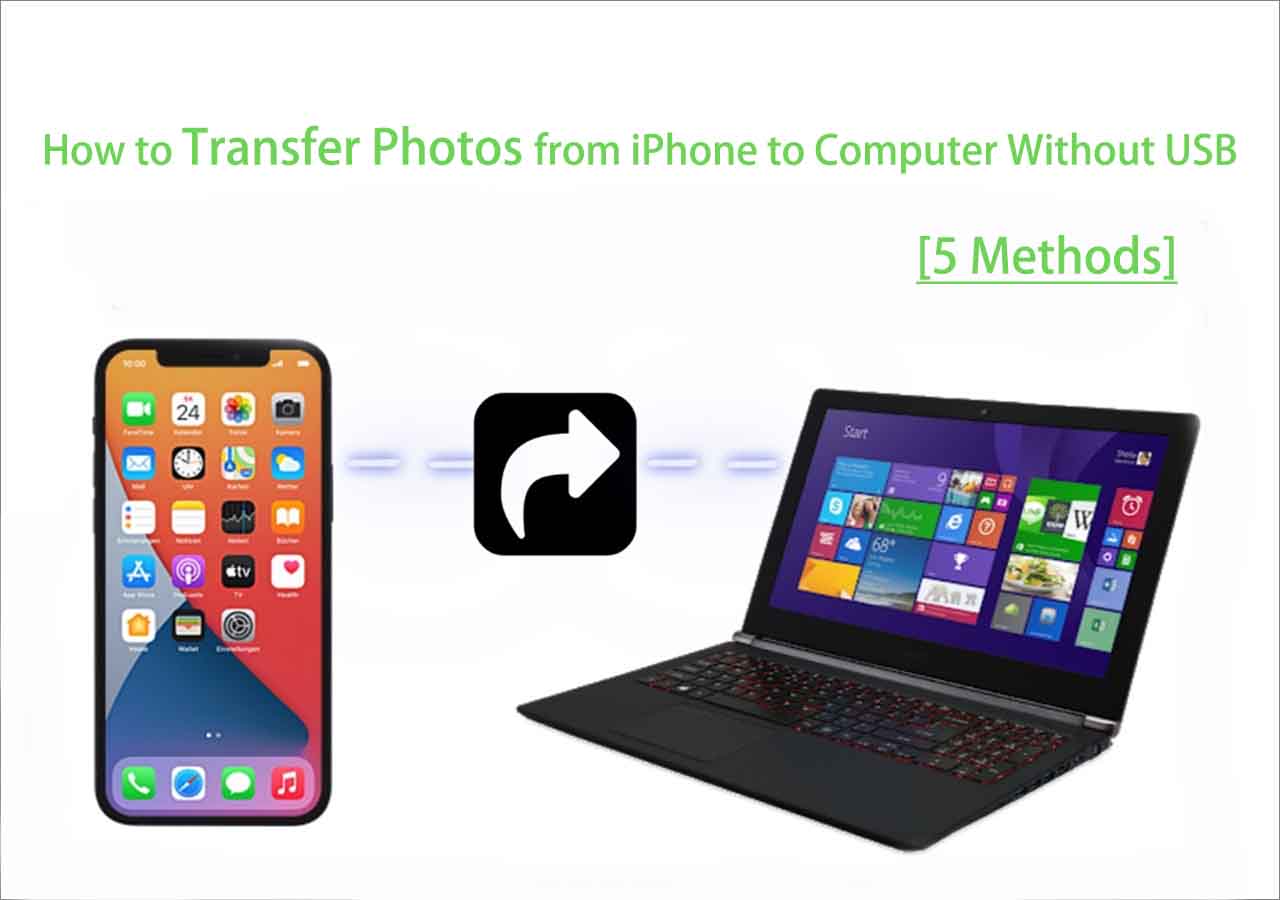
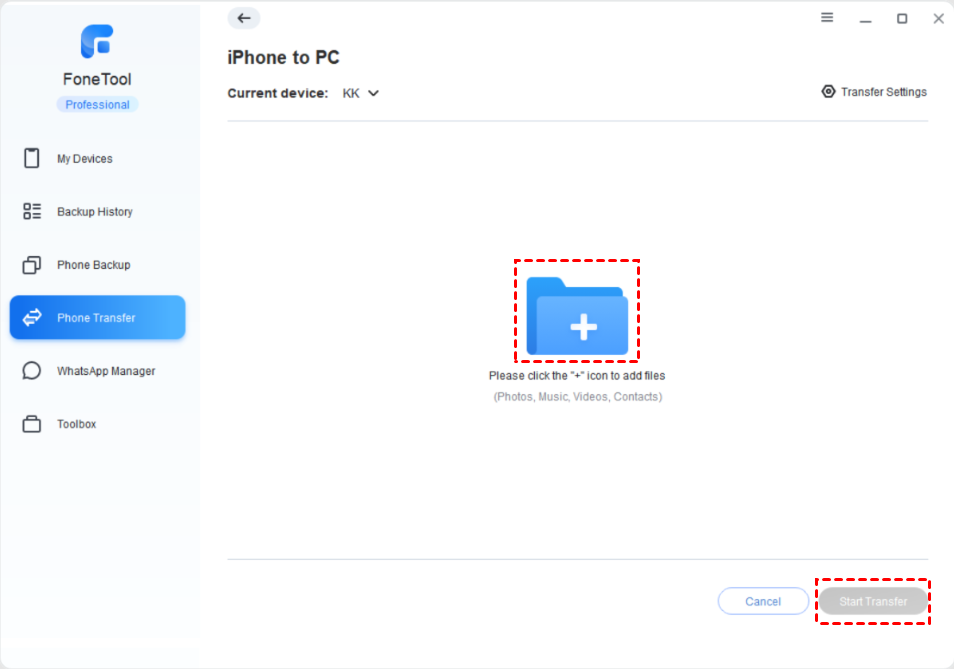
![Copy Phone To Computer [Easily] How to Transfer Notes from iPhone to Computer](https://www.fonetool.com/screenshot/en/transfer-iphone-to-pc/free-iphone-to-pc-transfer.png)


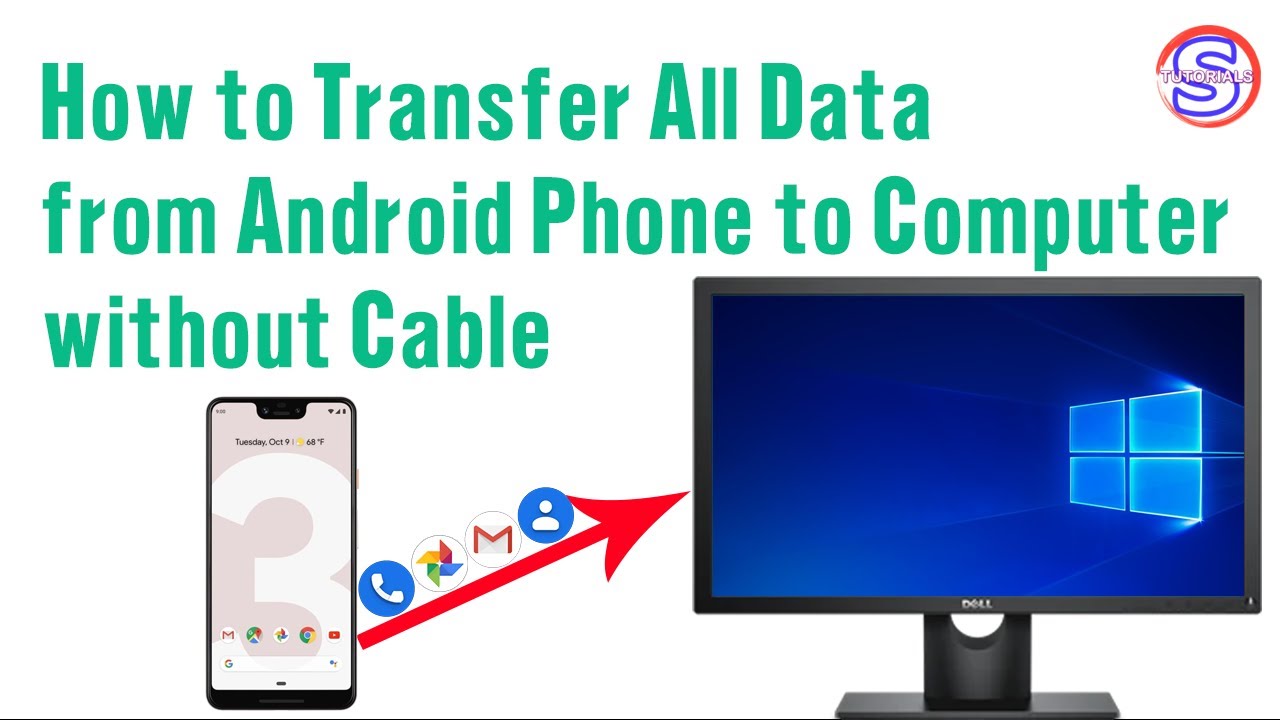
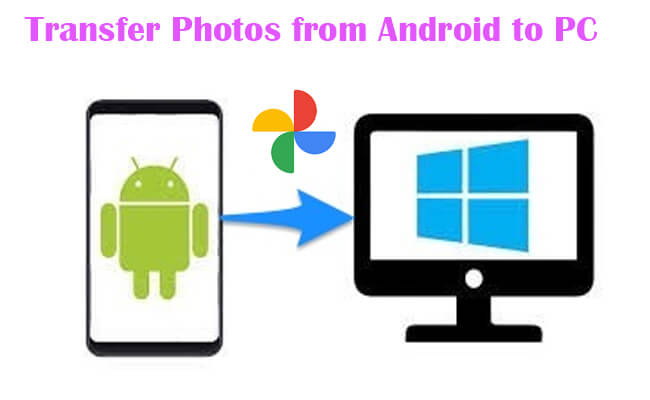
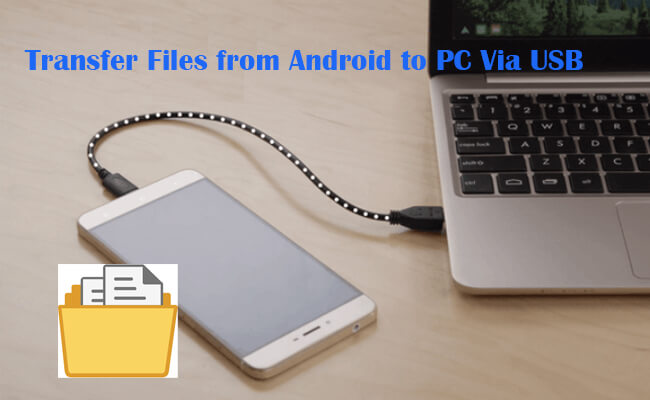
![Copy Phone To Computer How To Transfer Photos From Android Phone To PC/Laptop [2026]](https://www.techcommuters.com/wp-content/uploads/2026/01/connect-android-phone-to-pc-using-usb-cable.webp)


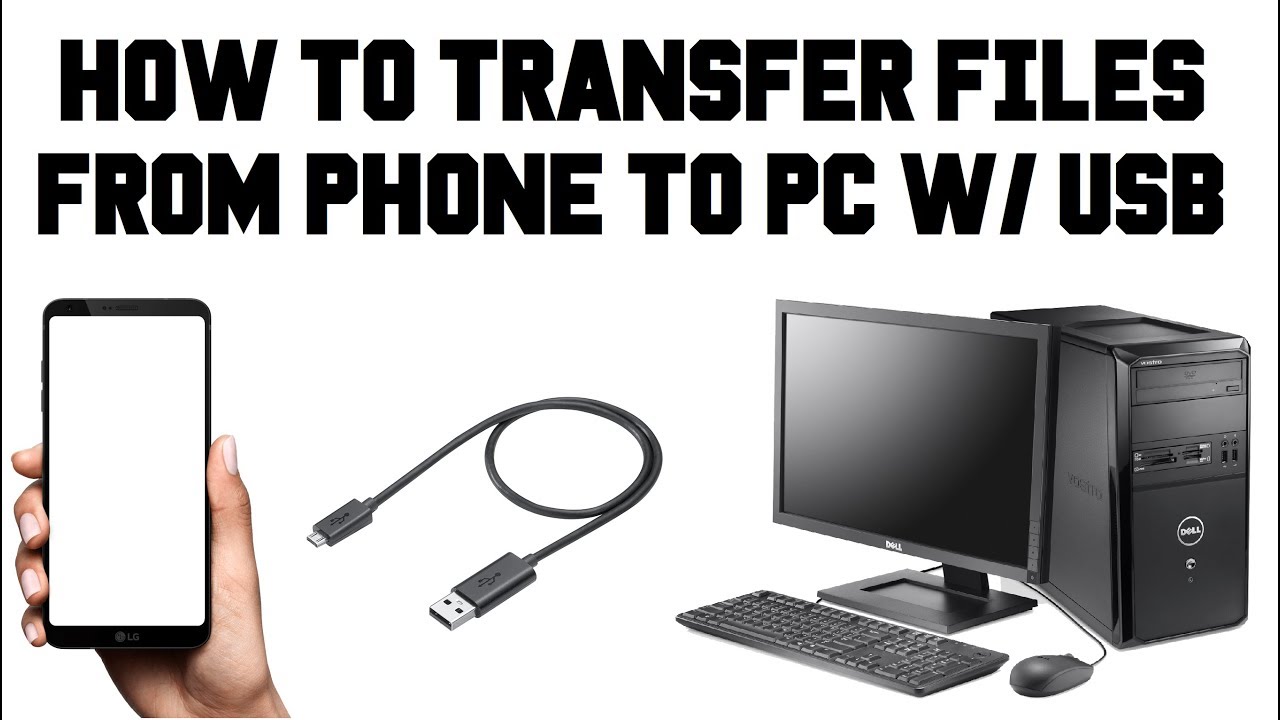
:max_bytes(150000):strip_icc()/androidusbtransferfiles-b6c9eaf66641486db407c6efc5ed8eb0.jpg)


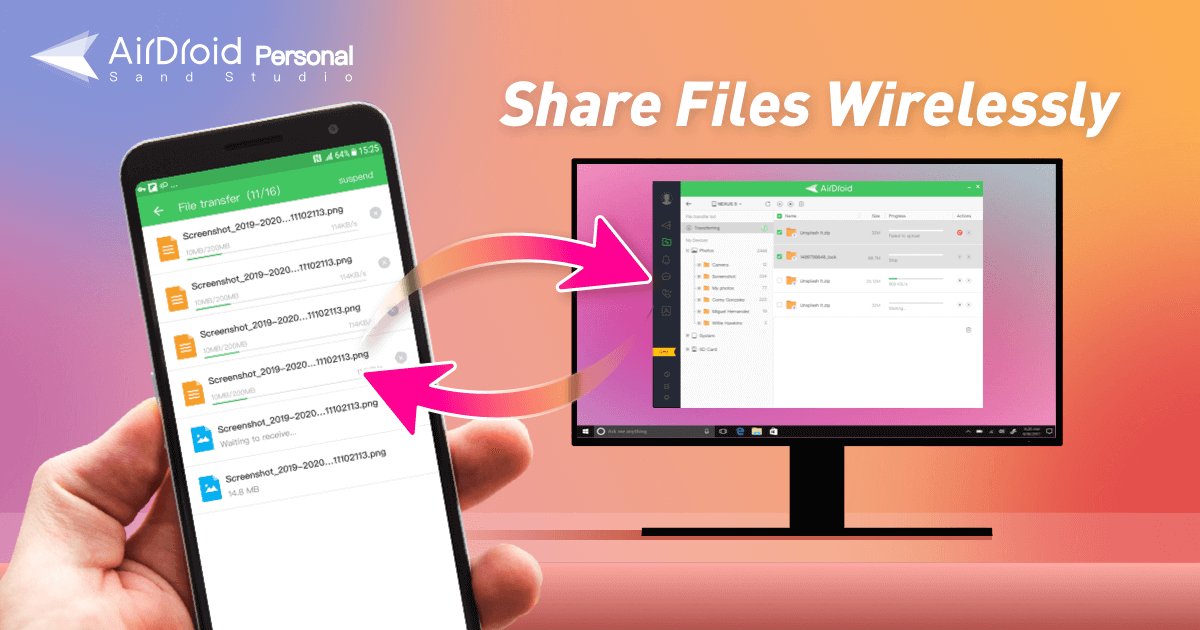
![Copy Phone To Computer [2023] 4 Effective Ways to Connect Phone to PC without USB](https://images.airdroid.com/2022/10/connect-phone-to-pc-with-airdroid.jpg)


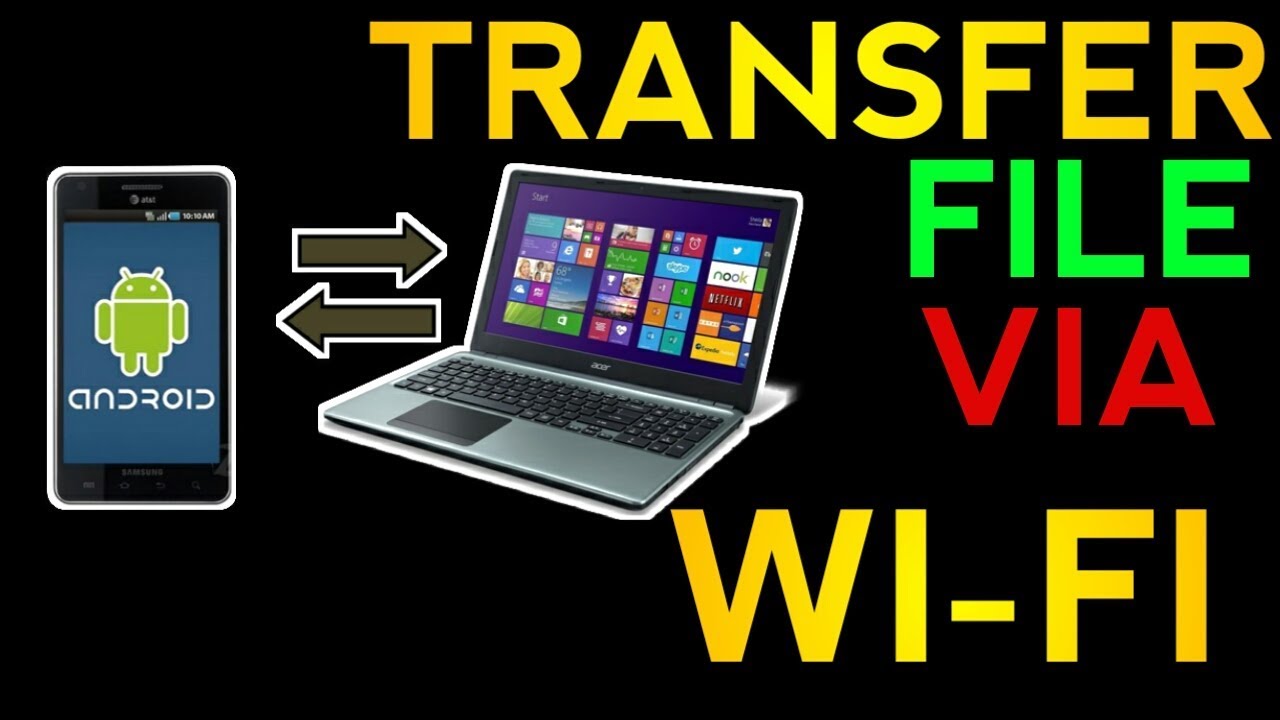
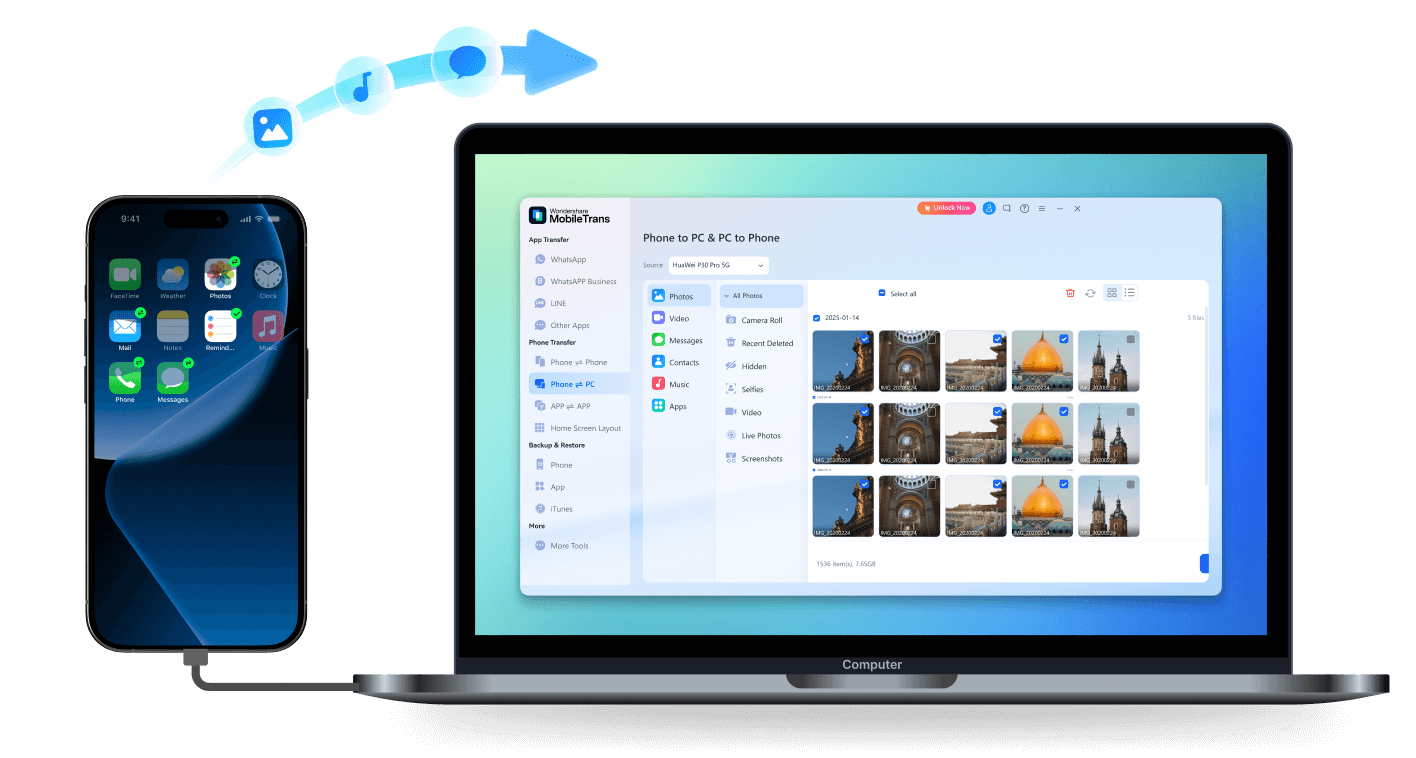
![Copy Phone To Computer [Official] Transfer Files Between Phone and PC | 2026](https://mobiletrans.wondershare.com/images/images2026/phonetopc/pic-banner.png)

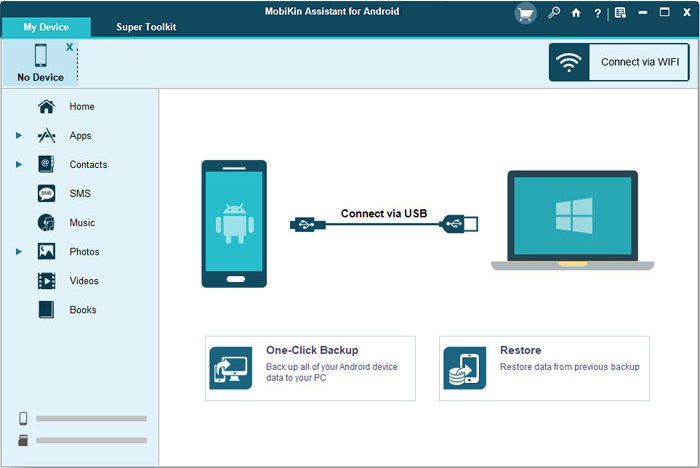
![Copy Phone To Computer Top 6 Ways to Transfer Files from Android to PC [Latest]](https://www.mobikin.com/d/file/assistant-for-android/connect-to-pc.jpg)


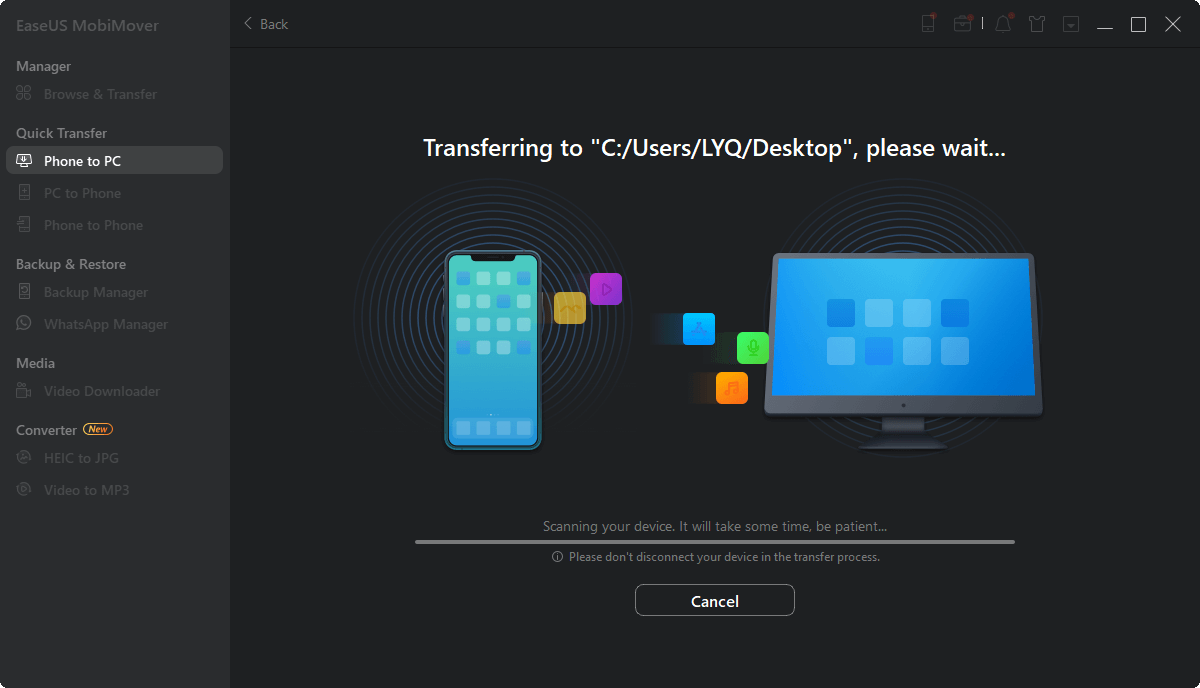
![Copy Phone To Computer How to Backup iPhone Without Cable [Step by Step]](https://mobi.easeus.com/images/en/screenshot/mobimover/how-to-transfer-iphone-photos-to-pc.jpg)
![Copy Phone To Computer How to Transfer Files from iPhone to PC with USB [3 Methods]](https://www.ubackup.com/screenshot/en/iphone/transfer-files-from-iphone-to-pc-usb.png)
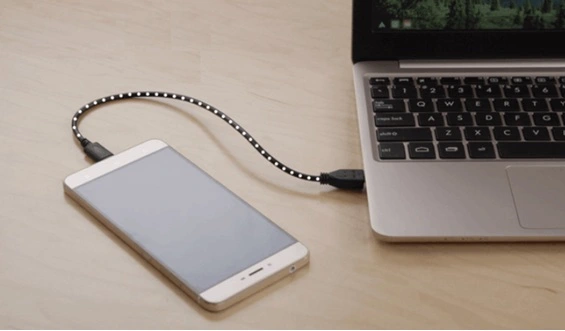


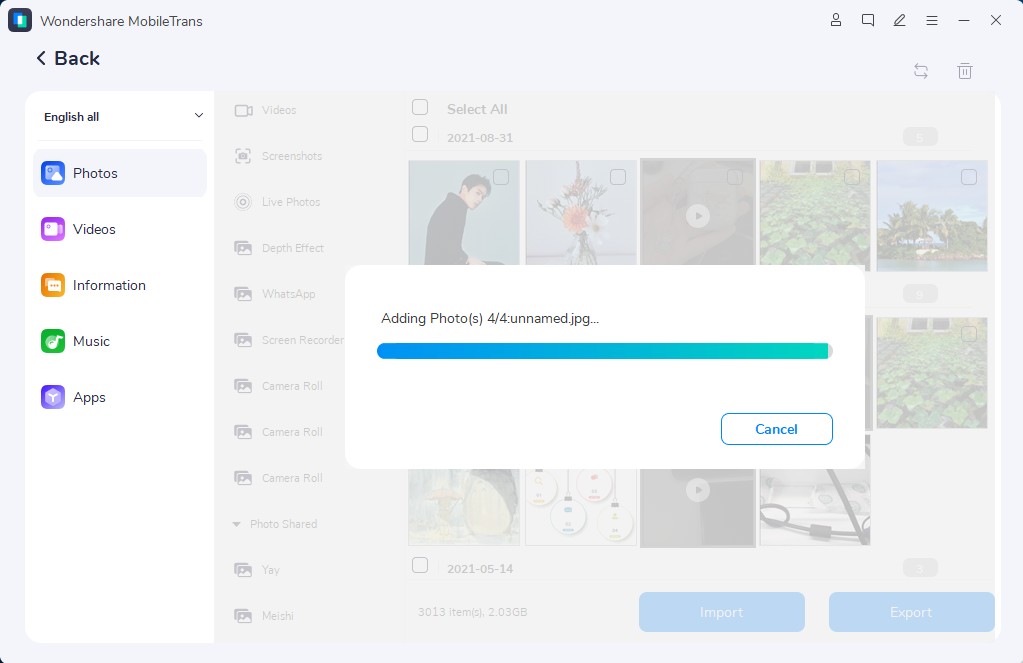
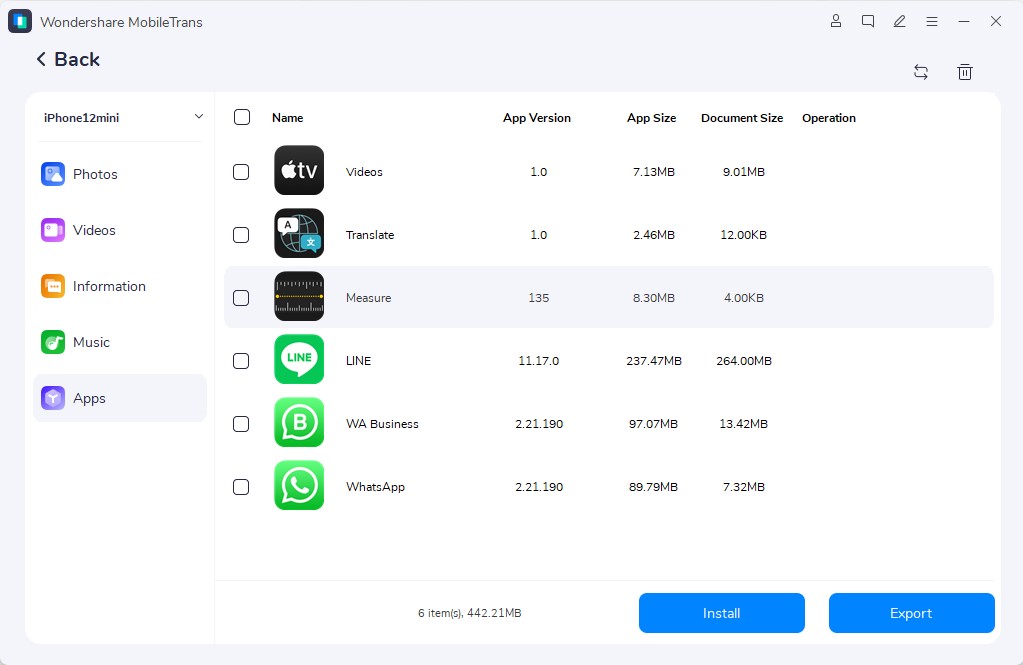
![Copy Phone To Computer [Official] Wondershare MobileTrans - Phone Transfer](https://mobiletrans.wondershare.com/images/images2019/import-files-to-phone-3.jpg)


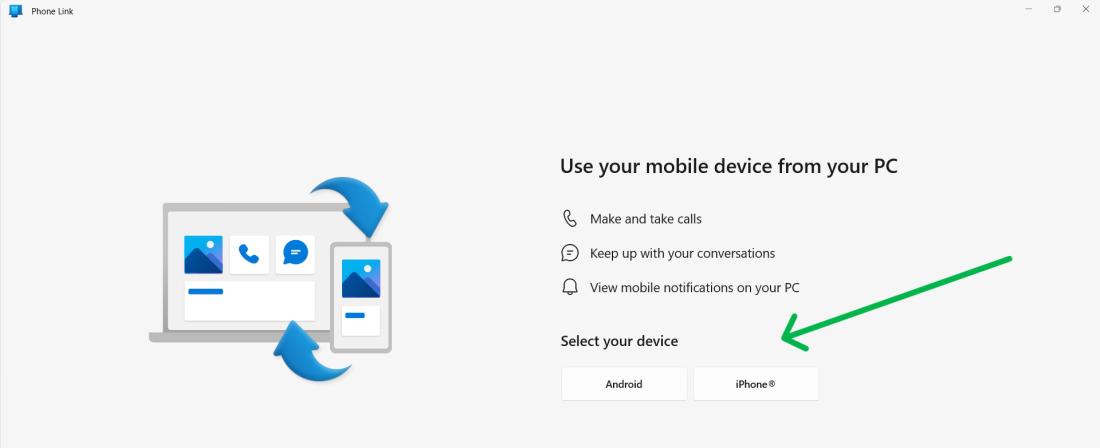
![Copy Phone To Computer How to Transfer Documents from iPhone to PC Free [6 Easy Ways]](https://www.anyviewer.com/screenshot/others/fonetool/fonetool-iphone-to-pc.png)


![Copy Phone To Computer 5 Ways to Transfer Files from Android Phones to PC without USB [2026]](https://mobiletrans.wondershare.com/images/images2019/export-files-to-pc-2.jpg)
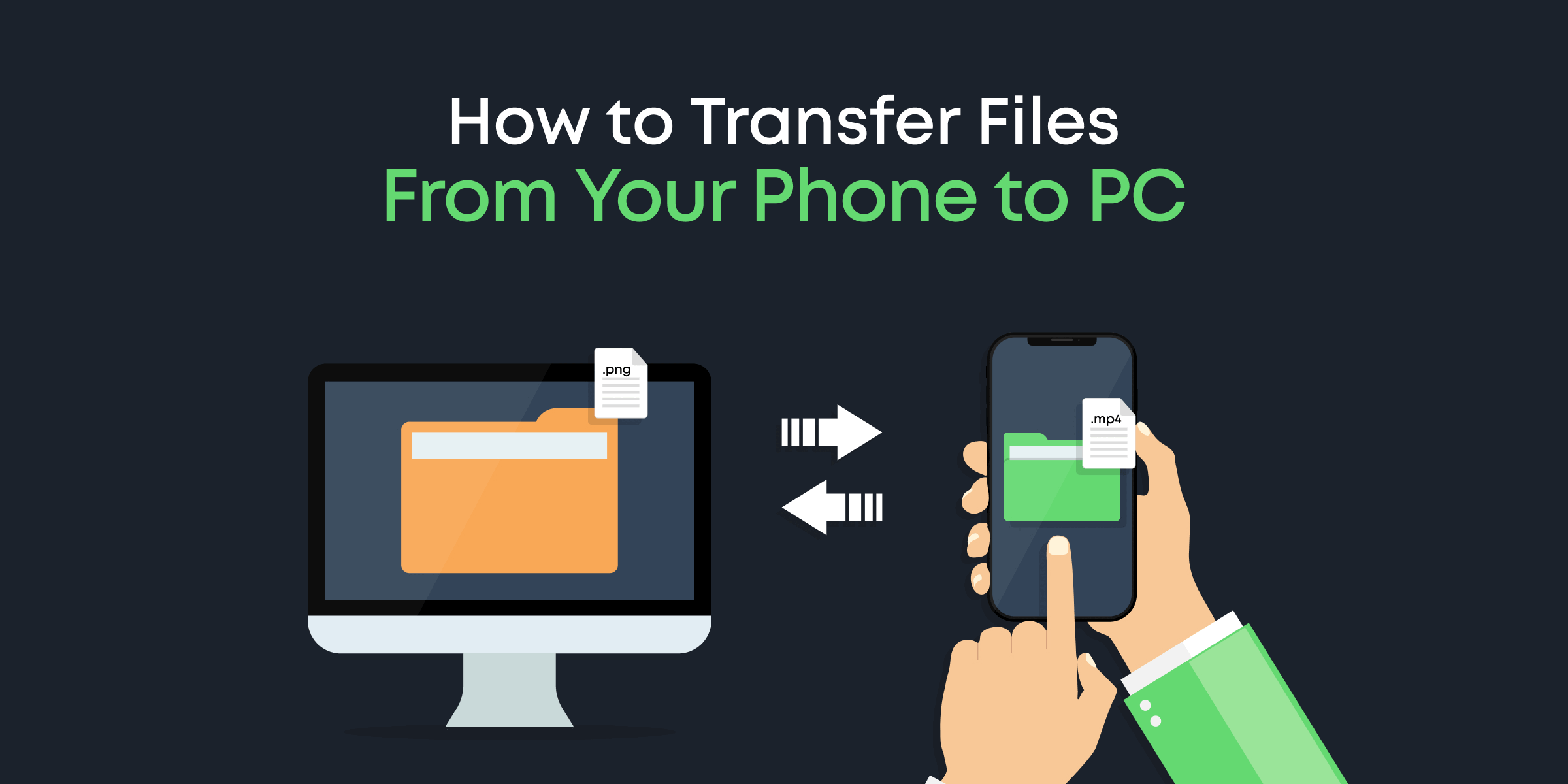
![Copy Phone To Computer [Official] Transfer Files Between Phone and PC | 2026](https://mobiletrans.wondershare.com/images/images2026/phonetopc/pic-feature-1-1.png)
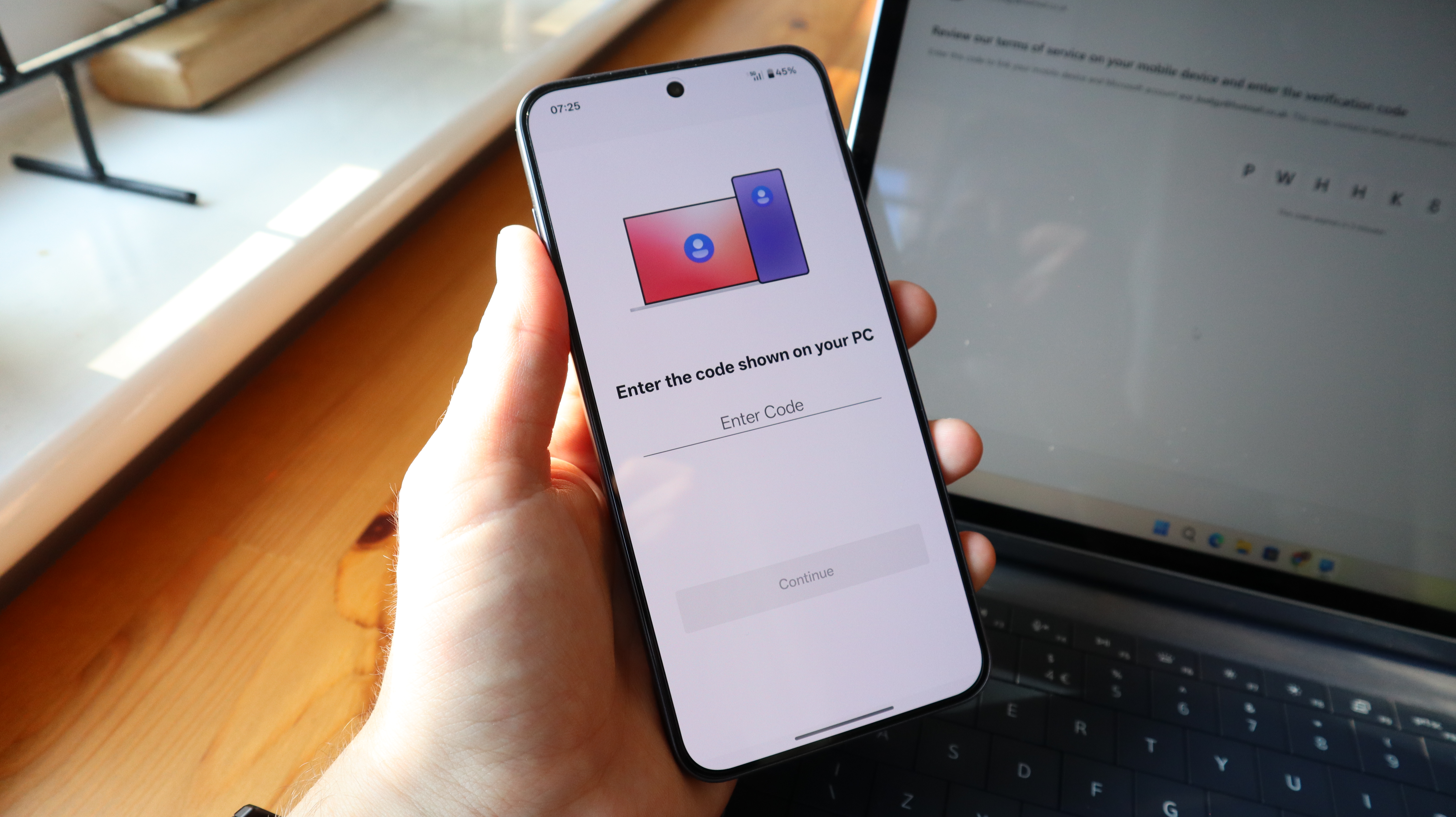


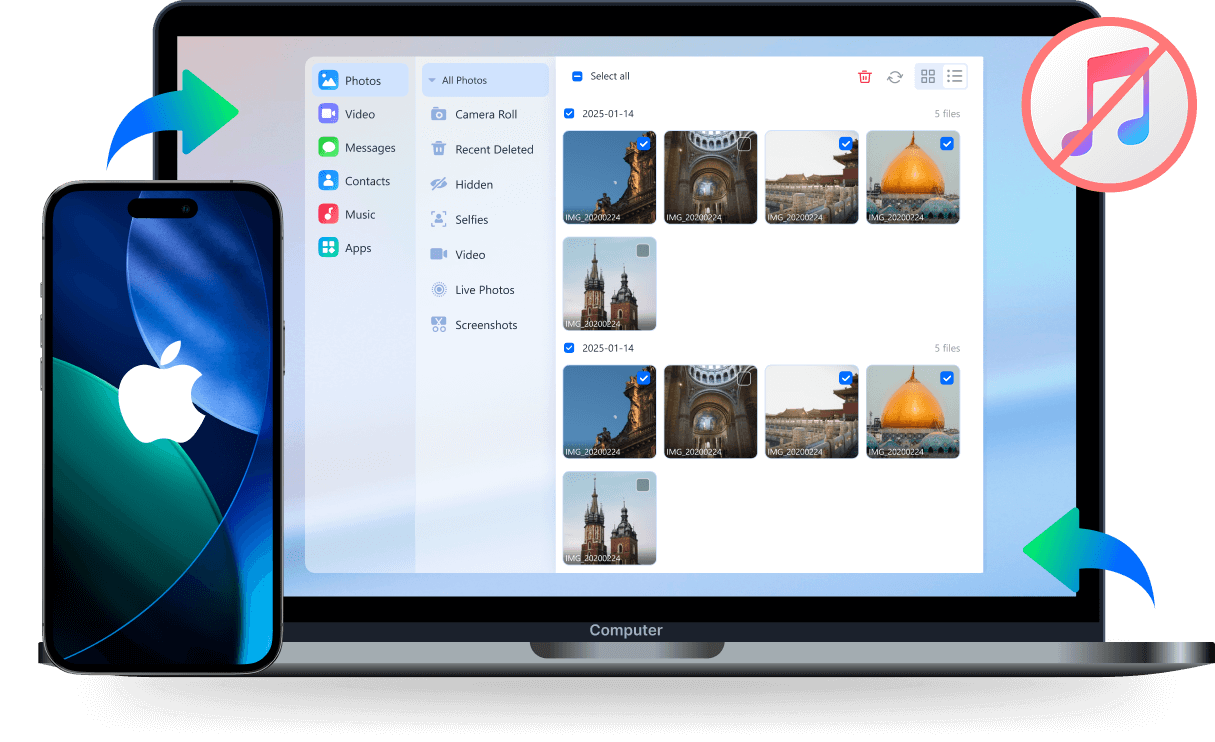
![Copy Phone To Computer [Officiel] Solutions Complètes de Transfert de Photos](https://mobiletrans.wondershare.com/images/images2025/photo-transfer/phone-to-pc.png)