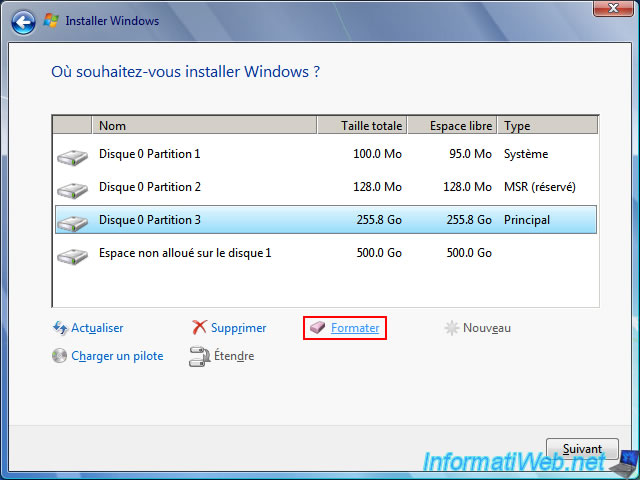
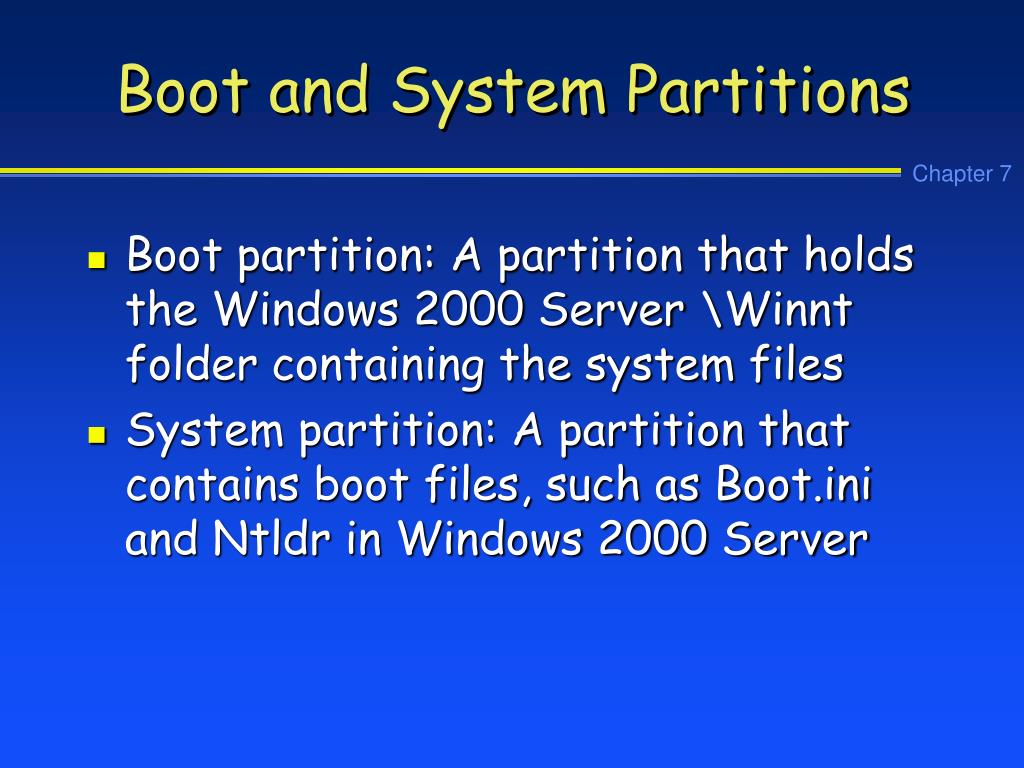
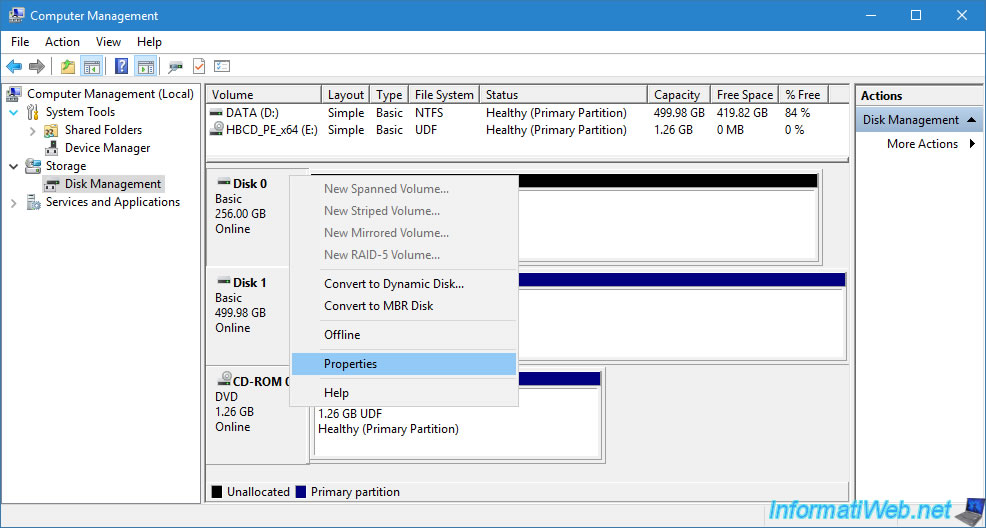
Computer Disk Partition During Boot
Discover the vibrancy of city life through comprehensive galleries of urban Computer Disk Partition During Boot photographs. featuring energetic examples of technology, digital, and software. designed to showcase urban culture and lifestyle. The Computer Disk Partition During Boot collection maintains consistent quality standards across all images. Suitable for various applications including web design, social media, personal projects, and digital content creation All Computer Disk Partition During Boot images are available in high resolution with professional-grade quality, optimized for both digital and print applications, and include comprehensive metadata for easy organization and usage. Our Computer Disk Partition During Boot gallery offers diverse visual resources to bring your ideas to life. Cost-effective licensing makes professional Computer Disk Partition During Boot photography accessible to all budgets. The Computer Disk Partition During Boot archive serves professionals, educators, and creatives across diverse industries. Each image in our Computer Disk Partition During Boot gallery undergoes rigorous quality assessment before inclusion. Multiple resolution options ensure optimal performance across different platforms and applications. Reliable customer support ensures smooth experience throughout the Computer Disk Partition During Boot selection process. Comprehensive tagging systems facilitate quick discovery of relevant Computer Disk Partition During Boot content. Time-saving browsing features help users locate ideal Computer Disk Partition During Boot images quickly.
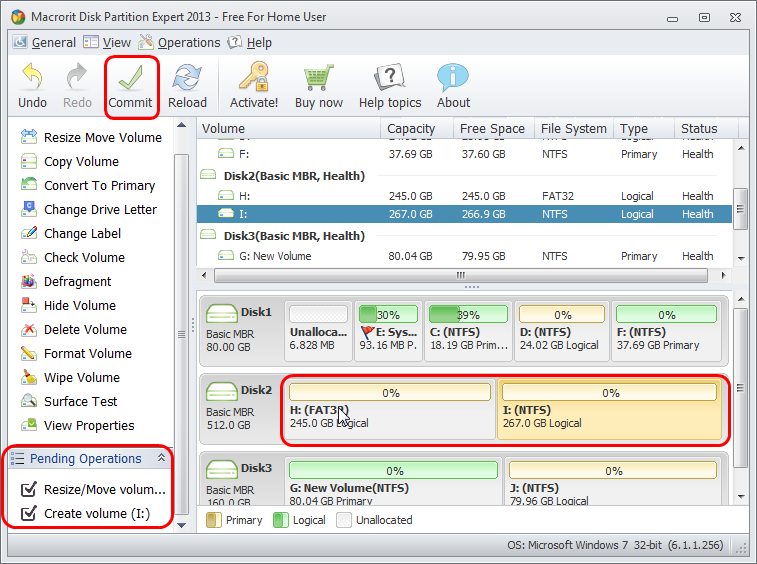
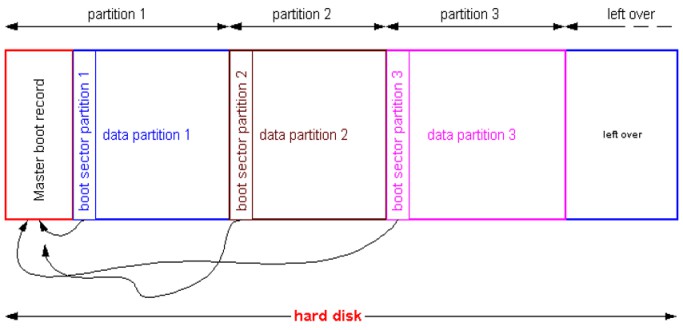
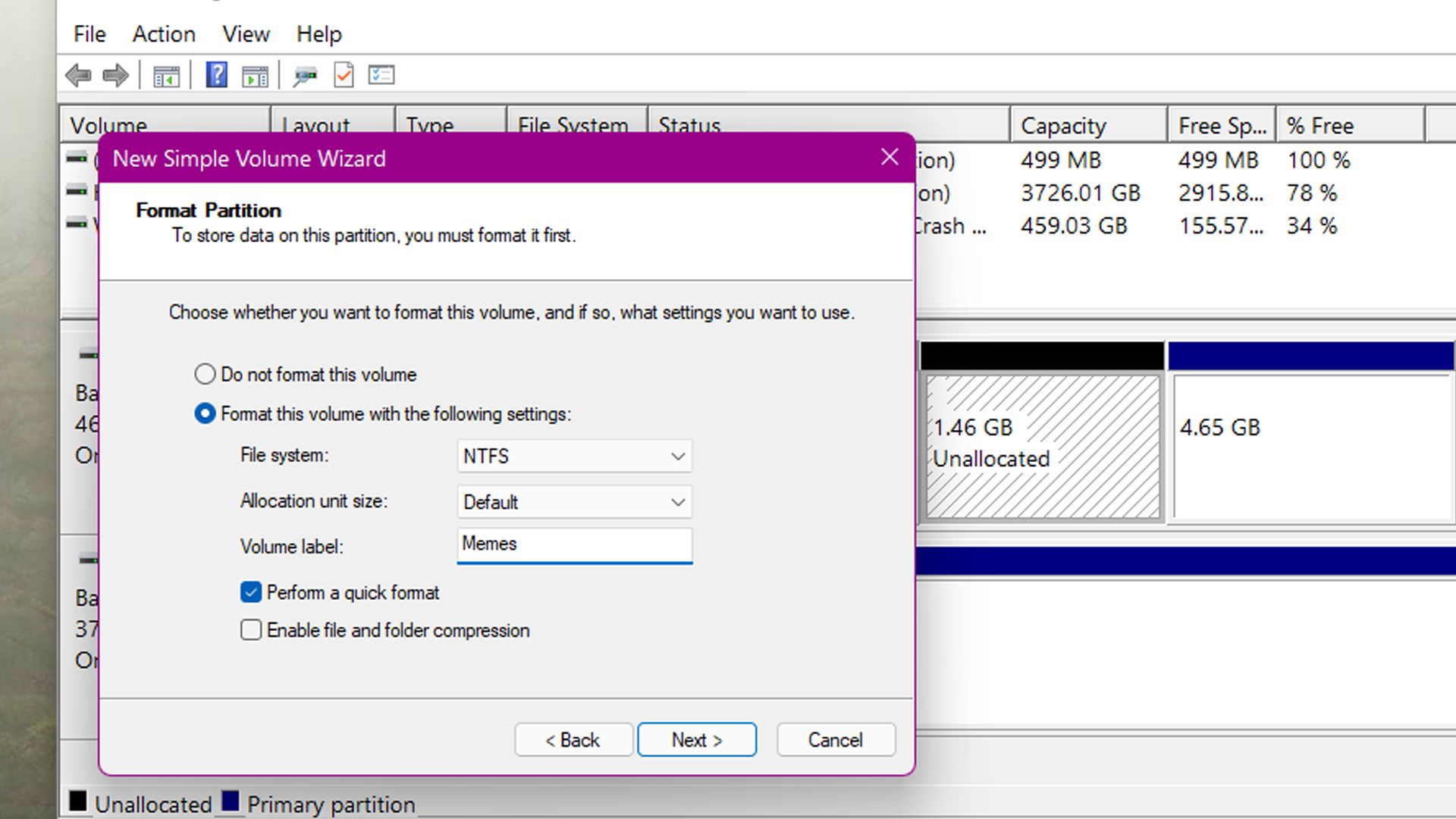


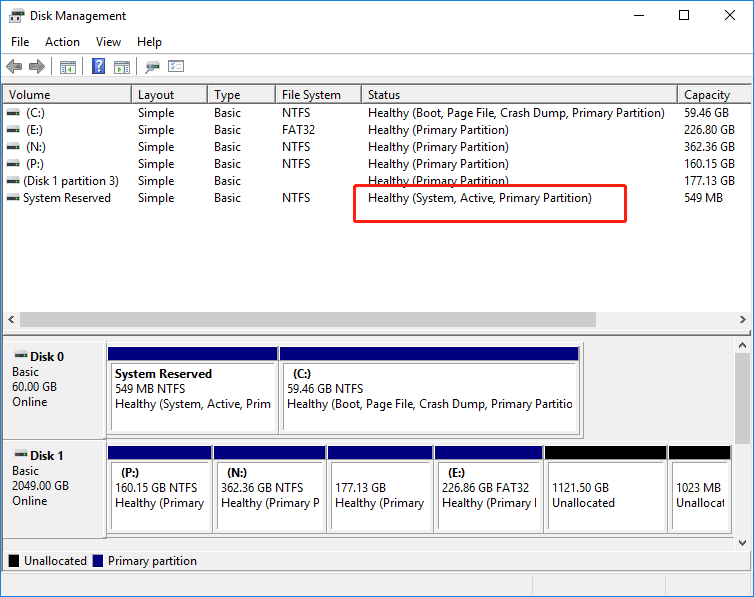
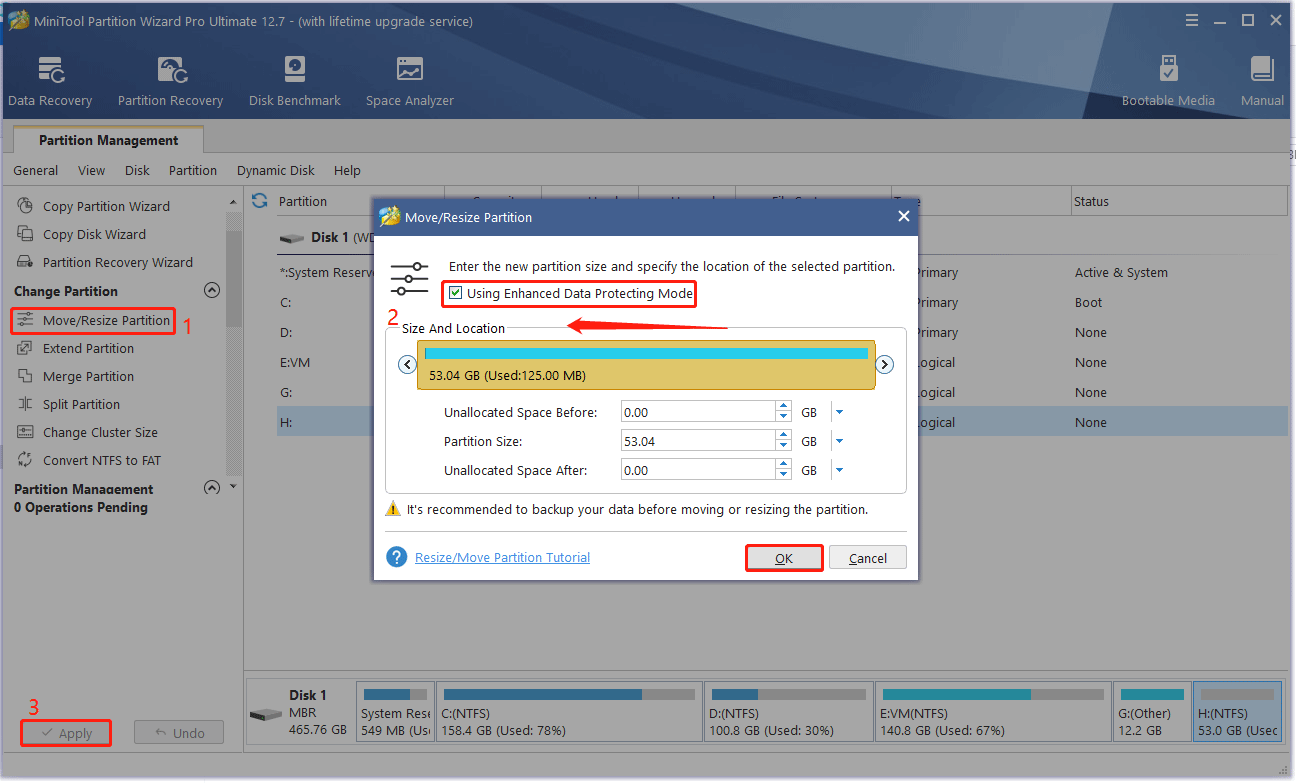
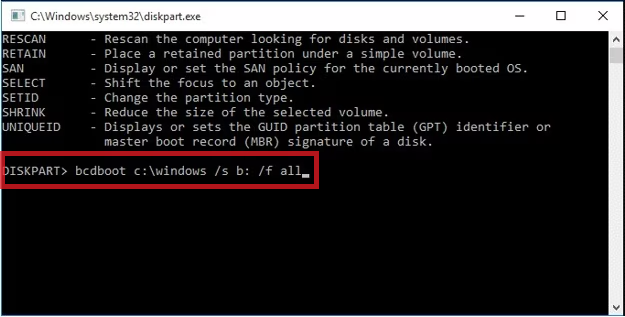
![Computer Disk Partition During Boot [Solved] Windows 10 Won’t Boot after Partition Resize](https://www.partitionwizard.com/images/uploads/articles/2023/04/windows-10-wont-boot-after-partition-resize/windows-10-wont-boot-after-partition-resize-8.png)
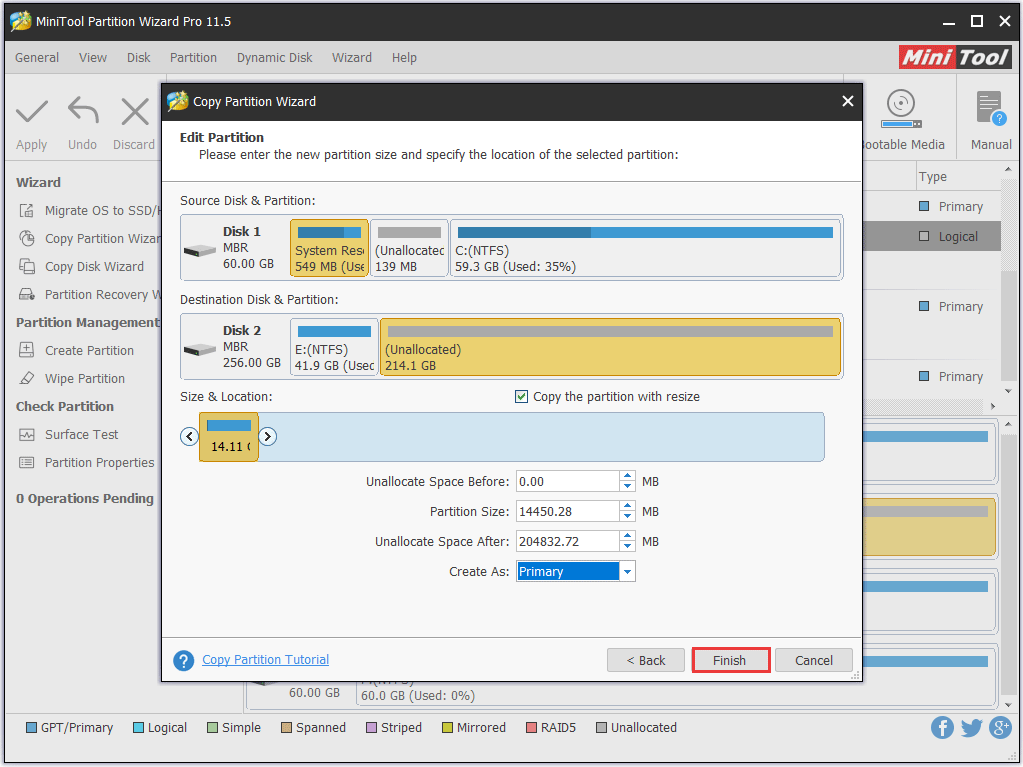
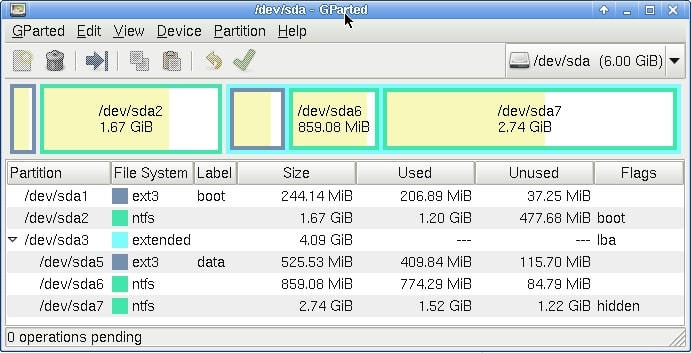
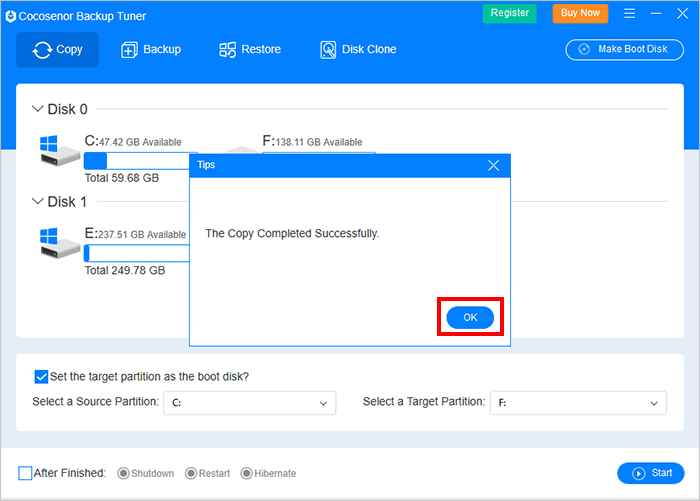
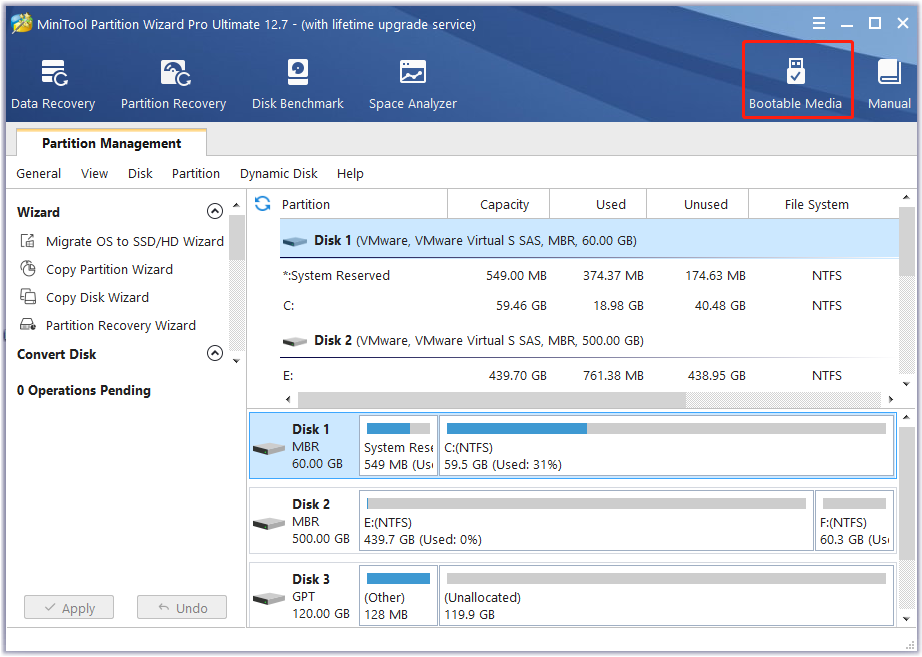
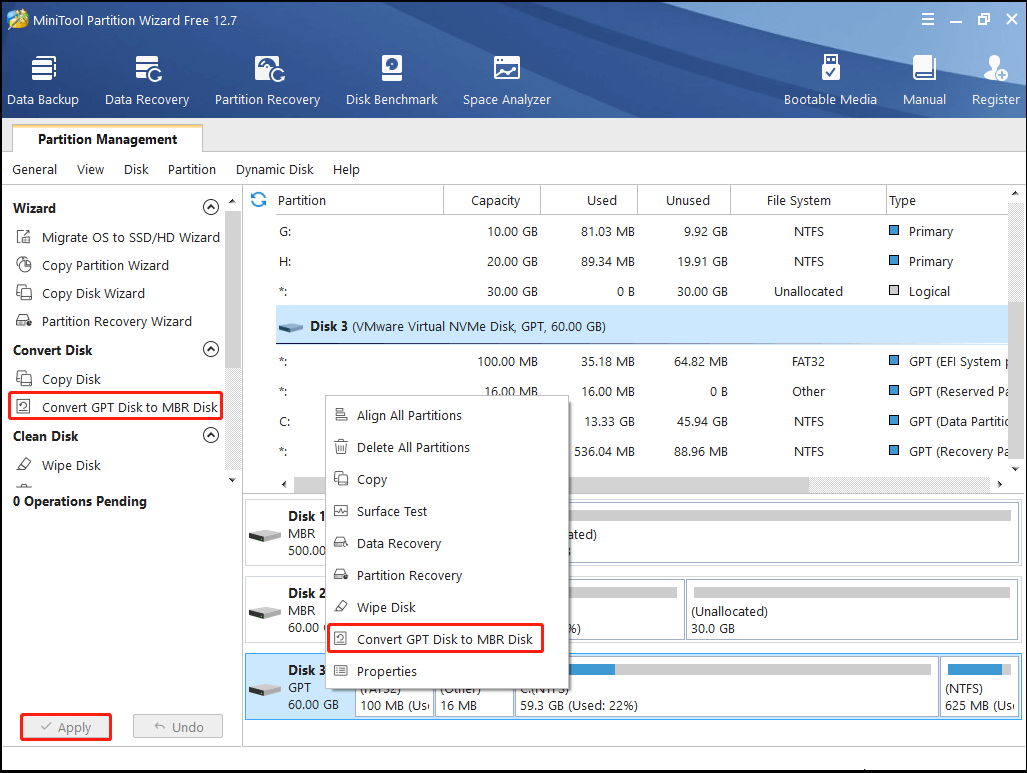
![Computer Disk Partition During Boot How to Move Windows Boot Partition to A New Drive [Full Guide]](https://images.minitool.com/minitool.com/images/uploads/2024/08/move-boot-partition-to-a-new-drive-15.png)
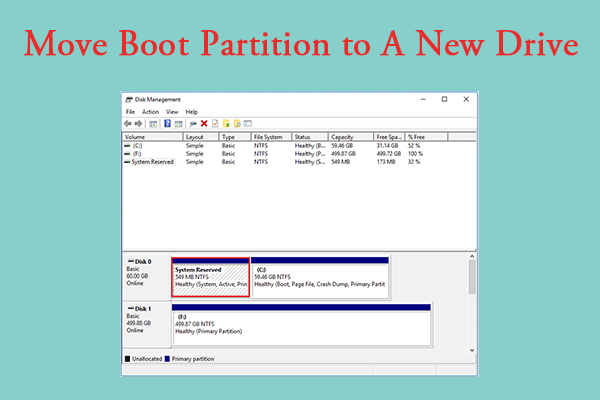
![Computer Disk Partition During Boot How to Move Windows Boot Partition to A New Drive [Full Guide]](https://images.minitool.com/minitool.com/images/uploads/2024/08/move-boot-partition-to-a-new-drive-2.png)
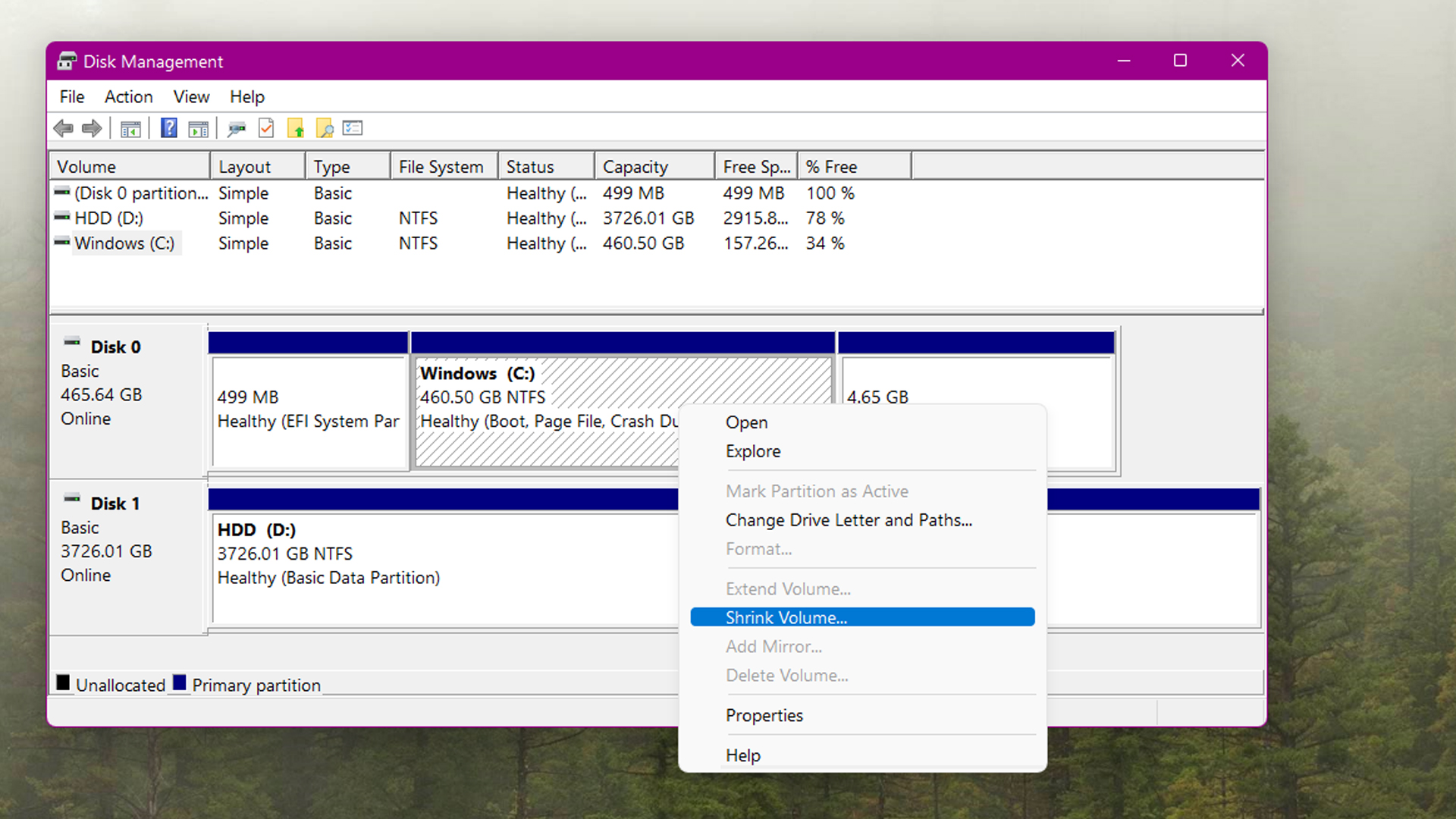


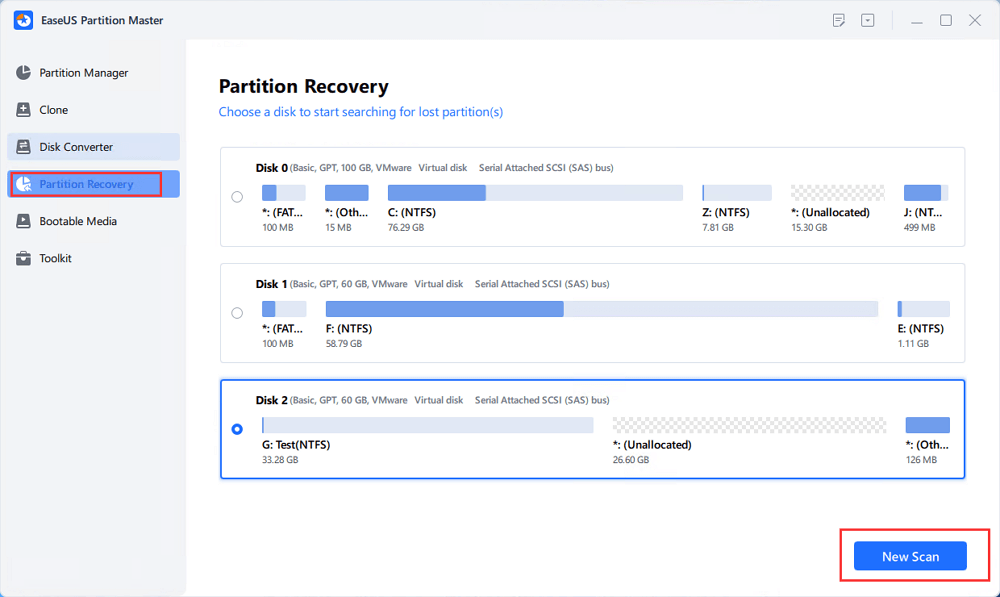
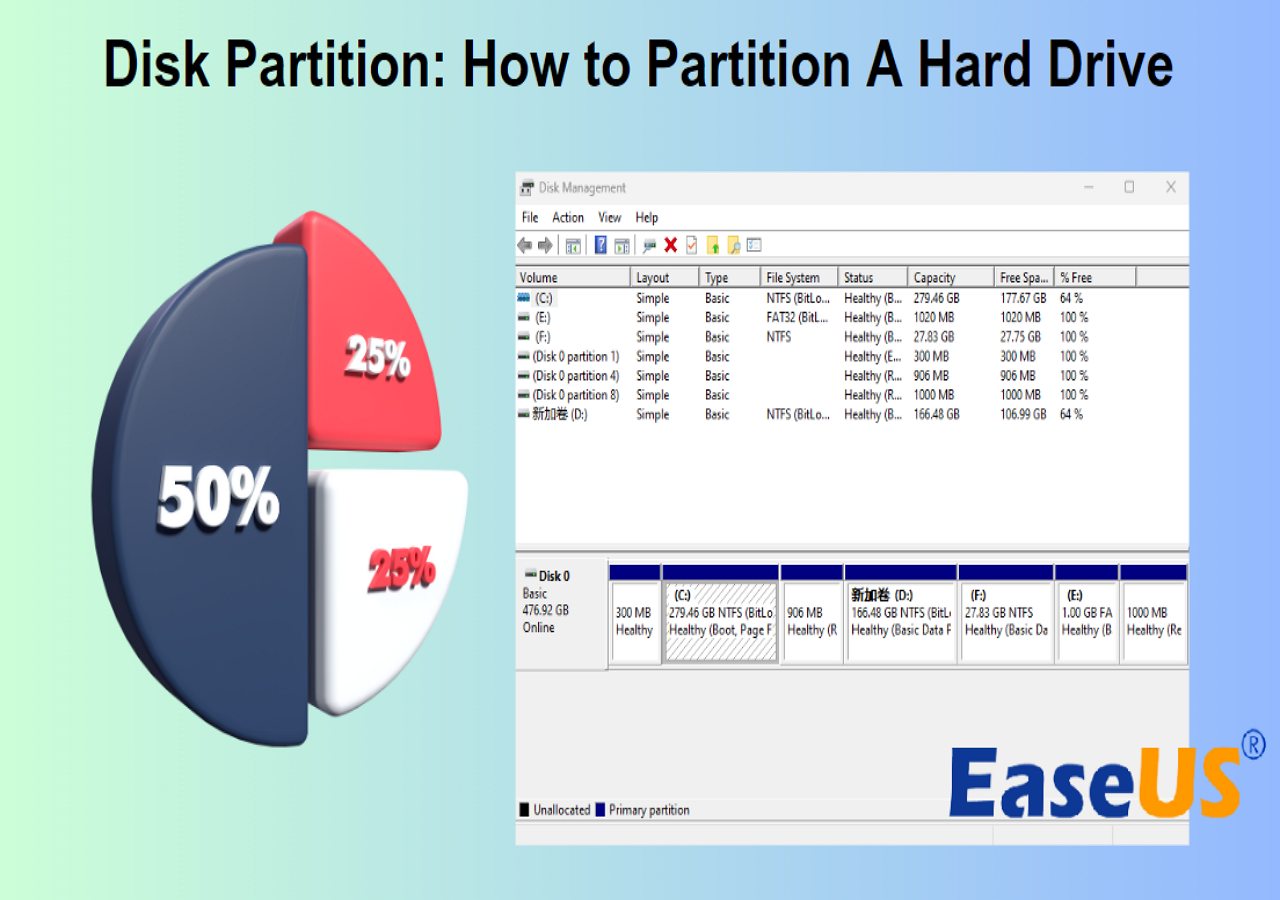
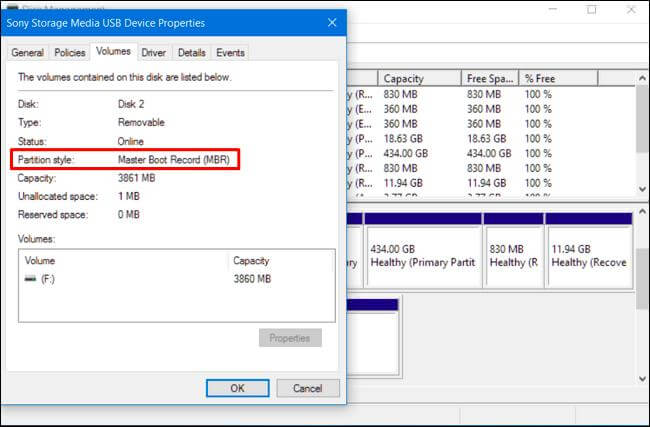
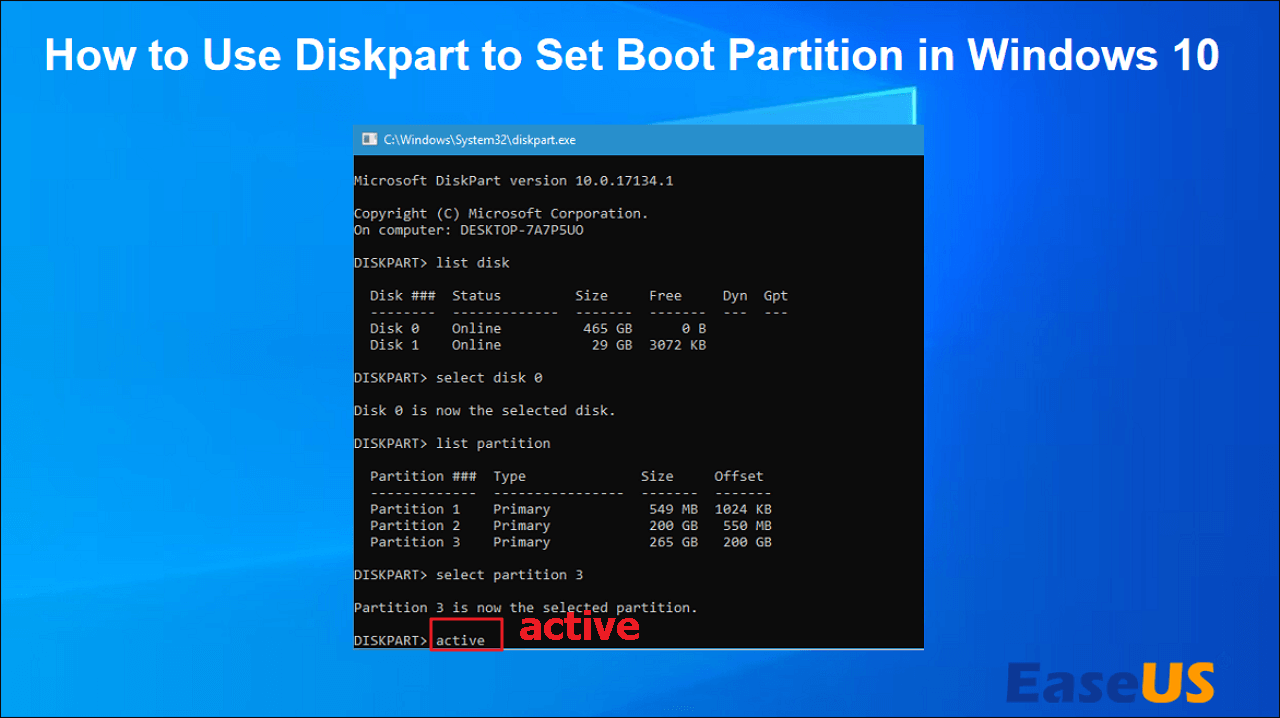
![Computer Disk Partition During Boot How to Set Up the Boot Mode in MBR for BIOS [Ultimate Guide]](https://www.easeus.com/images/en/screenshot/partition-manager/disk-partition-tutorial.png)


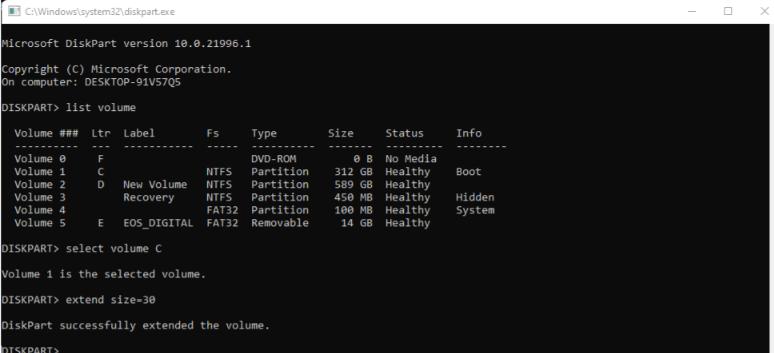
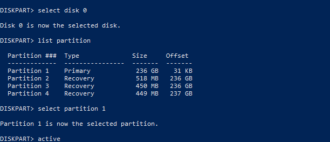
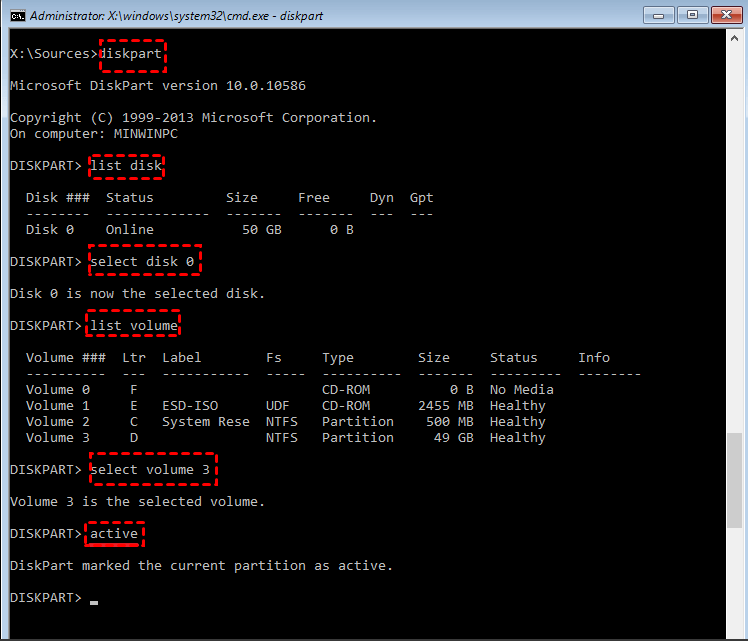
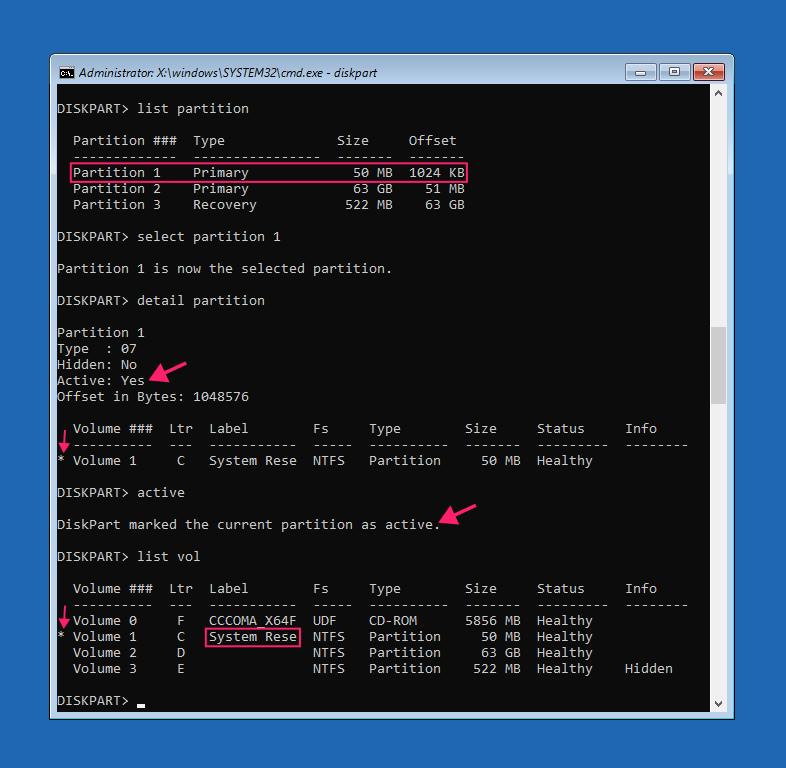
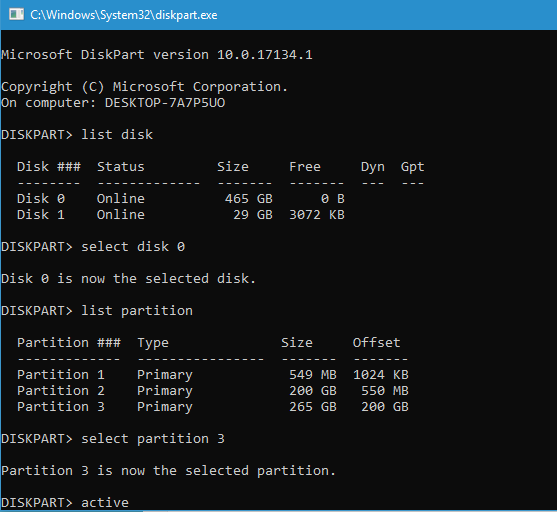
![Computer Disk Partition During Boot Default Boot Device Missing or Boot Failed [Fix]](https://www.thewindowsclub.com/wp-content/uploads/2019/09/Diskpart-command-activate-partition-600x558.png)
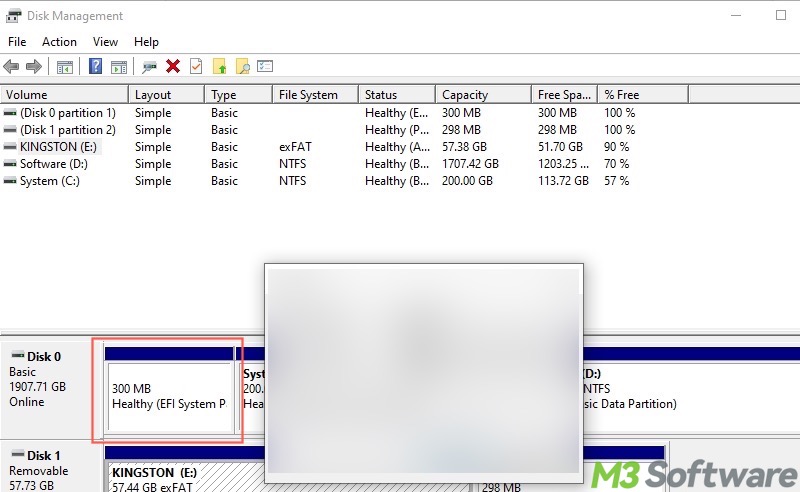


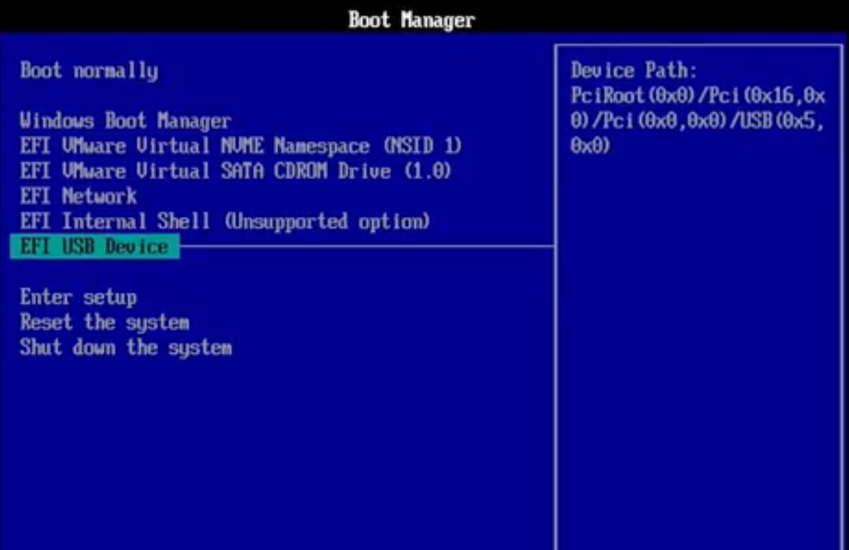
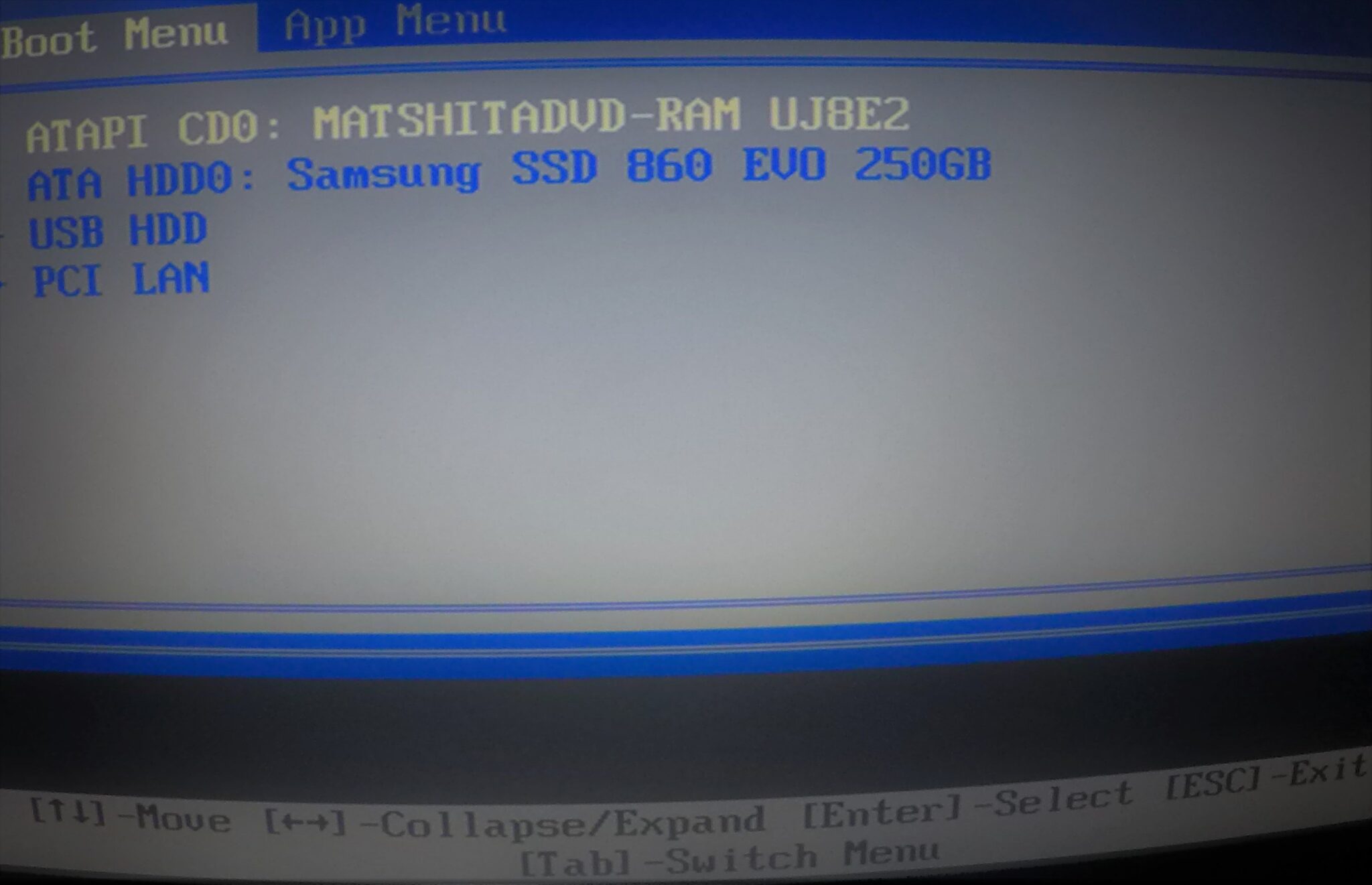
![Computer Disk Partition During Boot [Solved] Default Boot Device Missing or Boot Failed| 6 Solutions](https://4ddig.tenorshare.com/images/guide/partition-manager-guide/boot-manager.png?w=849&h=550)


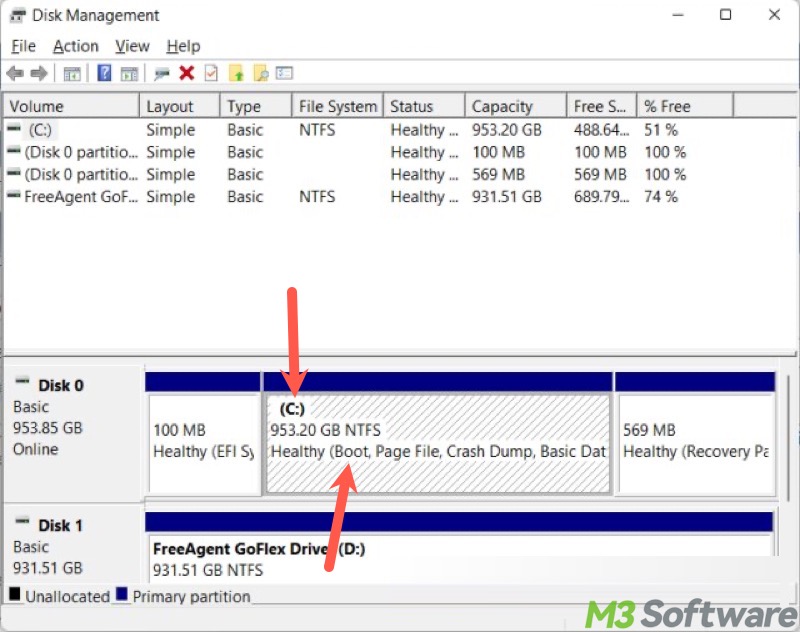
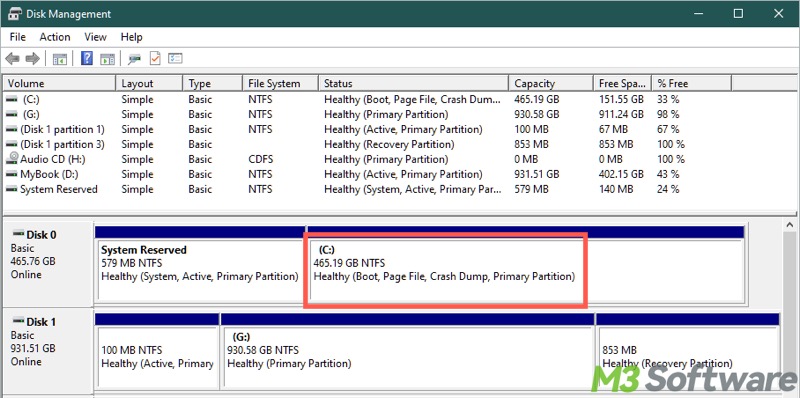
![Computer Disk Partition During Boot Partition Not Showing up in Windows 11/10 [Focus on 3 Cases] - MiniTool](https://www.minitool.com/images/uploads/articles/2022/12/partition-not-showing-up-in-win11/partition-not-showing-up-in-win11-15.png)


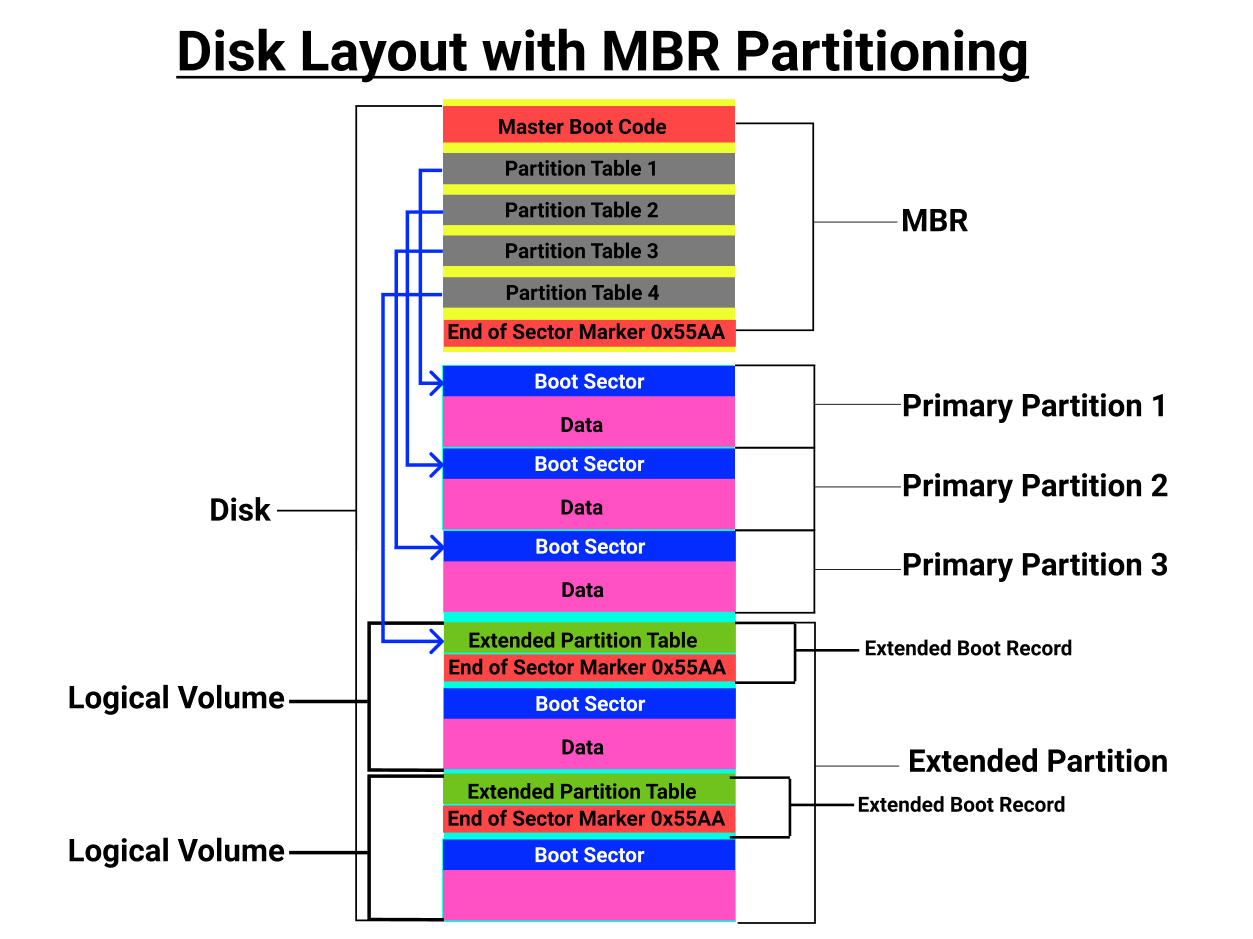
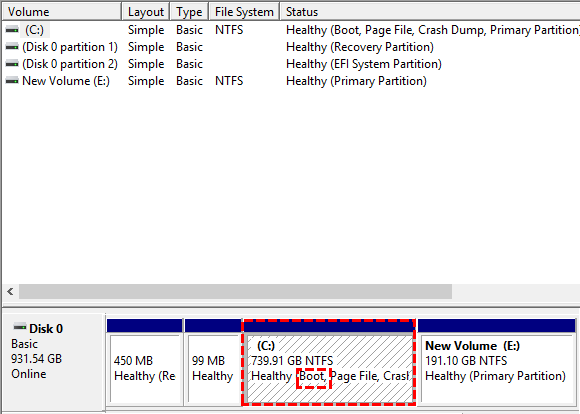
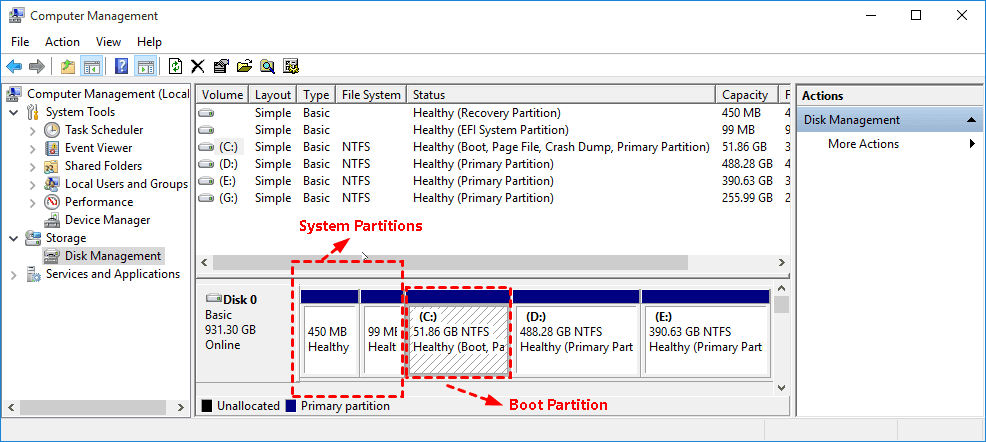
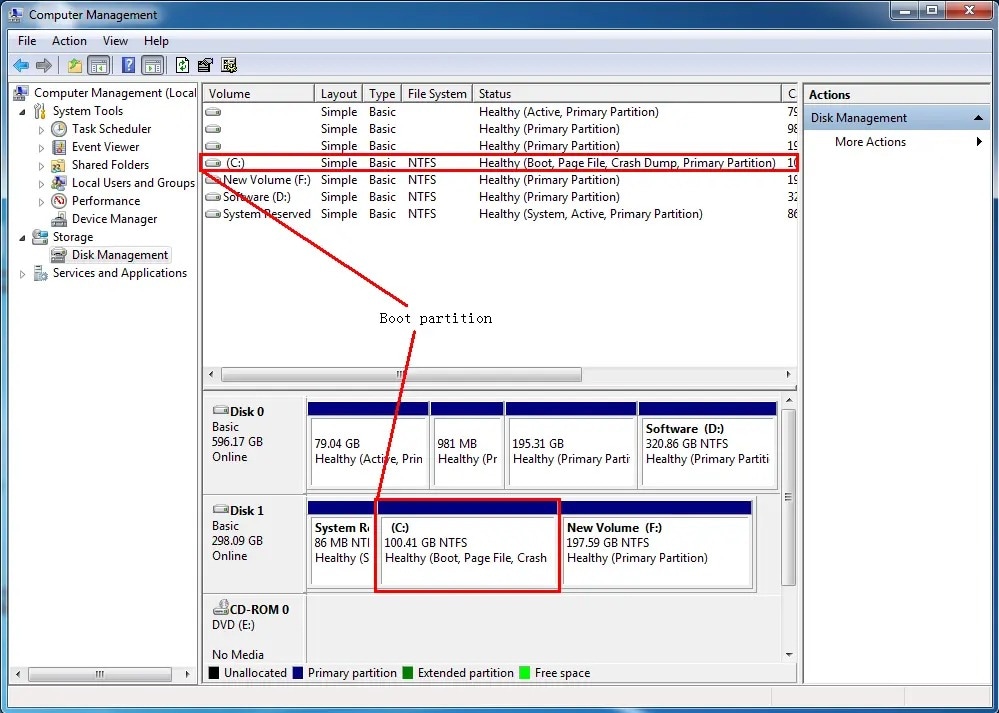
![Computer Disk Partition During Boot 3 Ways to Backup C Drive in Windows 10 [Step-by-Step Guide]](https://www.qilingtech.com/img/backup-c-drive-windows-10/system-partition-vs-boot-partition.png)


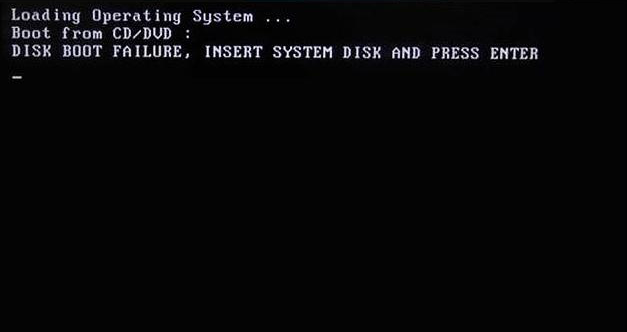
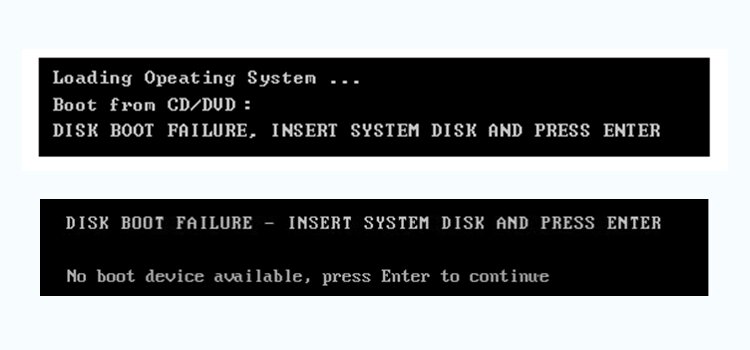
![Computer Disk Partition During Boot Common Hard Drive Error Codes Explained [2026 Easiest Guide]](https://cdn-dfknk.nitrocdn.com/BMGKLORDabDBCUPuWOjTkLVrPSWteURh/assets/images/optimized/rev-0b774ad/www.stellarinfo.co.in/blog/wp-content/uploads/2025/08/Disk-Boot-Failure-Insert-System-Disk-and-Press-Enter.jpg)
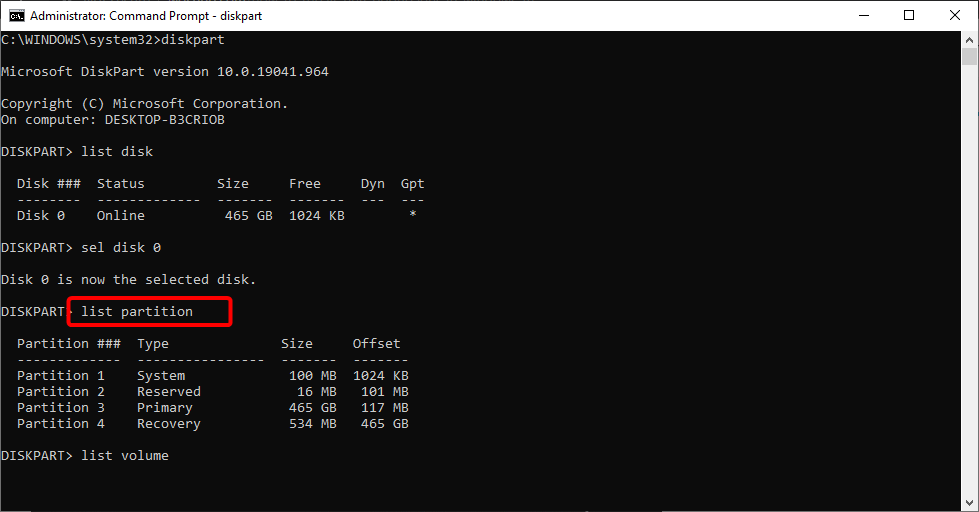
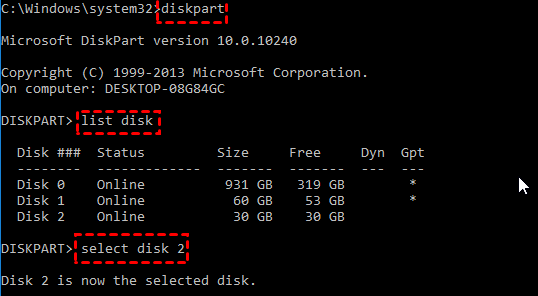
![Computer Disk Partition During Boot How to Fix [Setup Was Unable to Use the Existing Partition]](https://www.diskpart.com/screenshot/en/others/windows-10/create-boot-partition.png)
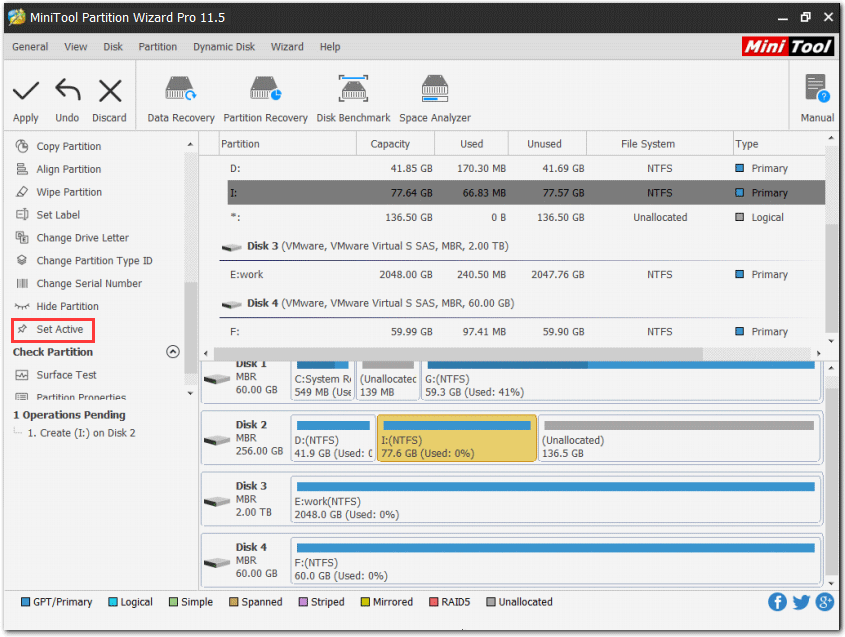
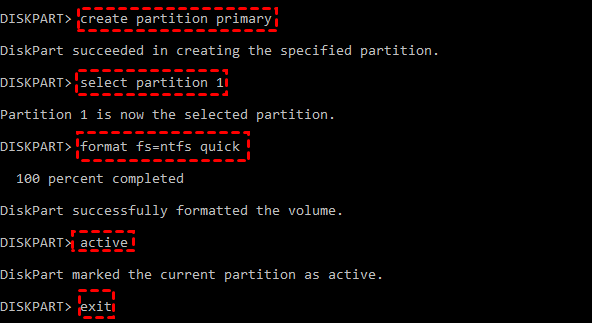
![Computer Disk Partition During Boot How to Fix [Setup Was Unable to Use the Existing Partition]](https://www.diskpart.com/screenshot/en/others/windows-10/create-boot-partition-2.png)