Chromebook User/password
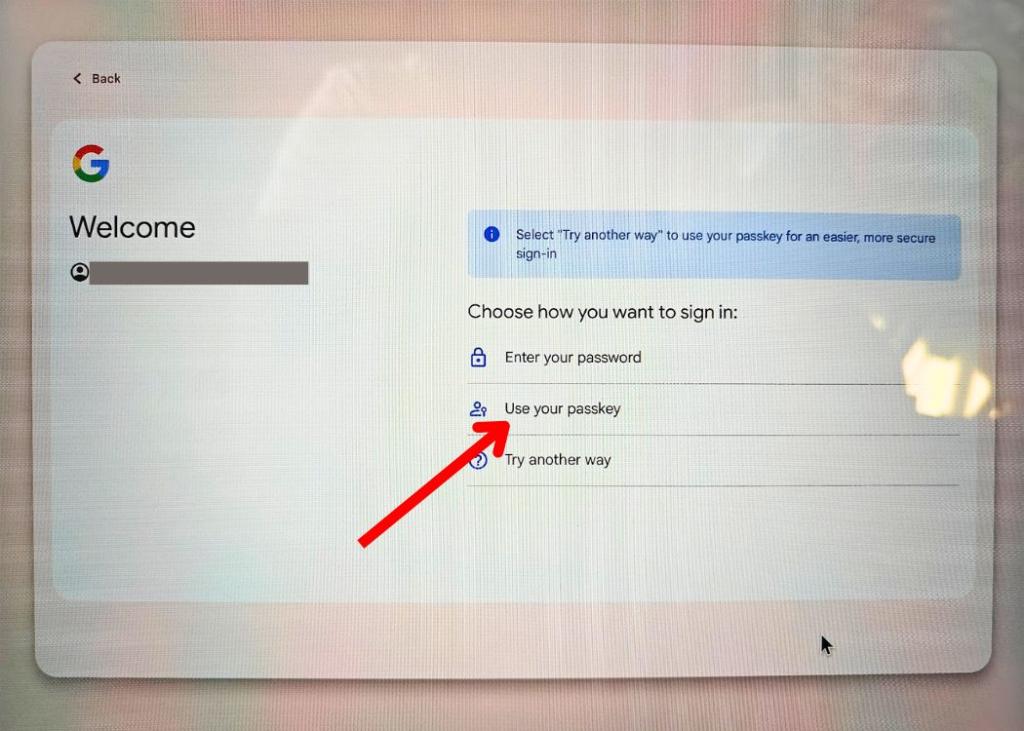
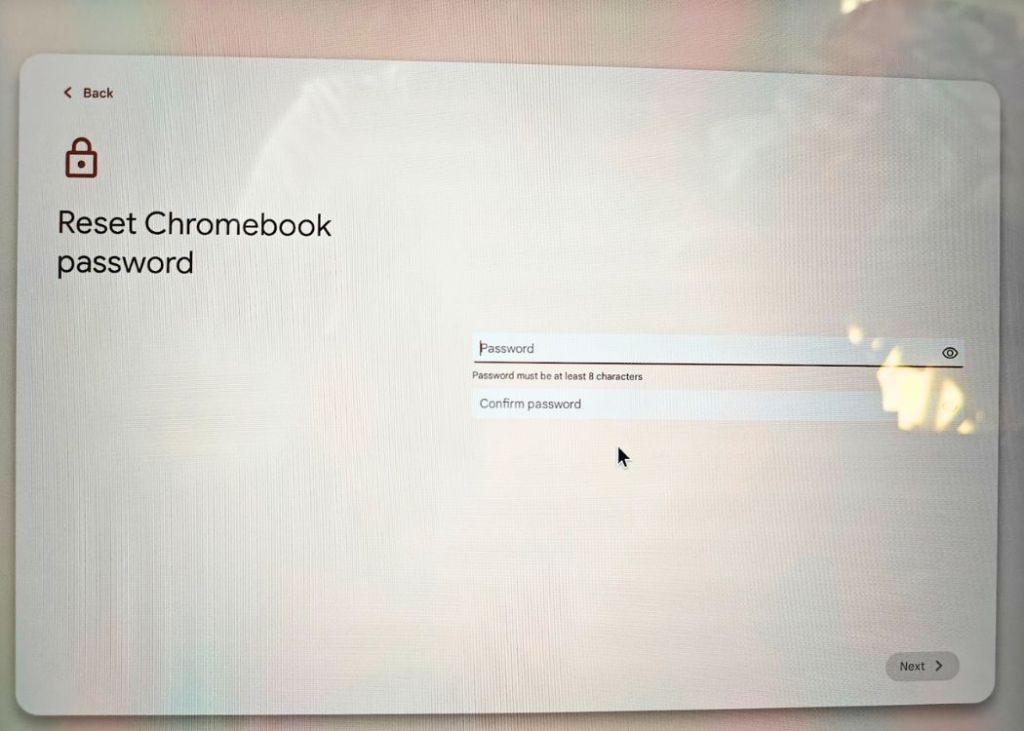
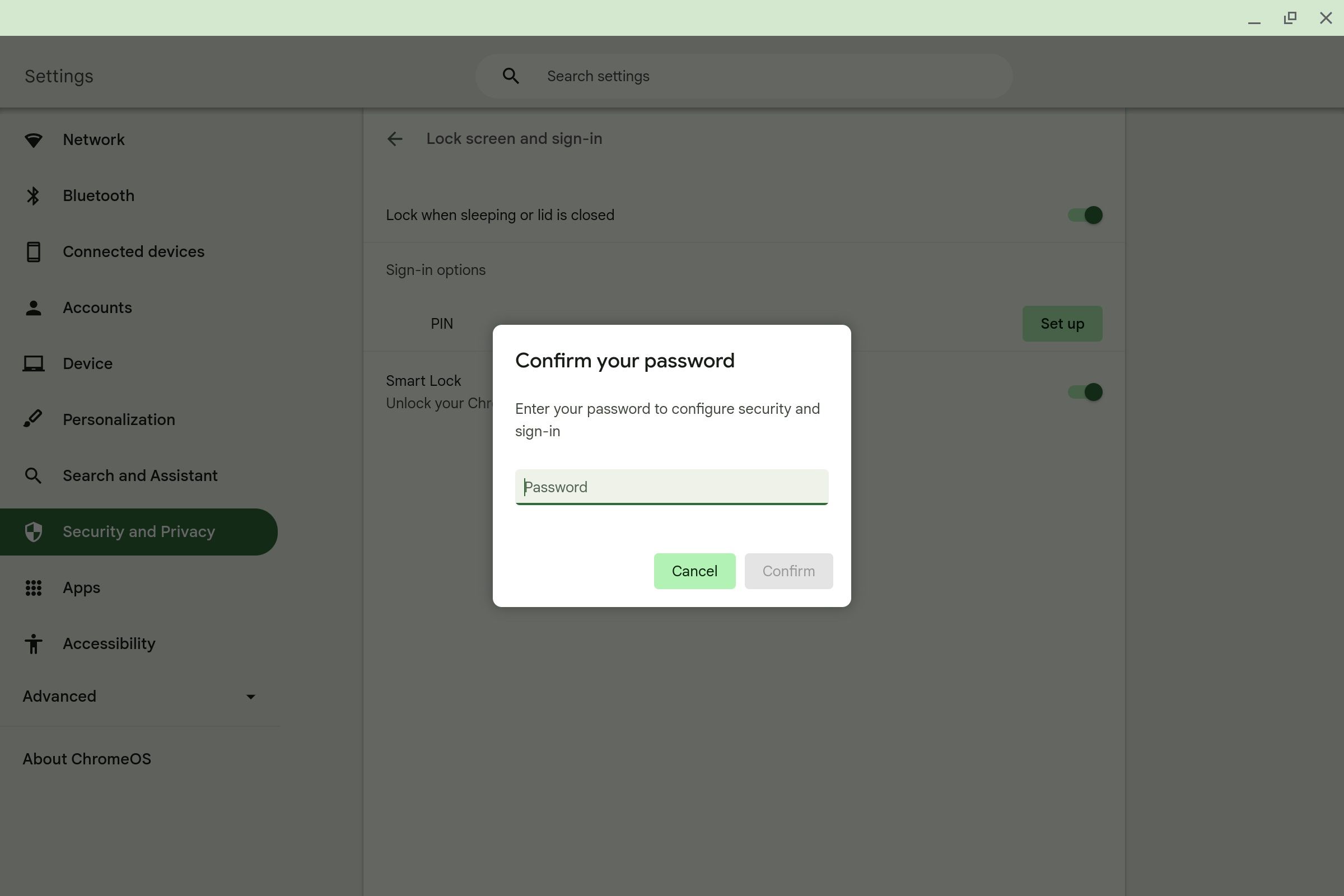


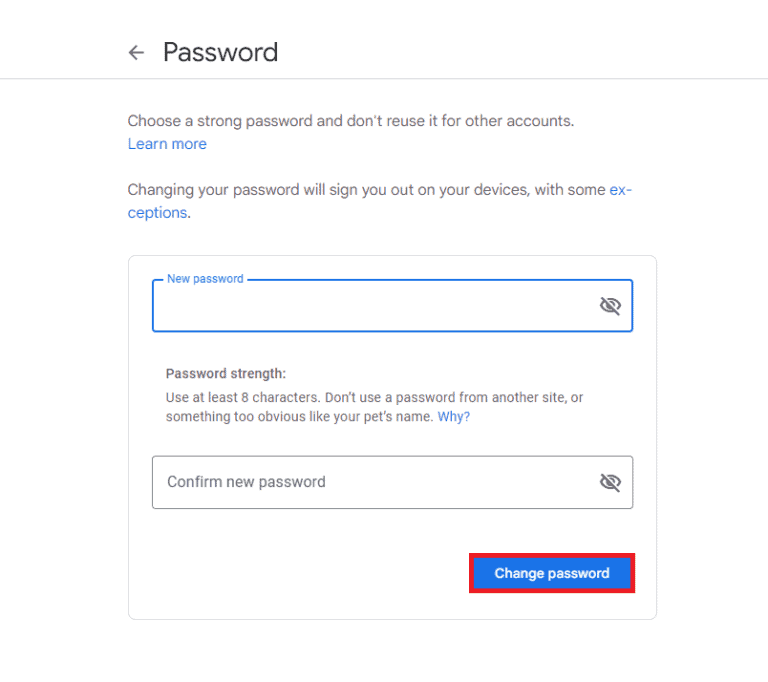

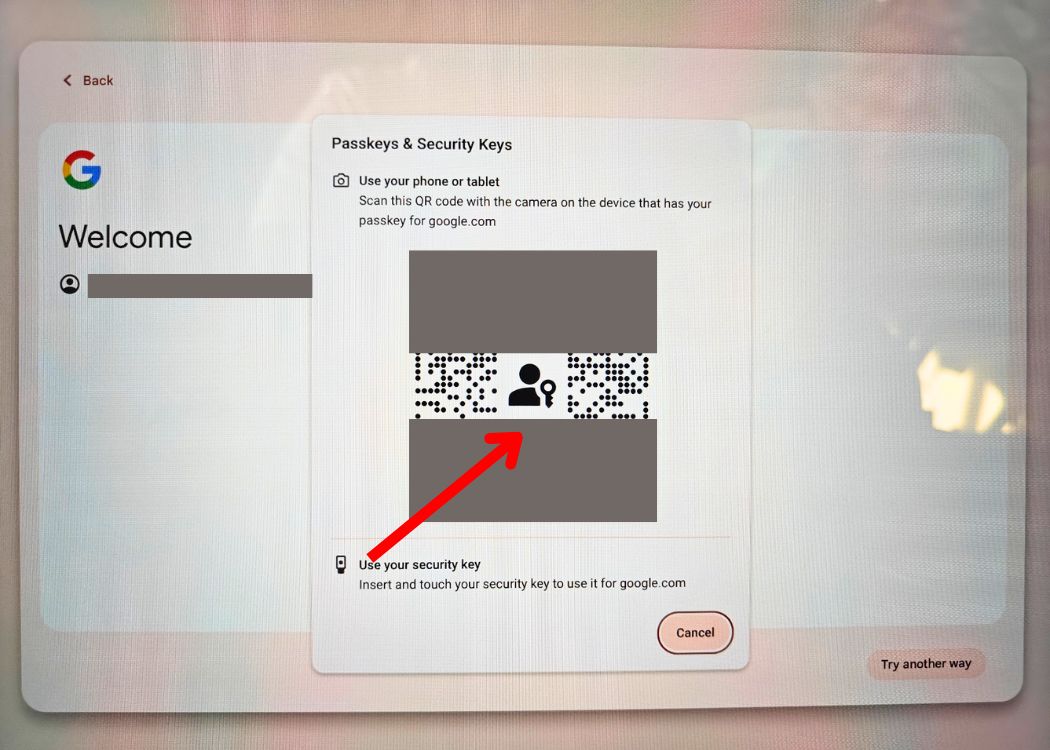


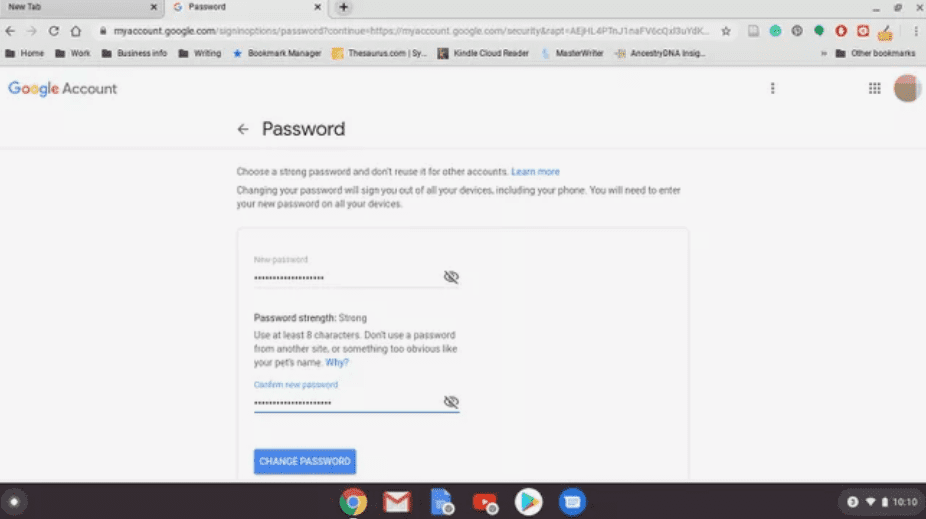

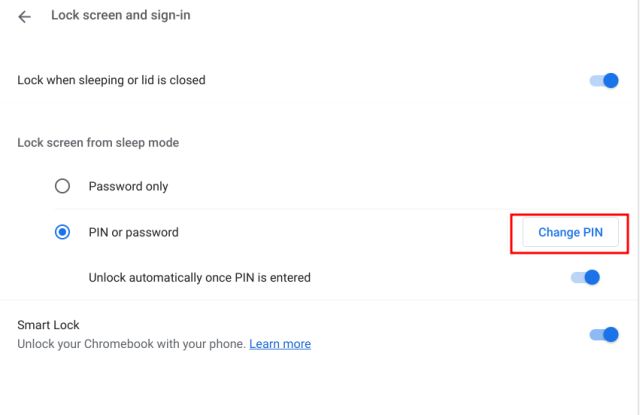


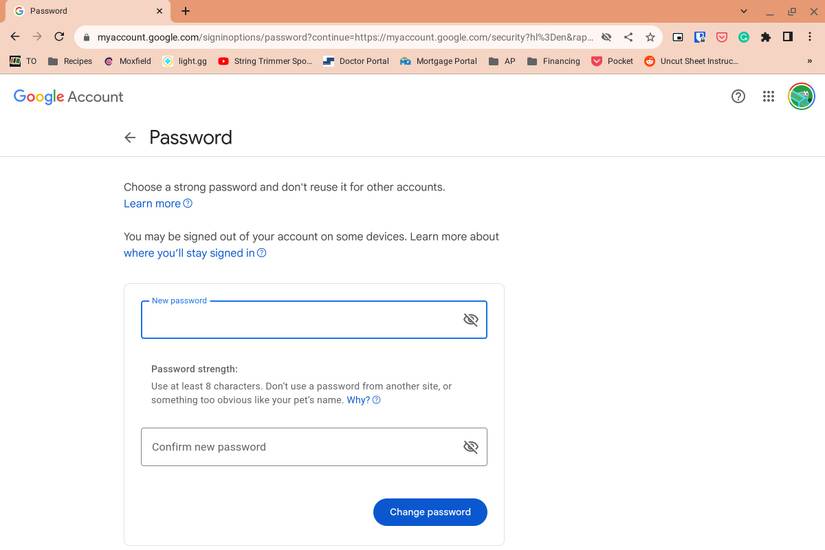

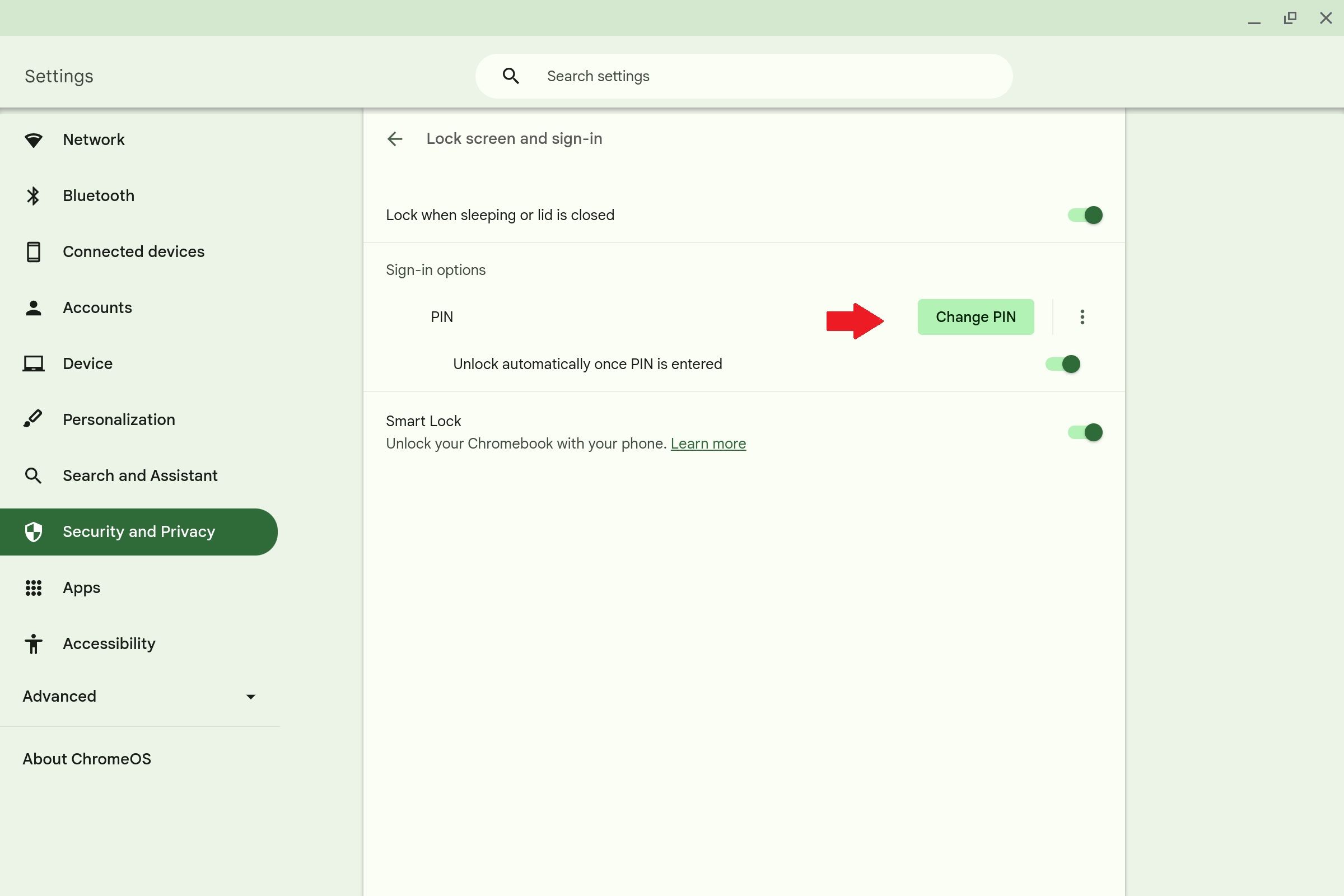
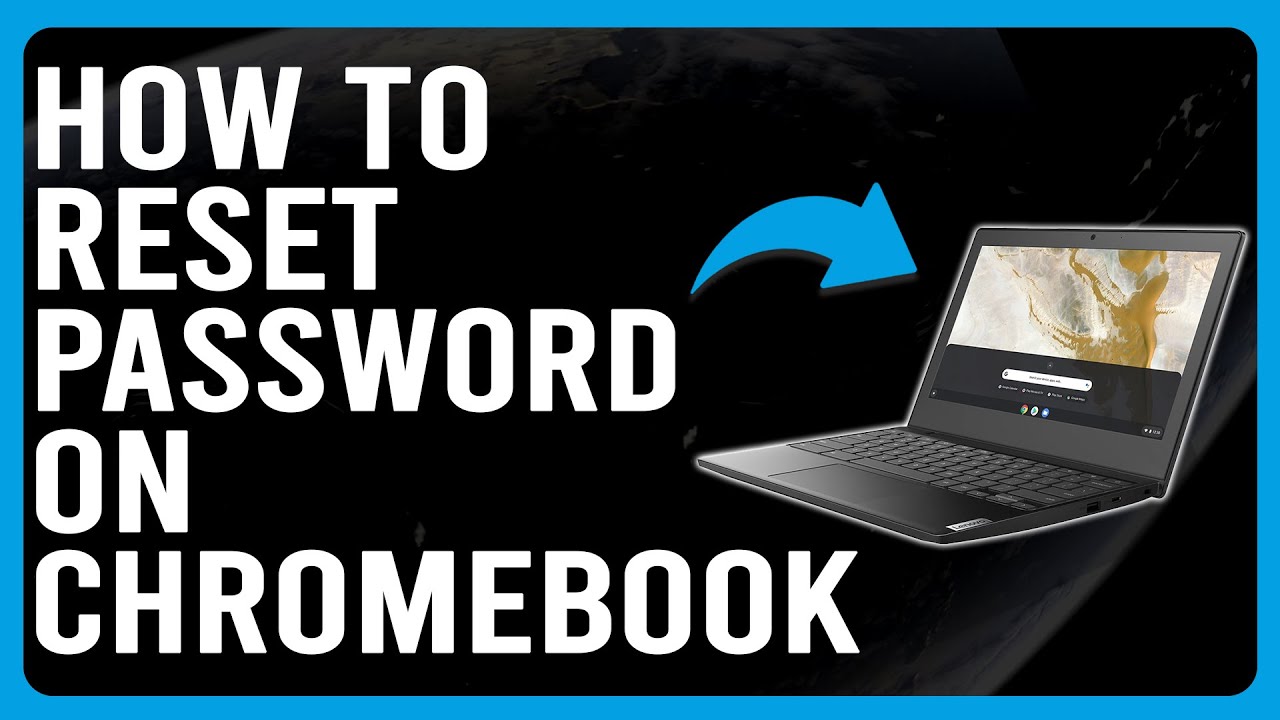


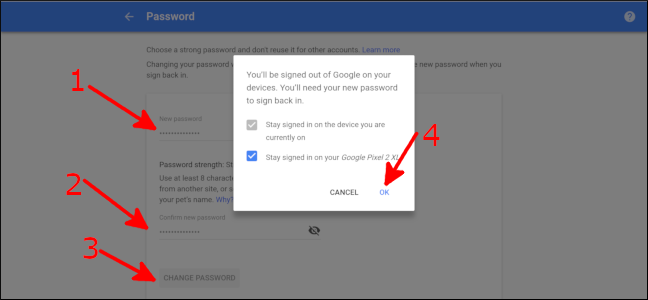
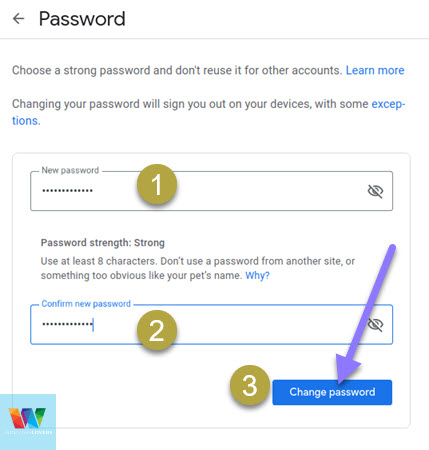






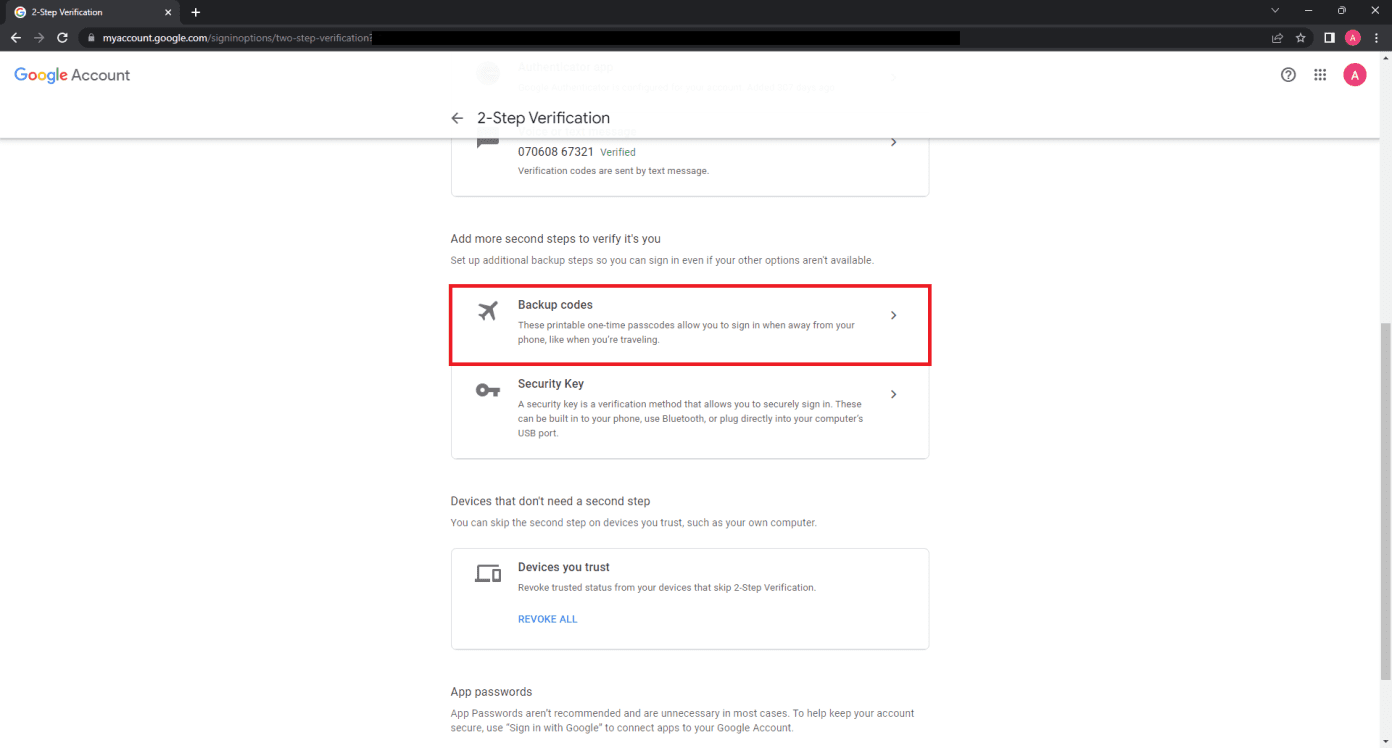
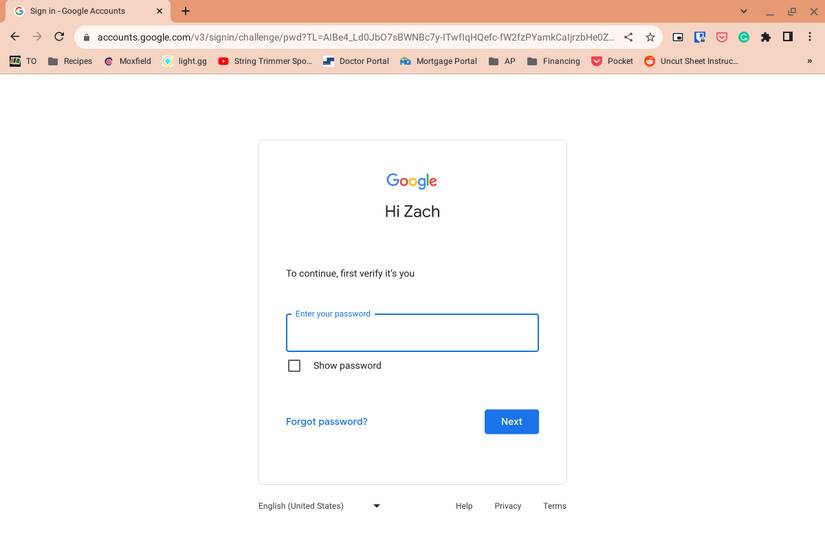

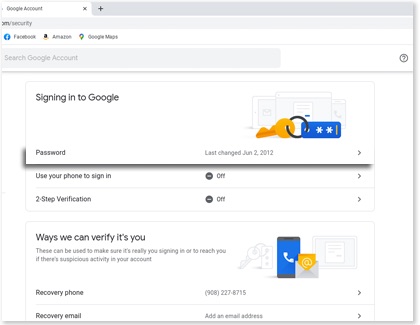
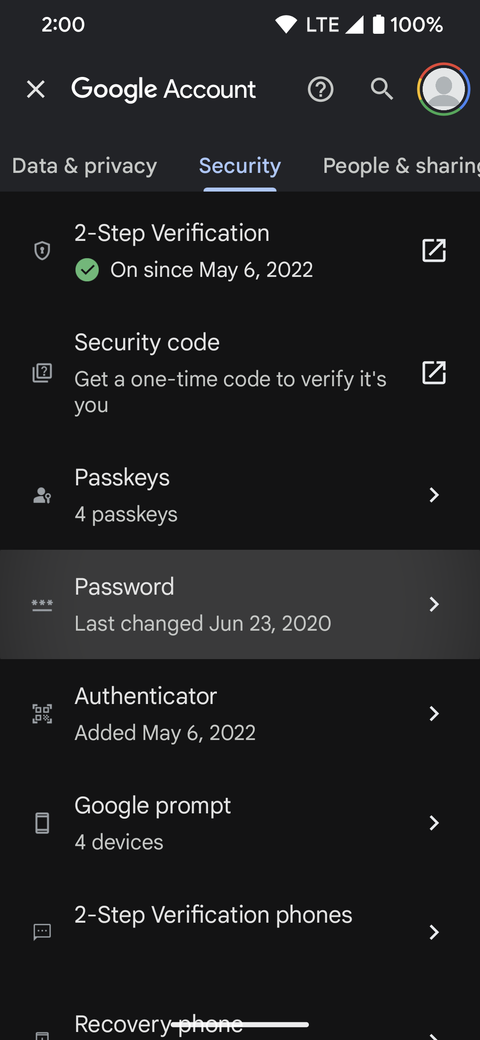


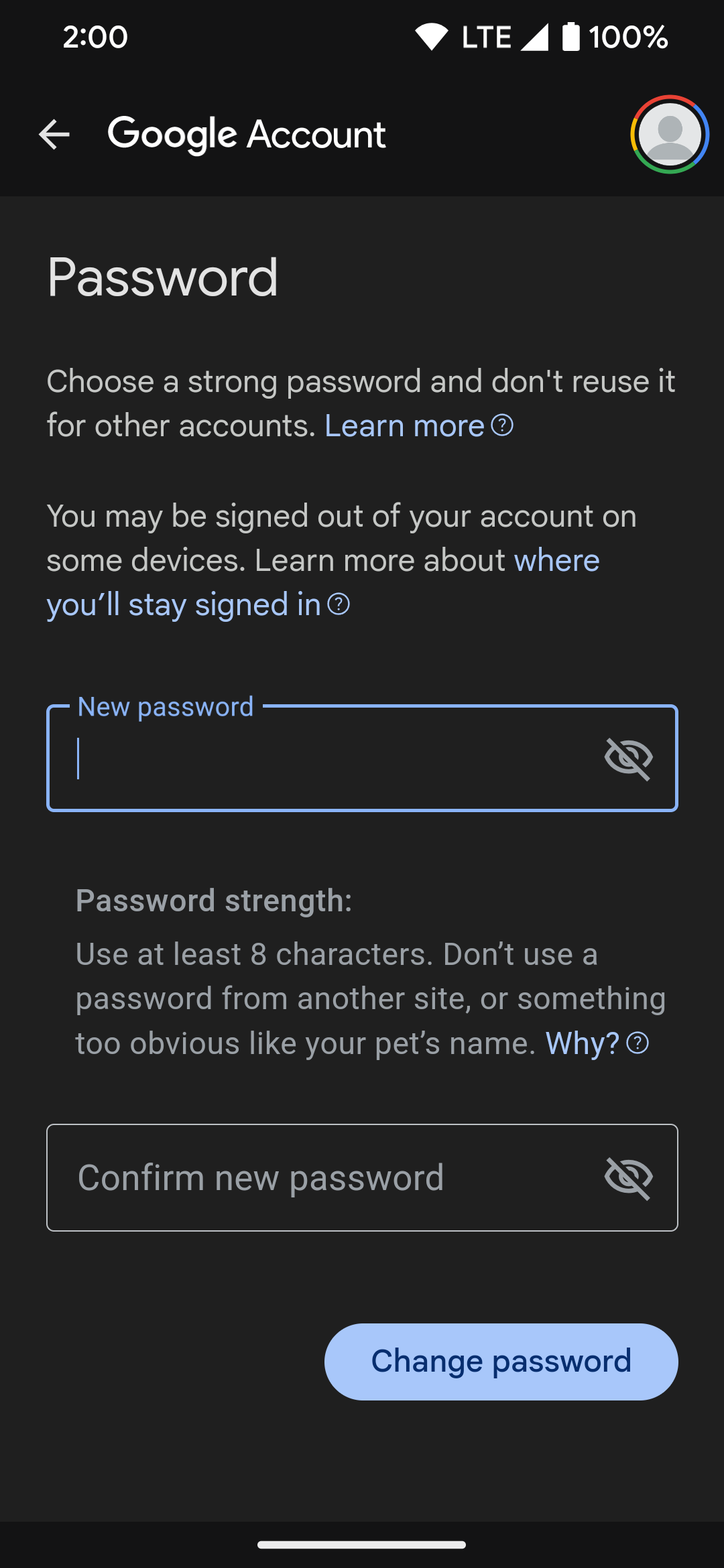
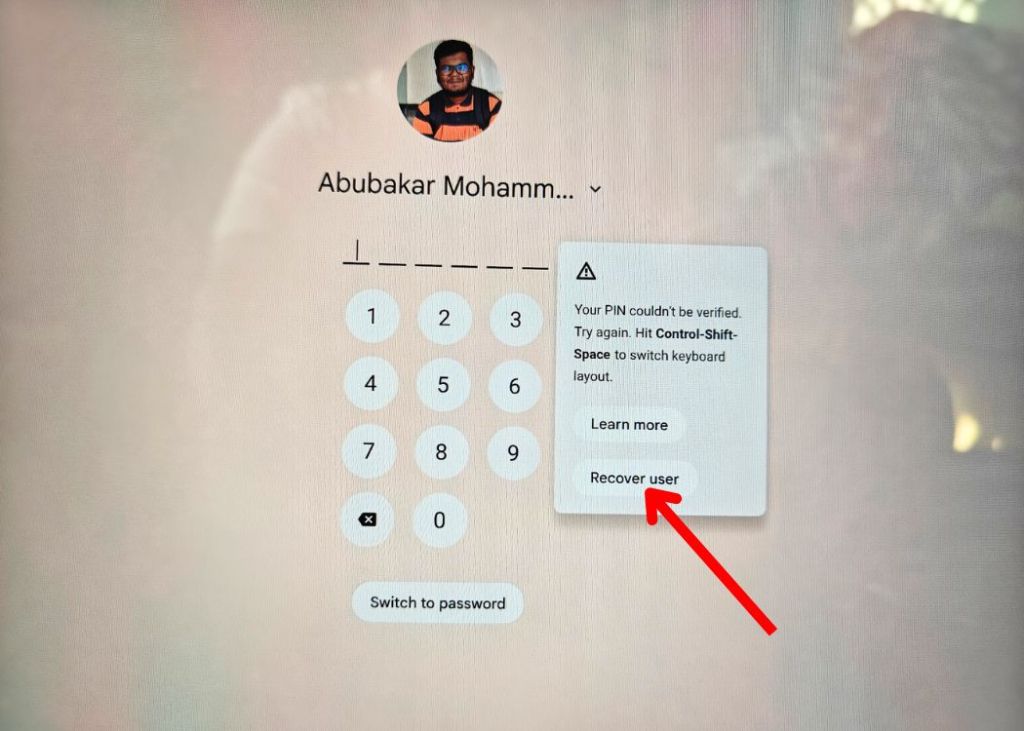




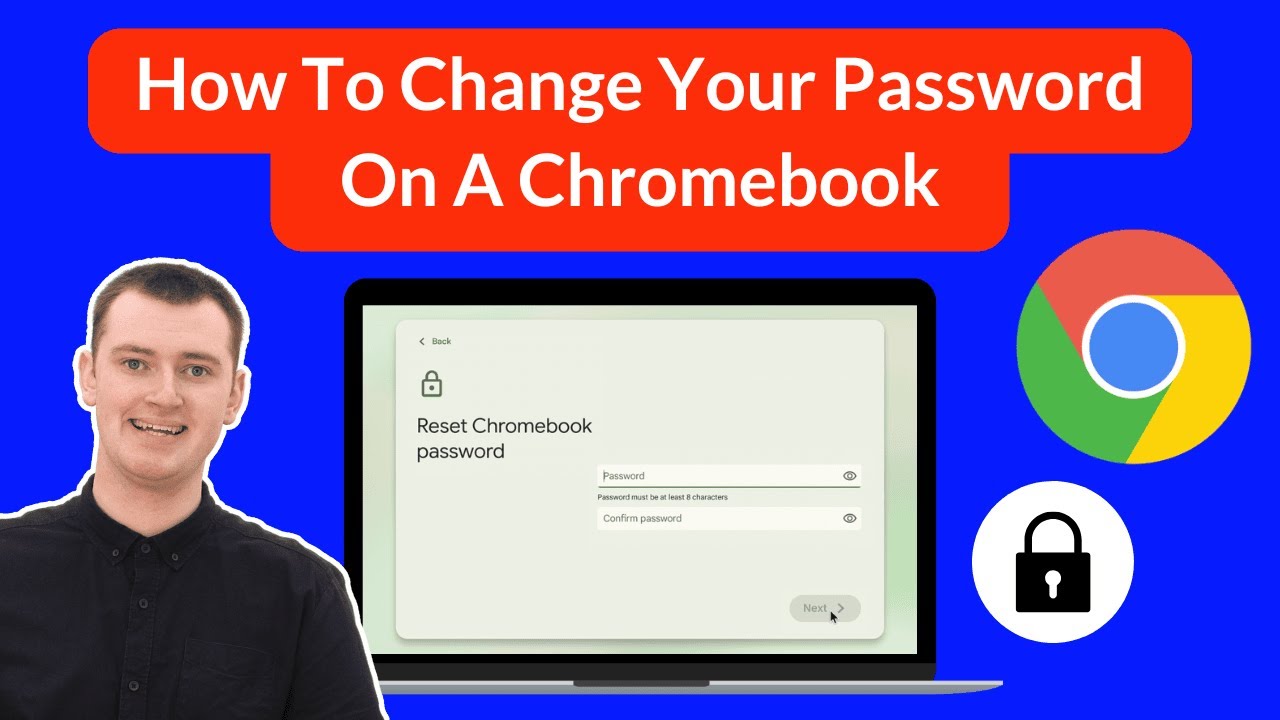
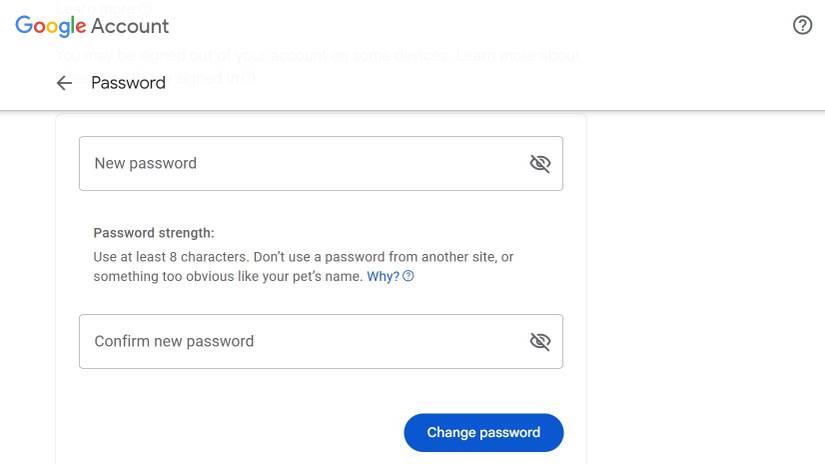
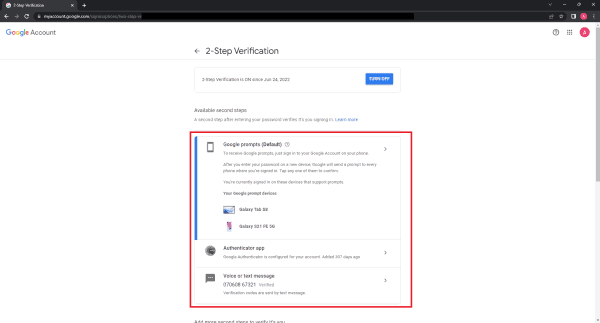

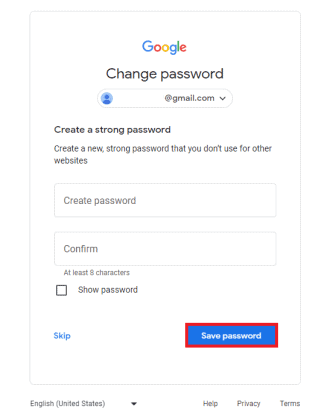

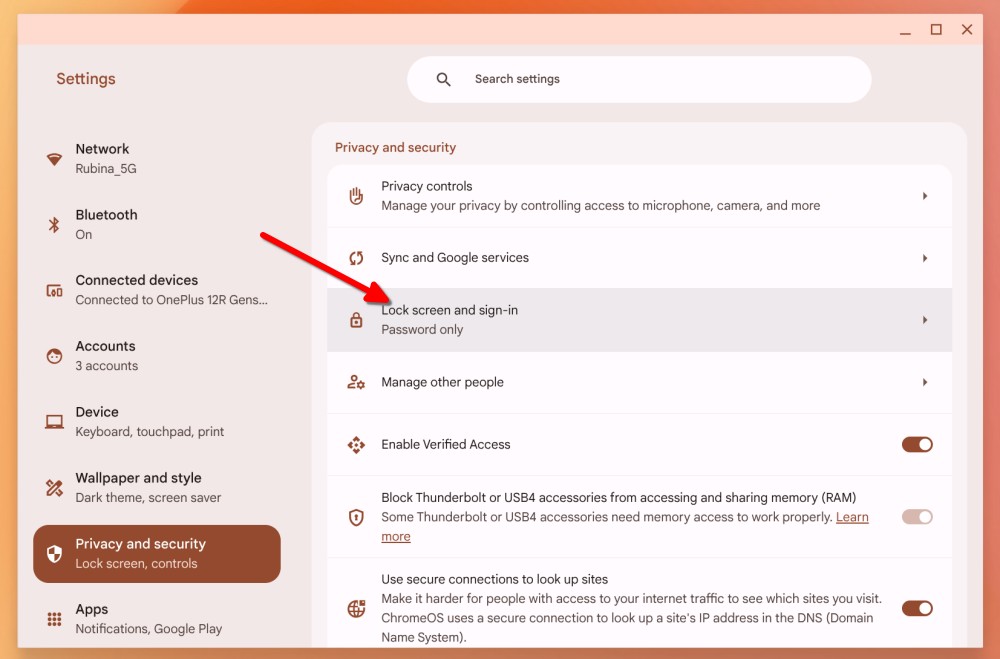


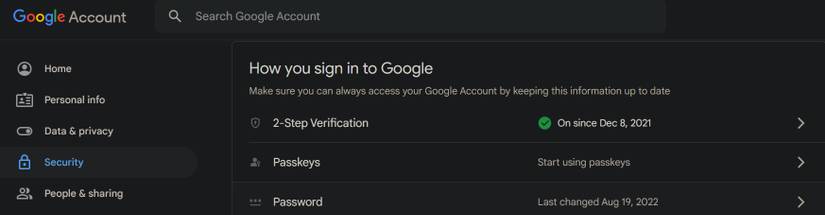
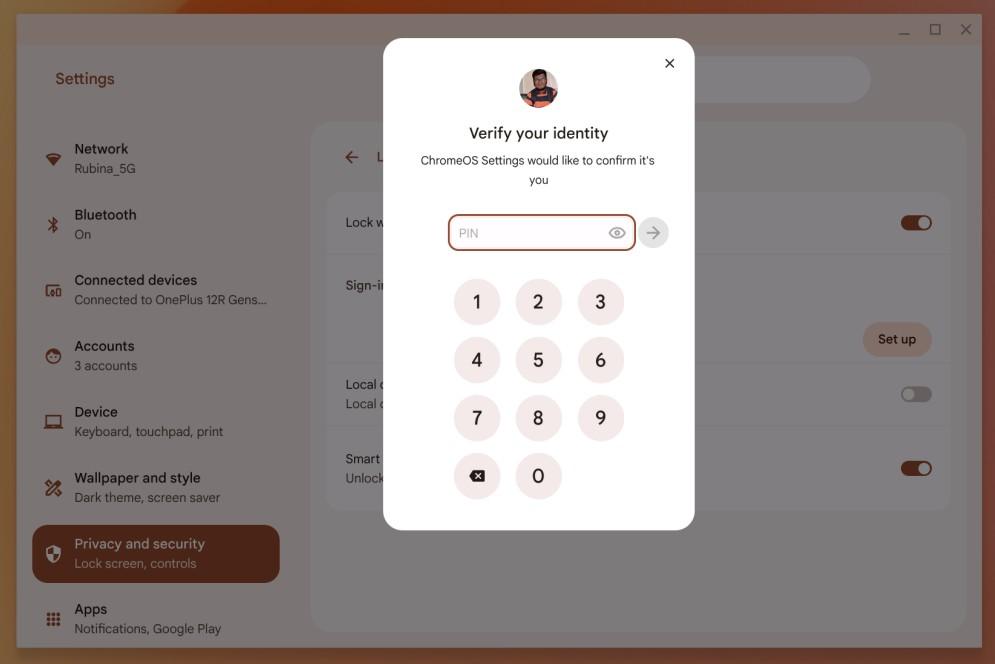


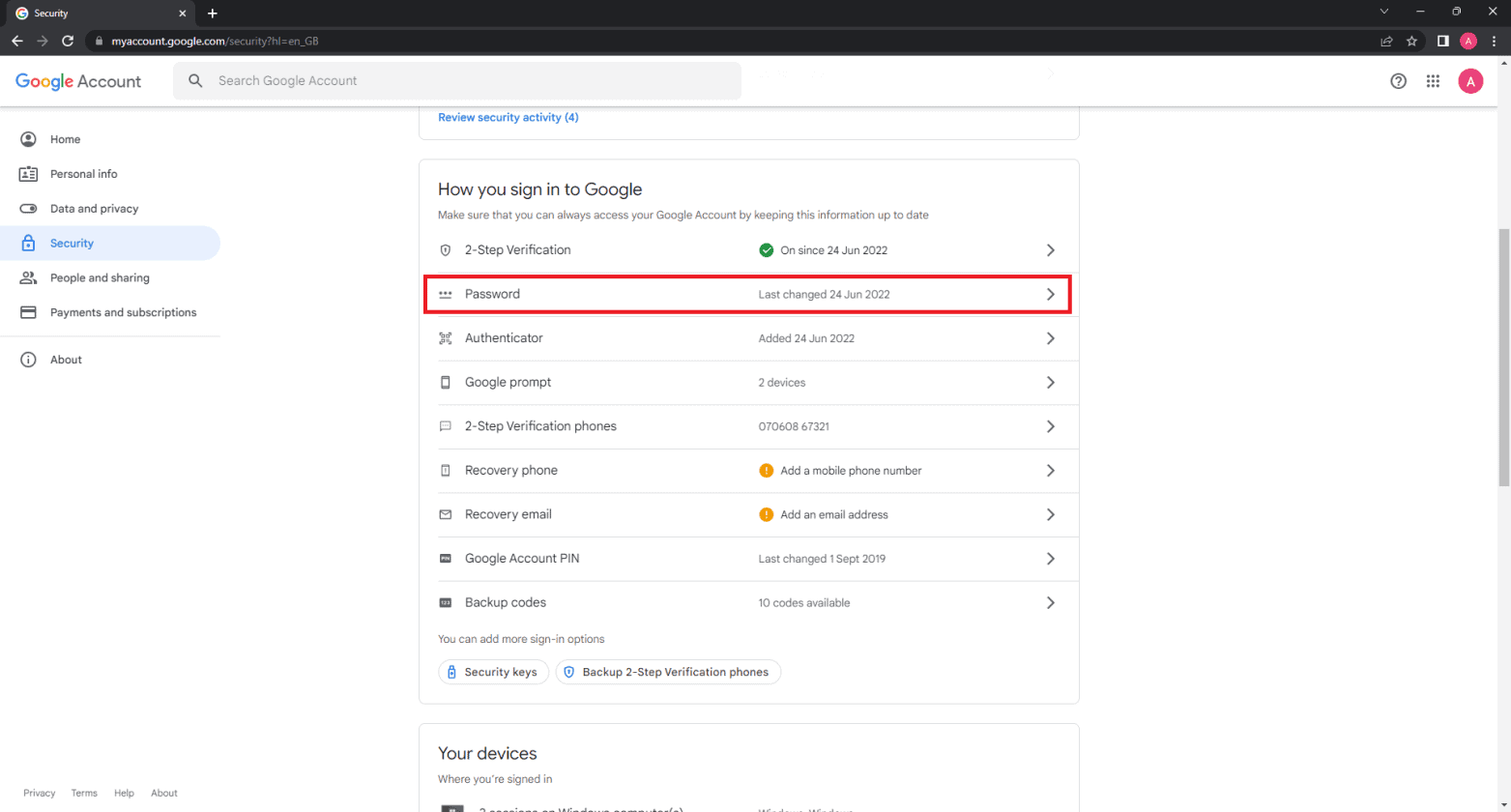





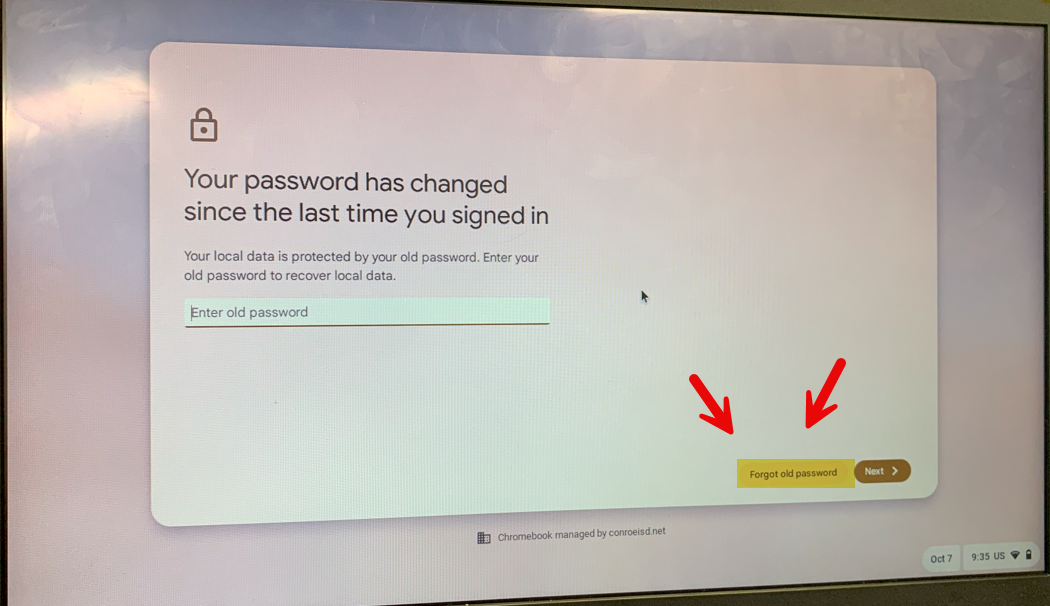
Celebrate the visual poetry of Chromebook User/password through hundreds of carefully composed images. blending traditional techniques with contemporary artistic interpretation. creating lasting impressions through powerful and memorable imagery. Each Chromebook User/password image is carefully selected for superior visual impact and professional quality. Ideal for artistic projects, creative designs, digital art, and innovative visual expressions All Chromebook User/password images are available in high resolution with professional-grade quality, optimized for both digital and print applications, and include comprehensive metadata for easy organization and usage. Artists and designers find inspiration in our diverse Chromebook User/password gallery, featuring innovative visual approaches. Cost-effective licensing makes professional Chromebook User/password photography accessible to all budgets. Each image in our Chromebook User/password gallery undergoes rigorous quality assessment before inclusion. Comprehensive tagging systems facilitate quick discovery of relevant Chromebook User/password content. The Chromebook User/password collection represents years of careful curation and professional standards. Instant download capabilities enable immediate access to chosen Chromebook User/password images. Regular updates keep the Chromebook User/password collection current with contemporary trends and styles. Advanced search capabilities make finding the perfect Chromebook User/password image effortless and efficient. Multiple resolution options ensure optimal performance across different platforms and applications.