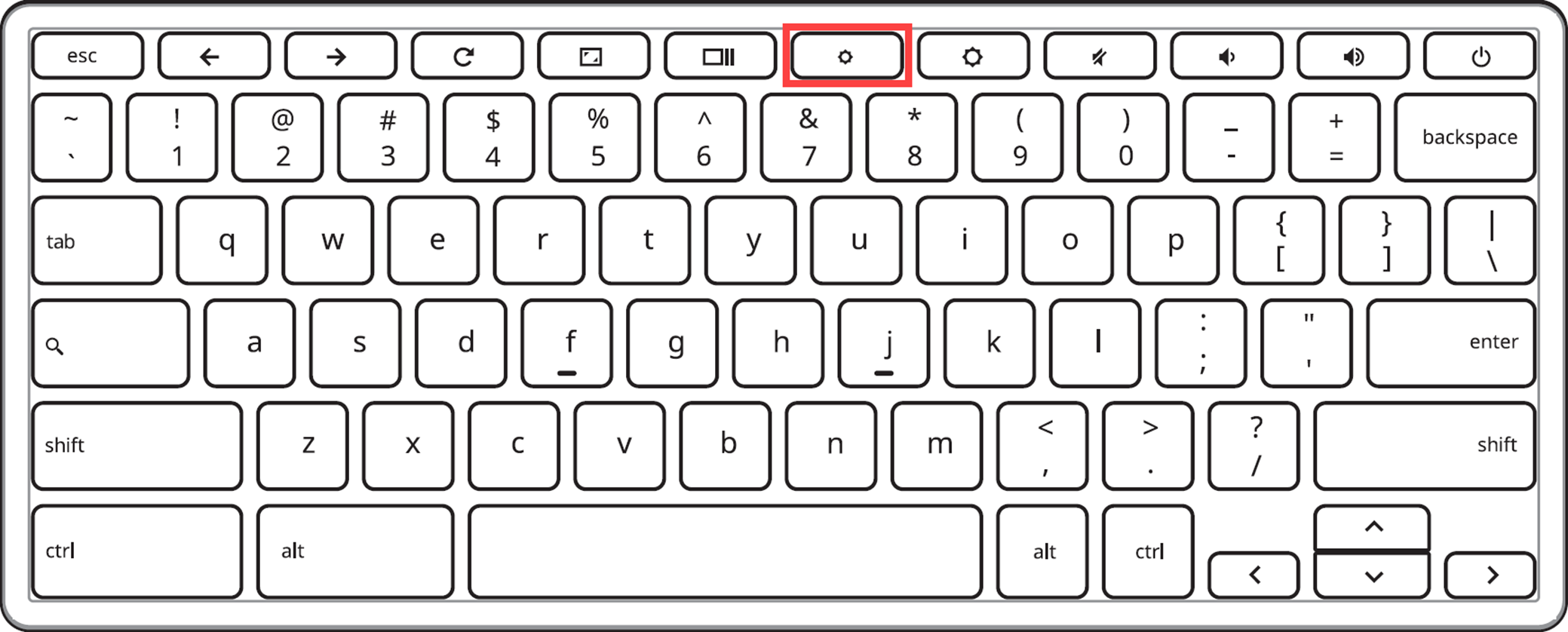
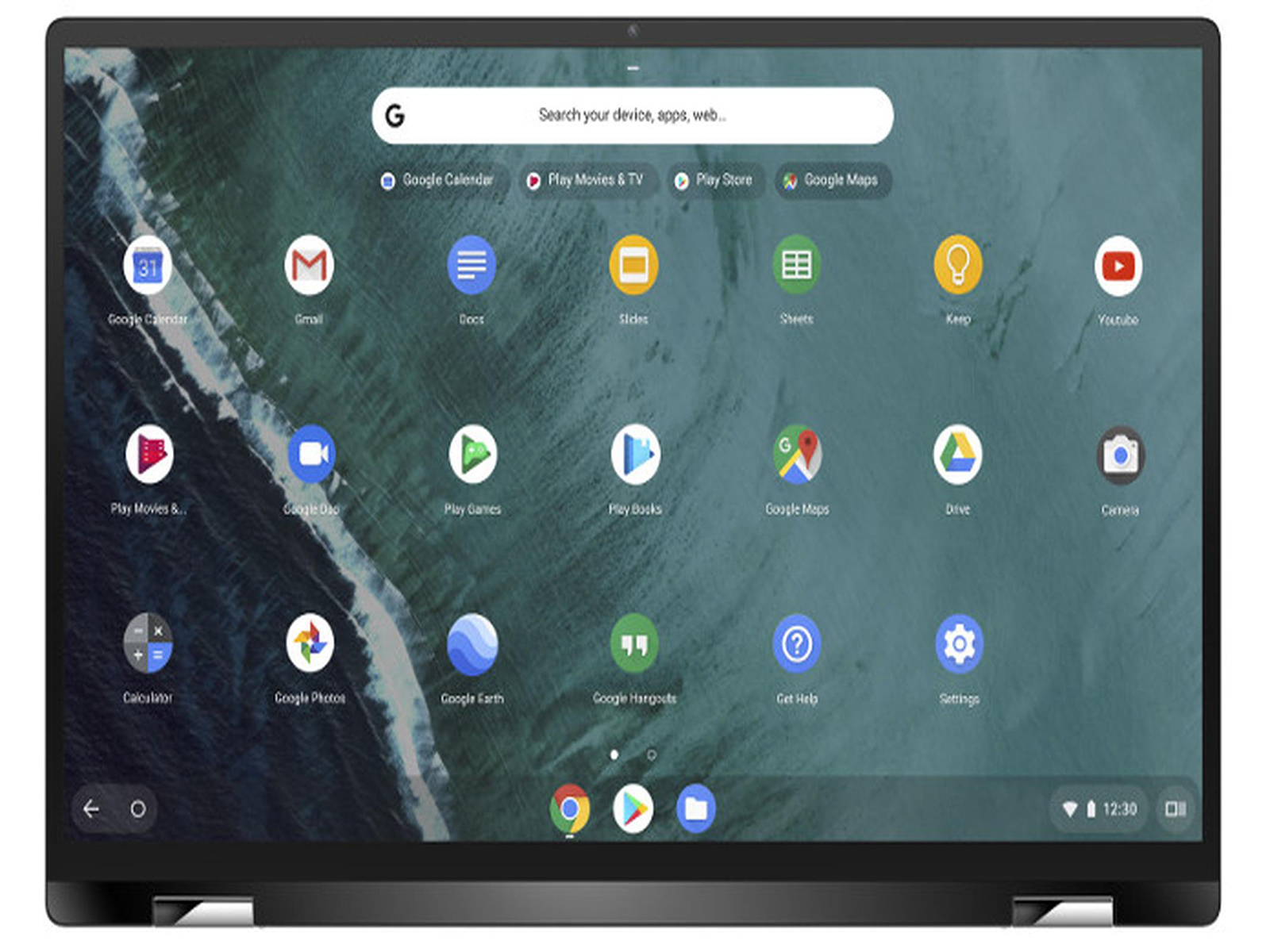
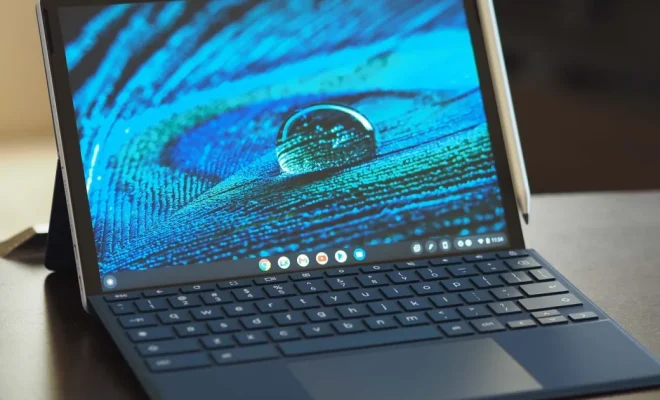
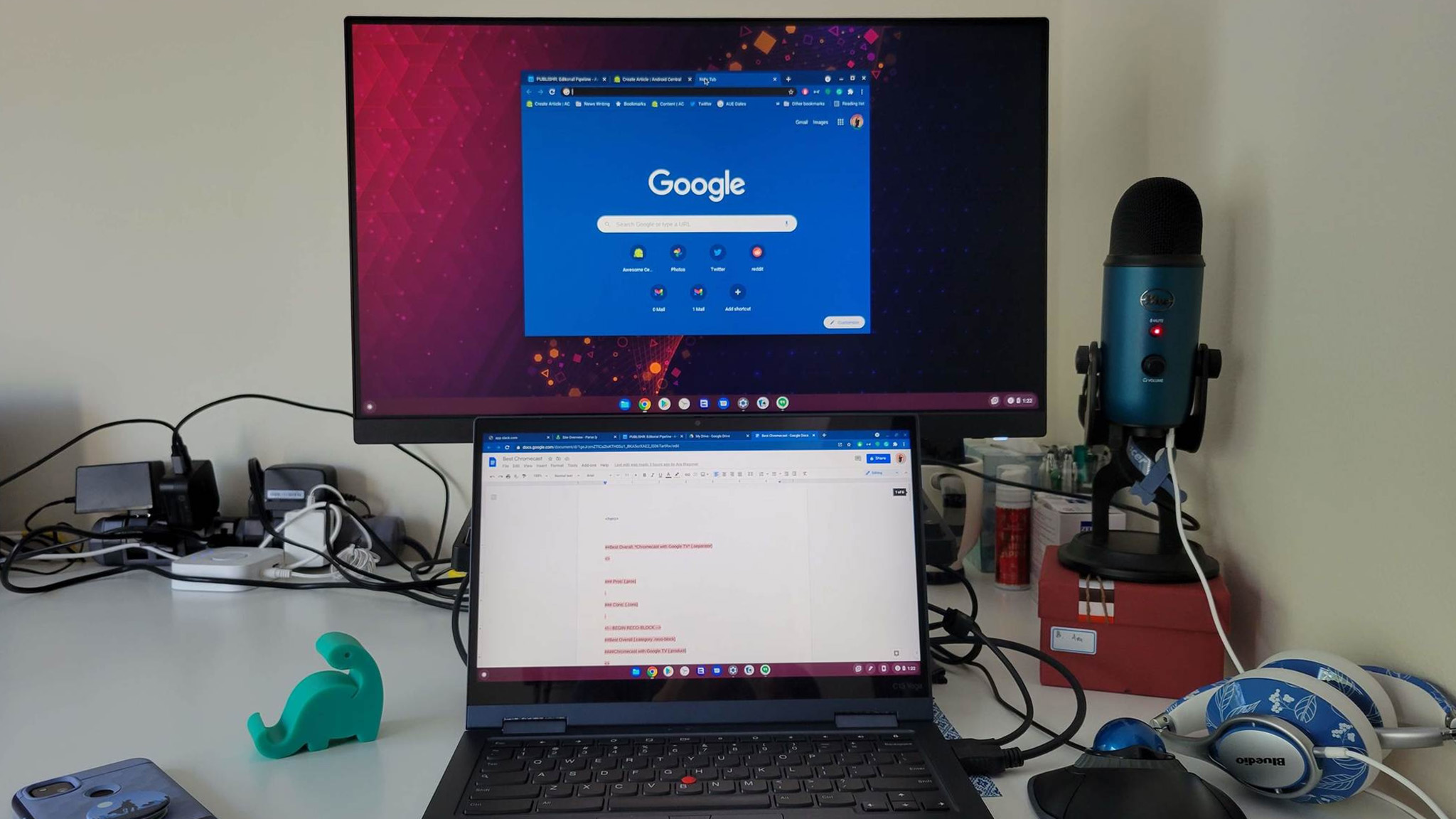
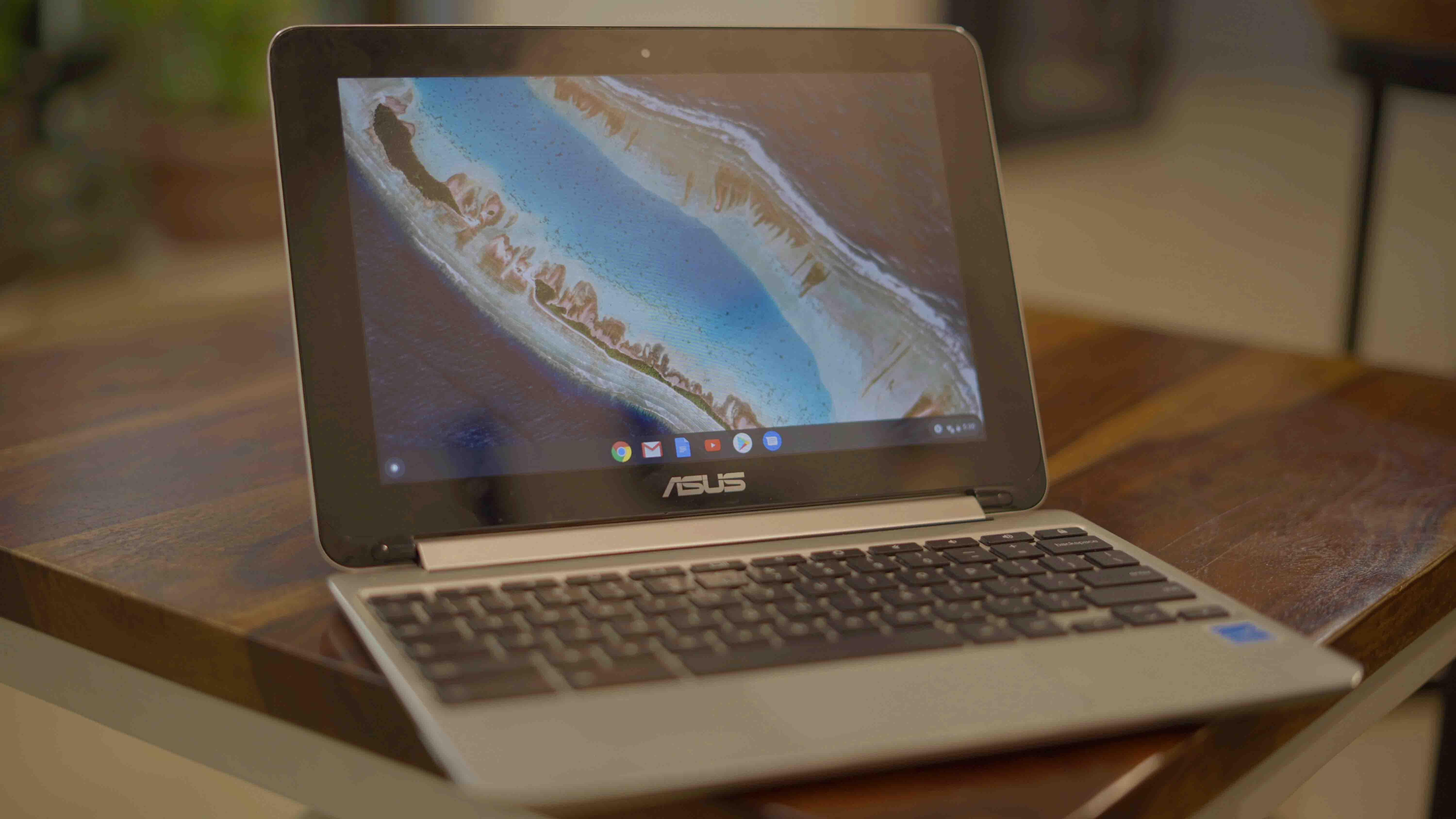
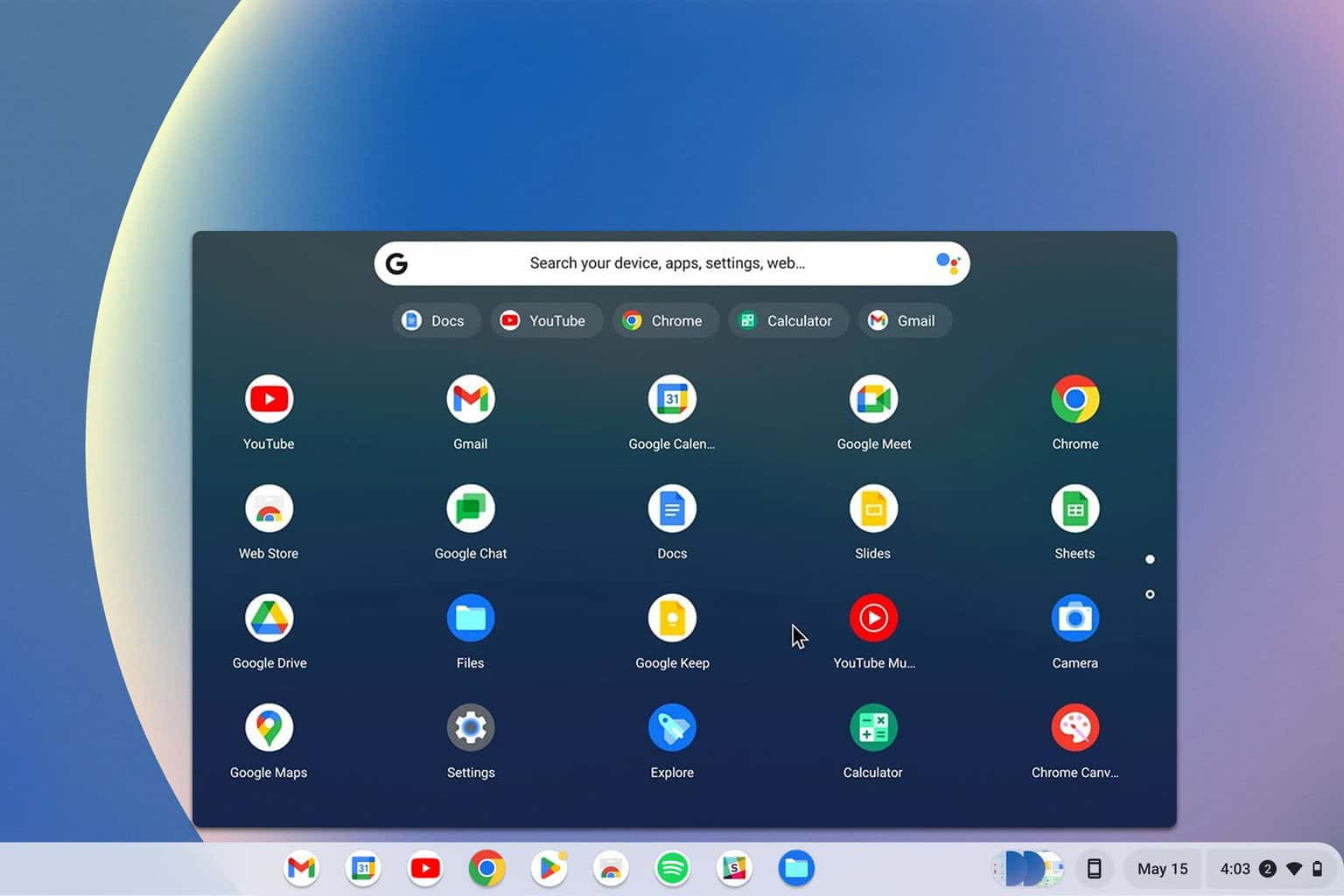
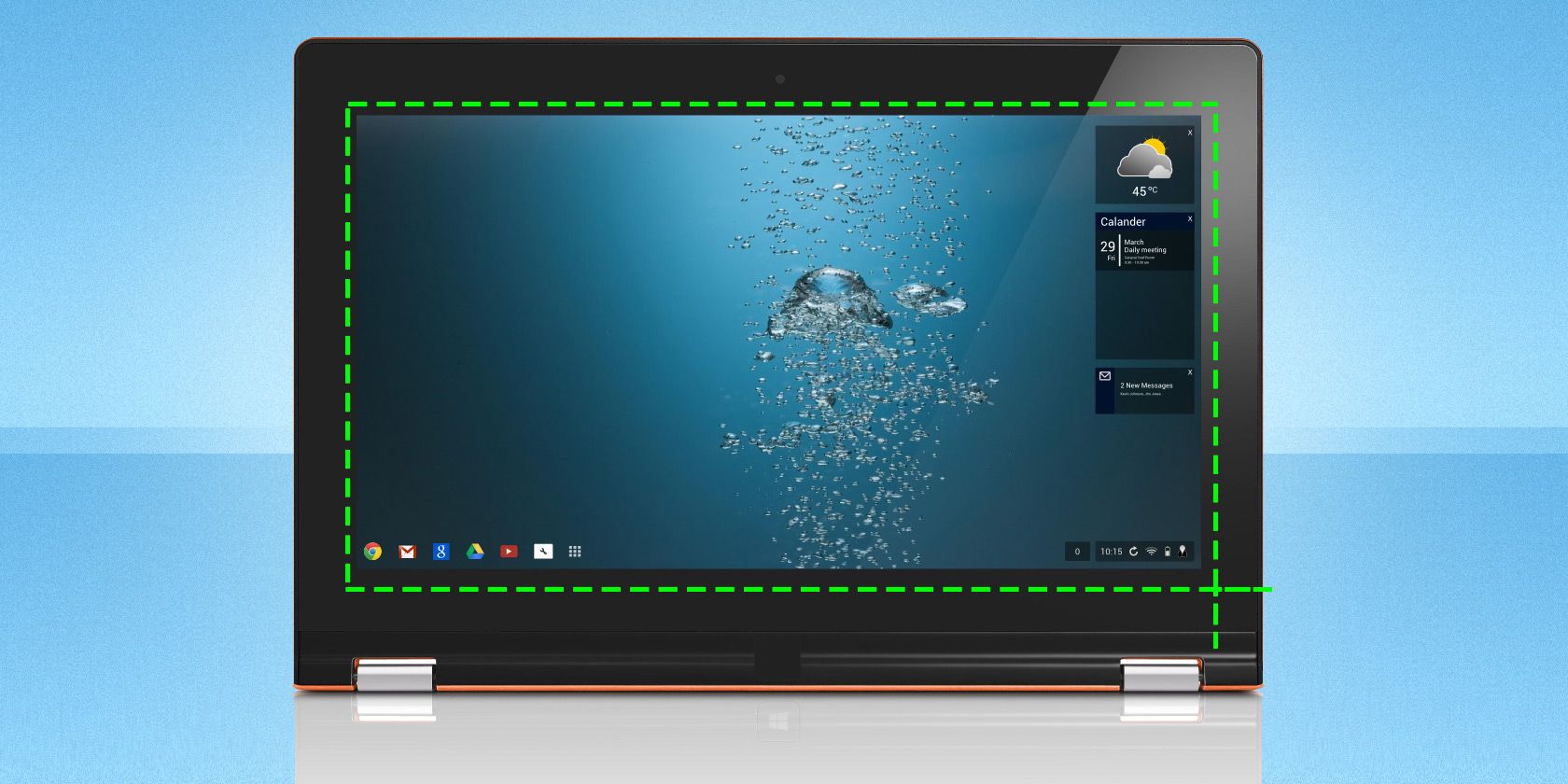
Chromebook Display/screen
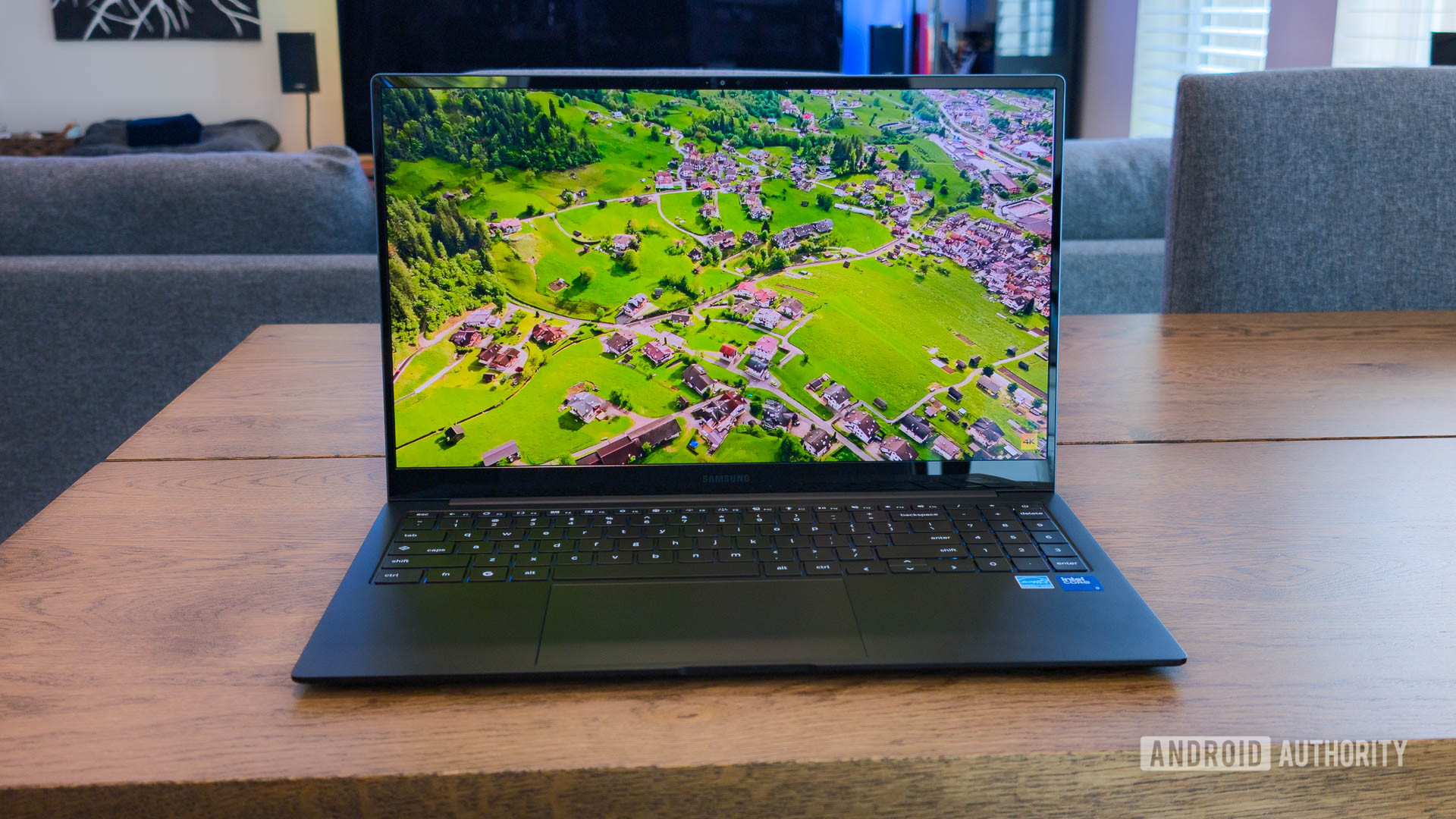
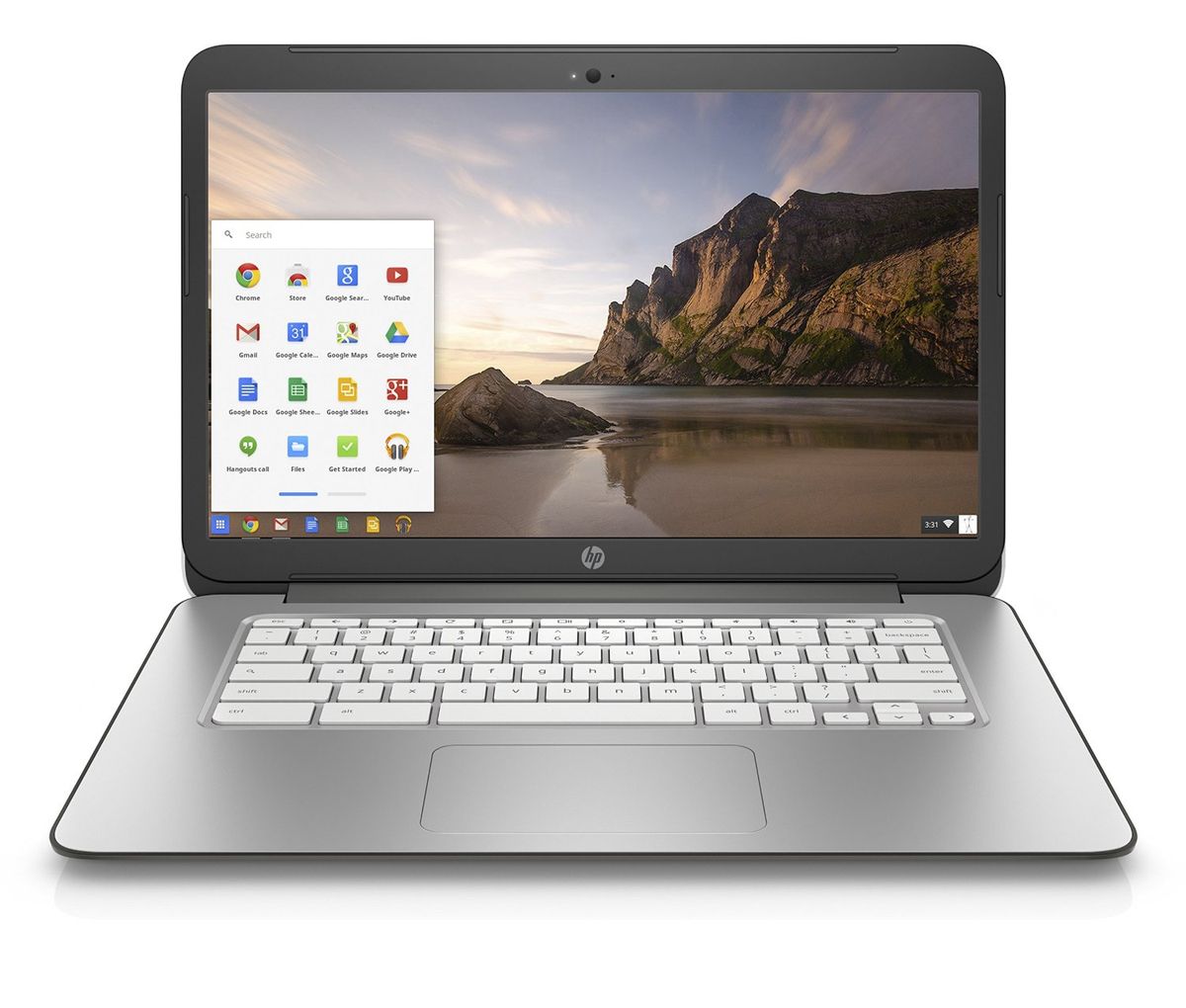
Explore the wilderness of Chromebook Display/screen with substantial collections of breathtaking nature photographs. featuring pristine examples of play, doll, and game. perfect for environmental and conservation projects. Our Chromebook Display/screen collection features high-quality images with excellent detail and clarity. Suitable for various applications including web design, social media, personal projects, and digital content creation All Chromebook Display/screen images are available in high resolution with professional-grade quality, optimized for both digital and print applications, and include comprehensive metadata for easy organization and usage. Discover the perfect Chromebook Display/screen images to enhance your visual communication needs. The Chromebook Display/screen collection represents years of careful curation and professional standards. Regular updates keep the Chromebook Display/screen collection current with contemporary trends and styles. Advanced search capabilities make finding the perfect Chromebook Display/screen image effortless and efficient. Professional licensing options accommodate both commercial and educational usage requirements. Reliable customer support ensures smooth experience throughout the Chromebook Display/screen selection process. Instant download capabilities enable immediate access to chosen Chromebook Display/screen images. Each image in our Chromebook Display/screen gallery undergoes rigorous quality assessment before inclusion. Time-saving browsing features help users locate ideal Chromebook Display/screen images quickly.
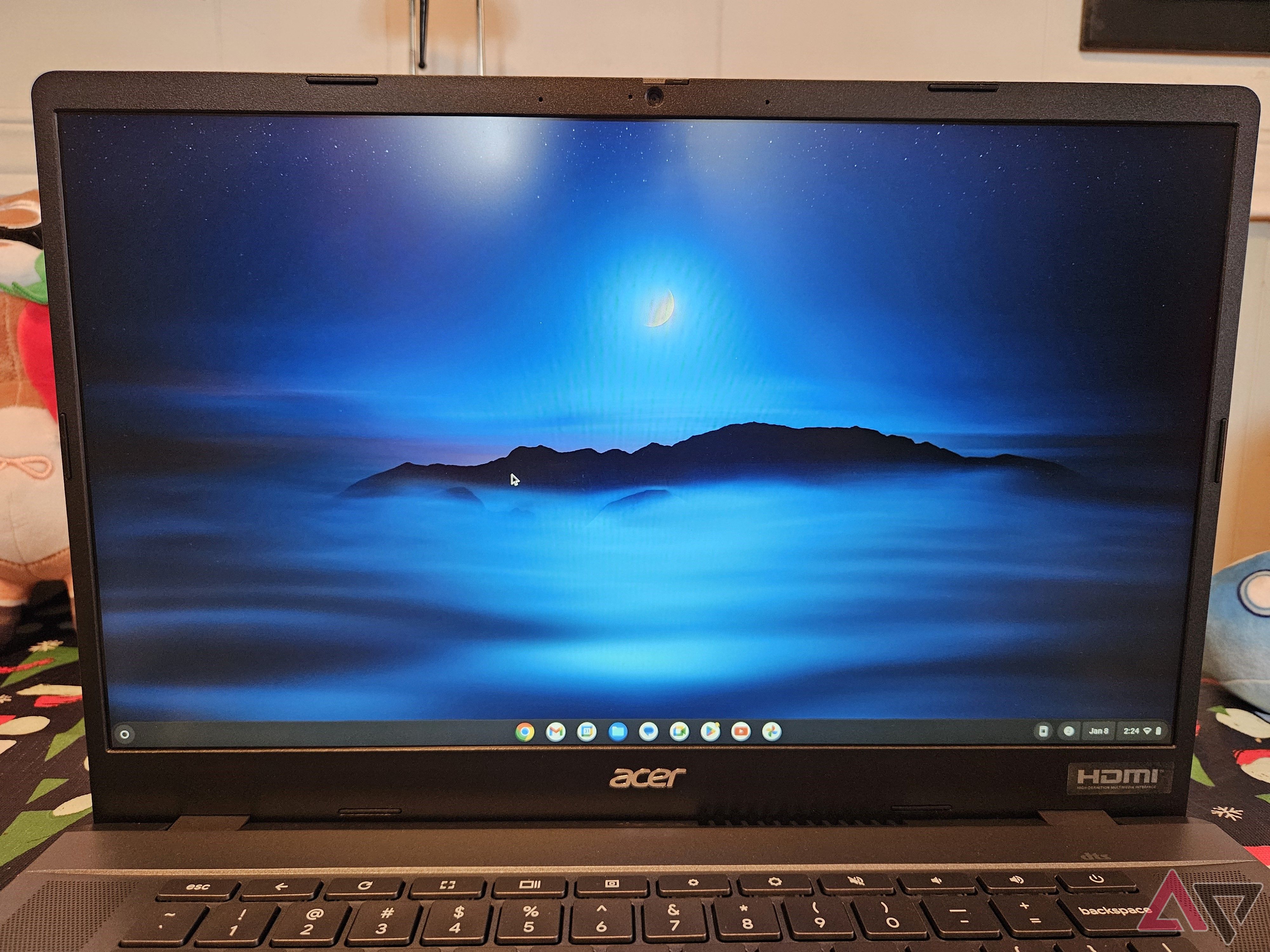
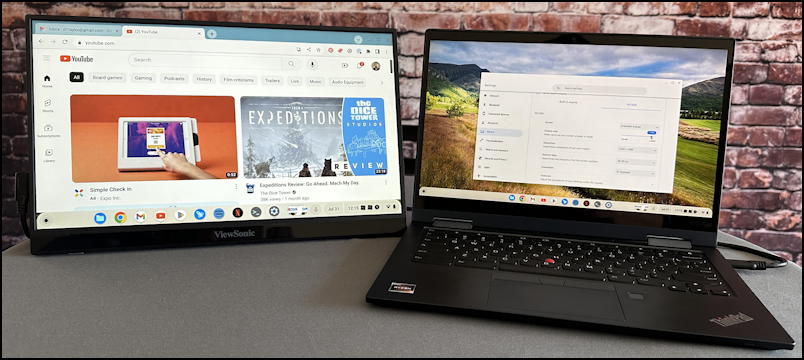
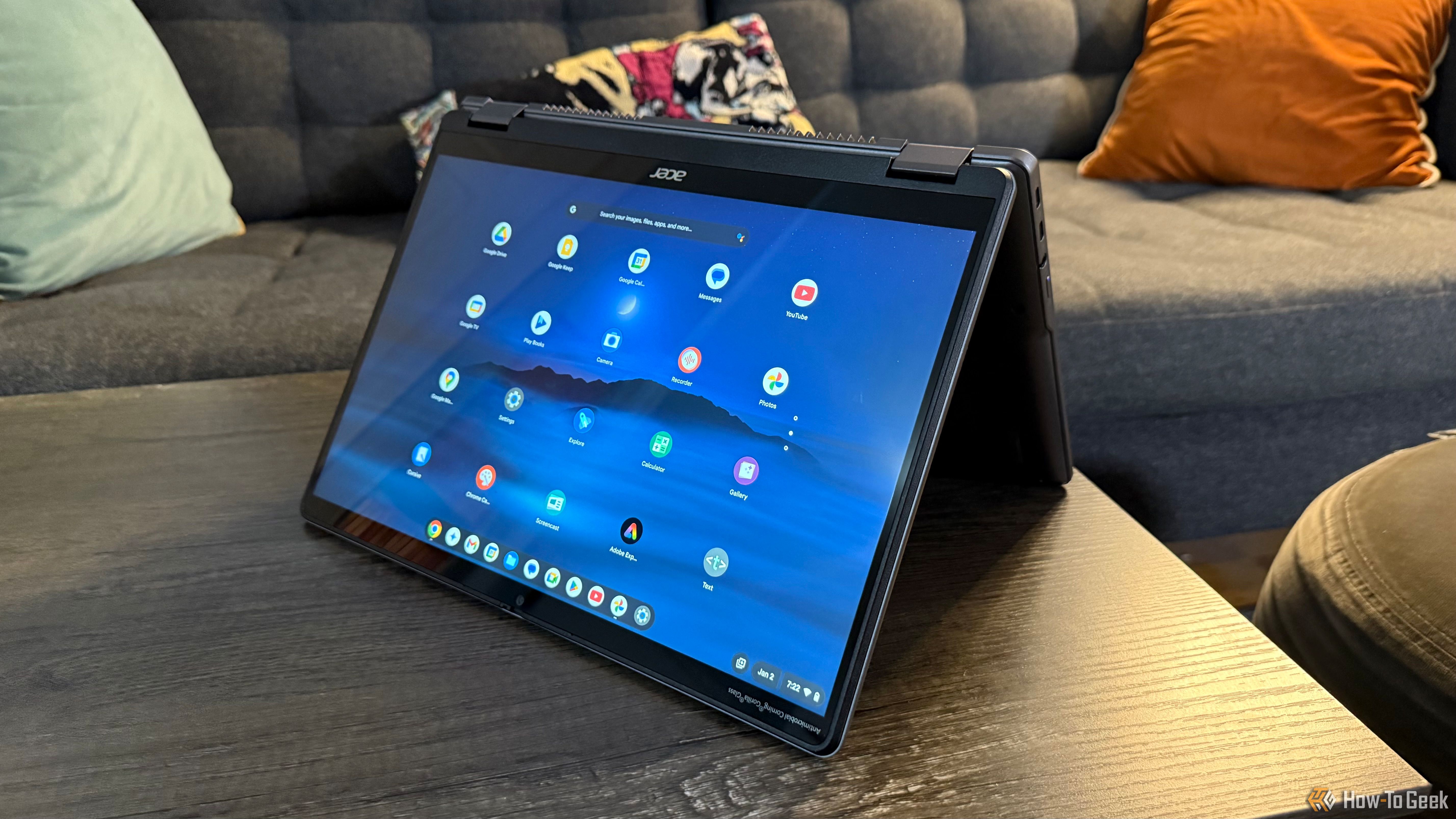
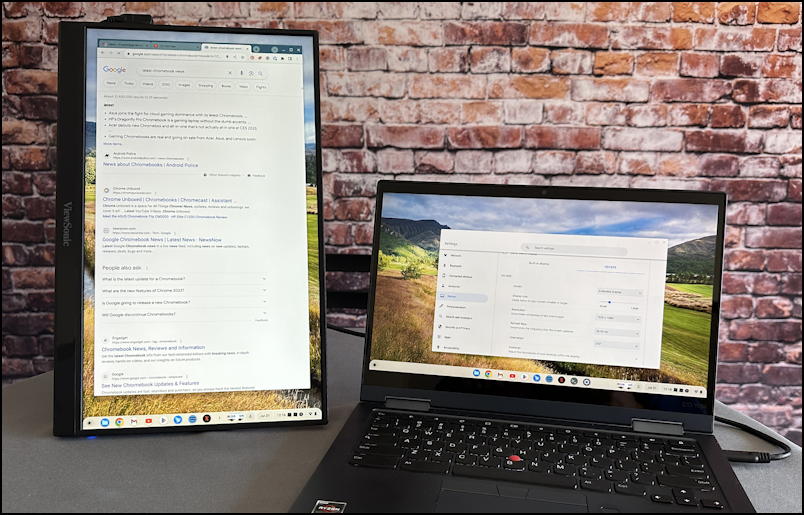
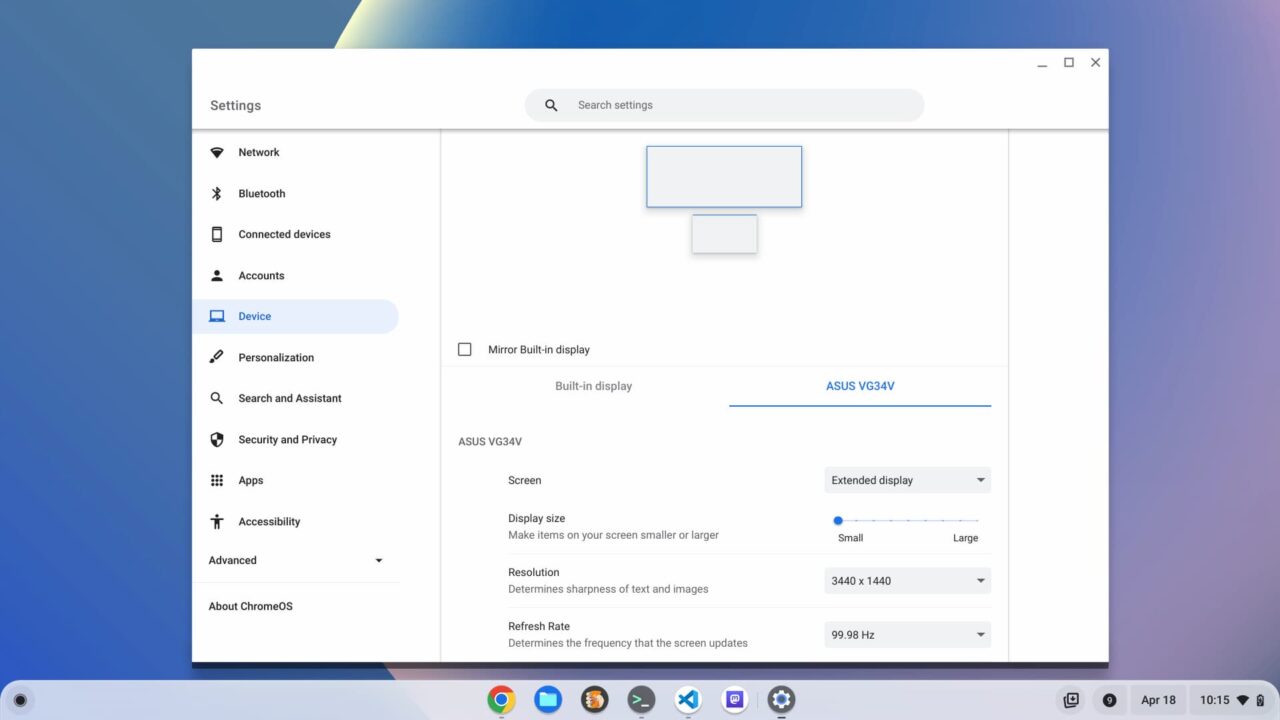
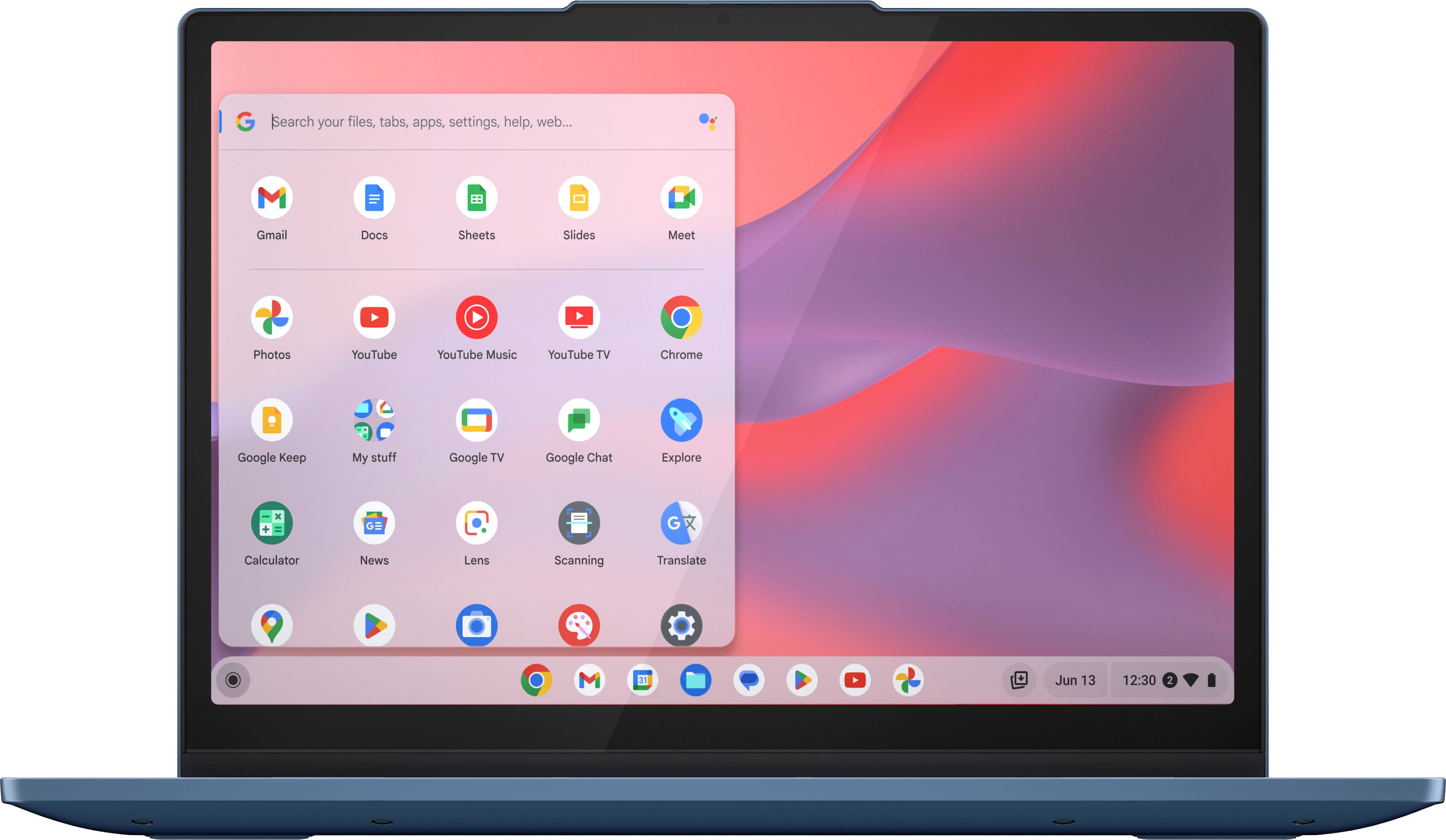
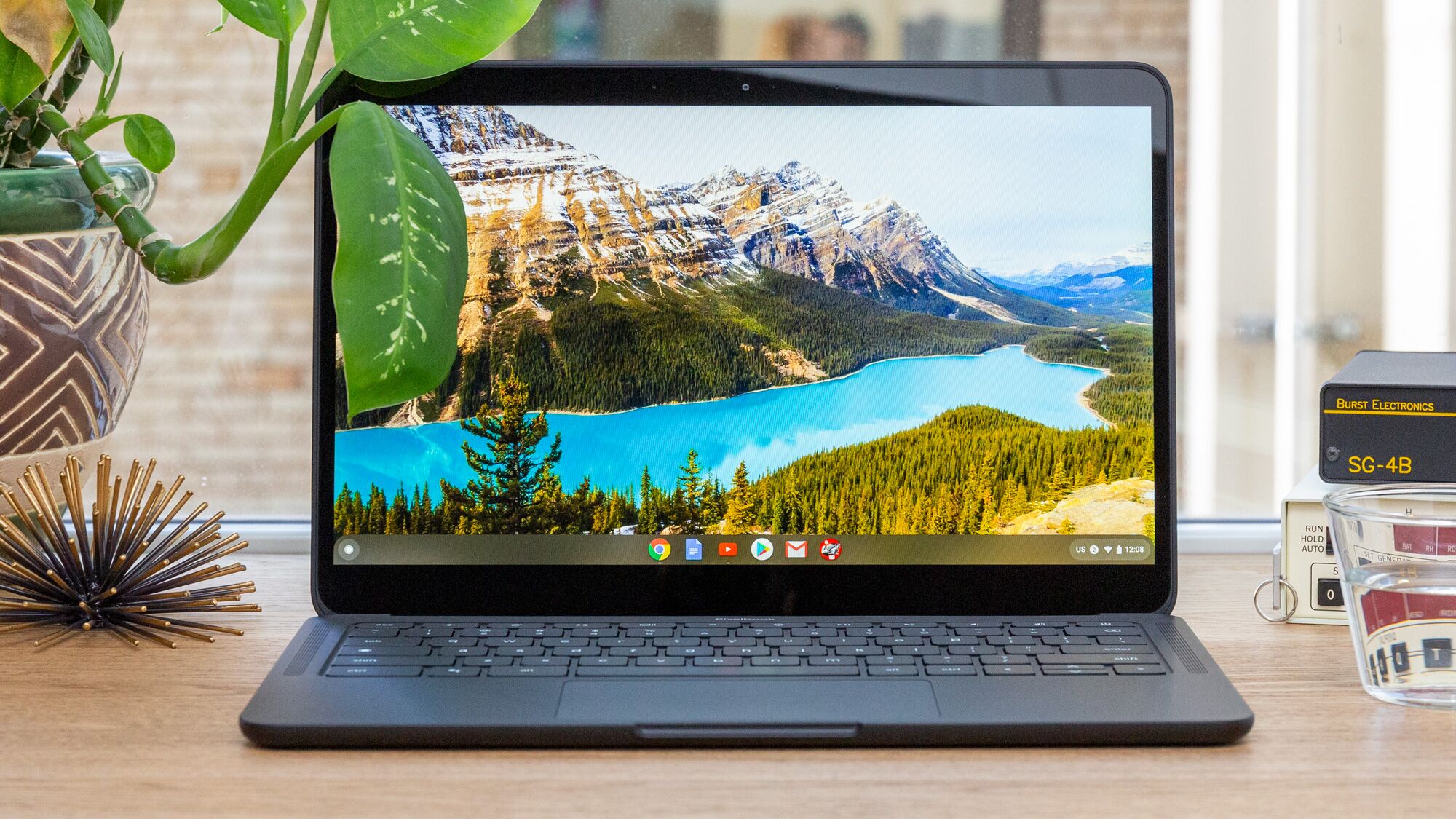


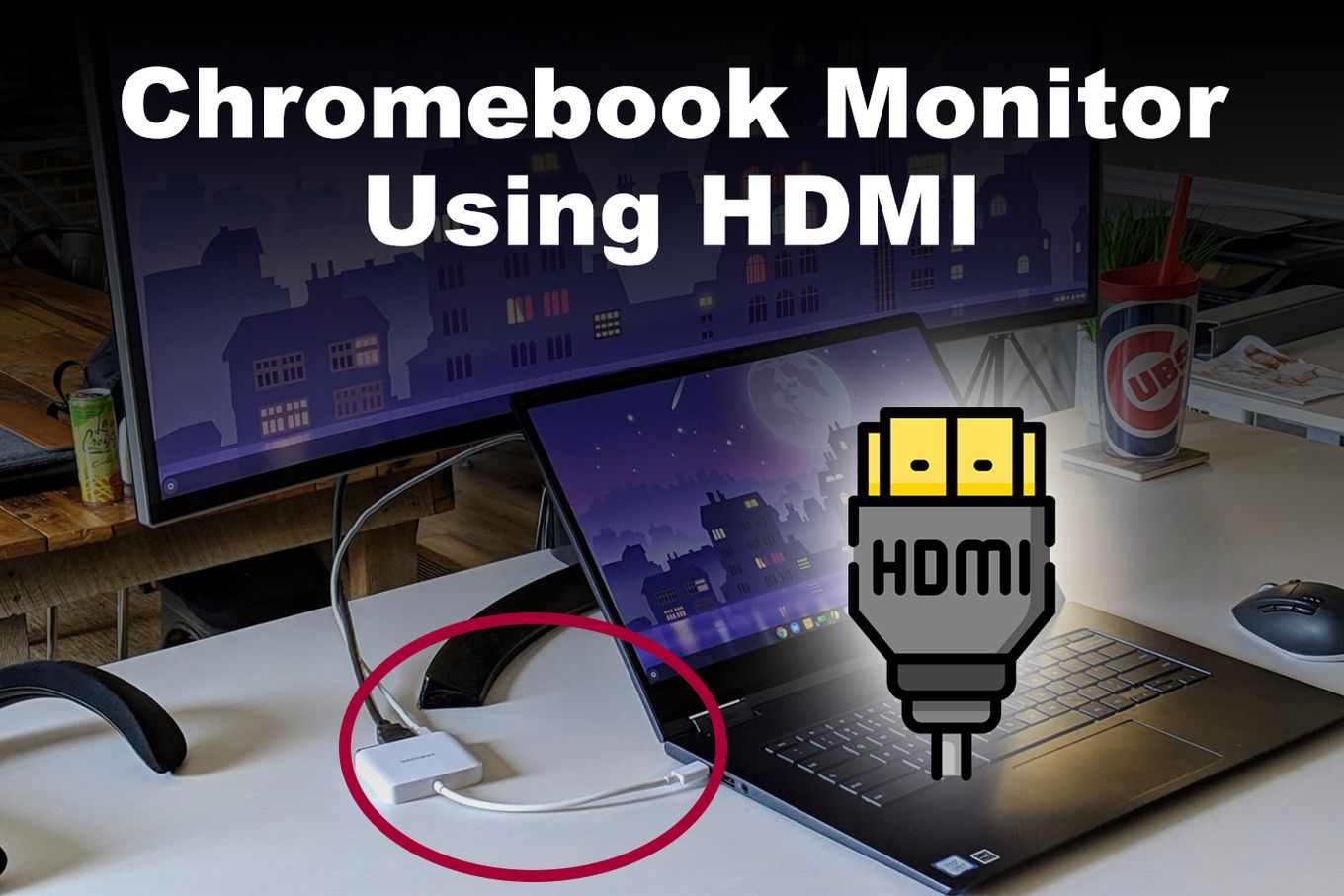
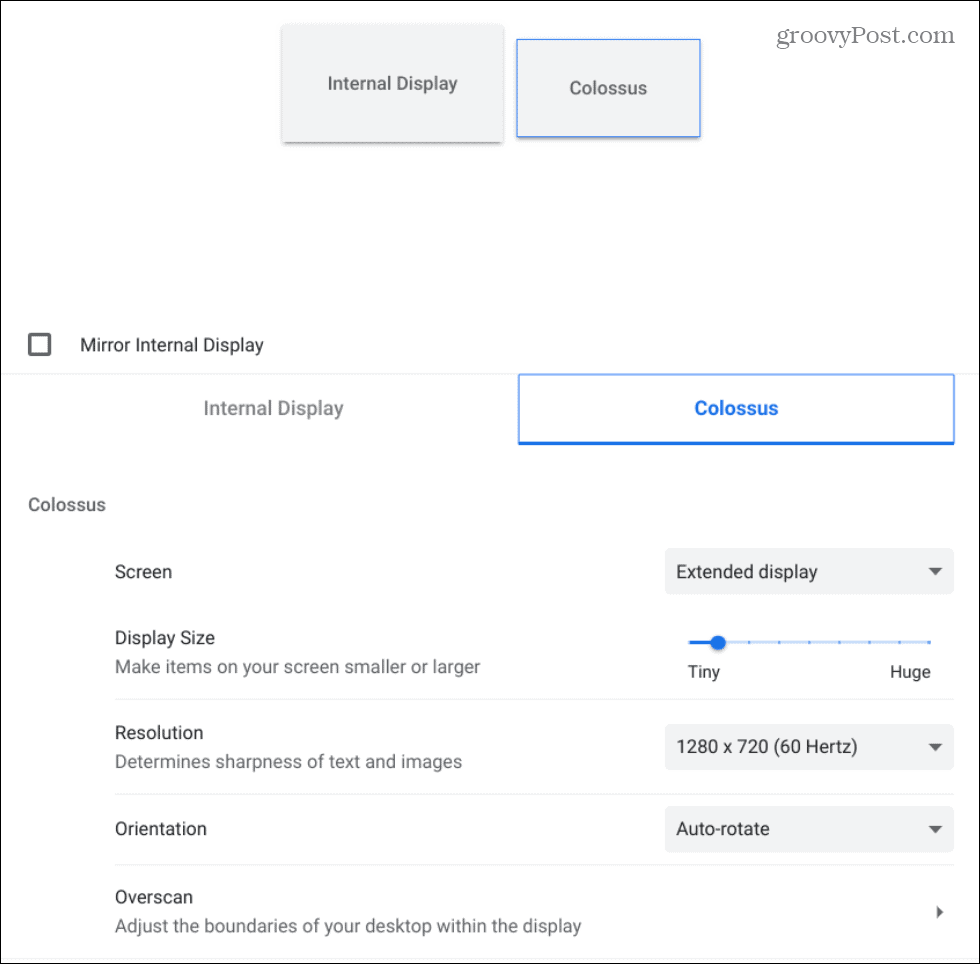
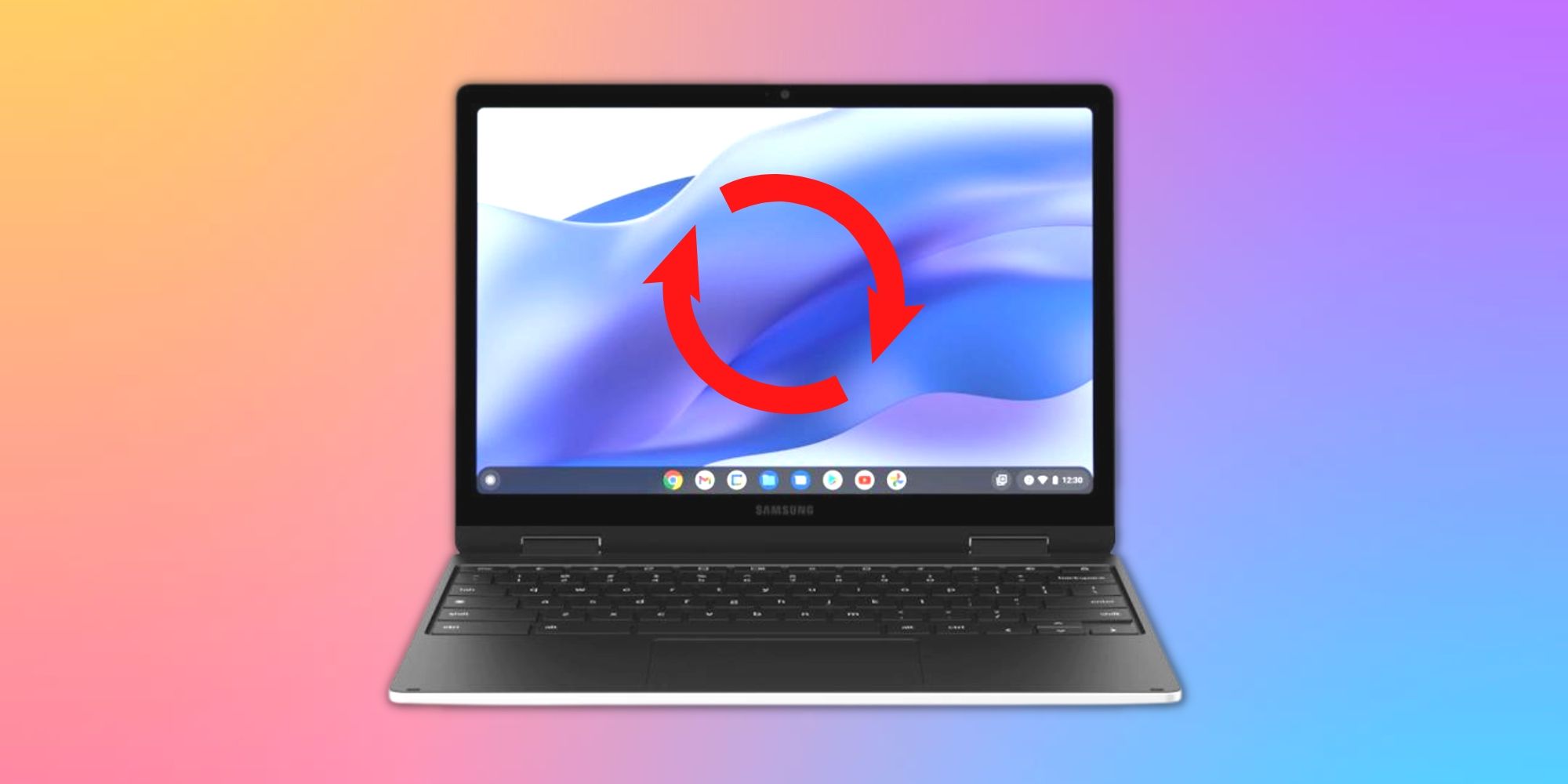
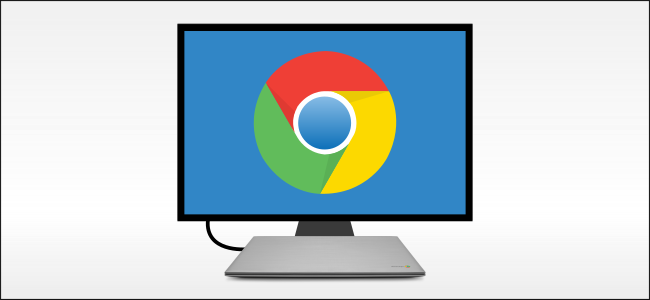
![Chromebook Display/screen How to Connect Chromebook to Monitor or TV [3 Ways]](https://www.ytechb.com/wp-content/uploads/2023/08/How-to-Connect-Chromebook-to-Monitor-or-TV-1.webp)


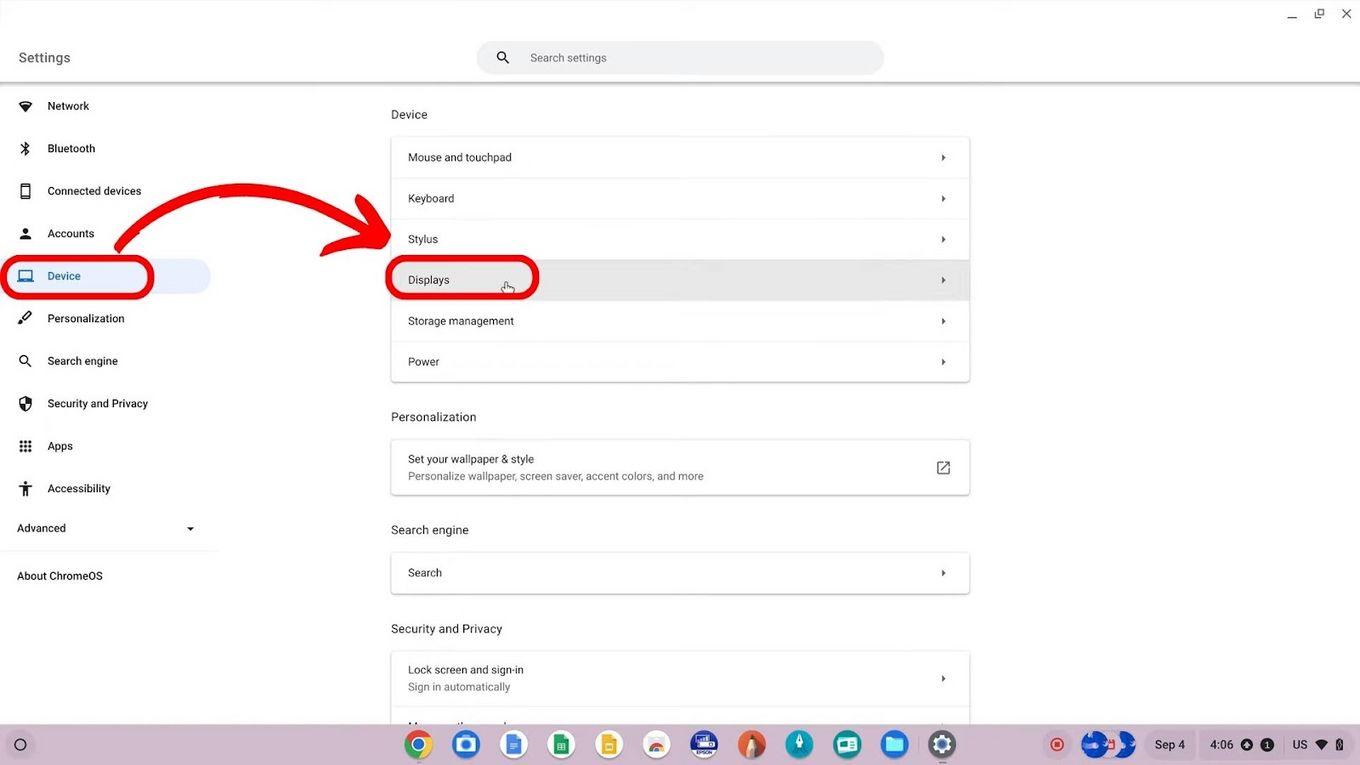
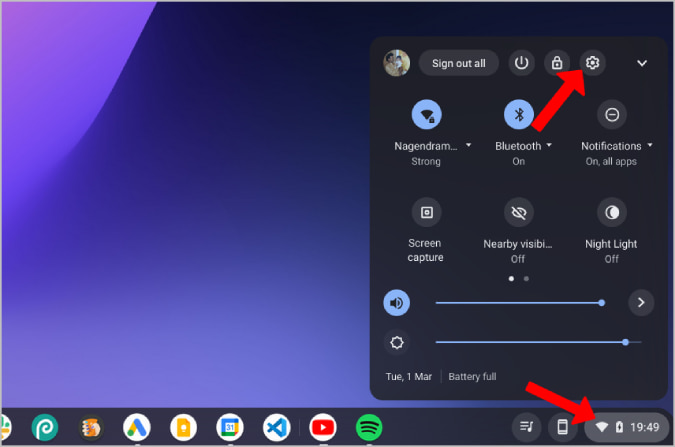
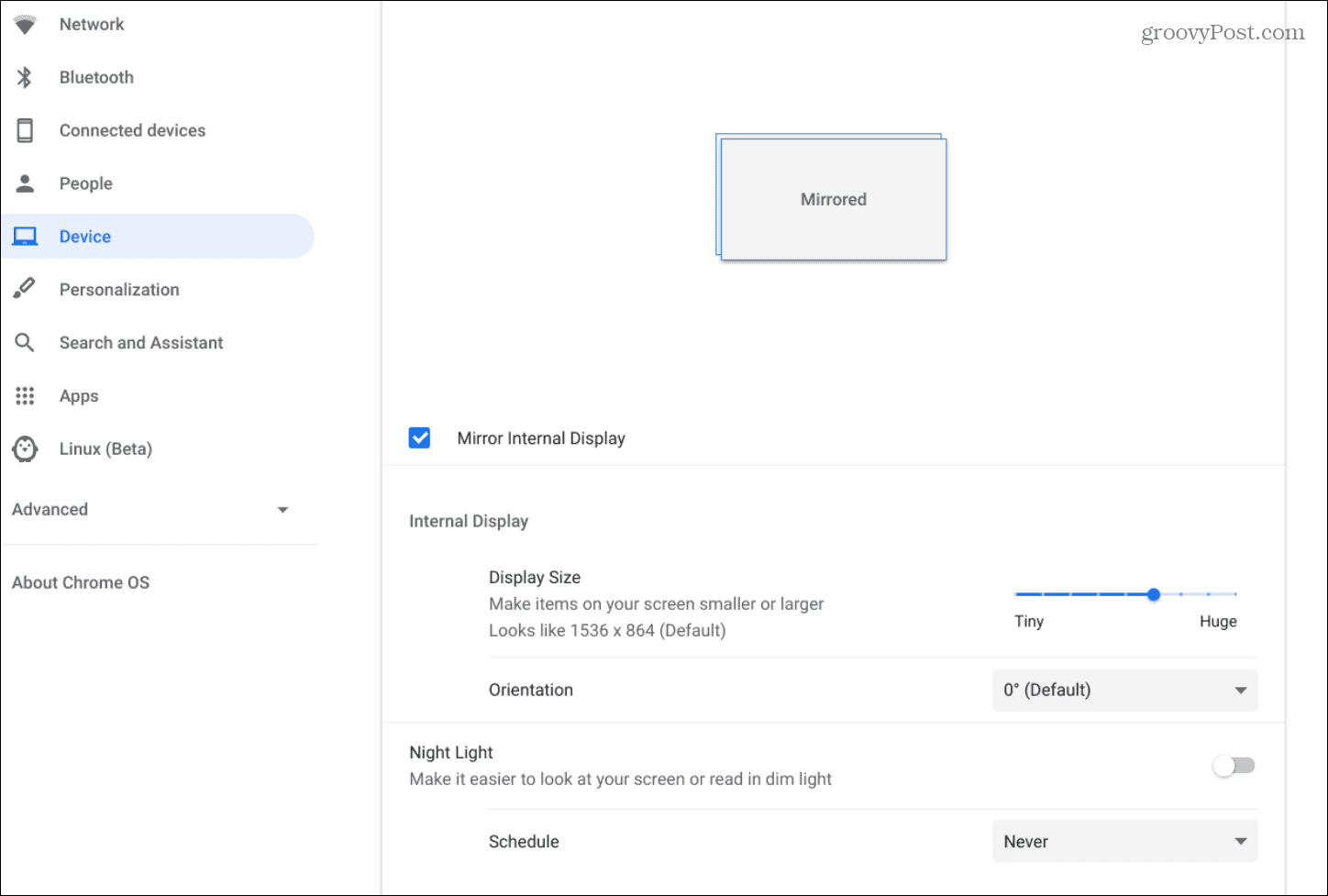
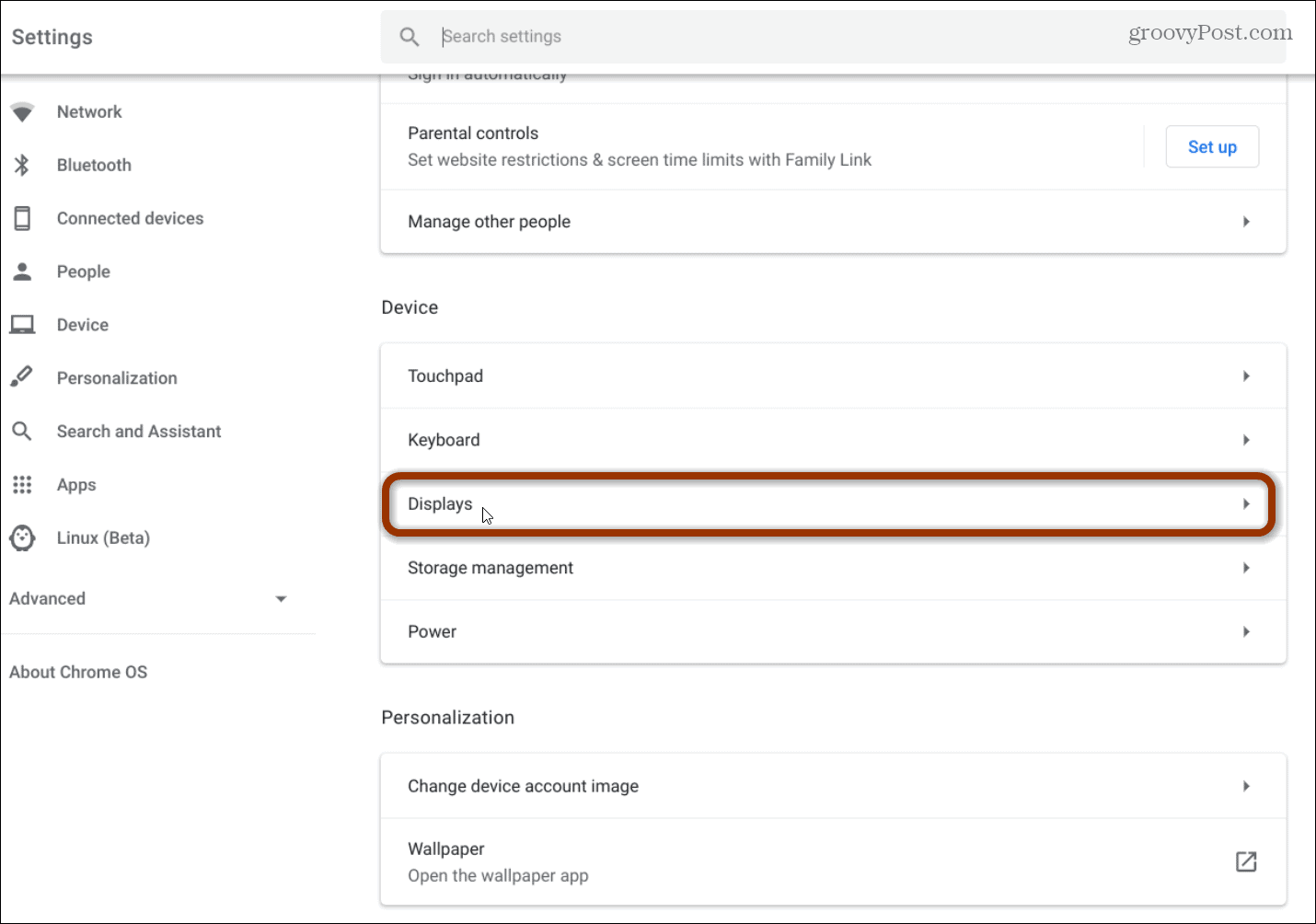
:max_bytes(150000):strip_icc()/003-modify-display-and-mirroring-settings-on-chromebook-4103595-1503b8c44e854cbe85e8e40006049c32.jpg)


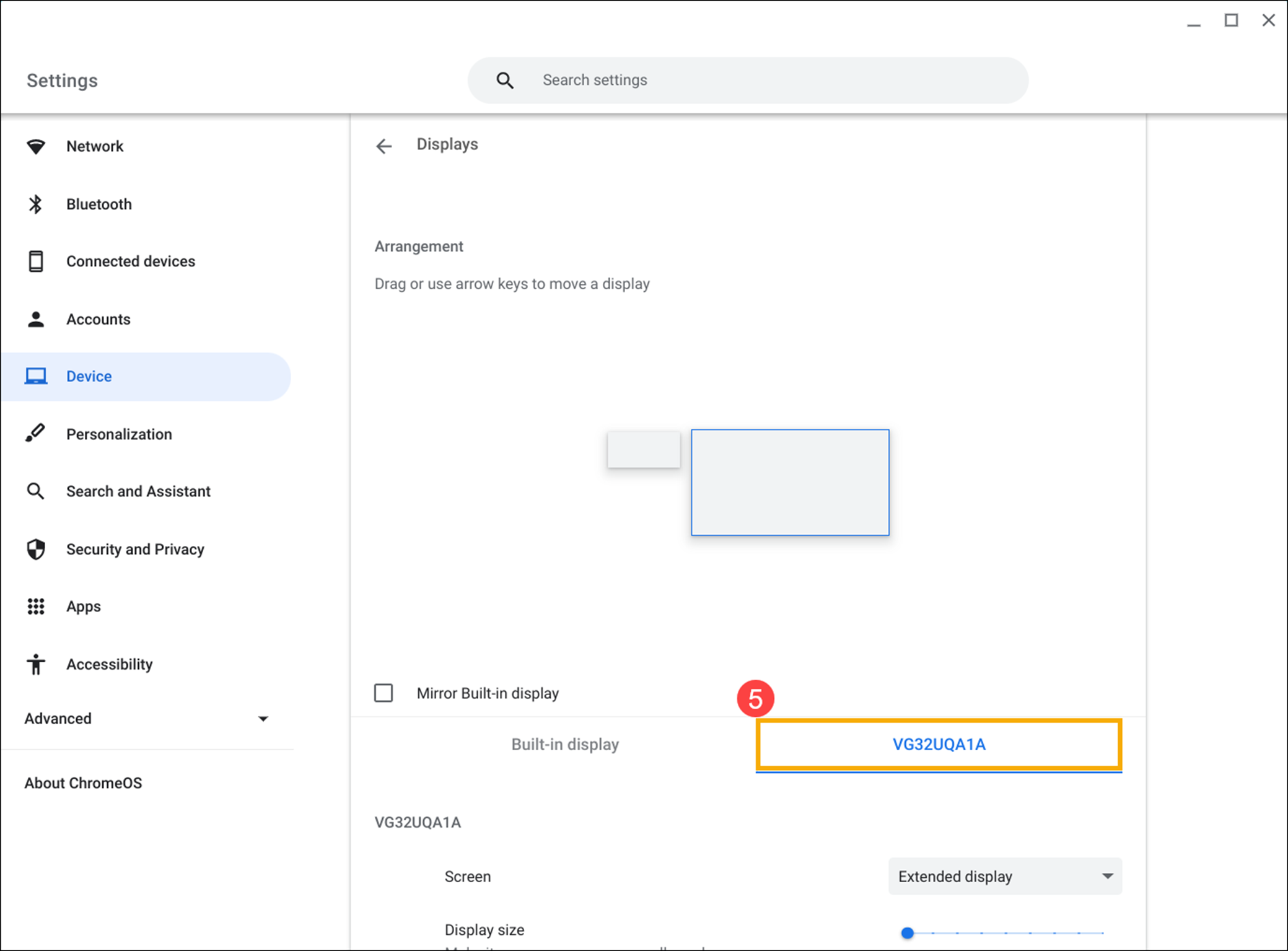
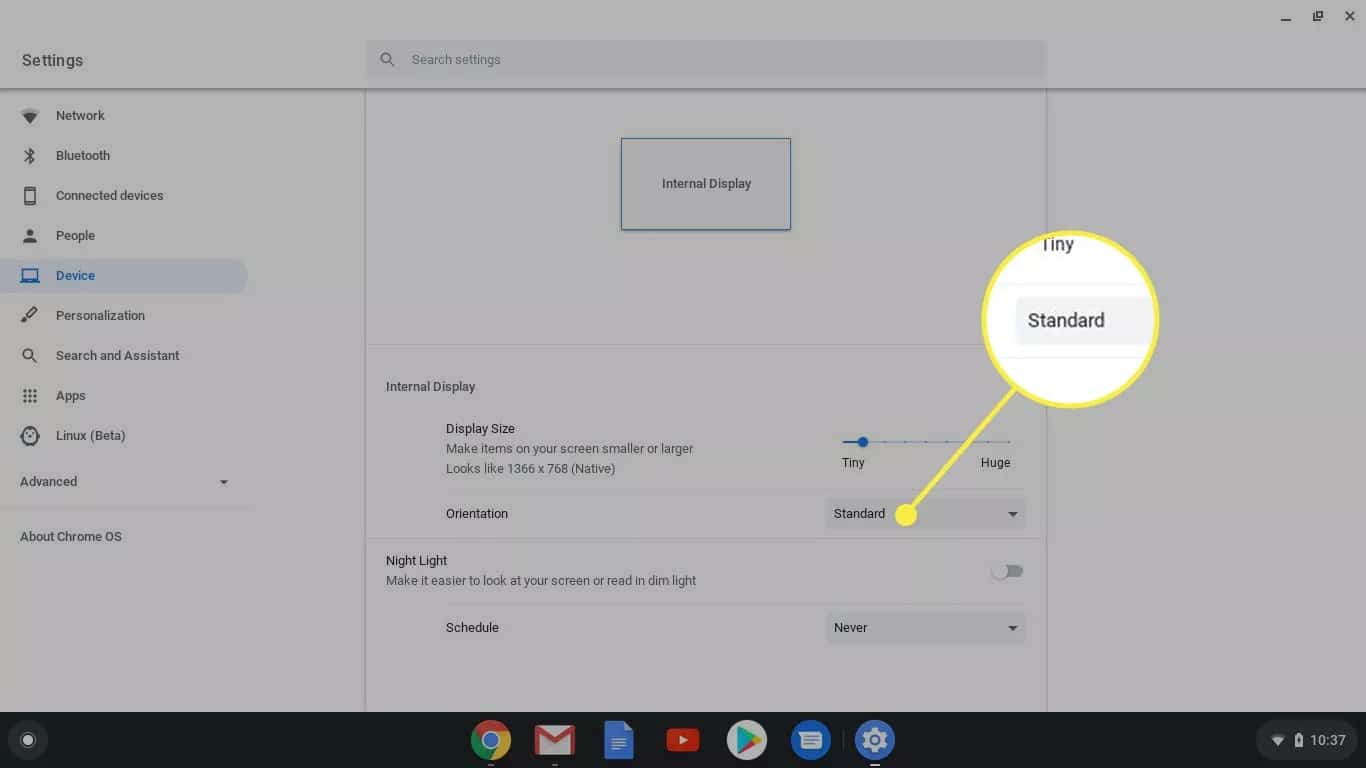
![Chromebook Display/screen [Chromebook] How to connect your Chromebook to an external monitor ...](https://km-ap.asus.com/uploads/PhotoLibrarys/8a53fc79-6a00-4a96-8408-a7e886967aef/20230510161154268_EN_4.png)
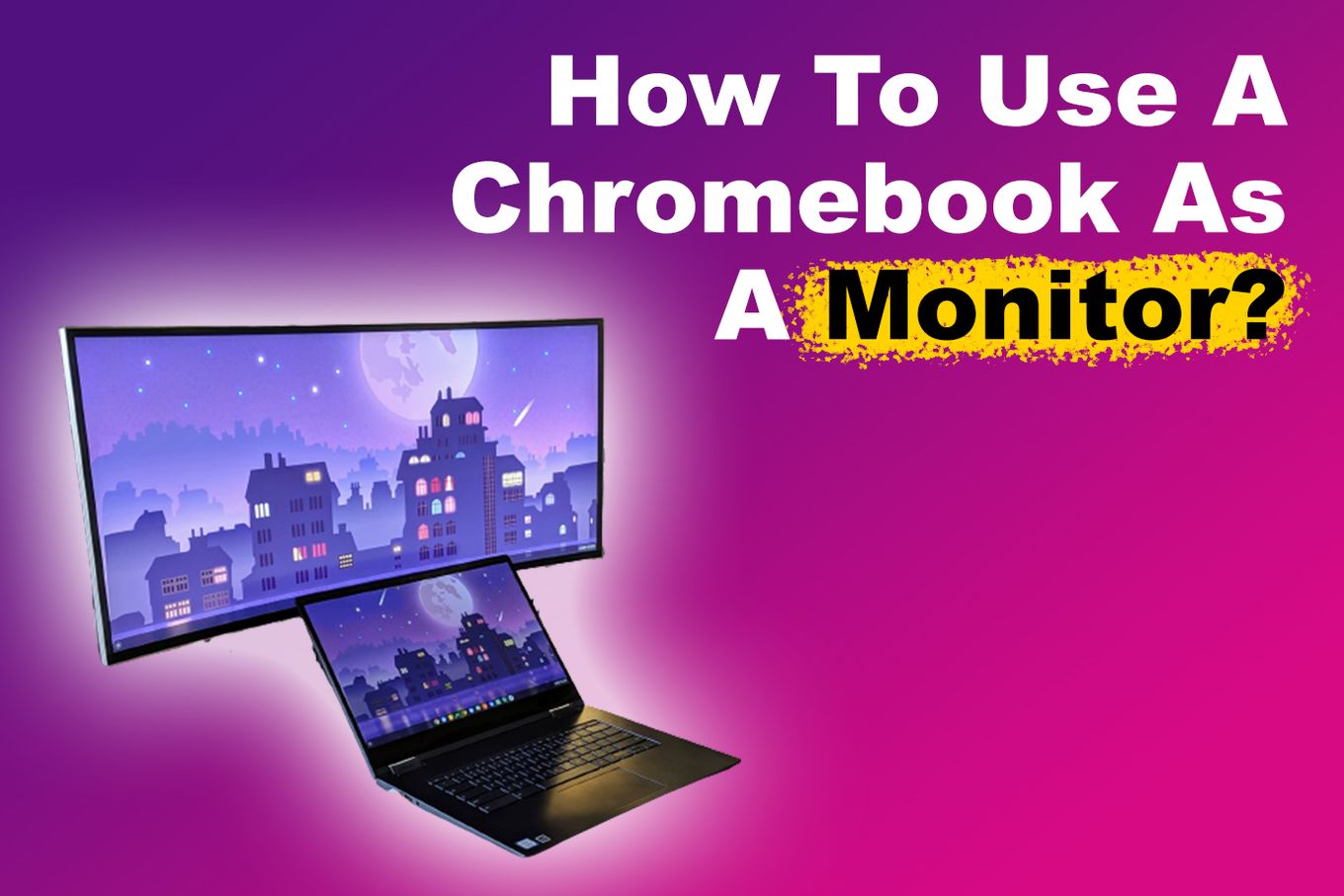
![Chromebook Display/screen How to Use Chromebook as Second Monitor [ 4 Ways ]](https://alvarotrigo.com/blog/assets/imgs/2022-12-23/how-use-chromebook-monitor.jpeg)
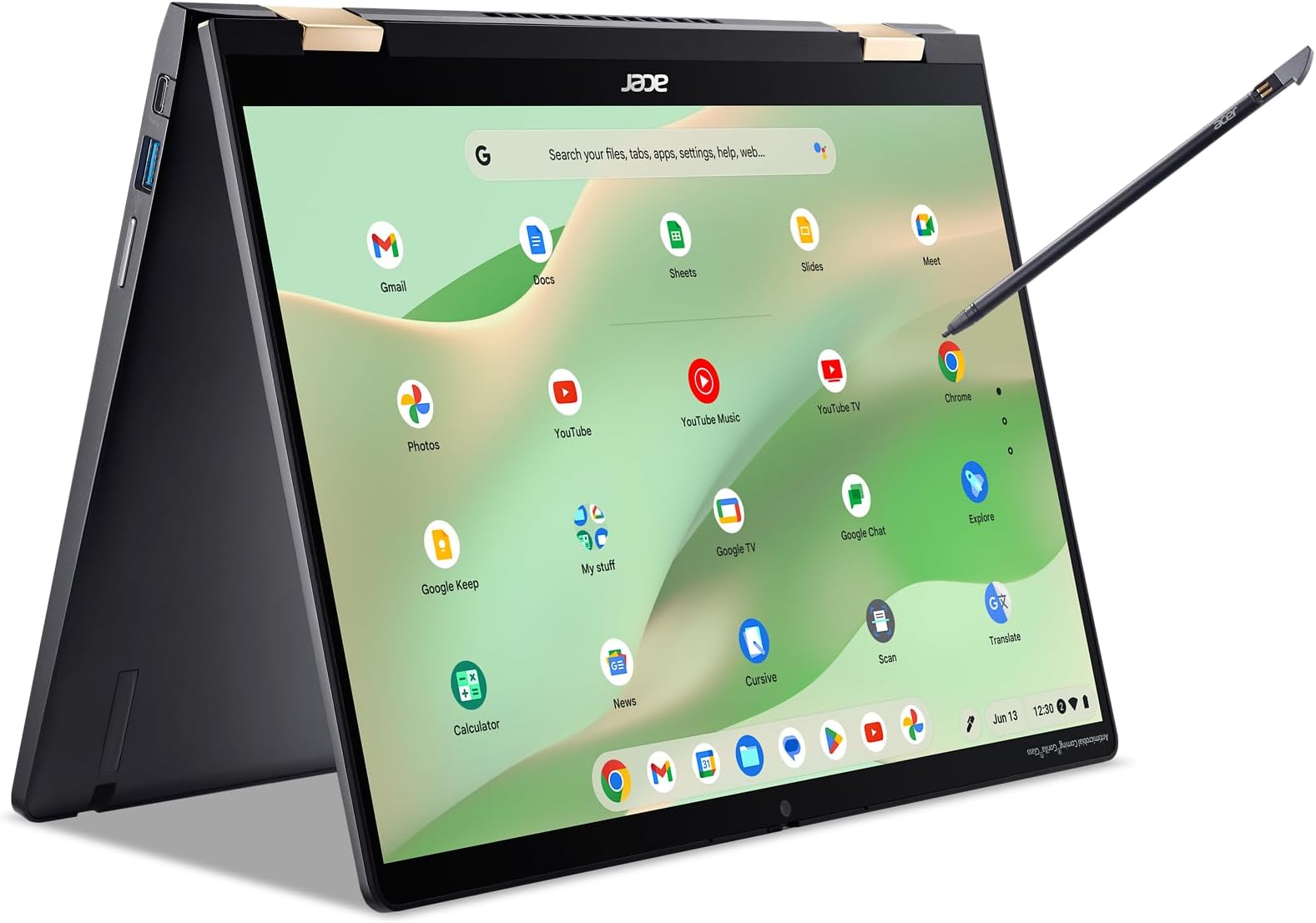


:max_bytes(150000):strip_icc()/004_modify-display-and-mirroring-settings-on-chromebook-4103595-85555c502f574e71b914eb60345ec539.jpg)


:max_bytes(150000):strip_icc()/002_modify-display-and-mirroring-settings-on-chromebook-4103595-3ffb9b9243b54686b939461234a4d329.jpg)


:max_bytes(150000):strip_icc()/001_modify-display-and-mirroring-settings-on-chromebook-4103595-ba73304072fc4766a56c588eddc9cb3c.jpg)


![Chromebook Display/screen How to Use Chromebook as Second Monitor [ 4 Ways ]](https://alvarotrigo.com/blog/assets/imgs/2022-12-23/chromebook-monitor-hdmi.jpeg)
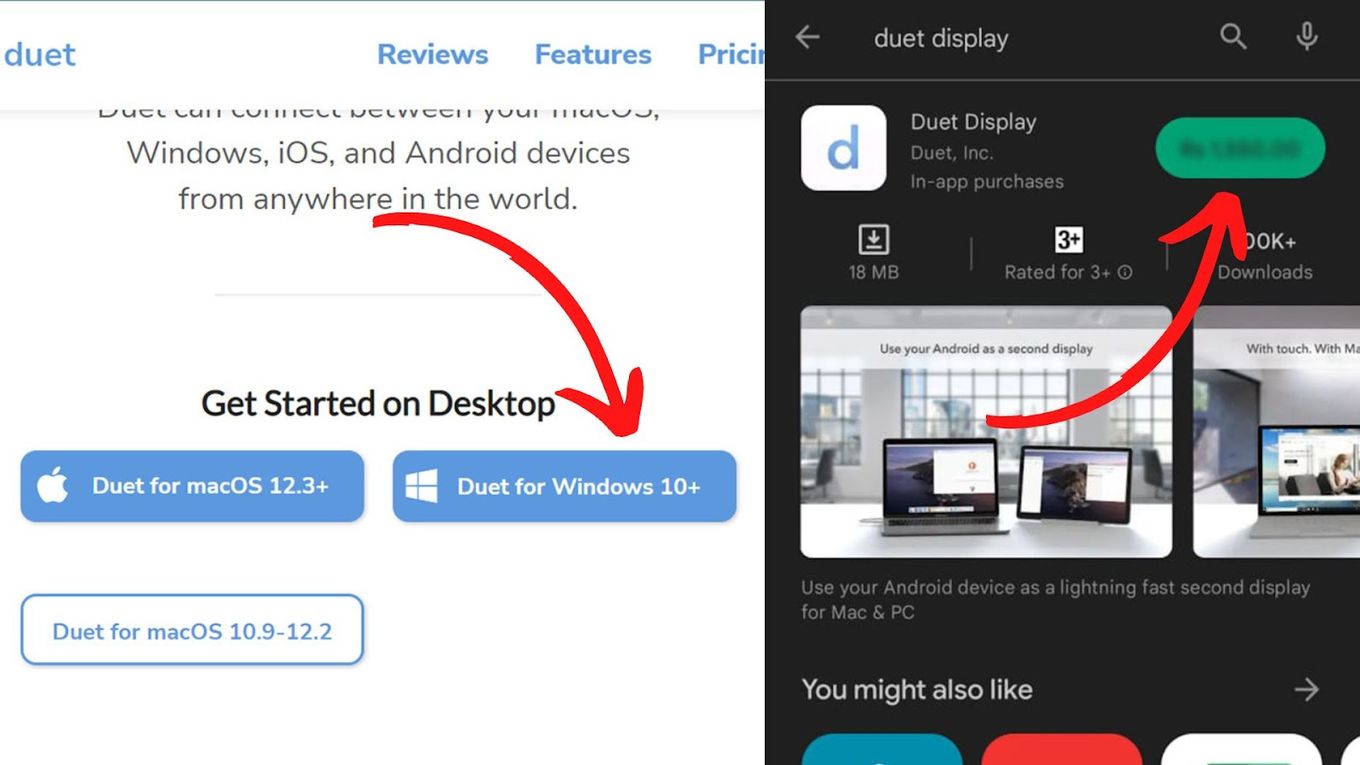
![Chromebook Display/screen How to Use Chromebook as Second Monitor [ 4 Ways ]](https://alvarotrigo.com/blog/assets/imgs/2022-12-23/download-duet-display-chromebook.jpeg)


![Chromebook Display/screen How to Use Chromebook as Second Monitor [ 4 Ways ]](https://alvarotrigo.com/blog/assets/imgs/2022-12-23/windows-extend-display-spacedesk-chromebook.jpeg)


/Samsung-Chromebook-box-5c8986a146e0fb0001a0bf7a.jpg)


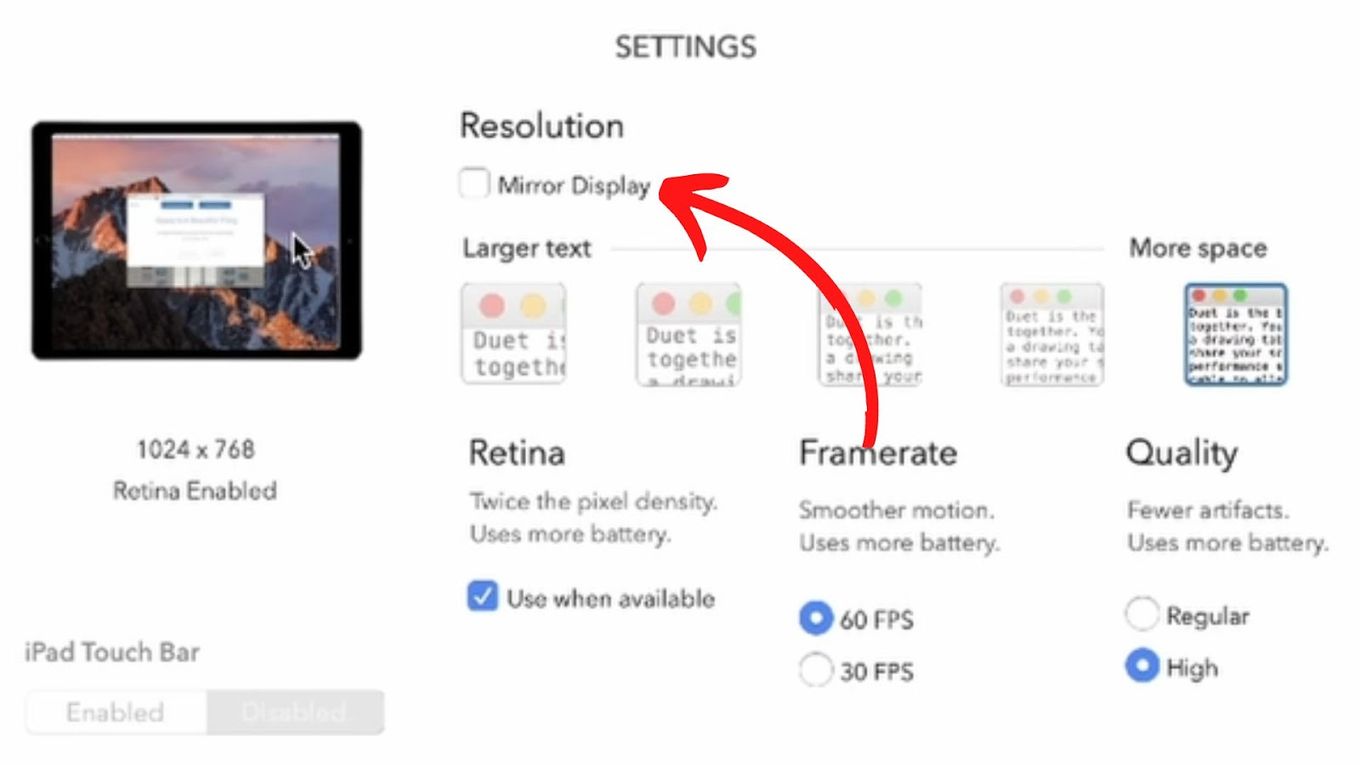
![Chromebook Display/screen How to Use Chromebook as Second Monitor [ 4 Ways ]](https://alvarotrigo.com/blog/assets/imgs/2022-12-23/mirror-duet-display-chromebook.jpeg)


![Chromebook Display/screen [Chromebook] Troubleshooting - How to fix Display ... - ASUS - ZenTalk ...](https://km-ap.asus.com/uploads/PhotoLibrarys/8a53fc79-6a00-4a96-8408-a7e886967aef/20230426094432359_EN_1.png)


![Chromebook Display/screen [Chromebook] Troubleshooting - How to fix Display ... - ASUS - ZenTalk ...](https://km-ap.asus.com/uploads/PhotoLibrarys/8a53fc79-6a00-4a96-8408-a7e886967aef/20230426094902724_EN_5.png)