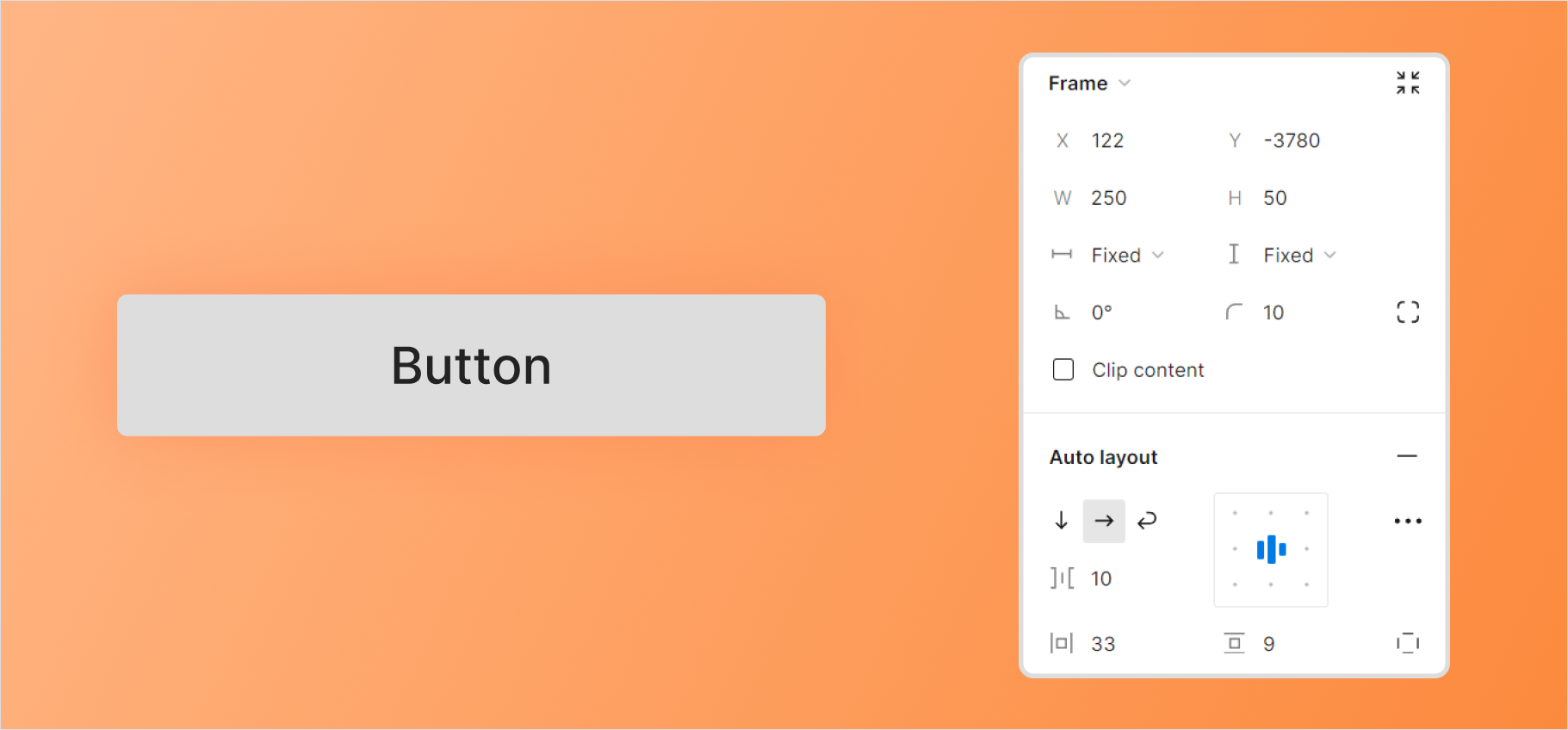
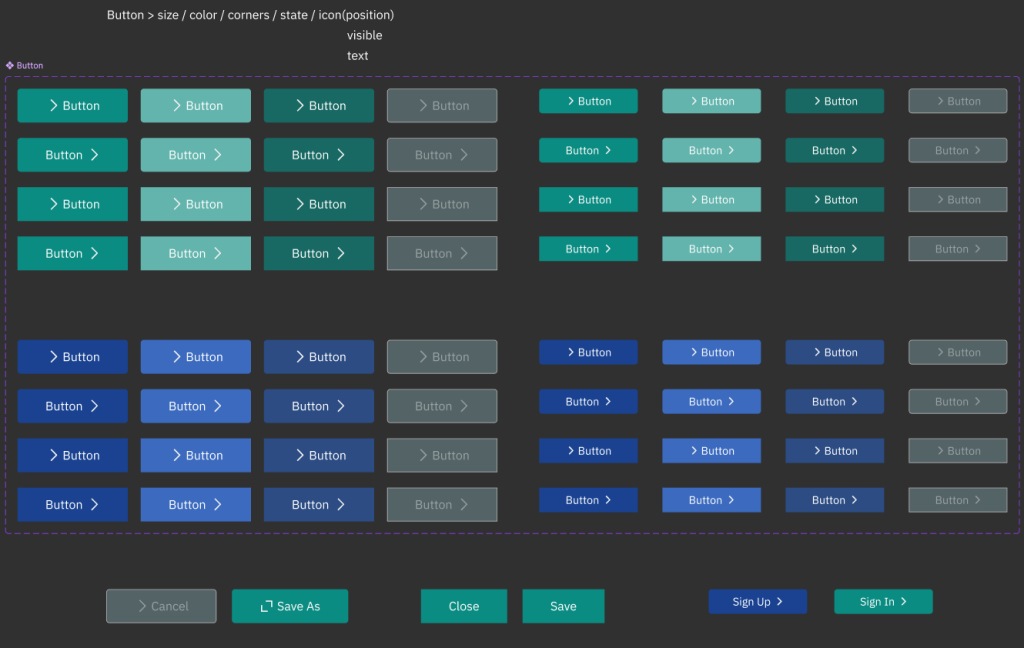
Buttons Figma Dimensions







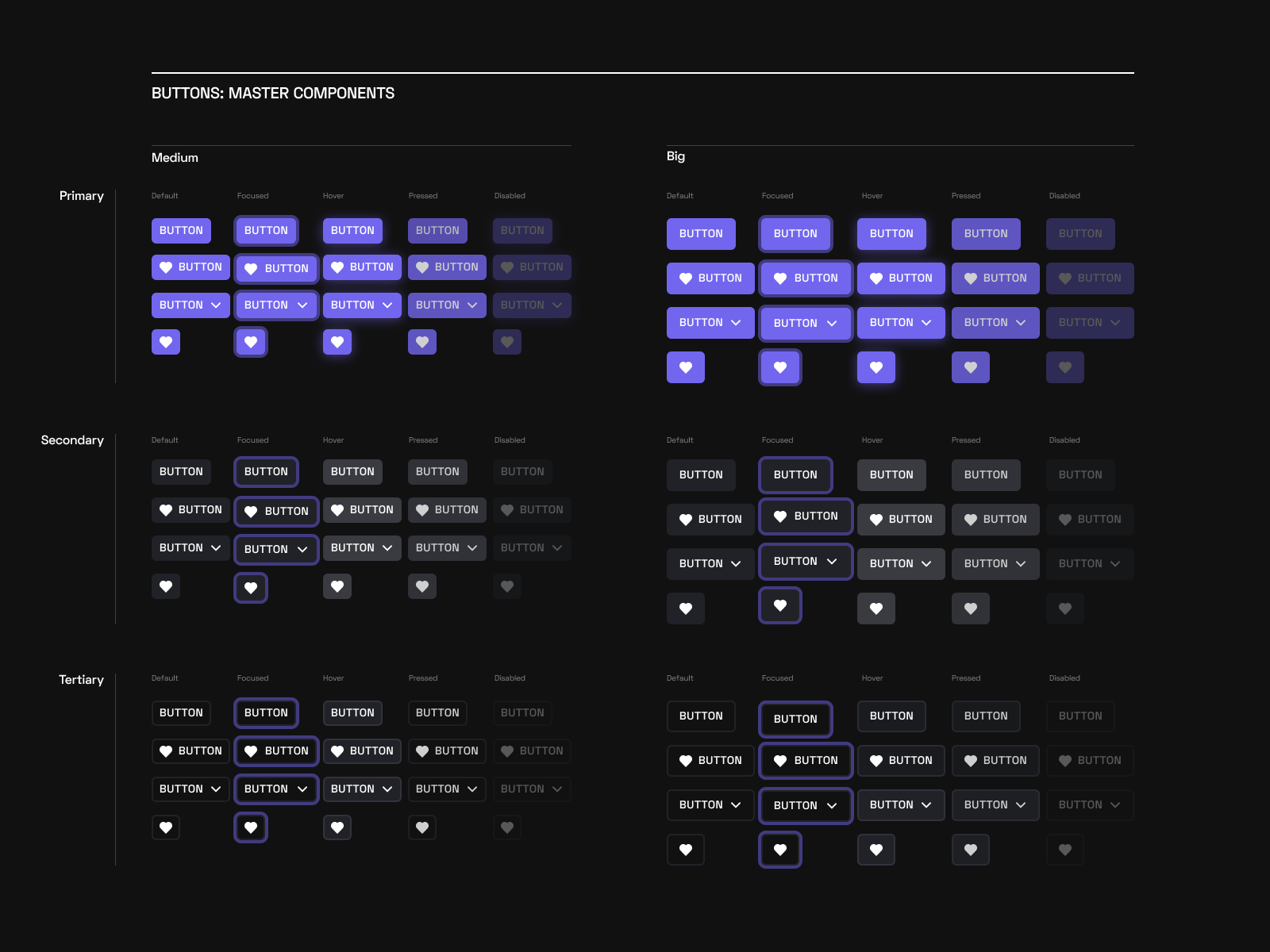


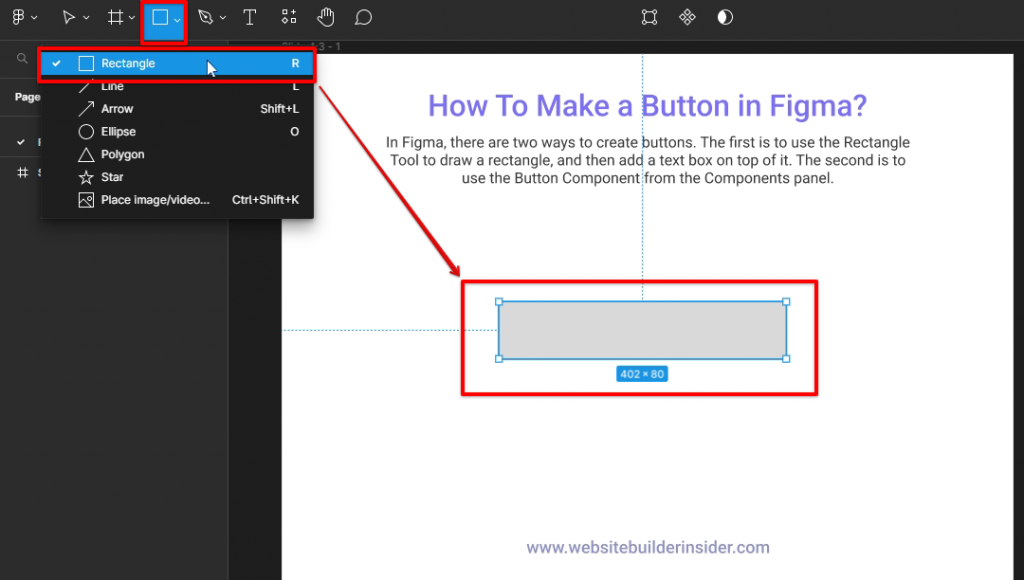


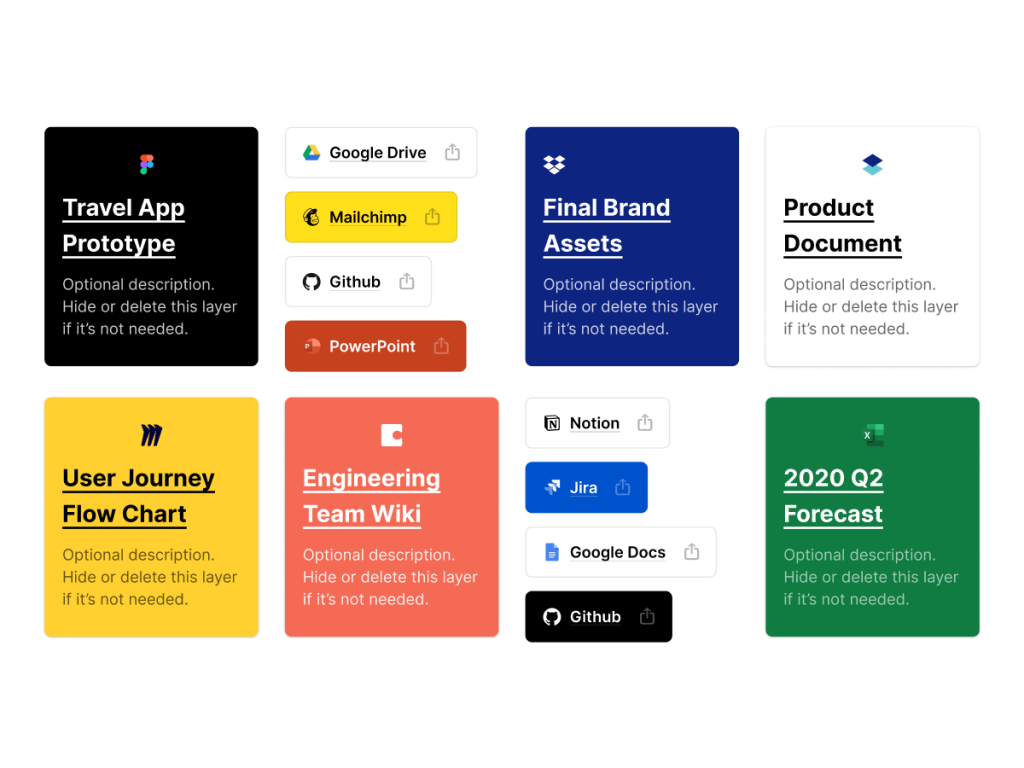


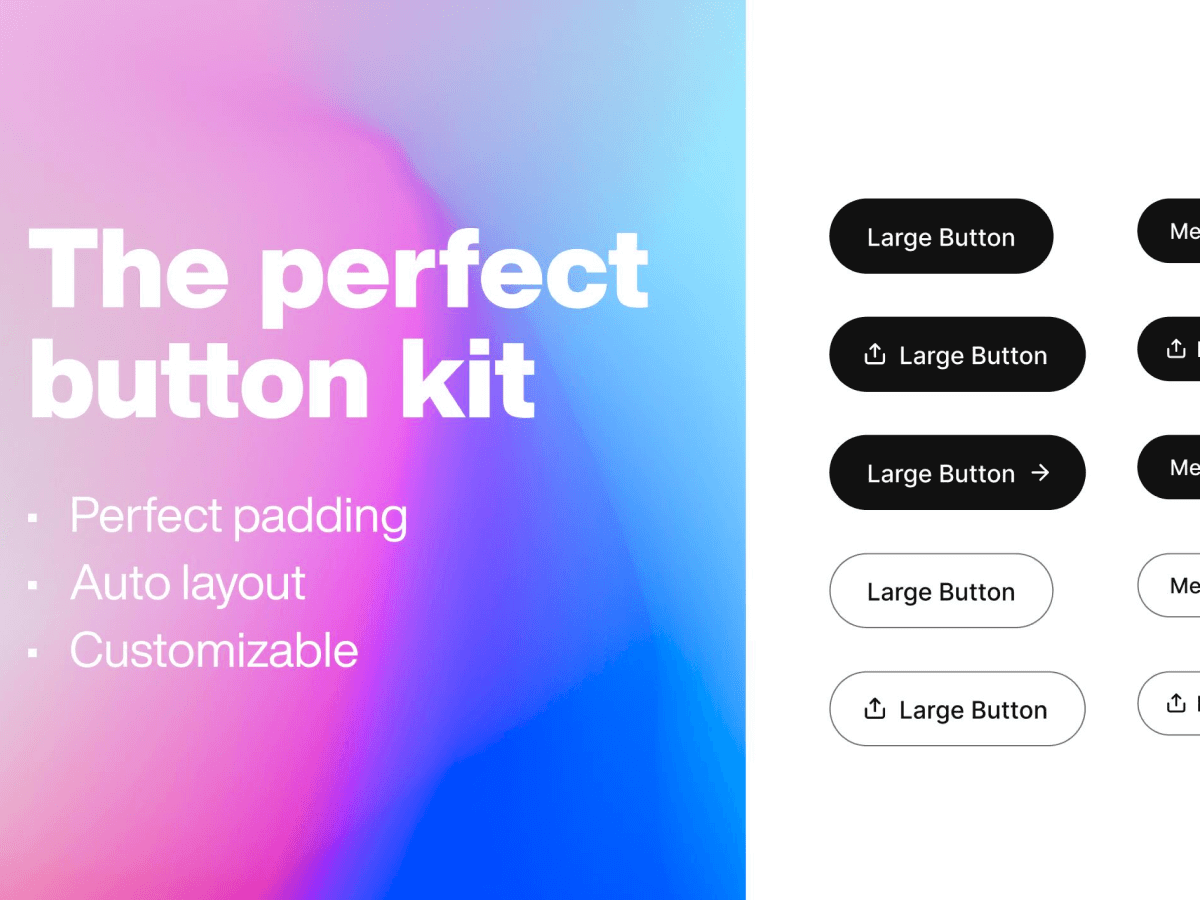

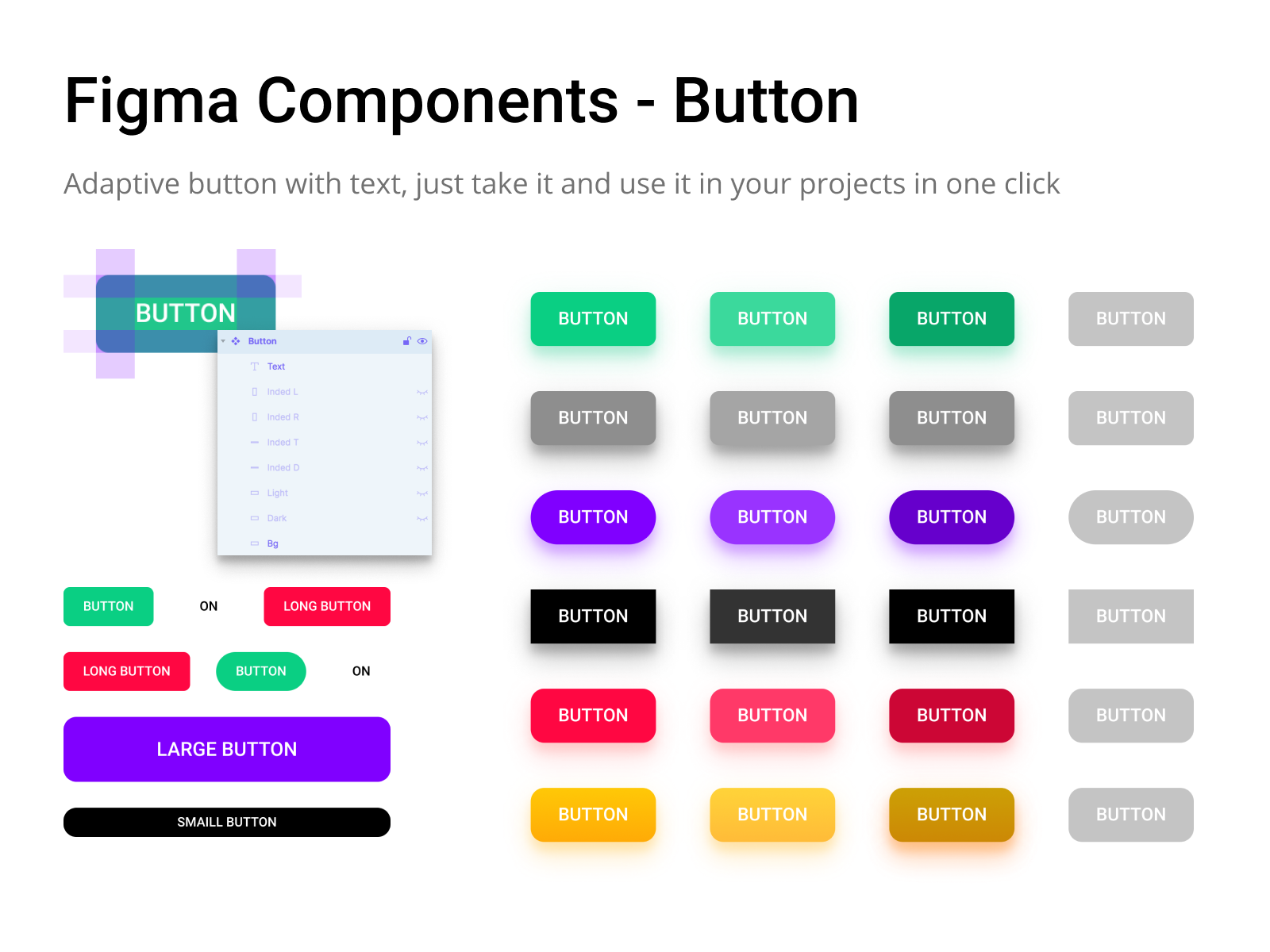
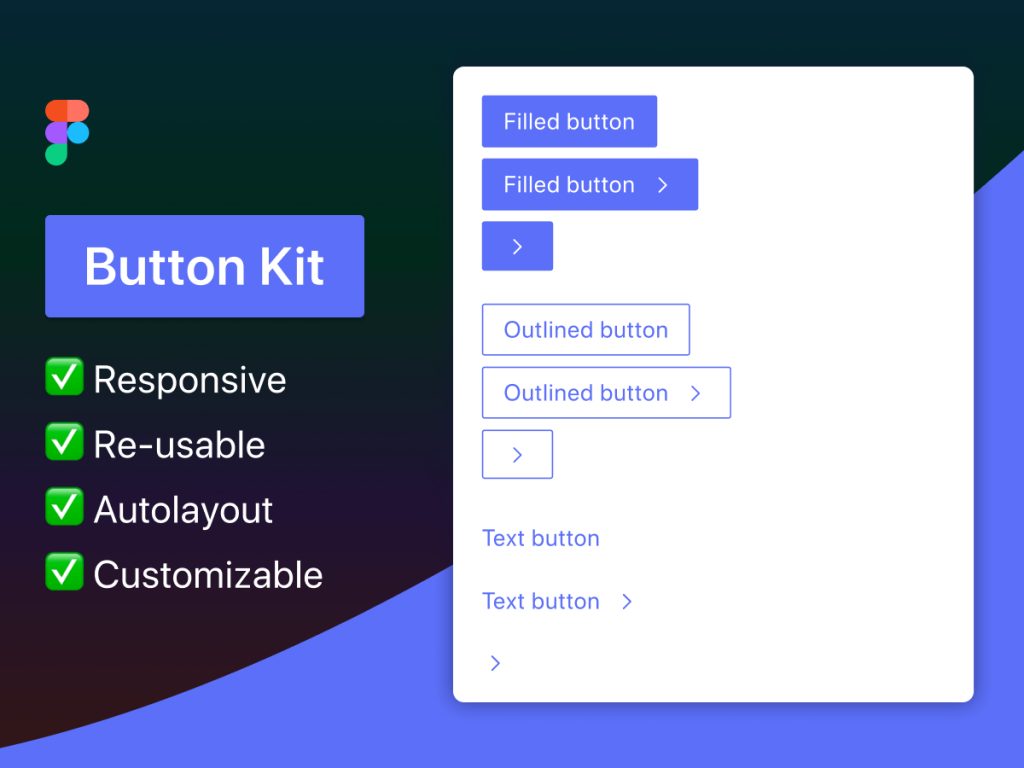
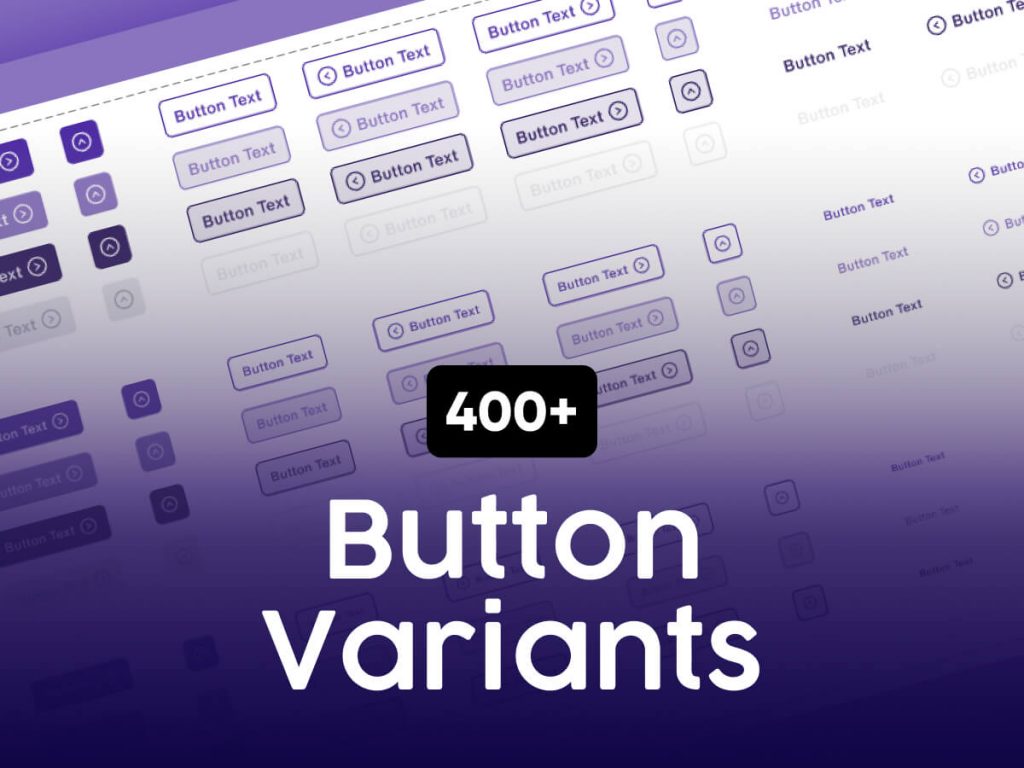


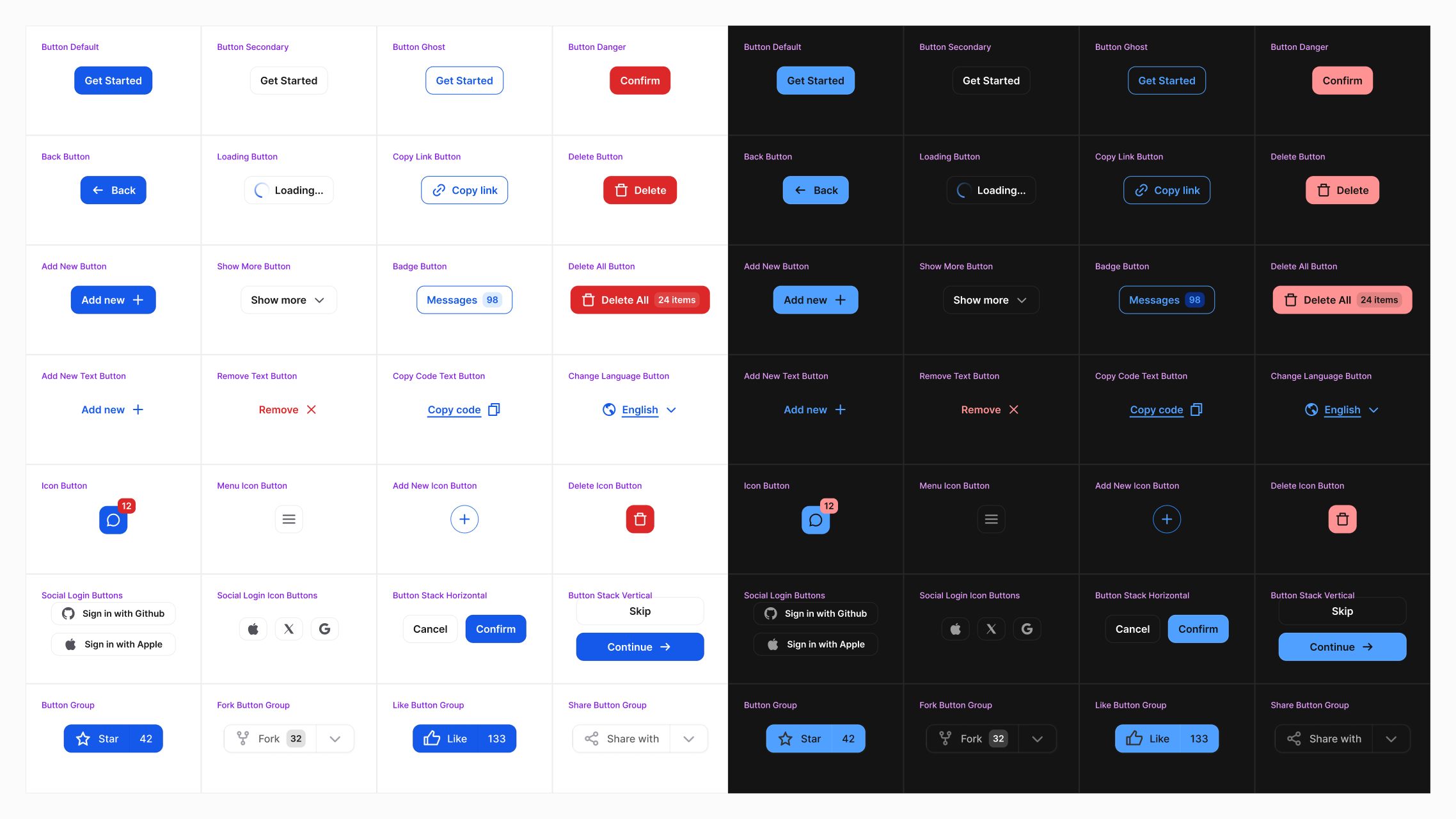






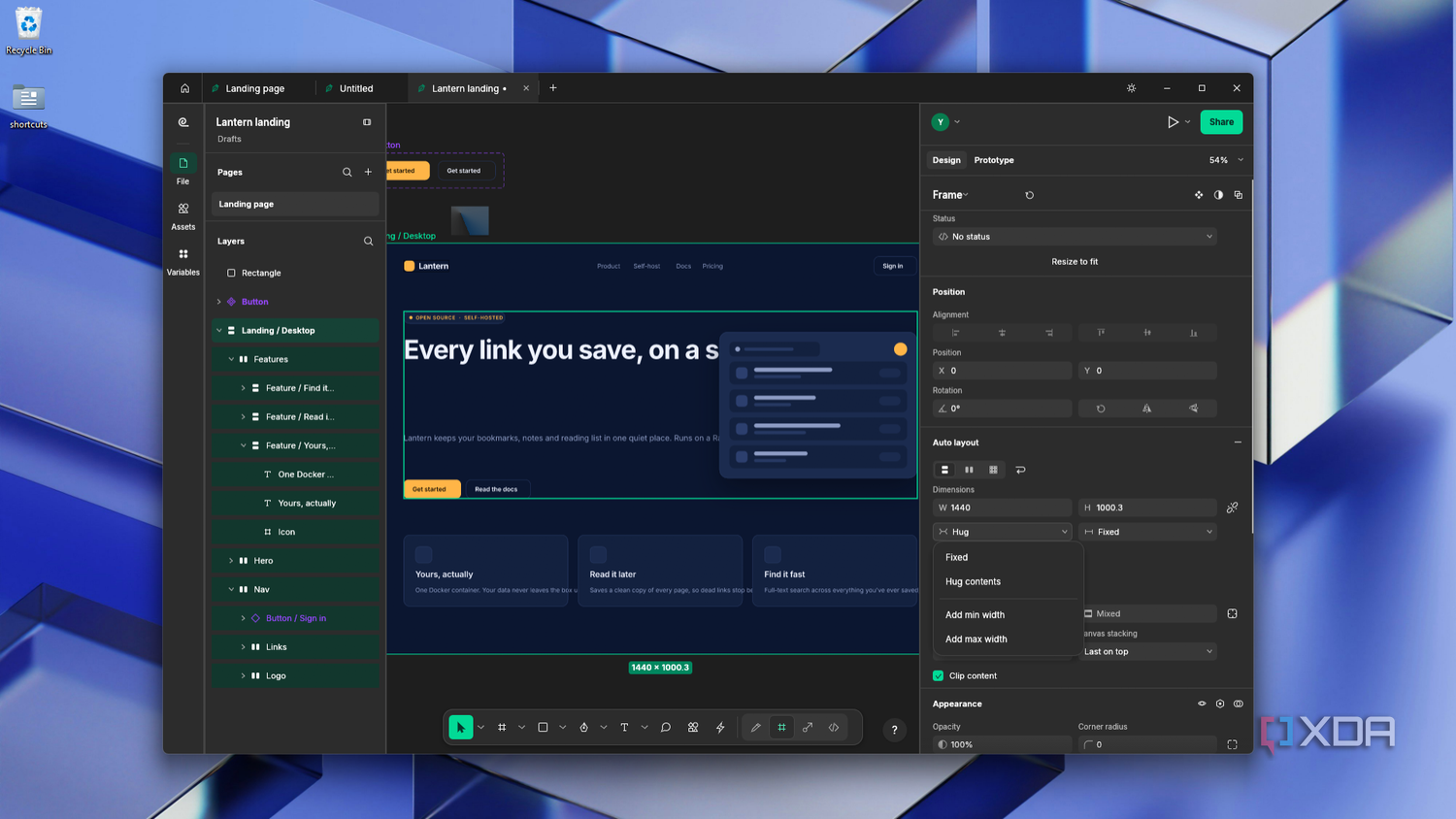


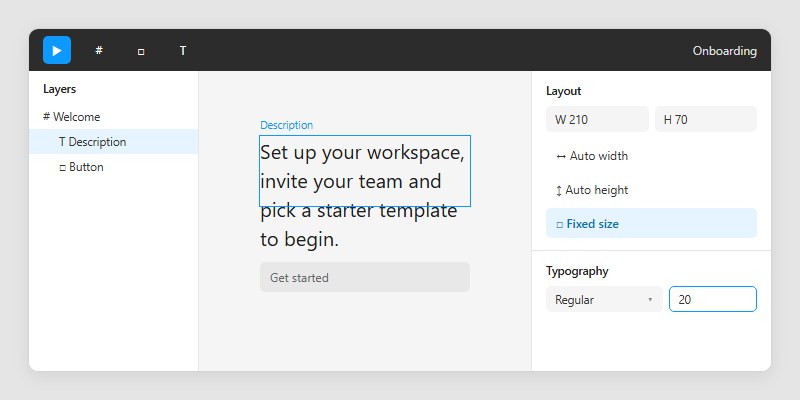














Explore the educational aspects of Buttons Figma Dimensions through comprehensive galleries of informative visual resources. providing valuable teaching resources for educators and students alike. making complex concepts accessible through visual learning. Browse our premium Buttons Figma Dimensions gallery featuring professionally curated photographs. Excellent for educational materials, academic research, teaching resources, and learning activities All Buttons Figma Dimensions images are available in high resolution with professional-grade quality, optimized for both digital and print applications, and include comprehensive metadata for easy organization and usage. The Buttons Figma Dimensions collection serves as a valuable educational resource for teachers and students. Instant download capabilities enable immediate access to chosen Buttons Figma Dimensions images. Advanced search capabilities make finding the perfect Buttons Figma Dimensions image effortless and efficient. Whether for commercial projects or personal use, our Buttons Figma Dimensions collection delivers consistent excellence. Professional licensing options accommodate both commercial and educational usage requirements. Comprehensive tagging systems facilitate quick discovery of relevant Buttons Figma Dimensions content. Cost-effective licensing makes professional Buttons Figma Dimensions photography accessible to all budgets. The Buttons Figma Dimensions archive serves professionals, educators, and creatives across diverse industries. Regular updates keep the Buttons Figma Dimensions collection current with contemporary trends and styles. Multiple resolution options ensure optimal performance across different platforms and applications.