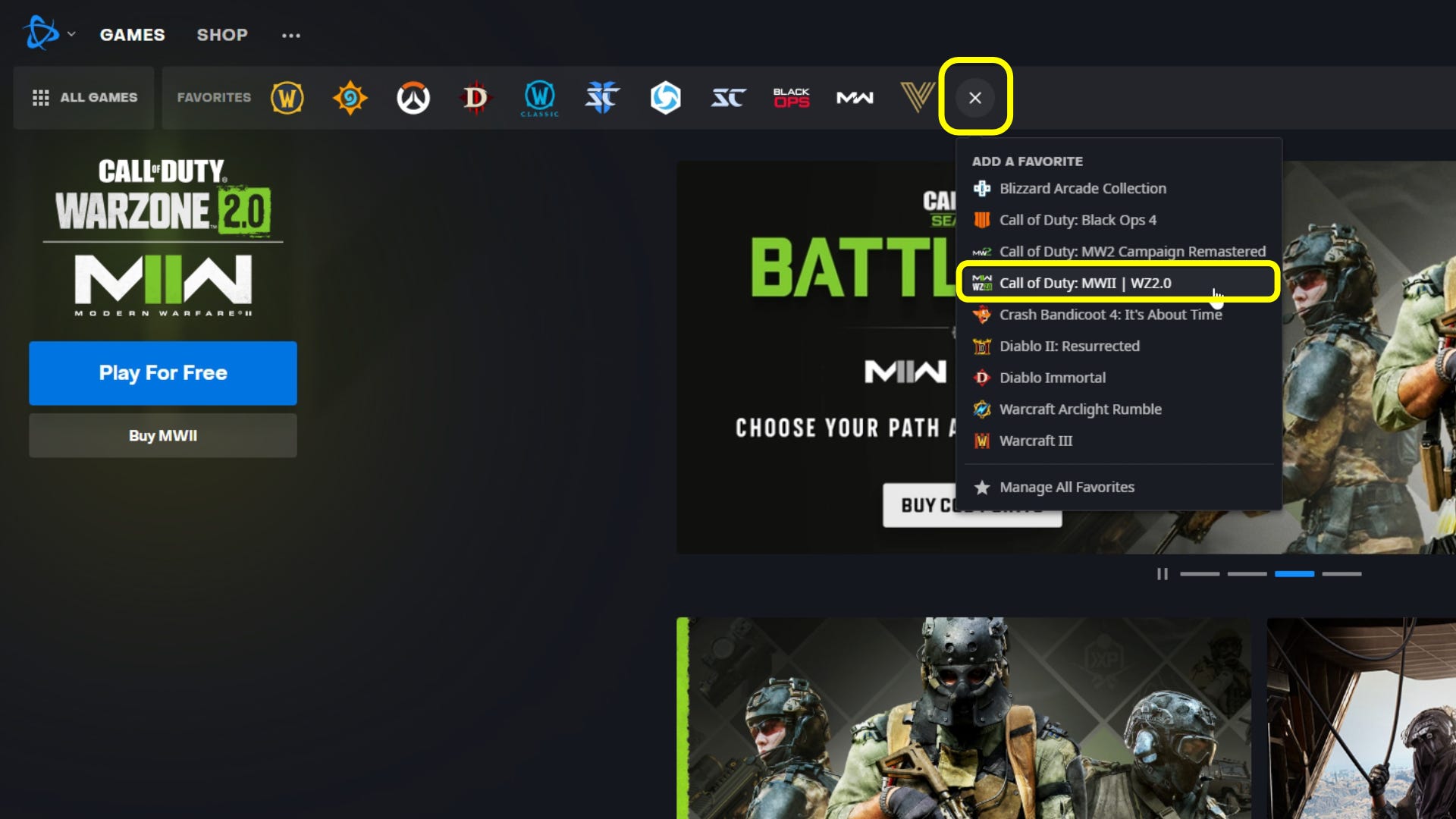
Battle.net Missing Menu Options
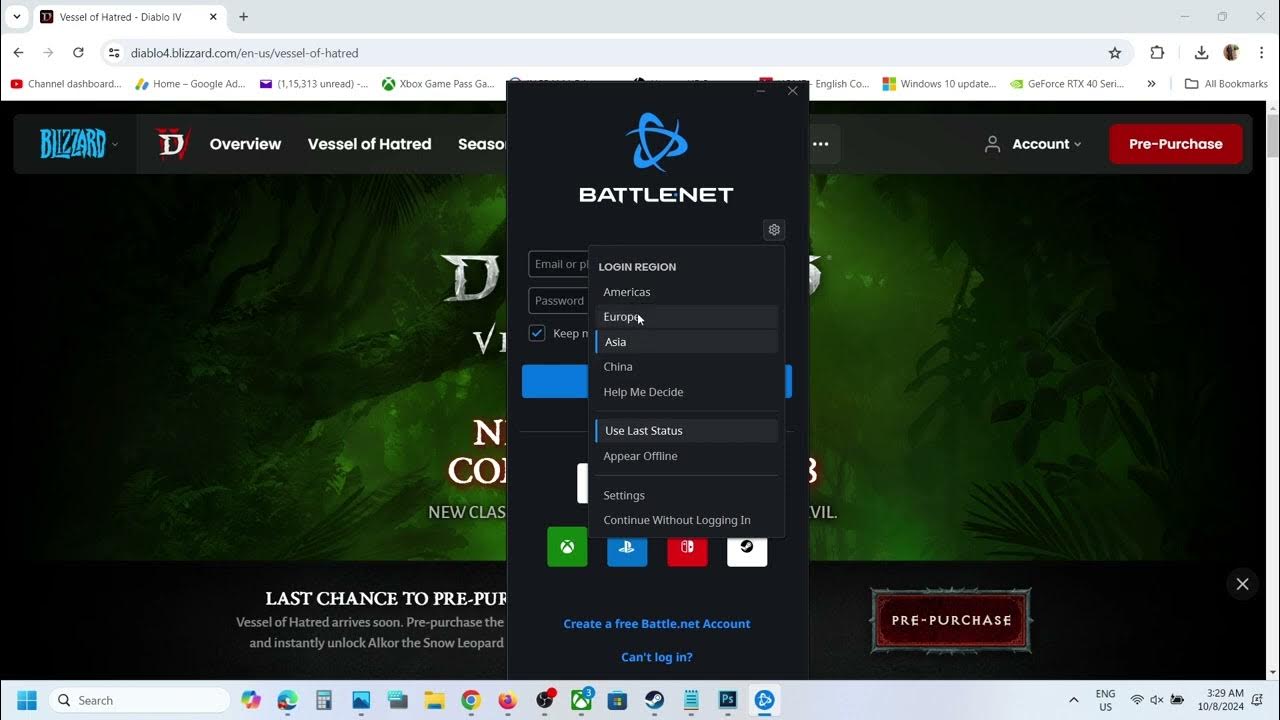
Experience the timeless beauty of Battle.net Missing Menu Options with our curated gallery of substantial collections of images. highlighting the retro appeal of photography, images, and pictures. perfect for retro design and marketing. The Battle.net Missing Menu Options collection maintains consistent quality standards across all images. Suitable for various applications including web design, social media, personal projects, and digital content creation All Battle.net Missing Menu Options images are available in high resolution with professional-grade quality, optimized for both digital and print applications, and include comprehensive metadata for easy organization and usage. Discover the perfect Battle.net Missing Menu Options images to enhance your visual communication needs. Our Battle.net Missing Menu Options database continuously expands with fresh, relevant content from skilled photographers. Regular updates keep the Battle.net Missing Menu Options collection current with contemporary trends and styles. Time-saving browsing features help users locate ideal Battle.net Missing Menu Options images quickly. Each image in our Battle.net Missing Menu Options gallery undergoes rigorous quality assessment before inclusion. Diverse style options within the Battle.net Missing Menu Options collection suit various aesthetic preferences. Multiple resolution options ensure optimal performance across different platforms and applications. The Battle.net Missing Menu Options archive serves professionals, educators, and creatives across diverse industries.
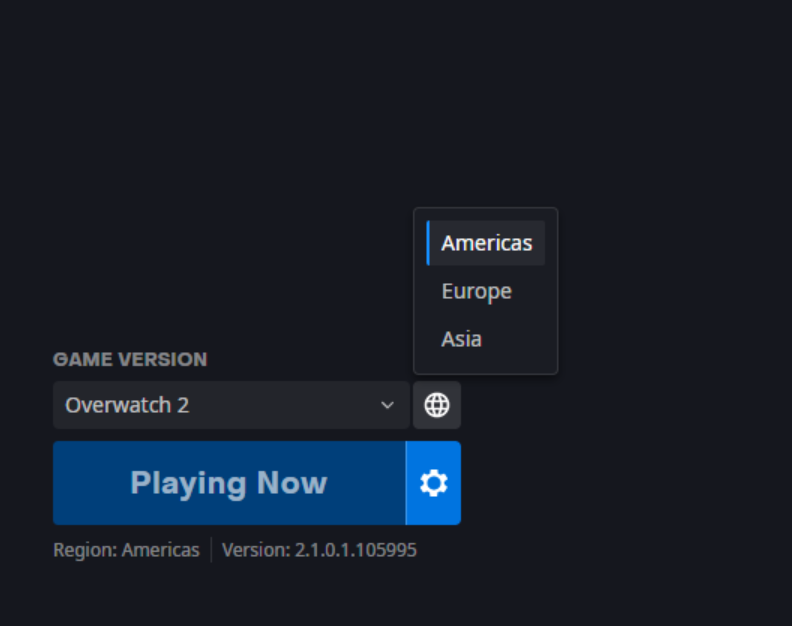
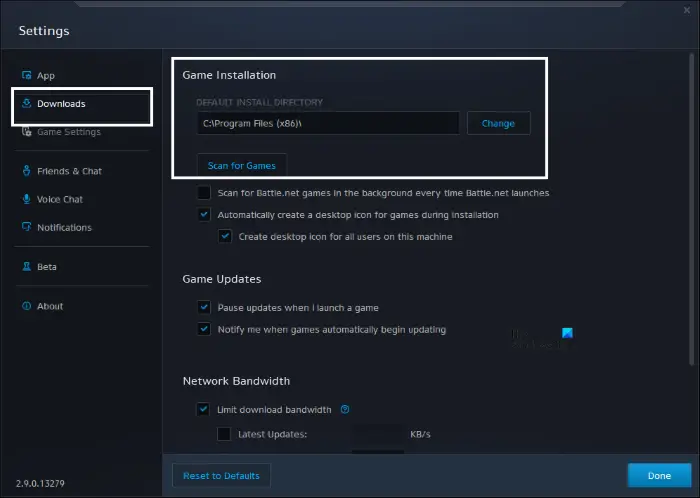


![Battle.net Missing Menu Options Could not log in to Battle.net app [Fix]](https://www.thewindowsclub.com/wp-content/uploads/2022/02/Locate-installed-games-directory-Blizzard-app.png)


![Battle.net Missing Menu Options [Fixed] Battle.net update stuck at 0 B/s Windows 10/11 PCs - MiniTool ...](https://www.partitionwizard.com/images/uploads/articles/2023/02/battle-net-update-stuck-at-0/battle-net-update-stuck-at-0-10.png)


![Battle.net Missing Menu Options [SOLVED] Battle.net Launcher Not Working on Windows 10/11 - Driver Easy](https://www.drivereasy.com/wp-content/uploads/2022/12/how-to-find-out-where-Battle.net-is-installed-401x600.jpg)


![Battle.net Missing Menu Options Fix: Battle.net Update Stuck [2024 Update] - PC Strike](https://pcstrike.com/wp-content/uploads/2022/03/installing-battle.net-stuck-at-0-1024x298.png)
![Battle.net Missing Menu Options [SOLVED] Battle.net Launcher Not Working on Windows 10/11 - Driver Easy](https://images.drivereasy.com/wp-content/uploads/2024/01/image-47-150x114.png)


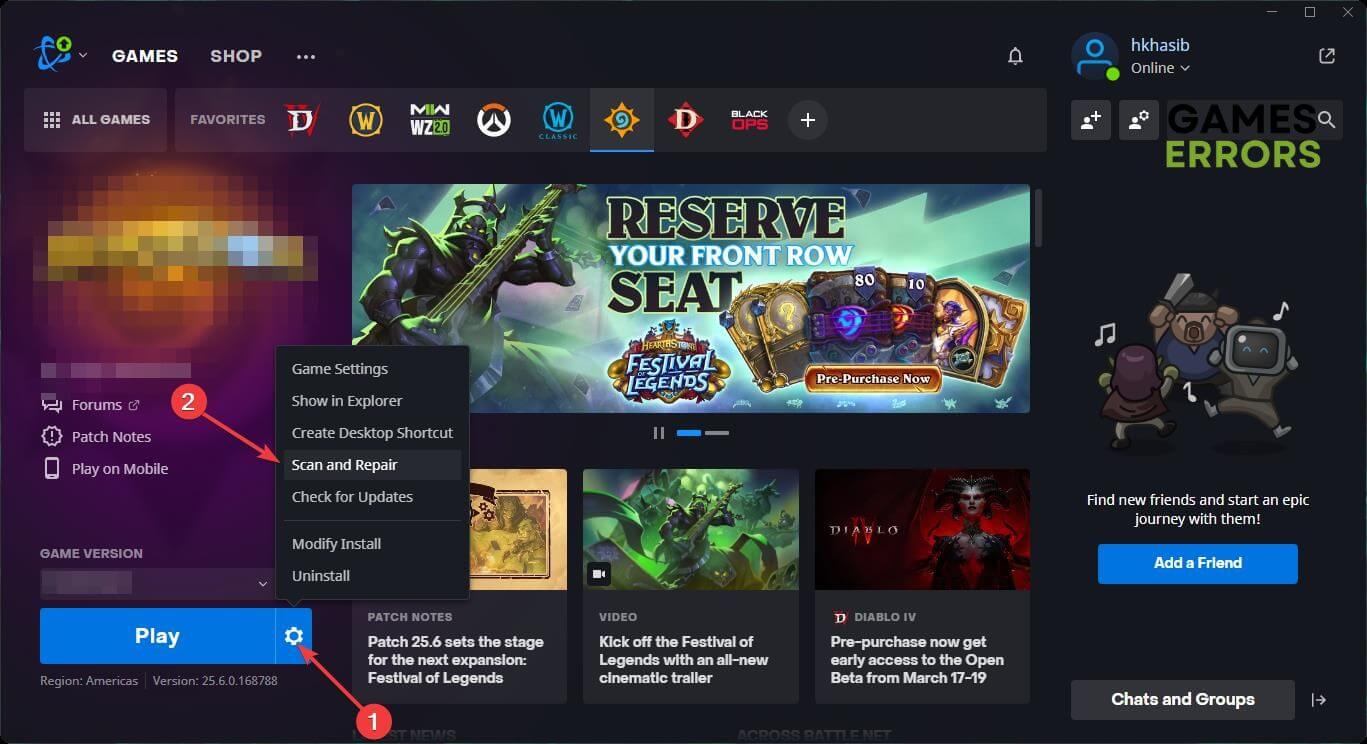
![Battle.net Missing Menu Options Diablo 4: You Need at Least Windows 10 [Best Fixes]](https://gameserrors.com/wp-content/uploads/2023/03/clicking-scan-and-repair-battle-net-game.jpg)



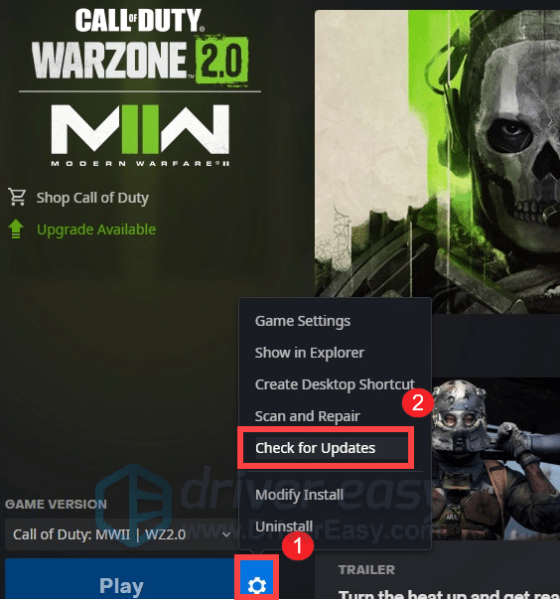
![Battle.net Missing Menu Options [SOLVED] Warzone 2.0 Keeps Crashing on PC - Driver Easy](https://images.drivereasy.com/wp-content/uploads/2022/11/Warzone-2.0-check-for-updates-Battle.net_-560x600.png)


![Battle.net Missing Menu Options [SOLVED] Warzone 2.0 Keeps Crashing on PC - Driver Easy](https://images.drivereasy.com/wp-content/uploads/2022/11/Warzone-2.0-scan-and-repair-Battle.net_-533x600.png)
![Battle.net Missing Menu Options How to Move Blizzard Games to Another Drive [Full Guide] - MiniTool ...](https://www.partitionwizard.com/images/uploads/articles/2022/11/how-to-move-blizzard-games-to-another-drive/how-to-move-blizzard-games-to-another-drive-3.png)