



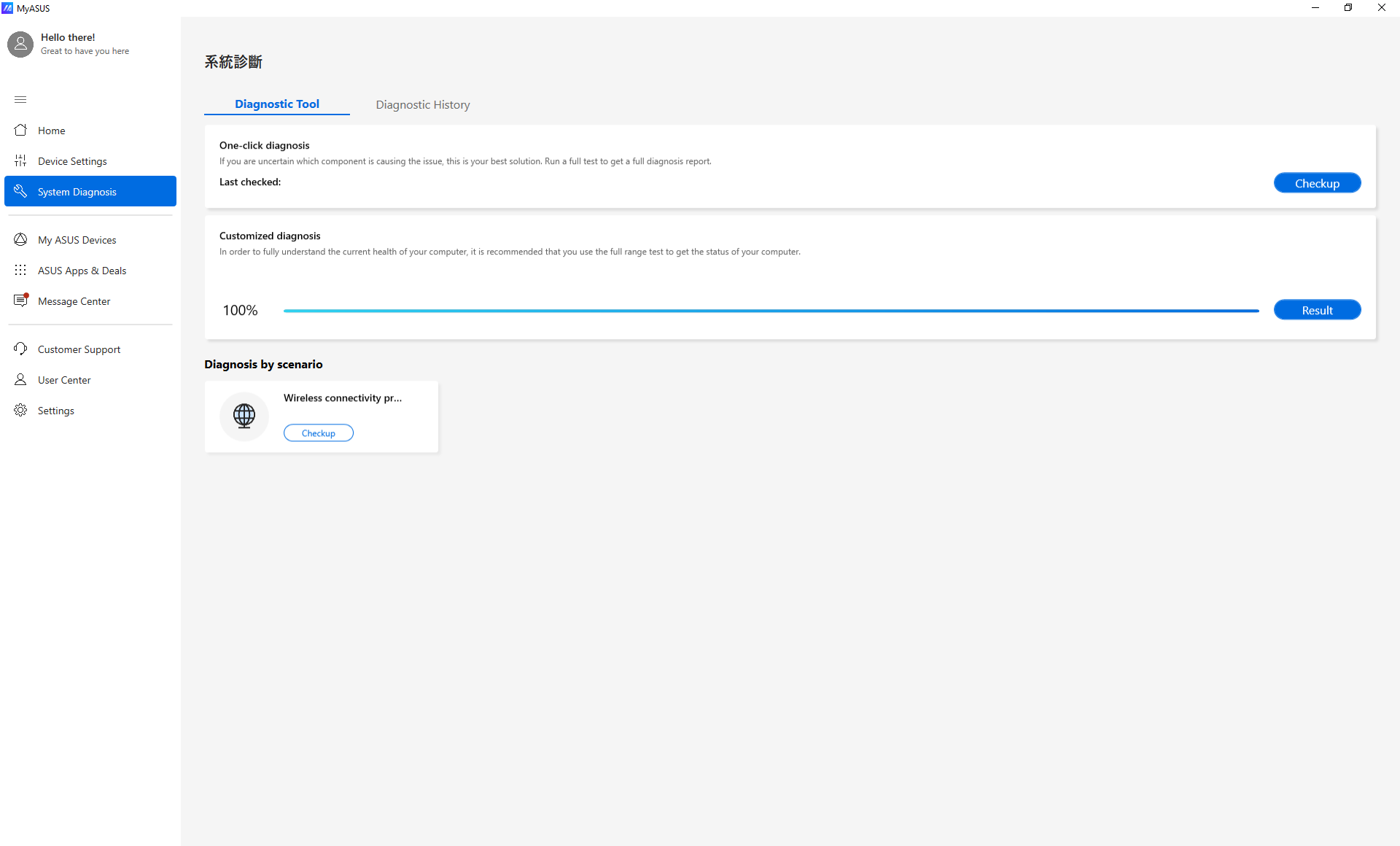
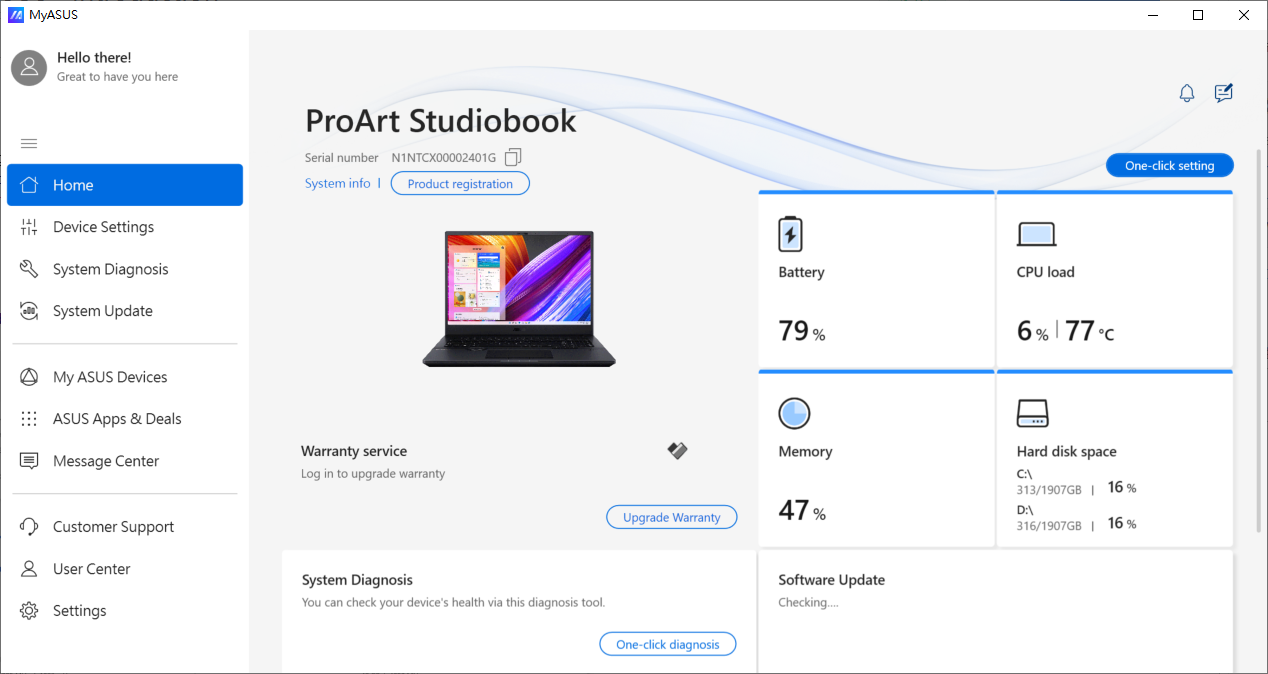
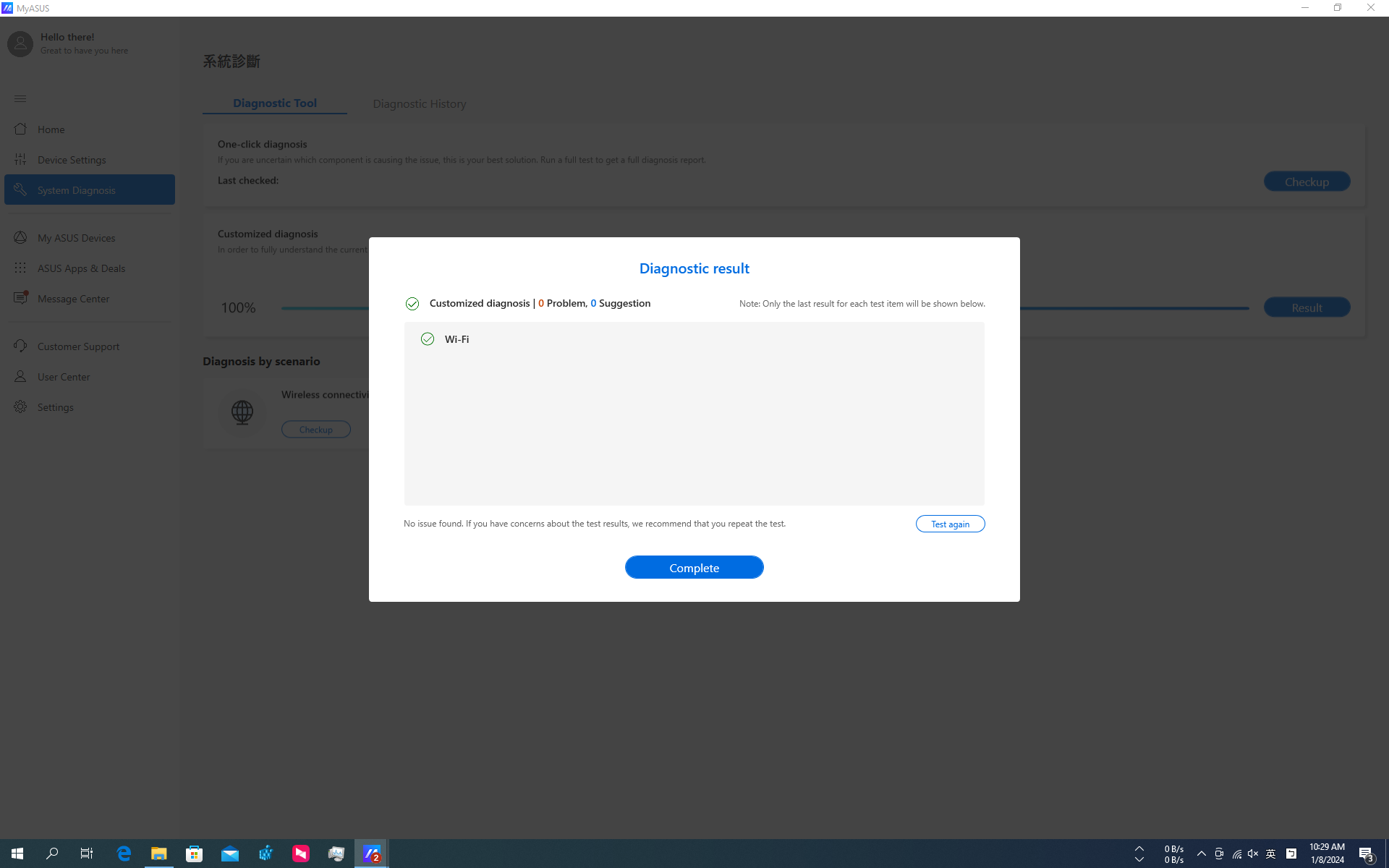
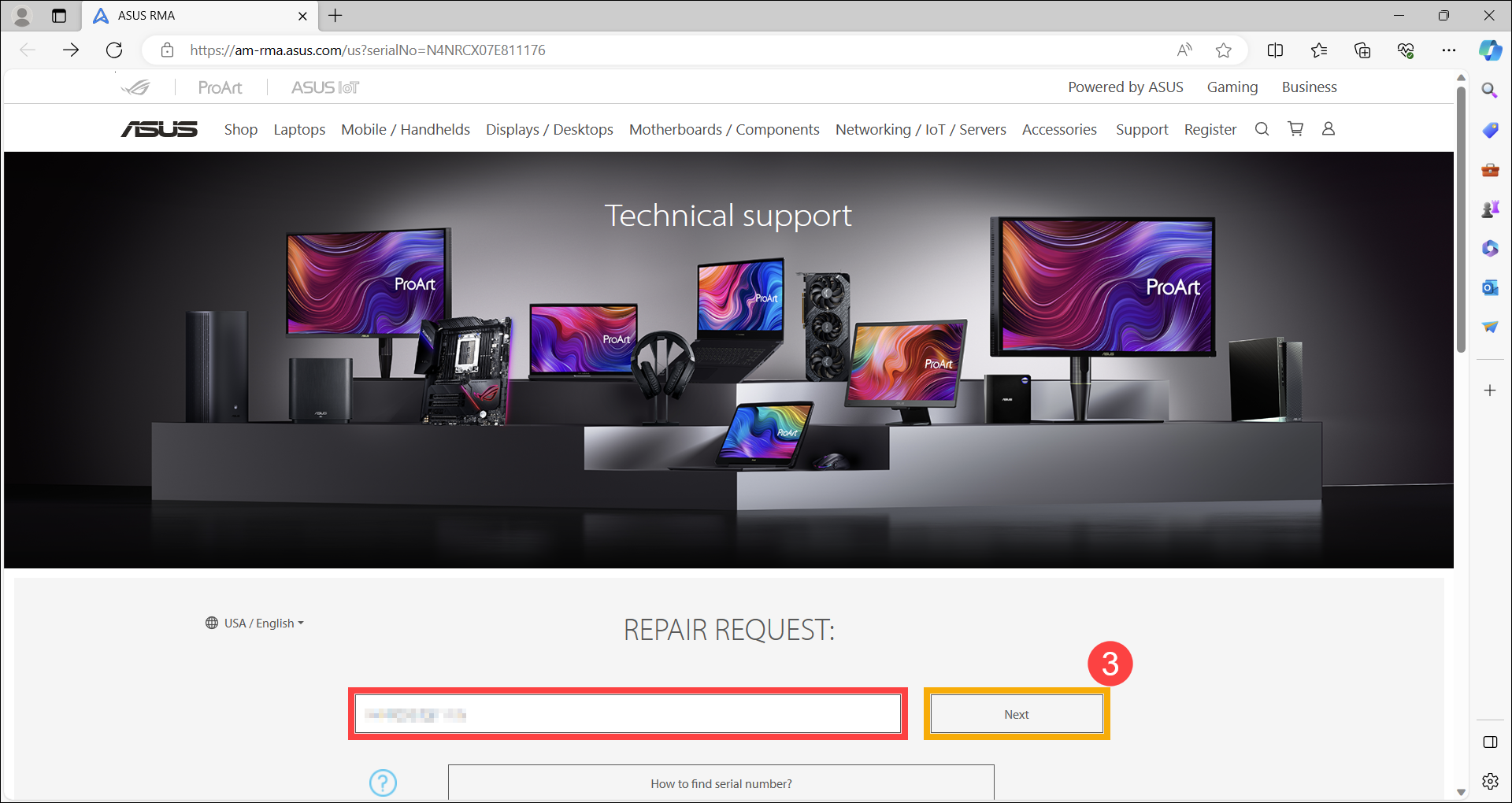
Asus Check Device
Explore the stunning energy of urban Asus Check Device with substantial collections of dynamic images. highlighting the diversity of computer, digital, and electronic in urban settings. designed to showcase urban culture and lifestyle. Each Asus Check Device image is carefully selected for superior visual impact and professional quality. Suitable for various applications including web design, social media, personal projects, and digital content creation All Asus Check Device images are available in high resolution with professional-grade quality, optimized for both digital and print applications, and include comprehensive metadata for easy organization and usage. Discover the perfect Asus Check Device images to enhance your visual communication needs. Cost-effective licensing makes professional Asus Check Device photography accessible to all budgets. Multiple resolution options ensure optimal performance across different platforms and applications. Time-saving browsing features help users locate ideal Asus Check Device images quickly. Advanced search capabilities make finding the perfect Asus Check Device image effortless and efficient. Comprehensive tagging systems facilitate quick discovery of relevant Asus Check Device content. Instant download capabilities enable immediate access to chosen Asus Check Device images. Reliable customer support ensures smooth experience throughout the Asus Check Device selection process. Diverse style options within the Asus Check Device collection suit various aesthetic preferences.


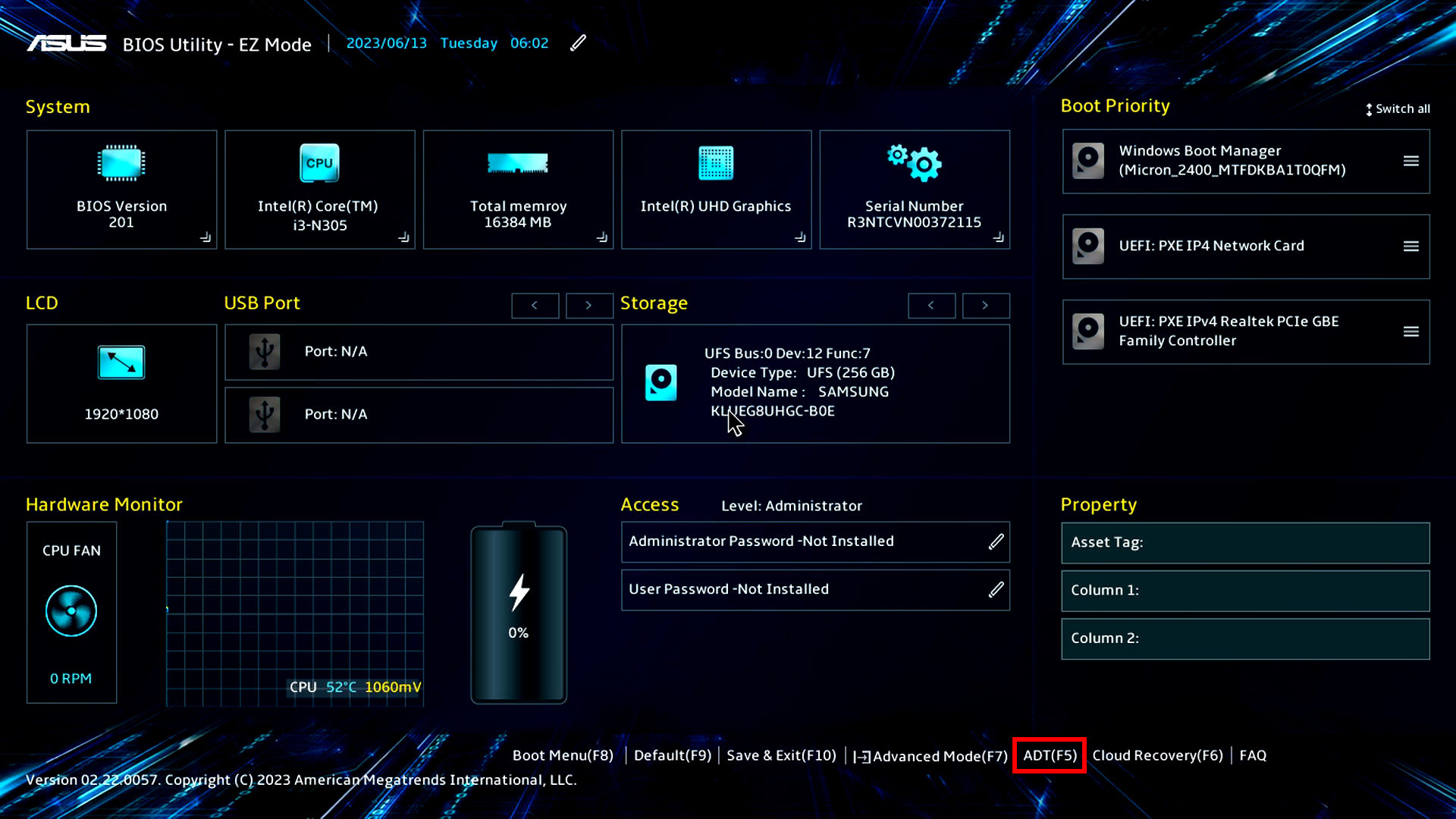
![Asus Check Device [ASUS Device Discovery] How to find the IP address... - ASUS - ZenTalk ...](https://kmpic.asus.com/images/2019/08/23/24180561-3bfe-4714-9b84-2a1c705b38fc.jpg)
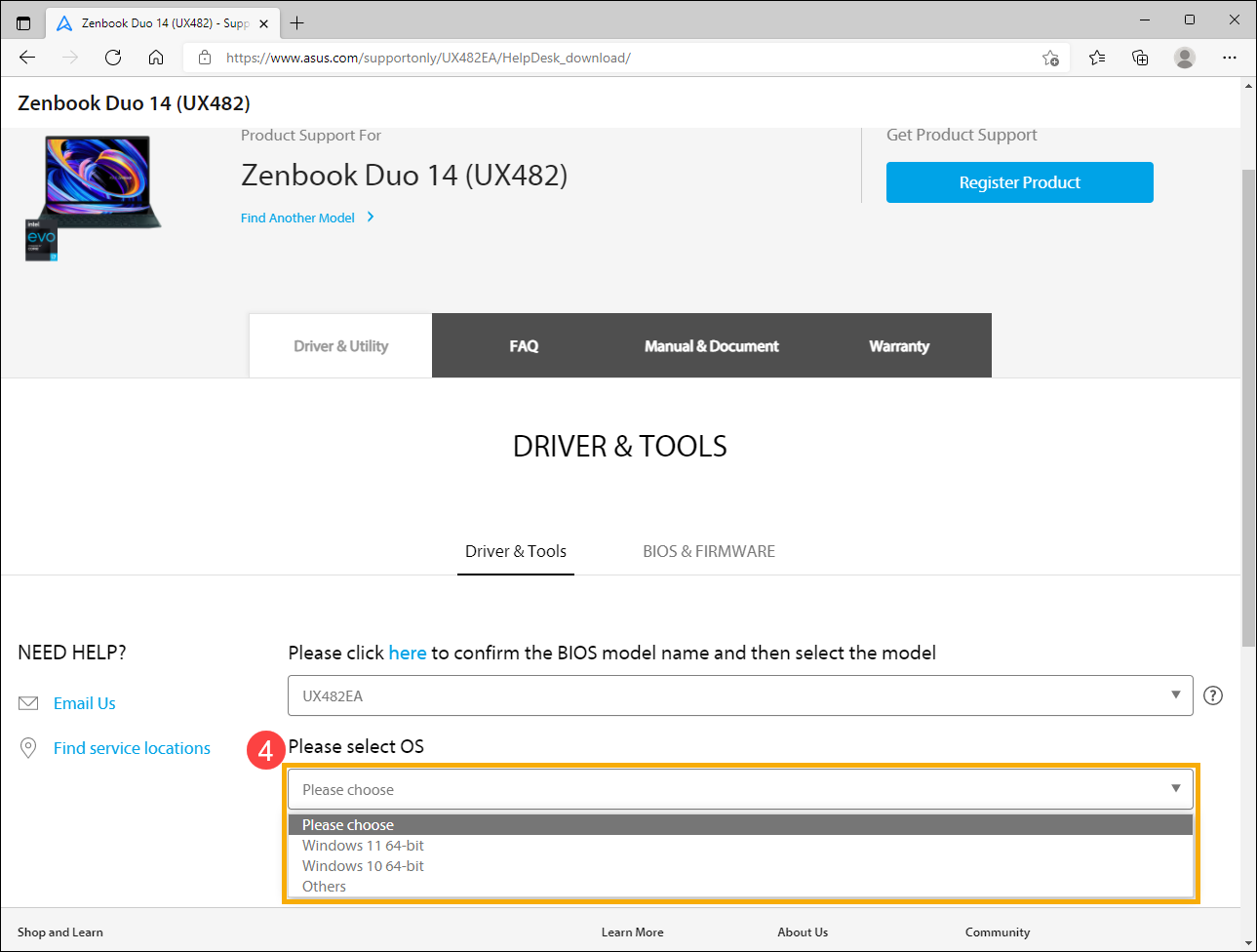
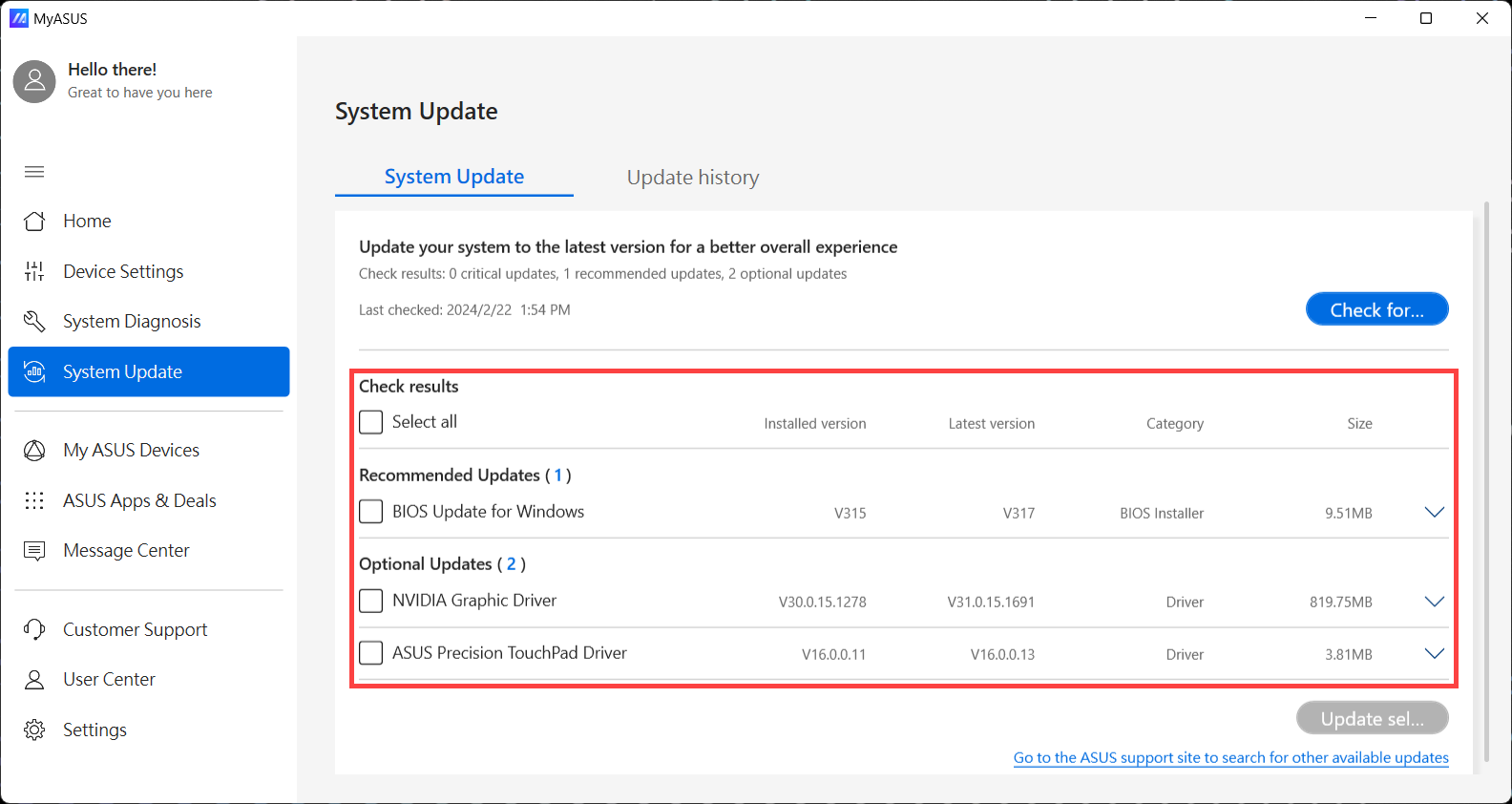
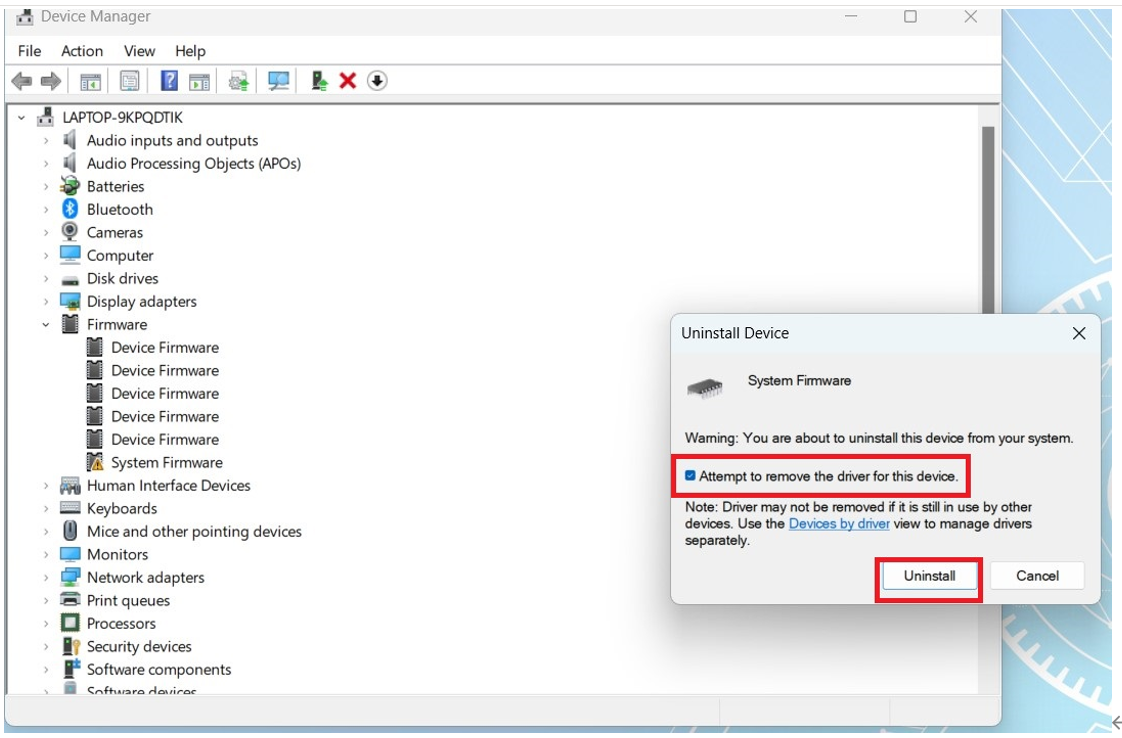
![Asus Check Device [Windows 11/10] Check for BIOS or Driver Updates - ASUS - ZenTalk - 409106](https://km-ap.asus.com/uploads/PhotoLibrarys/8a53fc79-6a00-4a96-8408-a7e886967aef/20231120143613883_EN_8.png)


![Asus Check Device ASUS Router AX55: How to Check Connected Devices! [Client List] - YouTube](https://i.ytimg.com/vi/VU6FeDMisp8/maxresdefault.jpg)
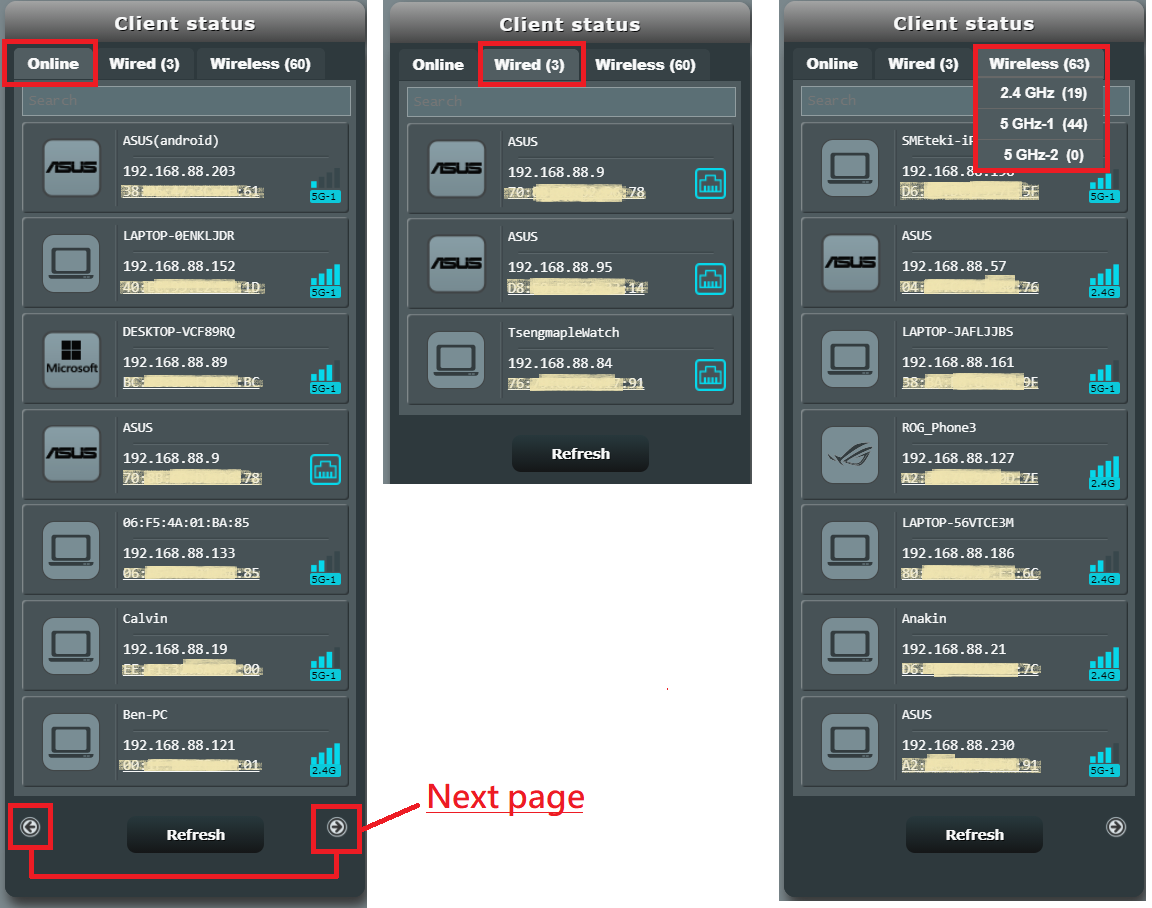
![Asus Check Device [Wireless Router] How to check the information of ... - ASUS - ZenTalk ...](https://km-ap.asus.com/uploads/PhotoLibrarys/66aa29cd-c141-45f0-9576-77de29c4f347/20250314175806520_1.png)

![Asus Check Device [Wireless Router] How to check the information of ... - ASUS - ZenTalk ...](https://kmpic.asus.com/images/2021/02/03/8a62affd-3891-41e6-8c66-e8423904ec2b.png)


![Asus Check Device [ASUS Device Discovery] How to find the IP address... - ASUS - ZenTalk ...](https://kmpic.asus.com/images/2022/07/04/6284023e-cb5a-4a3a-a439-9b3b6cfc6537.png)


![Asus Check Device [Motherboard] How to set the boot device prioritie... - ASUS - ZenTalk ...](https://km-ap.asus.com/uploads/PhotoLibrarys/df24d31a-596a-405d-bcda-3f8546a4e1f2/20240409144129290_8.png)

![Asus Check Device [GlideX] GlideX device edition problems - ASUS - ZenTalk - 66612](https://km-ap.asus.com/uploads/PhotoLibrarys/b9f3f97c-3d96-4037-8f3a-78581227d1e2/20231226162428215_20231201160605396_20231126_234806.png)


![Asus Check Device [ASUS Device Discovery] 如何从Android操作系统装置找到无线路由器的IP地址 | 官方支持 | ASUS 中国](https://kmpic.asus.com/images/2019/08/23/120757e6-9ae6-491f-b04b-6679d45a74f0.jpg)

![Asus Check Device [ASUS Device Discovery] How to find the IP address... - ASUS - ZenTalk ...](https://kmpic.asus.com/images/2019/08/26/3b75ba03-1f12-437c-8112-94fc2f7dc6ba.jpg)


![Asus Check Device [Wireless Router] How to check the information of devices connected to ...](https://km-ap.asus.com/uploads/PhotoLibrarys/66aa29cd-c141-45f0-9576-77de29c4f347/20230505103956556_2.png)


![Asus Check Device [AIOT] Console Debug Information for PV100A | Official Support | ASUS USA](https://km-ap.asus.com/uploads2/PhotoLibrarys/f606111a-0a06-42b3-9dc9-c062bec221d9/20250702173751799_hhhhhh.png)


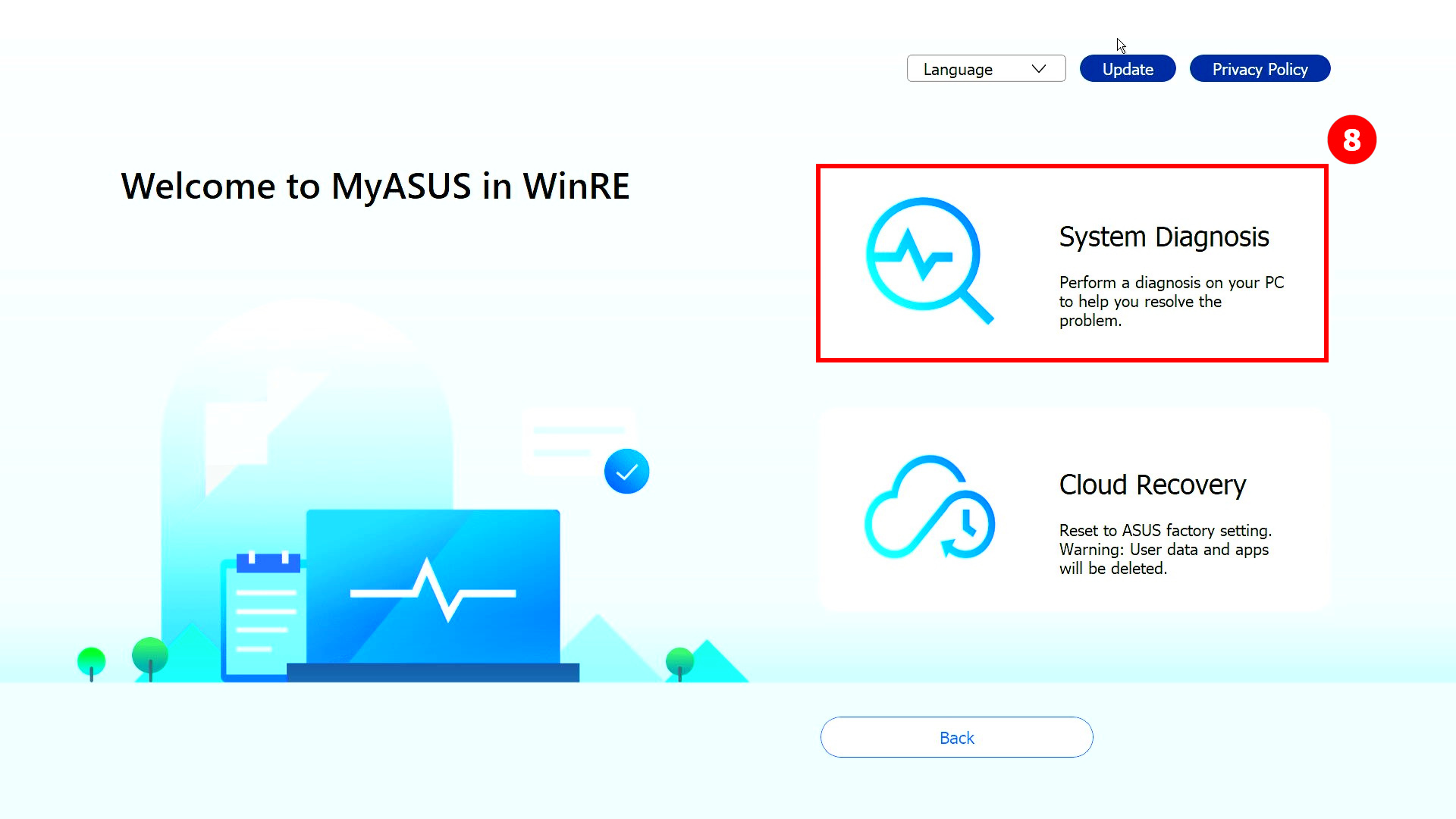
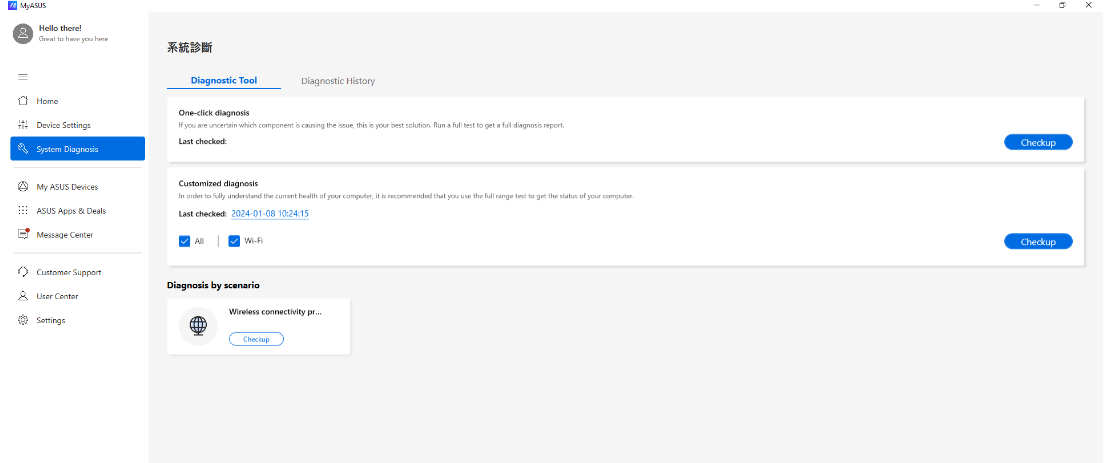
![Asus Check Device [Gaming NB] System Diagnostics within MyASUS in UE... - ASUS - ZenTalk ...](https://kmpic.asus.com/images/2022/12/02/c9a4d1fe-172e-4c9a-82bb-86743abb2ede.png)
![Asus Check Device [ASUS Device Discovery] How to find the IP address of your wireless ...](https://kmpic.asus.com/images/2019/08/26/dec15074-3efa-4eb9-96d2-8bb0a2943a6b.jpg)
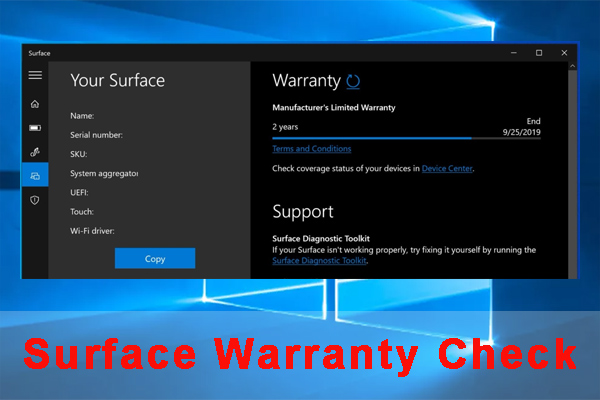
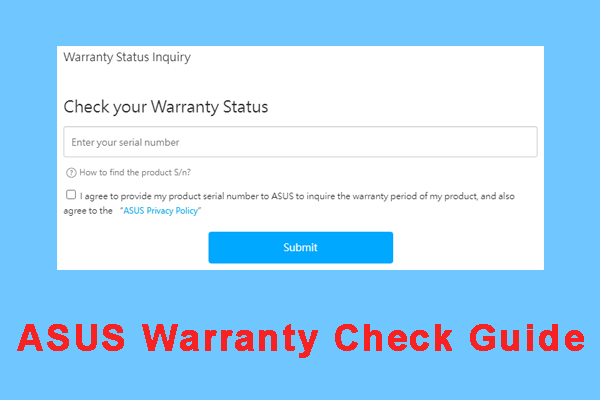
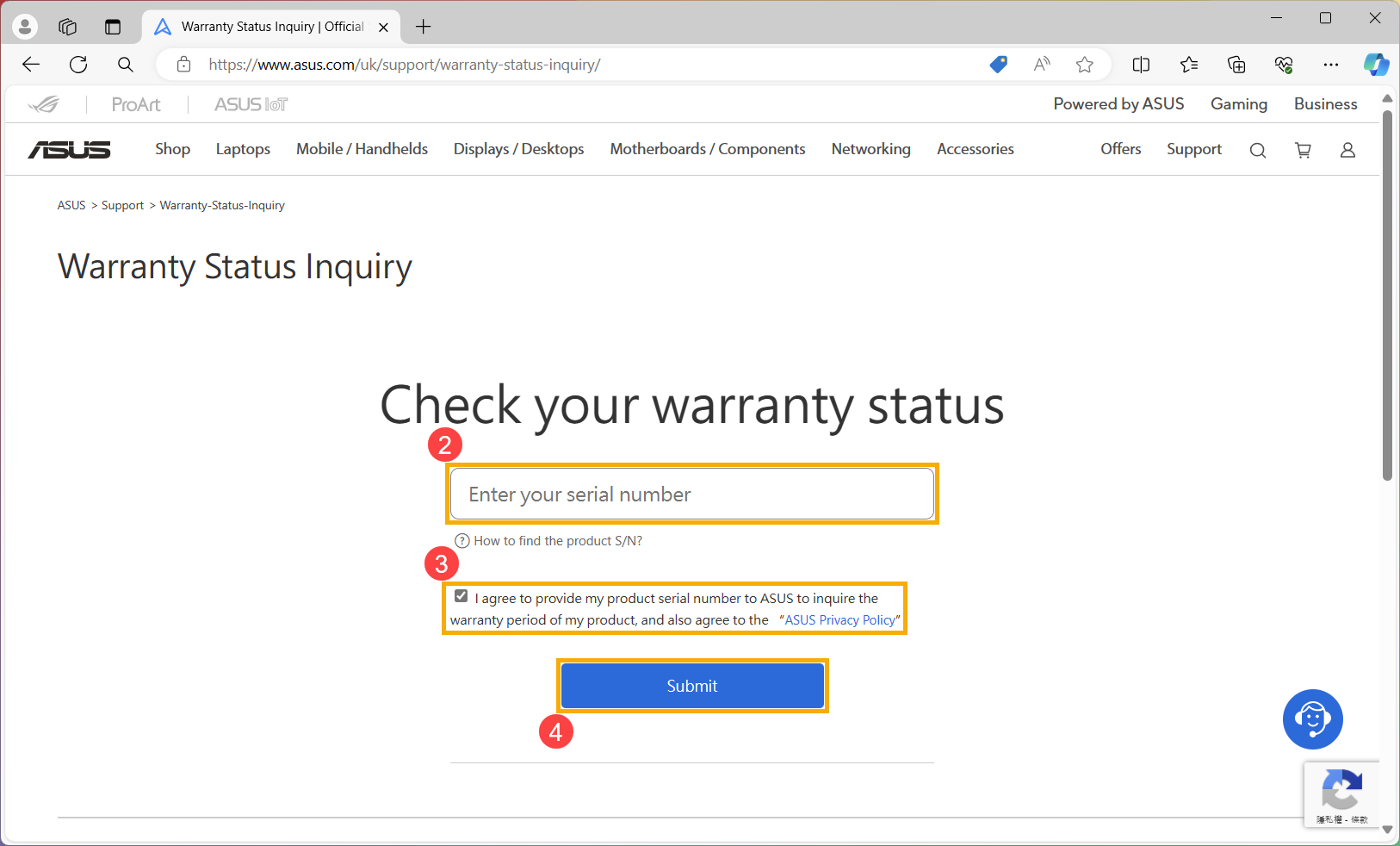
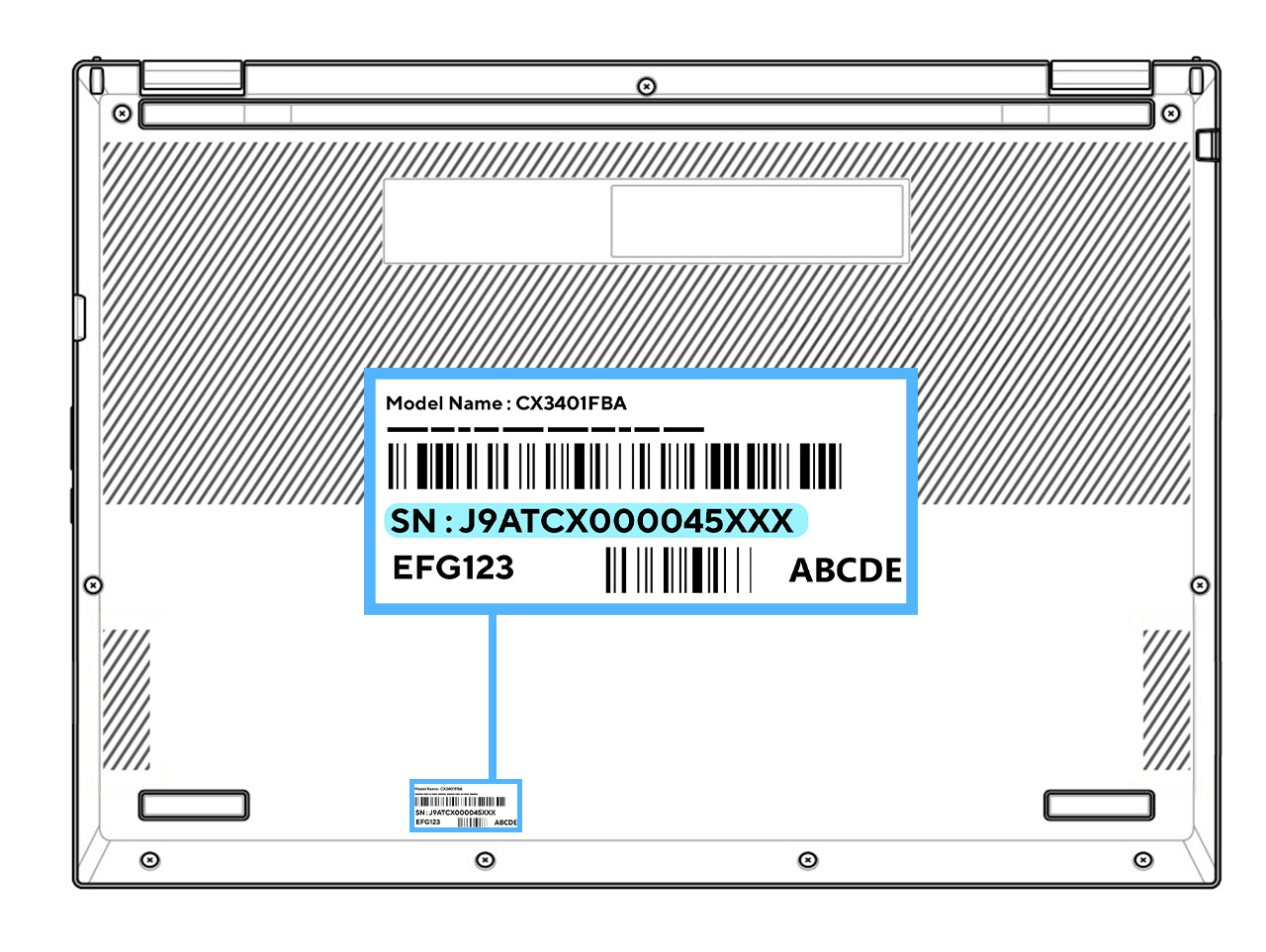
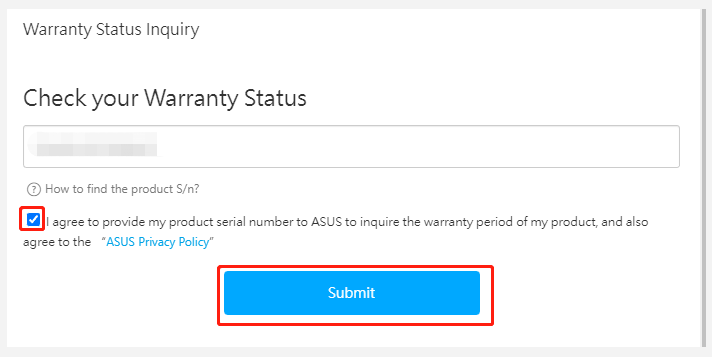
![Asus Check Device ASUS Warranty Check/ASUS Serial Number Lookup [Full Guide] - MiniTool ...](https://www.partitionwizard.com/images/uploads/articles/2022/08/asus-warranty-check/asus-warranty-check-7.png)


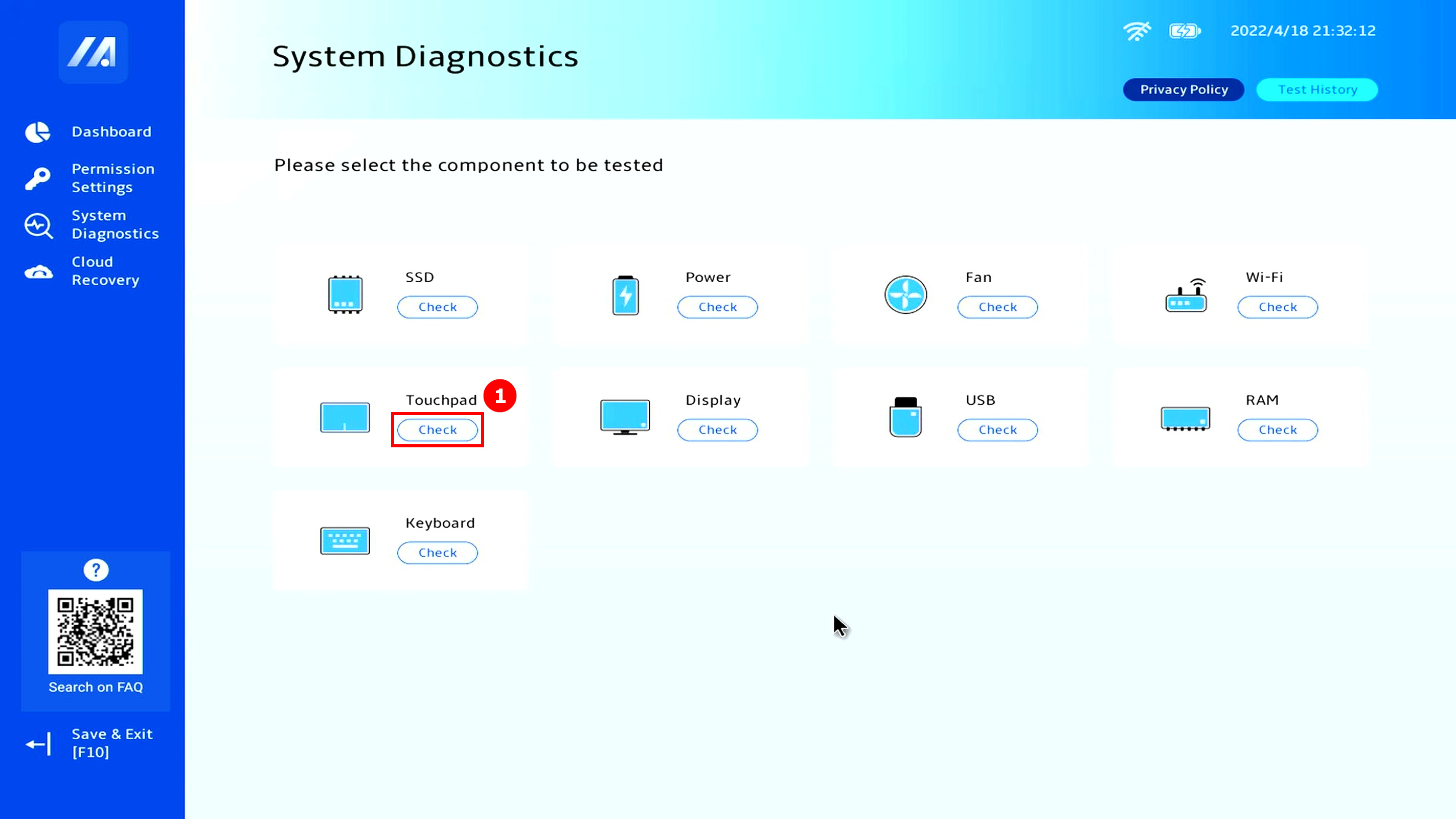
![Asus Check Device [Notebook] System Diagnostics within MyASUS in Win... - ASUS - ZenTalk ...](https://kmpic.asus.com/images/2022/04/08/ef49e427-737d-4d80-b5e6-d48d026c89ac.jpg)

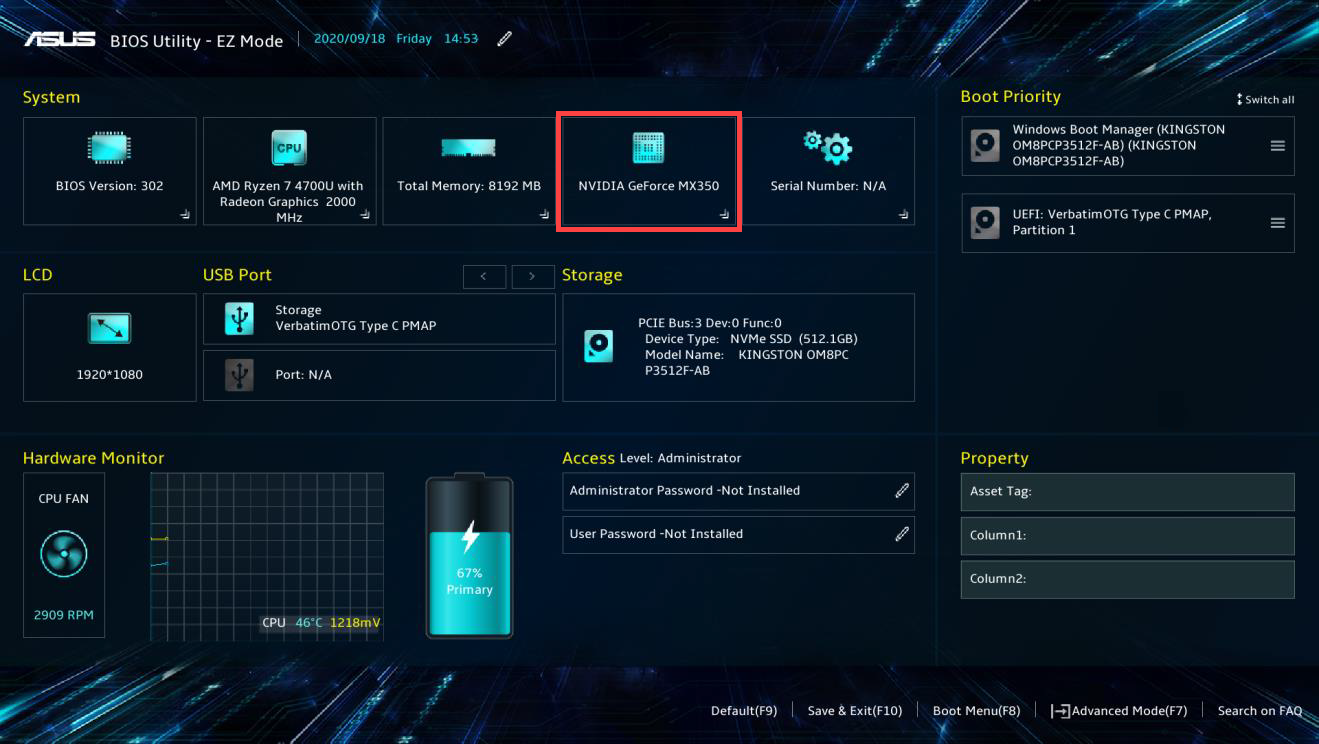
![Asus Check Device [Notebook] System Diagnostics UEFI BIOS - Introduc... - ASUS - ZenTalk ...](https://kmpic.asus.com/images/2022/07/27/149a4ad2-dc54-439a-97e5-b8d311b8fd7b.jpg)


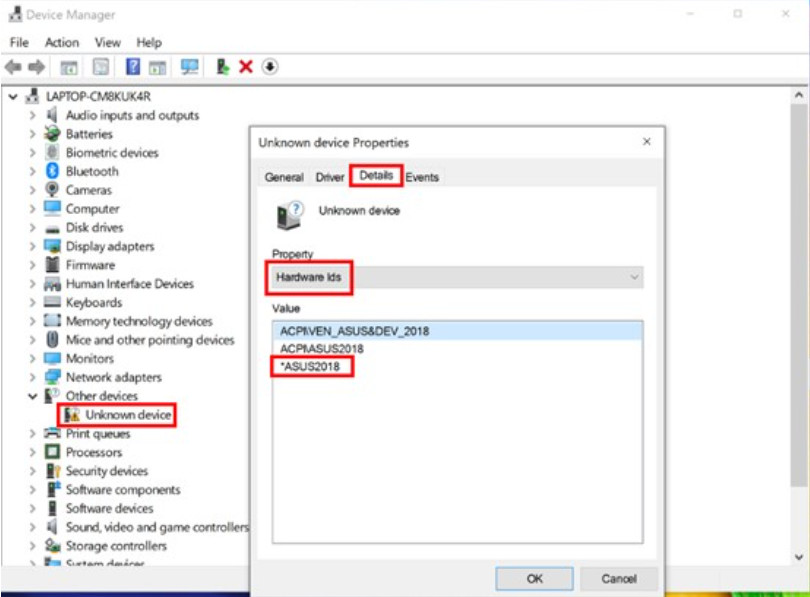
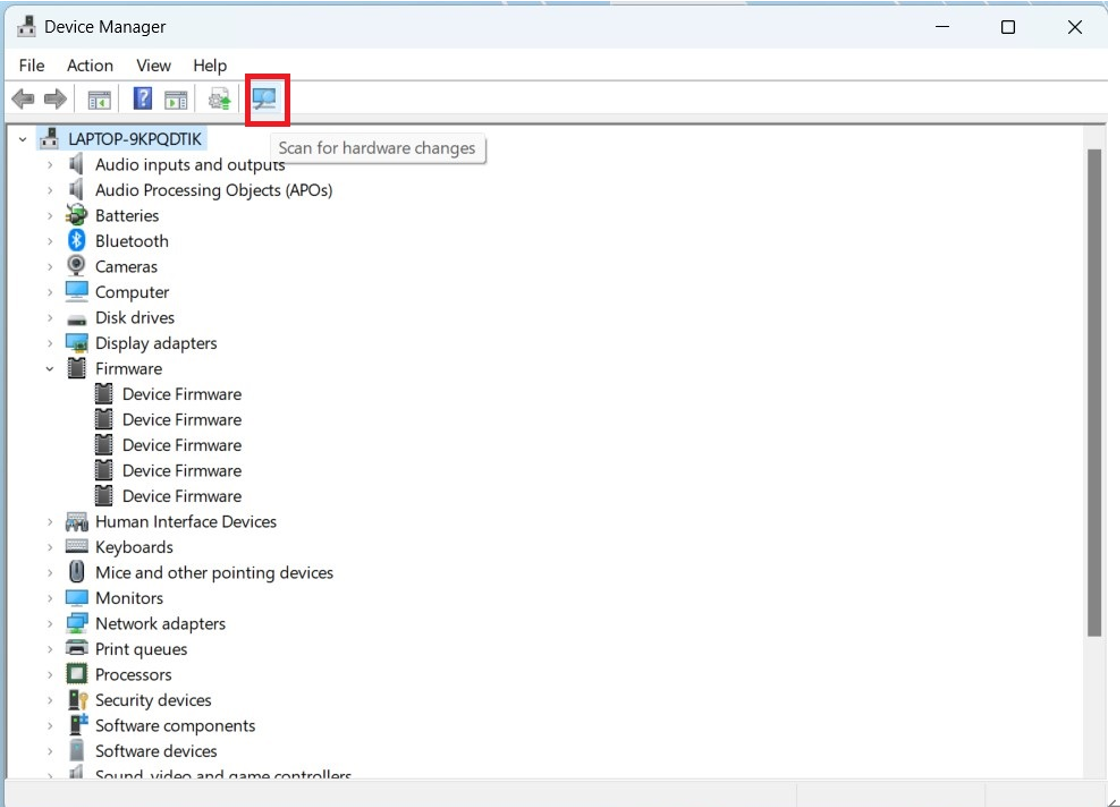
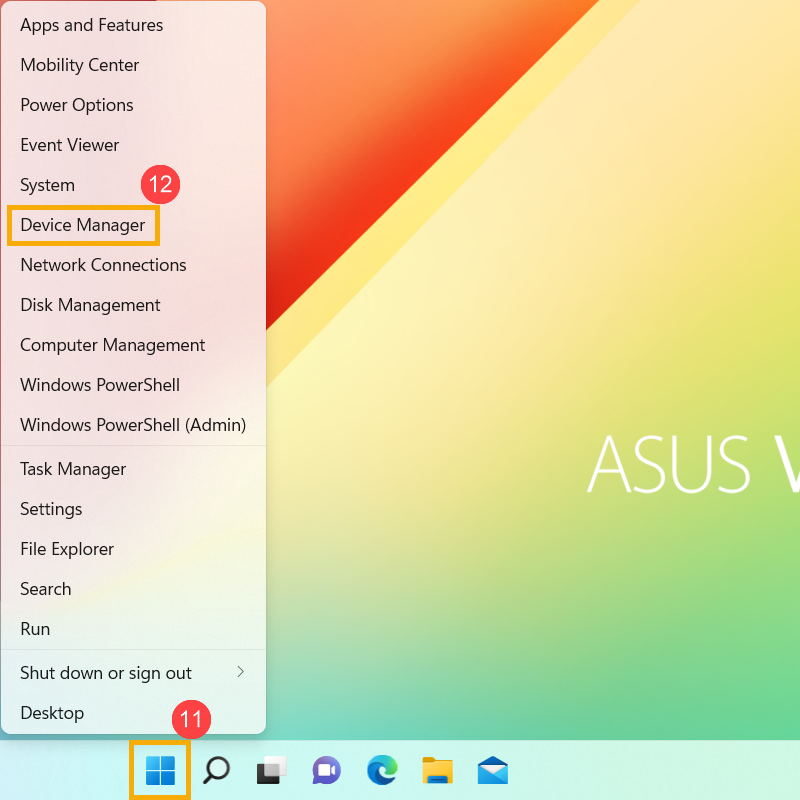
![Asus Check Device [Windows 11/10] Troubleshooting - Failure to Detec... - ASUS - ZenTalk ...](https://km-ap.asus.com/uploads/PhotoLibrarys/8a53fc79-6a00-4a96-8408-a7e886967aef/20231103152725820_EN_3.png)


![Asus Check Device [Notebook] System Diagnostics within MyASUS in Win... - ASUS - ZenTalk ...](https://kmpic.asus.com/images/2022/02/09/68b7ef90-ede9-4163-b59c-14af554dd333.png)

![Asus Check Device [Notebook] System Diagnostics within MyASUS in Win... - ASUS - ZenTalk ...](https://kmpic.asus.com/images/2022/02/10/9bd5064b-fdc9-4149-b784-33b7a1975d72.png)


![Asus Check Device [ASUS Device Discovery] Find the IP address of your device (for Mac OS ...](https://kmpic.asus.com/images/2016/10/31/cf51b065-0d2d-4411-b09b-d14207dcadbc.png)


![Asus Check Device [Wireless Router] How to check the information of devices connected to ...](https://kmpic.asus.com/images/2021/02/03/f7908955-5355-453f-bfc8-a2f3b74bc37f.png)


![Asus Check Device ASUS Warranty Check/ASUS Serial Number Lookup [Full Guide] - MiniTool ...](https://www.partitionwizard.com/images/uploads/articles/2022/08/asus-warranty-check/asus-warranty-check-4.png)


![Asus Check Device [Notebook] MyASUS - System Diagnosis | Official Support | ASUS Global](https://kmpic.asus.com/images/2022/04/08/bf909064-c3f0-4e41-b78b-d32dc40a88aa.png)


![Asus Check Device [Notebook] System Diagnostics UEFI BIOS - Introduction | Official ...](https://km-ap.asus.com/uploads/PhotoLibrarys/b9f3f97c-3d96-4037-8f3a-78581227d1e2/20230616144310715_1.jpg)


![Asus Check Device [Motherboard] MyASUS introduction | Official Support | ROG USA](https://km-ap.asus.com/uploads/PhotoLibrarys/df24d31a-596a-405d-bcda-3f8546a4e1f2/20240109092020260_diagresult.png)


![Asus Check Device [Motherboard] MyASUS introduction | Official Support | ROG Global](https://km-ap.asus.com/uploads/PhotoLibrarys/df24d31a-596a-405d-bcda-3f8546a4e1f2/20240109092020460_diagresult1.png)


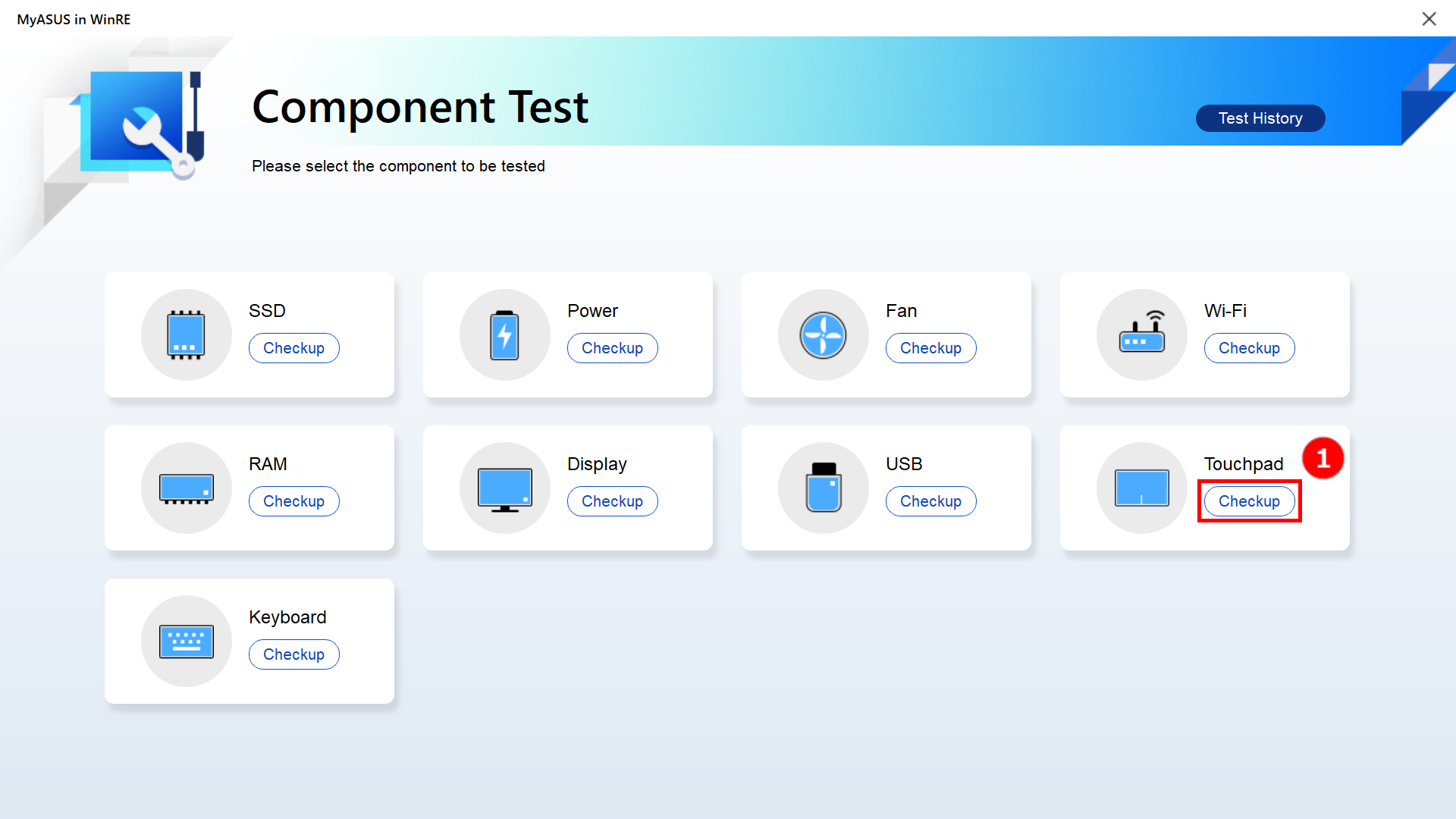
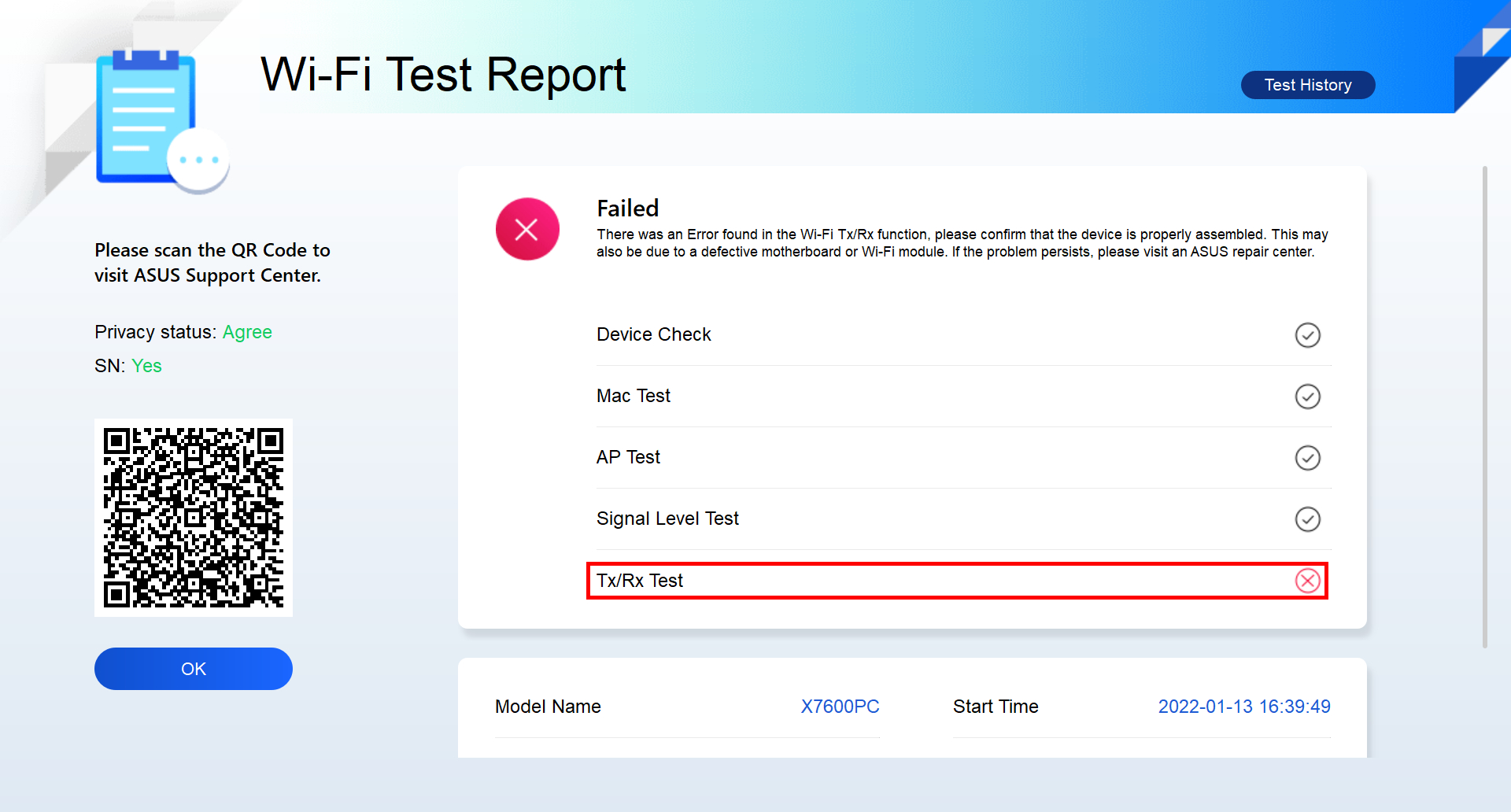
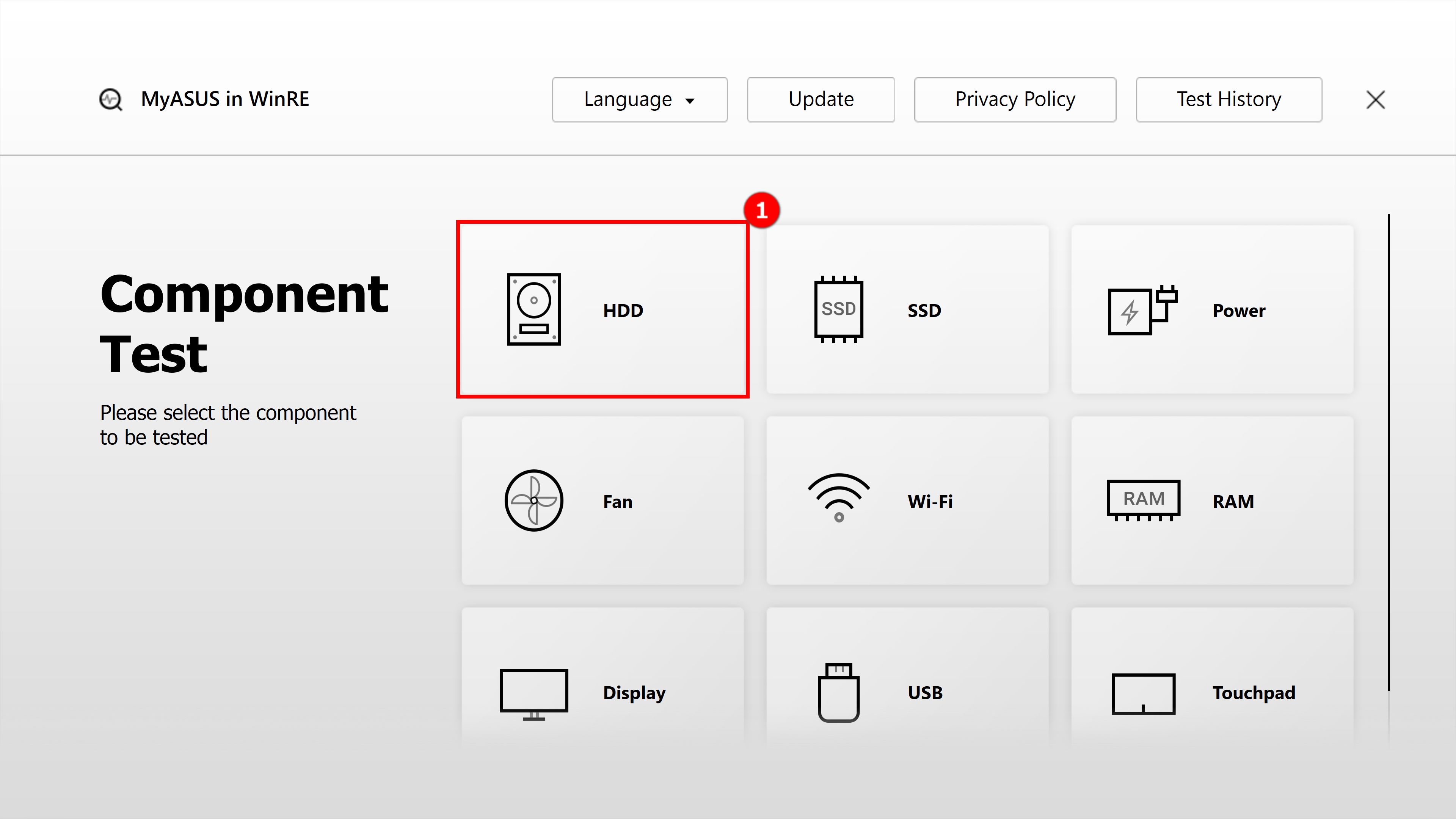
![Asus Check Device [Gaming NB/Gaming DT] MyASUS System Diagnosis - Component Test ...](https://kmpic.asus.com/images/2020/12/02/435b352a-49bb-454c-8f2a-77b59c4b1655.jpg)

![Asus Check Device [Windows 11/10] Troubleshooting - Failure to Detect Graphics Card ...](https://km-ap.asus.com/uploads/PhotoLibrarys/8a53fc79-6a00-4a96-8408-a7e886967aef/20231103153047186_EN_4.png)


