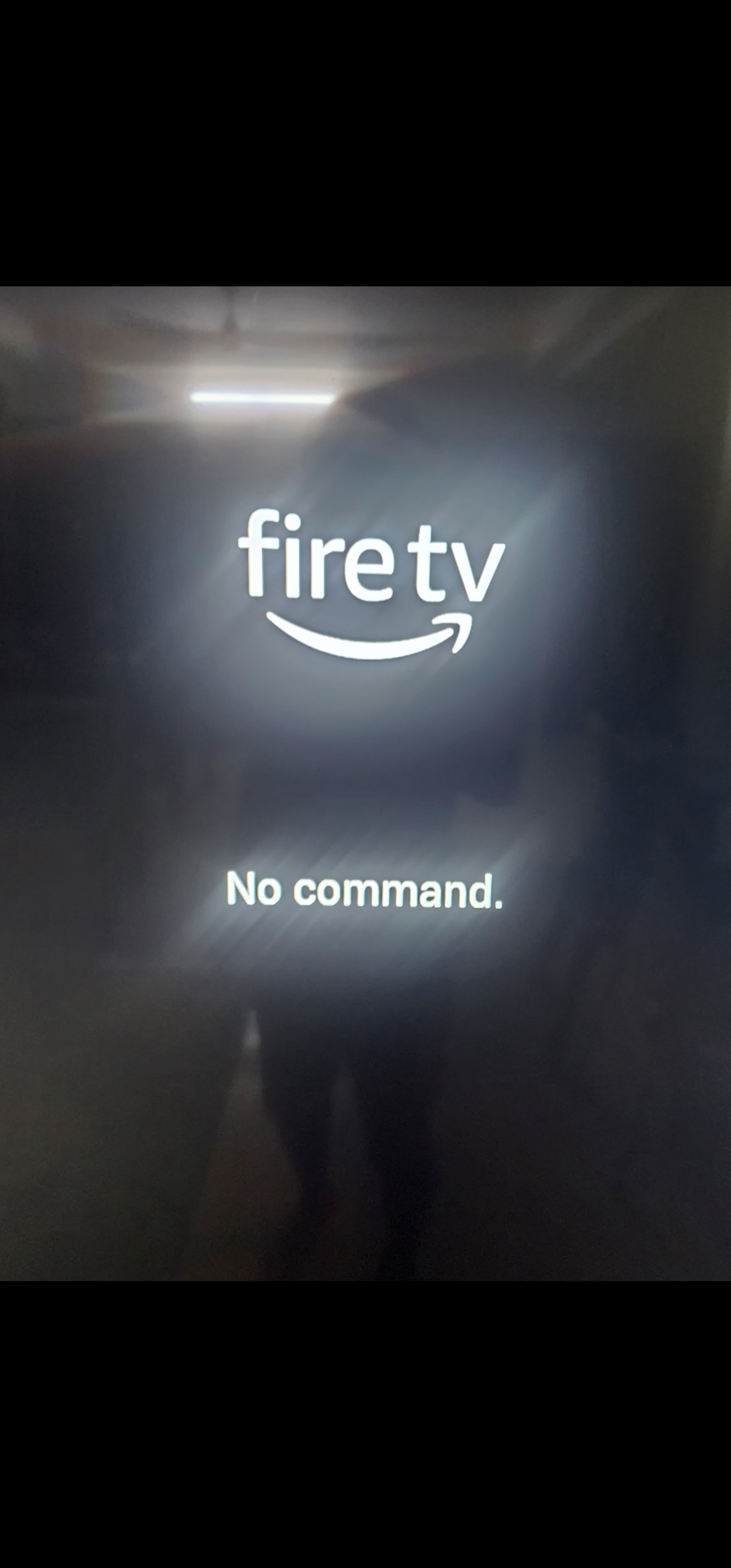
Amazon Fire No Command Screen




























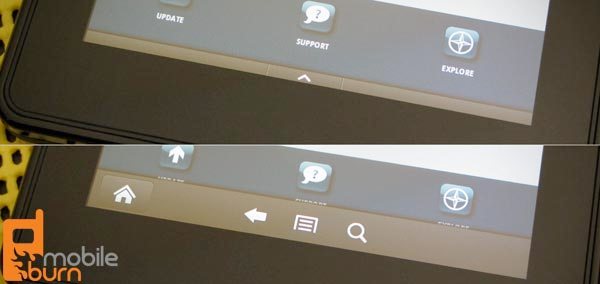



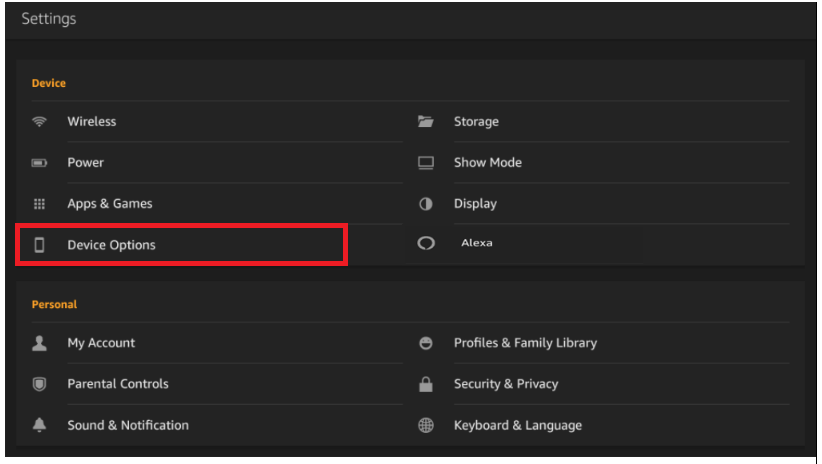

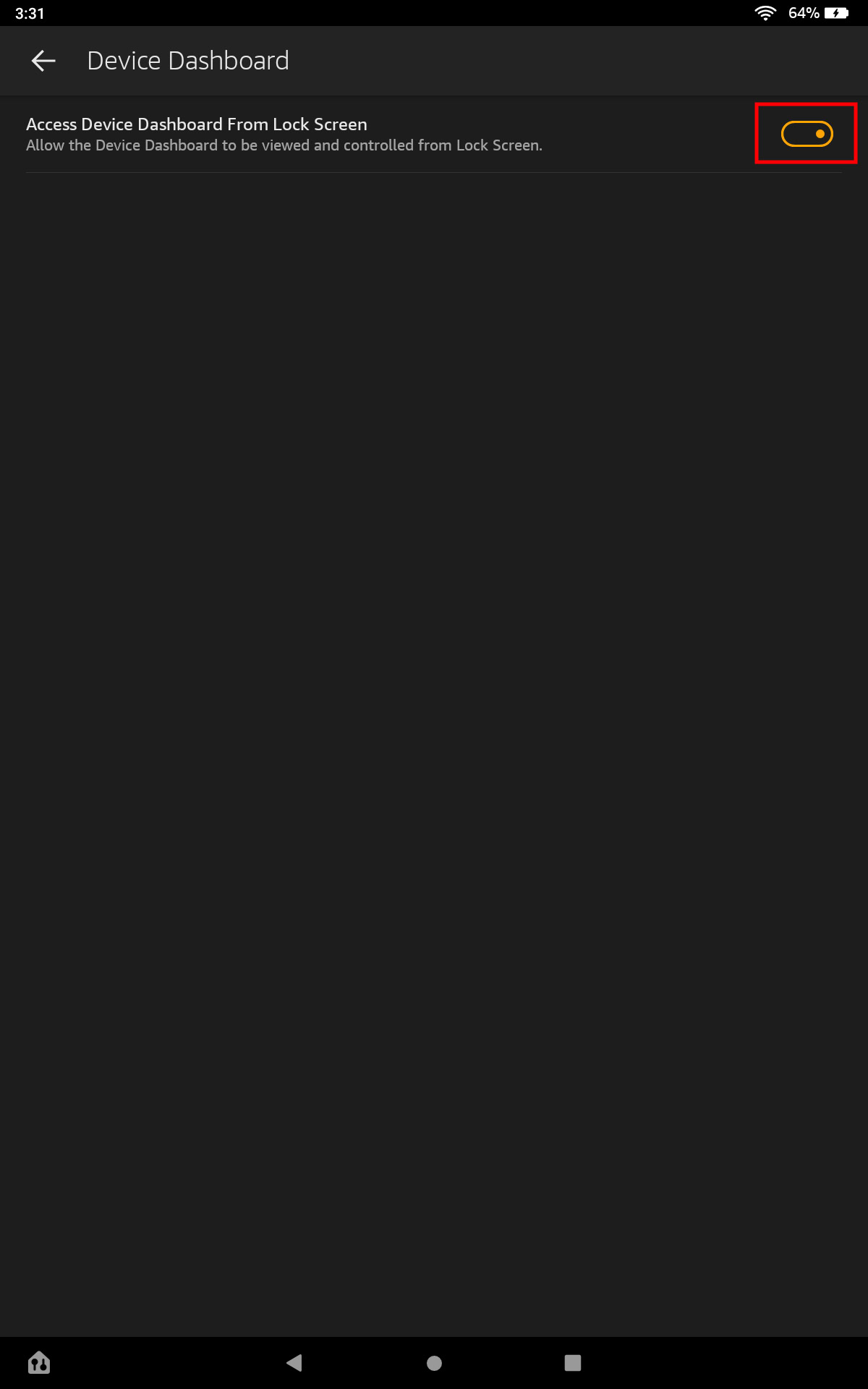


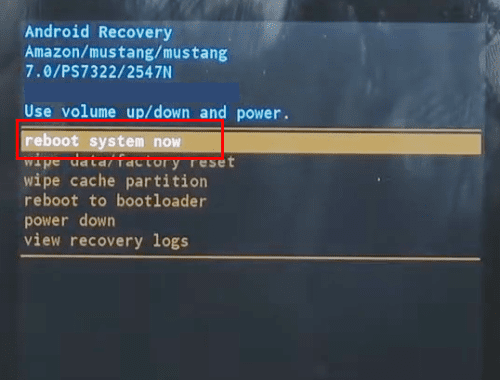






























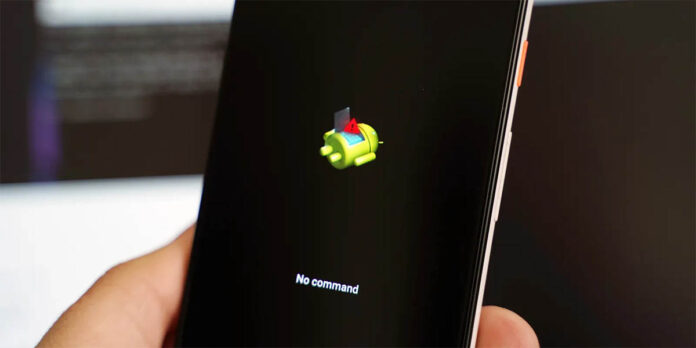


Explore the wilderness of Amazon Fire No Command Screen with hundreds of breathtaking nature photographs. featuring pristine examples of photography, images, and pictures. ideal for nature documentaries and publications. Our Amazon Fire No Command Screen collection features high-quality images with excellent detail and clarity. Suitable for various applications including web design, social media, personal projects, and digital content creation All Amazon Fire No Command Screen images are available in high resolution with professional-grade quality, optimized for both digital and print applications, and include comprehensive metadata for easy organization and usage. Our Amazon Fire No Command Screen gallery offers diverse visual resources to bring your ideas to life. Regular updates keep the Amazon Fire No Command Screen collection current with contemporary trends and styles. Reliable customer support ensures smooth experience throughout the Amazon Fire No Command Screen selection process. Multiple resolution options ensure optimal performance across different platforms and applications. The Amazon Fire No Command Screen collection represents years of careful curation and professional standards. Instant download capabilities enable immediate access to chosen Amazon Fire No Command Screen images. Whether for commercial projects or personal use, our Amazon Fire No Command Screen collection delivers consistent excellence. Cost-effective licensing makes professional Amazon Fire No Command Screen photography accessible to all budgets.